The core developer tools for Windows 11 and 10 are Windows Terminal with PowerShell, winget, Git, a code editor such as Visual Studio Code, your language runtimes, and WSL or Docker for Linux and container work.
This hub gives the install order, compares editors and IDEs, shows where to get each runtime, and routes you to the download page for every database, cloud, game engine and debugging tool.
Tools to get you started on a Windows dev PC
Install these in order, because each step uses the one before it. winget does most of the work from a single terminal window, and you can install and uninstall Windows apps the same way later.
- Open Windows Terminal from Start and choose a PowerShell tab.
- Run
winget --versionto confirm winget is present. It ships in App Installer on Windows 11 and Windows 10 version 1809 or later. - Run
winget install Microsoft.VisualStudioCodeto install the editor. - Install Git for Windows, the version Microsoft points to from git-scm.com.
- Run
winget install Python.Python.3.14, then install Node.js LTS through nvm-windows if you write JavaScript. - Run
wsl --installin an administrator terminal if you need Linux tools, then restart.
Setup guides: install order for a Windows dev PC
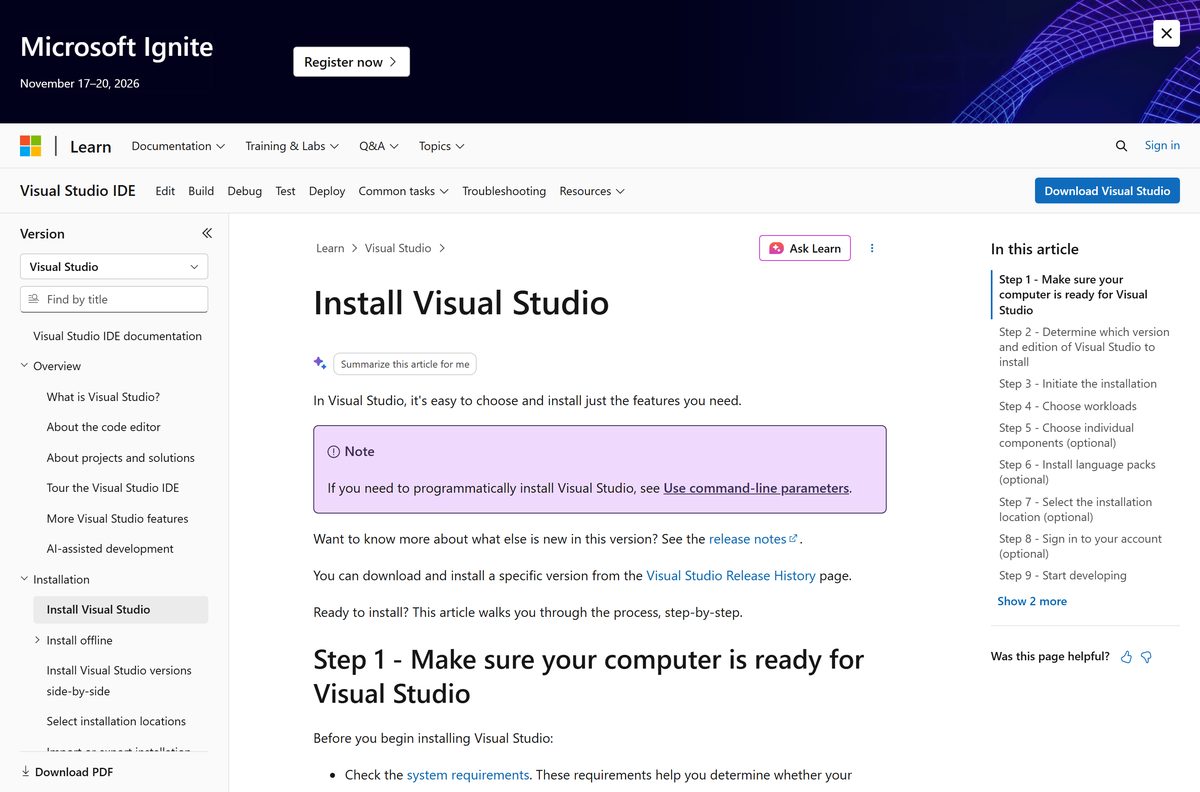
Use this table as a checklist. The order avoids reinstalling tools because a later one could not find an earlier one on PATH.
| Step | Install | Why at this point |
|---|---|---|
| 1 | Windows Terminal and PowerShell | Every later step runs from a terminal |
| 2 | winget (App Installer) | Installs and upgrades the rest with one command each |
| 3 | Git for Windows | Editors and package managers expect Git on PATH |
| 4 | Code editor or IDE | VS Code setup adds itself to PATH, so code . works in the next steps |
| 5 | Language runtimes (Python, Node.js, JDK, .NET, PHP) | Install after the editor so its extensions detect them |
| 6 | WSL 2 and Docker Desktop | Needs a restart; only for Linux tooling or containers |
| 7 | Databases, cloud CLIs and API tools | Project-specific, add as each project needs them |
What's new in Windows developer tools
| Change | What it means for you |
|---|---|
| WSL 2 is the default for new installs | wsl --install sets up WSL 2 and Ubuntu without extra switches |
| winget ships with App Installer | No separate download on Windows 11 or current Windows 10 |
| winget export and import | Move your full tool list to a new PC with two commands |
| Python via winget or Microsoft Store | The Store build sets PATH and updates itself |
| nvm-windows for Node.js | Switch Node versions per project instead of reinstalling |
Latest from Windows Command Line: Windows Terminal and PowerShell
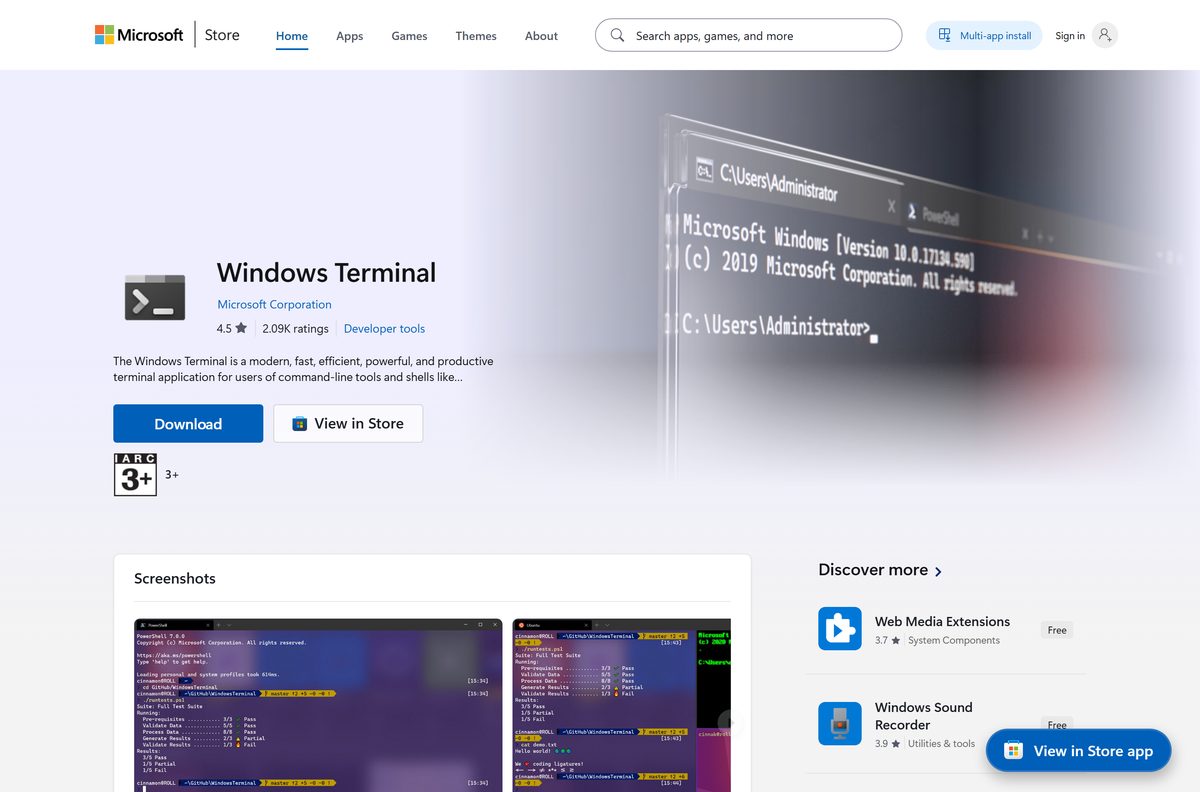
Windows Terminal hosts PowerShell, Command Prompt and WSL shells as tabs in one window. The Windows Terminal download covers older Windows 10 builds where it is not built in.
| Task | Where to start |
|---|---|
| Learn tabs, profiles and panes | A Windows Terminal beginners walkthrough explains the basics |
| Open the terminal quickly | Start search, Win + X, or the ways to open Terminal on Windows 11 |
| Get the newest PowerShell | Install it side by side from the PowerShell download page |
| Find which version you run | Type $PSVersionTable or check the PowerShell version in other ways |
| Run commands that need admin rights | Right-click the icon and pick the admin option, or run PowerShell as administrator from Start |
The dev box: winget, Chocolatey and other package managers
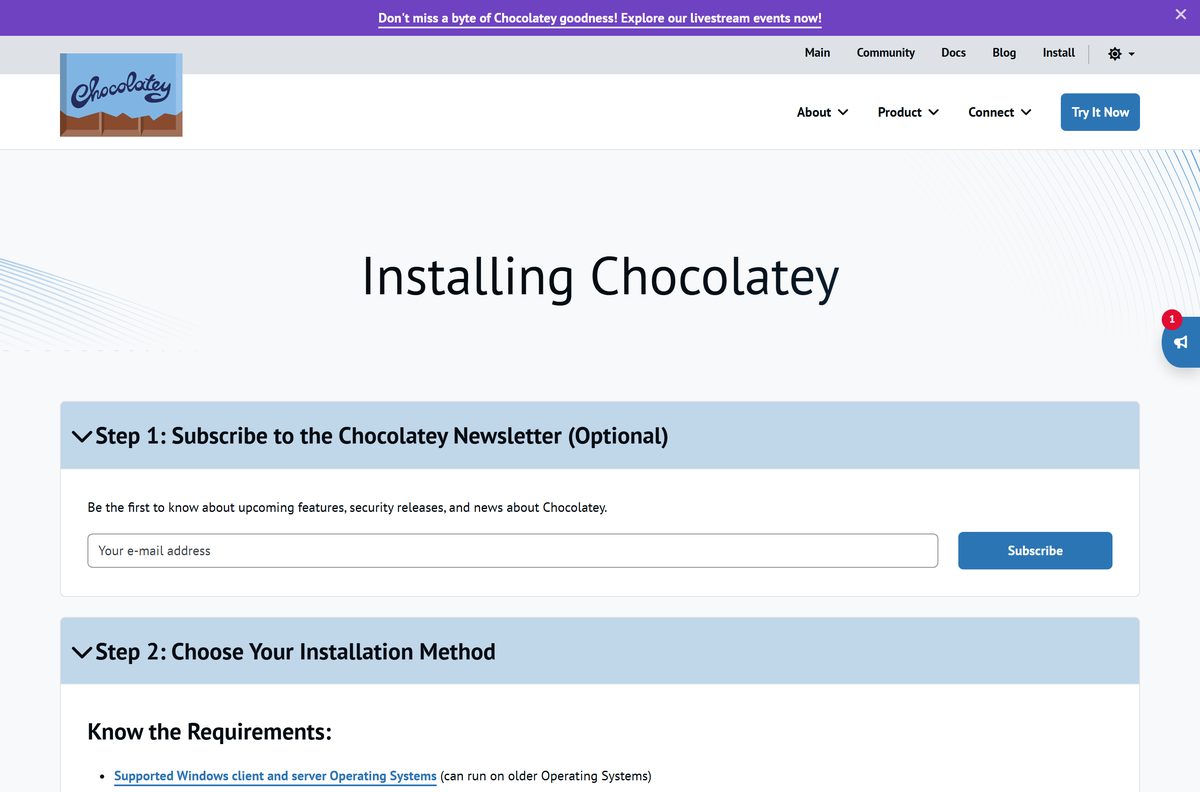
A package manager turns a new PC into a working dev box with a script. Start with winget because Windows already has it.
| Tool | What it is for | Get it |
|---|---|---|
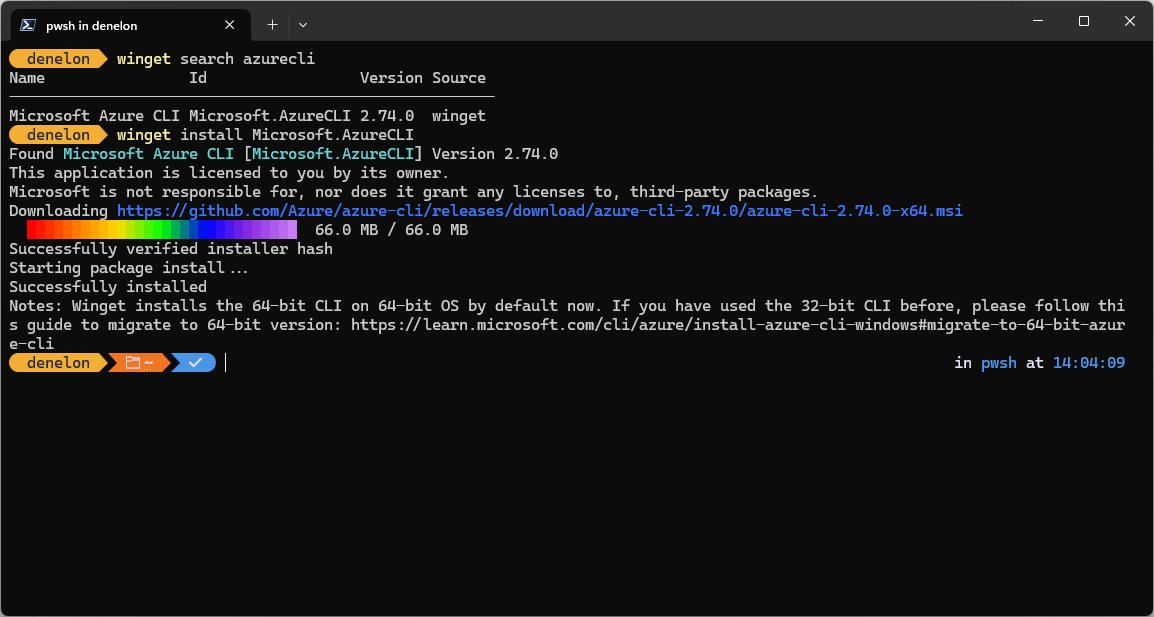
| winget | Microsoft's package manager: search, install, upgrade, list, export, import | Built in; WinGet command reference |
| Chocolatey | Community package manager with its own repository | Chocolatey for Windows |
| Cygwin | Unix command-line tools compiled for Windows | Cygwin download |
| Homebrew | macOS and Linux package manager; runs inside WSL on Windows | Homebrew for WSL |
What to look for in a code editor
| Feature | Why it matters on Windows |
|---|---|
| Language support and extensions | Debuggers, linters and formatters for the languages you use |
| Built-in terminal and Git | Fewer windows; commit without leaving the editor |
| WSL and container support | Edit files inside Linux or Docker as if they were local |
| Large file handling | Logs and data dumps open without freezing |
| Install without admin rights | A per-user install works on locked-down work PCs |
| Licence | Free, open source or paid; check the vendor page before relying on it at work |
9 best text editors and IDEs for Windows: comparison table
Pick a light editor for many languages, or a full IDE when one language and its debugger matter most.
| Editor or IDE | Best for | Type | Download |
|---|---|---|---|
| Visual Studio Code | Most languages, WSL and container editing | Editor | VS Code free download |
| Notepad++ | Quick edits, plugins, low memory | Editor | Notepad++ download |
| Sublime Text | Minimal interface, fast search | Editor | Sublime Text download |
| Visual Studio | C#, C++, .NET and Windows apps | IDE | Visual Studio download |
| IntelliJ IDEA | Java and Kotlin | IDE | IntelliJ IDEA download |
| PyCharm | Python projects | IDE | PyCharm download |
| Eclipse | Java and plugin-based tooling | IDE | Eclipse IDE download |
| Apache NetBeans | Java, PHP and web projects | IDE | Apache NetBeans download |
| CLion | C and C++ with CMake | IDE | CLion download |
| JetBrains Rider | .NET and game code | IDE | JetBrains Rider download |
| Android Studio | Android apps | IDE | Android Studio download |
Visual Studio Code (VS Code): best for code editing
Microsoft's setup guides recommend VS Code for Python and JavaScript work on Windows. The Visual Studio Code download page lists the installer types.
- Open Windows Terminal.
- Run
winget install Microsoft.VisualStudioCode. - Choose the User installer if you lack admin rights; the System installer needs admin and installs for all users.
- Close and reopen the terminal so the updated PATH loads.
- Go to a project folder and run
code .to open it.
Notepad++: best for simplicity and plugin support
| Use it when | Pick something else when |
|---|---|
| You need a fast editor for config files and scripts | You need an integrated debugger |
| You want plugins without a full IDE | You edit code inside WSL or containers |
| You replace Notepad for code | You need Git built into the editor |
Sublime Text: best for minimal interface and customization
| Strength | Trade-off |
|---|---|
| Distraction-free, minimal interface | Fewer built-in debugging tools than VS Code |
| Customisation through settings files and packages | Settings live in JSON files, not menus |
| Fast multi-file search | Licence terms are set by the vendor; check them before work use |
Top free code editors and data science tools
Beyond VS Code, Notepad++, Eclipse and NetBeans, two free tools matter for data work. Jupyter Notebook for Windows mixes code, output and notes, and the RStudio download is the usual IDE for R.
| Tool | Language | Best for |
|---|---|---|
| Jupyter Notebook | Python and others | Exploratory analysis, teaching |
| RStudio | R | Statistics and reports |
| VS Code | Most languages | General coding, notebooks via extension |
Top premium code editors and IDEs
Paid tools mostly target teams and large codebases. Licence names and prices change, so confirm them on the vendor's site.
| Tool | What it is for | Download or guide |
|---|---|---|
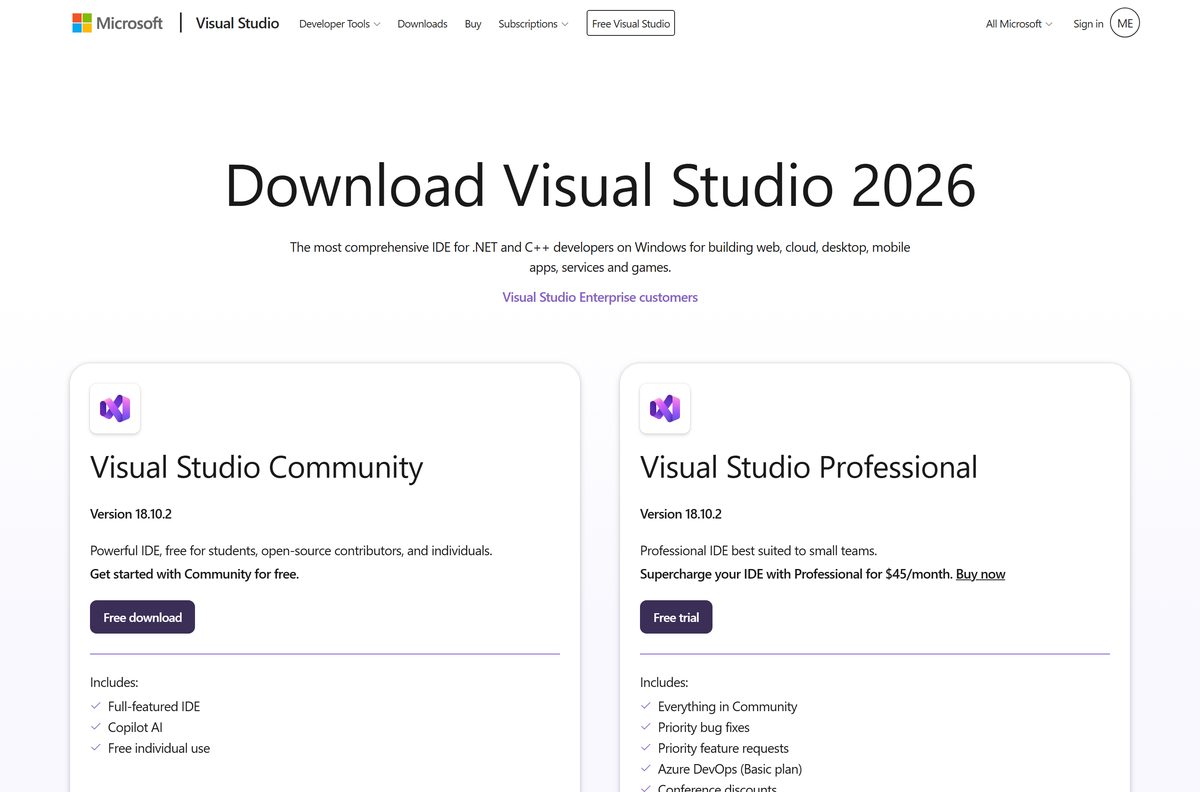
| Visual Studio 2019 | Older projects pinned to that toolset | Visual Studio 2019 download |
| Visual Studio editions | Choosing a paid edition for a team | Visual Studio Professional vs Enterprise compared |
| Beyond Compare | Comparing and merging files and folders | Beyond Compare download |
| LabVIEW | Graphical programming for test and measurement | LabVIEW download |
Top Python IDEs and code editors for Windows
| Tool | Best for | Note |
|---|---|---|
| VS Code with the Python extension | Most Python work | Microsoft's recommended setup |
| PyCharm | Large Python projects | Full IDE with its own debugger |
| Jupyter Notebook | Data analysis | Runs in the browser |
| IDLE | First scripts | Comes with python.org Python |
Which language runtime to install and where to get it
Install each runtime from its official source, or by winget where Microsoft documents an ID.
| Runtime | Recommended source | Download |
|---|---|---|
| Python | winget install Python.Python.3.14, Microsoft Store, or python.org |
Python download |
| pip (Python packages) | Comes with current Python installers | pip for Windows |
| Node.js | nvm-windows, LTS release | Node.js download |
| Angular CLI | npm, after Node.js | Angular CLI install |
| Java JDK (Oracle) | Oracle's site | Java JDK download |
| OpenJDK | An OpenJDK build | OpenJDK download |
| Java SE | Oracle's site | Java SE download |
| .NET SDK | Microsoft's .NET site | .NET SDK download |
| PHP | windows.php.net builds | PHP for Windows |
PHP moves fast on security fixes, so keep the PHP updates and security releases in view after you install it.
Install Python on Windows 11 and 10
The Store build sets PATH and updates itself. Choose python.org if you want the py launcher, which only that installer includes. You can also install Python from Command Prompt step by step.
- Open Windows Terminal.
- Run
winget install Python.Python.3.14. - Close and reopen the terminal.
- Run
python --versionto confirm the install. - Run
winget install Microsoft.VisualStudioCodeand add the Python extension if you have no editor yet.
Install Node.js on Windows with nvm-windows
Microsoft recommends a version manager so each project can use its own Node.js version. Native Windows is the simpler choice for beginners; use WSL when your tools expect Linux.
- Uninstall any existing Node.js so it does not clash with the version manager.
- Install nvm-windows from its official project releases page.
- Open a new terminal, run
nvm list availableto find the current LTS version number, then runnvm installwith that number. - Run
nvm usewith the version number it installed. - Run
node --versionandnpm --versionto confirm both work.
Java JDK, JRE and build tools on Windows
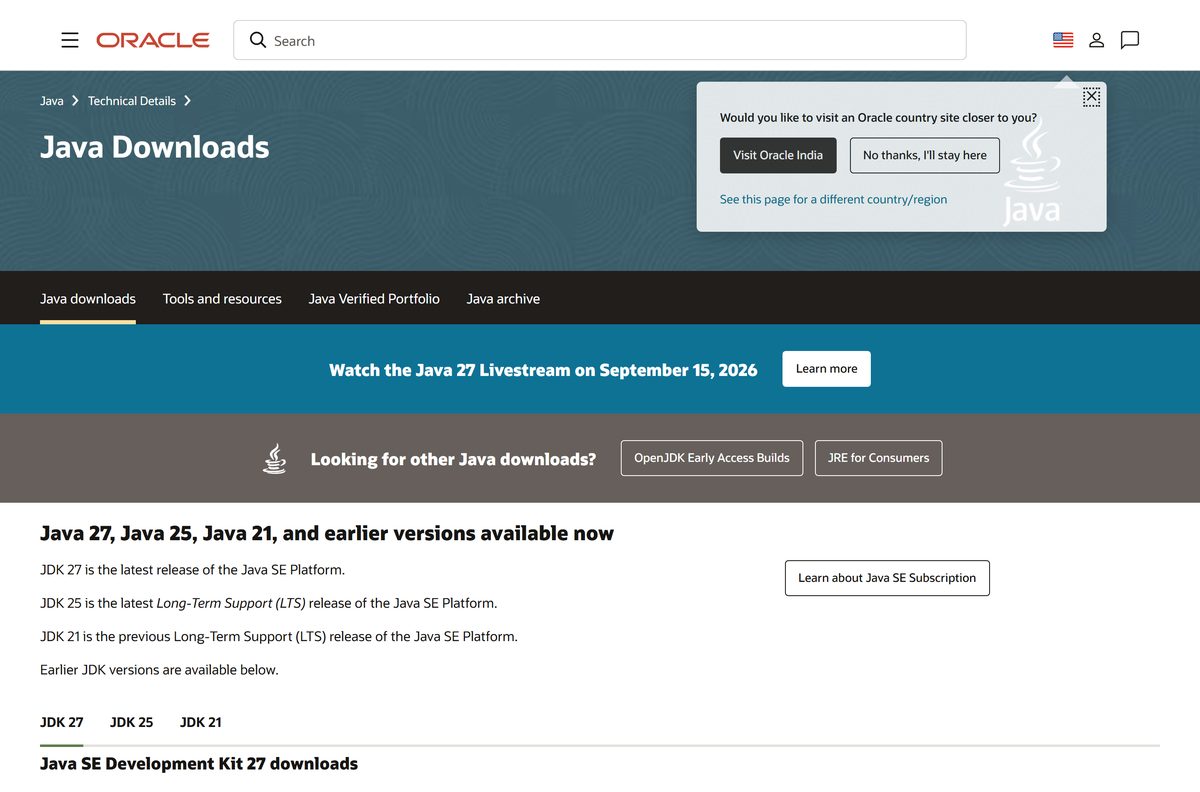
Developers need a JDK; the JRE alone only runs Java apps. If an app asks for it, install the latest Java JRE, and remember to update Java on Windows 11 when new security releases ship.
| Tool | What it is for | Get it |
|---|---|---|
| Java Control Panel | Security level, cache and update settings | Java settings in Windows |
| Apache Maven | Java builds and dependencies | Apache Maven download |
| Apache Tomcat | Running Java web apps locally | Apache Tomcat download |
| Apache JMeter | Load testing web apps and APIs | Apache JMeter download |
Version control tools: Git, GitHub Desktop and Sourcetree
Install Git first; the graphical clients run on top of it.
| Tool | What it is for | Get it |
|---|---|---|
| Git for Windows | Command-line Git plus Git Bash | Git for Windows download |
| Git LFS | Large binary files such as game assets | Git LFS download |
| GitHub Desktop | Simple graphical client for GitHub repos | GitHub Desktop download |
| Sourcetree | Graphical client with branch history view | Sourcetree download |
Database servers and database tools for Windows
Install the server, then a client to browse and query it. The SQL Server versions list helps you match a SQL Server build to its release.
| Database | Server | Client tool |
|---|---|---|
| MySQL | MySQL server download | MySQL Workbench download |
| PostgreSQL | PostgreSQL download | pgAdmin 4 download |
| MongoDB | MongoDB server download | MongoDB Compass download |
| SQL Server | Microsoft's SQL Server installer | SQL Server Management Studio download |
| Oracle Database | Oracle's installer | Oracle SQL Developer download |
| SQLite | SQLite download | Any client below |
| Many databases | Not applicable | DBeaver universal client |
Install WSL on Windows 11 and 10
WSL needs Windows 10 version 2004 (build 19041) or later, or Windows 11. New installs use WSL 2 and Ubuntu. The WSL download page and the WSL 2 install walkthrough cover older builds and manual setup.
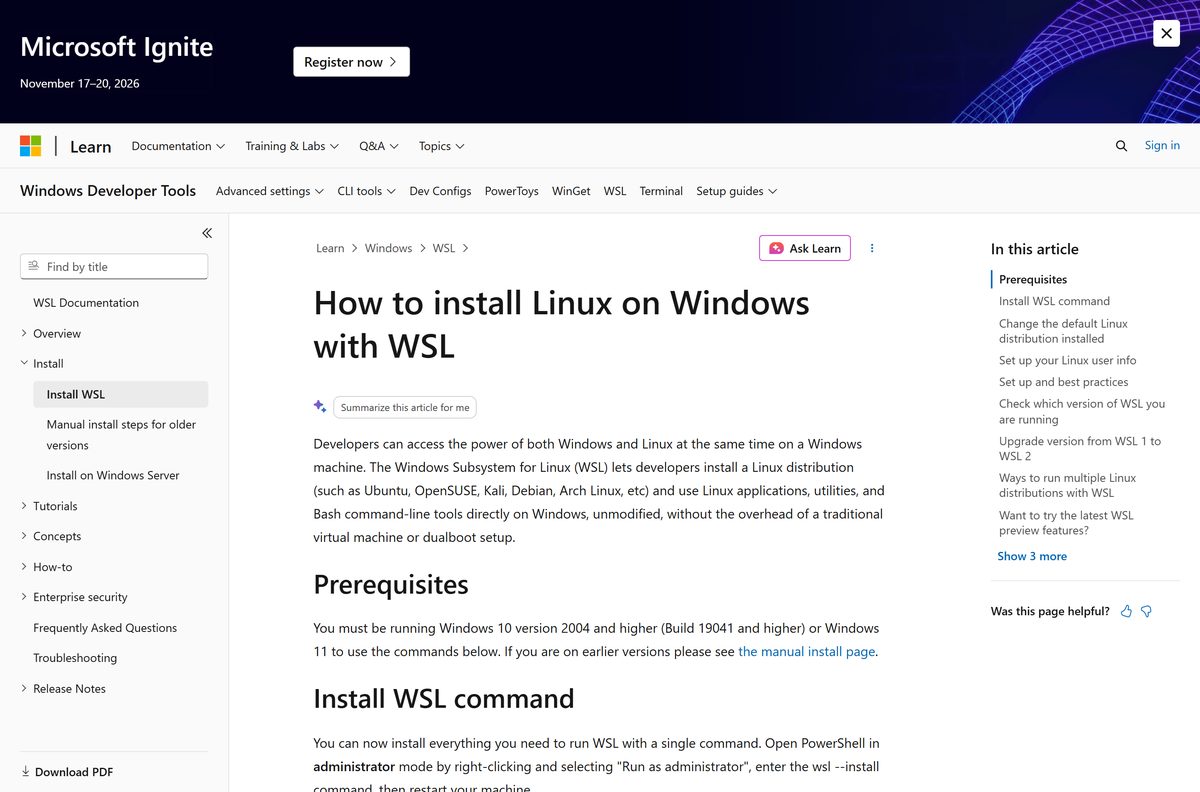
wsl --installRun it in an administrator terminal. It enables the required features, installs WSL 2 and Ubuntu. Use wsl --list --online to see other distributions and wsl --install -d <Distro> to pick one.
You should see: After a restart, Ubuntu opens and asks you to create a Linux user name and password.
Containers and virtual machines: Docker, VirtualBox and VMware
| Tool | What it is for | Get it |
|---|---|---|
| Docker Desktop | Building and running containers; Microsoft's suggested route on Windows | Docker Desktop download |
| Docker Compose | Multi-container apps from one YAML file | Docker Compose download |
| VirtualBox | Full virtual machines for other operating systems | VirtualBox download |
| VMware Workstation Pro | Virtual machines with snapshots and networking options | VMware Workstation Pro download |
Cloud CLIs and API testing tools for Windows
| Tool | What it is for | Get it |
|---|---|---|
| AWS CLI | Managing Amazon Web Services from a terminal | AWS CLI download |
| Google Cloud CLI | Managing Google Cloud projects | Google Cloud CLI download |
| Azure Storage Explorer | Browsing Azure blobs, files, queues and tables | Azure Storage Explorer download |
| Terraform | Infrastructure as code across clouds | Terraform download |
| Postman | Building and testing REST APIs | Postman download |
| SoapUI | Testing SOAP and REST services | SoapUI download |
| WordPress | A local self-hosted site for theme or plugin work | WordPress self-hosted download |
Game engines and graphics SDKs for Windows
| Tool | What it is for | Get it |
|---|---|---|
| Unity Hub | Installs and manages Unity editor versions | Unity Hub download |
| Unreal Engine | 3D games and real-time graphics | Unreal Engine download |
| Vulkan SDK | Low-level graphics API development | Vulkan SDK download |
| FFmpeg | Command-line audio and video conversion | FFmpeg download |
Networking and debugging tools for developers
| Tool | What it is for | Get it |
|---|---|---|
| Wireshark | Capturing and reading network packets | Wireshark download |
| Nmap | Network discovery and port scanning | Nmap download |
| PuTTY | SSH and serial connections | PuTTY download |
| WinSCP | SFTP and FTP file transfers | WinSCP download |
| Cisco Packet Tracer | Network simulation for learning | Cisco Packet Tracer download |
| WinDbg | Debugging Windows apps, drivers and crash dumps | WinDbg download |
| Windows ADK | Deployment and performance toolkits for Windows | Windows ADK download |
| ADB (Platform Tools) | Talking to Android devices from a PC | ADB platform tools download |
Learning tools for kids and beginners: Scratch and Arduino
| Tool | What it is for | Get it |
|---|---|---|
| Scratch | Block-based programming for beginners | Scratch desktop download |
| Arduino IDE | Writing and uploading code to Arduino boards | Arduino IDE download |
Check your developer tools are installed
- Open a new Windows Terminal tab so PATH changes load.
- Run
git --version,python --versionandnode --version; each prints a version number. - Run
code --versionto confirm VS Code is on PATH. - Run
wsl -l -vto see each Linux distribution and whether it uses WSL 2. - Run
winget listto see everything winget can manage, andwinget exportto save the list for your next PC.
Fix common developer tool errors on Windows
"Running scripts is disabled on this system" in PowerShell
The PowerShell execution policy blocks script files such as npm or virtual environment activation scripts.
- Run
Get-ExecutionPolicy -Listto see which scope sets the policy. - Change the policy for your user only, not the whole machine.
- Open a new terminal and run the script again.
- If a work policy blocks the change, ask your administrator. The steps to fix the running scripts error list each policy value.
Visual Studio shows "Object reference not set to an instance of an object"
The message comes from a null reference in your code, or from a damaged Visual Studio cache or extension.
- Run the code under the debugger and check which variable is null when the exception breaks.
- If the error appears in the IDE itself, close Visual Studio and restart it.
- Disable recently added extensions.
- Repair Visual Studio from Visual Studio Installer; the Visual Studio object reference fix covers cache resets.
A tool is "not recognized" right after installing it
The terminal was opened before the installer updated PATH.
- Close every terminal window.
- Open a new one and run the command again.
- Sign out and back in if it still fails.
Developer tools for Windows FAQ
What are Microsoft developer tools?
Microsoft's developer tools for Windows include Windows Terminal, PowerShell, winget, Visual Studio, Visual Studio Code and the Windows Subsystem for Linux. Together they cover editing, building, package management and running Linux tools on a Windows 11 or 10 PC.
Does Microsoft have a code editor?
Yes. Visual Studio Code is Microsoft's code editor and installs with winget install Microsoft.VisualStudioCode. Visual Studio is Microsoft's full IDE for C#, C++ and .NET work.
Which code editor is best for Windows?
Visual Studio Code suits most people because it handles many languages, has a built-in terminal and Git, and edits files inside WSL. Choose a full IDE such as Visual Studio, IntelliJ IDEA or PyCharm when one language and its debugger matter most.
What is a good code editor for beginners?
Visual Studio Code is a good first editor: it installs per user without admin rights and adds itself to PATH. Notepad++ is lighter if you only edit small scripts and config files.
How do I open developer tools in Windows browsers?
In Microsoft Edge, press F12 or Ctrl+Shift+I, or right-click part of a page and select Inspect. You can also open Settings and more > More tools > Developer tools. Ctrl+Shift+J opens the Console directly.
What is developer tools in a browser?
Browser developer tools are built-in panels for inspecting a web page. In Edge DevTools you can edit HTML and CSS live, debug JavaScript in the Console and Sources tools, and watch requests in the Network tool.
Can you turn off the F12 developer tools shortcut?
Yes, in Microsoft Edge. Go to edge://settings/system, find the Developer Tools section and turn off Use F12 key to open the Developer tools. Ctrl+Shift+I still opens DevTools.
How do I install Python on Windows 11?
Open Windows Terminal and run winget install Python.Python.3.14, then open a new terminal and run python --version. The Microsoft Store version also works and sets PATH for you.
How do I install Python on Windows 11 using CMD?
Open Command Prompt and run winget install Python.Python.3.14. Close the window, open a new one and run python --version to confirm the install.
How do I install Python on Windows 10?
Use the same winget command on Windows 10 version 1809 or later, install from the Microsoft Store, or run the python.org installer if you want the py launcher.