Restart PHP-FPM with sudo systemctl restart php8.4-fpm on Ubuntu and Debian (swap in your PHP version) or sudo systemctl restart php-fpm on RHEL, AlmaLinux and Fedora, right after the patched PHP packages install.
Part of our PHP security update guide, this article covers why the October 2026 fix for CVE-2026-109618 and CVE-2026-109619 needs a restart, the exact service names per distribution, Apache mod_php, reload versus restart, and how to prove the new build is serving requests.
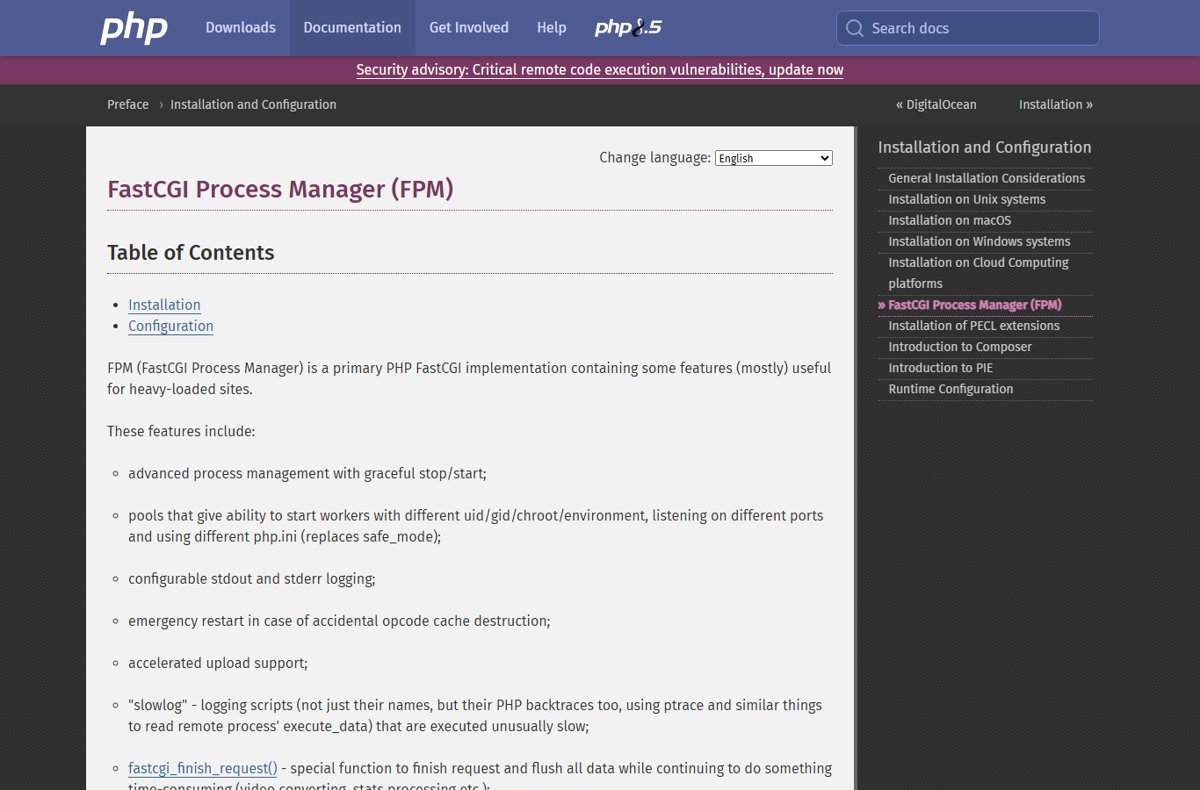
The fastest way to restart PHP-FPM after the PHP 8.5.12 and 8.4.27 update
Run these steps after apt or dnf has installed the fixed PHP packages. Installing the packages alone does not replace the code already loaded in memory.
- Run
systemctl list-units --type=service | grep fpmto list every PHP-FPM service on the server. - Restart each one, for example
sudo systemctl restart php8.4-fpmon Debian or Ubuntu, orsudo systemctl restart php-fpmon RHEL-family systems. - If Apache runs PHP through mod_php, run
sudo systemctl restart apache2(Debian, Ubuntu) orsudo systemctl restart httpd(RHEL family). - Run
systemctl status php8.4-fpmand check that the Active: line shows a start time from a moment ago. - Load a
phpinfo()page and confirm PHP Version reads 8.5.12, 8.4.27, 8.3.36 or 8.2.35.
Why you must restart every PHP worker
PHP.net's 21 October 2026 advisory lists every PHP installation serving web requests as at risk: PHP-FPM, Apache with mod_php, php-cgi, FrankenPHP and LiteSpeed. Long-running worker processes keep the old PHP binary mapped in memory until they exit.
CVE-2026-109619 makes this concrete: PHP.net says stale request state can be used by a later request handled by the same worker. The advisory's own mitigation text tells admins to restart every worker after a configuration change, and the same applies to the code update.
| How PHP runs | What holds the old code | What to restart |
|---|---|---|
| PHP-FPM (nginx or Apache proxy) | The FPM master and its pool workers | The php-fpm service for each installed version |
| Apache mod_php | Apache's own processes, which load PHP as a module | The Apache service (apache2 or httpd) |
| php-cgi behind a FastCGI manager | Each php-cgi process | The service or manager that spawns php-cgi |
| FrankenPHP or LiteSpeed | The server's PHP worker processes | The FrankenPHP or LiteSpeed service |
| PHP CLI scripts and cron jobs | Nothing between runs | No restart; the next run uses the new binary |
| Long-running CLI daemons and queue workers | The running PHP process | The daemon or its supervisor |
Restart PHP-FPM on Ubuntu and Debian
Debian and Ubuntu name the FPM service after the PHP branch. Debian's php8.4-fpm package, for example, installs php8.4-fpm.service, the binary /usr/sbin/php-fpm8.4, and its config under /etc/php/8.4/fpm/.
Install the fixed packages first with sudo apt update and sudo apt upgrade, then check your vendor's security notice for the exact fixed package version. The Ubuntu and Debian PHP update steps cover the package side.
- Run
ls /etc/php/to see which PHP branches are installed, such as 8.3 and 8.4. - Restart the FPM service for each branch, for example
sudo systemctl restart php8.4-fpm. - Repeat for any other branch with an FPM service, for example
sudo systemctl restart php8.3-fpm. - Run
systemctl status php8.4-fpmand confirm the service shows active (running) with a fresh start time. - Reload nginx only if you also changed its configuration; nginx itself does not load PHP code.
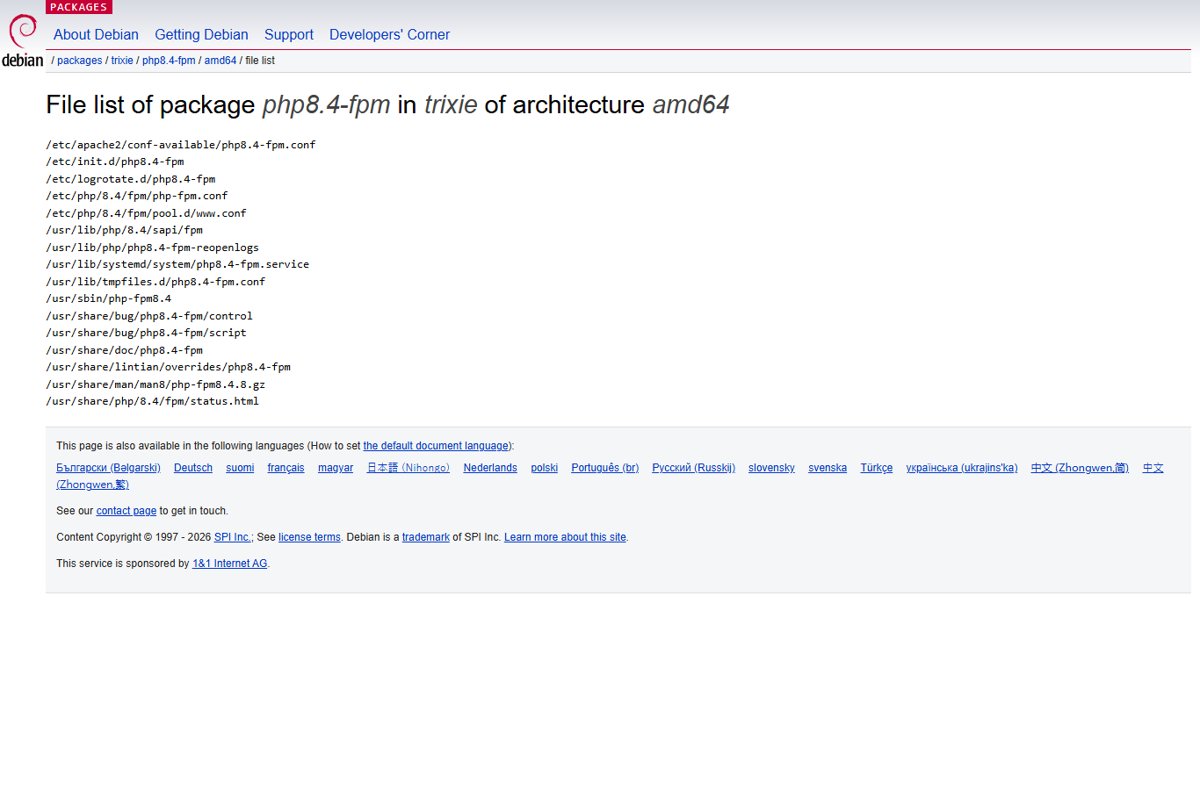
Restart PHP-FPM on RHEL, AlmaLinux and Fedora
Red Hat Enterprise Linux 9 runs PHP for Apache through FPM by default, with a single service named php-fpm. Its main config is /etc/php-fpm.conf and the default pool lives in /etc/php-fpm.d/www.conf.
Install the fixed packages with sudo dnf upgrade and check the vendor's security advisory for the fixed package version before you restart.
- Run
sudo dnf upgradeto install the patched PHP packages. - Run
sudo systemctl restart php-fpmto stop the old workers and start new ones. - Run
sudo systemctl restart httpdorsudo systemctl restart nginxif your web server config also changed. - Run
systemctl status php-fpmand confirm active (running) with a start time from the last minute. - Run
sudo systemctl enable php-fpmif the service is not set to start at boot.
Restart Apache mod_php
With mod_php, PHP runs inside Apache's processes, so restarting PHP means restarting Apache. Ubuntu's server documentation uses a full restart after PHP package changes. PHP.net rates mod_php as the highest-risk setup for this release, because a demonstrated exploit triggers before any application code runs.
- Check for mod_php on Ubuntu or Debian: look for
/etc/apache2/mods-enabled/php8.*.load. - Run
sudo systemctl restart apache2.serviceon Ubuntu or Debian. - Run
sudo systemctl restart httpdon RHEL, AlmaLinux or Fedora. - Run
systemctl status apache2(orhttpd) and confirm a fresh Active: time. - Load a
phpinfo()page and check that PHP Version shows the fixed release.
Apache's own documentation says a restart (HUP) kills every child immediately, while a graceful restart (USR1) lets children finish their current request first. A full restart is the quickest way to be sure no child runs old code.
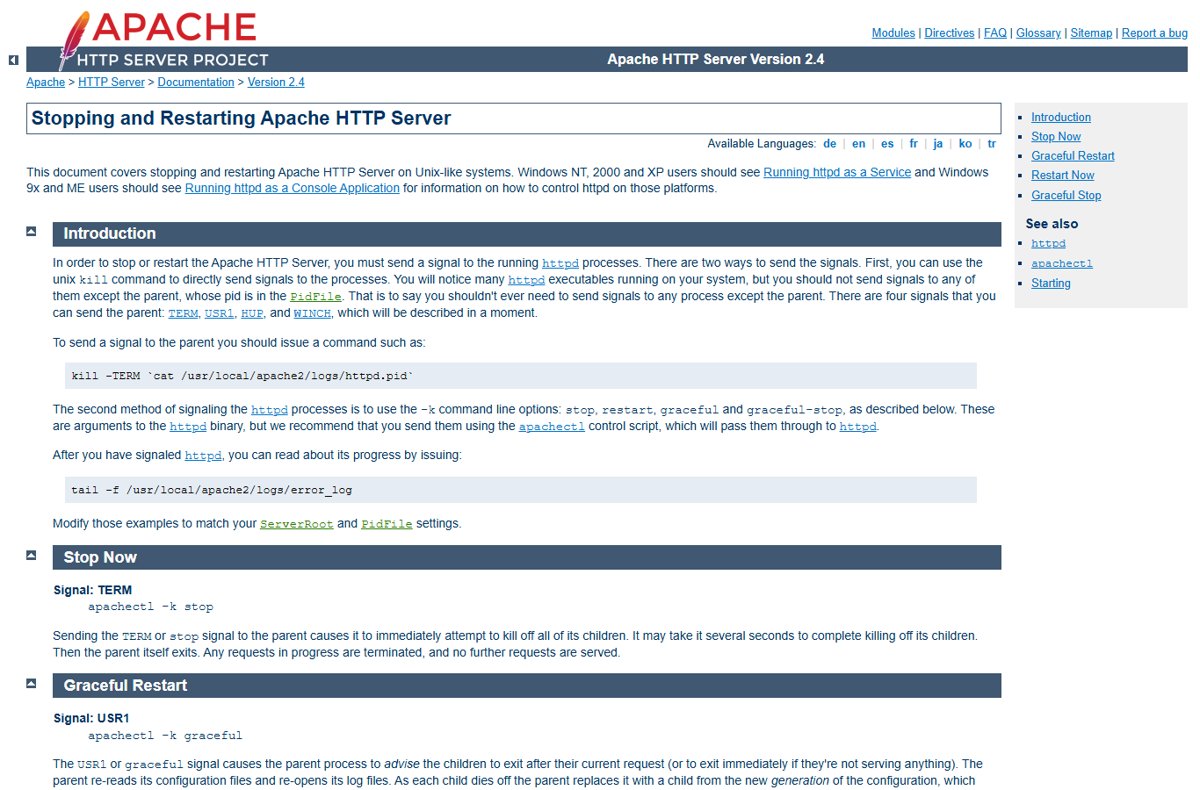
Reload vs restart PHP-FPM
systemctl reload runs whatever reload command the service unit defines, so its effect depends on your distribution's packaging. Run systemctl cat php8.4-fpm (or php-fpm) to see the unit's ExecReload line.
After a security update, use restart. It is the one command that guarantees every worker is a new process.
| Situation | Use | Why |
|---|---|---|
| PHP packages updated to 8.5.12, 8.4.27, 8.3.36 or 8.2.35 | systemctl restart |
Every worker and the master are replaced with new processes |
| Mitigation setting added to php.ini or a pool file | systemctl restart |
PHP.net says to restart every worker for the mitigations to apply |
| Busy server, routine pool tuning only | systemctl reload |
Lets in-flight requests finish, if the unit defines a graceful reload |
| Service will not stop cleanly | systemctl restart, then check the logs |
A stuck master can keep old workers alive |
Check the running PHP-FPM version
php -v on the command line reports the CLI binary, which can differ from the FPM binary the web server uses. Check which PHP version the web server runs to be sure.
- Create a file named
info.phpin your web root containing<?php phpinfo(); ?>. - Open
http://your-server/info.phpin a browser. - Confirm PHP Version at the top reads 8.5.12, 8.4.27, 8.3.36 or 8.2.35.
- Check the Server API line, which names the interface that served the page, so you know you are looking at the web workers and not the CLI.
- Delete
info.phpstraight away, because it exposes your full configuration. - Run
php -vtoo and update the CLI package if it still shows an older patch release.
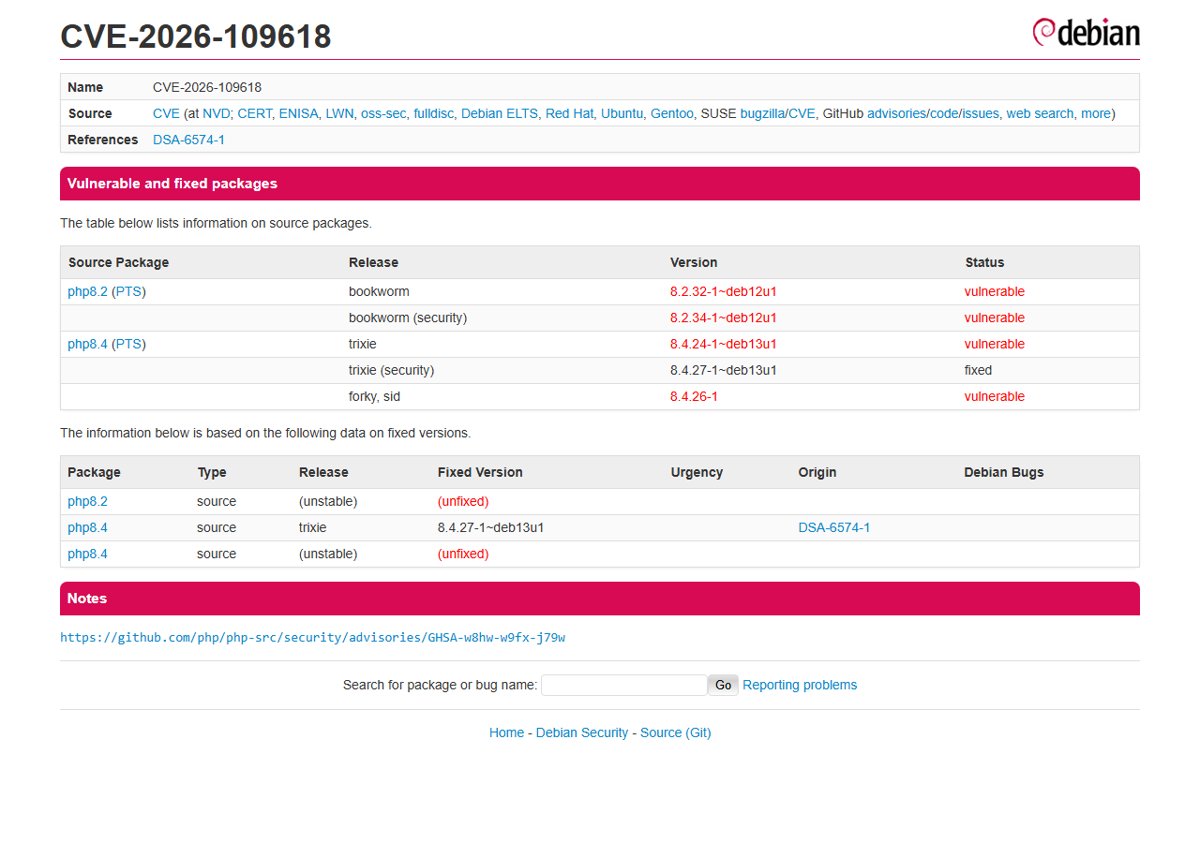
Fix PHP-FPM restart problems after the CVE-2026-109618 update
phpinfo() still shows the old PHP version after the restart
A different PHP branch's FPM service handles the site, or the page is cached.
- Run
systemctl list-units --type=service | grep fpmto list every FPM service. - Check which socket or port your site's nginx or Apache config passes PHP requests to.
- Restart the FPM service that owns that socket.
- Reload the
phpinfo()page with the browser cache bypassed.
Restart PHP-FPM 8.1 or another old branch, but no update is installed
PHP 8.1 and older get no updates from the PHP project, so restarting loads the same vulnerable code.
- Check your distribution or LTS vendor's notice for a backported fix.
- Install that backport if one exists, then restart the FPM service.
- Otherwise plan a move to 8.2 or newer, and apply the PHP.net mitigations in the meantime.
PHP-FPM fails to start after the restart
A config error, often in a pool file edited while applying mitigations.
- Run
systemctl status php8.4-fpm(orphp-fpm) to read the error lines. - Run
journalctl -u php8.4-fpmfor the full log. - Fix the file and line the log names, then run the restart again.
PHP-FPM restart FAQ
What is PHP-FPM?
PHP-FPM (FastCGI Process Manager) is PHP's main FastCGI implementation. It runs pools of PHP worker processes that a web server such as nginx or Apache passes requests to, with graceful stop and start and separate settings per pool.
How do I restart PHP-FPM on Ubuntu?
Run sudo systemctl restart php8.4-fpm, replacing 8.4 with your PHP branch. Ubuntu and Debian name the service after the version, so a server with two branches has two FPM services to restart.
How do I restart PHP-FPM 8.1?
On Ubuntu or Debian, run sudo systemctl restart php8.1-fpm. A restart alone does not fix CVE-2026-109618 on 8.1, because the PHP project no longer updates 8.1; you need a vendor backport or a move to a supported branch.
Do I need to restart nginx after a PHP update?
No. nginx does not load PHP code; it forwards requests to PHP-FPM. Restart the PHP-FPM service instead, and reload nginx only if you changed nginx's own configuration.
Does apt upgrade restart PHP-FPM automatically?
Do not rely on it. Restart the FPM service yourself after the upgrade, then check the Active: time in systemctl status and the version in phpinfo() to prove new workers are running.
Is a reload enough after a PHP security update?
Use a full restart. A reload's behaviour depends on the service unit, while systemctl restart always replaces every worker, which is what PHP.net asks for in its October 2026 advisory.
Which PHP versions fix CVE-2026-109618 and CVE-2026-109619?
PHP 8.5.12, 8.4.27, 8.3.36 and 8.2.35, released on 21 October 2026. Distribution packages carry the same fixes under their own version numbers, so check your vendor's security notice.
Does restarting PHP-FPM cause downtime?
A restart drops requests that are in progress and refuses new ones for the moment the service is down. On most servers that is a second or two; schedule it outside peak hours if you can, but do not delay a critical security fix for it.
Bottom line: restart PHP-FPM now, then prove it with phpinfo
Restart every PHP-FPM service and any Apache mod_php instance as soon as the 8.5.12, 8.4.27, 8.3.36 or 8.2.35 packages are installed. Running workers keep the vulnerable code in memory until they exit, so an update without a restart leaves CVE-2026-109618 and CVE-2026-109619 exploitable. A phpinfo() page showing the fixed version is the proof.