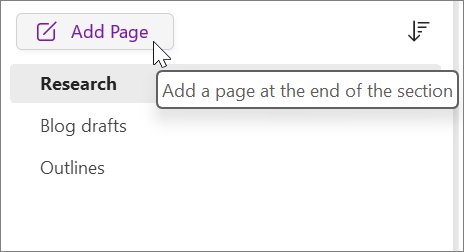
15 essential OneNote tips for enhanced note-taking productivity
OneNote tips for faster note-taking: organize notebooks, use templates, tags, Web Clipper, ink to text, audio notes, shortcuts, sharing and recovery.
1,906 articles

OneNote tips for faster note-taking: organize notebooks, use templates, tags, Web Clipper, ink to text, audio notes, shortcuts, sharing and recovery.
![Network adapter driver for Windows 11 [Download/Update]](https://techdows.com/wp-content/uploads/2026/10/Network-adapter-driver-for-Windows-11-DownloadUpdate-600x338.jpg)
![Network adapter driver for Windows 11 [Download/Update]](https://techdows.com/wp-content/uploads/2026/10/Network-adapter-driver-for-Windows-11-DownloadUpdate.jpg)
Update the network adapter driver in Windows 11 from Device Manager, Windows Update or the PC maker, install it without Internet, roll it back and fix driver issues.
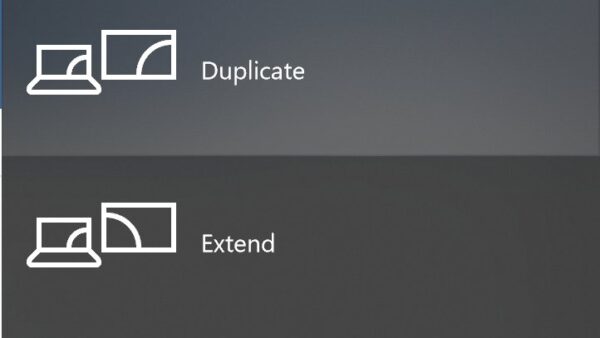
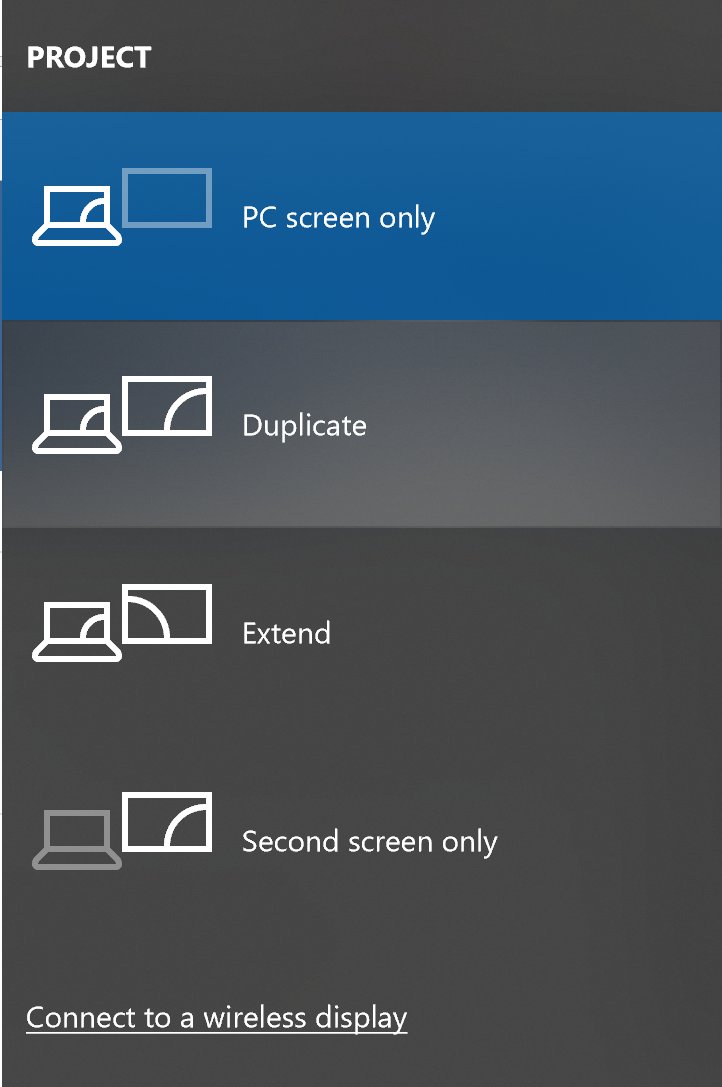
Connect a PC or laptop to a TV with an HDMI cable, USB-C, VGA or DVI, or wirelessly with Miracast (Windows key + K) or Chromecast. Plus sound and no-signal fixes.
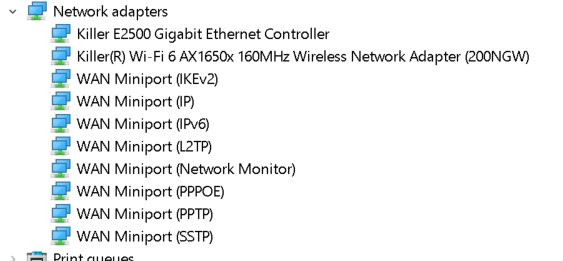
Killer Network Service is Intel’s traffic-priority service for Killer Wi-Fi and Ethernet adapters. It is safe, but here is how to stop it or uninstall it.
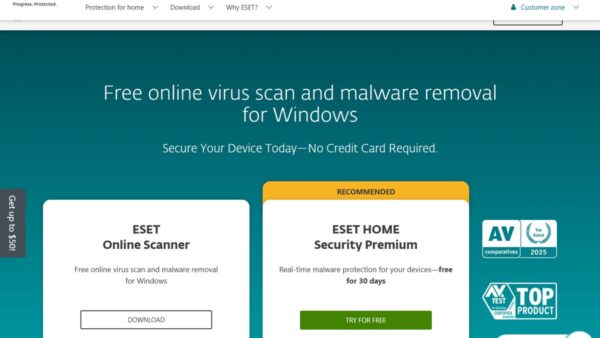
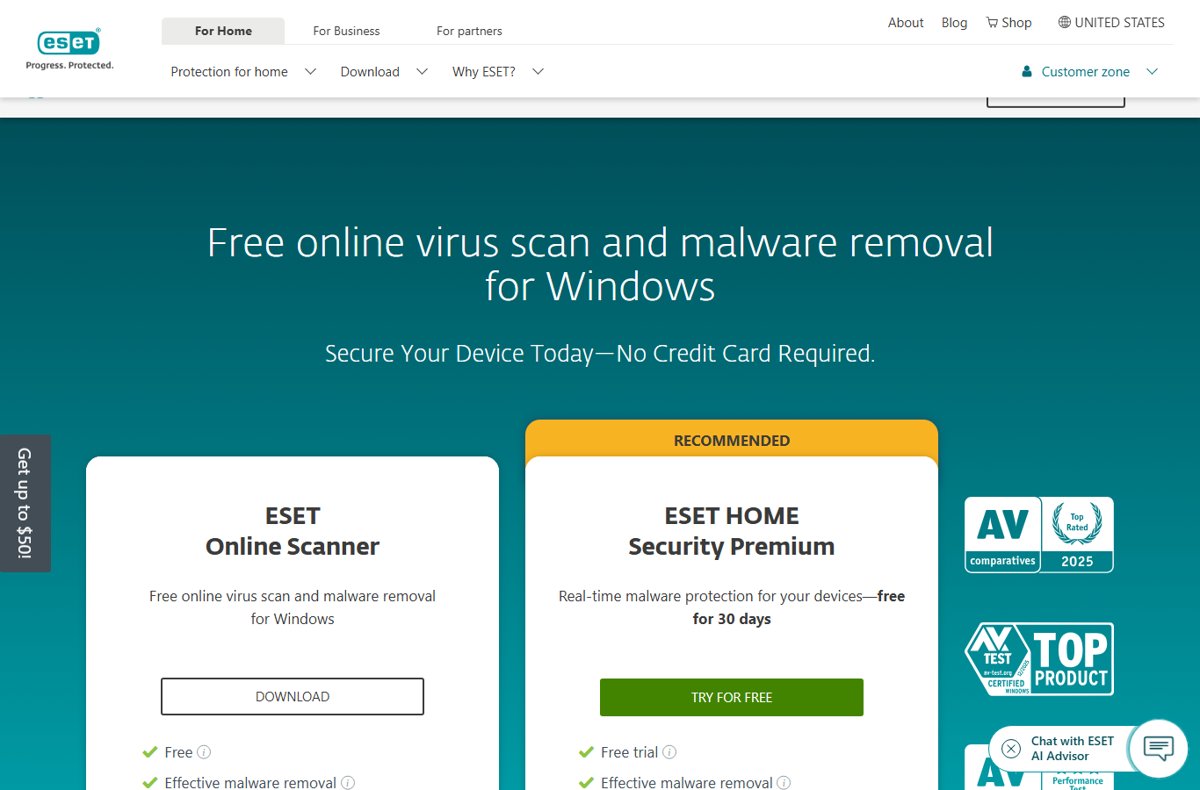
Free online virus scanners for 2026: ESET Online Scanner, Microsoft Safety Scanner, Malwarebytes Free, Bitdefender Antivirus Free and Trend Micro HouseCall.
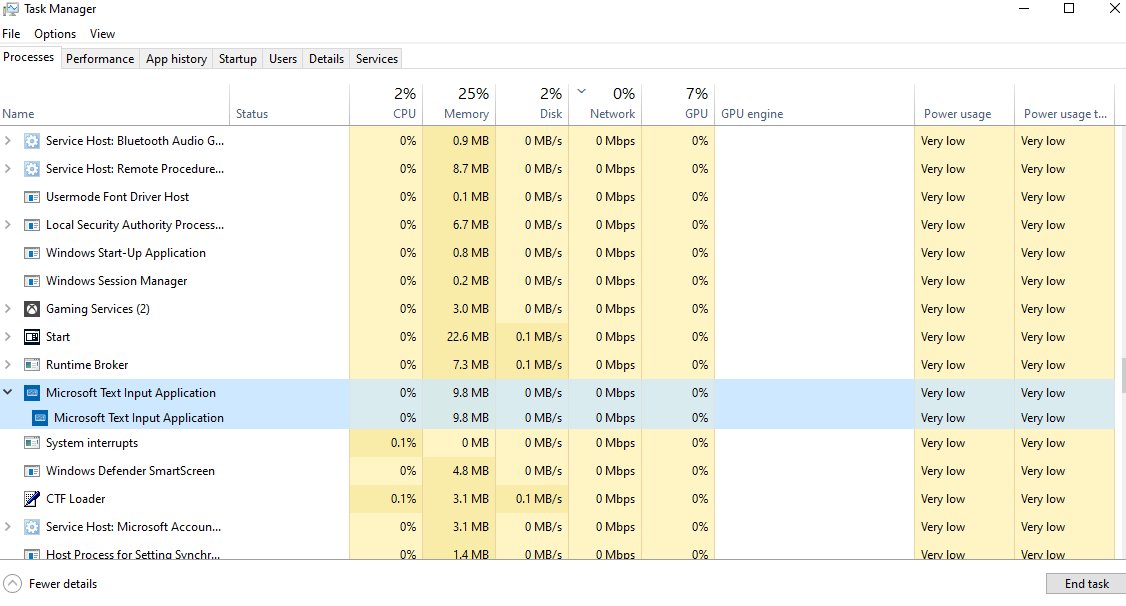
Microsoft Text Input Application is TextInputHost.exe, the built-in Windows Input app behind typing tools. See if it is safe, how to stop it and fix its memory use.
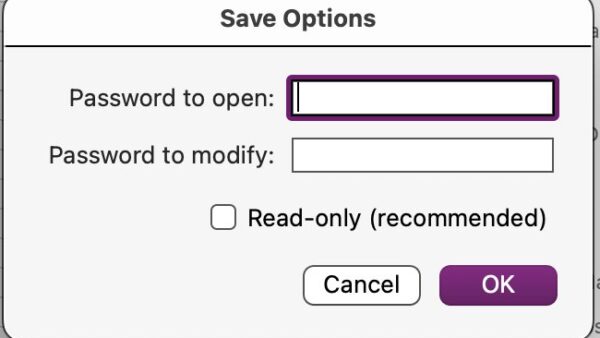
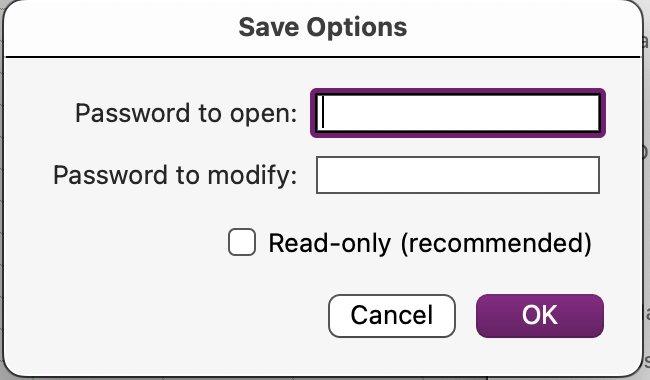
Password protect an Excel workbook from opening with File > Info > Protect Workbook > Encrypt with Password. Windows, Mac and Save As steps, plus fixes.
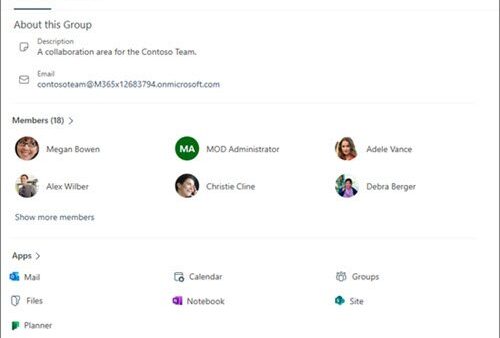
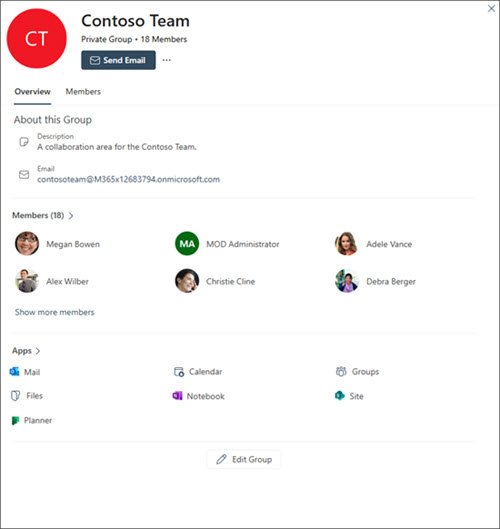
Create a group shared calendar in Outlook by making a Microsoft 365 group: every group gets its own calendar. Steps for web, new and classic Outlook, plus fixes.
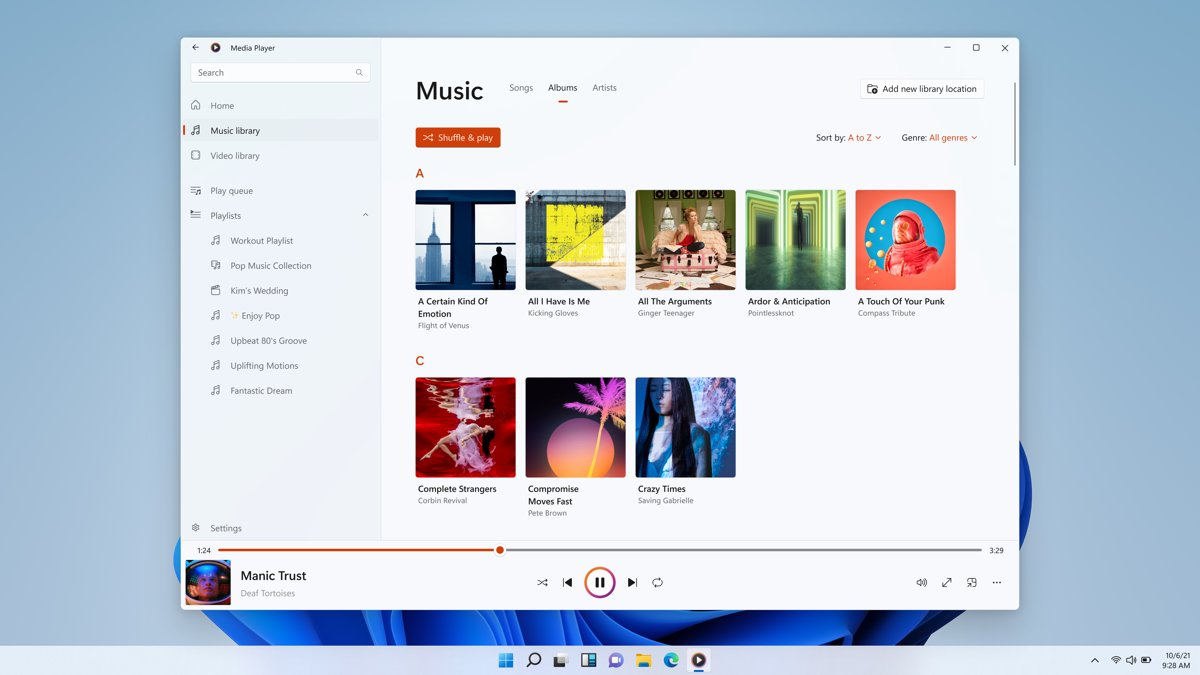
Groove Music is gone: Windows 11 replaced it with Media Player, which kept your library and playlists. See what changed, its limits and how to get the old player.
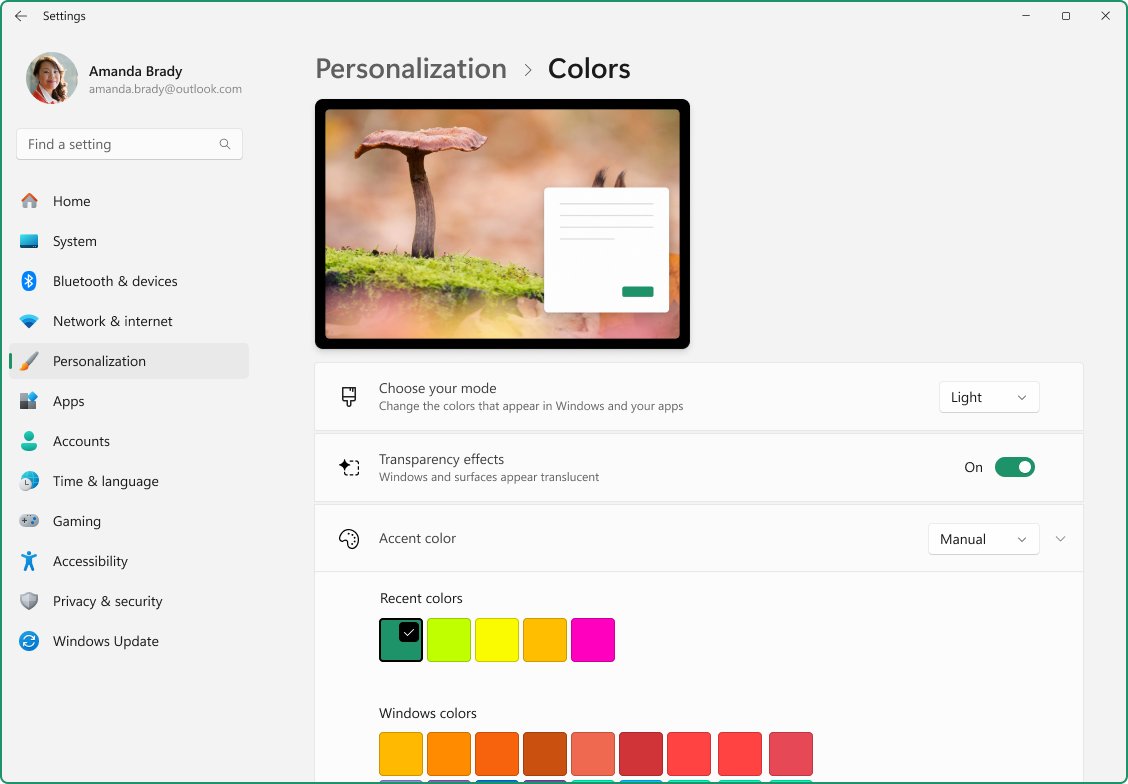
Adjust appearance and performance in Windows 11/10: open Performance Options, pick Adjust for best performance, trim visual effects and set the power mode.
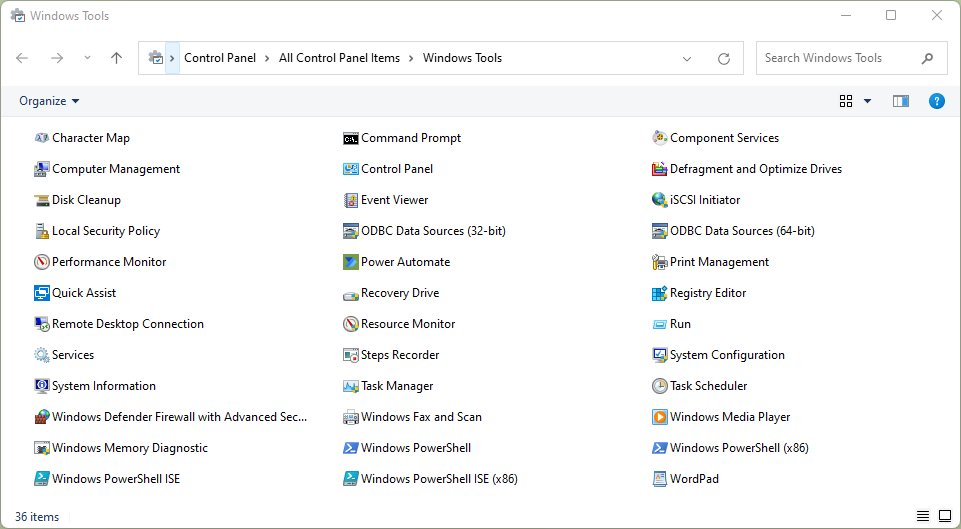
Open Windows Tools in Windows 11 from Start search, All apps or Control Panel, see what the folder holds, and open each admin tool directly with Run commands.
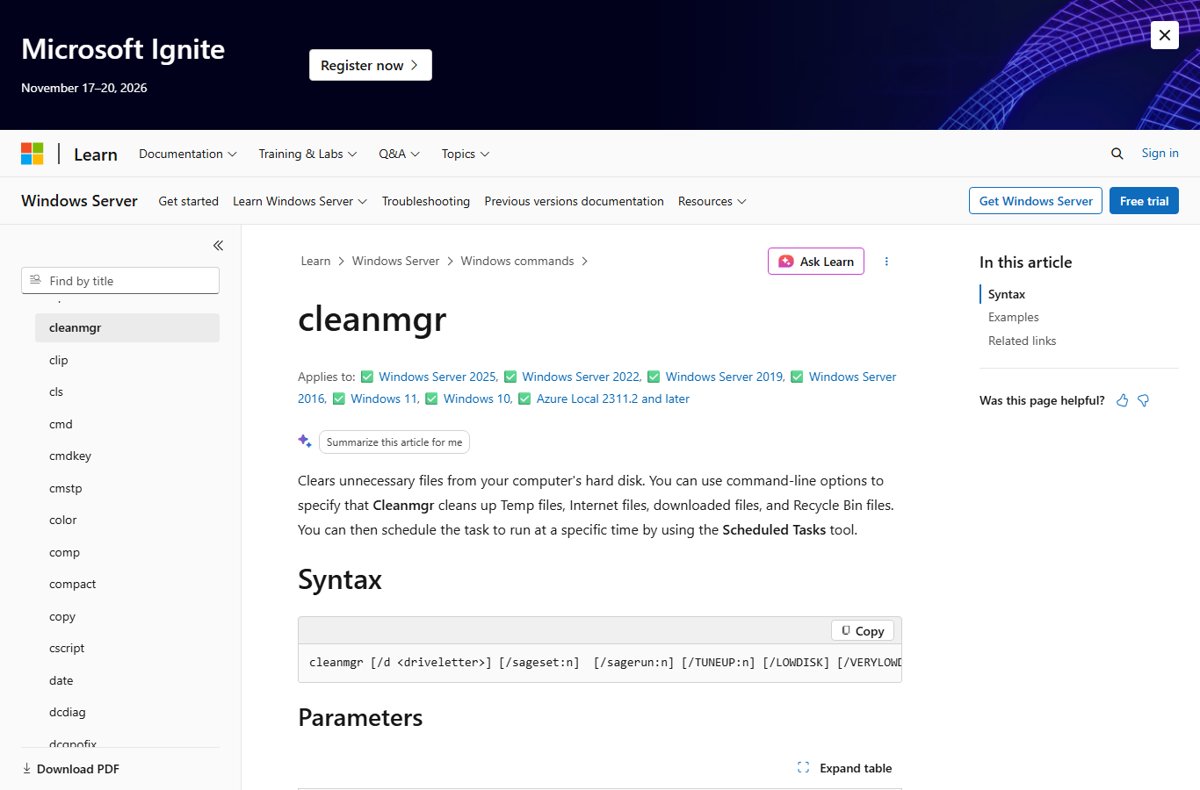
Clear app cache in Windows 11 with Settings Reset, WSReset, Disk Cleanup, Storage Sense, AppData or PowerShell, plus what each method deletes and keeps.