You can install the free Scratch app on Windows 11, Windows 10 and Mac in a few minutes. It is the same block-coding editor as the website, and it creates and saves projects without an internet connection.
On Windows, Scratch installs from the Microsoft Store. On a Mac, pick the Mac App Store or the direct DMG from scratch.mit.edu. Chromebooks and Android tablets get it from Google Play.
Below: the right download for each device, the official links, install steps for Windows and Mac, updating, older versions, and fixes for installs that fail.
Which Scratch download do you need?
Match your device to a row. Every option is free and comes from the Scratch Foundation.
| Your device | What to install | Size |
|---|---|---|
| Windows 11 or Windows 10 PC | Scratch 3 on the Microsoft Store | Up to 264.9 MB (x64) |
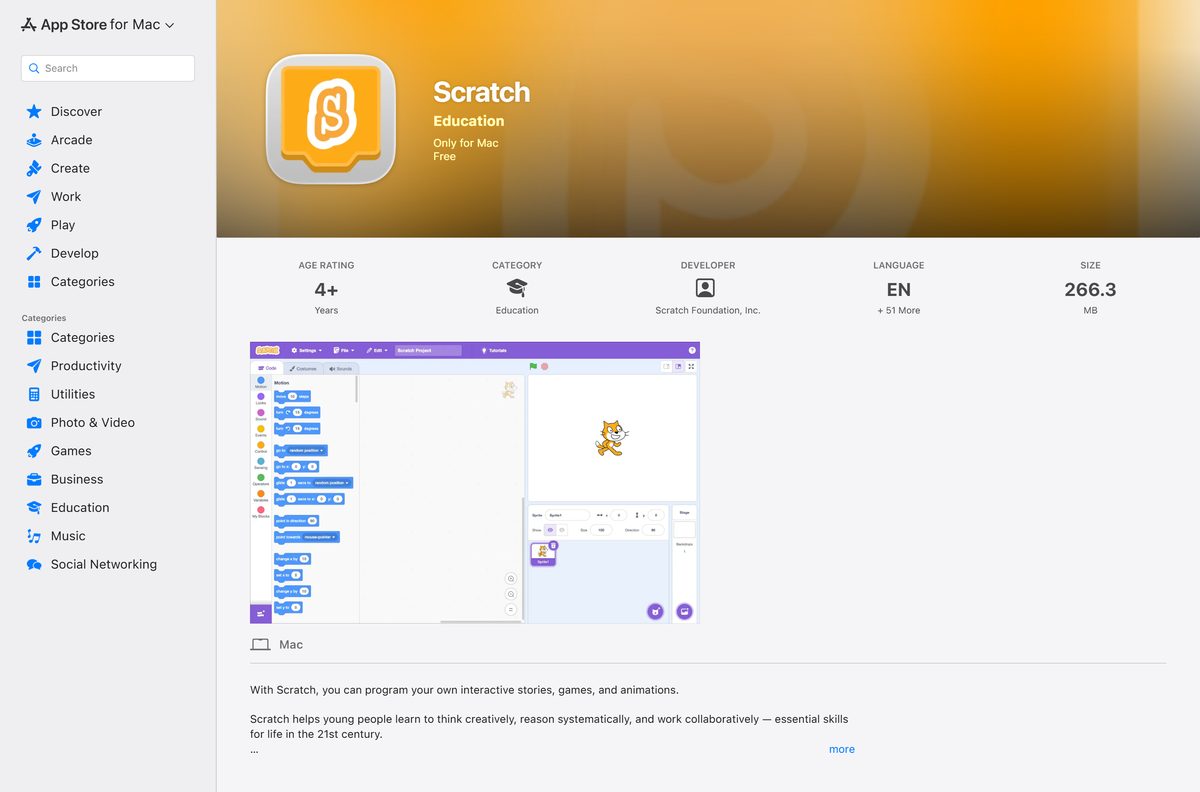
| Mac on macOS 12 or later | Scratch on the Mac App Store | 266.3 MB |
| Mac without App Store access | Direct download from scratch.mit.edu | 328.4 MB DMG |
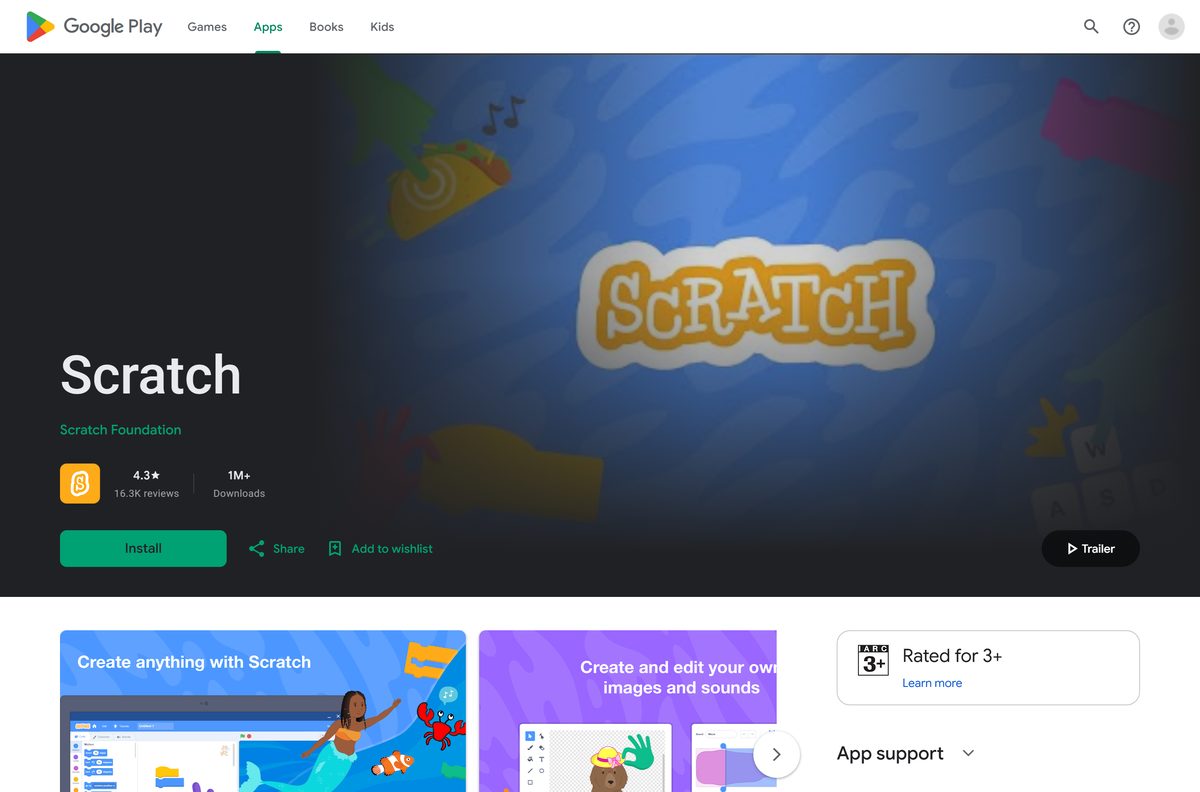
| Chromebook or Android tablet | Scratch on Google Play | Play lists no size |
| Linux, an Android phone, or a locked-down PC | Scratch in the browser | No download |
The Android app runs on tablets only. Android phones and Linux have no Scratch app.
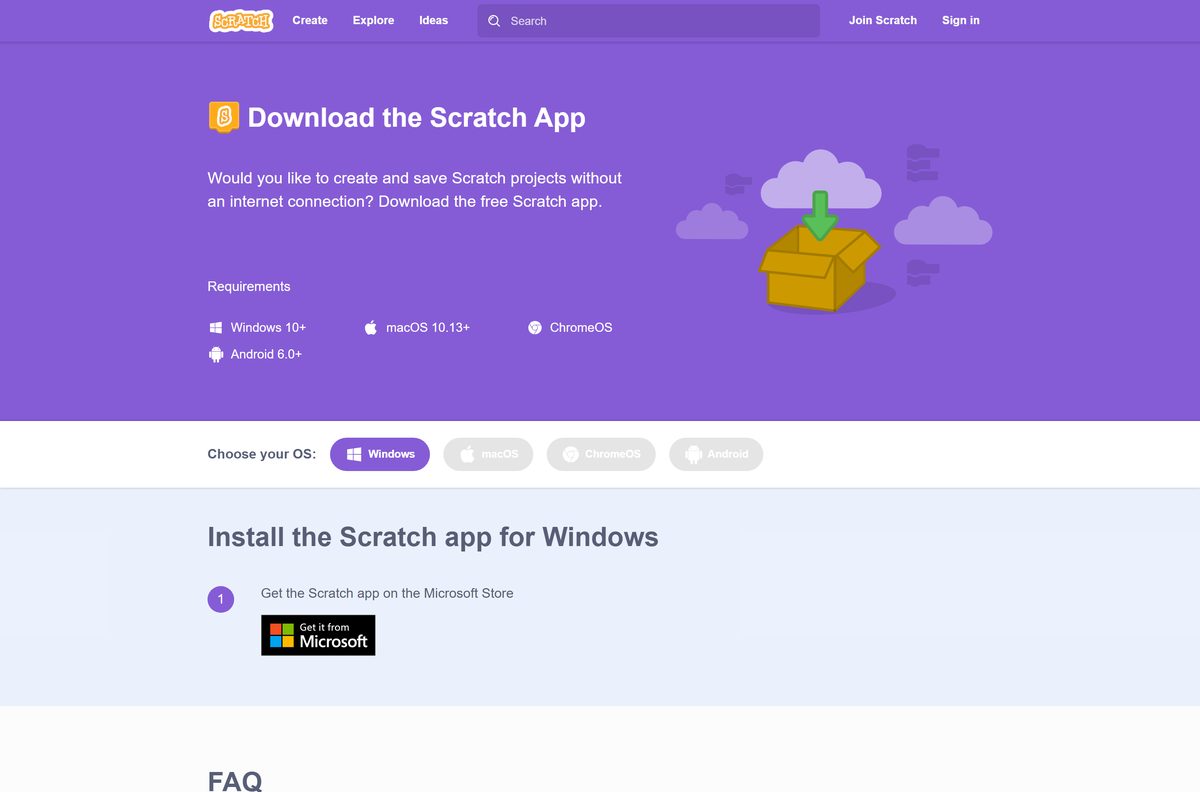
Download Scratch from the official links
The Scratch Foundation publishes the app at these addresses. A portal offering a Scratch .exe is not an official source, so skip it.
- Scratch download page — choose Windows, macOS, ChromeOS or Android
- Scratch 3 on the Microsoft Store — 264.9 MB x64, 244.0 MB x86 · publisher Scratch Foundation, rated 4.6 from 20,216 ratings
- Scratch on the Mac App Store — 266.3 MB · seller Scratch Foundation, Inc., macOS 12.0 or later
- Scratch on Google Play — Chromebooks and Android tablets, 1M+ downloads
The macOS DMG sits behind the Direct download link on the macOS tab of the download page. It is 328.4 MB.
How to install Scratch on Windows 11 and 10
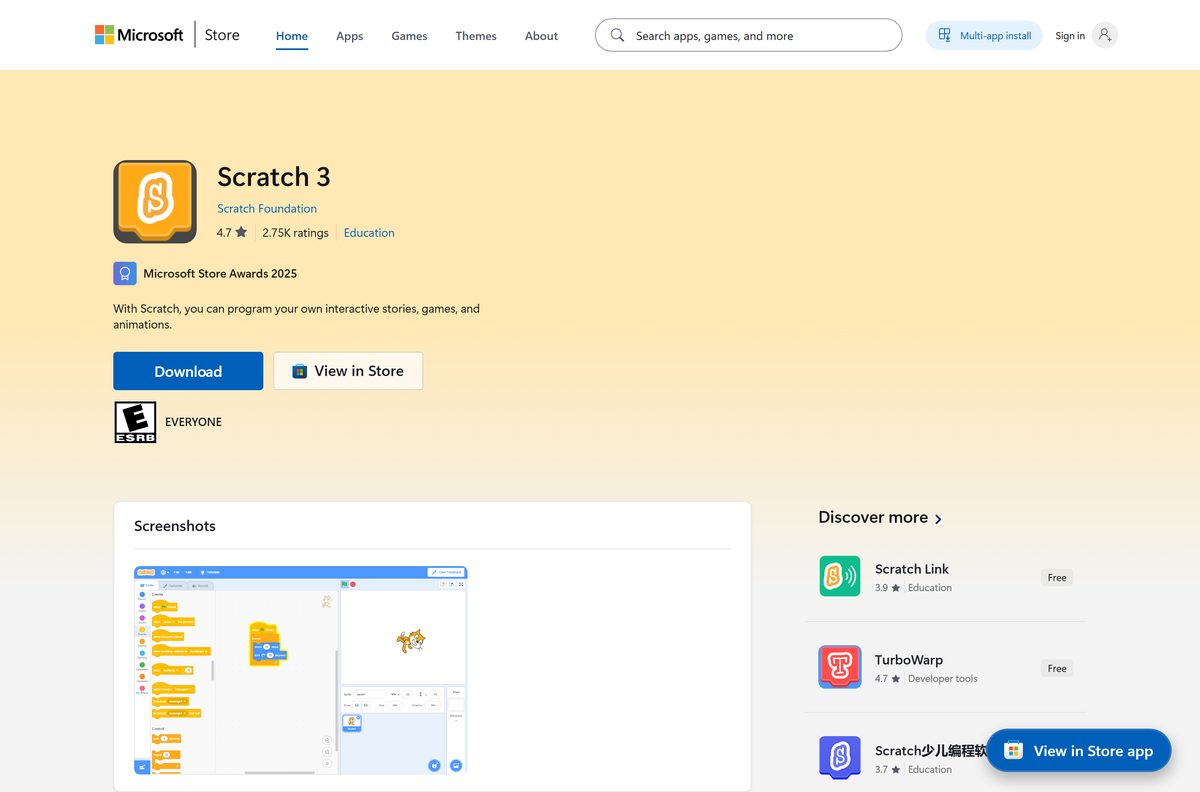
Windows installs Scratch through the Microsoft Store. The Store listing is named Scratch 3, and the Store keeps it updated.
- Open scratch.mit.edu/download and select Windows under Choose your OS.
- Select the Microsoft Store badge under Install the Scratch app for Windows. It opens the Scratch 3 listing.
- Confirm the publisher reads Scratch Foundation, then select Get or Install.
- Wait for the download to finish. The x64 package is up to 264.9 MB.
- Select Open, or find Scratch 3 in the Start menu.
- Drag blocks from the palette on the left into the code area to start a project.
Save a project with File > Save to your computer. The file keeps the .sb3 extension.
Install Scratch with winget instead of the Store app
winget installs the same Microsoft Store package from Command Prompt or PowerShell. It helps when the Store app will not open.
- Right-click Start and select Terminal.
- Run winget install 9PFGJ25JL6X3 –source msstore .
- Type Y to accept the source and Store agreements.
- Wait for the Successfully installed line.
- Open Scratch 3 from the Start menu.
9PFGJ25JL6X3 is the Microsoft Store product ID for Scratch 3. winget upgrade 9PFGJ25JL6X3 updates it later.
Which Scratch download do you need for your Mac?
Open the Apple menu and select About This Mac to see your macOS version. The Mac App Store build requires macOS 12.0 or later.
| Your Mac runs | Install | Size |
|---|---|---|
| macOS 12 Monterey or later | Scratch on the Mac App Store | 266.3 MB |
| macOS 12 or later, no App Store sign-in | Direct download on the macOS tab | 328.4 MB |
| A Mac the App Store rejects | Scratch in the browser | No download |
| Any Mac, with micro:bit or LEGO hardware | Scratch Link on the Mac App Store | Free, macOS 10.13 or later |
For the DMG, open the file and move Scratch 3 into Applications. Hardware devices on a Mac need Scratch Link running and an internet connection.
Run Scratch in a browser without installing it
The same editor runs in most web browsers. It suits school PCs where you cannot install apps, Linux and Android phones.
- Open scratch.mit.edu in Chrome, Edge, Firefox or Safari.
- Select Create in the top bar to open the editor.
- Select Join Scratch if you want projects saved to an online account.
- Without an account, use File > Save to your computer to keep your work.
You can run the app and have Scratch open in the browser at the same time.
Is Scratch free?
Yes. Scratch is free on the web, on Windows, on Mac and on Google Play. The download page calls it the free Scratch app. The Microsoft Store lists Scratch 3 at $0.00 with no trial, and the Mac App Store lists it as Free. Scratch Link, the hardware helper, is free as well. A site charging for a Scratch installer is selling something the Scratch Foundation gives away.
Should you install Scratch 3 or Scratch 2.0?
Install the current Scratch app, which is Scratch 3. Use Scratch 2.0 or 1.4 only to open very old projects on old hardware. The Scratch 2.0 Offline Editor needs Adobe AIR, and its page currently shows the editor download as unavailable. Scratch 1.4 is kept for older computers. Scratch 3 opens .sb3 projects, receives updates and adds extensions such as Face Sensing. Find the older builds on the Scratch 2.0 page and the Scratch 1.4 page.
How to check your Scratch version and update it
The current release is 3.32.1, published 12 August 2026. It re-releases 3.32.0, which added Face Sensing and an online? sensing block.
- Click the Scratch logo in the app to see which version you have.
- On Windows, open Microsoft Store, select Library, then Get updates.
- On a Mac App Store install, open App Store and select Updates.
- On a DMG install, download the latest DMG from the macOS tab and replace Scratch 3 in Applications.
- On a Chromebook or Android tablet, open Google Play and check for updates.
On school-managed Chromebooks and tablets, administrators push the update.
Check the Scratch system requirements
Scratch runs on any recent Windows PC or Mac. The operating system version decides which download you can use.
| Field | Value |
|---|---|
| Developer | Scratch Foundation (originally MIT Media Lab) |
| Latest version | 3.32.1 |
| Price | Free |
| Windows | Windows 10 or Windows 11; Store package needs build 16299 or later |
| Windows architecture | x64 and x86 Store packages |
| macOS | macOS 10.13 or later; App Store build needs macOS 12.0 or later |
| ChromeOS and Android | ChromeOS, and Android 6.0 or later tablets |
| Linux | No app; use the browser editor |
| Windows download | Up to 264.9 MB (x64), 244.0 MB (x86) |
| Mac download | 328.4 MB DMG, 266.3 MB App Store |
| Offline use | Yes, the app creates and saves projects offline |
| Official source | scratch.mit.edu/download |
| Last verified | 19 September 2026 |
How to check a Scratch download is genuine
Fake Scratch installers carry another publisher’s name. Check any copy against these points before you open it.
- Confirm the Microsoft Store listing is Scratch 3 by Scratch Foundation.
- Confirm the Mac App Store seller is Scratch Foundation, Inc.
- Check a DMG came from downloads.scratch.mit.edu, reached through the Direct download link on scratch.mit.edu.
- Delete any Scratch .exe from a download portal. The Windows route is the Microsoft Store.
Fix Scratch not downloading or installing on Windows and Mac
There is no direct download button for Windows
The Scratch Team has paused the Windows direct download while it fixes this release.
- Use the Microsoft Store badge on the Windows tab instead.
- If the Store app is blocked, run winget install 9PFGJ25JL6X3 –source msstore .
- If installs are blocked entirely, use the editor at scratch.mit.edu and select Create.
The Microsoft Store will not install Scratch 3
An outdated Windows build or a stuck Store cache stops the download.
- Press Windows + R, type winver and confirm Windows 10 build 16299 or later.
- Sign in to the Microsoft Store with a Microsoft account.
- Press Windows + R, type wsreset.exe and press Enter to clear the Store cache.
- Open the Scratch 3 listing again and select Get.
The Mac App Store says Scratch is not compatible
The App Store build requires macOS 12.0 or later.
- Open the Apple menu, select About This Mac, and check the macOS version.
- Update to macOS 12 or later through System Settings > General > Software Update if your Mac supports it.
- On a Mac that cannot update, open scratch.mit.edu and select Create to use the browser editor.
Scratch cannot connect to a micro:bit or LEGO device on Mac
The Mac app needs Scratch Link and an internet connection for hardware.
- Install Scratch Link from the Mac App Store.
- Open Scratch Link before you add the hardware extension.
- Stay online while the device connects.
How to uninstall Scratch
Removing the app keeps any .sb3 projects you saved to your own folders.
- On Windows 11, open Settings > Apps > Installed apps.
- Find Scratch 3, select the … button, then Uninstall, and confirm.
- On Windows 10, open Settings > Apps > Apps & features, select Scratch 3, then Uninstall.
- On a Mac, open Finder > Applications and drag Scratch 3 to the Trash.
- Empty the Trash to finish.
Projects shared on the Scratch website stay in your online account.
Other PC games and game launchers include Guild Wars 2 and Marvel Rivals.
Frequently asked questions
Is Scratch free to download?
Yes. The Scratch app is free on the Microsoft Store, the Mac App Store and Google Play, and the macOS DMG from scratch.mit.edu costs nothing. The online editor is free as well.
How do I download Scratch on Windows 10 or 11?
Open scratch.mit.edu/download, select Windows, and follow the Microsoft Store badge to the Scratch 3 listing. Select Get, then open Scratch 3 from the Start menu.
Why is there no Scratch .exe download for Windows?
The Scratch Team has made the Windows direct download temporarily unavailable while it works on a fix for this release. The Microsoft Store package is the official Windows route until the link returns.
Does Scratch work offline?
Yes. The Scratch app creates and saves projects without an internet connection. Connecting hardware on a Mac through Scratch Link still needs an internet connection.
What is the latest version of Scratch?
Scratch 3.32.1, released on 12 August 2026. The Microsoft Store and the Mac App Store both carry it. It re-releases 3.32.0, which added the Face Sensing extension and an online? sensing block.
How big is the Scratch download?
The Microsoft Store x64 package is up to 264.9 MB. On a Mac, the App Store version is 266.3 MB and the direct DMG is 328.4 MB.
Can I install Scratch on an Android phone or Linux?
No. The Android app works on tablets and Chromebooks only, and the Scratch app does not support Linux. Use the browser editor at scratch.mit.edu on those devices.
Can I share projects from the Scratch app?
Not directly. Export the project from the app, sign in on the Scratch website, then upload and share it there.
Is there an offline installer for Scratch 3?
On a Mac, yes: the 328.4 MB DMG on the macOS tab installs without the App Store. On Windows, the Microsoft Store package is the current route, and winget installs it from the command line.
How do I uninstall Scratch 3?
On Windows 11, open Settings, Apps, Installed apps, select the menu next to Scratch 3 and choose Uninstall. On a Mac, drag Scratch 3 from Applications to the Trash.






