You can install Google Keep as a desktop app on Windows 11, Windows 10 and Mac in about a minute, straight from Chrome or Edge. It opens in its own window, pins to the taskbar and keeps saving notes when the connection drops.
Keep is free with a Google Account. Google Play and the App Store carry the official apps for Android, Wear OS, iPhone and iPad.
Below: the right route for each device, Google’s official links, installing on Windows and Mac, the Chrome extension, and fixes for notes that will not sync.
Which Google Keep download do you need?
Match your device to a row. On a computer, Keep installs from the browser you already have.
| Your device | What to install | Size |
|---|---|---|
| Windows 11 or Windows 10 PC | Google Keep, installed as an app in Chrome or Edge | No separate download |
| Mac | Google Keep, installed as an app in Chrome | No separate download |
| Android phone, tablet, Chromebook or Wear OS watch | Google Keep on Google Play | Play states no size |
| iPhone or iPad | Google Keep on the App Store | 210.1 MB |
| Any browser that should clip web pages into notes | Google Keep Chrome Extension | 6.5 MiB |
Download Google Keep from Google’s official sources
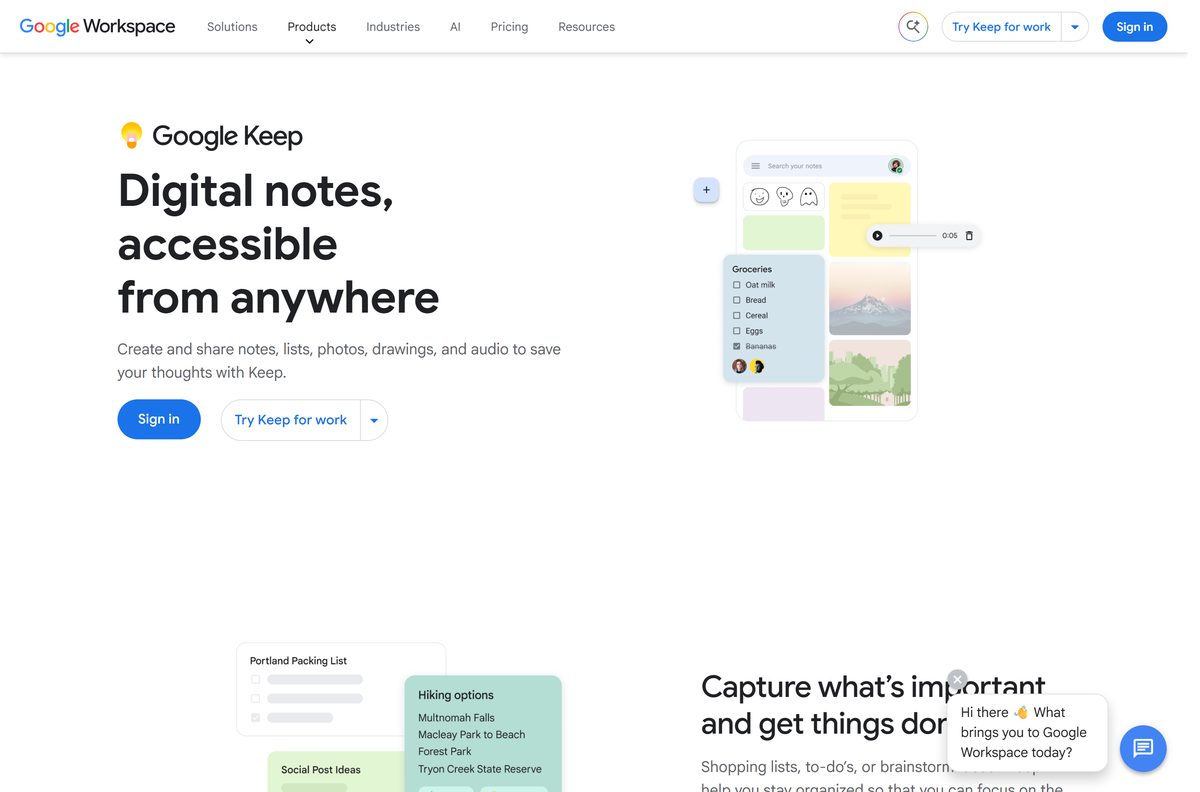
Google publishes Keep at these four addresses. A portal offering a Keep .exe is repackaging a website, so skip it.
- Google Keep on the web — sign in with a Google Account, then install it as an app
- Google Keep on Google Play — Google LLC, 1B+ downloads, updated 22 September 2026
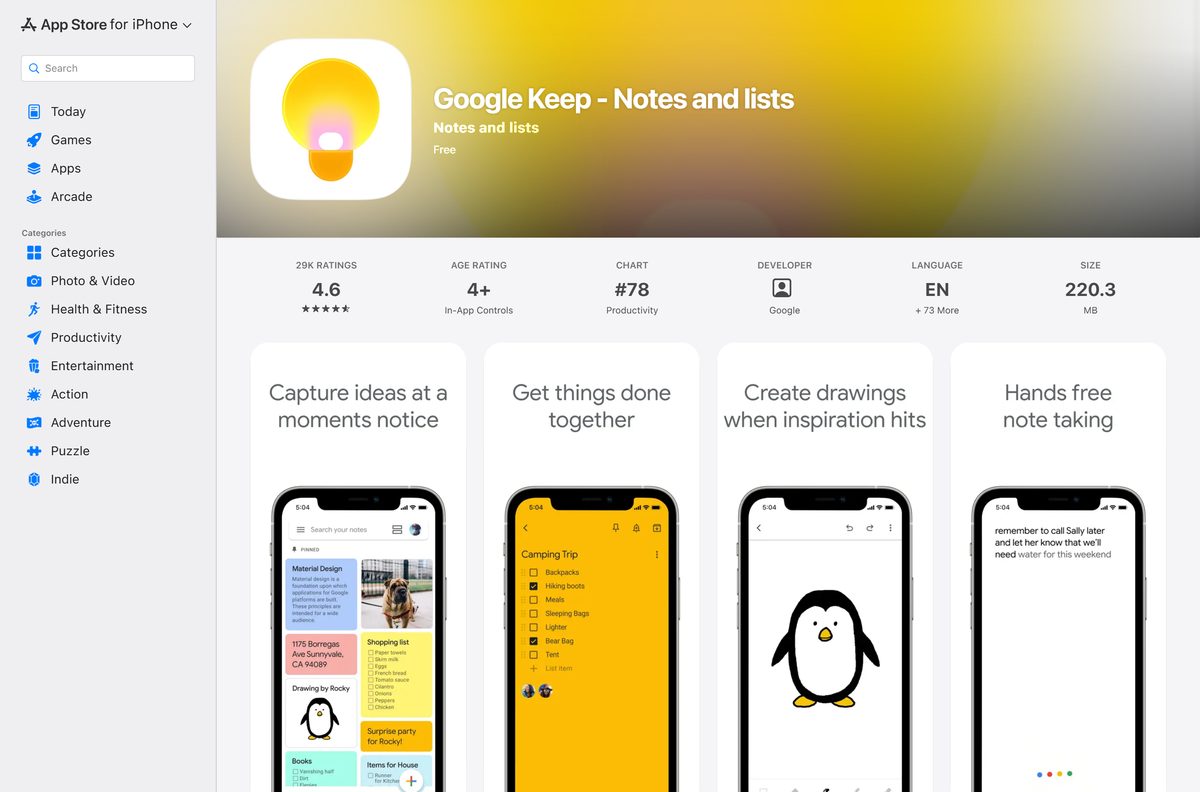
- Google Keep on the App Store — 210.1 MB · iPhone and iPad, iOS 18.0 or later
- Google Keep Chrome Extension — 6.5 MiB · saves a page, a selection or an image straight into a note
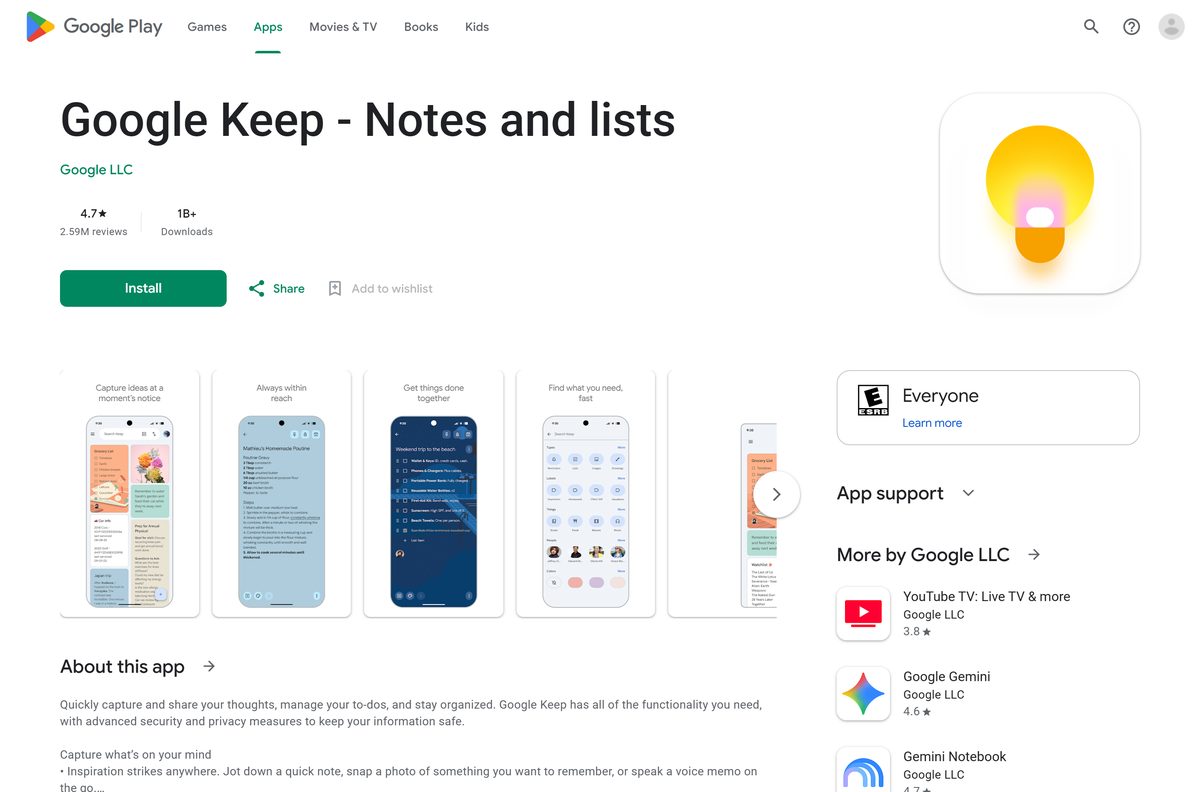
Check the Google Keep system requirements
Keep sets no hardware floor of its own. Your browser sets it.
| Field | Value |
|---|---|
| Developer | Google LLC |
| Latest version | Web-based, auto-updating |
| Price | Free with a Google Account |
| Storage included | Up to 15 GB shared with Google Drive, Gmail and Google Photos |
| Supported OS | Windows 11, Windows 10, macOS, ChromeOS and Linux in a browser; Android and Wear OS; iOS and iPadOS 18.0 or later |
| Browsers | Chrome, Firefox, Internet Explorer 11 and Edge on Windows, Safari on Mac, two most recent versions |
| Architecture | None of its own, Keep uses the browser’s build |
| Offline installer | None |
| iPhone and iPad app size | 210.1 MB |
| Chrome extension | 4.26381.540.1, 6.5 MiB |
| Last verified | 2026-09-22 |
How to install Google Keep on Windows 11 and 10 as a desktop app
Chrome turns Keep into a windowed app with its own taskbar icon. It opens without tabs or an address bar, like any other desktop program.
- Open Chrome and go to keep.google.com.
- Sign in with the Google Account that holds your notes.
- Select More, the three-dot button at the top right.
- Select Cast, save, and share, then Install page as app.
- Follow the on-screen prompt and select Install.
- Right-click the new window’s taskbar icon and select Pin to taskbar.
- Open Keep from the Start menu and confirm your notes load in their own window.
Some sites show an Install icon in the address bar instead. It does the same job in one click.
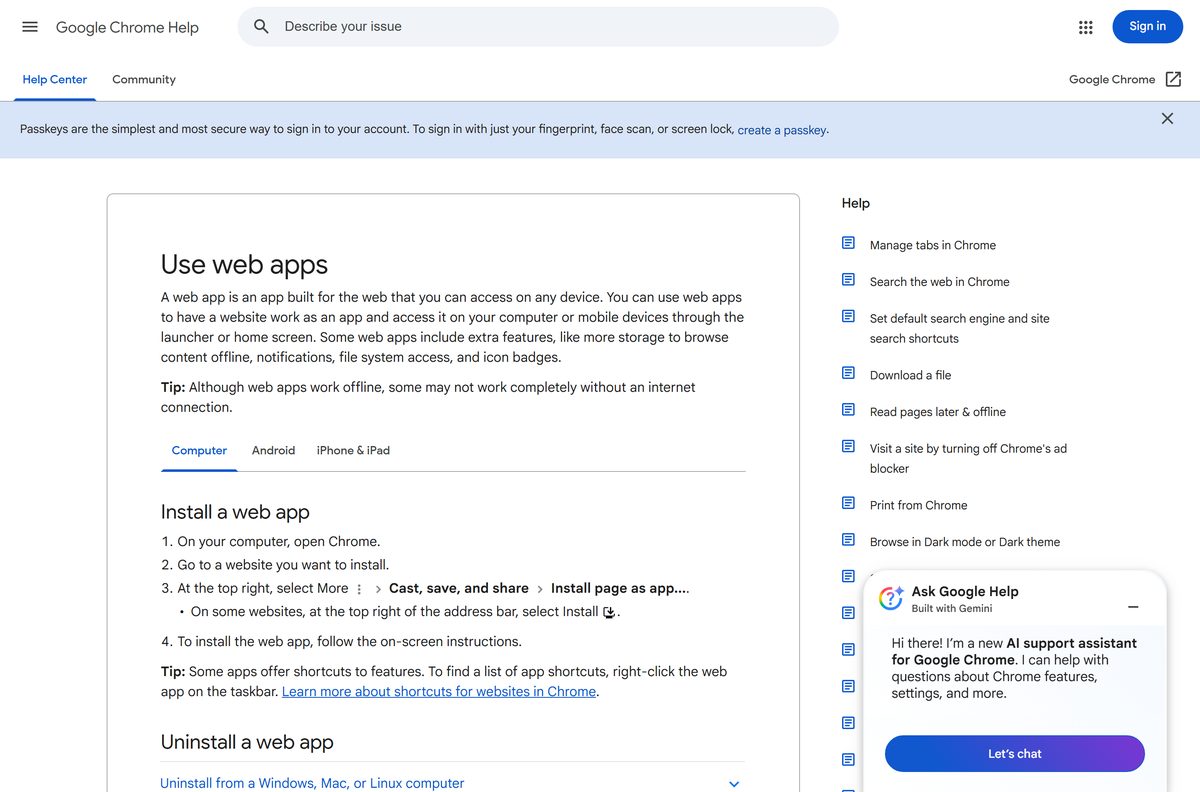
Install Google Keep with Microsoft Edge instead of the Store
Edge installs any site as an app and manages it from one page. The Microsoft Store lists no Keep package.
- Open Microsoft Edge and go to keep.google.com.
- Sign in with your Google Account.
- Select Settings and more, the three-dot button at the top right.
- Select More tools, then Apps, then Install this site as an app.
- Name the app and select Install.
- Open edge://apps to see the installed app and select Details on its card.
- Pin it to the taskbar or Start from that card, and set it to start at sign-in if you want it open all day.
Which Google Keep download do you need for your Mac?
There is no DMG. A Mac gets the same browser app, and Safari is supported if you would rather not install anything.
| Your Mac setup | What to do | Result |
|---|---|---|
| Chrome is installed | Install keep.google.com as an app from Chrome | Opens from the Dock in its own window |
| Safari only | Open keep.google.com in Safari | Supported on the two most recent Safari versions |
| An iPhone or iPad syncing the same notes | Google Keep on the App Store | 210.1 MB, iOS 18.0 or later |
How to clip web pages into Google Keep and work offline
The Chrome extension sends a page, a selection or an image into a note without leaving the tab. Keep also holds edits made with no connection and syncs them later.
- Add the Google Keep Chrome Extension to Chrome.
- Sign in to keep.google.com in the same browser profile.
- Select the Keep icon at the top right to save the page you are reading.
- Right-click selected text and choose Save selection to Keep, or right-click a picture and choose Save image to Keep.
- Right-click the Keep icon and choose New blank note for a note with nothing attached.
- Carry on editing when the connection drops; changes sync as soon as you are back online.
Notes created in the extension have not saved automatically since 5 December 2022. Open keep.google.com to edit a note tied to a URL.
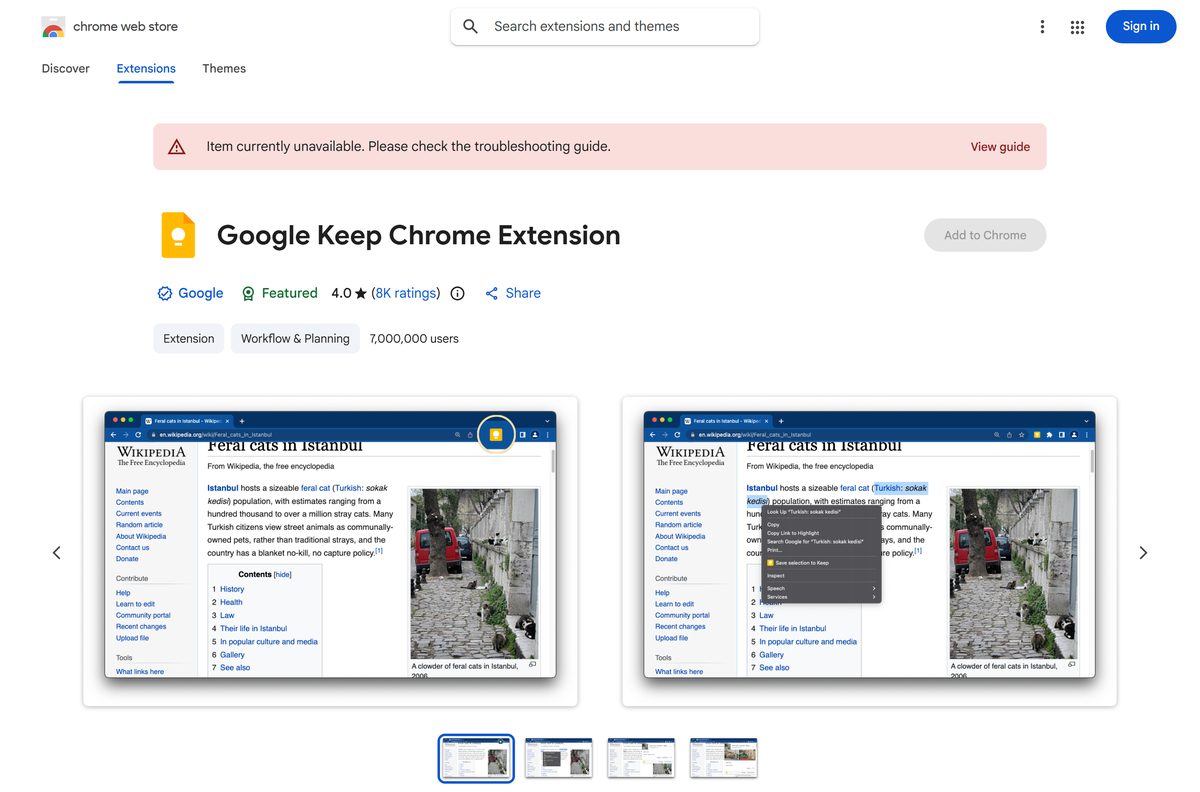
Should you install the Keep app or the Chrome extension?
Install keep.google.com as an app first. Add the Chrome extension only if you save web pages, quotes and images into notes. The browser app is the desktop version. Google ships no .exe and no .dmg, so the installed window is the full product, with a Start menu entry, a taskbar icon and shortcuts such as c for a new note. The extension is a 6.5 MiB add-on with one job, clipping the page you are on.
Is Google Keep free?
Yes. Keep costs nothing with a Google Account, on every platform it runs on. A Google Account comes with up to 15 GB of storage shared across Google Drive, Gmail and Google Photos, and Google Workspace plans include Keep at no extra charge. Both store listings show the price as free. A site charging for a Keep setup file is not Google.
How to check your Google Keep version and restore an earlier note
The web app has no version number to check. The phone apps and the extension do, and every note keeps its own text history.
- On a PC or Mac, reload keep.google.com; the web app updates on Google’s servers.
- On Android, open the Play listing and select Update if the button offers it.
- On iPhone or iPad, open the App Store listing and select Update; version 2.2026.38102 shipped on 21 September 2026.
- For the add-on, compare the version on the Chrome Web Store listing with 4.26381.540.1.
- To roll a note back, hover over it, select More at the bottom, then Version history.
- Pick a version, select Download, and open the text file.
Version history covers text changes only. Images do not appear in it.
How to check a Google Keep download really came from Google
No installer exists to check on a PC. What you verify instead is the listing you install from.
- Start at keep.google.com and confirm the sign-in page is on accounts.google.com.
- On Google Play, confirm the publisher reads Google LLC and the package is com.google.android.keep.
- On the App Store, confirm the seller reads Google LLC.
- In the Chrome Web Store, confirm the listing is Google Keep Chrome Extension offered by Google.
- Ignore any site offering a Keep setup .exe or a sideloaded .apk.
Fix Google Keep not syncing, not loading or not installing
Notes will not sync between your phone and the computer
Keep sync is off for that account on Android, or the app is out of date.
- On Android, open Settings, then Accounts, then Google, select the account and turn Keep sync on.
- Update Google Keep from the Play Store.
- Confirm both devices are signed in to the same Google Account.
- Open keep.google.com and check whether the note reached the server.
Keep will not load in the browser
It needs cookies, JavaScript and one of the two most recent browser versions.
- Update the browser to one of its two most recent versions.
- Turn cookies and JavaScript back on in the browser’s site settings.
- Clear cached files and cookies, then reload keep.google.com.
- Turn extensions off one at a time to find one that blocks the page.
A shared note is missing, or you see Request access
The owner changed sharing, or you are signed in with a different account.
- Select Request access and wait for the owner to approve it.
- Sign in with the account the note was shared to.
- Ask the owner to share the note again if they removed you.
Conflicting edits found appears on a note
The note was edited on two devices, or on a slow connection.
- Tap the notification to see both versions.
- Compare them and select the version you want to keep.
- Select Keep both if each version has something worth saving.
The Install page as app option is missing
The menu item appears only in a normal Chrome window showing the site.
- Leave Incognito or Guest mode and open a normal Chrome window.
- Update Chrome, then reopen keep.google.com.
- Check chrome://apps in case Keep is already installed.
How to uninstall Google Keep from a PC or Mac
Removing the app removes the window and its shortcuts. Your notes stay in your Google Account.
- Open the Google Keep app window in Chrome.
- Select More at the top right, then Uninstall Google Keep.
- Tick Also delete data from Chrome if you want the local data gone, then select Remove.
- In Edge, open edge://apps, select Details on the Keep card, then Uninstall.
- Confirm whether to delete app history and data, then select Uninstall again.
A deleted note sits in Trash for seven days, where you can open it and select Restore.
Which note app to use instead of Google Keep
Keep suits short notes, checklists and reminders. Pick something else when the writing gets long or the list needs real due dates.
| App | Publisher | Cost | Best for |
|---|---|---|---|
| Google Keep | Free with a Google Account | Quick notes, lists and photos that sync to every device | |
| Google Tasks | Free with a Google Account | To-do lists with due dates rather than free-form notes | |
| Google Docs | Free with a Google Account | Long documents with formatting, comments and version history | |
| Notes | Apple | Built into macOS | Mac and iPhone owners who want notes without a browser |
Frequently asked questions
Is Google Keep free?
Yes. Keep costs nothing with a Google Account, which includes up to 15 GB of storage shared with Google Drive, Gmail and Google Photos. Google Workspace plans for work and school include Keep at no extra charge.
Can I download the Google Keep app on my PC?
Yes. Open keep.google.com in Chrome or Edge and install it as an app. It gets its own window, a Start menu entry and a taskbar icon on Windows 11 and 10.
What is the Google Keep download size?
Nothing sizeable downloads on a PC or Mac, because the app installs from the browser. The iPhone and iPad app is 210.1 MB, the Chrome extension is 6.5 MiB, and Google Play states no size.
Is there a Google Keep offline installer?
No. Google ships no standalone setup file for Windows or macOS. Keep saves your edits while you are offline in the browser and syncs them as soon as the connection returns.
Is there a Google Keep app for Mac?
Install Keep as an app from Chrome on a Mac and it opens from the Dock. Safari works too. The App Store listing covers iPhone and iPad only, and Google ships no Keep DMG.
Does Google Keep have a 64-bit or ARM64 version?
Keep has no build of its own, so it runs on whatever architecture your browser uses. Chrome needs Windows 10 or later on Intel, Windows 11 and up on ARM, and macOS 13 Ventura and up.
Is it safe to download Google Keep from other sites?
Those files are not Google’s. They wrap a browser window around the same website under another publisher’s name. Use keep.google.com, Google Play or the App Store, and check the publisher reads Google LLC.
What is the latest version of Google Keep?
Keep on the web has no version number and updates on Google’s servers. The App Store listed version 2.2026.38102 on 21 September 2026, and Google Play updated its listing on 22 September 2026.
Why will Google Keep not install as an app?
The Install page as app item only appears in a normal Chrome window on the site. Leave Incognito mode, update Chrome, reload keep.google.com, and check chrome://apps in case it is already installed.
How do I get a deleted Google Keep note back?
Open Trash from the menu on the left, open the note, and select Restore. A deleted note stays recoverable for seven days, after which Keep removes it for good.