The OpenJDK download is free for Windows 11, Windows 10 and Mac. Grab the JDK 27 zip from jdk.java.net, or install the Microsoft Build of OpenJDK 25 with its Windows EXE or Mac PKG installer.
OpenJDK is the open-source Java Development Kit, with java , javac and the rest of the developer tools. Oracle and Microsoft both publish free, production-ready builds of it.
This guide covers which file fits your computer, the official links, setup on Windows and Mac, JAVA_HOME, checksums, updates, common fixes and removal.
Which OpenJDK download do you need?
Two official sources publish OpenJDK builds for desktops. Oracle posts the newest release on jdk.java.net, and Microsoft posts long-term support builds with real installers. Match your computer to a row.
| Your computer | Download | Size |
|---|---|---|
| Windows 11 or 10 PC, one developer machine | microsoft-jdk-25.0.4.1-windows-x64.exe | 181.5 MB |
| Windows PCs deployed with Intune, SCCM or Group Policy | microsoft-jdk-25.0.4.1-windows-x64.msi | 188.8 MB |
| Windows on ARM laptop (Snapdragon) | microsoft-jdk-25.0.4.1-windows-aarch64.exe | 177.6 MB |
| Windows PC, newest Java features, no installer | OpenJDK 27 Windows x64 zip on jdk.java.net | Zip archive |
| Mac with Apple silicon (M1 or later) | microsoft-jdk-25.0.4.1-macos-aarch64.pkg | 207.7 MB |
| Mac with an Intel processor | microsoft-jdk-25.0.4.1-macos-x64.pkg | 210.2 MB |
Every file here is a full JDK with java , javac and the other developer tools. None of them needs an internet connection while it installs.
Download OpenJDK from the official jdk.java.net and Microsoft pages
openjdk.org hosts the project itself and points to jdk.java.net for ready-to-run binaries. Microsoft Learn lists every current Microsoft Build of OpenJDK file with its checksum.
- OpenJDK JDK 27 builds (jdk.java.net) — Windows x64 zip, macOS AArch64 and Linux archives
- Download the Microsoft Build of OpenJDK — OpenJDK 25, 21, 17 and 11 LTS for Windows, macOS and Linux
- OpenJDK 25 Windows x64 installer (Microsoft) — 181.5 MB · Direct file link
- Archived OpenJDK releases — JDK 26 back to JDK 9, for debugging older systems
- Older Microsoft Build of OpenJDK releases — Earlier LTS updates
- OpenJDK project home — Source code, features and mailing lists
JDK 28 early-access builds also sit on jdk.java.net. Skip them for real work, because early-access features can change or disappear before the final release.
How to install OpenJDK on Windows 11 and 10
The Microsoft EXE is the quickest route to a working JDK on Windows. It adds the JDK tools to your Path automatically.
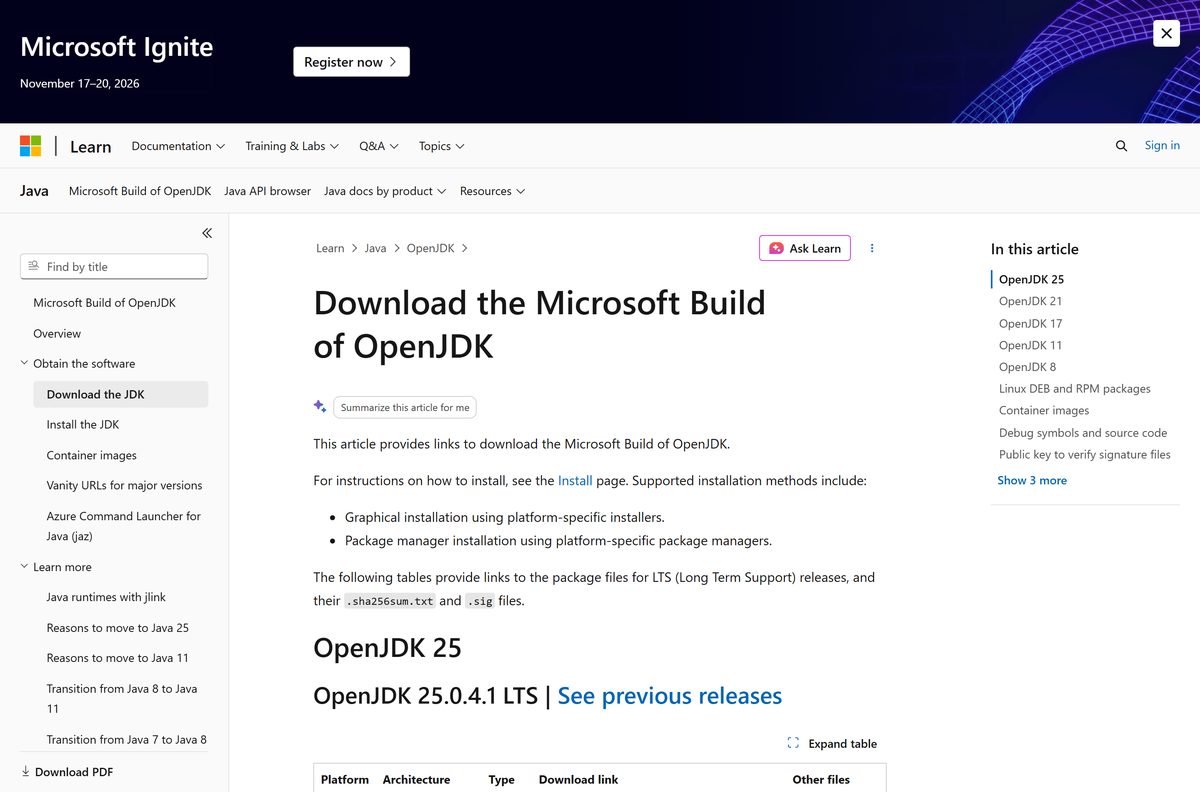
- Open the Microsoft Build of OpenJDK download page and find the OpenJDK 25 table.
- Click microsoft-jdk-25.0.4.1-windows-x64.exe in the Windows x64 exe row. Pick the AArch64 row on an ARM laptop.
- Double-click the downloaded file and click Yes at the User Account Control prompt.
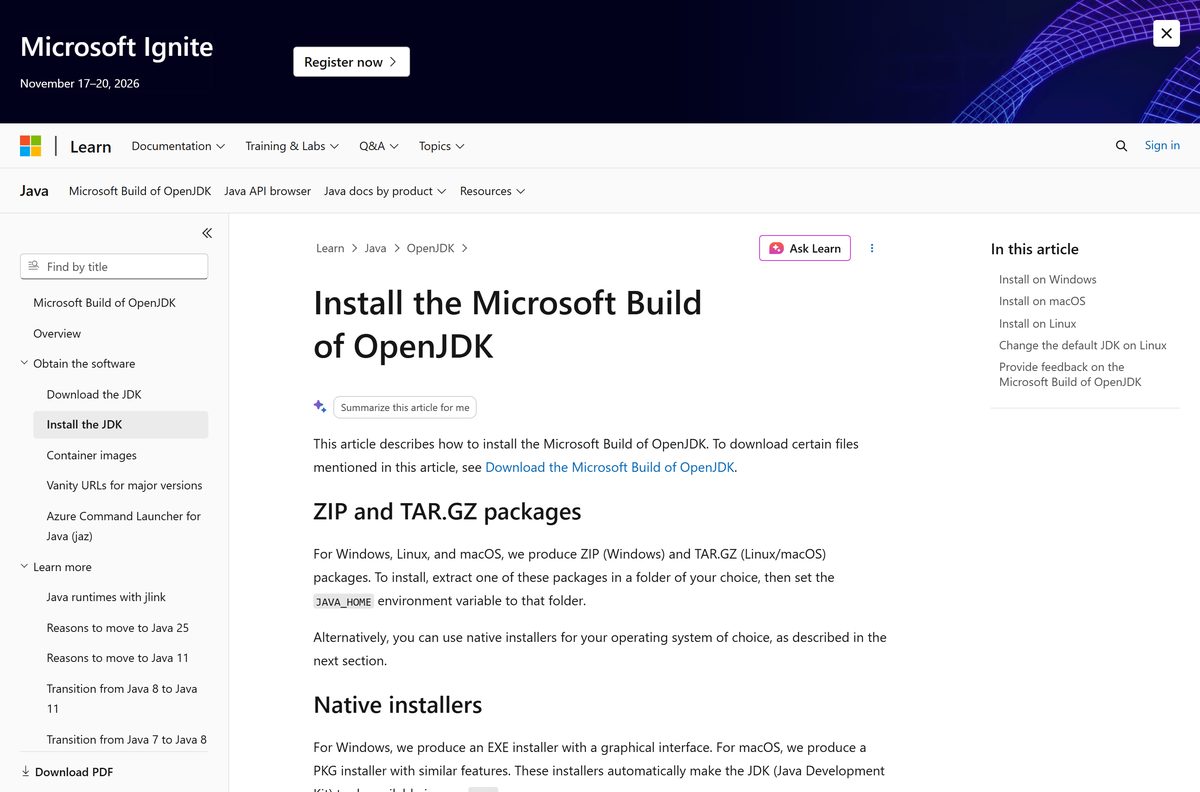
- Follow the setup screens. Enable the JAVA_HOME option if the features page offers it.
- Click Install, then Finish when setup completes.
- Open a new Command Prompt and run java -version to confirm the install.
Use one install method per JDK version. Microsoft says to uninstall an MSI install before you switch to the EXE, or the other way round.
Install OpenJDK with winget on Windows 11 and 10
Windows Package Manager installs the Microsoft Build of OpenJDK from Windows Terminal with one command.
- Right-click Start and open Terminal (Admin).
- Run winget search Microsoft.OpenJDK to list the available versions.
- Run winget install Microsoft.OpenJDK.25 to install OpenJDK 25.
- Wait for Successfully verified installer hash and Successfully installed.
- Open a new terminal and run java -version .
Swap the number in the package ID for another LTS line, such as Microsoft.OpenJDK.21 or Microsoft.OpenJDK.17 .
Install OpenJDK silently with the MSI or EXE
Microsoft documents command-line switches for both Windows packages. Run them from an elevated Command Prompt.
| Command or feature | What it does |
|---|---|
| microsoft-jdk-25.0.4.1-windows-x64.msi (188.8 MB) | The legacy MSI package for OpenJDK 25 |
| msiexec /i microsoft-jdk-25.0.4.1-windows-x64.msi ADDLOCAL=FeatureMain,FeatureEnvironment,FeatureJarFileRunWith,FeatureJavaHome INSTALLDIR=”c:\Program Files\Microsoft\” /quiet | Silent MSI install that updates Path, associates .jar files and sets JAVA_HOME |
| microsoft-jdk-25.0.4.1-windows-x64.exe /SILENT /SUPPRESSMSGBOXES /ALLUSERS /TASKS=”FeatureEnvironment,FeatureJarFileRunWith” | Silent EXE install for all users with Path and .jar association |
| /VERYSILENT | Replaces /SILENT to hide the progress bar as well |
| /CURRENTUSER | Replaces /ALLUSERS to install for the signed-in user only |
| FeatureOracleJavaSoft | Updates HKLM\SOFTWARE\JavaSoft registry keys so Oracle Java does not launch from Path |
INSTALLDIR is required whenever the MSI command includes FeatureMain .
How to verify the OpenJDK download
Both download pages publish a SHA-256 hash for every file. Check it before you install a JDK on a build server.
- Click the sha256 link next to your file on jdk.java.net or Microsoft Learn and copy the hash.
- Open Command Prompt in your Downloads folder.
- Run certutil -hashfile microsoft-jdk-25.0.4.1-windows-x64.exe SHA256 , using your file name.
- Compare the output with the published hash. Letter case does not matter.
- On a Mac, run shasum -a 256 followed by the file name in Terminal.
- Delete the file and download it again from the official page if the hashes differ.
Run OpenJDK 27 from the jdk.java.net zip
Oracle’s OpenJDK build for Windows ships only as a zip. It needs no administrator rights, so it suits locked-down PCs and side-by-side JDK setups.
- Open jdk.java.net/27 and click zip in the Windows / x64 row.
- Right-click the downloaded zip and choose Extract All.
- Extract it to a folder you own, such as C:\Tools .
- Open Command Prompt and run C:\Tools\jdk-27\bin\java -version , adjusting the path to the extracted folder.
- Set JAVA_HOME and Path to that folder, as shown in the JAVA_HOME section below.
Which OpenJDK download do you need for your Mac?
Open the Apple menu and click About This Mac. The Chip or Processor line tells you which file to pick.
| Your Mac says | Download | Size |
|---|---|---|
| Apple M1, M2, M3, M4 or later | microsoft-jdk-25.0.4.1-macos-aarch64.pkg | 207.7 MB |
| Intel Core i5, i7 or i9 | microsoft-jdk-25.0.4.1-macos-x64.pkg | 210.2 MB |
| Apple silicon, newest release | OpenJDK 27 macOS AArch64 tar.gz | tar.gz archive |
| You use Homebrew | brew install –cask microsoft-openjdk | Installs the latest Microsoft build |
The PKG installs to /Library/Java/JavaVirtualMachines/microsoft-25.jdk/Contents/Home and asks for your Mac password.
jdk.java.net has no Intel Mac build of JDK 27. Intel Mac owners should use the Microsoft PKG.
Is OpenJDK free?
OpenJDK is licensed under the GNU General Public License, version 2, with the Classpath Exception. That licence charges nothing and lets you ship Java apps without opening your own code.
Microsoft states that its quarterly OpenJDK updates are free of charge and available to anyone. Paid Microsoft support exists only for Java workloads on Azure.
Yes. Download OpenJDK free from jdk.java.net or Microsoft Learn, for personal, commercial or production use. Neither Oracle’s OpenJDK builds nor the Microsoft Build require a licence key, account or subscription. A site charging for an OpenJDK download is repackaging free software.
Should you install OpenJDK 27 or OpenJDK 25 LTS?
OpenJDK ships a new version every six months. Oracle’s jdk.java.net page carries only the newest release, and the archive warns that older builds get no security patches.
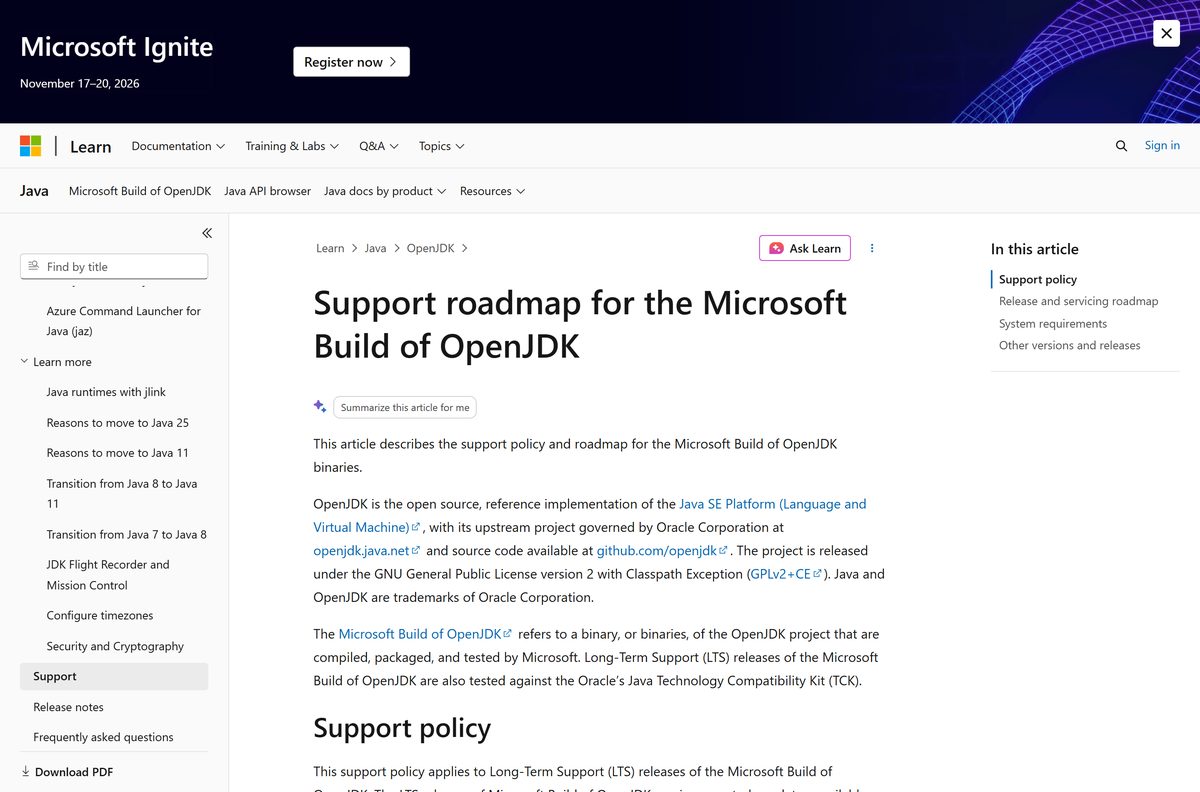
Microsoft keeps OpenJDK 25 LTS updated every January, April, July and October, with an earliest end-of-support date of September 2030.
Install OpenJDK 25 LTS from Microsoft for coursework, apps and servers. Pick JDK 27 from jdk.java.net only to try the newest features. An LTS build keeps receiving security fixes for years, while each jdk.java.net release is replaced within six months.
How to check your OpenJDK version and update it
Run the version check first, then update with the same method you used to install.
- Open Command Prompt or Terminal and run java -version .
- Read the first line for the version number and the next lines for the vendor.
- For a winget install, run winget upgrade Microsoft.OpenJDK.25 .
- For an EXE or MSI install, download the newest file from Microsoft Learn and run it.
- For a Homebrew install, run brew upgrade –cask microsoft-openjdk .
- For a jdk.java.net zip, download the new release, extract it and point JAVA_HOME at the new folder.
Check the OpenJDK system requirements
Microsoft supports its OpenJDK builds on up-to-date, actively maintained versions of Windows, macOS and Linux that still receive security fixes.
| Field | Value |
|---|---|
| Software | OpenJDK (Java Development Kit) |
| Developer | OpenJDK Community; builds by Oracle and Microsoft |
| Latest version | JDK 27 (jdk.java.net); 25.0.4.1 LTS (Microsoft) |
| Licence | Free, GPLv2 with the Classpath Exception |
| Windows | Windows 11 and 10, 64-bit |
| macOS | Apple silicon and Intel Macs |
| Linux | x64 and AArch64 archives; Microsoft DEB and RPM packages |
| Architecture | x64 and ARM64 (Microsoft); x64 only on Windows from jdk.java.net |
| Download size | 181.5 MB (Microsoft OpenJDK 25 Windows x64 EXE) |
| Offline installer | Yes, the EXE, MSI and PKG are full installers |
| Admin rights | Needed for the EXE, MSI and PKG; not for the zip |
| Official source | jdk.java.net |
| Last verified | 2026-09-25 |
How to set JAVA_HOME for OpenJDK on Windows 11
Maven, Gradle and most IDEs read JAVA_HOME. Set it after a zip install, or to switch between JDK versions.
- Press Windows, type environment variables and click Edit the system environment variables.
- Click Environment Variables, then New under System variables.
- Enter JAVA_HOME as the name and the JDK folder, such as C:\Tools\jdk-27 , as the value.
- Select Path, click Edit, then New, and type %JAVA_HOME%\bin .
- Click Move Up until that entry sits above any other Java folder.
- Click OK on every window and open a new Command Prompt to test javac -version .
Fix OpenJDK not installing or not running
Most OpenJDK problems come from Path order or a mixed install. Find the symptom that matches yours.
‘java’ is not recognized as an internal or external command
The JDK bin folder is not on your Path.
- Set JAVA_HOME to the JDK folder.
- Add %JAVA_HOME%\bin to the system Path.
- Close every terminal and open a new one.
- Run java -version again.
java -version shows an older Java
Another Java folder appears earlier on Path.
- Run where java to list every java.exe Windows finds.
- Move the OpenJDK bin entry to the top of Path.
- Open a new terminal and check again.
The EXE fails after an earlier MSI install of the same version
Microsoft supports only one install method per JDK version.
- Open Settings > Apps > Installed apps.
- Uninstall the existing OpenJDK entry for that version.
- Run the new installer again.
The jdk.java.net zip will not run on a Windows ARM laptop
jdk.java.net ships Windows builds for x64 only.
- Download the Windows AArch64 EXE from the Microsoft Build of OpenJDK page.
- Install it and run java -version .
How to uninstall OpenJDK on Windows 11 and Mac
Remove OpenJDK the same way you installed it.
- Windows EXE or MSI: open Settings > Apps > Installed apps, find the OpenJDK entry, click the three dots and choose Uninstall.
- Windows winget: run winget uninstall Microsoft.OpenJDK.25 .
- Windows zip: delete the extracted folder, then remove JAVA_HOME and its Path entry.
- Mac PKG or Homebrew: run sudo rm -rf /Library/Java/JavaVirtualMachines/microsoft-25.jdk in Terminal.
- Then run sudo pkgutil –forget com.microsoft.25.jdk to clear the package receipt.
- Mac tar.gz: delete the extracted folder.
Which Java download should you pick instead of OpenJDK?
Every option here runs the same Java code. They differ in licence, installers and update length.
| Download | Best for | Licence |
|---|---|---|
| Microsoft Build of OpenJDK | Windows and Mac installers with LTS updates | GPLv2 with Classpath Exception, free |
| OpenJDK builds from Oracle | The newest Java release as a zip or tar.gz | GPLv2 with Classpath Exception, free |
| Oracle JDK | Oracle-branded installers and Oracle support | Oracle licence terms, see oracle.com |
| Eclipse Temurin (Adoptium) | Java 8, which Microsoft does not build | Open source, free |
Microsoft points Java 8 users to Eclipse Temurin, because the Microsoft Build of OpenJDK starts at version 11.
Other developer tools for Windows include WinDbg and MongoDB Compass.
Frequently asked questions
Is OpenJDK free?
Yes. OpenJDK is open source under the GNU General Public License, version 2, with the Classpath Exception. The JDK 27 builds on jdk.java.net and the Microsoft Build of OpenJDK both cost nothing for development or production use.
Where is the official OpenJDK download page?
Oracle publishes the current OpenJDK builds at jdk.java.net, linked from openjdk.org. Microsoft publishes its own OpenJDK builds, with Windows and Mac installers, on learn.microsoft.com under Download the Microsoft Build of OpenJDK.
Is there an OpenJDK installer for Windows?
The jdk.java.net build for Windows is a zip you extract. For a regular setup program, use the Microsoft Build of OpenJDK, which ships an EXE installer, a legacy MSI and a winget package for Windows 11 and 10.
How big is the OpenJDK download?
The Microsoft Build of OpenJDK 25.0.4.1 Windows x64 EXE installer is 181.5 MB. The MSI is 188.8 MB and the zip is 210.5 MB. The Mac PKG files are 207.7 MB for Apple silicon and 210.2 MB for Intel.
Does OpenJDK work on Windows 11 ARM laptops?
Yes, with the Microsoft Build of OpenJDK. Microsoft ships AArch64 EXE, MSI and zip files for Windows on ARM, such as Snapdragon laptops. The jdk.java.net builds for Windows are x64 only.
Is there OpenJDK for Mac?
Yes. jdk.java.net offers JDK 27 as a tar.gz archive for Apple silicon Macs. The Microsoft Build of OpenJDK has PKG installers for both Apple silicon and Intel Macs, and a Homebrew cask named microsoft-openjdk.
What is the difference between OpenJDK and Oracle JDK?
OpenJDK is the open-source reference implementation of Java SE. Oracle JDK is Oracle’s own branded build with exe, msi and dmg installers and Oracle licence terms. Both run the same Java code and include java and javac.
Which OpenJDK version should I install?
Install OpenJDK 25 LTS from Microsoft for projects that need years of security updates. Install JDK 27 from jdk.java.net to try the newest language features. Oracle stops updating each jdk.java.net release once the next one ships.
Is the OpenJDK download safe?
Yes, when it comes from jdk.java.net or learn.microsoft.com. Each file on both pages has a SHA-256 checksum link. Compare it with certutil on Windows or shasum on a Mac before you install.






