Android Studio is a free download from Google for Windows 11, Windows 10, macOS, Linux and ChromeOS. The Windows installer is a single .exe , and a Setup Wizard pulls in the Android SDK on first launch.
Google offers six packages for the current stable release, Android Studio Quail 4 | 2026.1.4 Patch 1. Windows gets an installer and a zip, Mac gets separate files for Apple silicon and Intel, and Linux and ChromeOS get one each.
This guide matches your computer to the right file, then covers installing it, the hardware the emulator needs, updates, the Canary channel, fixes for common setup errors and a clean uninstall.
Which Android Studio download do you need?
Find your computer in the left column. Every package sits behind the same terms dialog on Google’s download page, so each link below opens that page.
| Your computer | File to pick on Google’s page | Size (Google’s figure) |
|---|---|---|
| Windows 11 or Windows 10, 64-bit | android-studio-quail4-patch1-windows.exe | 1.5 GB |
| Windows PC where you cannot run installers | android-studio-quail4-patch1-windows.zip | 1.5 GB |
| Mac with an M1, M2, M3 or later chip | android-studio-quail4-patch1-mac_arm.dmg | 1.5 GB |
| Mac with an Intel processor | android-studio-quail4-patch1-mac.dmg | 1.5 GB |
| 64-bit Linux desktop | android-studio-quail4-patch1-linux.tar.gz | 1.5 GB |
| Chromebook with Linux turned on | android-studio-quail4-patch1-cros.deb | 1.2 GB |
| Only need adb and fastboot | SDK Platform Tools (separate guide) | Under 20 MB |
Windows on ARM and Linux on ARM are not supported. A Snapdragon laptop cannot run the IDE.
Check the Android Studio system requirements before you download
The minimums below run the IDE and one emulator on a small project. Larger codebases and several virtual devices at once need the recommended column.
| Field | Value | |
|---|---|---|
| Developer | Google LLC | |
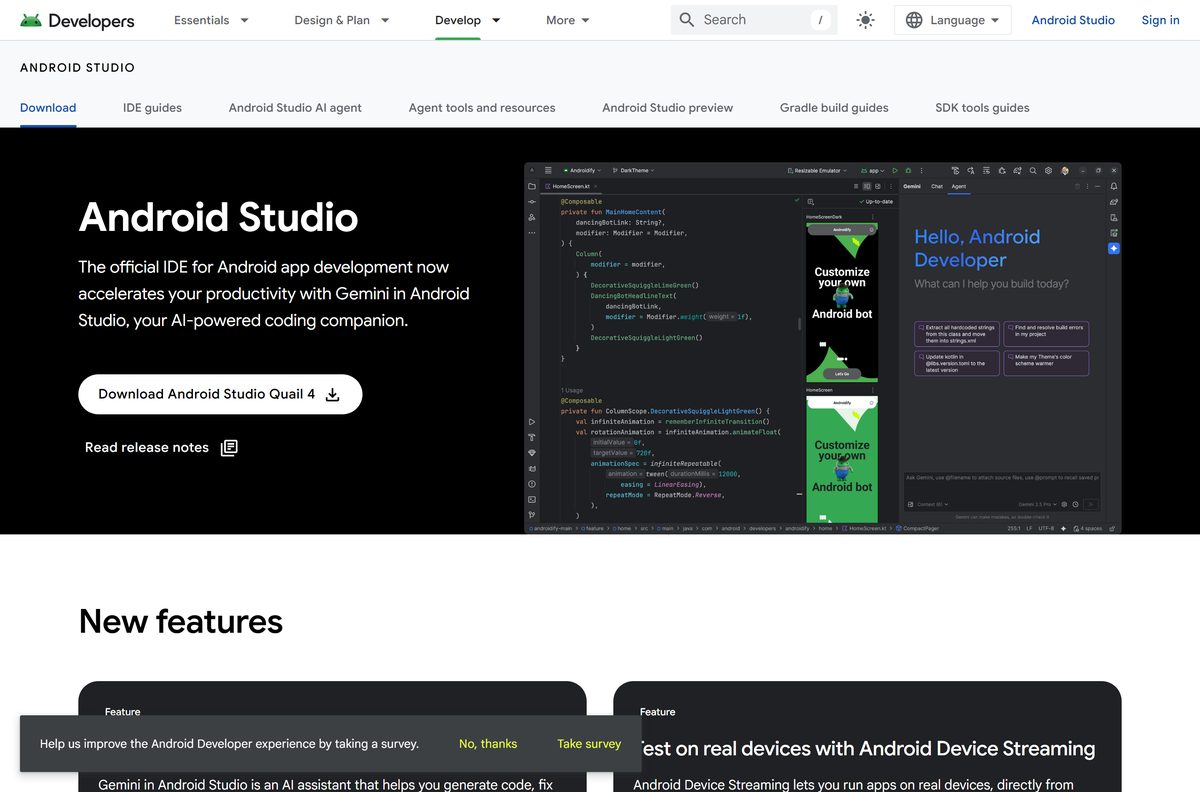
| Latest version | Android Studio Quail 4 | 2026.1.4 Patch 1 (stable) |
| Licence | Free under the Android Software Development Kit License Agreement | |
| Windows | 64-bit Windows 10 or later, including Windows 11; no ARM support | |
| macOS | macOS 12 or later; Apple M1 or 6th generation Intel Core or newer | |
| Linux | 64-bit distribution with GNOME, KDE or Unity and glibc 2.31 or later | |
| ChromeOS | Linux development environment turned on | |
| RAM | 8 GB for the IDE, 16 GB with the emulator, 32 GB recommended | |
| Free disk space | 8 GB for the IDE, 16 GB with the emulator, 32 GB SSD recommended | |
| Processor | Built after 2017, with Intel VT-x or AMD-V enabled in BIOS | |
| Screen | 1280 x 800 minimum, 1920 x 1080 recommended | |
| GPU for the emulator | 4 GB VRAM, such as GeForce 10 series or Radeon RX 5000 | |
| Download size | 1.5 GB on Windows, Mac and Linux; 1.2 GB on ChromeOS | |
| Last verified | 2026-09-24 |
Google advises against Intel Core N-series and U-series processors for the emulator. Each extra virtual device takes up to 6 GB of storage and about 4 GB of memory while it runs.
Download Android Studio from the official Google page
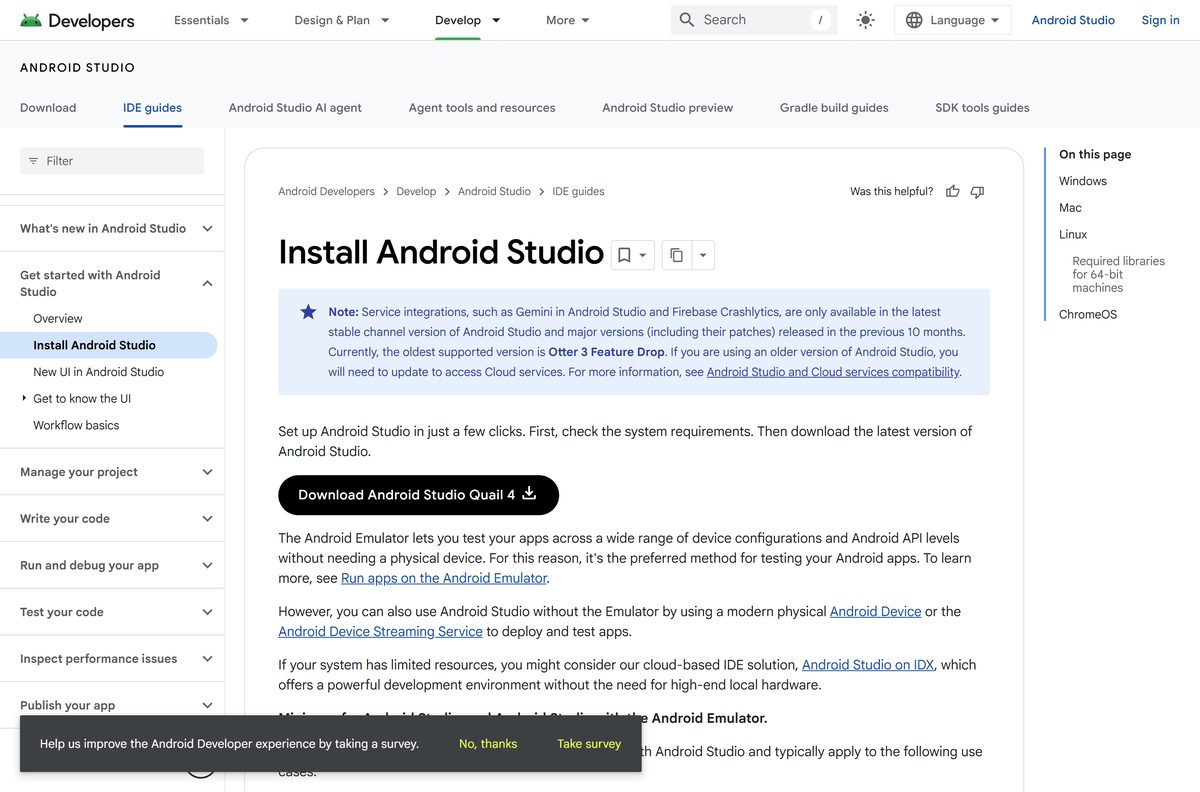
Google hosts the download on developer.android.com. Clicking a file name opens the licence agreement; tick the checkbox and the download button unlocks.
- Android Studio download page — all six packages with SHA-256 checksums
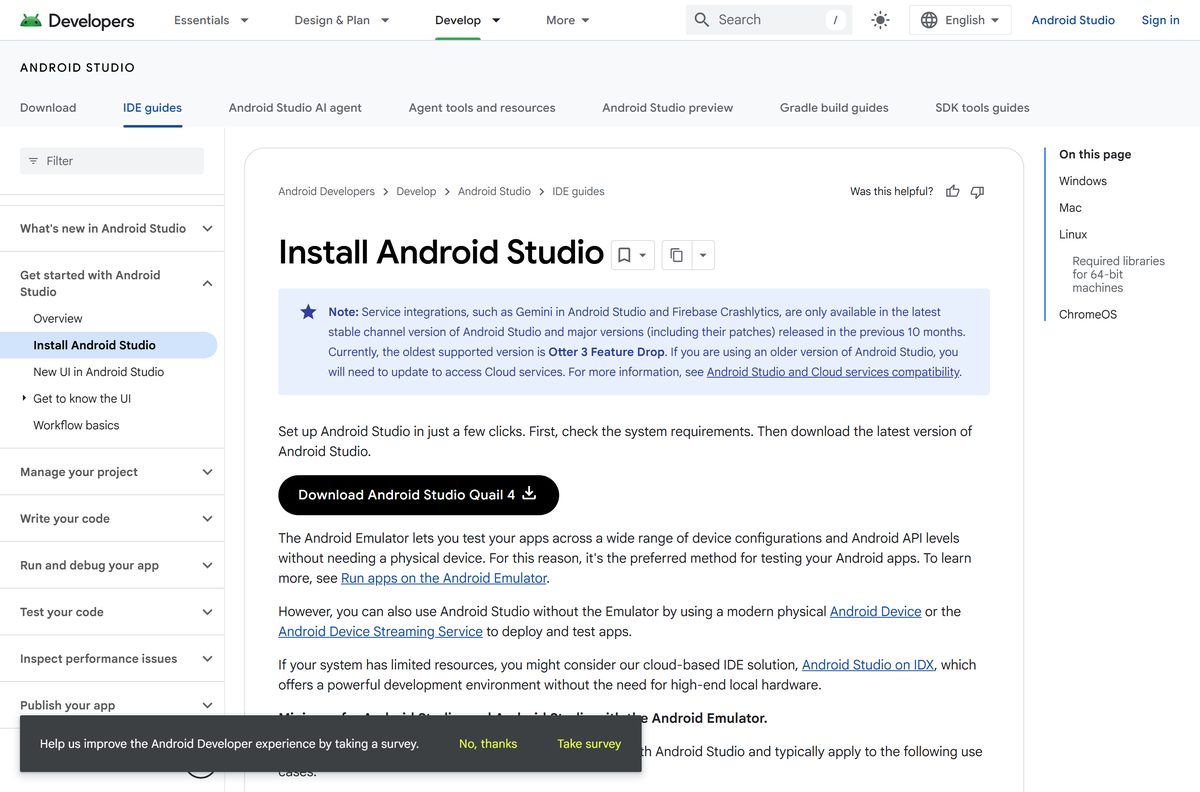
- Install guide with system requirements — Windows, Mac, Linux and ChromeOS steps
- Release notes for the stable channel — new features and Gradle plugin compatibility
- Canary and RC builds — installs alongside the stable release
- Download archive of older versions — for projects stuck on an older Gradle plugin
The download button carries the release name, for example Download Android Studio Quail 4 | 2026.1.4 Patch 1 for Windows, with the file name printed underneath it.
How to install Android Studio on Windows 11 and 10
Plan for two downloads: the 1.5 GB installer, then the SDK packages the Setup Wizard fetches on first launch. Keep the PC online until the wizard finishes.
- Open the Android Studio download page and click android-studio-quail4-patch1-windows.exe.
- Tick I have read and agree with the above terms and conditions, then click the download button.
- Double-click the downloaded .exe and follow the installer prompts to the end.
- Launch Android Studio and choose whether to import settings from an earlier version, then click OK.
- Work through the Setup Wizard and install the recommended SDK packages.
- Wait for the SDK components to finish downloading before you create a project.
The Setup Wizard puts the Android SDK in its own folder, separate from the IDE. The SDK location appears under Tools > SDK Manager once setup completes.
Run Android Studio from the zip without the installer
Google labels the zip No .exe installer. It suits locked-down PCs and anyone who wants two versions side by side in separate folders.
- Download android-studio-quail4-patch1-windows.zip from the official download page.
- Right-click the zip and select Extract All.
- Copy the extracted android-studio folder into Program Files, or into any folder you own.
- Open android-studio > bin and run studio64.exe .
- Complete the Setup Wizard and install the recommended SDK packages.
Right-click studio64.exe and select Pin to Start to get a Start menu entry. The zip build adds no uninstaller, so removing it means deleting the folder.
How to verify the Android Studio download with its checksum
Google prints a SHA-256 checksum next to every package. A matching hash proves the 1.5 GB file arrived complete and unaltered.
- Open Terminal in the folder that holds the download.
- On Windows, run certutil -hashfile android-studio-quail4-patch1-windows.exe SHA256 .
- On a Mac, run shasum -a 256 android-studio-quail4-patch1-mac_arm.dmg , or the Intel file name.
- Compare the output with the SHA-256 checksum column on the download page.
- Delete the file and download it again if a single character differs.
Which Android Studio download do you need for your Mac?
Open the Apple menu and click About This Mac. The Chip or Processor line decides the file.
| About This Mac shows | Download | Notes |
|---|---|---|
| Chip: Apple M1, M2, M3, M4 or later | android-studio-quail4-patch1-mac_arm.dmg | Google’s recommended Mac hardware |
| Processor: Intel Core, 6th generation or newer | android-studio-quail4-patch1-mac.dmg | Intel support is being phased out |
| Processor: Intel Core older than 6th generation | Install guide requirements | Below the minimum; use a newer Mac |
| macOS 11 or earlier | Install guide requirements | Update to macOS 12 or later first |
To install, open the .dmg , drag Android Studio into Applications, then launch it and complete the Setup Wizard. To remove it later, follow how to uninstall apps on Mac.
Install Android Studio on Linux or a Chromebook
Neither platform uses an app store for the IDE. Both install from the file on Google’s page.
- Linux: unpack the .tar.gz into /usr/local/ for your own account or /opt/ for shared users.
- Linux: on 64-bit Ubuntu, run sudo apt-get install libc6:i386 libncurses5:i386 libstdc++6:i386 lib32z1 libbz2-1.0:i386 first.
- Linux: open a terminal in android-studio/bin/ and run ./studio , then select Tools > Create Desktop Entry.
- ChromeOS: turn on the Linux development environment in Settings.
- ChromeOS: move the .deb from Downloads into Linux files in the Files app.
- ChromeOS: run sudo apt install ./android-studio-quail4-patch1-cros.deb in the Linux terminal, then launch the IDE from the Launcher.
On ChromeOS the IDE deploys apps only to a connected hardware device, not to the emulator.
Is Android Studio free?
Yes. There is no paid edition, trial or subscription. Google distributes the IDE under the Android Software Development Kit License Agreement, a royalty-free licence you accept in the download dialog. The licence covers building apps for compatible Android devices. Cloud features such as Gemini in Android Studio and Firebase Crashlytics work only on the latest stable release and major versions from the previous 10 months, so updating keeps them on.
A site selling an Android Studio licence or key is selling something Google gives away.
Should you install the stable release or Canary?
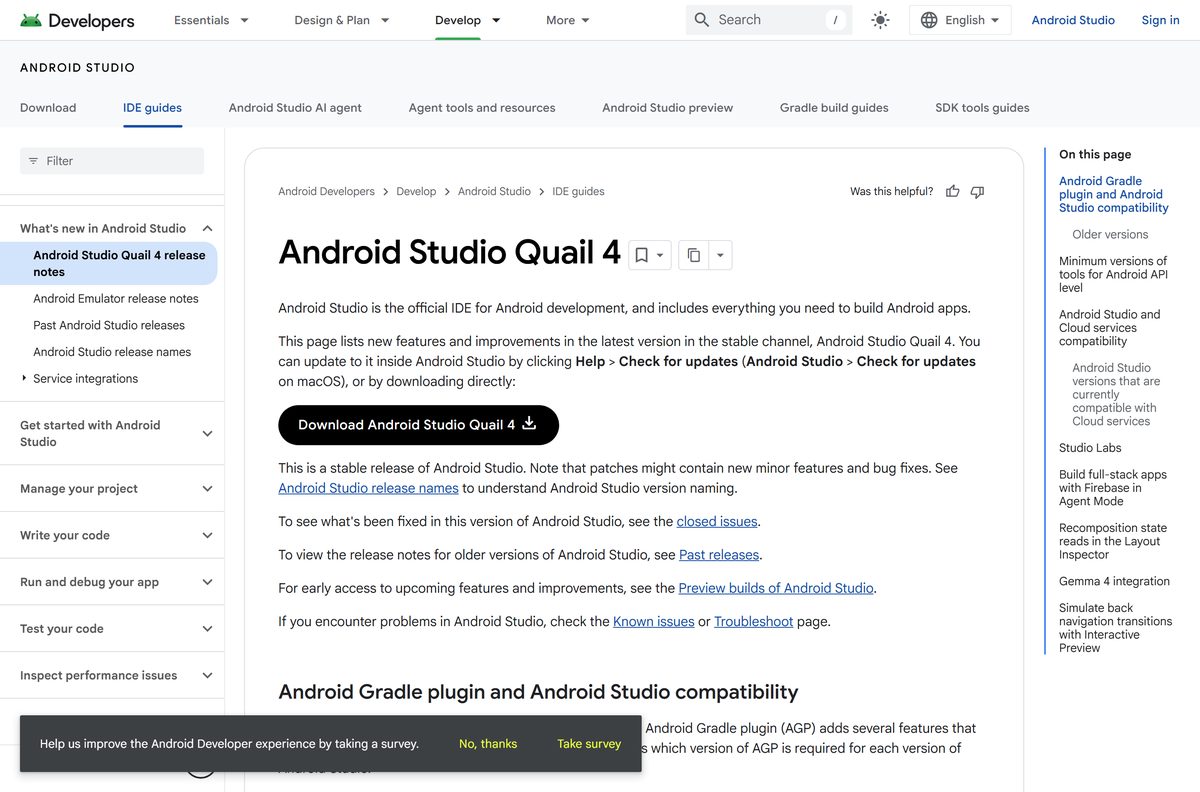
Install stable for real projects. Canary builds update roughly weekly and Google does not recommend them for production work. The RC channel sits between the two. If you want to try upcoming features, install a Canary build such as Rabbit 2 | 2026.2.2 Canary 1 alongside stable rather than replacing it.
Check the Gradle plugin table in the release notes before opening an old project. Each release supports plugin versions from the previous three years.
How to check your Android Studio version and update it
The IDE shows a small bubble when an update is ready. The SDK packages update separately, through their own manager.
- Click Help > Check for Update on Windows or Linux, or Android Studio > Check for Updates on a Mac.
- Install the new build when the IDE offers one, then restart it.
- Open Tools > SDK Manager to update SDK platforms and tools.
- Tick any package showing a dash in its checkbox and click Apply.
- Accept the licence prompts and wait for the packages to install.
To switch channels, open File > Settings > Appearance & Behavior > System Settings > Updates and pick Stable, RC or Canary.
Fix Android Studio not installing or running on Windows 11 or 10
Find your symptom. Most emulator problems trace back to virtualization settings, not to the IDE.
The emulator will not start or says acceleration is unavailable
Windows Hypervisor Platform is off, or virtualization is disabled in BIOS.
- Open Start, type Turn Windows features on or off and press Enter.
- Tick Windows Hypervisor Platform and click OK.
- Restart the PC when Windows finishes.
- If it still fails, enable Intel VT-x or AMD SVM in your BIOS settings.
- Run emulator -accel-check from the SDK emulator folder and look for WHPX is installed and usable.
An update fails with a Can’t delete error
A running process, usually a Gradle daemon, holds the file open.
- Close Android Studio.
- Open Task Manager with Ctrl + Shift + Esc.
- End any processes still holding the file, such as Gradle daemons.
- Reopen the IDE and run Help > Check for Update again.
Project sync fails with Connection to the Internet denied
Gradle’s Java process is blocked on IPv6.
- Open your project’s gradle.properties file.
- Add org.gradle.jvmargs=-Djava.net.preferIPv4Stack=true .
- Restart the IDE and click Sync Project with Gradle Files.
The installer refuses to run on a Snapdragon laptop
Windows on ARM is not a supported platform.
- Install Android Studio on an x64 Windows PC, a Mac or a 64-bit Linux machine instead.
- Try Android Studio on IDX, Google’s cloud-based IDE, if no supported computer is available.
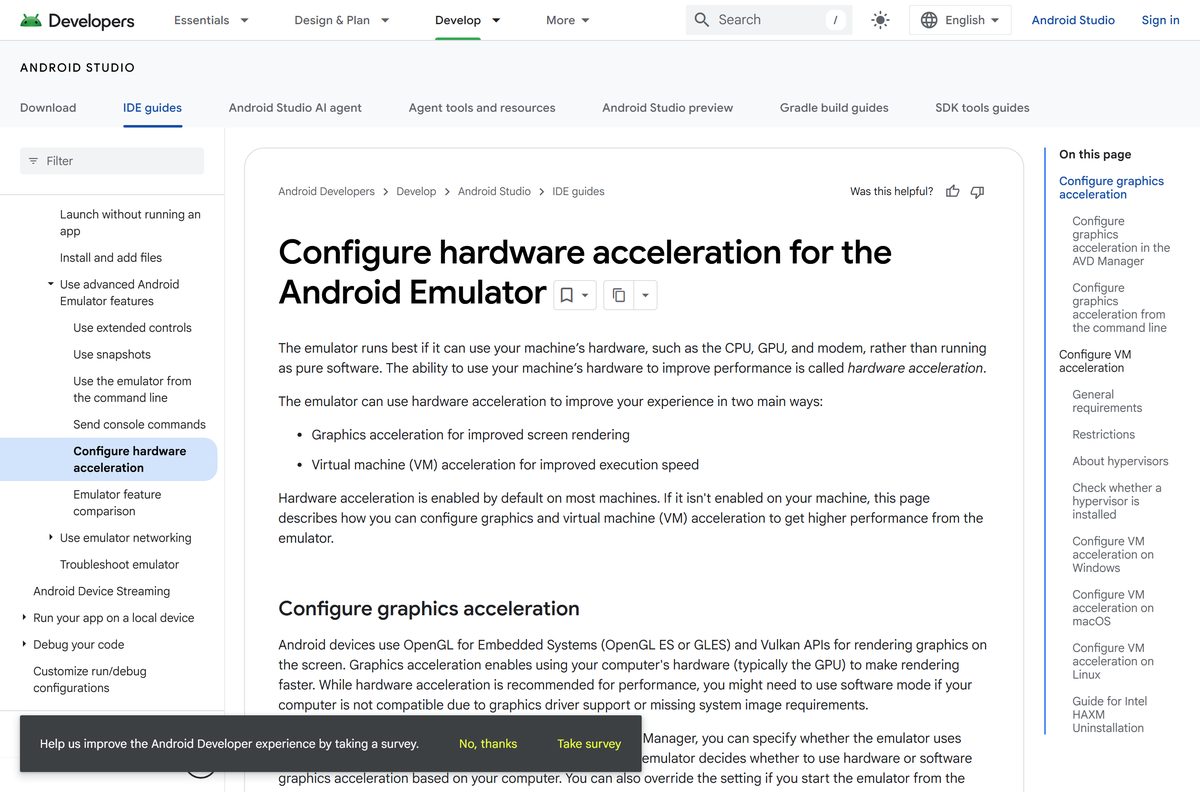
The older Android Emulator hypervisor driver (AEHD) stops being supported on December 31, 2026. Switch to Windows Hypervisor Platform now if you still use it.
How to uninstall Android Studio completely on Windows
The uninstaller removes the IDE but leaves settings, caches and the SDK behind. Delete those folders for a clean slate.
- Open Settings > Apps > Installed apps, find Android Studio, click the three dots and select Uninstall.
- Press Windows + R, type %APPDATA%\Google and press Enter, then delete the AndroidStudio folders.
- Press Windows + R, type %LOCALAPPDATA%\Google and delete the AndroidStudio folders there too.
- Delete %LOCALAPPDATA%\Android\Sdk if you no longer need the SDK or emulator images.
Keep the SDK folder if you still use adb from it. For the zip build, delete the android-studio folder instead of step 1.
What to install instead of Android Studio
The full IDE is the only Google tool for designing and building apps. For narrower jobs, a smaller download does the work.
| Tool | Publisher | Use it when |
|---|---|---|
| SDK Platform Tools (adb, fastboot) | You only sideload APKs, read logs or flash a phone | |
| Command line tools only | A build server needs sdkmanager without the IDE; 155.7 MB on Windows | |
| Older Android Studio releases | A project depends on an older Gradle plugin | |
| Canary and RC builds | You want to test features before they reach stable |
Frequently asked questions
Is Android Studio free to download?
Yes. Google provides it at no cost under the Android Software Development Kit License Agreement, which you accept in the download dialog. There is no paid edition, trial or subscription for the IDE itself.
How big is the Android Studio download?
Google lists the Windows installer, the Windows zip, both Mac disk images and the Linux archive at 1.5 GB each, and the ChromeOS package at 1.2 GB. The Setup Wizard then downloads the SDK on top of that.
Does Android Studio work on Windows 11?
Yes. The minimum is 64-bit Windows 10, and Google recommends the latest 64-bit Windows. Windows 11 on an Intel or AMD processor is supported, while Windows 11 on ARM is not.
How much RAM does Android Studio need?
At least 8 GB for the IDE alone and 16 GB with the Android Emulator. Google recommends 32 GB for larger projects or several virtual devices at once.
Is there an offline installer for Android Studio?
The Windows installer and zip contain the complete IDE. The first-run Setup Wizard still downloads the Android SDK components, so the PC needs a connection until setup finishes.
Do I need Android Studio just to use adb?
No. Google publishes adb and fastboot as the standalone SDK Platform Tools package, which is far smaller and needs no IDE. Install the full IDE only when you build apps.
Why does the Android Emulator say acceleration is unavailable?
Windows Hypervisor Platform is off or virtualization is disabled in BIOS. Turn on Windows Hypervisor Platform in Windows features, restart, and enable VT-x or SVM in BIOS if the error remains.
Does Android Studio run on a Chromebook?
Yes, through the ChromeOS package once the Linux development environment is on. Apps deploy only to a connected hardware device on ChromeOS, not to the emulator.






