The Postman download for Windows 11 and Windows 10 is a 199.5 MB installer from postman.com, and Macs get a native zip for Apple silicon or Intel. Both are the full desktop app, not a web shortcut.
Pick the file that matches your processor. Windows has x64 and ARM64 builds, and the Mac download splits the same way, so the table below takes one glance.
This guide covers the official files and sizes, installing on Windows and macOS, winget and Homebrew, checking the installer hash, what the free plan includes, and fixes for Postman not installing or updating.
Which Postman download do you need?
Match your machine to one row. Every link points at Postman’s own file host and always serves the newest release.
| Your machine | File to download | Size |
|---|---|---|
| Windows 11 or 10 PC with an Intel or AMD processor | Postman (x64).exe | 199.5 MB |
| Windows 11 PC with a Snapdragon or other ARM processor | Postman (arm64).exe | 196.9 MB |
| Mac with an Apple M-series chip | Postman for macOS (arm64).zip | 192.4 MB |
| Mac with an Intel processor | Postman for macOS (x64).zip | 200.8 MB |
| Linux on Intel or AMD 64-bit | postman-linux-x64.tar.gz | 193.4 MB |
| Linux on ARM64 | postman-linux-arm64.tar.gz | 191.9 MB |
| A computer where you cannot install software | Postman web app | Nothing to download |
Not sure which Windows processor you have? Open Settings > System > About and read System type. It says x64-based processor or ARM-based processor.
Check the Postman system requirements before you install
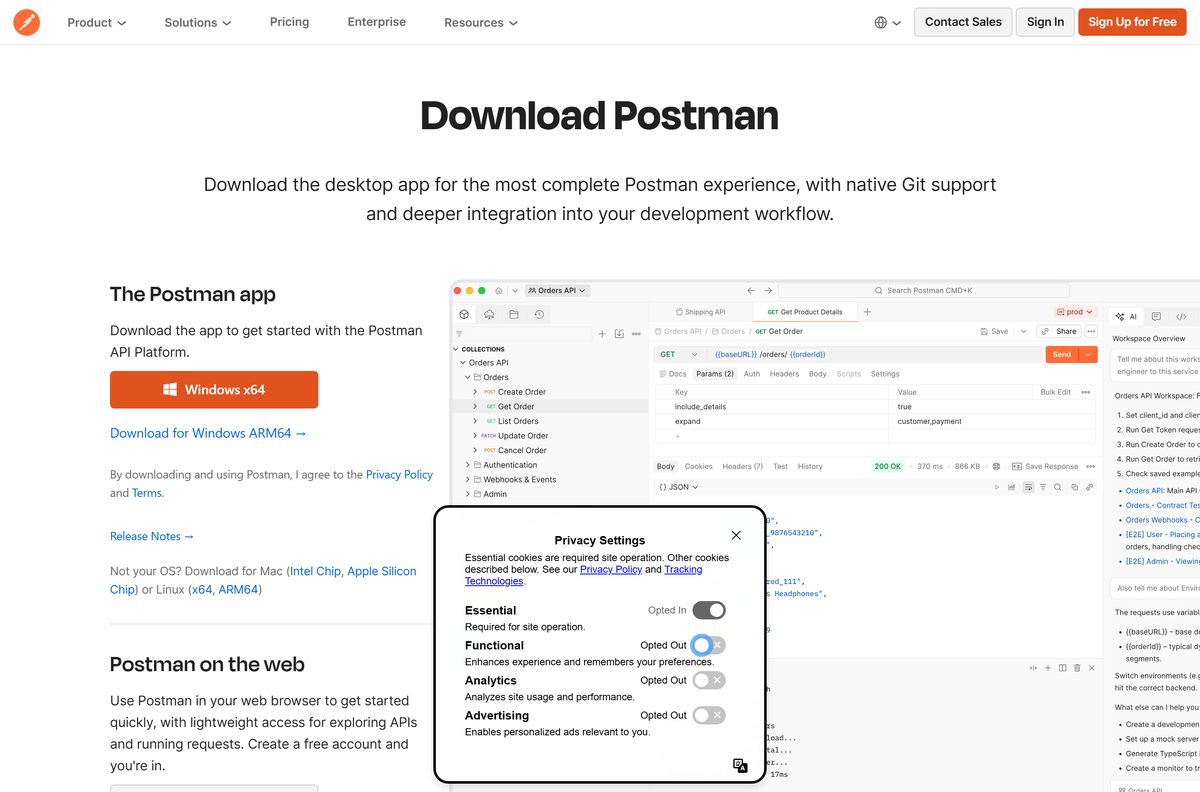
Postman asks for a current operating system rather than particular hardware. The version floor is what blocks older machines.
| Field | Value |
|---|---|
| Software | Postman desktop app |
| Developer | Postman, Inc. |
| Latest version | 12.27.7 |
| Released | September 11, 2026 |
| Licence | Free plan, plus paid Solo, Team and Enterprise plans |
| Windows | Windows 10 and later, x64 or ARM64 |
| macOS | macOS 11 Big Sur and later, Apple silicon or Intel |
| Linux | Ubuntu 18.04+, Fedora 32+, Debian 10+, x64 or ARM64 |
| Web app browsers | Chrome 80+, Firefox 76+, Edge 79+, Safari 13.1.1+ |
| Download size | 199.5 MB on Windows x64, 192.4 MB on Apple silicon |
| Offline installer | Yes, the Windows .exe is the full app |
| winget package | Postman.Postman |
| Official source | postman.com/downloads |
| Last verified | 2026-09-13 |
Windows 7 and 8.1 are below the floor, and so is macOS 10.15 Catalina. On those machines, use the web app in a supported browser instead.
Download Postman from the official site
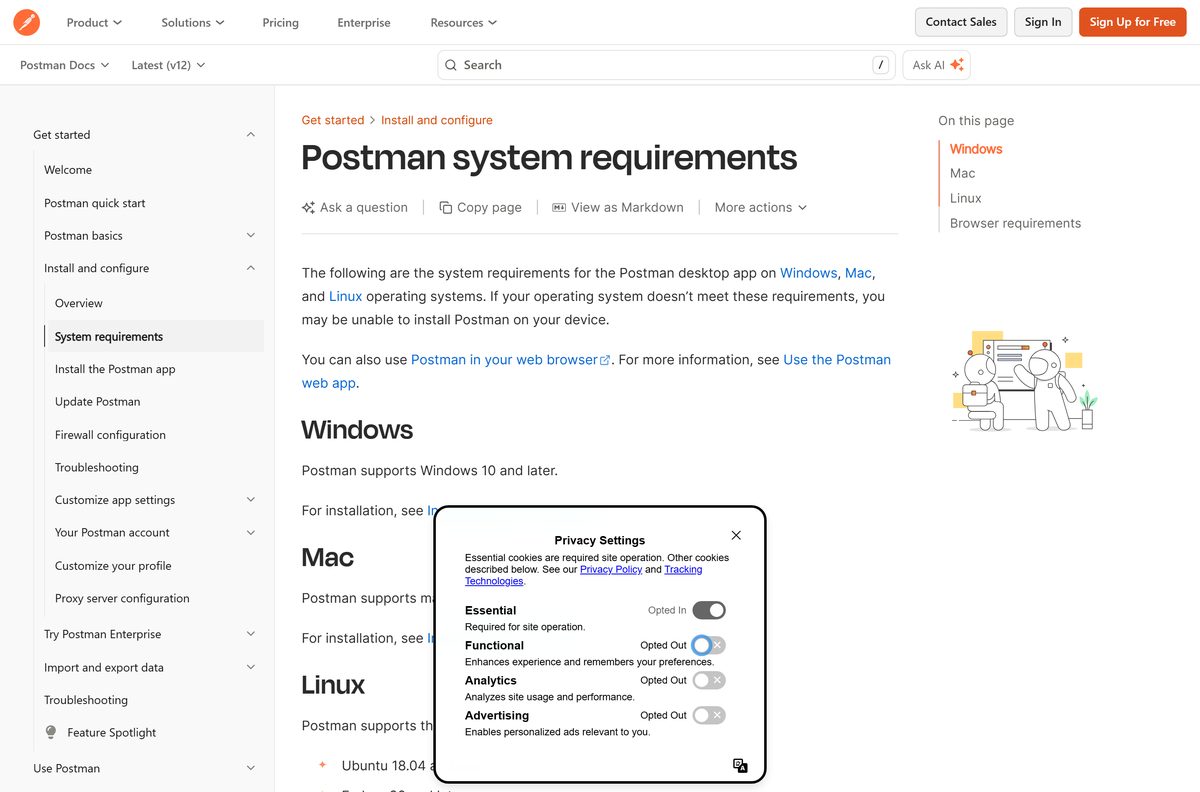
Postman, Inc. publishes pages on postman.com and serves files from dl.pstmn.io. A Postman installer from any third domain is somebody else’s copy.
- Postman downloads page — Windows, macOS and Linux buttons
- Postman for Windows x64 — 199.5 MB
- Postman for Windows ARM64 — 196.9 MB
- Postman for Mac with Apple silicon — 192.4 MB
- Postman for Mac with Intel — 200.8 MB
- Postman release notes — dated entry for every desktop version
How to install Postman on Windows 11 and 10
The Windows installer sets Postman up for your user account only. Microsoft’s winget manifest lists its install scope as user, not machine-wide.
- Open the Postman downloads page in your browser.
- Select the Windows download, or use the direct x64 or ARM64 link from the table above.
- Open your Downloads folder once the 199.5 MB file finishes.
- Double-click Postman (x64).exe, or Postman (arm64).exe on an ARM PC.
- Wait for setup to finish, then open Postman from the Start menu if it is not already open.
- Sign in to your Postman account, or create a free one.
- Skip sign-in to use the lightweight API client, which keeps your work on this PC only.
- Pin Postman to the taskbar from the Start menu if you use it daily.
Install Postman with winget on Windows 11 and 10
Microsoft’s Windows Package Manager lists Postman under the ID Postman.Postman . Its manifest points at the same dl.pstmn.io installer as the website.
- Right-click Start and select Terminal.
- Run winget show –id Postman.Postman -e and confirm the publisher reads Postman.
- Run winget install –id Postman.Postman -e and accept the source agreement if asked.
- Add –silent to that command to install with no windows on screen.
- Run winget upgrade –id Postman.Postman -e later to move to a newer release.
- Run winget list Postman to see the version that is installed.
The winget package carries only the x64 installer. On an ARM64 PC, download Postman (arm64).exe from postman.com for the native build.
How to verify the Postman installer is genuine
Microsoft’s winget manifest records a SHA256 hash for each Postman release. Matching it proves the file you saved is the file Postman published.
- Right-click Start and select Terminal.
- Run winget show –id Postman.Postman -e and copy the value next to Installer SHA256.
- Change to your downloads folder with cd $HOME\Downloads .
- Run Get-FileHash ‘.\Postman (x64).exe’ -Algorithm SHA256 .
- Compare the Hash value with the one from winget. Every character must match.
- Delete the file and download it again from postman.com if the values differ.
The winget hash covers the x64 installer for one version. Download and check on the same day so both match.
Which Postman download do you need for your Mac?
Open the Apple menu and select About This Mac. A Chip line means Apple silicon, and a Processor line naming Intel means an Intel Mac.
| Your Mac shows | Download | Size |
|---|---|---|
| Chip: Apple M1, M2, M3, M4 or later | Postman for macOS (arm64).zip | 192.4 MB |
| Processor: Intel | Postman for macOS (x64).zip | 200.8 MB |
| Homebrew already installed | brew install –cask postman | Picks the right build |
| macOS 10.15 Catalina or older | Postman web app | Desktop app needs macOS 11 |
To install, open Downloads and unzip the file if the browser has not already done so. Open Postman, and move it to Applications when prompted.
That move matters. Postman cannot install its own updates while it runs from Downloads.
Is Postman free?
Yes, the download and the Free plan cost nothing. The Free plan is $0 and covers the API client, collections, specs, mock servers, Native Git, Collection Runner runs and 50 AI credits a month. It is a single-user plan. Solo is $9 a month for one person who wants 400 AI credits, data-driven testing and custom-branded docs. Team is $19 per user a month for shared workspaces, and Enterprise is $49 per user a month, all billed annually. A site selling a Postman licence key or an unlocked Postman build is not selling anything Postman, Inc. offers.
Compare AI credits and monitoring quotas on the Postman pricing page before you buy.
Should you install the Postman desktop app or use the web app?
Install the desktop app if you can. Several features exist only in the desktop app: find and replace across a workspace, your system proxy for online services, Interceptor and the Postman proxy for capturing traffic, exporting collection run results, performance testing, the built-in terminal and the lightweight API client that works without an account. The web app suits a locked-down PC, and it needs the Postman Desktop Agent to get around browser CORS limits.
Open the Postman web app in Chrome 80, Firefox 76, Edge 79 or Safari 13.1.1 or later. Install the Desktop Agent when Postman prompts for it.
How to check your Postman version and update it
Postman downloads updates automatically and installs them the next time the app restarts. The Update tab tells you whether one is waiting.
- Click Settings in the Postman header.
- Select App settings, then open the Update tab.
- Click Check for Updates if the tab already says Postman is up to date.
- Click Restart to Install Update when an update has finished downloading.
- On Windows, run winget list Postman in Terminal to read the installed version.
- Compare that number with the top entry in the Postman release notes.
On Linux installs from Snap or the Ubuntu Software Center, Check for Updates does not appear. The store updates Postman for you.
Fix Postman not installing or updating
The Windows installer will not run
Postman needs Windows 10 or later, and the x64 and ARM64 files are not interchangeable.
- Open Settings > System > About and check the Windows edition and System type.
- Download Postman (arm64).exe on an ARM PC or Postman (x64).exe on Intel and AMD.
- Delete any half-finished download and save the installer again from postman.com.
- Use the web app on Windows 8.1 or older.
Update Failed appears in Postman
Your account cannot write to the folder Postman runs from, or two updates collided.
- Click View > Developer > Show DevTools (Current View) and read the error in the console.
- For Cannot update while running on a read-only volume, move Postman to a folder you own, such as Applications on a Mac.
- For EACCES: permission denied on Linux, move Postman out of /opt into your home folder.
- For code object is not signed at all, quit Postman and open it again.
A Mac asks Postman to add a new helper tool
Postman.app in Applications is owned by root instead of your account, which blocks auto-update.
- Open System Settings > Privacy & Security > Full Disk Access.
- Turn on Full Disk Access for your terminal app, then quit Postman.
- Run sudo chown -R “$USER”:staff /Applications/Postman.app in Terminal.
- Open Postman again.
Postman on Linux cannot save files or crashes on launch
The app was started with sudo, or a library it needs is missing.
- Never start Postman with sudo .
- Make sure your account can read and write the ~/.config folder.
- Install openssl if it is not already present.
- On Ubuntu 18, run sudo apt-get install libgconf-2-4 .
- Switch to snap install postman , which bundles every library the app needs.
How to uninstall Postman
Sign in to Postman before you remove it if you want your collections kept. Work in the lightweight API client lives only on the machine.
- Quit Postman, including any copy running in the Windows system tray.
- On Windows, open Settings > Apps > Installed apps.
- Find Postman, select the three-dot menu, then Uninstall, and confirm.
- Or run winget uninstall –id Postman.Postman -e in Terminal.
- On a Mac, open Applications and drag Postman to the Trash.
- If you installed with Homebrew, run brew uninstall –cask postman instead.
- On Linux with Snap, run sudo snap remove postman .
What can you use instead of the Postman desktop app?
Postman itself offers three lighter routes, and Windows has a request tool built in.
| Tool | Who publishes it | Best for |
|---|---|---|
| Postman web app | Postman, Inc. | A PC where you cannot install software |
| Postman VS Code extension | Postman, Inc. | Sending requests without leaving your editor |
| Postman CLI | Postman, Inc. | Running collections in CI/CD pipelines |
| Invoke-RestMethod | Microsoft, in PowerShell | Quick one-off calls with no install at all |
Frequently asked questions
Is Postman free?
Yes. The Free plan costs $0 and includes the API client, collections, mock servers, Native Git and 50 AI credits a month. It is a single-user plan. Solo costs $9 a month and Team costs $19 per user a month, both billed annually.
What is the official Postman download page?
The official page is postman.com/downloads, run by Postman, Inc. The installers themselves come from dl.pstmn.io, Postman’s own file host. Any other site offering a Postman .exe is serving a copy you cannot trust.
Does Postman work on Windows 11?
Yes. Postman supports Windows 10 and later, so Windows 11 is covered. There are separate installers for Intel or AMD 64-bit PCs and for ARM64 PCs such as Snapdragon laptops.
How big is the Postman download?
The Windows x64 installer is 199.5 MB and the Windows ARM64 installer is 196.9 MB. On a Mac the Apple silicon zip is 192.4 MB and the Intel zip is 200.8 MB.
Is there a Postman offline installer?
Yes. The Windows .exe from postman.com is the complete app at 199.5 MB, not a small downloader. Setup fetches nothing extra, so one saved copy covers several PCs.
Is there a Postman app for Mac?
Yes. Postman ships native builds for Apple silicon and Intel Macs, both as zip files. It needs macOS 11 Big Sur or later. You can also install it with Homebrew using brew install –cask postman.
Is there a 64-bit Postman download for Windows?
Yes, and it is the default. Postman for Windows is 64-bit only, in an x64 build and an ARM64 build. There is no 32-bit Windows version, so a 32-bit copy of Windows cannot run it.
What is the latest version of Postman?
Postman 12.27.7, released on September 11, 2026, is the current desktop release. The app downloads updates by itself, and Settings then App settings then the Update tab shows whether a restart is waiting.
Is Postman safe to download?
Yes, from postman.com. Compare the installer’s SHA256 hash with the value in Microsoft’s winget manifest to confirm the file is untouched. Avoid download portals that repackage the installer with their own wrappers.
Why won’t Postman install or update?
The usual cause is a folder Postman cannot write to. Move the app to a folder your account owns, such as Applications on a Mac. On Windows, check the PC runs Windows 10 or later and pick the right x64 or ARM64 file.
Can I use Postman without an account?
Yes. The desktop app opens a lightweight API client when you are not signed in. You can send HTTP, WebSocket, gRPC and GraphQL requests, and your history stays on the machine until you sign in.

Download SoapUI for PC, Windows 11/10 & Mac (Free) - Techdows
[…] Download Postman […]