You can get the FFmpeg download for Windows 11, Windows 10, Mac and Linux free from ffmpeg.org. On Windows, one command, winget install Gyan.FFmpeg , sets up ffmpeg, ffprobe and ffplay and puts them on your Path.
On a Mac, brew install ffmpeg does the same job. Below you will find which build to pick, how to add it to Path, how to check the source signature and how to fix common setup errors.
Which FFmpeg download do you need?
FFmpeg ships as source code plus ready-made builds that ffmpeg.org links for each system. Match your situation to a row below.
| Your situation | What to get | Where |
|---|---|---|
| Windows 11 or 10, you want one command | winget package Gyan.FFmpeg (x64) | winget manifest for Gyan.FFmpeg |
| Windows 11 or 10, you already use Chocolatey | Chocolatey package ffmpeg | FFmpeg on Chocolatey |
| Windows, you want a folder you control | Windows builds from gyan.dev or by BtbN (portable archive) | ffmpeg.org download page |
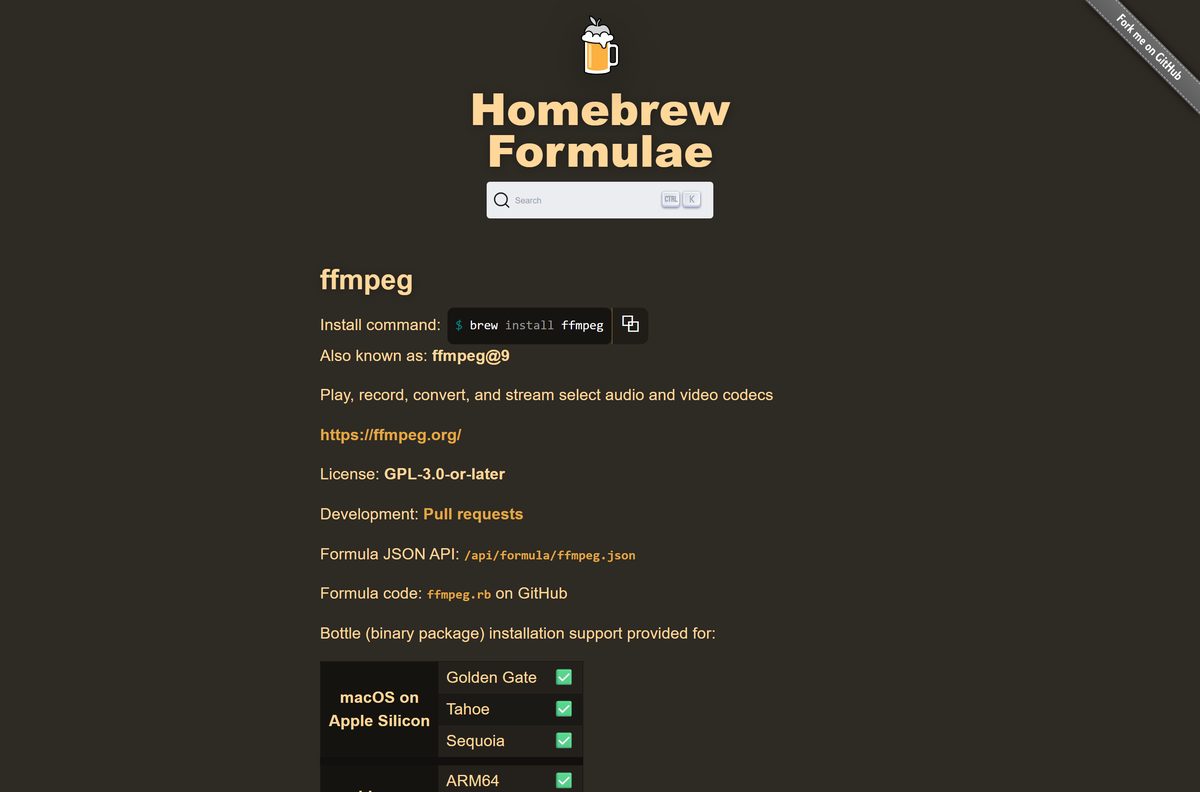
| Mac with Apple Silicon | Homebrew formula ffmpeg | Homebrew ffmpeg formula |
| Mac, no Homebrew | Static builds for macOS 64-bit | ffmpeg.org download page |
| Linux | Your distribution’s package or the 64-bit static builds | ffmpeg.org download page |
| You compile it yourself | Source tarball ffmpeg-9.0.2.tar.xz (11.5 MB) | ffmpeg-9.0.2.tar.xz |
Only the source tarball comes from ffmpeg.org itself. The Windows and Mac builds come from the third-party packagers that the download page links.
Download FFmpeg from the official site
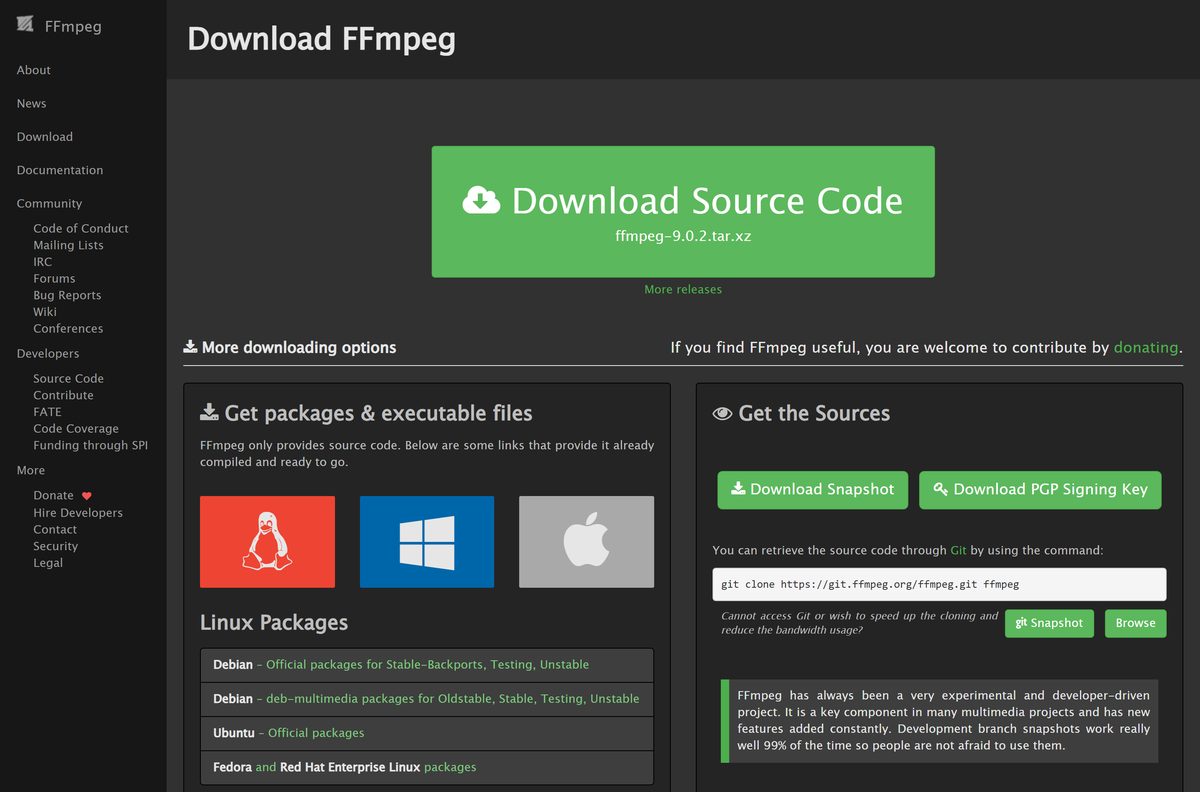
Every route starts at ffmpeg.org. On the download page, the Get packages & executable files section lists the builds for Linux, Windows and macOS.
- FFmpeg download page — source code, release list and links to Windows, macOS and Linux builds
- ffmpeg-9.0.2.tar.xz — 11.5 MB · source tarball of the 9.0 branch, signed with the project PGP key
- Old releases — every past source release, for older versions
- FFmpeg documentation — the full ffmpeg command reference
The Windows entries read Windows builds from gyan.dev and Windows builds by BtbN. The macOS entry reads Static builds for macOS 64-bit.
How to install FFmpeg on Windows 11 and 10
The Windows build is a portable archive, not a setup wizard. You extract it and tell Windows where ffmpeg.exe lives.
- Open the FFmpeg download page, open the Windows section under Get packages & executable files and select Windows builds from gyan.dev.
- Download the release full build, for example ffmpeg-9.0.2-full_build.zip.
- Right-click the archive, select Extract All, and extract it to a short path such as C:\ffmpeg.
- Open the extracted folder and confirm that bin contains ffmpeg.exe, ffprobe.exe and ffplay.exe.
- Search the Start menu for Edit the system environment variables and open it.
- Select Environment Variables, pick Path under User variables, then select Edit.
- Select New, paste the path to the bin folder, and select OK in each window.
- Open a new PowerShell or Command Prompt window and run ffmpeg -version .
The version line confirms the install. Command windows opened before the Path change do not see FFmpeg, so close them.
Install FFmpeg with winget or Chocolatey
FFmpeg has no Microsoft Store listing. Both Windows package managers fetch the gyan.dev build and put the commands on your Path.
- Right-click Start and open Terminal or Windows PowerShell.
- Run winget install Gyan.FFmpeg and accept the source agreement if asked.
- Or, in an administrator window with Chocolatey installed, run choco install ffmpeg .
- Close the window, open a new one, and run ffmpeg -version to confirm.
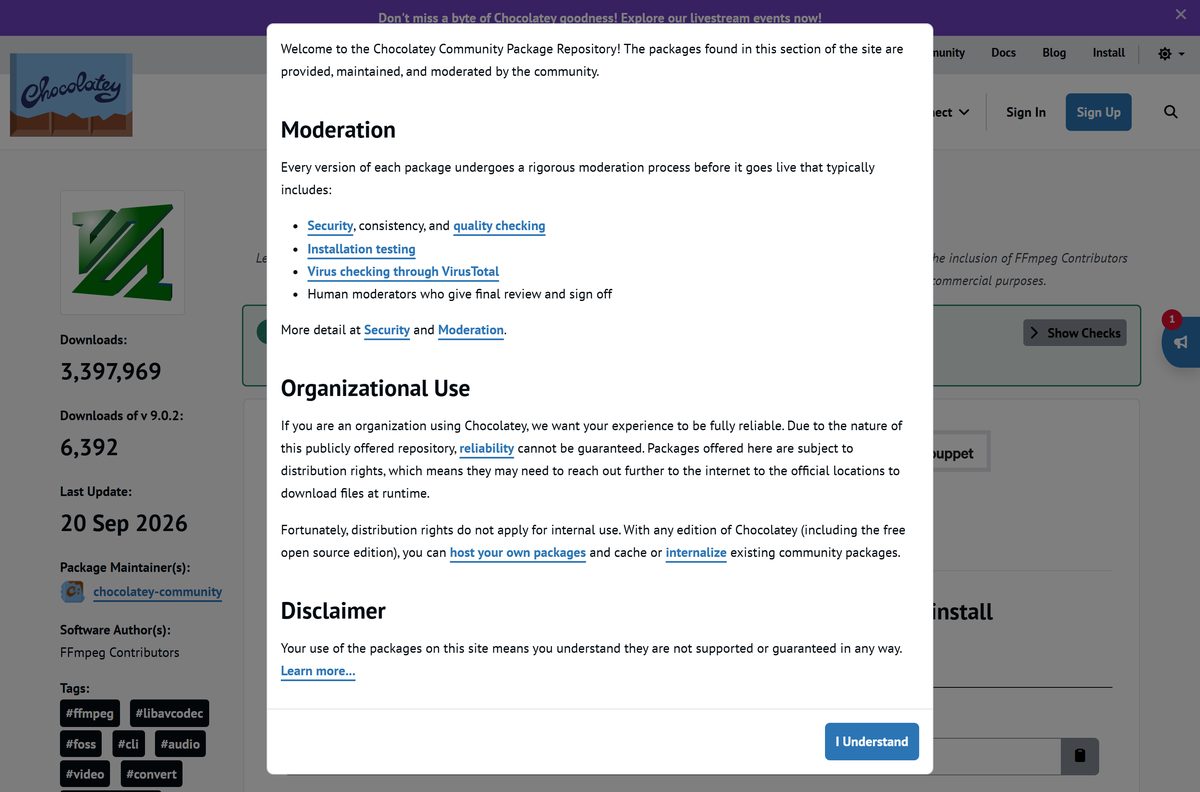
winget installs the full build and registers ffmpeg, ffprobe and ffplay as commands. The Chocolatey package uses the smaller release essentials build and is maintained by the chocolatey-community team.
How to verify the FFmpeg source release
Every source release is signed with the project’s PGP key. Check the signature before you compile a tarball.
- Download the tarball and its PGP signature link from the release entry on the download page.
- Import the key with curl https://ffmpeg.org/ffmpeg-devel.asc | gpg –import .
- Run gpg –verify ffmpeg-9.0.2.tar.xz.asc ffmpeg-9.0.2.tar.xz .
- Confirm the output says Good signature from FFmpeg release signing key with fingerprint FCF986EA15E6E293A5644F10B4322F04D67658D8 .
The 9.0 and 8.1 releases also carry a PQ signature file for post-quantum checks with the sq tool, version 1.4 or later.
Which FFmpeg download do you need for your Mac?
Open the Apple menu and select About This Mac to see your chip and macOS version.
| Your Mac | What to do | Link |
|---|---|---|
| Apple M-series chip on Sequoia, Tahoe or Golden Gate | Install Homebrew, then run brew install ffmpeg |
Homebrew ffmpeg formula |
| You do not want Homebrew | Use Static builds for macOS 64-bit, linked in the macOS section of the download page | ffmpeg.org download page |
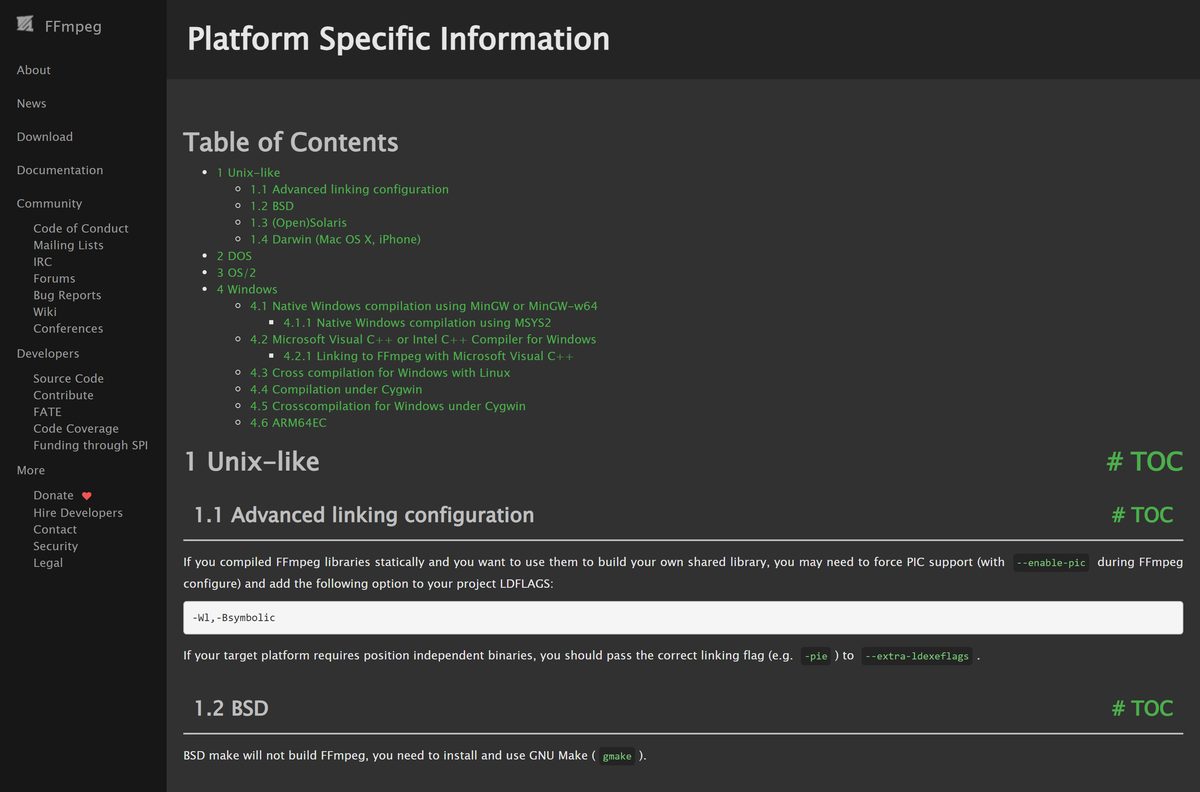
| You build software yourself | Compile the source with the Xcode toolchain; Intel Macs also need nasm | FFmpeg platform notes |
Homebrew is the simplest route because brew upgrade keeps FFmpeg current with the rest of your tools.
Is FFmpeg free?
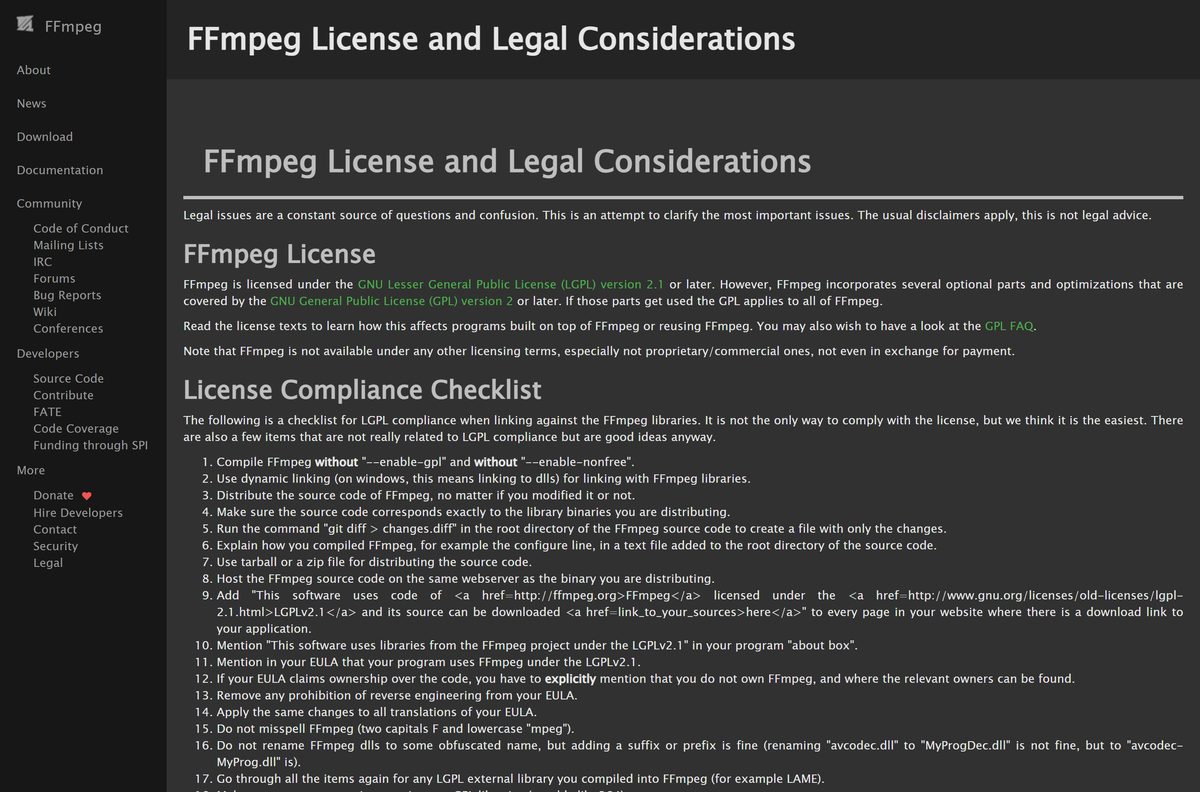
Yes. FFmpeg is free and open source for personal and business use, with no paid tier. The code is licensed under the LGPL 2.1 or later, and builds that enable optional GPL parts are GPL 2 or later. The project offers no proprietary license, even for payment, so any site selling FFmpeg is selling something else.
If you ship FFmpeg inside your own product, read the legal page first. It explains the license duties and warns about codec patents in some countries.
Which FFmpeg version should you install: 9.0 or 8.1?
The download page lists several maintained branches. 9.0 is the newest, and 8.1 still receives point releases.
Install the 9.0 branch unless a program you use asks for an older one. It is the newest stable branch, and winget, Chocolatey and Homebrew all ship it. Pick 8.1 or older only when a tool such as a plugin or script is tied to that version’s libraries.
Older branches, back to 4.4, stay on the download page. Anything older sits on the Old releases page.
How to check your FFmpeg version and update it
- Open PowerShell, Command Prompt or Terminal.
- Run ffmpeg -version and read the first line.
- Update with winget upgrade Gyan.FFmpeg , choco upgrade ffmpeg or brew upgrade ffmpeg , matching how you installed it.
- For a manual install, extract the new archive over the old folder so the bin path stays the same.
FFmpeg has no built-in updater, so a manual install stays on its version until you replace it.
Check the FFmpeg system requirements
FFmpeg is a command-line program, so the hardware bar is low. Encoding speed depends on your CPU and the codecs you use.
| Field | Value |
|---|---|
| Software | FFmpeg (ffmpeg, ffprobe, ffplay) |
| Developer | The FFmpeg project |
| Latest version | 9.0.2, released September 18, 2026 |
| License | Free, open source (LGPL 2.1+, GPL 2+ with optional parts) |
| File size | 11.5 MB source tarball |
| Windows | Windows 11 and Windows 10, x64 builds |
| macOS | Homebrew bottles for Apple Silicon; static builds linked from ffmpeg.org |
| Linux | Debian, Ubuntu, Fedora and RHEL packages, plus 64-bit static builds |
| Installer | None; archives, package managers or source |
| Official download | ffmpeg.org |
| Last verified | September 25, 2026 |
What FFmpeg can open
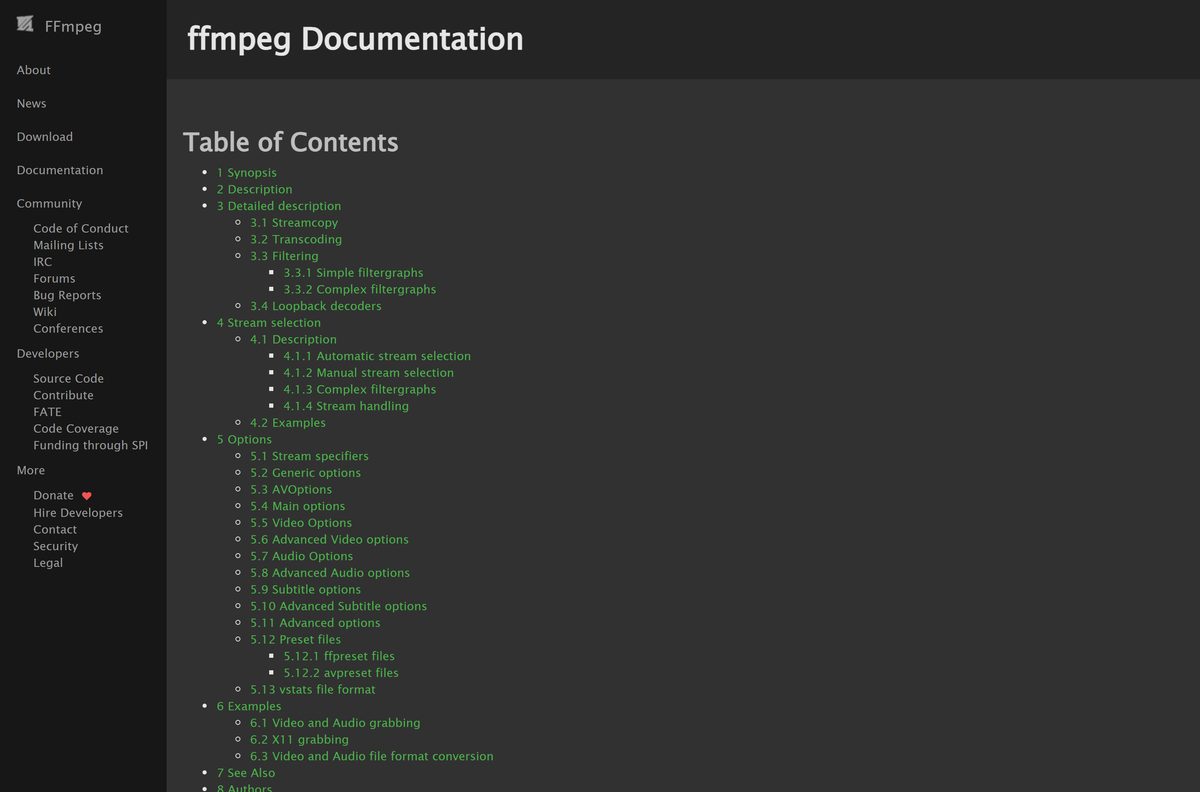
FFmpeg reads and writes most audio and video formats, and it can record from capture devices. Each build includes a different set of codecs, so ask your copy directly.
| You want to know | Run | What it shows |
|---|---|---|
| Which containers and devices work | ffmpeg -formats |
All available formats, including devices |
| Which codecs exist | ffmpeg -codecs |
Every codec known to libavcodec |
| Which encoders you can use | ffmpeg -encoders |
All available encoders |
| Whether GPU acceleration is built in | ffmpeg -hwaccels |
Hardware acceleration methods in this build |
| Convert a file | ffmpeg -i input.avi output.mp4 |
Re-encodes the file into an MP4 container |
Fix FFmpeg not installing on Windows 11 or 10
‘ffmpeg’ is not recognized as an internal or external command
The bin folder is not on Path, or the window was open before you changed it.
- Check that the Path entry points to the bin folder, not the folder above it.
- Close every terminal window and open a new one.
- Run ffmpeg -version again.
The download page only gives you a .tar.xz file
That file is the source code, not a program.
- Scroll to Get packages & executable files.
- Open the Windows section and pick Windows builds from gyan.dev.
- Or run winget install Gyan.FFmpeg instead.
An encoder you need is missing
Each build compiles in a different set of libraries.
- Run ffmpeg -encoders and search for the encoder name.
- If it is absent, install the full build rather than the essentials build.
- Try the other Windows build listed on ffmpeg.org.
brew: command not found on a Mac
Homebrew is not installed yet.
- Open brew.sh and run the install command it shows in Terminal.
- Follow the final instructions to add Homebrew to your shell.
- Run brew install ffmpeg .
How to uninstall FFmpeg
- If you used winget, run winget uninstall Gyan.FFmpeg .
- If you used Chocolatey, run choco uninstall ffmpeg in an administrator window.
- On a Mac with Homebrew, run brew uninstall ffmpeg .
- For a manual install, delete the extracted folder, such as C:\ffmpeg.
- Open Environment Variables, edit Path, select the old bin entry and select Delete.
Programs that bundle their own copy of FFmpeg keep working, because they do not use the Path entry.
Other developer tools for Windows include Cygwin and LabVIEW.
Frequently asked questions
Is FFmpeg free?
Yes. FFmpeg is free and open source under the LGPL 2.1 or later, and builds with optional GPL parts fall under the GPL 2 or later. No paid edition exists, and the project sells no commercial license.
Where is the official FFmpeg download?
The official page is ffmpeg.org/download.html. It hosts the source code and links to ready-made builds for Windows, macOS and Linux under Get packages and executable files. Pick a build from that page rather than from a download portal.
Why does ffmpeg.org only offer a .tar.xz file?
The project itself publishes source code only. The .tar.xz file is that source. For a ready-to-run ffmpeg.exe, use the Windows builds linked on the same page, or install it with winget or Chocolatey.
Does FFmpeg have an installer for Windows?
No. Windows builds come as a zip or 7z archive. You extract it and add the bin folder to Path. The winget package Gyan.FFmpeg does both steps for you and registers the ffmpeg, ffprobe and ffplay commands.
Is there a 64-bit version of FFmpeg for Windows?
Yes. The winget package installs an x64 build, which runs on 64-bit Windows 11 and Windows 10. The source code also builds for Windows on ARM with the CLANGARM64 toolchain in MSYS2.
How do I install FFmpeg on a Mac?
Install Homebrew from brew.sh, then run brew install ffmpeg in Terminal. Homebrew ships ready-built bottles for Apple Silicon Macs on Sequoia, Tahoe and Golden Gate. ffmpeg.org also links static builds for macOS 64-bit.
How do I check which FFmpeg version I have?
Open Command Prompt, PowerShell or Terminal and run ffmpeg -version. The first line shows the version and the configuration line lists the libraries the build includes. If the command is not found, FFmpeg is not on your Path.
Can I uninstall FFmpeg?
Yes. Run winget uninstall Gyan.FFmpeg, choco uninstall ffmpeg or brew uninstall ffmpeg, depending on how you installed it. For a manual install, delete the extracted folder and remove its bin entry from the Path variable.
Can I use FFmpeg in a commercial product?
The license allows it, but the terms of the LGPL or GPL apply to your build. FFmpeg is not available under any proprietary license, even for payment. The project also warns that some supported codecs may be covered by patents in some countries.






