Your Homebrew download is one command from brew.sh, and it installs free on a Mac, on Linux and on Windows 11 or 10 through WSL. Paste it into Terminal, confirm what it lists, and the brew command is ready in a few minutes.
Below you will find which route fits your machine, the Mac and Windows install steps, the .pkg for managed Macs, how to update and uninstall Homebrew, and fixes for the errors people hit first.
Which Homebrew download do you need?
Homebrew has one installer script for every platform, plus a .pkg for Apple Silicon Macs. Match your machine to a row.
| Your machine | What to use | Where |
|---|---|---|
| Mac with Apple Silicon, macOS 15 or later | Install script in Terminal, or the .pkg installer | brew.sh |
| Several Macs managed with MDM | .pkg installer, Apple Silicon only | Homebrew installation docs |
| Mac with an Intel chip | Install script; Intel is Tier 3 with no new bottles | Homebrew support tiers |
| Windows 11 or Windows 10 | Install WSL 2 first, then run the script inside it | Install WSL (Microsoft) |
| Linux (Ubuntu, Debian, Fedora, Arch) | Install script, after the distribution’s build tools | Homebrew on Linux |
Homebrew has no .exe for Windows. On a PC it runs inside WSL.
Download Homebrew from the official site
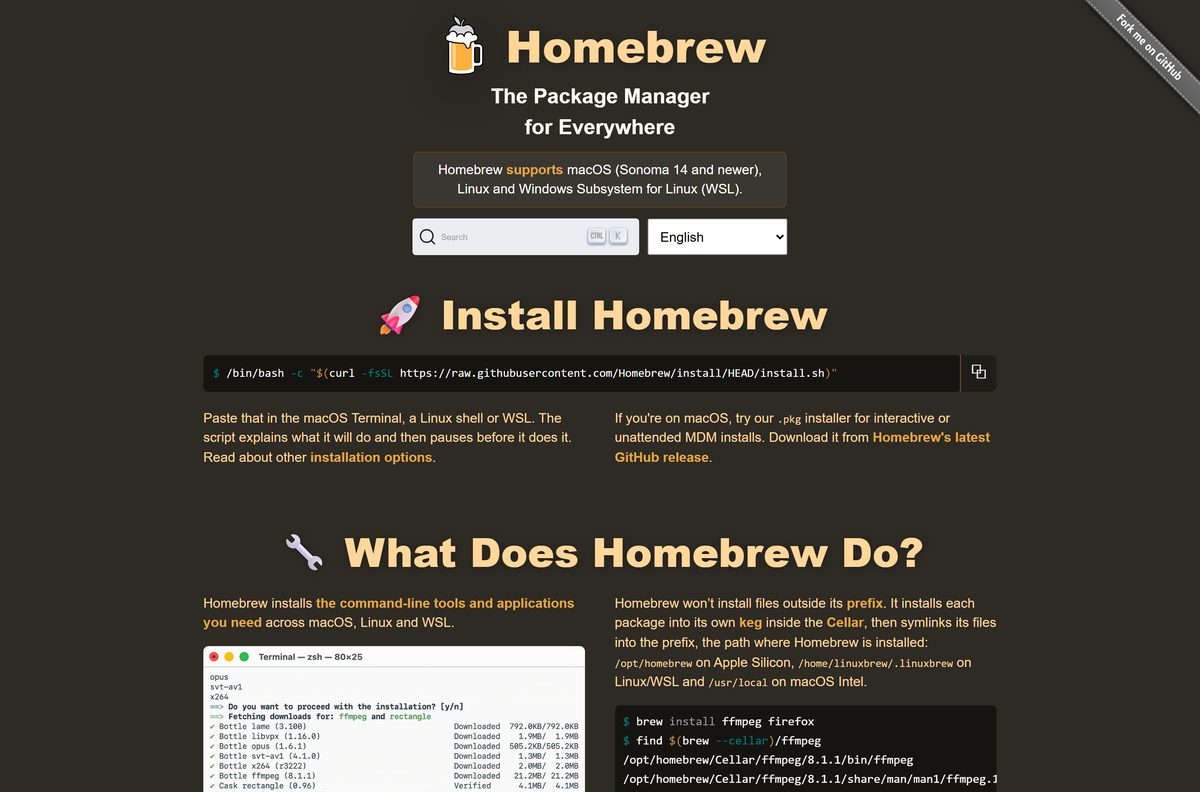
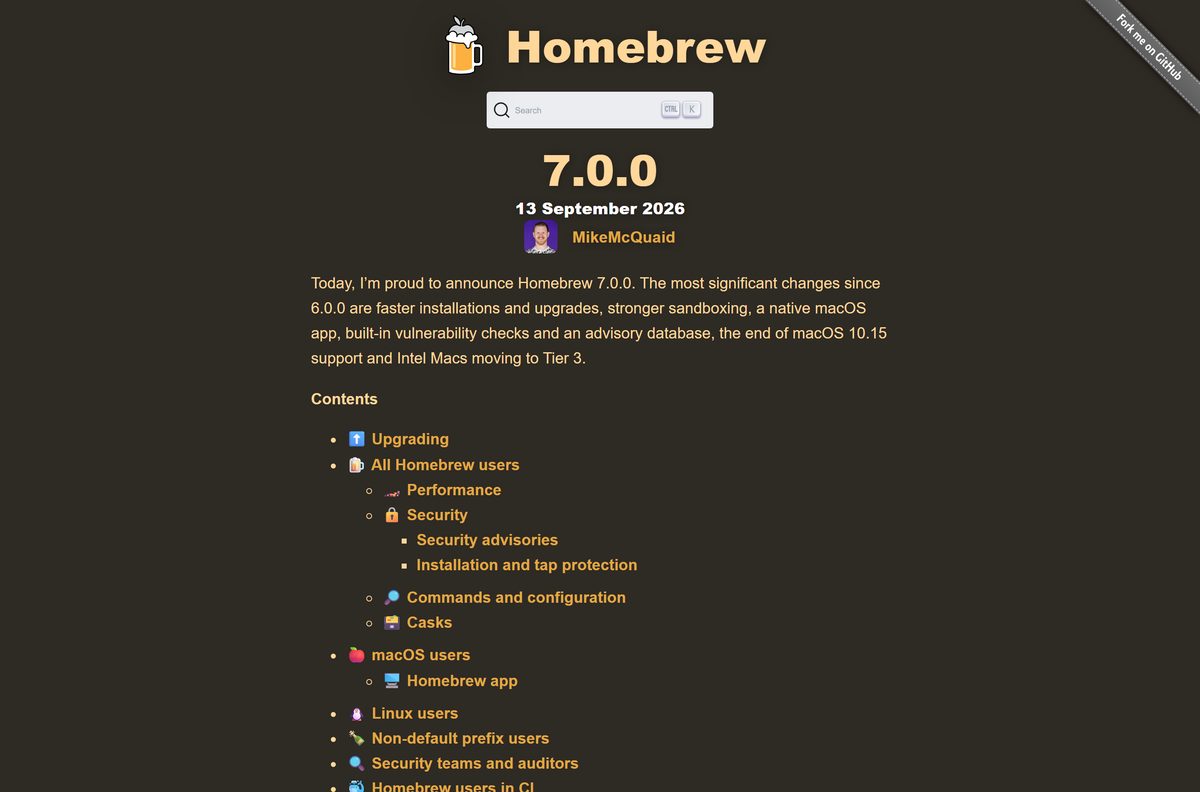
Every route starts at brew.sh. The homepage shows the install command under Install Homebrew, and the current release is Homebrew 7.0.0 from September 13, 2026.
- Homebrew homepage and install command — the one-line installer for macOS, Linux and WSL, and the link to the .pkg
- Installation guide — requirements, default prefixes, .pkg options and unattended installs
- Homebrew on Linux and WSL — build tools per distribution and PATH setup
- Homebrew 7.0.0 release notes — what changed and which systems lost support
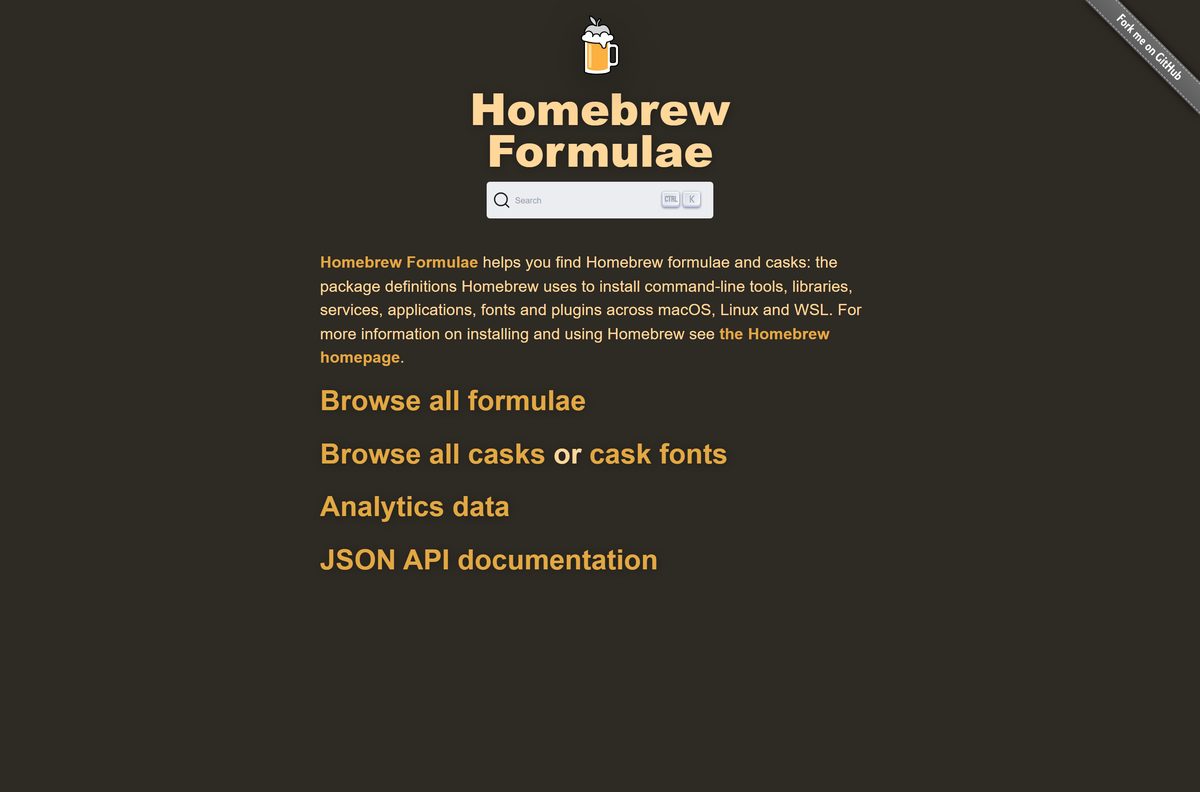
- Homebrew Formulae — search every formula and cask before you install it
The .pkg installer is linked from the brew.sh homepage under Homebrew’s latest GitHub release. It does not appear on any other site.
How to install Homebrew on a Mac
The script uses bash and asks for your Mac password once. On Apple Silicon it installs to /opt/homebrew ; on Intel it uses /usr/local .
- Open Terminal from Applications > Utilities.
- Go to brew.sh and select the copy button next to the install command.
- Paste the command into Terminal and press Return.
- Enter your Mac password when the script asks for it.
- Read the list of actions the script prints, then press Return to confirm.
- Wait for the script to finish, then read the Next steps it prints.
- Run the eval line from Next steps so this window can find brew .
- Add that line to ~/.zshrc , for example echo ‘eval “$(/opt/homebrew/bin/brew shellenv)”‘ >> ~/.zshrc .
- Open a new Terminal window and run brew install hello to test it.
Skip the Next steps lines and Terminal replies brew: command not found .
How to install Homebrew on Windows 11 and 10 with WSL
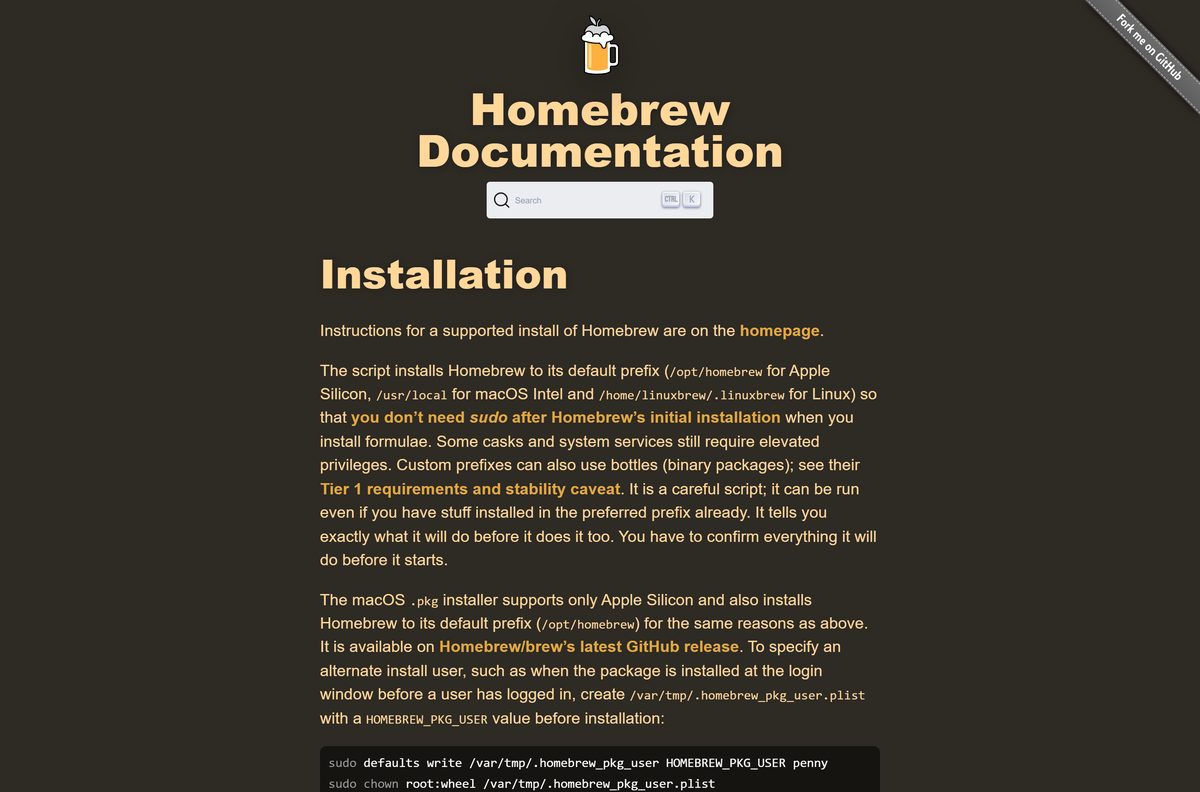
Homebrew runs on Windows through Windows Subsystem for Linux 2. WSL needs Windows 11, or Windows 10 version 2004 (build 19041) or later.
- Right-click Windows PowerShell and select Run as administrator.
- Run wsl –install and restart the PC when it finishes.
- Open Ubuntu from the Start menu and create your Linux user name and password.
- Install the build tools with sudo apt-get install build-essential procps curl file git .
- Copy the install command from brew.sh, paste it into the Ubuntu window and press Enter.
- Confirm the actions the script lists, then wait for it to finish.
- Run eval “$(/home/linuxbrew/.linuxbrew/bin/brew shellenv)” .
- Save it for later sessions with echo ‘eval “$(/home/linuxbrew/.linuxbrew/bin/brew shellenv)”‘ >> ~/.bashrc .
- Run brew install hello to test the installation.
Steps 4 onward also work on a Linux PC. Programs installed this way run inside WSL, not as Windows apps.
Install Homebrew unattended on many Macs
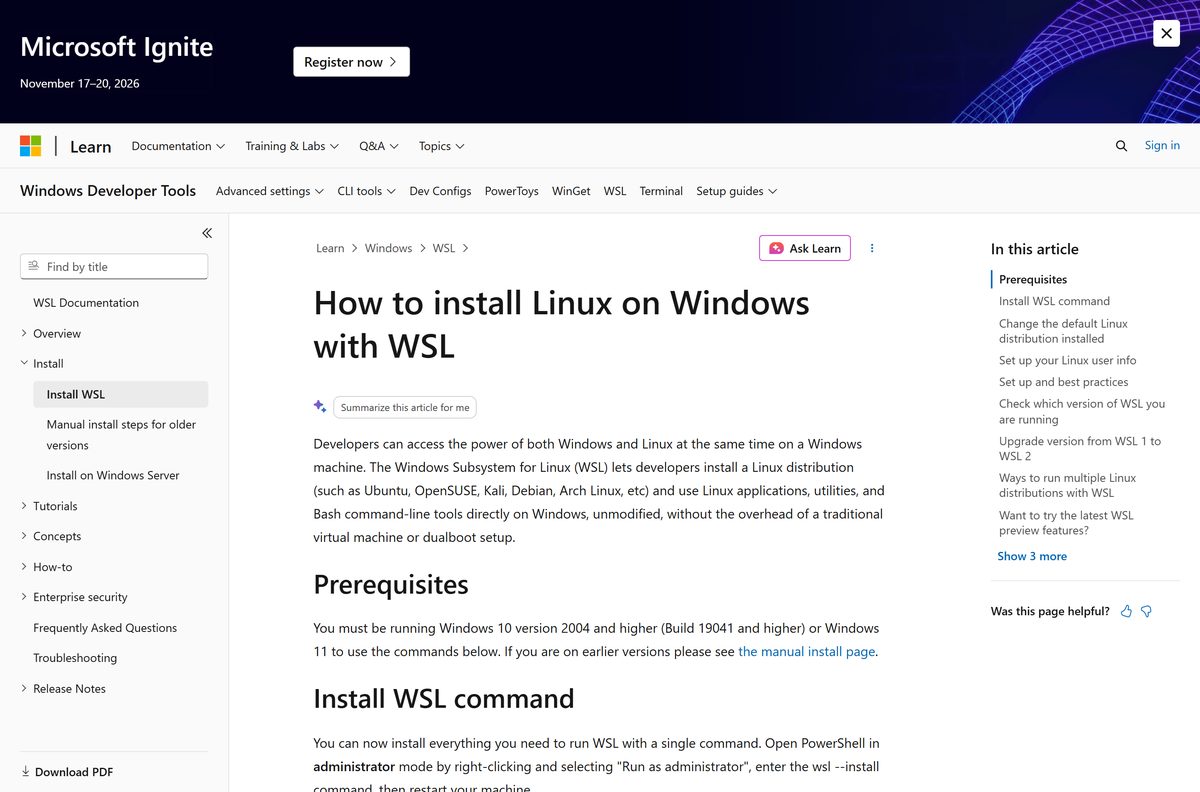
IT teams have two options. The .pkg suits MDM tools on Apple Silicon, and the script can run without prompts on any supported system.
NONINTERACTIVE=1 /bin/bash -c “$(curl -fsSL https://raw.githubusercontent.com/Homebrew/install/HEAD/install.sh)” NONINTERACTIVE=1 skips the confirmation and password prompts, so the script can run from automation. To deploy the .pkg at the login window, first create /var/tmp/.homebrew_pkg_user.plist with a HOMEBREW_PKG_USER value, owned by root with mode 0600. Test on one machine before a wide rollout.
The .pkg installs only to /opt/homebrew and supports only Apple Silicon. See the installation guide for every deployment option.
How to check that Homebrew installed correctly
- Open a new Terminal or WSL window.
- Run brew –version and confirm it prints a version number.
- Run brew doctor and read every warning it lists.
- Fix any warning that mentions PATH or permissions, then run brew doctor again.
- Run brew install hello , then hello , to confirm packages install and run.
Which Homebrew setup works on your Mac?
Open the Apple menu and select About This Mac to see your chip and macOS version. Then find your row.
| Your Mac | Homebrew support | What to do |
|---|---|---|
| Apple Silicon, macOS Sequoia 15 to Golden Gate 27 | Fully supported, with prebuilt bottles | Install from brew.sh |
| Apple Silicon, macOS Tahoe 26 or later | Also runs BrewUI, the official graphical app | Run brew install homebrew-app after installing Homebrew |
| Apple Silicon, macOS Big Sur 11 to Sonoma 14 | Unsupported, may work; no .pkg or new bottles on Sonoma | Update macOS to Sequoia 15 or later |
| Intel Mac, macOS 11 or later | Tier 3, no new bottles; support ends September 1, 2027 | Homebrew support tiers |
| Any Mac on macOS 10.15 Catalina or older | Homebrew does not run | Upgrade macOS, or use MacPorts |
On Apple Silicon you do not need Xcode to install bottles and casks. Intel Macs need the Command Line Tools even for bottles; install them with xcode-select –install .
Is Homebrew free?
Yes. Homebrew is free and open source, with no paid edition or subscription. It is a non-profit project run by volunteers and funded through GitHub Sponsors, Open Collective and Patreon donations. Any site that charges for a Homebrew download or a Homebrew installer for Windows is not the official project.
Software you install through Homebrew keeps its own license.
Choose between the Homebrew script and the .pkg installer
Use the install script from brew.sh unless you manage Macs with MDM. The script works on Apple Silicon Macs, Intel Macs, Linux and WSL, and shows every action before it runs. The .pkg supports only Apple Silicon and exists for interactive or unattended MDM installs, where no one is at the Terminal.
How to check your Homebrew version and update it
- Run brew –version to see the installed Homebrew version.
- Run brew update to update Homebrew itself and every package definition.
- Run brew outdated to list the installed packages with newer versions.
- Run brew upgrade to upgrade all of them, or brew upgrade
for one. - Run brew cleanup to remove old versions and free disk space.
Set HOMEBREW_NO_AUTO_UPDATE=1 to stop Homebrew updating itself before some commands.
Check the Homebrew system requirements
Homebrew is a command-line tool, so the hardware bar is low. The operating system version and chip decide how well it is supported.
| Field | Value |
|---|---|
| Software | Homebrew (the brew package manager) |
| Developer | The Homebrew project, run by volunteer maintainers |
| Latest version | 7.0.0, released September 13, 2026 |
| License | Free and open source |
| macOS | Sequoia 15 or later on Apple Silicon for full support; Catalina 10.15 and older will not run it |
| Linux | Ubuntu in its support window, glibc 2.39 or later, kernel 3.2 or later for full support |
| Windows | Windows 11, or Windows 10 version 2004 and later, through WSL 2 |
| Architecture | Apple Silicon, ARM64 and x86_64 Linux; Intel Macs and ARM32 are Tier 3; 32-bit x86 unsupported |
| Other needs | bash for the installer; Xcode Command Line Tools to build from source |
| Offline installer | No; the script and .pkg both download packages |
| Official download | brew.sh |
| Last verified | September 25, 2026 |
What you can install with Homebrew
| Package type | What it is | Example command |
|---|---|---|
| Formula | Command-line tools, libraries and services built from open source code | brew install ffmpeg |
| Cask | Pre-built apps, fonts and plugins, such as Firefox | brew install --cask firefox |
| Tap | A third-party repository of extra formulae and casks | brew tap |
| Brewfile | A list of packages that brew bundle installs in one go |
brew bundle |
| Services | Background services started and stopped by Homebrew | brew services start |
Search Homebrew Formulae to check a package name before installing it.
Fix Homebrew not installing or not working
brew: command not found after installing
Your shell config does not load Homebrew’s PATH.
- Run eval “$(/opt/homebrew/bin/brew shellenv)” on Apple Silicon, or use /home/linuxbrew/.linuxbrew/bin/brew on Linux and WSL.
- Add the same line to ~/.zshrc or ~/.bashrc .
- Open a new terminal window and run brew –version .
The install command fails in zsh, fish or csh
The one-liner needs bash at /bin/bash.
- Copy the full command from brew.sh, including /bin/bash -c at the start.
- Paste it again without changing the quotes.
- Press Return and confirm the prompts.
A formula fails to build from source
Xcode Command Line Tools are missing or out of date.
- Run xcode-select –install and select Install.
- Run brew update twice, then brew doctor .
- Retry the install and, if it still fails, run brew gist-logs
for the log.
Installed programs misbehave on Windows
The distribution runs under WSL 1, which Homebrew supports only at Tier 3.
- Open PowerShell and run wsl -l -v to see each distribution’s WSL version.
- Run wsl –set-version Ubuntu 2 to move it to WSL 2.
- Open Ubuntu again and run brew doctor .
brew doctor warns about an unsupported macOS
Your Mac runs macOS 14 or older, or has an Intel chip.
- Open System Settings > General > Software Update.
- Update to macOS Sequoia 15 or later if your Mac supports it.
- Run brew update and brew doctor again.
How to uninstall Homebrew
Homebrew publishes its own uninstall script. Remove it with that script rather than deleting folders by hand.
- Run brew bundle dump to save a Brewfile of everything installed, in case you reinstall later.
- Open the Homebrew FAQ and find How do I uninstall Homebrew?
- Follow its link to the uninstall script in the Homebrew/install repository.
- Run the uninstall command shown there in Terminal or your WSL window.
- Confirm the list of files it will remove.
- Delete the brew shellenv line from ~/.zshrc or ~/.bashrc .
- Open a new window and run brew ; it should now report command not found.
On a Mac, the download cache sits in ~/Library/Caches/Homebrew . Delete that folder if it remains after the script finishes.
Homebrew alternatives
| Tool | Platform | Pick it when |
|---|---|---|
| MacPorts | macOS, including older and Intel Macs | Your Mac is Intel, 32-bit or PowerPC, or too old for Homebrew |
| winget | Windows 11 and 10 | You want native Windows apps rather than Linux tools in WSL |
| apt, dnf or pacman | Linux and WSL | Your distribution already packages the tool you need |
Homebrew itself points Intel Mac owners to MacPorts before September 2027.
Other developer tools for Windows include Ubuntu and Proxmox VE.
Frequently asked questions
Is Homebrew free?
Yes. Homebrew is free and open source, and there is no paid version. It is a non-profit project run by volunteers and funded by donations. Any site asking you to pay for a Homebrew download is not the official project.
Where is the official Homebrew download?
The official source is brew.sh. The homepage shows the one-line install command for macOS, Linux and WSL, and links the macOS .pkg installer on Homebrew’s latest GitHub release. The installation guide lives at docs.brew.sh.
Can I install Homebrew on Windows 11?
Yes, through Windows Subsystem for Linux 2. Run wsl –install in an administrator PowerShell, restart, open Ubuntu and run the install command from brew.sh. Homebrew has no native Windows version, so its packages run inside WSL.
How big is the Homebrew download?
There is no single setup file to measure. The install script is a short text file that downloads Homebrew itself, and each package you install later adds its own size. Homebrew publishes no fixed download size for the .pkg installer either.
Is there an offline Homebrew installer?
No. Both the install script and the macOS .pkg need an internet connection, and Homebrew downloads every package from the internet when you install it. For machines without a connection, Homebrew offers no supported offline package.
Does Homebrew support Apple Silicon and ARM64?
Yes. Apple Silicon Macs are Homebrew’s fully supported platform and install to /opt/homebrew. On Linux and WSL, both ARM64 and x86_64 are fully supported. Intel Macs and 32-bit ARM run at Tier 3, and 32-bit x86 does not run at all.
Is Homebrew safe to install?
Yes, when you use the command from brew.sh. The script prints what it will do and waits for you to confirm. Packages in the official repositories are human-reviewed, and version 7.0.0 adds vulnerability checks and stronger sandboxing. Be careful with third-party taps.
What is the latest version of Homebrew?
The latest major release is Homebrew 7.0.0, published on September 13, 2026. It brought faster installs, stronger sandboxing, the BrewUI app and moved Intel Macs to Tier 3. Run brew update to get the newest version on an existing install.
Why won’t Homebrew install?
The most common causes are running the command in a shell other than bash, a macOS older than Catalina, or missing Command Line Tools on an Intel Mac. On Windows, check that WSL 2 is installed. Run brew doctor after install to list remaining problems.
Why does Terminal say brew: command not found?
Homebrew is installed but your shell cannot find it. Run eval “$(/opt/homebrew/bin/brew shellenv)” on Apple Silicon, or the /home/linuxbrew/.linuxbrew path on Linux and WSL, then add that line to ~/.zshrc or ~/.bashrc and open a new window.
Does Homebrew have a graphical app?
Yes. BrewUI is Homebrew’s official graphical app for macOS Tahoe 26 or later. Install Homebrew first, then run brew install homebrew-app. BrewUI lets you browse, search and review packages and shows the brew command behind each action.






