The PHP download for Windows 11 and Windows 10 is a 34.4 MB zip from php.net. Extract it, add the folder to your PATH, and php runs from any terminal.
Macs install PHP with Homebrew, and Linux uses its own packages. PHP is free and open source on every platform.
This guide covers which zip to pick, Thread Safe versus Non Thread Safe, manual and winget installs, the Mac commands, updates and fixes for common errors.
Which PHP download do you need for Windows?
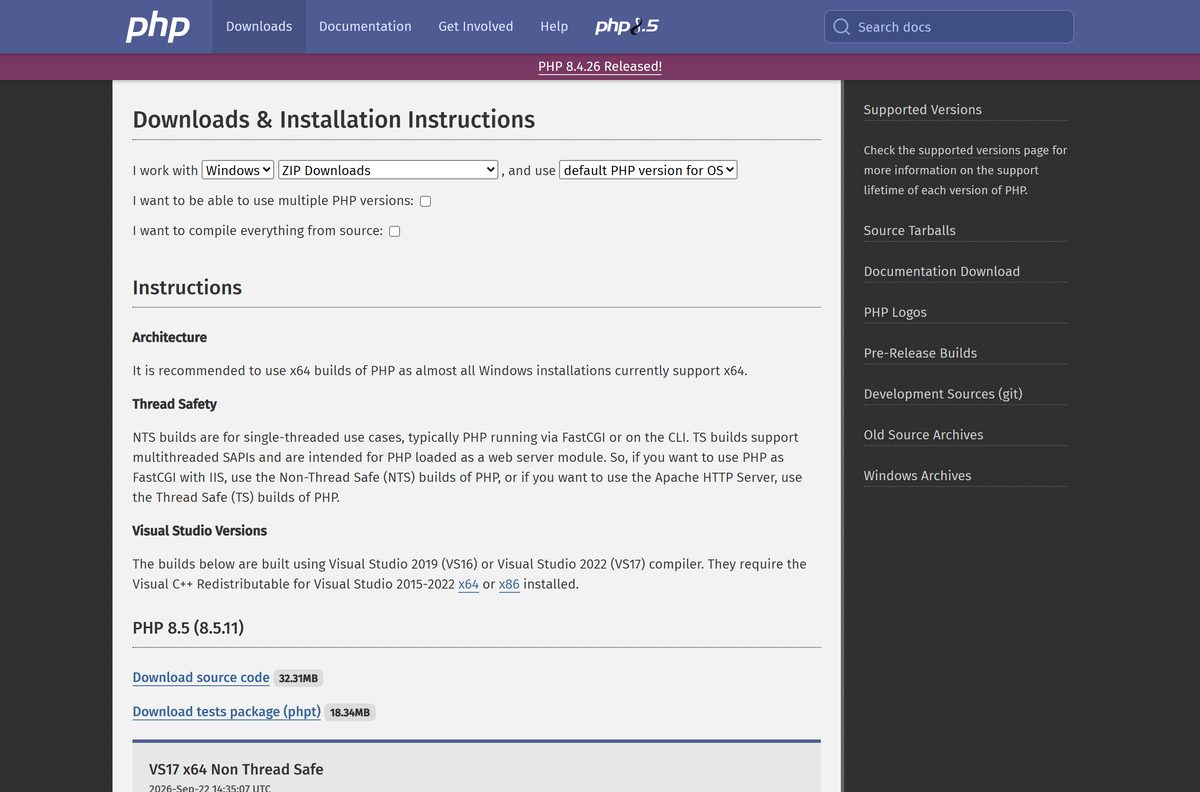
php.net lists four Windows zips for each release. Two questions decide yours: 64-bit or 32-bit, and whether Apache loads PHP as a module.
Non Thread Safe (NTS) builds suit the command line, FastCGI and IIS. Thread Safe (TS) builds are for the Apache HTTP Server running PHP as a module.
| You want to | File to download | Size |
|---|---|---|
| Run PHP from the command line, Composer or php -S on a 64-bit PC | php-8.5.11-nts-Win32-vs17-x64.zip | 34.4 MB |
| Load PHP as a module in Apache on 64-bit Windows | php-8.5.11-Win32-vs17-x64.zip | 34.5 MB |
| Run PHP through FastCGI on 32-bit Windows | php-8.5.11-nts-Win32-vs17-x86.zip | 30.9 MB |
| Load PHP in Apache on 32-bit Windows | php-8.5.11-Win32-vs17-x86.zip | 30.9 MB |
php.net recommends the x64 builds because almost every Windows installation supports x64. There is no native ARM build of PHP for Windows.
Check the PHP system requirements before you install
PHP for Windows is a folder of files with no service and no installer. It needs one Microsoft runtime installed first.
| Field | Value |
|---|---|
| Software | PHP |
| Developer | The PHP Group |
| Latest version | 8.5.11 |
| Released | 24 September 2026 |
| License | Free and open source, Modified BSD License |
| Windows | Windows 8 or Windows Server 2012 or later for PHP 8.3 and newer, so Windows 10 and 11 |
| Architecture | x64 and x86 (32-bit); no ARM build |
| Runtime | Visual C++ Redistributable for Visual Studio 2015-2022, matching x64 or x86 |
| Mac | Homebrew: brew install [email protected] |
| Linux | Your distribution’s packages, such as sudo apt install php |
| Download size | 34.4 MB for the x64 Non Thread Safe zip |
| Offline installer | No setup program; the zip runs offline once extracted |
| Official download source | php.net/downloads.php |
| Last verified | 2026-09-25 |
Use the x86 runtime for the x86 PHP build and the x64 runtime for the x64 build. Mixing them stops php.exe from starting.
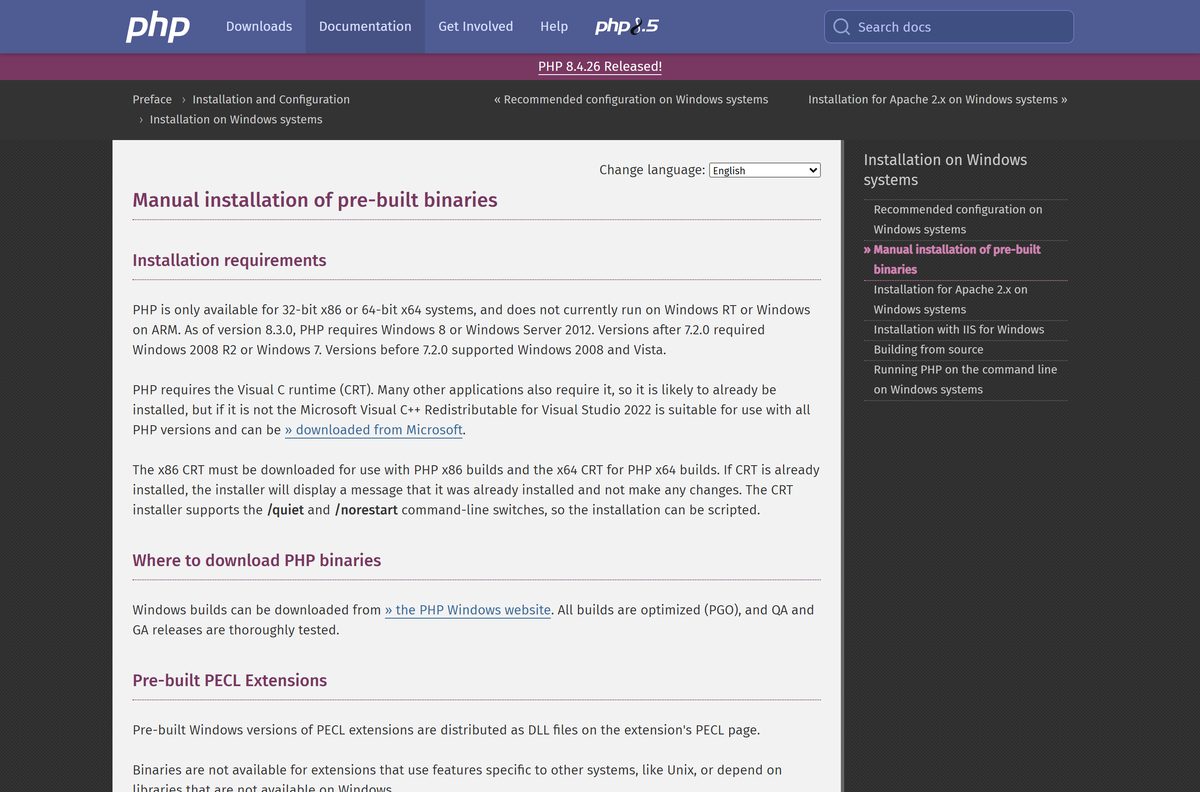
Download PHP from the official php.net page
The PHP project publishes Windows zips on downloads.php.net and links them from php.net. The old windows.php.net download address now redirects to the same php.net page.
- PHP downloads and install instructions — pick Windows, macOS or Linux and a version
- PHP 8.5.11 x64 Non Thread Safe zip — 36,048,897 bytes
- PHP 8.5.11 x64 Thread Safe zip — 36,180,745 bytes
- Visual C++ Redistributable x64 — Microsoft runtime PHP needs
- Visual C++ Redistributable x86 — for the 32-bit PHP builds
- Supported PHP versions — support end dates for every branch
Each zip name carries the version number, so a saved link keeps pointing at 8.5.11. Start from the downloads page when a newer release is out.
How to install PHP on Windows 11 and 10
Installing PHP means extracting the zip and telling Windows where php.exe lives. These steps use the Non Thread Safe x64 build and the folder C:\php .
- Download and run the Visual C++ Redistributable x64 from Microsoft, then click Install.
- Download php-8.5.11-nts-Win32-vs17-x64.zip from php.net.
- Right-click the zip in File Explorer and select Extract All.
- Set the destination to C:\php and click Extract.
- Copy php.ini-development inside C:\php and rename the copy to php.ini .
- Press Windows + R, type sysdm.cpl and press Enter.
- Open the Advanced tab and click Environment Variables.
- Select Path under User variables, click Edit, click New and type C:\php .
- Click OK on all three windows.
- Open a new Terminal window and type php -v to see the version.
Run php –ini to confirm PHP found your php.ini . For a quick test site, open a project folder in Terminal and run php -S localhost:8000 , then browse to http://localhost:8000 .
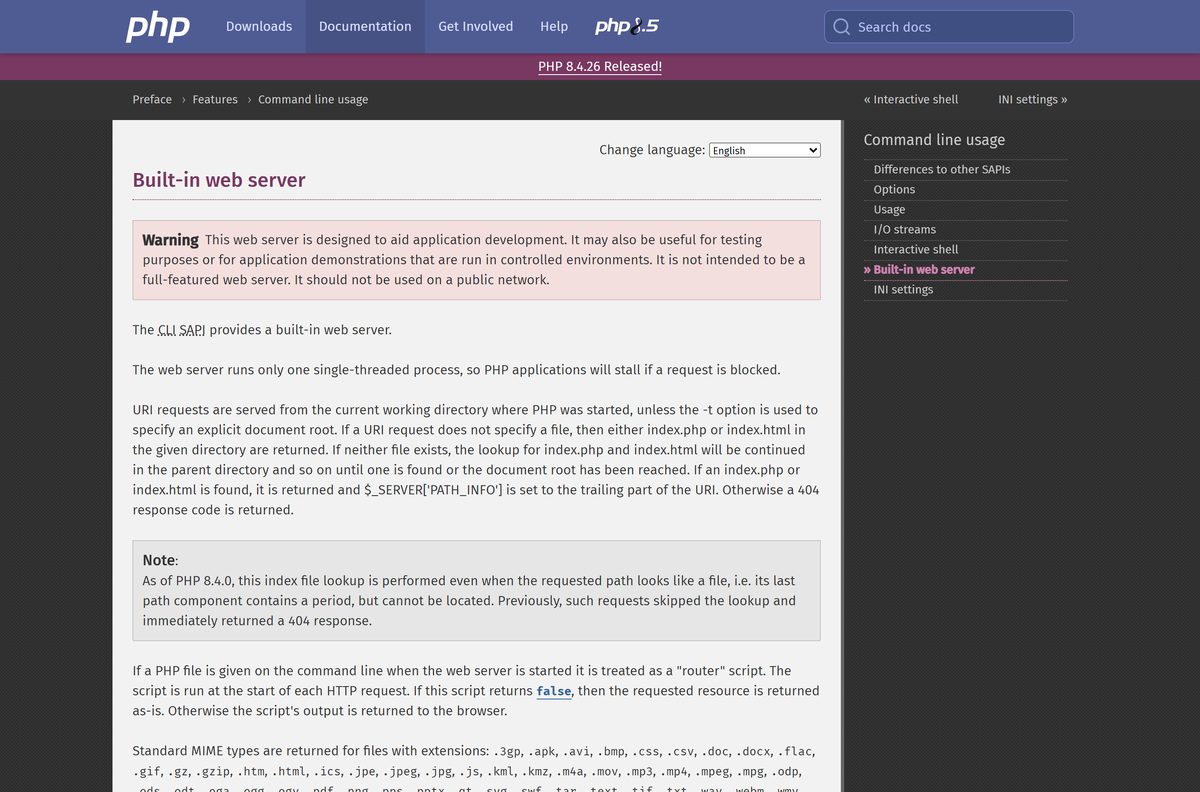
The built-in server is for development only. php.net warns against using it on a public network.
Install PHP with winget, Chocolatey or Scoop
php.net publishes a one-line command for each Windows package manager. Pick the one you already use.
- Open Terminal from the Start menu.
- For winget, which ships with Windows 11 and 10, run winget install PHP.PHP.8.5 . php.net labels this the Thread Safe build.
- For Chocolatey, run choco install php –version=8.5 -y once Chocolatey is set up.
- For Scoop, run scoop bucket add main and then scoop install main/php .
- Close Terminal, open a new window and run php -v to confirm the install.
Package managers put PHP on your PATH for you, which skips the manual Environment Variables steps above.
Choose between PHP 8.5 and PHP 8.4
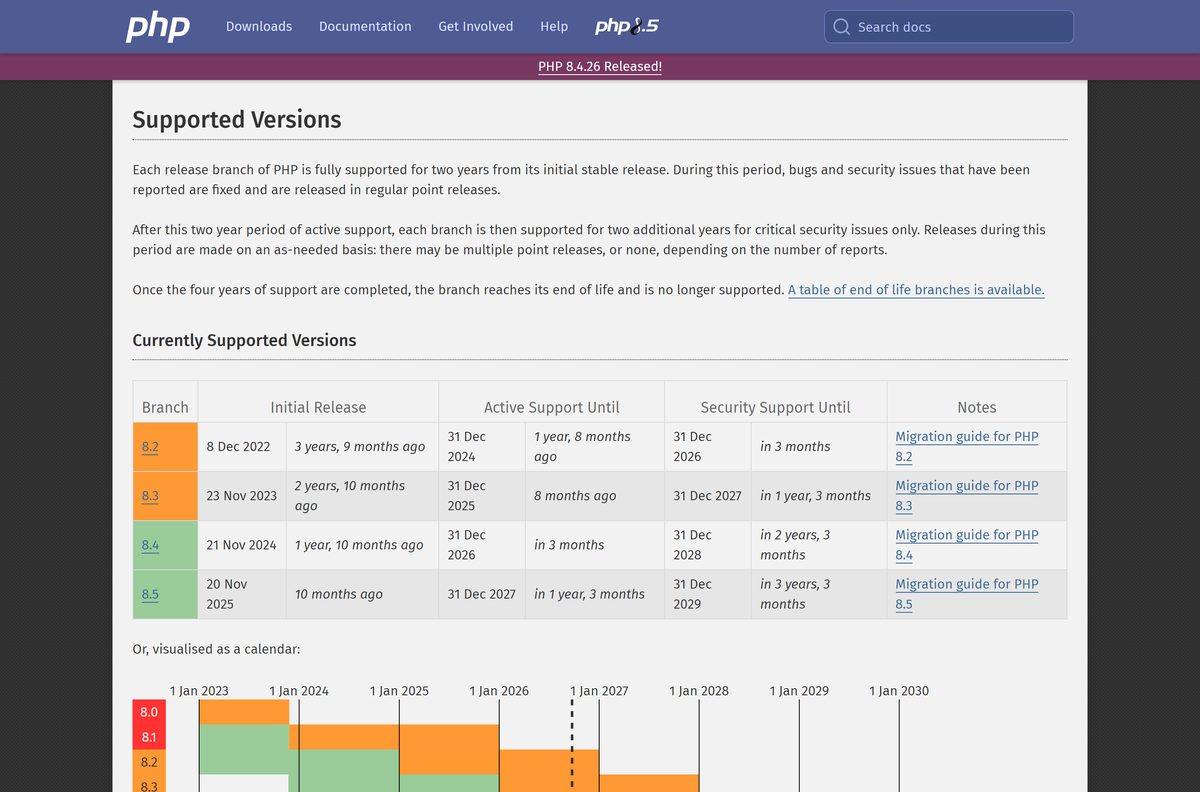
php.net supports four branches at once. Each branch gets two years of bug fixes, then two years of security fixes only.
Install PHP 8.5 for new projects. Install 8.4 only when a framework, plugin or host has not certified 8.5 yet. PHP 8.5 receives active support until 31 December 2027 and security fixes until 31 December 2029. PHP 8.4 leaves active support on 31 December 2026, and PHP 8.2 stops receiving security fixes the same day.
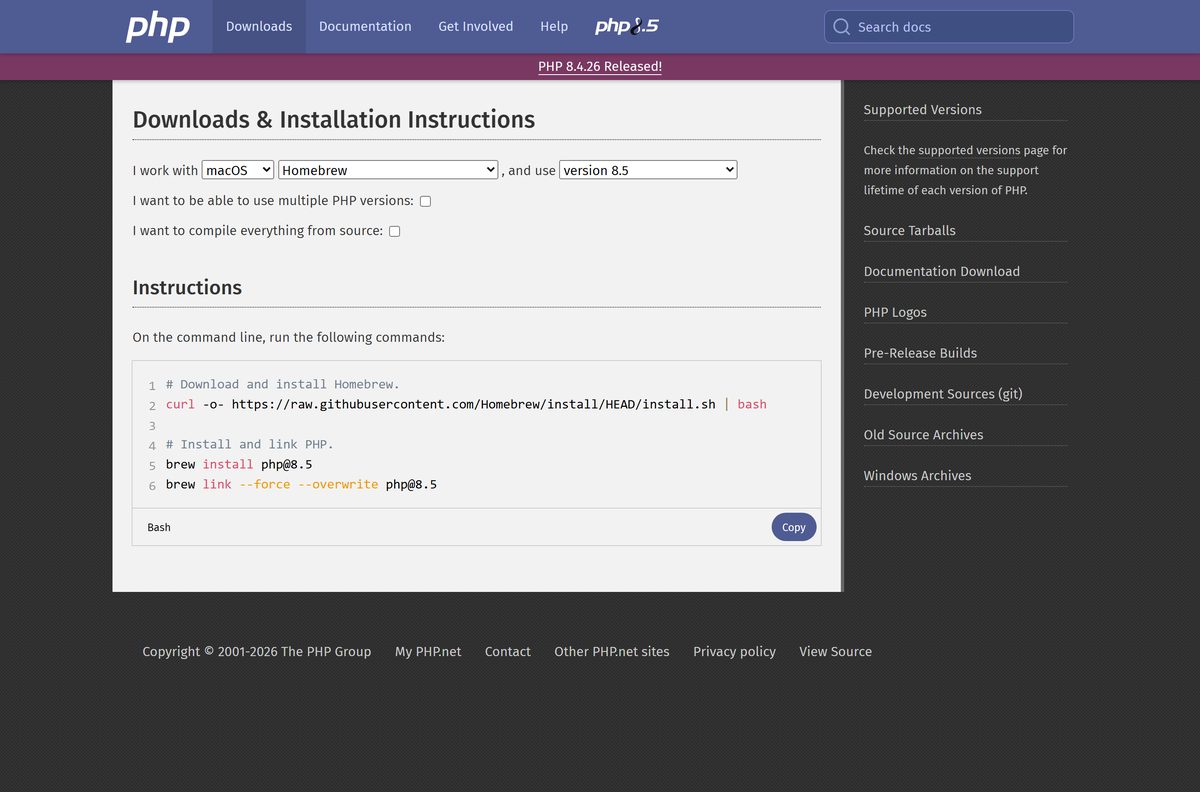
How to install PHP on a Mac with Homebrew
macOS shipped PHP from Mac OS X 10.0 until macOS Monterey, which dropped it. On a current Mac, php.net points you to Homebrew.
| Your situation | Run in Terminal | Result |
|---|---|---|
| Homebrew is not installed yet | Homebrew install command on php.net | Adds the brew command |
| You want the current PHP 8.5 | brew install [email protected] | Installs PHP 8.5 |
| php still reports an old or missing version | brew link –force –overwrite [email protected] | Puts PHP 8.5 first on your PATH |
The same commands work on Apple silicon and Intel Macs. Type php -v in a new Terminal window to confirm the install.
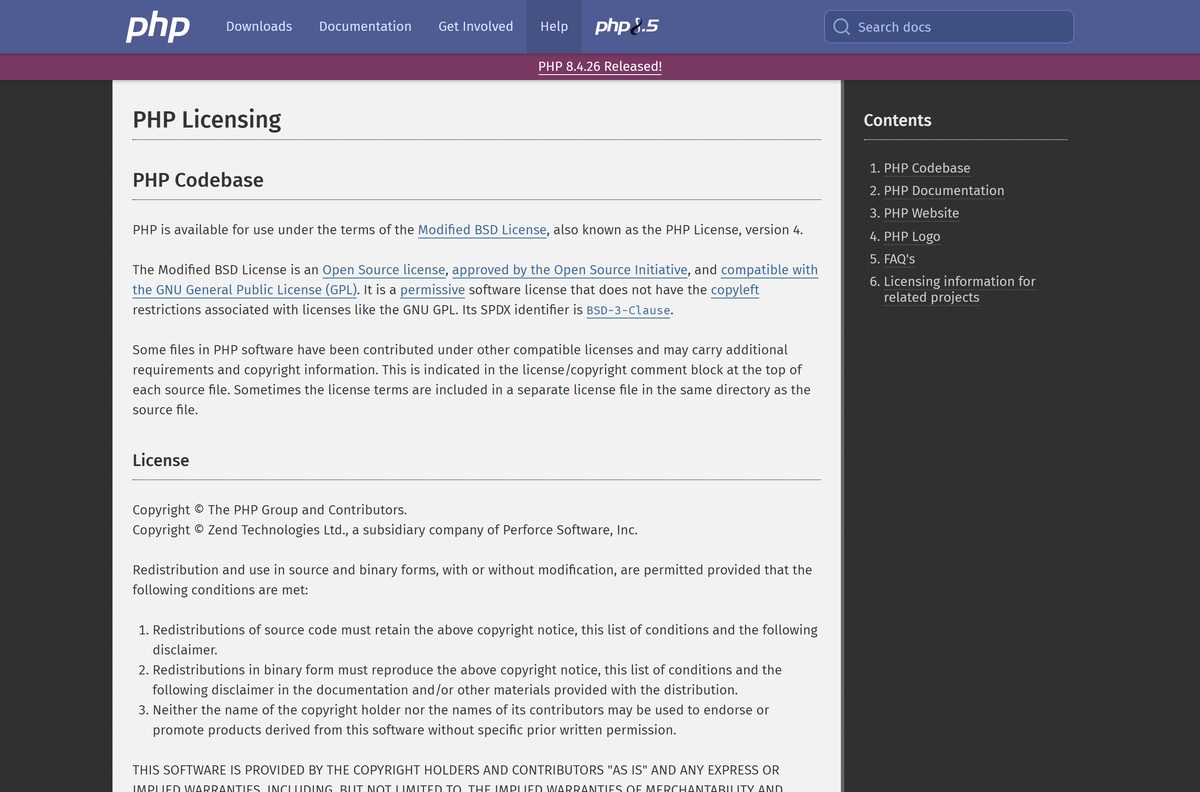
Is PHP free?
Yes. PHP costs nothing to download, install or use, including on commercial websites.
Download PHP from php.net and pay nothing. PHP is released under the Modified BSD License, an OSI-approved open source license with no copyleft terms. There is no paid edition, trial or licence key.
A site asking money for a PHP setup file is reselling the free zip. Paid tools around PHP, such as IDEs and hosting, are separate products.
How to verify the PHP zip before you extract it
php.net prints a SHA-256 hash under every Windows zip. PowerShell checks it in one command.
- Confirm the download link starts with https://downloads.php.net/~windows/ .
- Open Terminal in your Downloads folder.
- Run Get-FileHash .\php-8.5.11-nts-Win32-vs17-x64.zip -Algorithm SHA256 .
- Compare the result with the hash under that zip on the PHP downloads page.
- Delete the file and download it again from php.net if the two values differ.
For the 8.5.11 x64 Non Thread Safe zip, the published hash begins 0ea96e0d2b9b737a .
How to check your PHP version and update it
A zip install never updates itself. You replace the files with the newer release.
- Open Terminal and type php -v .
- Compare the version with the newest one on the PHP downloads page.
- Download the matching newer zip for your build type.
- Rename C:\php to C:\php-old so your php.ini stays safe.
- Extract the new zip to C:\php and copy your php.ini back from C:\php-old .
- Open a new Terminal and run php -v again.
winget users can run winget upgrade PHP.PHP.8.5 instead. On a Mac, run brew upgrade [email protected] .
Fix PHP not working on Windows 11 or 10
Three errors cover most failed first runs. Find yours and follow its fix.
‘php’ is not recognized as an internal or external command
The PHP folder is not on your PATH, or the terminal opened before you added it.
- Confirm php.exe sits directly inside C:\php , not in a nested folder.
- Add that exact folder under Environment Variables > Path.
- Close every terminal window and open a new one.
VCRUNTIME140.dll was not found
The Visual C++ Redistributable is missing, or its bitness does not match PHP.
- Install the x64 runtime for x64 PHP, or the x86 runtime for x86 PHP.
- Run php -v again.
Apache refuses to load the PHP module
A Non Thread Safe build was installed, and Apache’s module mode needs Thread Safe.
- Download the x64 Thread Safe zip.
- Extract it to a fresh folder and point Apache’s configuration at it.
- Restart Apache.
How to uninstall PHP from Windows
A zip install has no uninstaller. Removing the folder and the PATH entry is the whole job.
- Stop any web server or terminal using PHP.
- Delete the C:\php folder.
- Press Windows + R, type sysdm.cpl and open Advanced > Environment Variables.
- Select Path, click Edit, select the C:\php entry and click Delete.
- Click OK on all three windows.
If you used winget, run winget uninstall PHP.PHP.8.5 instead. Your project files stay where you saved them.
Choose another way to run PHP
The plain zip suits most developers. Pick another route when you need a database, a container, or a Linux-identical setup.
| Option | Best for | Where it comes from |
|---|---|---|
| PHP zip from php.net | Command line, Composer, php -S | php.net |
| winget, Chocolatey or Scoop | One-command installs and upgrades | Commands listed on php.net |
| Docker image | Matching a production container | Docker Desktop |
| WSL with Debian or Ubuntu | A Linux PHP on a Windows PC | sudo apt install php, per php.net |
| PHP plus MySQL | A local database-backed site | MySQL for Windows |
Pair any of them with an editor such as Visual Studio Code for PHP syntax highlighting and debugging.
Frequently asked questions
Is PHP free?
Yes. PHP is free and open source under the Modified BSD License, also called the PHP License version 4. You can use it for personal and commercial projects without paying anything or registering. Any site selling a PHP installer is reselling a free download.
What is the official PHP download page?
The official page is php.net/downloads.php. Pick Windows, macOS or Linux, choose a version, and it shows the Windows zip files or the exact install commands for your system. Windows zips are served from downloads.php.net.
Which PHP download should I get for Windows?
Get the VS17 x64 Non Thread Safe zip for the command line, Composer, the built-in server or IIS. Get the x64 Thread Safe zip only when you run PHP as an Apache module. The 32-bit x86 zips suit old 32-bit systems only.
Does PHP work on Windows 11?
Yes. PHP 8.3 and newer need Windows 8 or Windows Server 2012 or later, so Windows 11 and Windows 10 both run PHP 8.5. Install the Visual C++ Redistributable first, then extract the zip and add its folder to PATH.
How big is the PHP download for Windows?
The PHP 8.5.11 x64 Non Thread Safe zip is 36,048,897 bytes, about 34.4 MB. The Thread Safe x64 zip is 34.5 MB, and the 32-bit x86 zips are about 30.9 MB each.
Is there a PHP installer or offline setup for Windows?
No setup program exists. The Windows download is a zip archive you extract, and it runs offline afterwards. The winget, Chocolatey and Scoop commands on php.net automate the same download and need an internet connection.
How do I install PHP on a Mac?
Install Homebrew, then run brew install [email protected] and brew link –force –overwrite [email protected] in Terminal. macOS Monterey and later no longer include PHP, so a Homebrew install is the route php.net shows for current Macs.
Is there a 64-bit or ARM64 version of PHP for Windows?
PHP for Windows comes in x64 (64-bit) and x86 (32-bit) builds. php.net recommends x64 for almost every PC. The Windows install documentation lists x86 and x64 only, with no native ARM build.
Is PHP safe to download?
Yes, from php.net. The download page lists a SHA-256 hash under every Windows zip, so you can confirm your file matches before you extract it. Avoid bundled installers from download portals.
What is the latest version of PHP?
PHP 8.5.11, released on 24 September 2026. The same day brought 8.4.26, 8.3.35 and 8.2.34 for older branches. PHP 8.5 gets active support until 31 December 2027 and security fixes until 31 December 2029.
Why does Windows say php is not recognized?
The PHP folder is not on your PATH, or the terminal was open before you added it. Add the exact folder that holds php.exe, such as C:\php, under Environment Variables, then close every terminal and open a new one.