The right CAD software for PC depends on the job: AutoCAD for 2D drafting, Revit for BIM architecture, Fusion, Inventor or SolidWorks for mechanical parts, and FreeCAD or Onshape when you need a free option.
This guide matches each Windows CAD app to the work it suits, explains trial, education and free licences, and points to the download page for every app.
CAD software download for PC on Windows 11 and 10
Every CAD app below installs the same way: from the vendor's own site, with an account for the paid ones. Use only official installers, because cracked CAD packages are a common malware route and break licence terms.
- Pick the app that matches your work from the table in the next section.
- Open the vendor's own download or free trial page, never a download portal.
- Sign in or create the vendor account the trial, education or free plan needs.
- Check the system requirements page for your Windows version and graphics card.
- Run the installer, then start the app and sign in to activate the licence.
Browser-based tools such as Onshape skip the installer entirely; you sign in and model in the browser.
How to choose CAD software for PC
Start from the output you need to deliver, not the brand. A floor plan, a machined bracket and a game character need different tools.
| Your job | Start with | Why |
|---|---|---|
| 2D drafting and DWG drawings | AutoCAD | The standard drafting tool for plans, sections and details |
| BIM architecture and building models | Revit | Walls, doors and sheets come from one building model |
| Mechanical parametric parts and assemblies | Fusion, Inventor or SolidWorks | History-based modelling with drawings from the 3D part |
| Concept models, interiors and quick 3D | SketchUp | Push-pull modelling that is quick to learn |
| 3D animation, modelling and sculpting | Maya, 3ds Max or ZBrush | Built for characters, scenes and rendering, not engineering drawings |
| Browser-based CAD on any PC | Onshape | Runs in the browser with no install or specialty hardware |
| Free and open source | FreeCAD | Parametric 3D with no licence fee or sign-up |
| Construction PDF markup and takeoffs | Bluebeam Revu | Marks up drawings instead of creating them |
| 3D printing or laser cutting | A slicer or cutter app | Turns a finished model into printer or laser instructions |
Computer-aided design: what CAD software does
Computer-aided design (CAD) software creates precise 2D drawings and 3D models on a computer instead of a drawing board. The categories below explain why one app rarely covers every job.
| CAD type | What you produce | Typical apps |
|---|---|---|
| 2D drafting | Plans, schematics and detail drawings with dimensions | AutoCAD |
| Parametric 3D | Parts driven by sketches and dimensions you can edit later | Fusion, Inventor, SolidWorks, FreeCAD, Onshape |
| BIM | Building models carrying data for sheets and schedules | Revit |
| Direct and surface modelling | Concept shapes and interiors | SketchUp |
| Polygon and sculpting | Characters, props and animation scenes | Maya, 3ds Max, ZBrush |
| Review and markup | Comments, measurements and clash review on others' models | Navisworks Freedom, Bluebeam Revu |
Quick comparison of CAD software for PC
| App | Best for | Licence model |
|---|---|---|
| AutoCAD | 2D drafting and documentation | Paid subscription, trial, education licence |
| Revit | BIM architecture and MEP | Paid subscription, trial, education licence |
| Fusion | Product design, CAM and 3D printing parts | Paid subscription, trial, personal-use option |
| SolidWorks | Mechanical parts and assemblies | Paid licence through Dassault Systèmes |
| SketchUp | Concept and interior models | Go, Pro and Studio subscriptions |
| Onshape | Browser CAD and team collaboration | Free plan, Standard, Professional |
| FreeCAD | Free parametric 3D | Open source, free |
FreeCAD runs on Windows, Mac and Linux, Onshape runs in any browser, and SketchUp's Studio plan is Windows only while Go works only on the web and iPad.
Autodesk CAD apps on Windows: AutoCAD, Revit, Fusion, Inventor, Maya and 3ds Max
Autodesk installs every desktop app through your Autodesk Account, and each one offers a free trial. Students and educators can apply for an education licence on Autodesk's education site; eligibility is checked when you apply.
| App | What it is for | Get it |
|---|---|---|
| AutoCAD | 2D drafting, documentation and basic 3D | Start from the AutoCAD free trial download |
| Revit | BIM for architecture, structure and MEP | Install the Revit trial for Windows |
| Fusion | Cloud-connected CAD, CAM and simulation | Get Autodesk Fusion for Windows 11 |
| Inventor | Professional mechanical design and assemblies | Try the Inventor installer and trial |
| Maya | 3D animation, rigging and visual effects | Download the Maya trial or education build |
| 3ds Max | 3D modelling and rendering for visualisation and games | Install the 3ds Max trial on Windows |
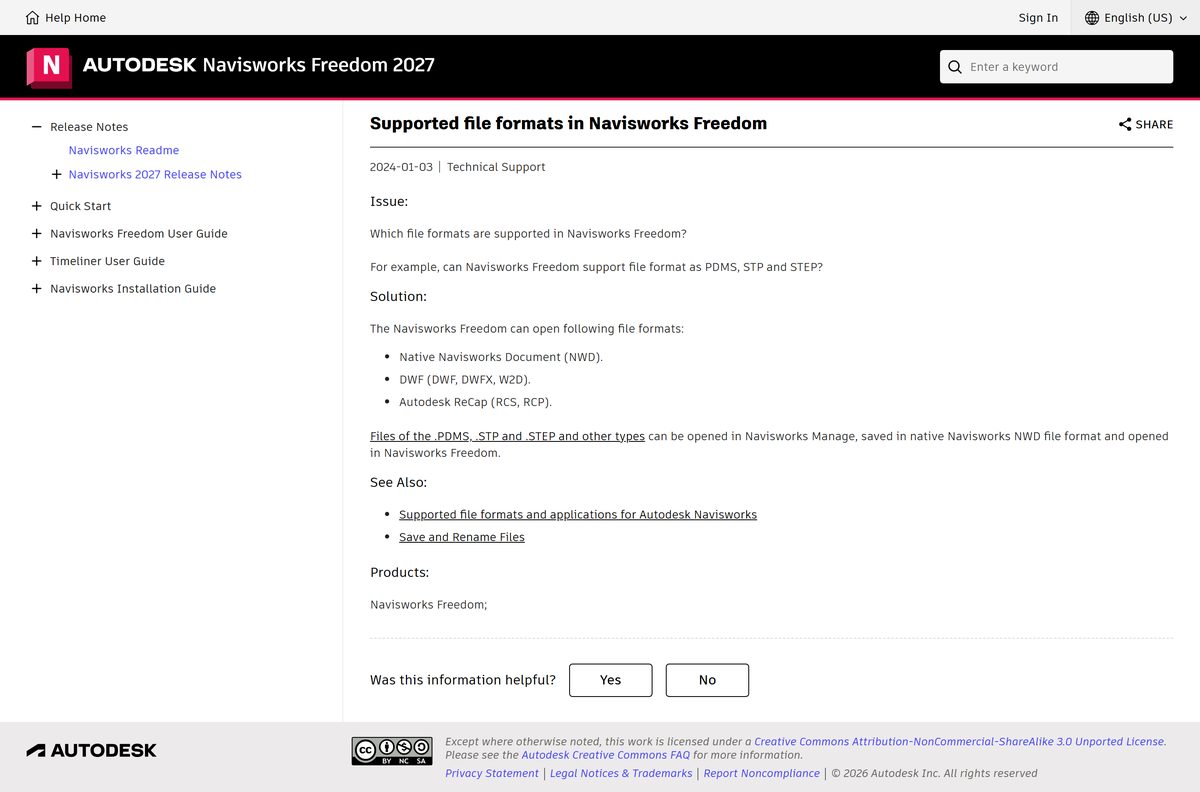
| Navisworks Freedom | Viewing Navisworks project models | Add the Navisworks Freedom model viewer for review only |
Once AutoCAD is running, small drafting tasks follow, such as placing the AutoCAD diameter symbol in text and dimensions.
SolidWorks, SketchUp, Bluebeam Revu, Onshape and ZBrush for PC
| App | What it is for | Trial or free access | Get it |
|---|---|---|---|
| SolidWorks | Mechanical parts, assemblies and drawings | Through Dassault Systèmes and resellers | Run the SOLIDWORKS Installation Manager download |
| SketchUp | Concept, architecture and interior models | Paid plans; education plans available | Install SketchUp Pro on Windows |
| Bluebeam Revu | PDF markup, takeoffs and review for construction | 14-day free trial, no credit card | Get the Bluebeam Revu installer |
| Onshape | Browser-based parametric CAD and PDM | Free plan for non-commercial use | Open Onshape on PC and mobile |
| ZBrush | Digital sculpting for characters and props | 14-day Maxon One trial through the Maxon App | Start the ZBrush trial on Windows |
SketchUp Pro adds the desktop modeler, LayOut for 2D documentation and enhanced IFC and DWG compatibility.
Why do you need an AutoCAD alternative?
AutoCAD is a subscription, and many readers only need part of what it does. The reason you are looking decides the replacement.
| Reason | What to look at |
|---|---|
| Subscription cost for occasional drafting | FreeCAD or the Onshape free plan |
| You design 3D mechanical parts, not 2D plans | Fusion, Inventor, SolidWorks or Onshape |
| You model buildings, not lines | Revit for BIM, SketchUp for concepts |
| You only review or mark up drawings | Bluebeam Revu or a free viewer |
| You need Linux or open-source software | FreeCAD, which runs on Windows, Mac and Linux |
The best alternatives to AutoCAD you can try
Each option replaces a different part of AutoCAD. Dedicated DWG drafting clones such as ZWCAD, BricsCAD, DraftSight, nanoCAD, progeCAD, QCAD and LibreCAD also exist; check each vendor's own site for current licensing and DWG support.
| Alternative | Replaces which AutoCAD job | Cost model |
|---|---|---|
| FreeCAD | 2D sketches, 3D parts and production drawings | Free, open source |
| Onshape | Parametric 3D and drawings in the browser | Free plan; Standard from $1,500 per user per year |
| Fusion | 3D parts, drawings and CAM | Autodesk subscription with a trial |
| SolidWorks | Mechanical 3D and drawings | Paid licence |
| SketchUp Pro | 3D concepts plus LayOut 2D sheets | Annual subscription |
| Bluebeam Revu | Drawing review and markup only | Paid, with a 14-day trial |
Best free AutoCAD alternatives
Why look for free AutoCAD alternatives: students, hobbyists and makers rarely need a commercial licence, and FreeCAD needs no sign-up at all. To start with open source, use the official FreeCAD download for Windows from freecad.org.
| Free option | What you get | Limit to know |
|---|---|---|
| FreeCAD | Parametric 3D, 2D drawings, BIM, FEA and CAM workbenches | None on licence; open source with no fees |
| Onshape Free plan | CAD tools, collaboration, version control and mobile apps | Non-commercial use only; every document is public |
| Onshape Education | Professional-grade CAD for students and educators | Requires a student or educator account |
| UltiMaker Cura and PrusaSlicer | Free 3D printing slicers | Prepare prints; they do not design parts |
Qualified professionals can also try Onshape Professional free for up to 6 months through its Discovery Program.
3D printing slicer software for PC: Cura, PrusaSlicer and Creality Print
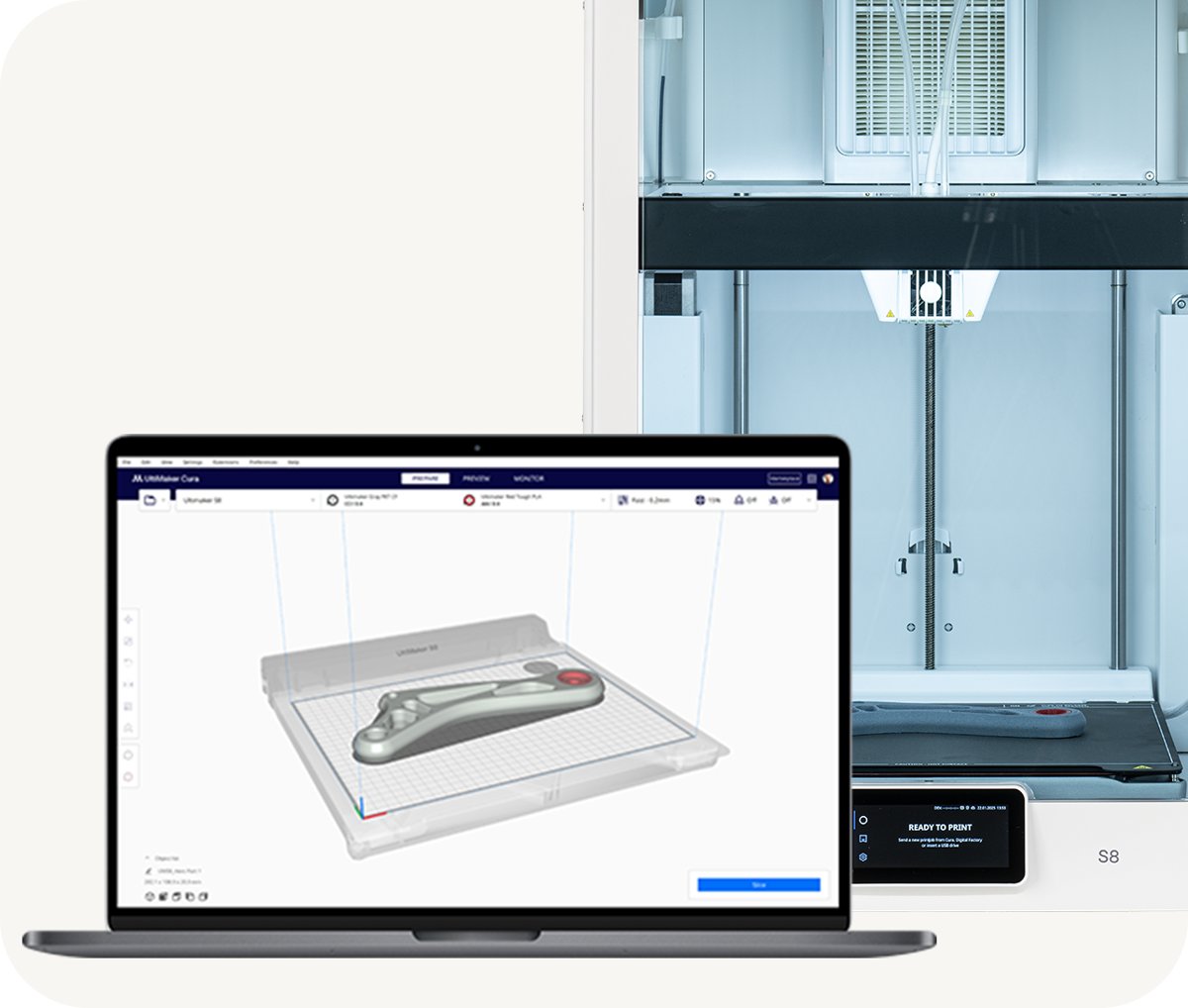
A slicer turns an STL, 3MF or STEP model from your CAD app into G-code for the printer. Use the slicer your printer brand supports first.
| Slicer | Best for | Windows notes | Get it |
|---|---|---|---|
| UltiMaker Cura | UltiMaker and many other FDM printers; 400+ settings | Free; .exe installer plus an enterprise .msi | Install the UltiMaker Cura slicer |
| PrusaSlicer | Prusa printers; Simple, Advanced and Expert modes | Free, no account; Windows 10 or later, 64-bit; slices offline | Get PrusaSlicer for Windows |
| Creality Print | Creality printers, with remote control and monitoring | Windows, macOS and Linux builds | Download Creality Print for PC |
Laser cutter and Cricut software for PC
Laser engravers and craft cutters need their own control app, even when the design comes from CAD. Match the app to the machine brand.
| App | Machines | Licence | Get it |
|---|---|---|---|
| LightBurn | Many laser engravers and cutters | Paid; 30-day trial with no restrictions | Start the LightBurn 30-day trial |
| xTool Studio | xTool laser machines | Free with the machine | Install xTool Studio on Windows |
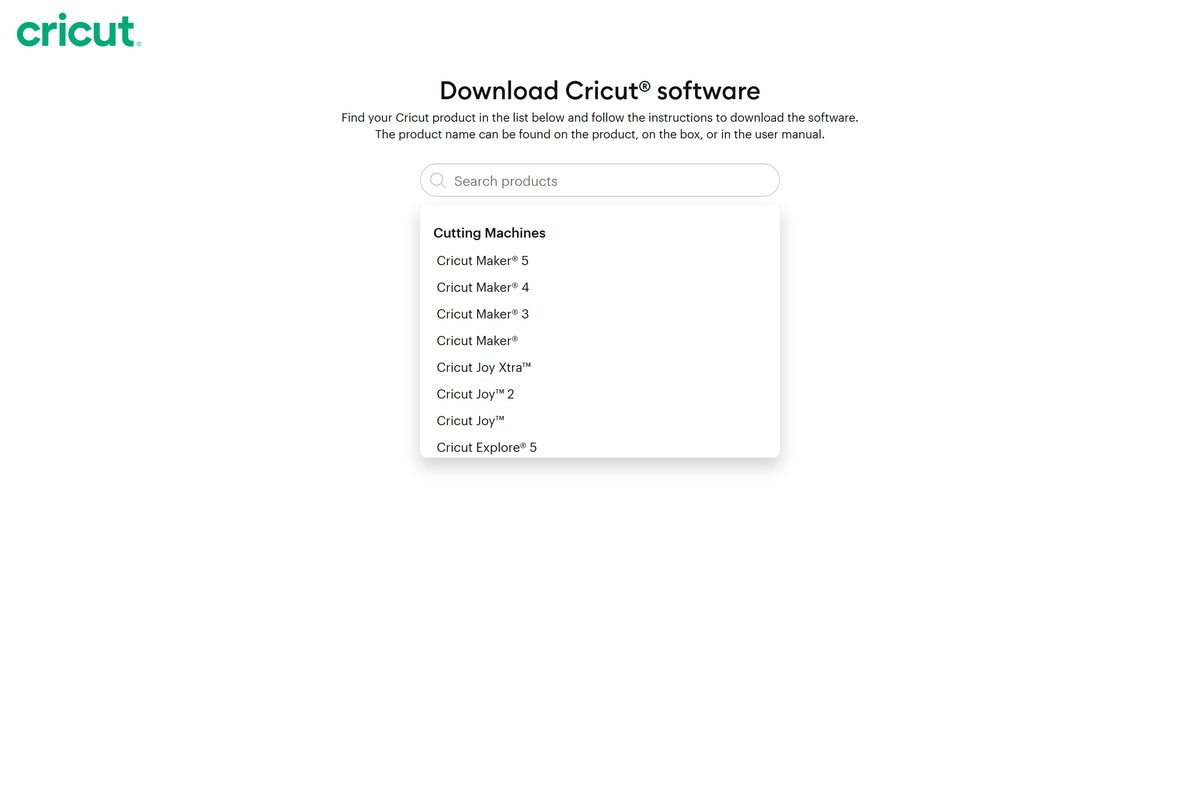
| Cricut Design Space | Cricut Maker, Explore, Joy and Venture | Free app; download chosen by machine | Set up Cricut Design Space on PC |
| Silhouette Studio | Silhouette Cameo, Portrait and Curio | Free edition; Business Edition adds SVG import/export and nesting | Get Silhouette Studio for Windows |
CAD software free trial vs education licence
Every paid CAD app here has a free route in, but the routes carry different terms. Pick the one that matches how you will use the files.
| Licence type | Who it suits | Examples | Watch for |
|---|---|---|---|
| Free trial | Anyone evaluating before buying | Autodesk trials, LightBurn 30 days, Bluebeam 14 days, Maxon One 14 days | Work stops or needs a paid licence when the trial ends |
| Education licence | Students, teachers and schools | Autodesk education access, Onshape Education, SketchUp for Education | Eligibility check; not for commercial work |
| Free personal or hobby plan | Makers and non-commercial projects | Onshape Free plan | Onshape Free documents are public |
| Open source | Anyone, including commercial use | FreeCAD, UltiMaker Cura, PrusaSlicer | Community support rather than a vendor helpdesk |
| Paid subscription or licence | Professional and commercial work | AutoCAD, Revit, SolidWorks, SketchUp Pro, Onshape Standard | Annual cost per user |
Only install from the vendor's site. A pirated CAD package gives no updates, no support and no legal right to use the files commercially.
CAD file formats: DWG, DXF, STEP and STL
File formats decide whether two apps can share work, so check them before you switch.
| Format | What it carries | Apps listed here that use it |
|---|---|---|
| DWG | AutoCAD drawings | AutoCAD; SketchUp Pro has enhanced DWG compatibility |
| DXF | Exchange format for 2D drawings | AutoCAD; FreeCAD reads and writes it |
| STEP and IGES | Neutral solid models between CAD apps | FreeCAD; UltiMaker Cura opens STEP and IGES |
| STL | Mesh for 3D printing | FreeCAD exports it; every slicer above opens it |
| IFC | Open BIM exchange | Revit; FreeCAD; SketchUp Pro |
| SVG | Vector artwork for cutters and lasers | FreeCAD; Silhouette Studio Business Edition |
PC requirements for CAD software
Requirements change with each release, so read the vendor's page for the version you install. These are the points that most often block a CAD install.
| Check | Why it matters |
|---|---|
| 64-bit Windows 10 or Windows 11 | Current CAD apps and slicers ship 64-bit builds; PrusaSlicer needs Windows 10 or later |
| A supported graphics card and current driver | 3D viewports in Revit, Inventor, SolidWorks and 3ds Max depend on it |
| Enough RAM for your largest model | Large assemblies and BIM models are memory-heavy |
| Free SSD space for the install and cache | Full CAD suites take several gigabytes once installed |
| A modern browser | All you need for Onshape and SketchUp for Web |
If a CAD app refuses to uninstall or reinstall cleanly, the steps to remove and reinstall Windows programs apply to it like any other desktop app.
FAQs about AutoCAD alternatives and CAD software for PC
What is a CAD software?
CAD software is a program for computer-aided design: it creates precise 2D drawings and 3D models on a computer. Engineers, architects and makers use it to draw plans, design parts and prepare files for manufacturing or 3D printing.
What kind of software is CAD?
CAD is design and drafting software. It ranges from 2D drafting tools such as AutoCAD to parametric 3D modellers such as Fusion and SolidWorks, BIM tools such as Revit, and free open-source modellers such as FreeCAD.
What is a CAD computer?
A CAD computer is a PC set up to run design software smoothly: 64-bit Windows, a supported graphics card with a current driver, plenty of RAM and an SSD. Requirements vary by app, so check the vendor's page.
Is CAD software free?
Some is. FreeCAD is open source with no licence fee, Onshape has a free plan for non-commercial use, and slicers such as UltiMaker Cura and PrusaSlicer are free. AutoCAD, Revit and SolidWorks are paid, with trials or education licences.
Is CAD a good software?
CAD is a category, not one program. AutoCAD is the established 2D drafting choice, while Fusion, SolidWorks and FreeCAD suit 3D parts. A good choice is the one that fits your output and the file formats your clients use.
How to use free CAD software?
Install FreeCAD from freecad.org or sign up for Onshape's free plan, then start with a 2D sketch, constrain it with dimensions and extrude it into a 3D part. Both projects publish official tutorials and documentation.
Which is the best cheaper alternative to AutoCAD that shares similar features?
For 2D DWG drafting, dedicated AutoCAD-style drafting apps are closest, so compare their vendor sites. For 3D parts with drawings, Onshape's free or Standard plan and FreeCAD cost far less than an AutoCAD subscription.
Is the free alternative to AutoCAD powerful enough for professionals?
FreeCAD describes itself as suited to many professional and technical tasks, with STEP, DXF and IFC support and no licence fee. Onshape's free plan is non-commercial only, so professional work needs its paid plans.