The PHP2Shell patch is PHP 8.5.12, 8.4.27, 8.3.36 or 8.2.35, released by the PHP project on 21 October 2026 to fix CVE-2026-109618 and CVE-2026-109619, two flaws that allow unauthenticated remote code execution.
Download the fixed build for your branch from php.net, or take your Linux distribution's patched packages, then restart every PHP worker. The PHP guide hub collects every related update, download and mitigation post in one place.
What is PHP2Shell?
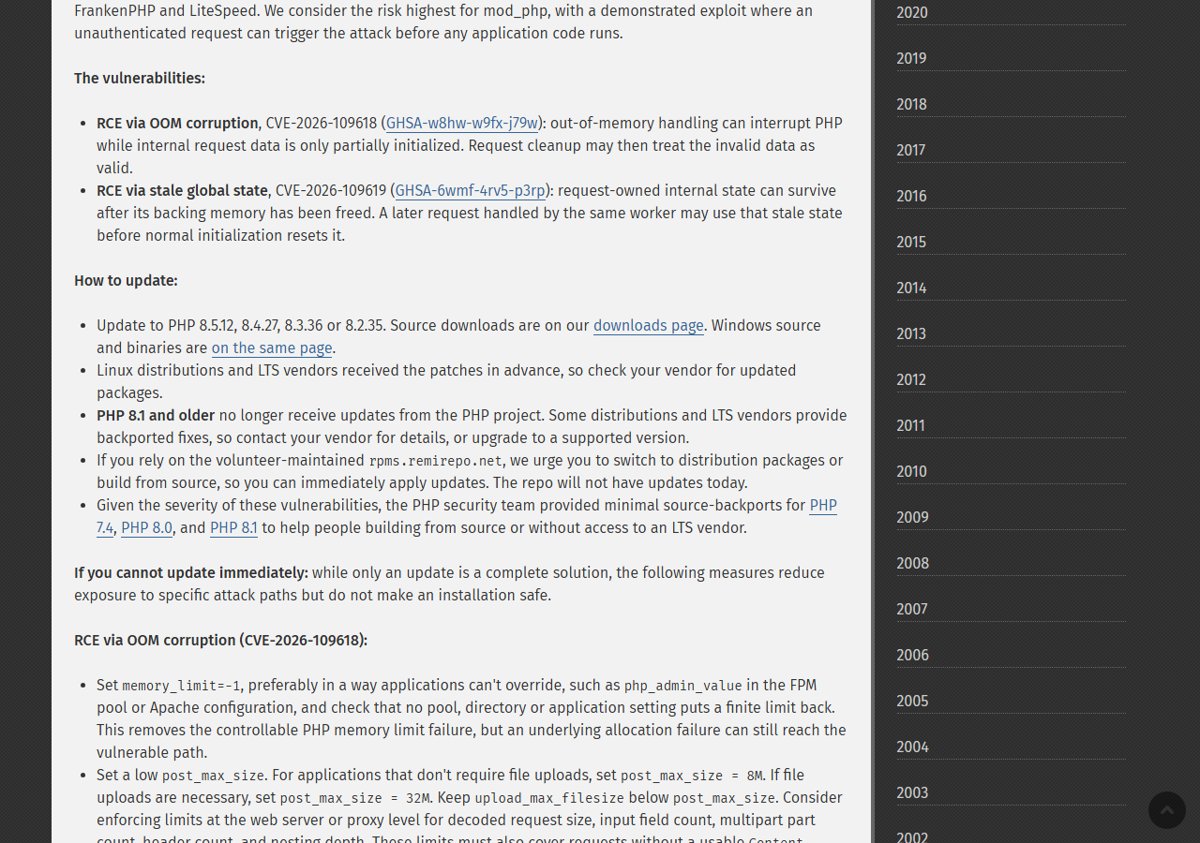
PHP2Shell is the name used for two PHP vulnerabilities disclosed together. Wikipedia reports that the flaws were publicly announced on 20 October 2026 and patched the next day, and lists Wiz, OpenAI and Calif as discoverers.
PHP.net rates both flaws CVSS v4.0 9.2 and describes them this way.
| CVE | Advisory | What goes wrong |
|---|---|---|
| CVE-2026-109618 | GHSA-w8hw-w9fx-j79w, RCE via OOM corruption | Out-of-memory handling can interrupt PHP while request data is only partly initialized; cleanup then treats the invalid data as valid |
| CVE-2026-109619 | GHSA-6wmf-4rv5-p3rp, RCE via stale global state | Request-owned state can survive after its memory is freed, and a later request on the same worker may use it before initialization resets it |
Wikipedia also reports that Cloudflare saw signs of early exploitation before the patch and deployed temporary web application firewall rules, and that many organizations took websites offline while patches were pending. The PHP security update news covers the release itself.
Is my server affected by PHP2Shell?
PHP.net says all PHP installations serving web requests are at risk, including PHP-FPM, Apache with mod_php, php-cgi, FrankenPHP and LiteSpeed. It considers the risk highest for mod_php, where a demonstrated exploit runs before any application code.
- Run
php -von the server and note the version on the first line. - Compare it with the fixed release for its branch: 8.5.12, 8.4.27, 8.3.36 or 8.2.35.
- Treat any lower version on those branches as vulnerable.
- Treat PHP 8.1, 8.0 and 7.4 as vulnerable unless your vendor confirms a backported fix.
- On distribution packages, compare the package version with your vendor's security notice instead, because vendors use their own version numbers.
The web server can run a different PHP build from the command line, so also check your PHP version on a temporary phpinfo() page.
PHP2Shell patch download: fixed PHP versions
PHP.net publishes source downloads and Windows binaries for every fixed branch on its downloads page. Linux distributions and LTS vendors received the patches in advance.
| Branch | Fixed release | Where to get it | Security support ends |
|---|---|---|---|
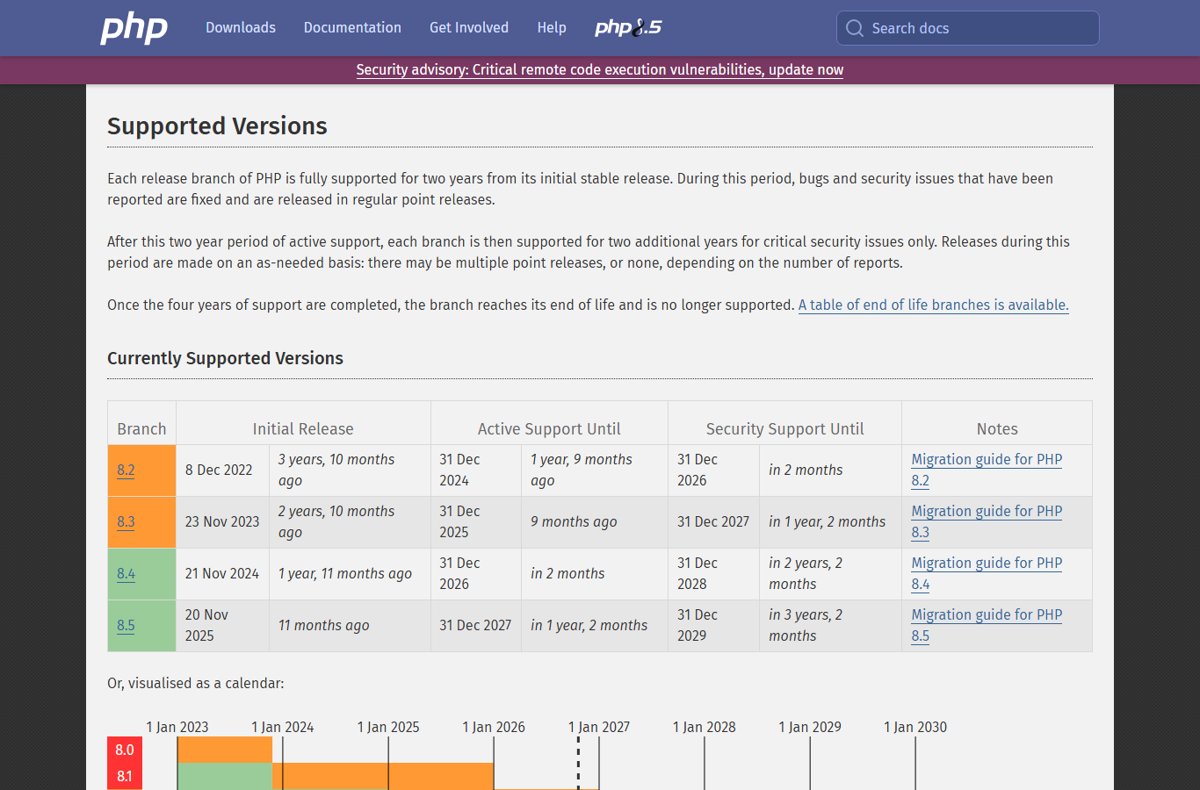
| PHP 8.5 | 8.5.12 | php.net downloads page or your vendor | 31 Dec 2029 |
| PHP 8.4 | 8.4.27 | php.net downloads page or your vendor | 31 Dec 2028 |
| PHP 8.3 | 8.3.36 | php.net downloads page or your vendor | 31 Dec 2027 |
| PHP 8.2 | 8.2.35 | php.net downloads page or your vendor | 31 Dec 2026 |
| PHP 8.1, 8.0, 7.4 | No official release | Vendor backport or source patch | Already end of life |
Download only from https://www.php.net/downloads.php or https://windows.php.net/download/. Per-version notes are in the PHP 8.5.12 download for Windows and PHP 8.4.27 download posts.
How to install the PHP2Shell patch on Windows
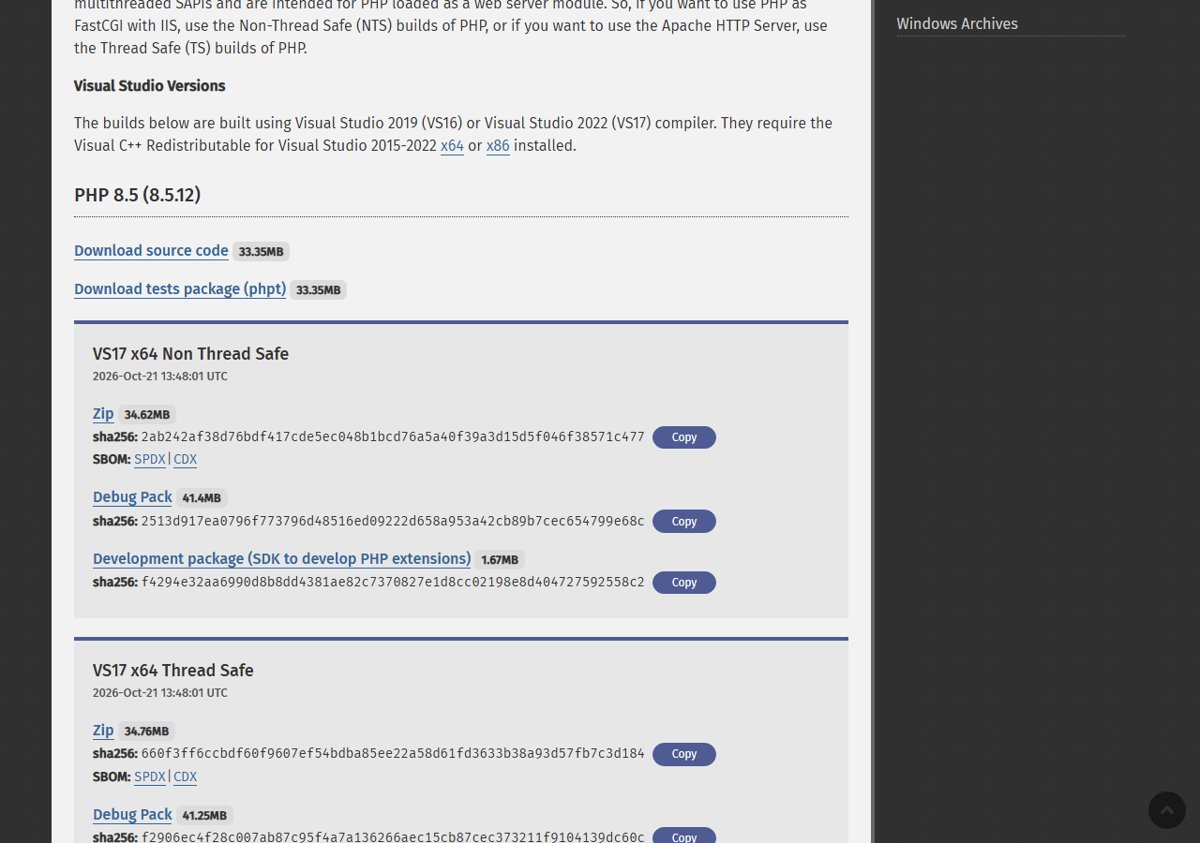
PHP.net recommends x64 builds. Use the Thread Safe (TS) build when Apache loads PHP as a module, and the Non-Thread Safe (NTS) build for IIS with FastCGI or the CLI. The builds need the Visual C++ Redistributable for Visual Studio 2015-2022.
- Open https://windows.php.net/download/ and find the fixed release for your branch.
- Download the Zip that matches your current architecture and thread-safety type.
- Stop the web server or service that runs PHP.
- Rename the current PHP folder, for example
C:\phptoC:\php-old, to keep a backup. - Extract the new ZIP to the original folder path.
- Copy
php.iniand any third-party extension DLLs from the backup folder into the new one. - Start the web server again and run
php -vto confirm the new version.
XAMPP keeps its own PHP folder, so a system update does not patch it; the XAMPP PHP update steps cover bundled stacks.
How to install the PHP2Shell patch on Linux
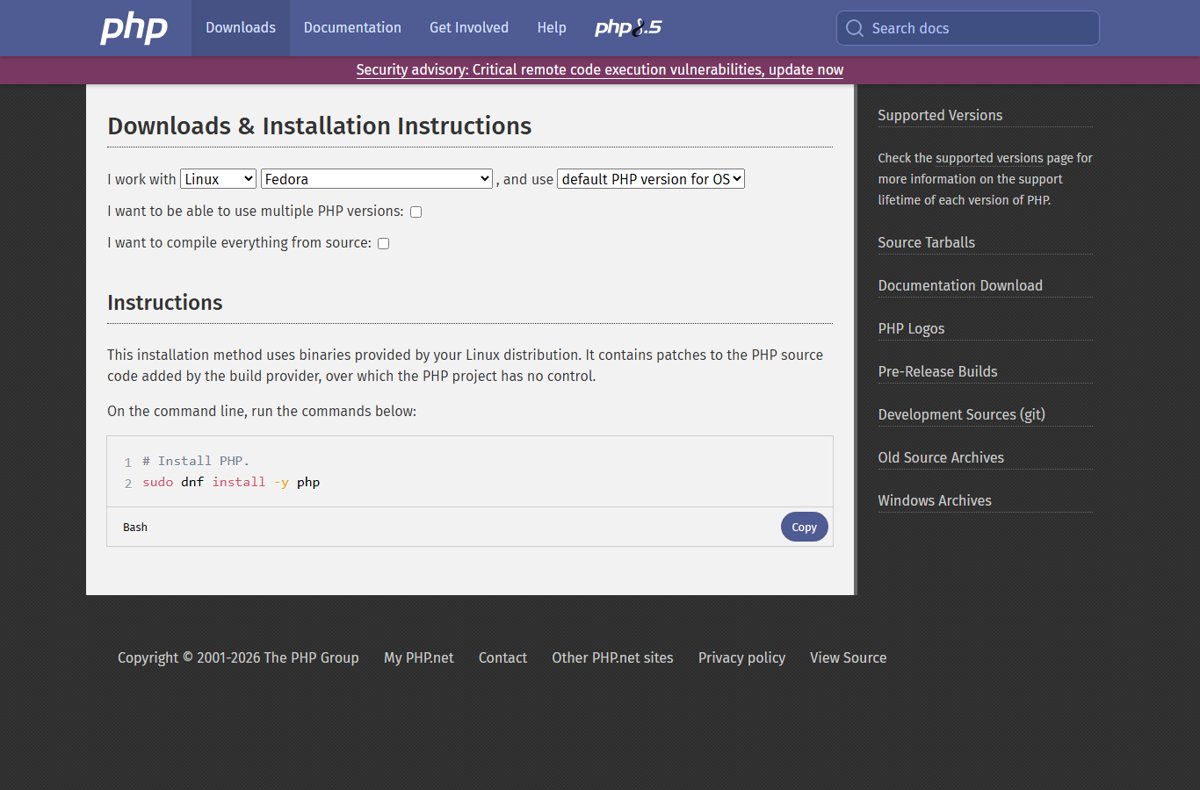
Use your distribution's packages, because vendors received the fixes before release. PHP.net urges users of rpms.remirepo.net to switch to distribution packages or build from source, since that repo will not have updates on release day.
Ubuntu or Debian
PHP comes from apt packages
- Run
sudo apt updateto refresh the package lists. - Run
sudo apt upgradeto install the patched PHP packages. - Compare the installed version with your vendor's security notice for both CVEs.
RHEL, AlmaLinux or Fedora
PHP comes from dnf packages
- Run
sudo dnf check-updateto list available updates. - Run
sudo dnf upgradeto install them. - Compare the installed package with your vendor's security advisory.
Any distribution
Running workers still hold the old code
- Restart PHP-FPM with
sudo systemctl restart <service-name>, using your PHP-FPM service name. - Restart Apache or Nginx the same way.
Ubuntu and Debian specifics are in the Ubuntu and Debian PHP update post, and service names are in the guide to restart PHP-FPM.
PHP2Shell patch for PHP 7.4, 8.0 and 8.1
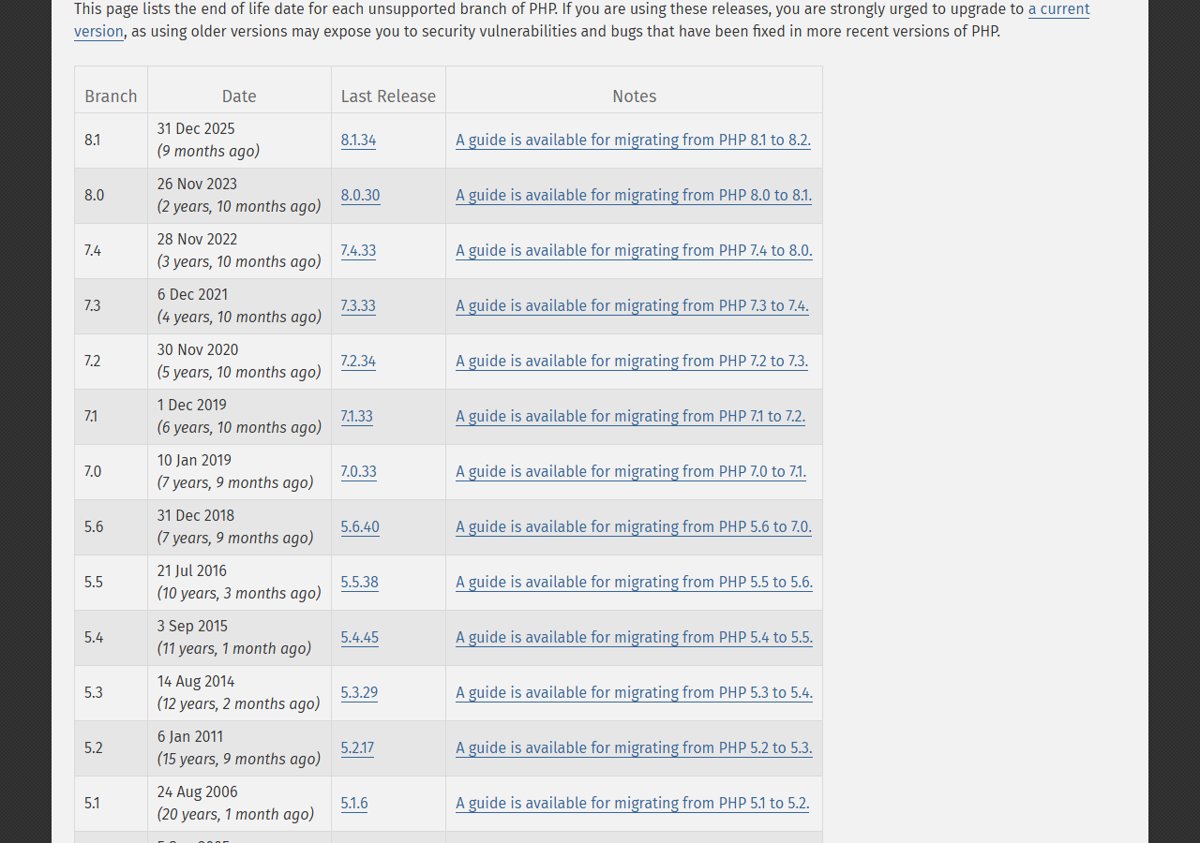
PHP 8.1 and older no longer receive updates from the PHP project, so there are no official PHP2Shell binaries for them. Given the severity, the PHP security team provided minimal source backports for 7.4, 8.0 and 8.1 for people who build from source or have no LTS vendor.
| Your situation | What to do |
|---|---|
| Distribution or LTS vendor package | Ask the vendor for its backported fix and install it |
| You build PHP from source | Apply the PHP project's minimal source backport for your branch |
| Neither option is available | Upgrade to PHP 8.2 or newer |
The PHP 8.1, 8.0 and 7.4 options post goes through each route.
PHP2Shell mitigations if you can't patch yet
PHP.net says only the update is a complete solution. These measures reduce exposure to specific attack paths but do not make an installation safe.
| Flaw | Partial mitigation from PHP.net |
|---|---|
| CVE-2026-109618 | Set memory_limit=-1 in a way applications cannot override, such as php_admin_value in the FPM pool or Apache config |
| CVE-2026-109618 | Set post_max_size = 8M without file uploads, or 32M with them, and keep upload_max_filesize below it |
| CVE-2026-109618 | Use a container or cgroup limit as an availability boundary; do not substitute RLIMIT_AS or RLIMIT_DATA |
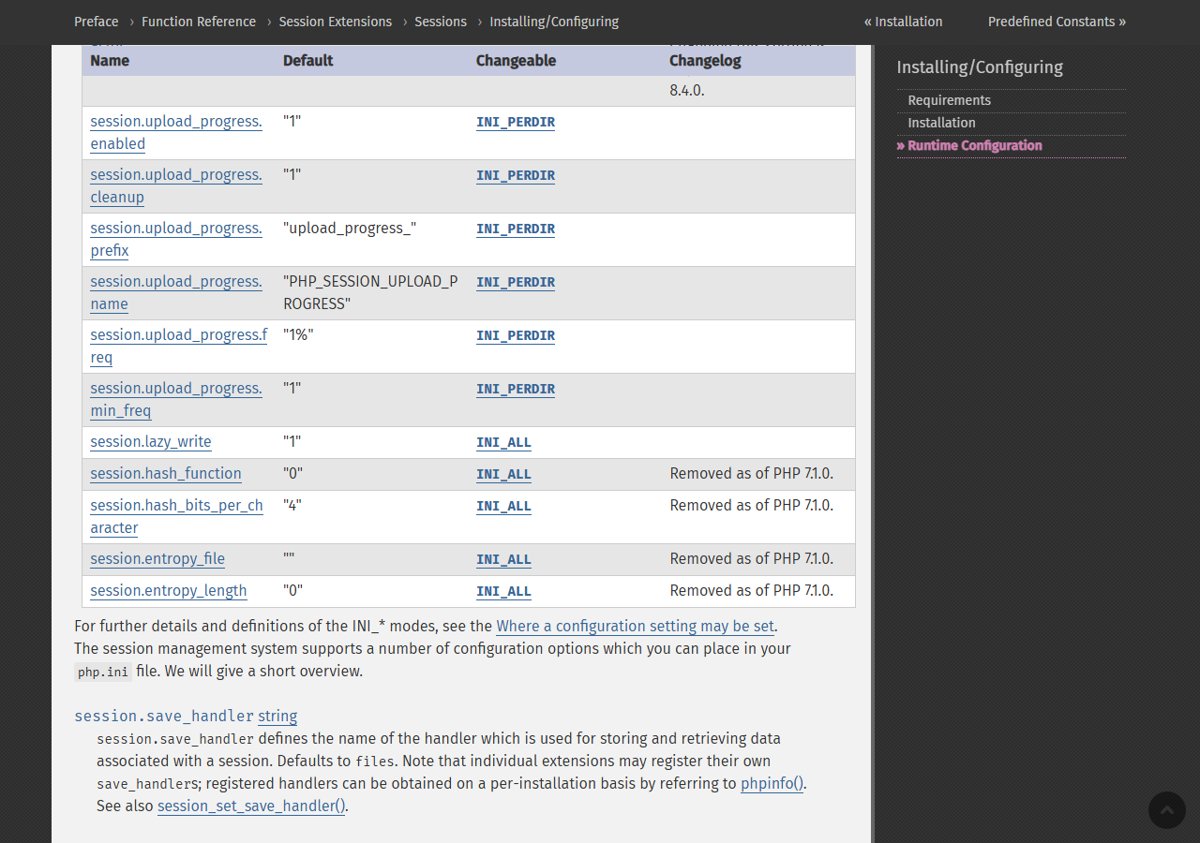
| CVE-2026-109619 | Set session.upload_progress.enabled=0 in php.ini, an FPM pool or server config, then restart every worker |
| CVE-2026-109619 | On PHP 8.5, set fatal_error_backtraces=0 and restart every worker |
| CVE-2026-109619 | Remove invalid or deprecated per-request settings that emit diagnostics, and fix attacker-reachable fatal errors and timeouts |
Do not rely on ini_set() or FPM .user.ini for the session setting, and hiding diagnostics with display_errors does not help. Each of these partial PHP2Shell mitigations has exact config placement and caveats.
How to confirm the PHP2Shell patch is installed
- Run
php -vand confirm 8.5.12, 8.4.27, 8.3.36 or 8.2.35, or your vendor's fixed package version. - Create
info.phpin the web root containing<?php phpinfo();and open it in a browser. - Confirm the same version appears at the top of the page, so the web server uses the patched build.
- Check that Loaded Configuration File points at the
php.iniyou expect. - Delete
info.php, because it exposes server details.
If the page still shows the old version, a PHP-FPM pool or Apache process was not restarted.
PHP2Shell FAQ
What is the PHP2Shell CVE?
PHP2Shell covers two CVEs: CVE-2026-109618, remote code execution via out-of-memory corruption, and CVE-2026-109619, remote code execution via stale global state.
Where can I download the PHP2Shell patch?
Download PHP 8.5.12, 8.4.27, 8.3.36 or 8.2.35 from php.net/downloads.php, with Windows builds at windows.php.net/download. On Linux, install your distribution's updated packages instead.
How do I fix PHP2Shell?
Update to the fixed release for your branch and restart every PHP worker. PHP.net says there are no complete mitigations and updating is the only safe choice.
Is there a PHP2Shell exploit?
PHP.net says it has a demonstrated exploit against mod_php in which an unauthenticated request triggers the attack before any application code runs. Wikipedia reports Cloudflare saw signs of early exploitation before the patch.
How severe is PHP2Shell?
PHP.net rates both vulnerabilities CVSS v4.0 9.2, which is critical, and urges all PHP users to update immediately.
Does the PHP2Shell patch need a restart?
Yes. PHP-FPM, Apache with mod_php and other long-running workers keep the old code in memory until they restart.
Should you install the PHP2Shell patch today?
Yes. Install 8.5.12, 8.4.27, 8.3.36 or 8.2.35, or your vendor's patched package, and restart every PHP worker now. Both flaws allow unauthenticated remote code execution on any PHP server handling web requests, and PHP.net says no mitigation is complete.