The Apache NetBeans download is a single file: netbeans-31-bin.zip , 496.9 MB, free from apache.org. The archive is platform-independent Java, so the same file serves Windows 11, Windows 10, macOS and Linux.
Install a JDK before you unzip it. NetBeans 31 runs on JDK 26, JDK 25 or JDK 21, with initial support for JDK 27, and the launcher needs one of those to start.
This guide covers which file to take, the official links, setup on Windows and Mac, the SHA-512 check, plugin updates, fixes for a launcher that will not start, and clean removal.
Which Apache NetBeans download do you need?
The Apache Software Foundation ships one binary release for every desktop. Match your case to a row and click the file.
| Your case | Download | Size |
|---|---|---|
| Windows 11 or 10 PC with a JDK installed | netbeans-31-bin.zip | 496.9 MB |
| Mac with Apple silicon or an Intel chip | netbeans-31-bin.zip | 496.9 MB |
| Linux or BSD desktop | netbeans-31-bin.zip | 496.9 MB |
| You want a Windows setup program signed off by Apache | Apache-NetBeans-25-bin-windows-x64.exe | 493.38 MB |
| You want a macOS package signed off by Apache | Apache-NetBeans-25.pkg | 493.64 MB |
| You want to build the IDE yourself | netbeans-31-source.zip | 145.66 MB |
The exe and pkg rows are NetBeans 25, the newest release for which the foundation published its own installers.
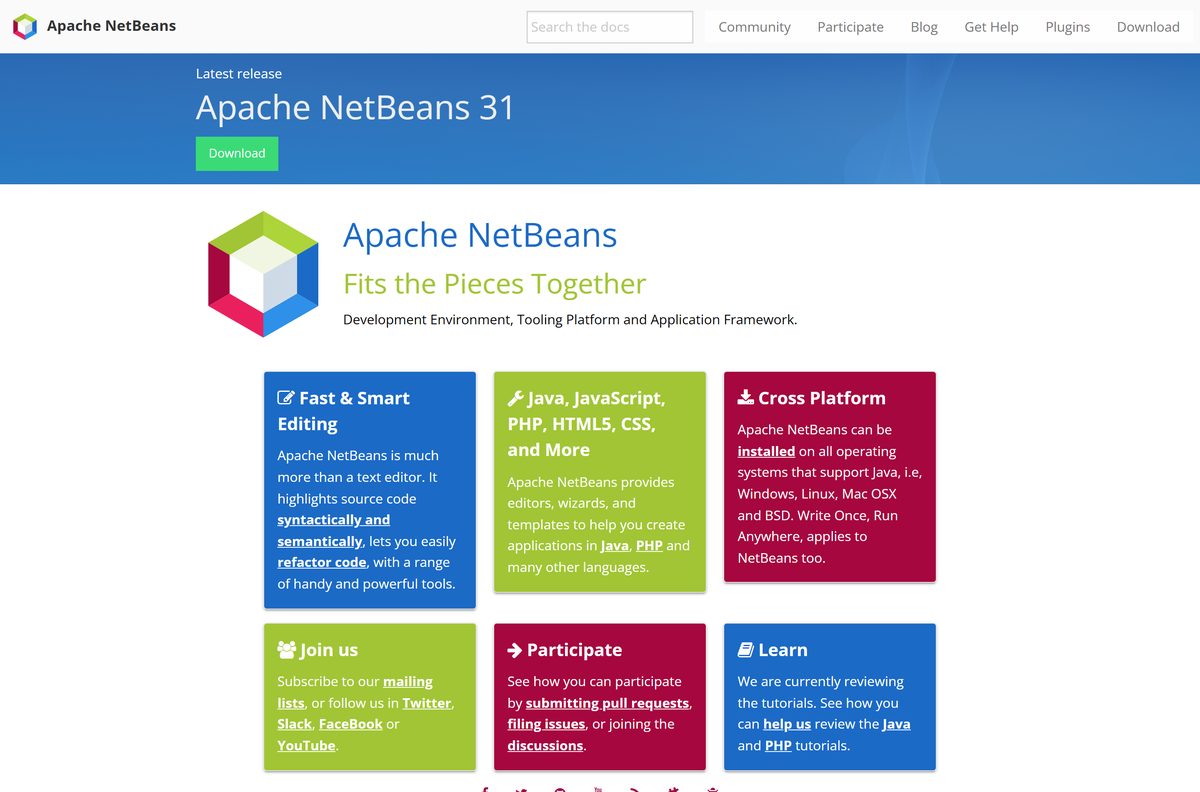
Download Apache NetBeans for Windows 11 and Windows 10
Version 31 landed on August 10, 2026, and the project ships four releases a year. The mirror link picks a nearby server; the direct link always serves from the foundation’s own host.
- netbeans-31-bin.zip (Apache mirror) — 496.9 MB · the IDE itself
- netbeans-31-bin.zip (apache.org direct) — 496.9 MB · use if a mirror is slow
- netbeans-31-bin.zip.sha512 — hash to compare after the download
- netbeans-31-bin.zip.asc — PGP signature
- netbeans-31-source.zip — 145.66 MB · source for building it yourself
- Apache NetBeans 31 download page — release notes and known issues
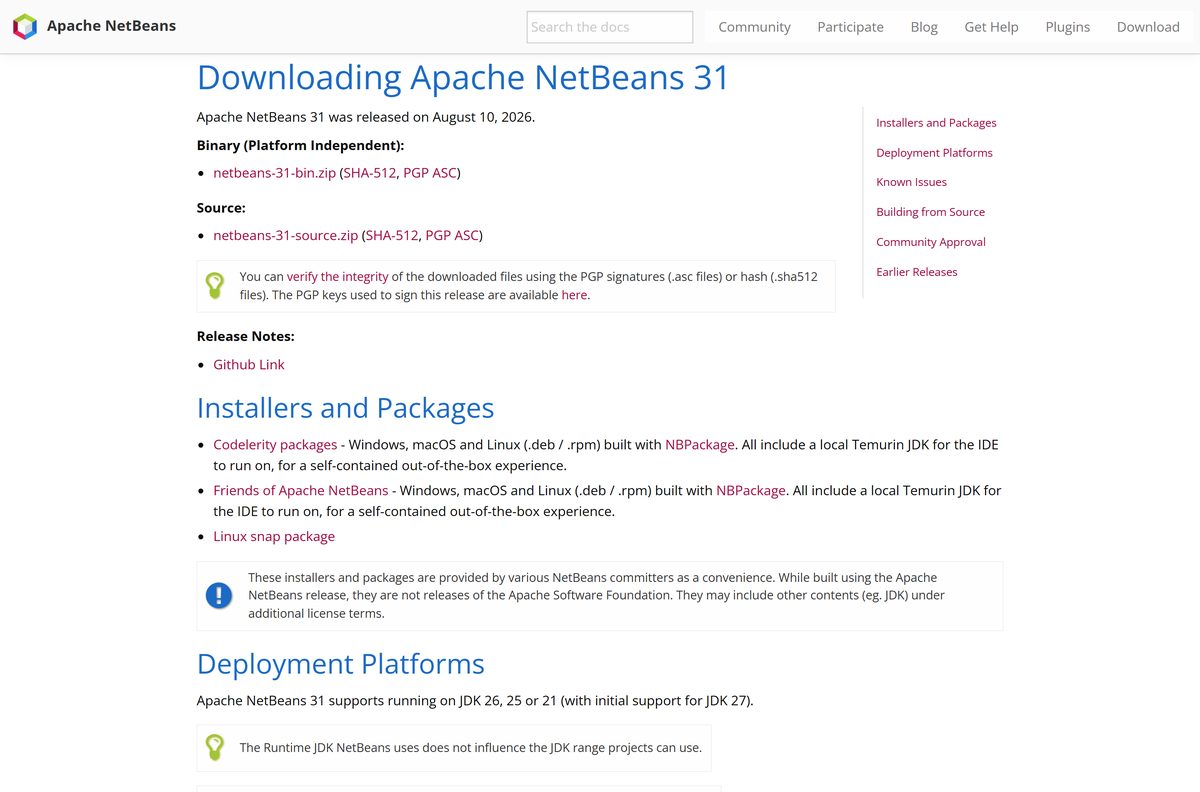
How to install Apache NetBeans on Windows 11 and 10
There is no setup wizard for version 31. You extract the archive and start the launcher, which needs no administrator rights.
- Install a JDK first. Version 31 accepts JDK 26, JDK 25 or JDK 21 — see the Java JDK download guide for the Windows x64 installer.
- Open the Apache NetBeans 31 download page and click netbeans-31-bin.zip.
- Right-click the downloaded file in File Explorer and choose Extract All.
- Set the destination to a short path such as C:\Tools , then click Extract.
- Open the extracted netbeans\bin folder.
- Double-click netbeans64.exe to start the IDE.
- If the launcher reports that it cannot find a JDK, open netbeans\etc\netbeans.conf in Notepad and set netbeans_jdkhome to your JDK folder.
- Right-click the running icon on the taskbar and choose Pin to taskbar so you do not go hunting for the launcher again.
- Choose File > New Project and pick Java Application to confirm the toolchain works.
How to verify the Apache NetBeans download
Every release file has a .sha512 hash and a .asc signature beside it. Hashes are published only on the foundation’s own servers.
- Open the published SHA-512 file in a browser tab.
- Open Command Prompt in the folder holding your download.
- Run certUtil -hashfile netbeans-31-bin.zip SHA512 on Windows.
- Run shasum -a 512 netbeans-31-bin.zip instead if you are on a Mac.
- Compare the string on screen with the published one, character for character.
- Delete the file and download it again if the two differ.
The published SHA-512 for version 31 begins 108edccc78075b0b . A hash check catches a truncated download as well as a tampered one.
Run Apache NetBeans from a USB stick without installing it
The zip release is already portable. Nothing is written to the registry, and no service is registered.
- Extract netbeans-31-bin.zip straight onto the USB drive.
- Copy a JDK folder onto the same drive, because the launcher will not start without one.
- Open netbeans\etc\netbeans.conf and point netbeans_jdkhome at that JDK folder.
- Add –userdir followed by a folder on the stick to the same file, so settings travel with you.
- Start netbeans\bin\netbeans64.exe from the drive.
- Eject the drive normally after closing the IDE.
Which Apache NetBeans download do you need for your Mac?
Chip choice does not apply here. The IDE is Java bytecode, so the Apple silicon question is really a question about your JDK.
| Your Mac | Download | Note |
|---|---|---|
| Apple M1, M2, M3 or M4 | netbeans-31-bin.zip | Pair it with an aarch64 JDK |
| Intel Mac | netbeans-31-bin.zip | Pair it with an x64 JDK |
| You would rather double-click a .pkg | Apache-NetBeans-25.pkg | 493.64 MB, but it is version 25 |
Unzip the archive into ~/Applications , then run netbeans/bin/netbeans from Terminal. Allow the app in System Settings > Privacy & Security on first launch.
Is Apache NetBeans free?
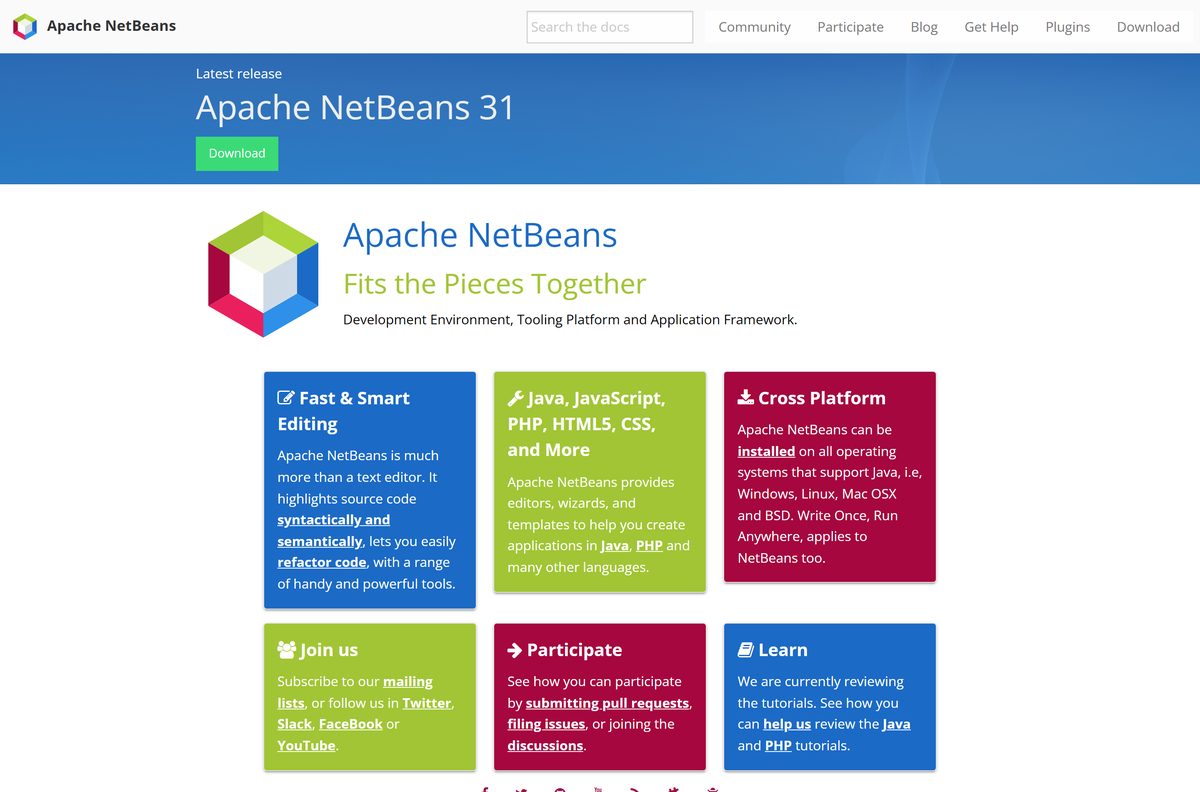
The IDE is released under the Apache License, Version 2.0. There is no paid edition, no trial period and no seat count.
The plugin portal carries a mix of licences, so check the licence line on a plugin before shipping it inside a product.
Yes. Take it from apache.org and pay nothing, at home or at work. Apache 2.0 grants use, modification and redistribution at no cost. Any page charging for the IDE, or offering a licence key for it, is selling something the foundation gives away.
Should you install NetBeans 31 or the archived NetBeans 25 installer?
Release 25 is the last one the foundation packaged as a Windows exe and a macOS pkg. Everything from 26 onward is the zip alone.
Install version 31. Reach for the archived NetBeans 25 installer only when a policy forbids unzipped applications. Version 31 carries eighteen months of fixes that version 25 does not, and the extra work in the zip route amounts to one Extract All.
How to check your NetBeans version and update it
The IDE updates plugins in place, but the core release is replaced by hand.
- Choose Help > About to read the release number and the JDK the IDE is running on.
- Choose Tools > Plugins, open the Updates tab and click Update to refresh installed plugins.
- Open the releases page to see whether a newer quarterly release is out.
- Extract the new archive beside the old folder rather than over it.
- Start the new launcher and let it import settings from the previous version when it offers.
- Delete the old folder once your projects open cleanly in the new one.
Check the Apache NetBeans system requirements
The runtime JDK is the only hard requirement.
| Field | Value |
|---|---|
| Software | Apache NetBeans |
| Developer | The Apache Software Foundation |
| Latest version | 31, released August 10, 2026 |
| Licence | Free and open source, Apache License 2.0 |
| Runtime JDK | JDK 26, 25 or 21; initial support for JDK 27 |
| Windows | Windows 11 and Windows 10, 64-bit; Windows on ARM is not fully supported |
| macOS | Any macOS release with a supported JDK, Apple silicon or Intel |
| Other systems | Linux and BSD, wherever a supported JDK runs |
| Architecture | Platform-independent archive; the JDK supplies the native bits |
| Download size | 496.9 MB (netbeans-31-bin.zip) |
| Disk space | About 1.5 GB for the extracted IDE |
| Offline installer | Yes, the archive is complete and needs no connection |
| Admin rights | Not required to extract or run |
| Official source | netbeans.apache.org |
| Last verified | 2026-09-22 |
What Apache NetBeans can build
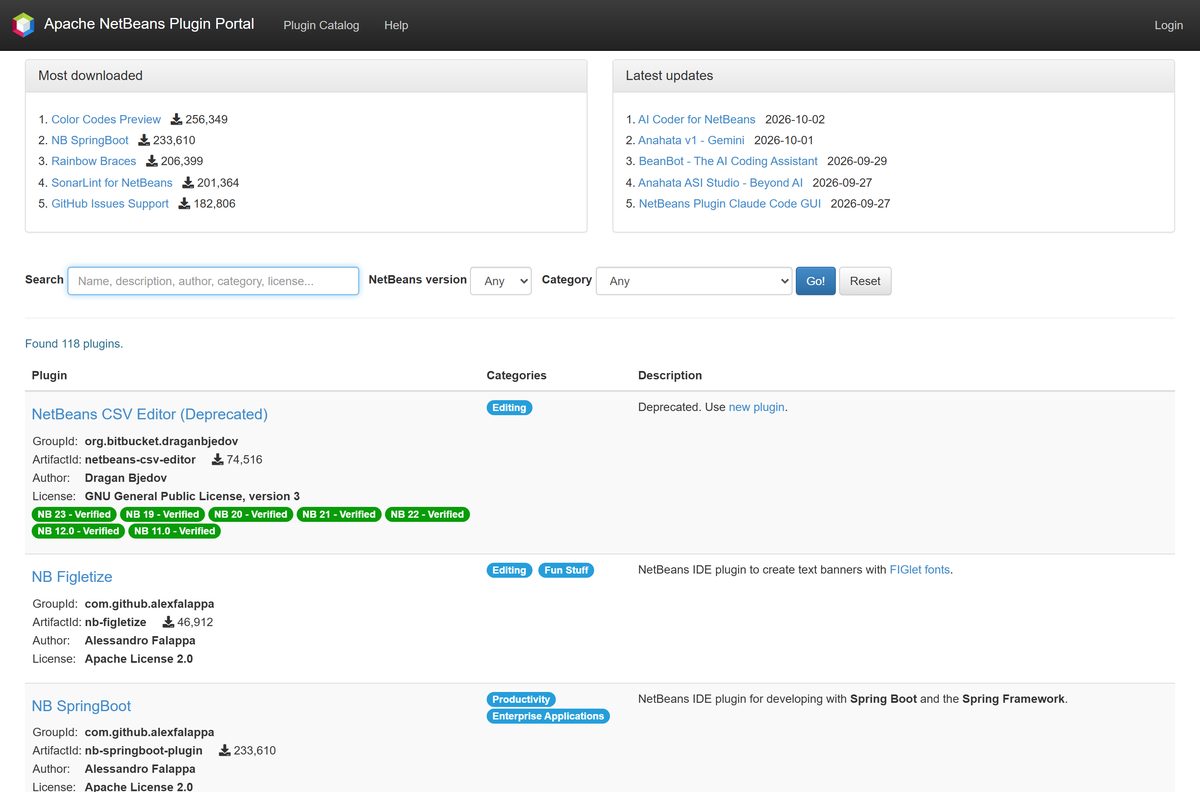
The download is the full IDE, not a stripped core that asks for paid add-ons. The plugin portal filters its catalogue by release, from 11.0 through 31.
| You work in | What the IDE gives you |
|---|---|
| Java | Editors, wizards and templates, with semantic highlighting and refactoring |
| PHP | Dedicated editors and project templates |
| JavaScript | Editing support in the bundled web tooling |
| HTML5 and CSS | Editing support in the bundled web tooling |
| Anything else | 118 plugins on the plugin portal |
Fix Apache NetBeans not starting on Windows 11 or 10
Almost every failed start traces back to the JDK: missing, wrong version, or in a folder the launcher was never told about.
The launcher opens and closes, or says it cannot find a JDK
The zip release carries no bundled runtime, and it does not read JAVA_HOME on its own.
- Open netbeans\etc\netbeans.conf in Notepad.
- Find the netbeans_jdkhome line and remove the # in front of it.
- Set it to your JDK folder, for example C:\Program Files\Java\jdk-25 .
- Save the file and start netbeans64.exe again.
Extraction fails partway, or the IDE opens with missing menus
A truncated 496.9 MB download unzips far enough to look finished.
- Run certUtil -hashfile netbeans-31-bin.zip SHA512 and compare it with the published hash.
- Download the file again from the apache.org host if the strings differ.
- Delete the half-extracted folder before extracting the fresh copy.
The IDE stalls or draws badly over Remote Desktop, or on UNC paths
Both are logged as known issues, numbered 8236 and 8611 on the release page.
- Install JDK 21 and keep it updated to the newest patch release.
- Point netbeans_jdkhome at that JDK 21 folder.
- Copy the project to a local drive rather than opening it across a UNC path.
Nothing starts on a Windows on ARM laptop
The release page lists Windows on ARM as not fully supported.
- Check Settings > System > About for the system type.
- Install an x64 JDK and let the emulation layer run it if the machine is ARM64.
- Move to an x64 PC for day-to-day work, since ARM problems are not treated as release blockers.
How to uninstall Apache NetBeans
The zip release adds no entry to Installed apps, so there is nothing to click in Settings. Removal is two folders.
- Close the IDE and confirm no java.exe process is still holding the folder.
- Delete the extracted netbeans folder, for example C:\Tools\netbeans .
- Open %APPDATA% and delete the NetBeans folder to clear settings, keymaps and plugin choices.
- Delete ~/Library/Application Support/NetBeans instead if you are on a Mac.
- Keep the NetBeansProjects folder in your user profile, because that is where your source code lives.
- Open Installed apps and remove the entry there instead if you used the archived NetBeans 25 installer.
Which Java IDE should you use instead?
All three need a JDK on the machine as well.
| Tool | Cost | Pick it when |
|---|---|---|
| IntelliJ IDEA | Community Edition free; Ultimate paid | You want deeper refactoring and a native installer with an updater |
| Visual Studio Code | Free | Java is one of several languages in your day and startup speed matters |
| Apache NetBeans | Free | You want Maven, Ant and Gradle support in the box with no account to create |
Other developer tools for Windows include CentOS Stream and Fedora Linux.
Frequently asked questions
Is Apache NetBeans free?
Yes. It is released under the Apache License, Version 2.0, with no paid edition, trial period or licence key. The same licence covers commercial use inside a company.
Where is the official NetBeans download page?
The official page is netbeans.apache.org/front/main/download/nb31. It links netbeans-31-bin.zip on the Apache mirrors, plus the SHA-512 hash and PGP signature for the file.
Does NetBeans work on Windows 11?
Yes. Extract netbeans-31-bin.zip and run netbeans64.exe from the bin folder. Windows on ARM is listed as not fully supported, so use an x64 PC where you can.
How big is the NetBeans download?
The archive netbeans-31-bin.zip is 496.9 MB. The source archive is 145.66 MB, and the archived NetBeans 25 Windows installer is 493.38 MB.
Is there a NetBeans offline installer?
Yes, in effect. The zip archive is complete and needs no connection while it extracts. A JDK has to be on the machine already, because the archive carries no runtime.
Is there a NetBeans exe installer?
Not for version 31. The Apache Software Foundation published its last exe and pkg for NetBeans 25, which still sit in the Apache archive. Newer releases ship as the zip only.
Is there a NetBeans download for Mac?
Yes, the same netbeans-31-bin.zip. Unzip it, run netbeans/bin/netbeans, and allow the app in System Settings the first time macOS blocks it.
Which JDK does NetBeans 31 need?
It runs on JDK 26, JDK 25 or JDK 21, with initial support for JDK 27. The JDK the IDE runs on does not limit the JDK your projects target.
Is the NetBeans download safe?
Yes, when it comes from apache.org. Each release file has a SHA-512 hash and a PGP signature on the same host, and hashes are published nowhere else.
What is the latest NetBeans version?
Apache NetBeans 31, released on August 10, 2026. The project ships four releases a year, so a newer quarterly release replaces it roughly every three months.
Why won’t NetBeans start after I unzip it?
The launcher cannot find a JDK. Open etc/netbeans.conf, uncomment the netbeans_jdkhome line and set it to your JDK folder, then start netbeans64.exe again.
How do you completely uninstall Apache NetBeans?
Delete the extracted folder, then delete the NetBeans folder in %APPDATA% on Windows or Library/Application Support on a Mac. Leave NetBeansProjects alone, because it holds your code.






