OneDrive in Windows 11/10: set up, sync, settings, backup and fixes
OneDrive sync in Windows 11 and 10: sign in, choose folders, back up Desktop and Documents, read status icons, reset, unlink and fix sync problems.
2,331 articles
OneDrive sync in Windows 11 and 10: sign in, choose folders, back up Desktop and Documents, read status icons, reset, unlink and fix sync problems.

Microsoft 365 setup: sign in at m365.cloud.microsoft/apps, select Install apps, run setup, then open Word to activate. Office 2024/2021, Mac, keys and error fixes.

PC system utilities for Windows 11 and 10: PC Health Check, Dell, HP and Lenovo update tools, Intel, NVIDIA and AMD drivers, hardware monitors and runtimes.
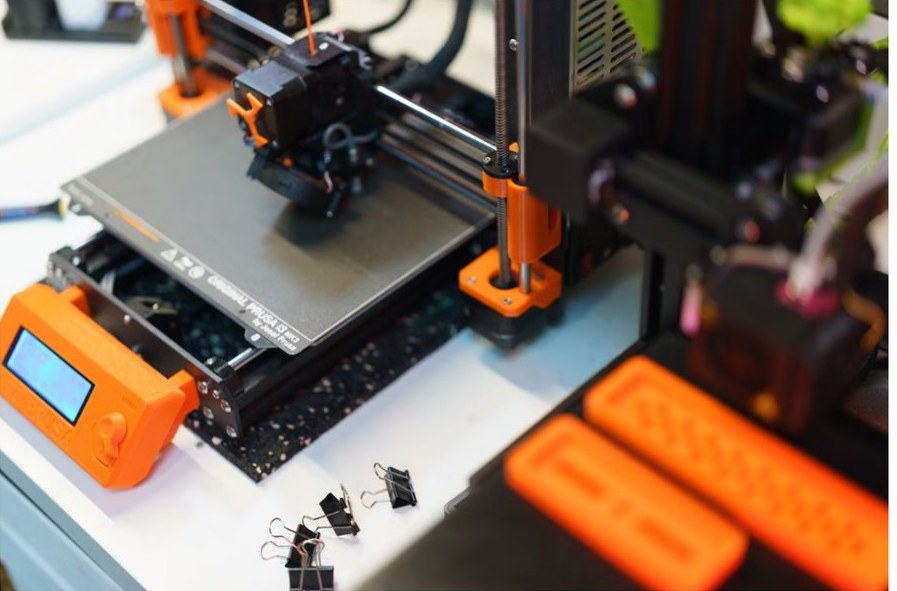
CAD software for PC by job: AutoCAD, Revit, Fusion, Inventor, SolidWorks, SketchUp, free FreeCAD and Onshape, slicers, laser tools, trials and education licences.
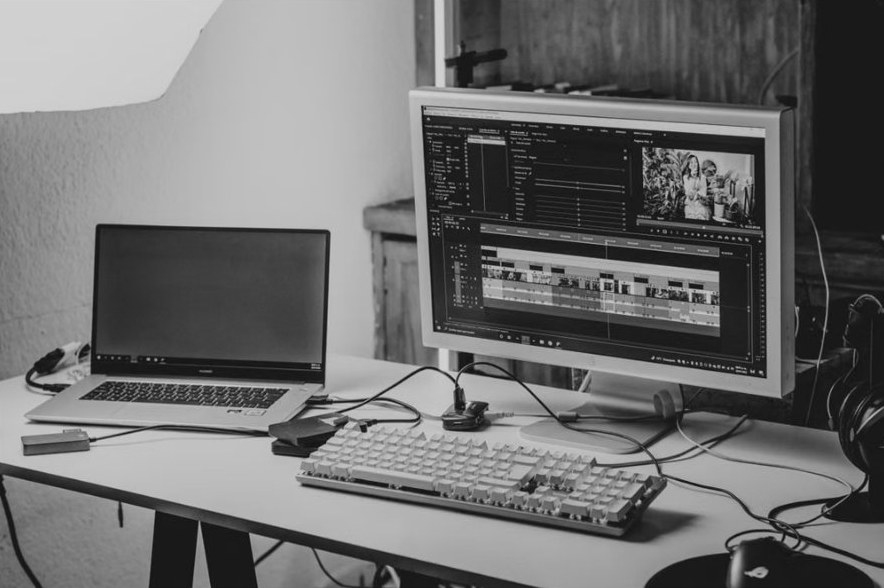
Creative apps for PC: Adobe Creative Cloud, DaVinci Resolve, GIMP, OBS, Audacity and more for Windows 11/10, with free alternatives and Mac-only app equivalents.


Developer tools for Windows 11/10: install order, code editors and IDEs compared, Python, Node.js, Java, Git, WSL, Docker, databases and where to get each one.

Microsoft Word and PowerPoint guide: start, format, save and print documents, build slides, delete blank pages and recover unsaved or damaged files.
Group Policy Editor, gpupdate, Intune and Microsoft Entra ID explained for Windows admins: consoles, commands, which tool fits each job, and fixes when policy fails.
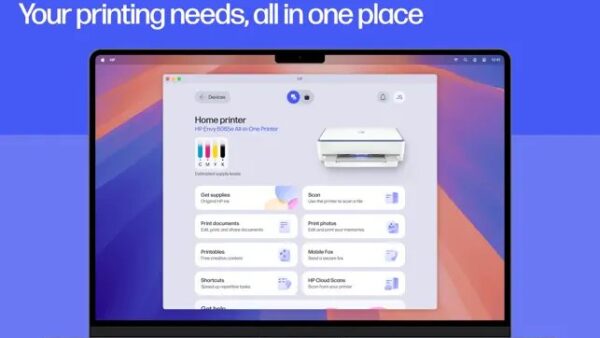
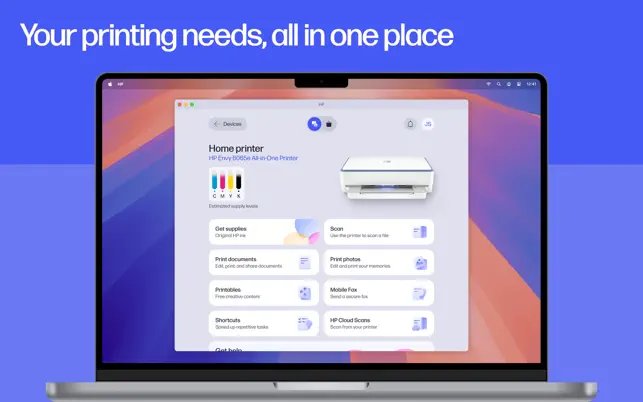
Scan a document on an HP printer with the HP app, HP Printer Assistant, Windows Fax and Scan, the Windows Scan app or Image Capture on a Mac, plus fixes.
Install WSL on Windows 11 with one command, add Ubuntu, then set up Python, VS Code, Visual Studio, Git, Node.js, Docker, Java and .NET, plus fixes for errors.
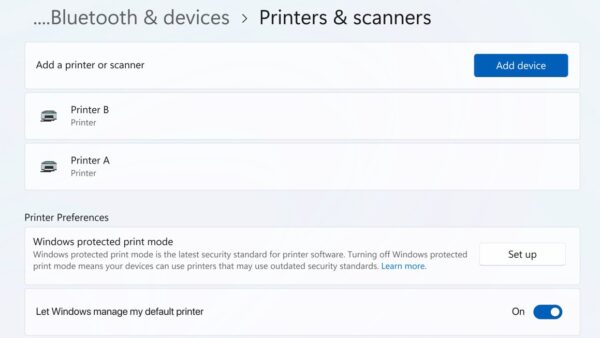
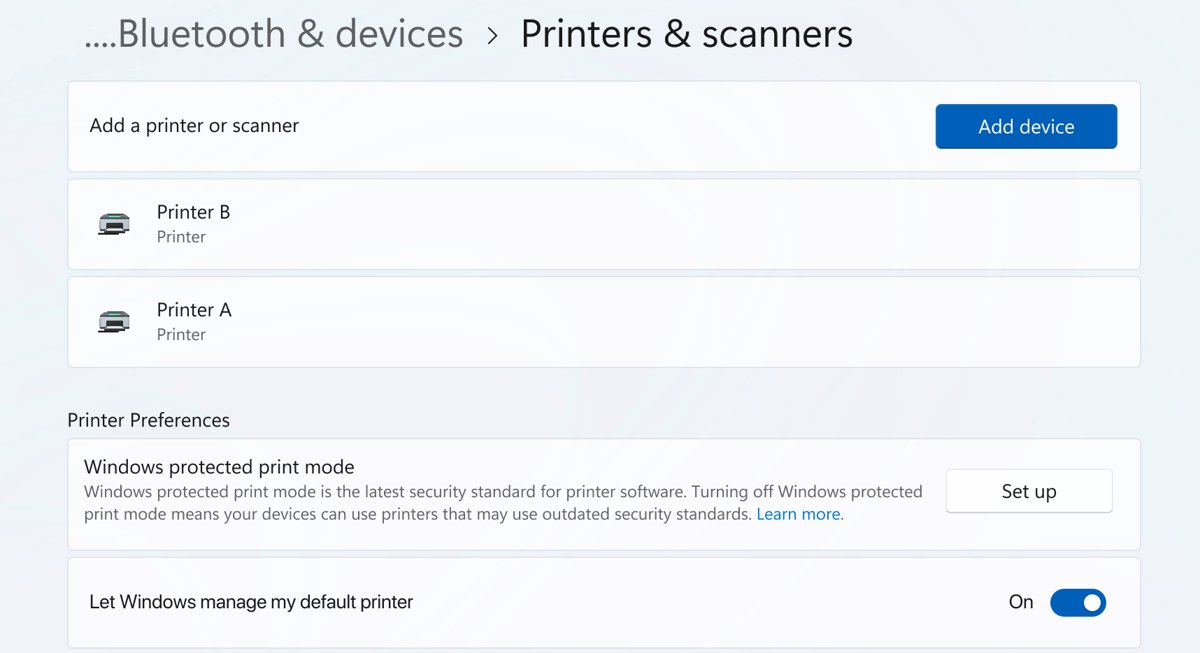
Install an Epson printer on Windows 11, Windows 10 or Mac: connect it by USB or Wi-Fi, add the driver from Epson or Windows, then print a test page.


Windows Media Player in Windows 11/10: open Media Player or the Legacy app, add HEVC, AV1 and VP9 codecs, compare players and fix files that will not play.