Techdows

Windows how-to guides, fixes and software downloads

  • Home
  • Settings and hardware

    • Printers
    • Sound and microphone
    • Wi-Fi and network
    • Bluetooth
    • Display and monitors
    • Drivers
    • Keyboard shortcuts and symbols

    Using Windows

    • File Explorer
    • Storage and disk space
    • Taskbar, Start and desktop
    • Apps and default programs
    • Accounts and sign-in
    • Copilot in Windows
    • Command Prompt and PowerShell

    Updates and fixes

    • Windows Update
    • Windows 11 26H2
    • Error codes and BSOD
    • Boot, BIOS and recovery
    • Security and Defender
    • Task Manager and performance
    • DLL and runtime errors

    Popular fixes

    • Get help in Windows 11
    • Connect a wireless printer
    • Re-pair Bluetooth earbuds for stereo sound
    • Cancel a stuck print job
    • Change default programs

    All Windows guides →

  • Browse by type

    • Web browsers
    • Office and productivity apps
    • PC games and launchers
    • Phone and media apps
    • Developer tools
    • Creative apps
    • CAD software
    • System utilities and drivers

    Popular downloads

    • GTA V for PC
    • YouTube app for PC
    • Google Meet for PC
    • Cisco Packet Tracer
    • TikTok for PC

    Windows tools

    • PC Health Check app
    • HEVC Video Extension
    • DirectX 12
    • Cinebench R23

    All download guides →

  • Browser guides

    • Microsoft Edge
    • Google Chrome
    • Firefox
    • Web browsers for PC

    Microsoft Edge

    • Fix WebView2 using too much memory
    • Internet Explorer mode in Edge
    • Manage Edge favorites
    • Set or remove Edge as default

    Chrome and Firefox

    • Make Chrome the default browser
    • Restore closed tabs
    • Change the default web browser

    All browser guides →

  • Office guides

    • Outlook
    • Excel
    • Word and PowerPoint
    • OneDrive
    • Install Microsoft 365

    Meetings and other tools

    • Teams, Zoom and Google Meet
    • Google Docs and Sheets
    • PDF tools

    Office apps

    • Office product key
    • Office Deployment Tool
    • What is OneDrive?
    • Turn off OneDrive in Windows 11

    Outlook and Teams

    • Outlook inbox view changed
    • Schedule an email in Outlook
    • Outlook dark mode
    • Teams breakout rooms

    All Office and productivity guides →

  • PHP security

    • PHP2Shell patch download
    • PHP critical RCE security update
    • CVE-2026-109618 fix
    • CVE-2026-109619 explained
    • Mitigations if you can't update

    Update PHP

    • Update PHP to the latest version
    • Check your PHP version
    • Update PHP on Ubuntu and Debian
    • Restart PHP-FPM

    Hosting and local servers

    • Update PHP in XAMPP
    • Change PHP version in cPanel
    • Update PHP in Laragon and WampServer
    • Update PHP Docker images
    • WordPress PHP version check

    PHP downloads

    • PHP 8.5.12 download
    • PHP 8.4.27 download
    • PHP 8.3.36 and 8.2.35 download
    • Download PHP for Windows

    PHP2Shell by platform

    • PHP 8.3 fix on Ubuntu 24.04
    • PHP 8.1 fix on Ubuntu 22.04
    • PHP 8.2 and 8.4 fix on Debian
    • Update PHP on IIS
    • Cloudflare PHP2Shell WAF rule

    All PHP guides →

  • Sections

    • Gaming
    • Apple
    • Android
    • Apps and services
    • Developer and IT

    Apple

    • iPhone tips and fixes
    • Reset and restore iPhone
    • iPad
    • Mac and macOS
    • Apple Account and iCloud
    • Apple devices on Windows

    Apps, Android and gaming

    • Gmail and Google account
    • YouTube
    • Social media accounts
    • Streaming TV
    • Android and Samsung Galaxy
    • PC gaming and Xbox
    • Roblox and Minecraft on PC

    Developer and IT

    • WSL and developer setup
    • Virtual machines
    • Group Policy and Intune
    • Windows Server
    • Website error codes
  • News
Home›Windows

Windows

1,050 articles

Windows 11 and Windows 10 how-to guides, fixes and explainers, grouped by topic. Settings and hardware: printers, sound and microphone, Wi-Fi and network settings, Bluetooth, display and monitor settings, drivers, keyboard shortcuts and symbols and screenshots. Using Windows: File Explorer, storage and disk space, taskbar, Start and desktop, apps and default programs, accounts and sign-in, Copilot, Remote Desktop, media players and codecs, opening file types and Command Prompt and PowerShell. Updates and problems: Windows Update, Windows 11 26H2, Task Manager and performance, boot, BIOS and recovery, security and Defender, error codes and BSOD, DLL and runtime errors and Windows processes.

How to
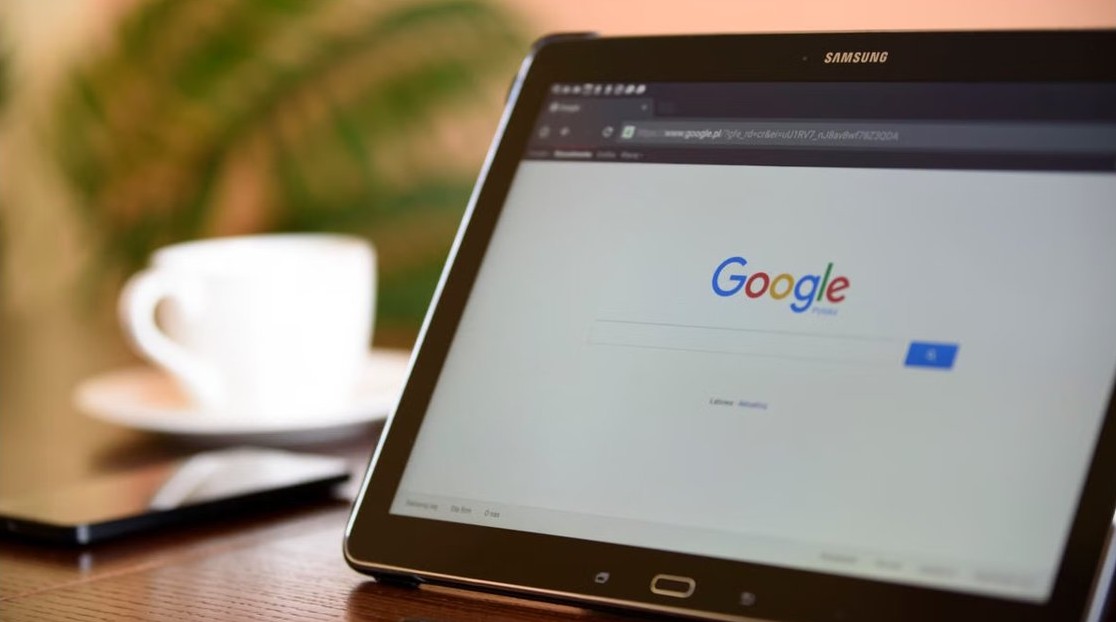
SafeSearch setting in Windows 11 - search page on a tablet

How to disable or enable SafeSearch setting or filter in Windows 11
November 6, 2026 by Philip Celasco Leave a Comment
SafeSearch setting in Windows 11 - search page on a tablet

Disable or enable SafeSearch in Windows 11 under Settings > Privacy & security > Search permissions, plus Bing.com, hosts file, DNS and Family Safety locks.
Posted in: How to, Windows
How to
Install and reinstall Windows 10 and 11 - keyboard Windows key

Complete guide to installing and reinstalling Windows 10 & 11 with tips & troubleshooting

November 6, 2026 by Philip Celasco Leave a Comment
Install and reinstall Windows 10 and 11 - keyboard Windows key

Install or reinstall Windows 11 and Windows 10: requirements, installation media, upgrade vs clean install, Reset this PC, activation, drivers and setup error fixes.
Posted in: How to, Windows
How to
System Recovery Options in Windows - laptop on a desk

How to use system recovery options in Windows

November 6, 2026 by Philip Celasco Leave a Comment
System Recovery Options in Windows - laptop on a desk

Use system recovery options in Windows 11 and 10: open Windows RE with Shift + Restart, then run Startup Repair, System Restore, Uninstall updates or Reset this PC.
Posted in: How to, Windows
How to
Windows 11 Studio Effects - webcam for video calls

Enable and use Studio Effects on Windows 11

November 5, 2026 by Philip Celasco Leave a Comment
Windows 11 Studio Effects - webcam for video calls

Enable Windows Studio Effects on Windows 11 from Settings, quick settings or the Camera app: background blur, eye contact, framing, voice focus and NPU limits.
Posted in: How to, Windows
How to
Fix File Explorer not responding - laptop on a white desk

Fix File Explorer not responding or crashing in Windows 10/11

November 5, 2026 by Philip Celasco Leave a Comment
Fix File Explorer not responding - laptop on a white desk

Fix File Explorer not responding or crashing in Windows 10/11: restart it from Task Manager, turn off previews, run SFC and DISM, update drivers and clean boot.
Posted in: How to, Windows
How to
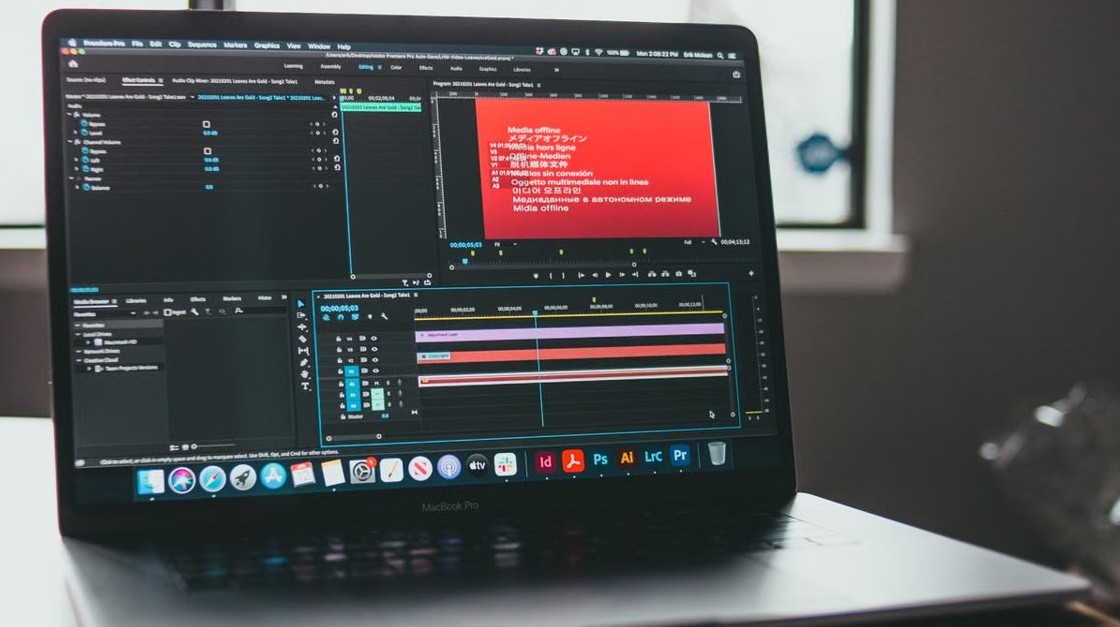
Maximize battery life on Windows 11 laptops - laptop connected to charger

9 proven ways to maximize battery life on Windows 11 laptops

November 5, 2026 by Philip Celasco Leave a Comment
Maximize battery life on Windows 11 laptops - laptop connected to charger

Maximize battery life on a Windows 11 laptop: turn on Energy saver, read the powercfg battery report, find power-hungry apps and tune screen and sleep settings.
Posted in: How to, Windows
How to
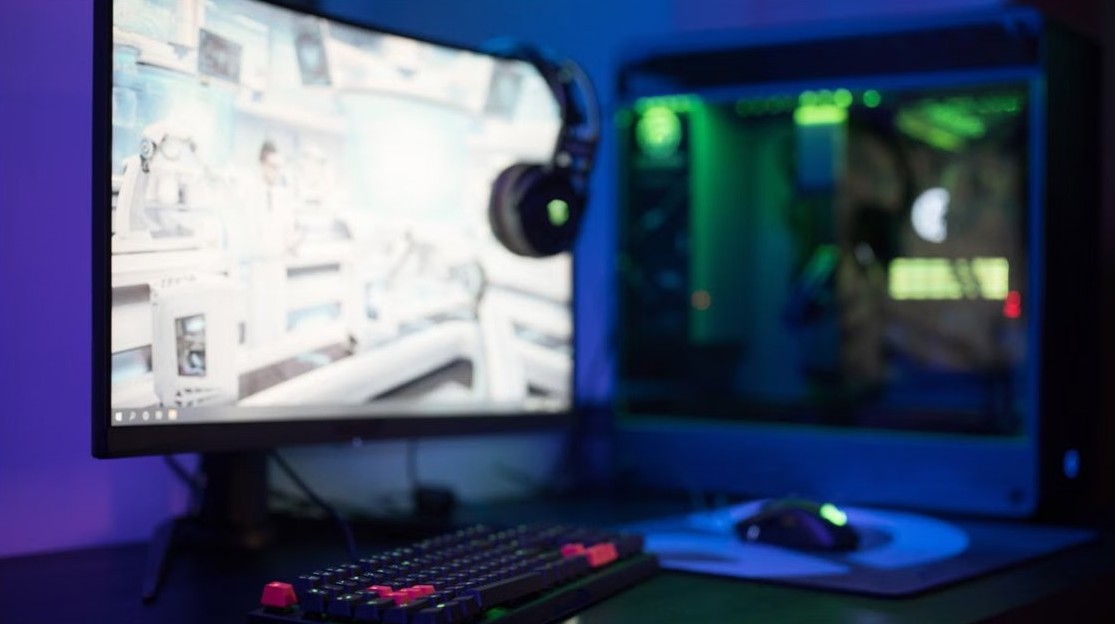
Close running apps on Windows 11 - laptop with an app open on a desk

How to close running apps on Windows 11

November 5, 2026 by Philip Celasco Leave a Comment
Close running apps on Windows 11 - laptop with an app open on a desk

Close running apps on Windows 11 with Alt + F4, Task Manager End task, the taskbar End task option or taskkill, and stop apps running in the background.
Posted in: How to, Windows
How to
Debloat Windows 11 - Windows PC setup

How to debloat Windows 11

November 5, 2026 by Philip Celasco Leave a Comment
Debloat Windows 11 - Windows PC setup

Debloat Windows 11 safely: uninstall preinstalled apps in Settings, cut startup apps, remove Store packages with PowerShell or Group Policy, and undo it.
Posted in: How to, Windows
How to
Convert MBR to GPT for Windows 11 - hard drive internals

Convert MBR to GPT for Windows 11: Safe steps to UEFI boot

November 5, 2026 by Philip Celasco Leave a Comment
Convert MBR to GPT for Windows 11 - hard drive internals

Convert MBR to GPT for Windows 11 without losing data: back up, run MBR2GPT /validate and /convert, then switch the firmware to UEFI and turn on Secure Boot.
Posted in: How to, Windows
How to
Windows PE - USB flash drive for bootable media

What is Windows PE? Use, limitations, download and more

November 5, 2026 by Philip Celasco Leave a Comment
Windows PE - USB flash drive for bootable media

Windows PE (WinPE) is a small Windows OS for installing, deploying and repairing Windows. Uses, limits, the ADK download, USB creation and WinRE checks.
Posted in: How to, Windows
How to
Taskbar icons not showing on Windows - laptop on a desk with plants

Taskbar icons not showing on Windows? Here’s how to fix it

November 5, 2026 by Philip Celasco Leave a Comment
Taskbar icons not showing on Windows - laptop on a desk with plants

Taskbar icons not showing on Windows 11 or 10? Restart File Explorer, clear the icon cache, check taskbar settings and tablet mode, then repair system files.
Posted in: How to, Windows
How to
Windows 11 tutorial for beginners - laptop and notebook on a wooden table

How to use Windows 11 – tutorial for beginners

November 5, 2026 by Philip Celasco Leave a Comment
Windows 11 tutorial for beginners - laptop and notebook on a wooden table

How to use Windows 11 as a beginner: sign in, use Start and the taskbar, find files, connect to Wi-Fi, resize text, multitask, shut down and fix common snags.

Posted in: How to, Windows
1 2 … 88 Next »

More from Techdows

Remove DuckDuckGo from your browser - laptop with a web browser open
How to remove DuckDuckGo completely from your browser?
How to · 5 hours ago
Check if an Apple Watch is fake or real - Apple Watch on a desk
How to check if an Apple Watch is fake or real
How to · 5 hours ago
McAfee virus alert on iPad - rose gold Apple iPad
Is the McAfee virus alert on my iPad real? How to tell and remove it
How to · 5 hours ago
Prevent Server Manager from starting at logon - Dell EMC server
Prevent Server Manager from starting at logon on Windows Server
How to · 4 hours ago
Factory reset Nest thermostat - hand adjusting a smart thermostat
How to factory reset Nest thermostat
How to · 4 hours ago
MacBook screen protectors - MacBook Pro with its display open
MacBook screen protectors: Apple's advice, display clearance and safe alternatives
How to · 4 hours ago
Create a group text on iPhone 12 - iPhone in hand
How to create a group text on iPhone 12: A step-by-step guide
How to · 3 hours ago
Get music from CDs onto iPhone, iPad and MacBook Air - CD in a computer disc drive
How to get music from your CDs onto iPhone, iPad and MacBook Air
How to · 3 hours ago

© 2009–2026 Techdows · About · Contact · Privacy Policy

Copyright © 2026 Techdows.

Techdows WordPress Theme by Techdows