The official PyCharm download for Windows 11 and 10 is a 918 MB installer from jetbrains.com, and the core IDE is free to use. Mac users get a separate disk image for Apple silicon or Intel, and Linux has its own archive.
Every new install starts with a 30-day Pro trial. When it ends, you keep the free core features or subscribe to Pro.
This guide covers the right file for your machine, installing on Windows and macOS, checksums, the portable zip, updates, requirements, and fixes for PyCharm not installing.
Which PyCharm download do you need?
JetBrains ships one file per operating system and processor. Match your machine to a row and click the file name.
| Your machine | File to download | Size |
|---|---|---|
| Windows 11 or 10, Intel or AMD 64-bit | pycharm-2026.2.3.exe | 918 MB |
| Windows on Arm (Snapdragon) | pycharm-2026.2.3-aarch64.exe | 909 MB |
| Windows, no administrator rights | pycharm-2026.2.3.win.zip | 1.23 GB |
| Mac with Apple silicon (M1 to M4) | pycharm-2026.2.3-aarch64.dmg | 1.14 GB |
| Mac with an Intel processor | pycharm-2026.2.3.dmg | 1.18 GB |
| Linux x64 | pycharm-2026.2.3.tar.gz | 1.20 GB |
| 32-bit Windows | No build. PyCharm needs a 64-bit x86_64 or arm64 processor | None |
Press Windows + I, open System > About and read System type to see whether your PC is x64 or ARM64.
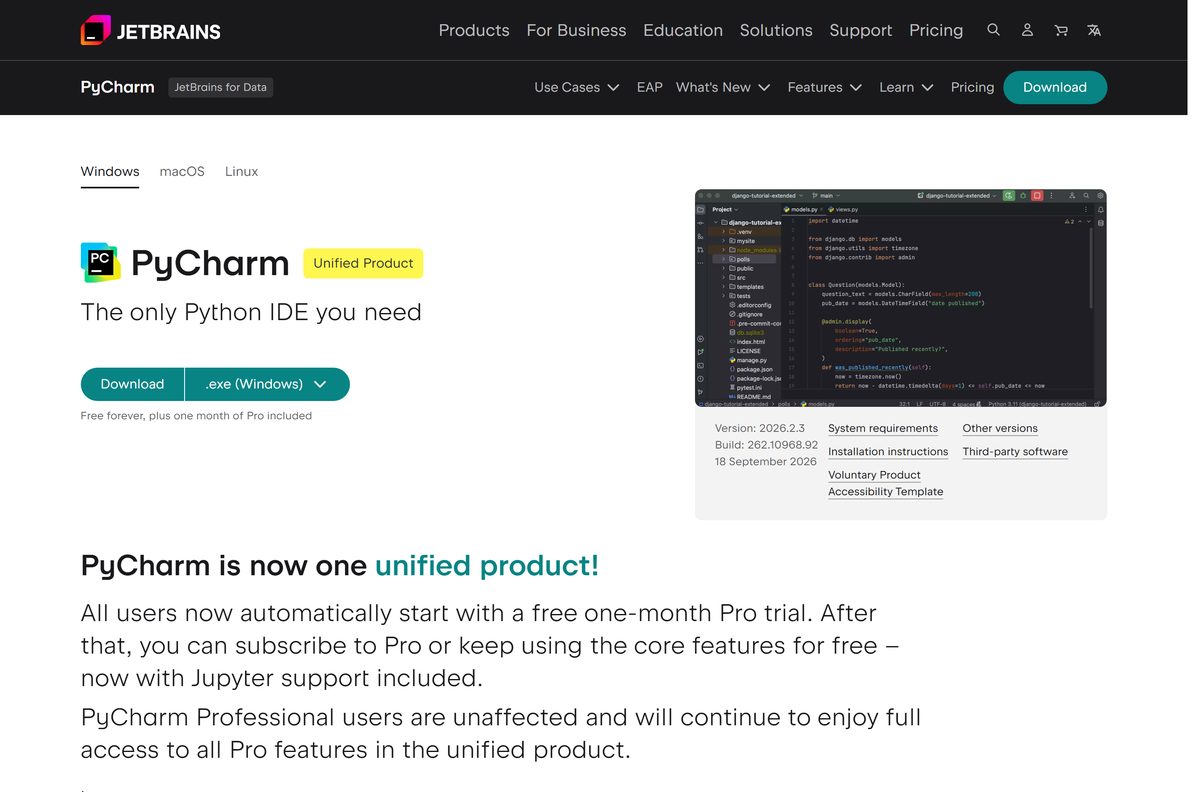
Download PyCharm from the official JetBrains sources
JetBrains distributes PyCharm from these pages only. Any other site is serving a copy it repackaged.
- PyCharm download page — Windows, macOS and Linux tabs with the current release
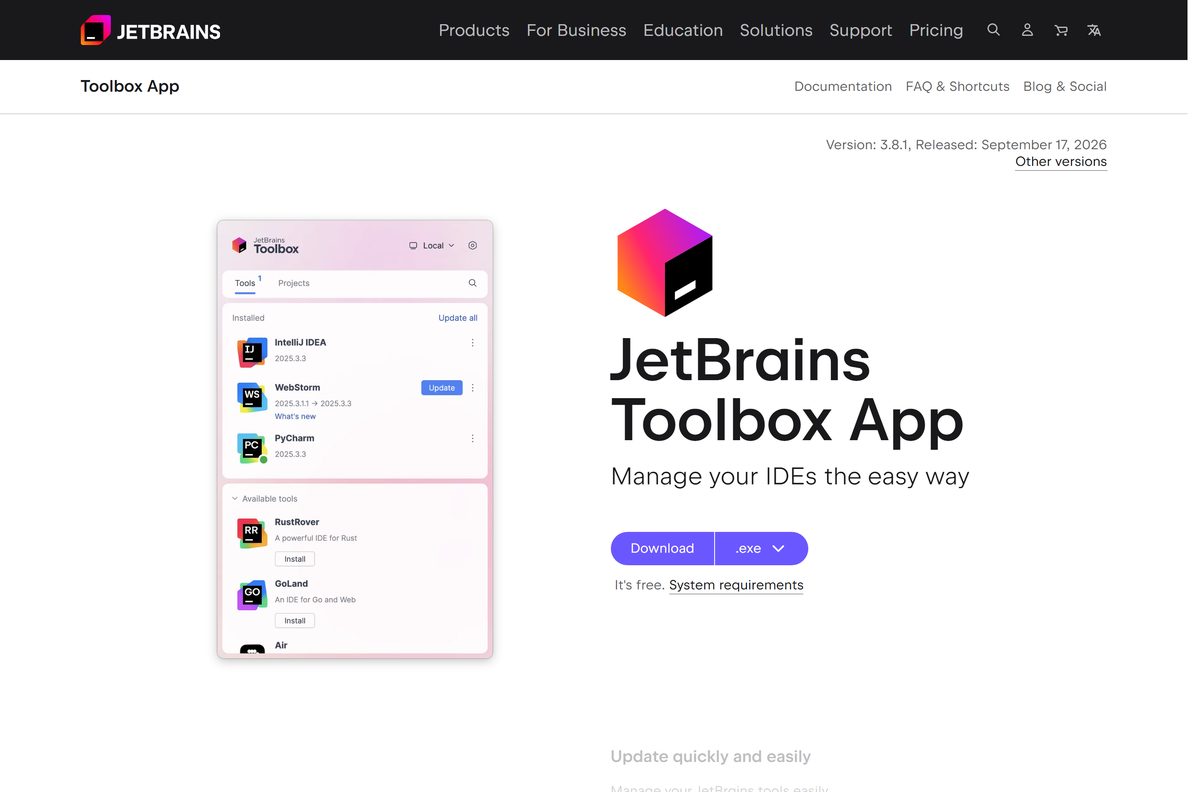
- JetBrains Toolbox App — installs PyCharm and keeps it updated
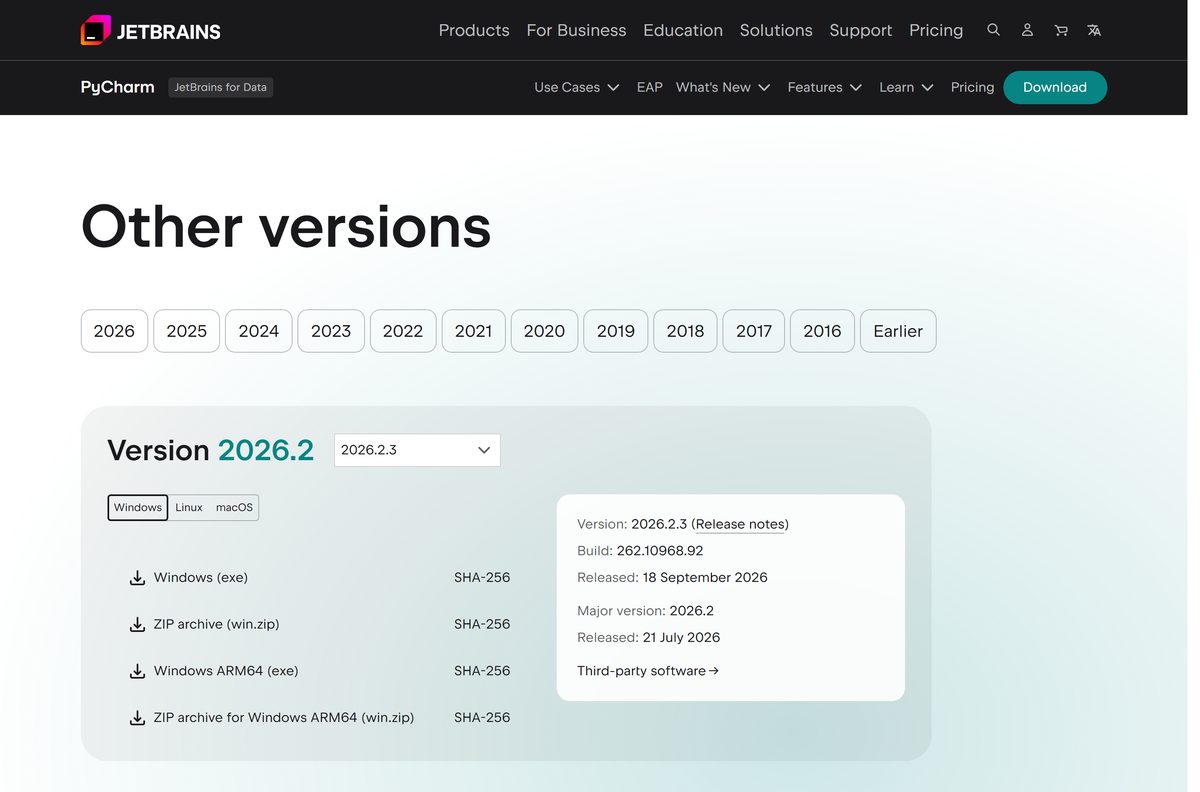
- Other PyCharm versions — older releases, including the last standalone Community Edition
- PyCharm installation guide — requirements, silent install and snap package
The standalone installers are full offline setups. Download once and install on a PC with no connection.
How to install PyCharm on Windows 11 and 10
The installer adds a Start menu entry and optional shortcuts. It needs administrator rights.
- Open the PyCharm download page and select Download on the Windows tab.
- Take the ARM64 installer from the table above instead if your PC runs on an Arm chip.
- Double-click the downloaded .exe file and select Yes at the User Account Control prompt.
- Keep the default install folder or choose another one, then select Next.
- Tick the options you want: 64-bit launcher, Open Folder as Project, .py association and Add launchers dir to the PATH.
- Select Install and wait for the files to copy.
- Select Finish, then open PyCharm from the Start menu.
- Start coding; the 30-day Pro trial is active from the first launch.
The PATH option lets you start this PyCharm install from a terminal window.
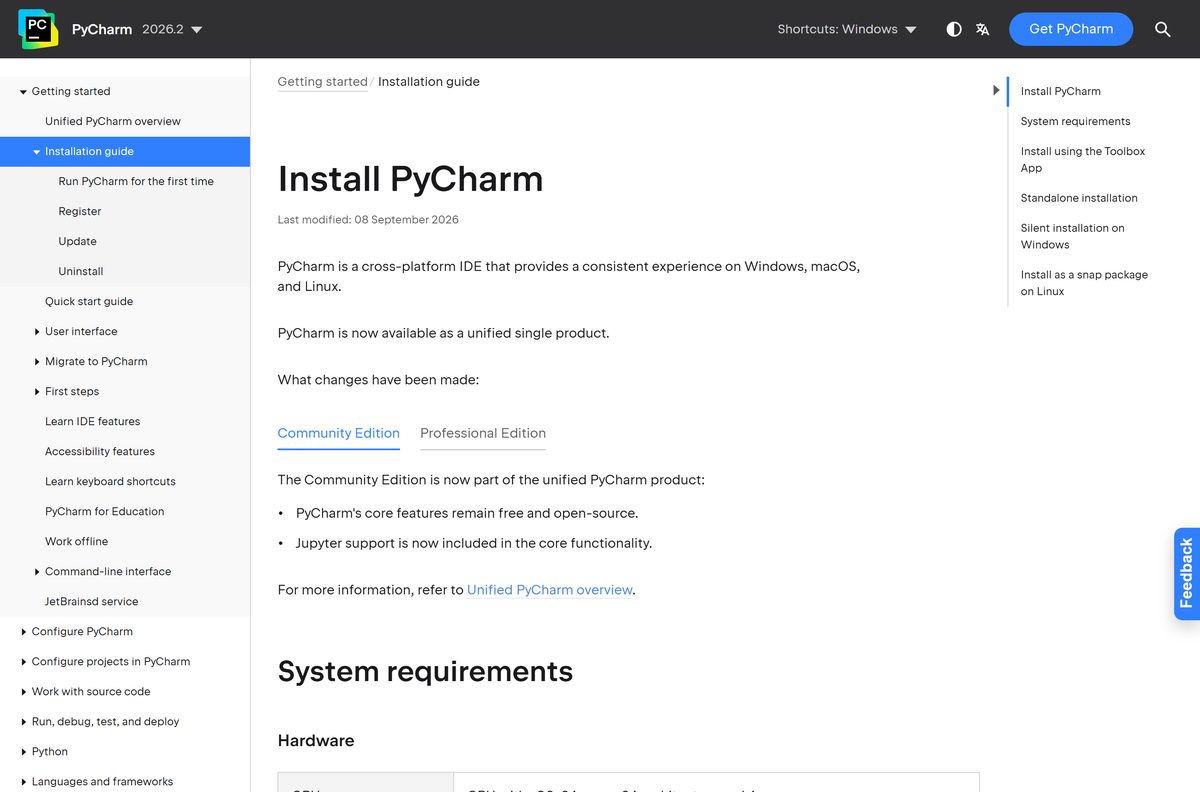
Install PyCharm silently on several PCs
JetBrains ships an .exe , not an MSI, and the same installer accepts silent switches. Test the command on one machine before rolling it out.
pycharm-2026.2.3.exe /S /CONFIG=C:\Deploy\silent.config /D=C:\Program Files\JetBrains\PyCharm /S runs without the wizard, /CONFIG points to a file that sets the shortcuts and associations, and /D sets the install folder. The switches are documented in the installation guide.
Run the command from an elevated Command Prompt. The ARM64 installer takes the same switches.
How to verify the PyCharm installer
Every file on download.jetbrains.com has a matching .sha256 file. A match proves the file arrived intact and unaltered.
- Open the checksum file for the Windows installer in your browser.
- Open Terminal or Command Prompt in your Downloads folder.
- Run certutil -hashfile pycharm-2026.2.3.exe SHA256 .
- Compare the result with f47b0e48ce06a903b94245bbe8a312f2196205a12264ee47b0cf1595a1443362 .
- Delete the file and download it again from jetbrains.com if the two strings differ.
On a Mac, run shasum -a 256 on the .dmg and compare it with the .sha256 file next to it.
Run PyCharm from a zip without installing it
The Windows zip holds the full IDE with no installer. Use it on a work PC where you lack administrator rights.
- Download pycharm-2026.2.3.win.zip, 1.23 GB.
- Right-click the zip and select Extract All.
- Choose a folder you own, such as one inside your user profile, and select Extract.
- Open the extracted folder, then the bin folder.
- Double-click the PyCharm launcher .exe inside bin.
- Right-click the running icon on the taskbar and select Pin to taskbar for quick access.
Download a fresh zip for each new release, or switch to the Toolbox App to get updates handled for you.
Which PyCharm download do you need for your Mac?
Open the Apple menu and select About This Mac. The Chip or Processor line tells you which disk image to take.
| About This Mac says | Download | Size |
|---|---|---|
| Chip: Apple M1, M2, M3 or M4 | pycharm-2026.2.3-aarch64.dmg | 1.14 GB |
| Processor: Intel | pycharm-2026.2.3.dmg | 1.18 GB |
Open the .dmg , drag PyCharm into Applications, then launch it from Launchpad or Spotlight. Current releases support macOS 15 and macOS 26.
Is PyCharm free?
JetBrains merged PyCharm Community and PyCharm Professional into one download in 2025. There is no longer a separate free edition to pick.
Yes, the core IDE is free, and Pro features need a subscription after a 30-day trial. Every new install gets the Pro trial automatically. When it ends, you either buy a subscription on the PyCharm pricing page or keep working with the free core features, which include Jupyter notebook support, running, debugging and code assistance. Advanced tools such as remote notebooks, dynamic tables and SQL cells stay behind Pro. Students and teachers can apply for free access through the JetBrains student pack. A site selling a PyCharm licence key outside jetbrains.com is not a JetBrains reseller you can trust.
Should you install PyCharm or the old Community Edition?
PyCharm Community 2025.2 was the last standalone Community release. From 2025.3 onward, Community users move to the unified PyCharm.
Install the current PyCharm. It gives you everything Community had for free, plus the Pro trial, and it keeps receiving updates. The last Community build, 2025.2.6.2 from July 2026, is still on the other versions page as a 768 MB installer. Keep it only for a machine that must match an older setup.
How to check your PyCharm version and update it
Updates are usually patches applied to the existing install, so you only restart the IDE.
- Open Help | About on Windows, or PyCharm | About PyCharm on a Mac, and read the version and build.
- Select Help | Check for Updates on Windows or PyCharm | Check for Updates on a Mac.
- Accept the offered update and let PyCharm restart.
- Change how often PyCharm checks under Settings | Appearance & Behavior | System Settings | Updates.
- In the Toolbox App, open Settings > Tools and turn on Update all tools automatically instead.
Check PyCharm system requirements against your PC
PyCharm bundles its own Java runtime, so you do not install Java. You do need a Python interpreter for your projects.
| Field | Value |
|---|---|
| Software | PyCharm |
| Developer | JetBrains |
| Latest version | 2026.2.3 (build 262.10968.92), released 18 September 2026 |
| License | Free core features; Pro by subscription after a 30-day trial |
| Windows | Windows 10 and 11, 64-bit, x64 or ARM64 |
| macOS | macOS 15 and 26, Apple silicon or Intel |
| Linux | Ubuntu 24.04/26.04 LTS, Fedora 43/44, Debian 13, Amazon Linux 2023; glibc 2.28 or later |
| Processor | x86_64 or arm64 with 4 cores |
| Memory | 8 GB total, 3 GB available for the IDE |
| Disk space | 10 GB |
| Screen | 1280 x 720 minimum |
| Python versions | Python 2.7 and Python 3.9 through 3.15 |
| Windows installer size | 918 MB x64, 909 MB ARM64 |
| Offline installer | Yes |
| Official download source | jetbrains.com |
| Last verified | 2026-09-19 |
Press Ctrl + Shift + Esc, open Performance and check Memory and Disk to compare your PC with the table.
Fix PyCharm not installing on Windows 11 or 10
Find the symptom that matches what you see, then work through its steps in order.
The installer does not start or stops part way
The installer needs administrator rights and about 10 GB of free space, and a partial download fails late.
- Right-click the .exe and select Run as administrator.
- Free up space on the system drive until at least 10 GB is available.
- Check the SHA-256 hash against the .sha256 file on download.jetbrains.com.
- Use the Windows zip instead, which needs no installer and no administrator rights.
Windows says the app cannot run on your PC
The file does not match the processor, such as the ARM64 build on an Intel PC.
- Open Settings > System > About and read System type.
- Download the x64 installer for Intel or AMD, or the ARM64 installer for Snapdragon.
- Delete the wrong file and run the correct one.
PyCharm opens but finds no Python interpreter
PyCharm is an editor and needs a separate Python installation to run code.
- Install Python from python.org.
- Open Settings | Project | Python Interpreter in PyCharm.
- Select Add Interpreter and point it to the new Python install.
- Select OK and wait for PyCharm to index the packages.
Packages will not install inside PyCharm
The project uses a different interpreter from the one you installed packages into.
- Check the interpreter name in the status bar at the bottom right.
- Open Settings | Project | Python Interpreter and select the correct one.
- Select the + button above the package list, search for the package and install it.
How to uninstall PyCharm completely
The uninstaller removes the program. Settings and caches stay behind until you delete them.
- Open Settings > Apps > Installed apps on Windows 11, or Apps & Features on Windows 10.
- Find PyCharm, select it and choose Uninstall.
- Delete %APPDATA%\JetBrains\PyCharm2026.2 to remove your settings.
- Delete %LOCALAPPDATA%\JetBrains\PyCharm2026.2 to remove caches and logs.
- On a Mac, drag PyCharm from Applications to the Trash.
- Then delete ~/Library/Application Support/JetBrains/PyCharm2026.2 and ~/Library/Caches/JetBrains/PyCharm2026.2 .
For a silent removal, run bin\uninstall.exe /S from an elevated Command Prompt inside the PyCharm install folder.
Choose a PyCharm alternative for Python
PyCharm is a full IDE and a 918 MB download. These options suit smaller machines or mixed-language work.
| Tool | Price | Best for |
|---|---|---|
| PyCharm | Free core, Pro by subscription | Python projects, notebooks and debugging in one IDE |
| Visual Studio Community | Free for individuals and small teams | Mixing Python with C#, C++ or JavaScript on Windows |
| IDLE | Free, part of Python | Learning Python and running short scripts |
Stay with PyCharm if you work mainly in Python. Visual Studio Community limits use in larger organizations, so check its licence terms first.
Frequently asked questions
Is PyCharm free to download?
Yes. The PyCharm download from jetbrains.com is free, and the core IDE stays free after the 30-day Pro trial ends. Pro features such as remote notebooks and SQL cells need a paid subscription.
What is the official PyCharm download page?
The download page at jetbrains.com/pycharm/download, run by JetBrains. The installers themselves come from download.jetbrains.com, and the JetBrains Toolbox App is the other official way to install and update PyCharm.
Is PyCharm free for commercial use?
Pro features at work need a paid PyCharm Pro subscription once the 30-day trial ends. JetBrains sells individual and organization subscriptions on its PyCharm pricing page, so check those terms before rolling it out to a team.
Is PyCharm free for students?
Students and teachers can apply for free access to JetBrains IDEs, PyCharm Pro included, through the JetBrains student pack. Everyone else still gets the free core features without applying.
What is the PyCharm download size?
The Windows x64 installer is 918 MB and the ARM64 installer is 909 MB. The Windows zip is 1.23 GB, the Mac disk images are 1.14 GB for Apple silicon and 1.18 GB for Intel, and the Linux archive is 1.20 GB.
Is there a PyCharm offline installer?
Yes. The standalone .exe, .dmg and .tar.gz files contain the whole IDE, so they install with no connection once downloaded. The Toolbox App is the online alternative that fetches PyCharm for you.
Does PyCharm work on Windows 11?
Yes. PyCharm supports Windows 10 and Windows 11 in 64-bit form. It needs a four-core x64 or ARM64 processor, 8 GB of RAM, 10 GB of disk space and a 1280 x 720 screen.
Is there a PyCharm download for Mac?
Yes. JetBrains ships one disk image for Apple silicon Macs at 1.14 GB and one for Intel Macs at 1.18 GB. Current releases support macOS 15 and macOS 26.
Is there a 64-bit or ARM64 version of PyCharm?
PyCharm is 64-bit only. Windows has an x64 installer and a separate ARM64 installer for Snapdragon PCs, and Linux has both x64 and ARM64 archives. There is no 32-bit build.
Which PyCharm version is the latest?
PyCharm 2026.2.3, build 262.10968.92, released on 18 September 2026. Existing installs pick it up through Help | Check for Updates, and the Toolbox App offers it automatically.
Is PyCharm Community Edition still available?
Not as a new release. PyCharm Community 2025.2 was the last standalone version, and its final build is still on the other versions page. The free features now live inside the single PyCharm download.
Is PyCharm safe to download?
Yes, from jetbrains.com. Each installer on download.jetbrains.com has a matching SHA-256 file, so you can confirm the file is unaltered. Portal copies are repackaged and often out of date.
Why is PyCharm not installing on my PC?
The usual causes are missing administrator rights, less than 10 GB of free space, or the wrong build for your processor. Run the installer as administrator, free up space, or use the Windows zip, which needs no installer.






