The WordPress download is a free 35.5 MB zip from wordpress.org. You install it on a web host, or on your own Windows 11, Windows 10 or Mac computer with a local server.
On a PC or Mac, a local server app such as XAMPP or MAMP, or the official wp-env tool, runs your site at a localhost address. Phones get the free WordPress app for iPhone and Android.
This guide covers which file to pick, local and hosted installs, checksum checks, updates, fixes for common setup errors and clean removal.
Which WordPress download do you need?
WordPress is a PHP web application, so one package serves every operating system. Your choice depends on where the site will run.
| You want to | Get this | Size |
|---|---|---|
| Install WordPress on Windows 11/10 or a web host | wordpress-7.1.2.zip | 35.5 MB |
| Install WordPress on a Linux server over SSH | wordpress-7.1.2.tar.gz | 33.7 MB |
| Try WordPress in a browser tab with nothing installed | WordPress Playground | No download |
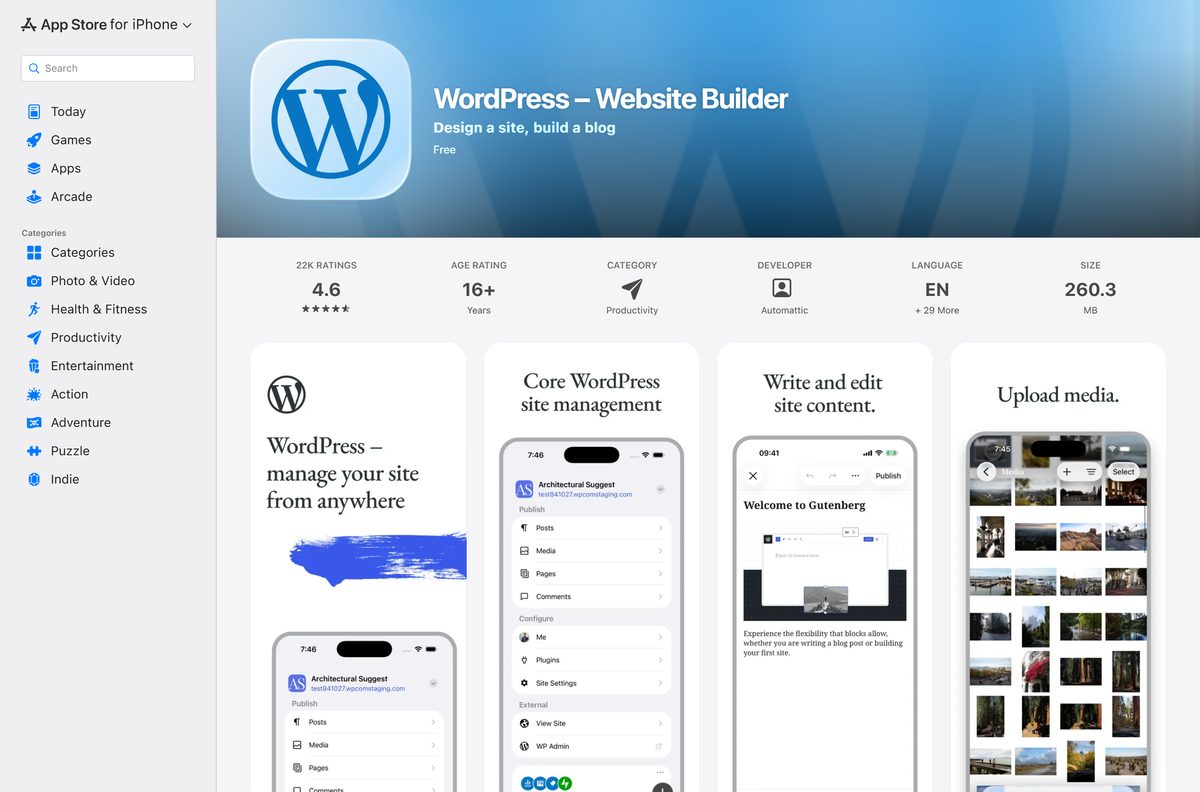
| Write posts and manage a site from an iPhone or iPad | WordPress app on the App Store | 260.3 MB |
| Write posts and manage a site from an Android phone | WordPress app on Google Play | Varies by device |
The zip and the tar.gz hold the same files. Mac users can take either one, since macOS opens both formats with a double-click.
Check the WordPress system requirements before you install
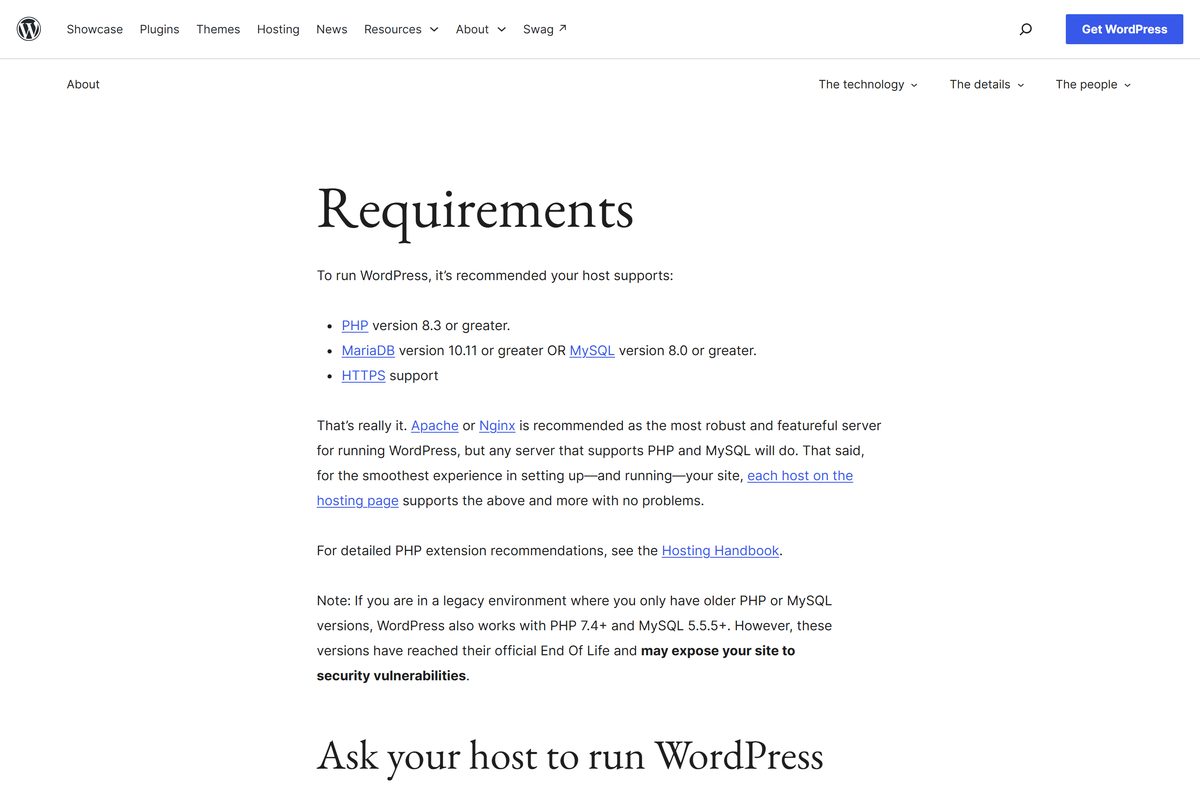
WordPress runs inside a web server, not as a desktop program. Your host or local server must supply PHP and a MySQL or MariaDB database.
| Field | Value |
|---|---|
| Software | WordPress (self-hosted, from wordpress.org) |
| Developer | WordPress.org open source project; trademark held by the WordPress Foundation |
| Latest version | 7.1.2 |
| Released | 22 September 2026 |
| License | Free and open source, GPLv2 or later |
| PHP | 8.3 or greater recommended; 7.4 or later still runs but is end of life |
| Database | MySQL 8.0 or greater, or MariaDB 10.11 or greater |
| Web server | Apache (with mod_rewrite) or Nginx recommended; any server with PHP and MySQL works |
| HTTPS | Required for a public site |
| Supported OS | Any OS that runs PHP: Windows 11, Windows 10, macOS and Linux through a local or hosted server |
| Architecture | Not tied to a CPU; runs wherever PHP runs, including x64 and ARM64 |
| File size | 35.5 MB zip, 33.7 MB tar.gz |
| Offline installer | Yes; the zip is the full package, with no setup program |
| Official download source | wordpress.org/download |
| Last verified | 2026-09-25 |
Older PHP and MySQL versions still load WordPress, but wordpress.org warns they no longer get security fixes. Use the recommended versions for any site facing the internet.
Download WordPress from the official wordpress.org page
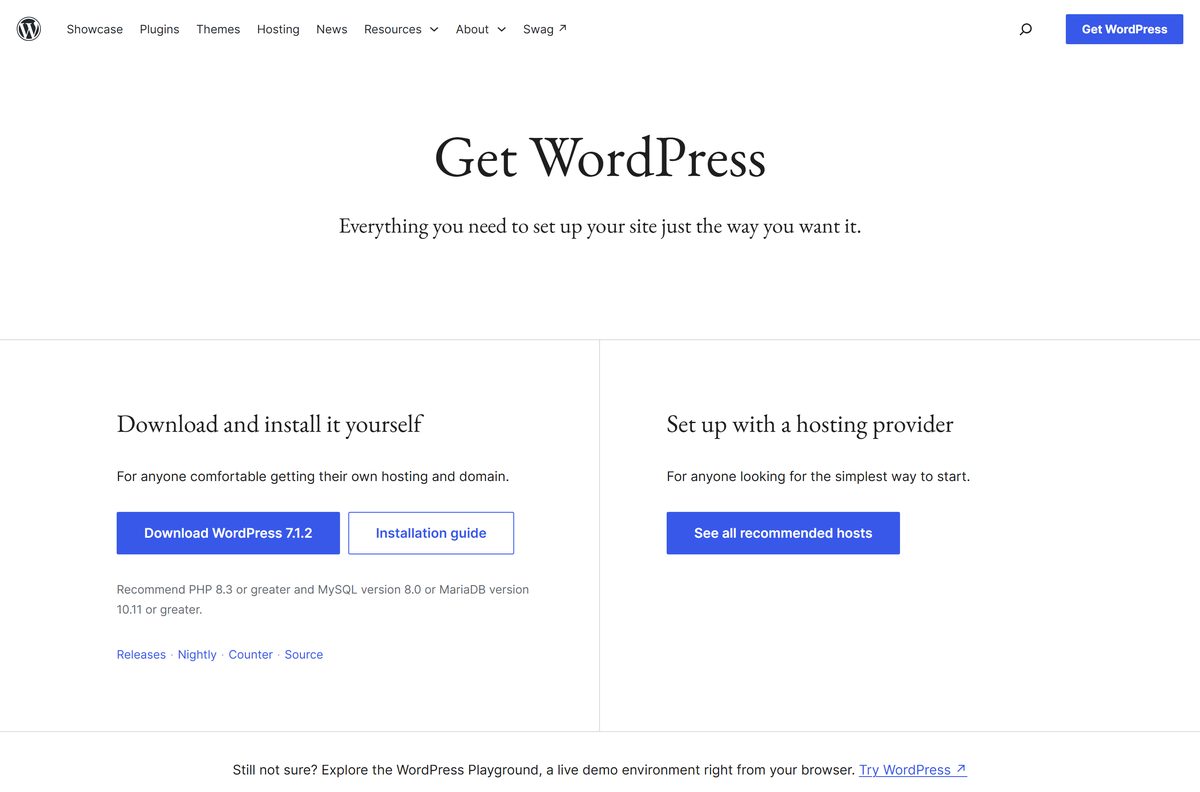
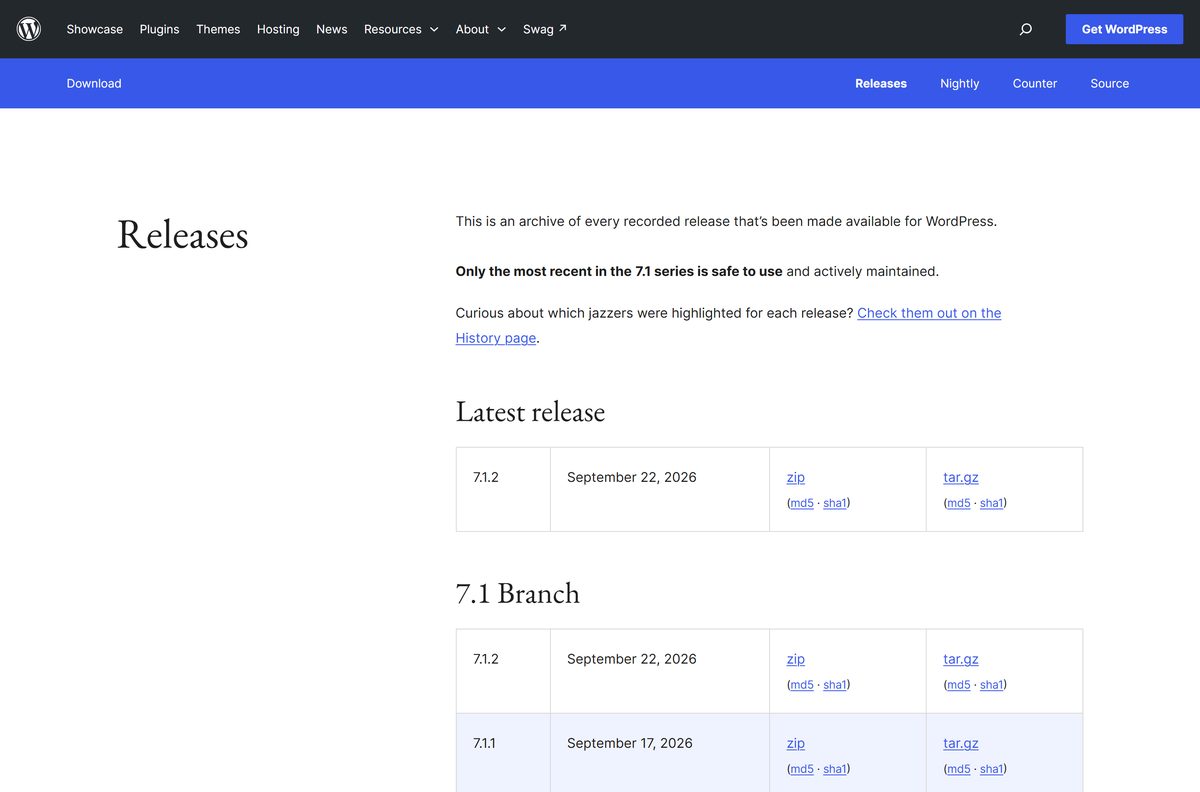
The Download WordPress button on wordpress.org always serves the newest release. The release archive holds every version with its checksums.
- WordPress download page — newest release, requirements and install guide
- Latest WordPress zip — 37,225,839 bytes, always the current release
- WordPress 7.1.2 tar.gz — 35,362,548 bytes, for Linux servers
- Release archive — every version with md5 and sha1 files
- Official installation guide — the five-step install from developer.wordpress.org
Save the zip link, not a third-party mirror. latest.zip downloads a file named after the current version, so you always know which release you have.
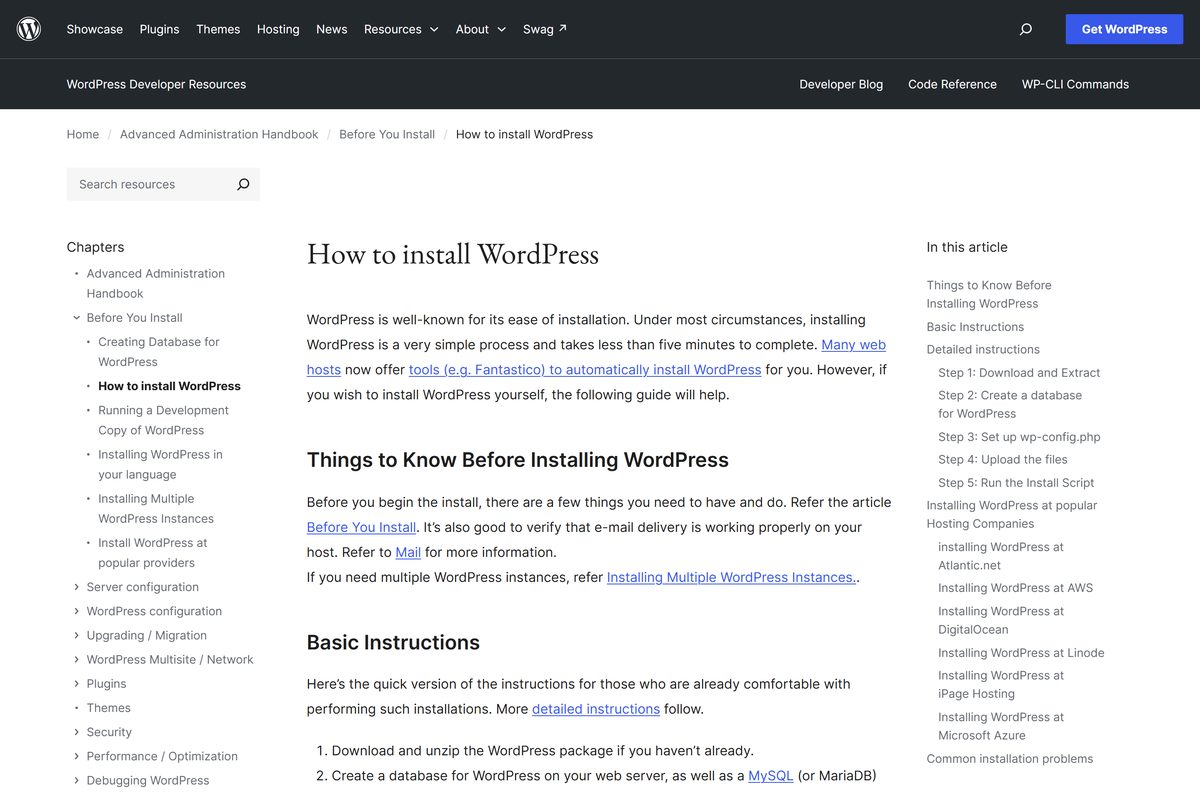
How to install WordPress on Windows 11 and 10 with a local server
WordPress needs Apache, PHP and MySQL running on your PC. The official handbook lists XAMPP, AMPPS and Instant WordPress for Windows. These steps work with any of them that includes phpMyAdmin.
- Install a local server package and start its Apache and MySQL services.
- Download the latest WordPress zip from wordpress.org.
- Right-click the zip in File Explorer, select Extract All, then move the extracted wordpress folder into your local server’s web root folder.
- Open phpMyAdmin in your browser, enter wordpress in Create database and click Create.
- Click the Users tab, click Add user, set a username and password, and grant it all privileges on the wordpress database.
- Browse to http://localhost/wordpress/ and click Let’s go!
- Enter the database name, username and password, keep Database Host as localhost , and click Submit.
- Click Run the installation, then fill in Site Title, Username, Password and Your Email.
- Click Install WordPress, then Log In with the account you just created.
If WordPress cannot write wp-config.php itself, rename wp-config-sample.php to wp-config.php and enter the database details by hand. On a web host, upload the extracted files by FTP and open /wp-admin/install.php on your domain instead.
A local site is for building and testing. Visitors on the internet cannot reach it.
Install WordPress locally with wp-env
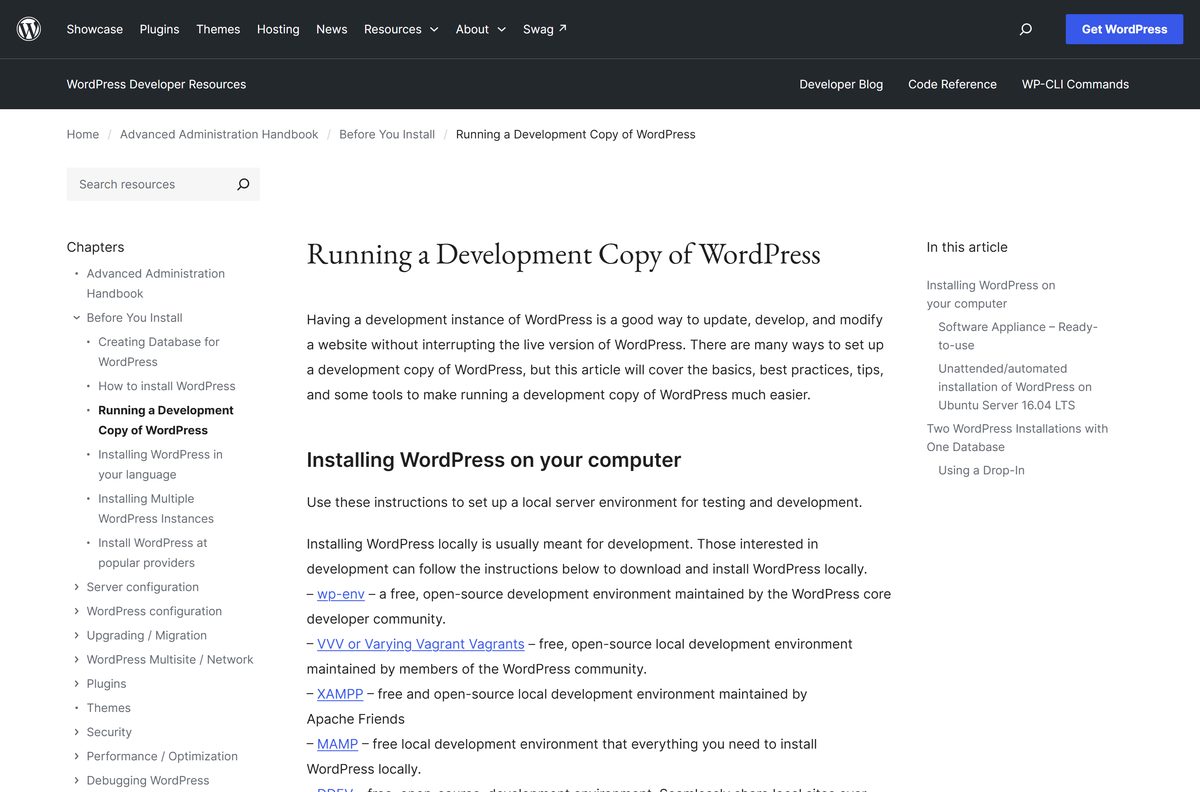
wp-env is the free development environment maintained by the WordPress core developers. It runs WordPress inside Docker, so you skip the manual database setup on both Windows and Mac.
- Install Docker Desktop. On Windows, use the WSL 2 backend.
- Install Node.js and Git.
- Open Terminal and run npm -g i @wordpress/env .
- Change to your plugin or theme folder with cd .
- Run wp-env start and wait for the containers to finish building.
- Open http://localhost:8888 in your browser.
- Log in at http://localhost:8888/wp-admin with the username admin and the password password .
Run wp-env stop to pause the site and wp-env start to bring it back. The default login is public knowledge, so keep wp-env sites on your own machine.
Which WordPress setup do you need for your Mac?
The same zip runs on Apple silicon and Intel Macs. Pick the tool that matches how much setup you want to do.
| You want | Use | Where to find it |
|---|---|---|
| A classic Apache, PHP and MySQL stack | MAMP, then follow the Windows steps above | Local server options |
| A disposable site for plugin or theme work | wp-env with Docker | wp-env documentation |
| Several local sites managed from one app | WordPress Studio, a free open-source app | Local server options |
| A quick look with nothing installed | WordPress Playground in Safari | WordPress Playground |
Double-click the downloaded zip in Finder to extract it. Move the wordpress folder into your local server’s web root before you run the installer.
How to verify the WordPress zip before you install it
The release archive links an md5 and a sha1 file beside every zip and tar.gz. Compare that value with a hash of your own file.
- Open the release archive and click sha1 next to the zip you downloaded.
- Copy the 40-character value the page shows.
- On Windows, open Terminal in your Downloads folder and run certutil -hashfile wordpress-7.1.2.zip SHA1 .
- On a Mac, open Terminal and run shasum -a 1 ~/Downloads/wordpress-7.1.2.zip .
- Compare the two values. If they differ, delete the file and download it again from wordpress.org.
A match proves the file arrived intact from wordpress.org.
Is WordPress free?
WordPress itself costs nothing. The costs come from running a public site: hosting, a domain name and any paid themes or plugins you choose.
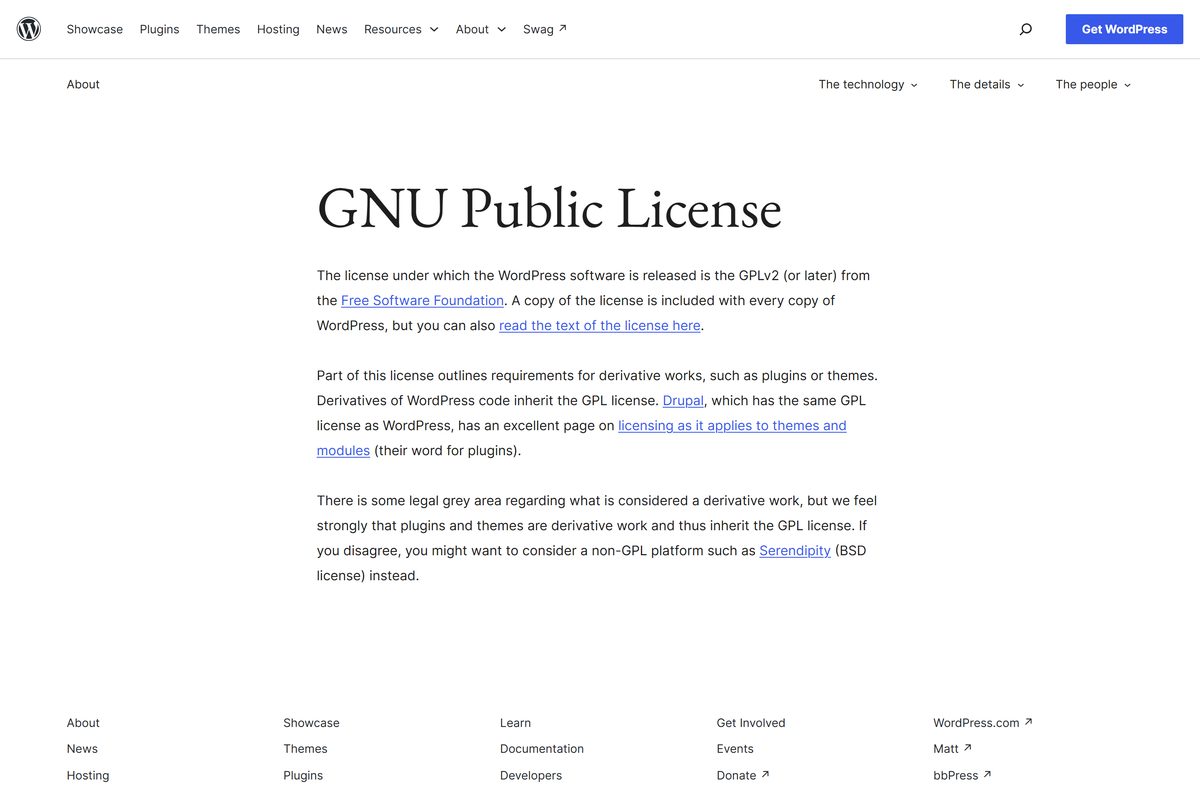
Download WordPress free from wordpress.org and pay only for hosting when the site goes public. WordPress is released under the GPLv2 or later, so you can use, change and share it at no charge, including for commercial sites. A local install on your own PC costs nothing at all.
Ignore sites that sell a WordPress installer or a paid “full version” download. The only official package is the free zip on wordpress.org.
Choose between WordPress 7.1 and 7.0
wordpress.org still ships security releases for older branches, and 7.0.6 arrived the same day as the newest 7.1 release.
Install the newest 7.1 release for every new site. The release archive states that only the most recent release in the 7.1 series is safe to use and actively maintained. Older branches exist for sites that cannot upgrade yet, not for fresh installs.
How to check your WordPress version and update it
WordPress installs minor releases and translation updates on its own. New sites since version 5.6 also take major updates automatically, unless the site sits under version control.
- Back up your WordPress files and database.
- Log in to your site’s admin area at /wp-admin .
- Go to Dashboard > Updates to see your current version.
- Click Update Now if a newer release is listed.
- Wait for the page to confirm the update, then check your site’s front page.
If the update fails with a permissions error, your server blocks WordPress from writing its own files. Ask your host to fix the file ownership, or update by replacing the files manually.
Fix WordPress not installing on Windows 11, 10 or a web host
These are the failures the official installation guide lists most often. Find yours and follow its fix.
Error establishing a database connection
The details in wp-config.php are wrong, the user lacks privileges, or MySQL is stopped.
- Check DB_NAME, DB_USER, DB_PASSWORD and DB_HOST in wp-config.php .
- Confirm the user has all privileges on the WordPress database in phpMyAdmin.
- Start the MySQL service in your local server, then reload the page.
You see a directory listing instead of the installer
The web server does not open index.php by default.
- Create a file named .htaccess in the WordPress folder.
- Add the line DirectoryIndex index.php and save it.
- Reload the page in your browser.
Headers already sent errors
wp-config.php has a syntax error or a byte order mark.
- Open wp-config.php in a plain text editor.
- Remove any spaces or text before the opening
- Save the file as UTF-8 without a byte order mark, then reload.
The page shows raw PHP code
PHP is not installed or not running on the web server.
- Confirm your local server package includes PHP 8.3 or later.
- Restart the Apache service.
- Open the site through http://localhost/ , not by double-clicking the file.
How to uninstall WordPress
WordPress has no Windows or Mac uninstaller. Removing it means deleting its files and its database.
- Export a backup of the database and copy wp-content if you might want the site again.
- Delete the WordPress folder from your web root.
- Open phpMyAdmin, select the WordPress database and open the Operations tab.
- Click Drop the database (DROP) and confirm.
- For a wp-env site, run wp-env destroy in its folder to remove its containers and data.
To remove only a theme, go to Appearance > Themes, open the theme details and click Delete. The active theme cannot be deleted until you switch to another one.
Choose another way to run WordPress
A local install suits building and testing. Pick another route when you want a public site or just a quick look.
| Option | Best for | Where it comes from |
|---|---|---|
| WordPress Playground | Trying WordPress in a browser with no install | wordpress.org/playground |
| A hosting provider | A public site with its own domain | Recommended hosts |
| WordPress Studio | Several local sites from one app | Local server options |
| wp-env | Plugin and theme development | wp-env documentation |
| Your own database server | A manual stack on Windows | MySQL for Windows |
The WordPress mobile apps manage a site that already exists. They do not host one on the phone.
Other developer tools for Windows include Tenable Nessus and Vulkan SDK.
Frequently asked questions
Is WordPress free?
Yes. WordPress is free and open source under the GPLv2 or later, including for commercial sites. You can download, use and change it without paying. The costs of a public site come from hosting, a domain name and any premium themes or plugins you choose.
What is the official WordPress download page?
The official page is wordpress.org/download. Its Download WordPress button serves the newest release as a zip, and the release archive at wordpress.org/download/releases lists every older version with md5 and sha1 checksum files.
Can I install WordPress on Windows 11?
Yes. Windows 11 and Windows 10 run WordPress through a local server package such as XAMPP, AMPPS or Instant WordPress, or through wp-env with Docker Desktop. Extract the zip into the server’s web root, create a database, then open the installer at localhost.
How big is the WordPress download?
The WordPress zip from wordpress.org is 37,225,839 bytes, about 35.5 MB. The tar.gz package for Linux servers is 33.7 MB. A fresh install grows once you add themes, plugins and media uploads.
Is there a WordPress offline installer?
Yes, in effect. The zip from wordpress.org is the complete package, with no setup program that fetches files later. Once it is downloaded, you can install it on a local server with no internet connection.
Can I install WordPress on a Mac?
Yes. The same zip runs on Apple silicon and Intel Macs. Use MAMP for a classic local server, wp-env with Docker for development, or WordPress Studio to manage several local sites from one app.
Is WordPress 64-bit or ARM64?
Neither, because WordPress is PHP code rather than a compiled program. It runs on any 64-bit or ARM64 machine whose web server runs PHP, including ARM-based Windows PCs and Apple silicon Macs.
Is WordPress safe to download?
Yes, from wordpress.org. The release archive publishes an md5 and a sha1 checksum for every package, so you can confirm the file is intact. Avoid copies from download portals and sites that sell WordPress installers.
What is the latest version of WordPress?
WordPress 7.1.2, released on 22 September 2026. The release archive states that only the most recent release in the 7.1 series is safe to use and actively maintained, so pick it for every new site.
Why won’t WordPress install?
Most failed installs come from wrong database details in wp-config.php, a database user without privileges, or a stopped MySQL service. Check those three, then confirm PHP is running if the page shows raw code.
Can I install WordPress without hosting?
Yes. A local server on your own PC or Mac runs WordPress for free, and WordPress Playground runs it inside a browser tab. Neither makes the site public; a hosting provider is needed for that.
Is there a WordPress app for iPhone and Android?
Yes. The free WordPress app from Automattic is on the App Store for iPhone and iPad, needing iOS 17.0 or later, and on Google Play for Android. It manages existing sites and does not host one.