Your Cygwin download is one small file, setup-x86_64.exe , from cygwin.com. It installs a free Linux-style shell and thousands of GNU tools on Windows 11 and Windows 10 in a few minutes.
Setup is 1.5 MB and fetches the packages you pick from a mirror. The minimal base install takes about 100 MB, and you add compilers, editors or SSH later by running the same file again.
Below: which setup file fits your PC, the install steps, unattended and no-admin installs, signature checks, updates, fixes for common setup errors and a clean uninstall.
Which Cygwin download do you need?
Current Cygwin runs only on 64-bit Windows. Match your PC to a row.
| Your PC | What to run | Where |
|---|---|---|
| Windows 11 or Windows 10, 64-bit Intel or AMD | setup-x86_64.exe (1.5 MB) | setup-x86_64.exe |
| Windows 11 on an ARM PC | setup-x86_64.exe, which runs under x64 emulation | Cygwin install page |
| Windows 8.1 or Windows Server 2012 R2 and later | setup-x86_64.exe | Cygwin install page |
| Windows 7, Windows 8 or Server 2008 R2 | setup with –allow-unsupported-windows and the archived 3.4.10 site listed on the install page | Old Windows versions |
| Windows 11 or 10 in S mode | Not supported; switch out of S mode first | Cygwin FAQ |
Cygwin has no Mac or Linux build. It exists to bring a POSIX environment to Windows.
Download Cygwin from cygwin.com
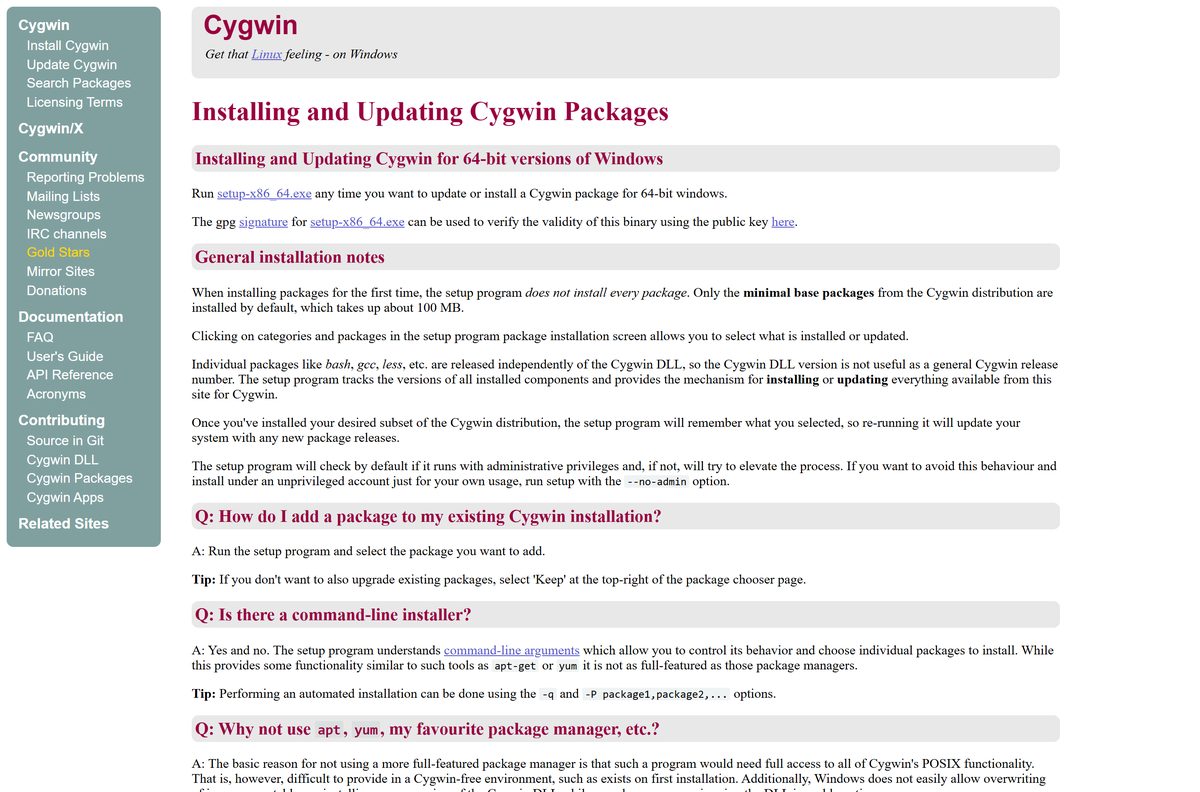
The installer and its signature sit on the Install Cygwin page. The newest Cygwin DLL is version 3.6.10.
- setup-x86_64.exe — 1.5 MB · the 64-bit Cygwin installer and updater
- setup-x86_64.exe.sig — GPG signature for checking the installer
- Install Cygwin page — installation notes, offline install and old Windows versions
- Cygwin package search — find which package contains a tool before you install
- Cygwin mirror sites — pick a download mirror near you
Keep setup-x86_64.exe after installing. The same file adds, updates and removes packages later.
How to install Cygwin on Windows 11 and 10
Setup asks for administrator rights by default so every user on the PC gets a working shell. Clicking Next on each page gives you a minimal install.
- Download setup-x86_64.exe and double-click it.
- Select Yes at the User Account Control prompt.
- Select Next, choose Install from Internet and select Next again.
- Keep the Root Directory at C:\cygwin and Install For at All Users.
- Set a Local Package Directory, such as C:\cygwin-packages , that is not the root folder.
- Choose Use System Proxy Settings, or Direct Connection if you use no proxy.
- Select a mirror from the Choose A Download Site list and select Next.
- In the package chooser, set View to Full and search for extra tools such as make or binutils .
- Select Next to review the pending packages, then Next again to download and install.
- Tick the desktop and Start menu shortcut boxes, then select Finish.
- Open Cygwin Terminal and run uname -r to confirm it works.
Without step 8 you get only the Base category. Compilers such as gcc live in the Devel category.
Install Cygwin unattended or without admin rights
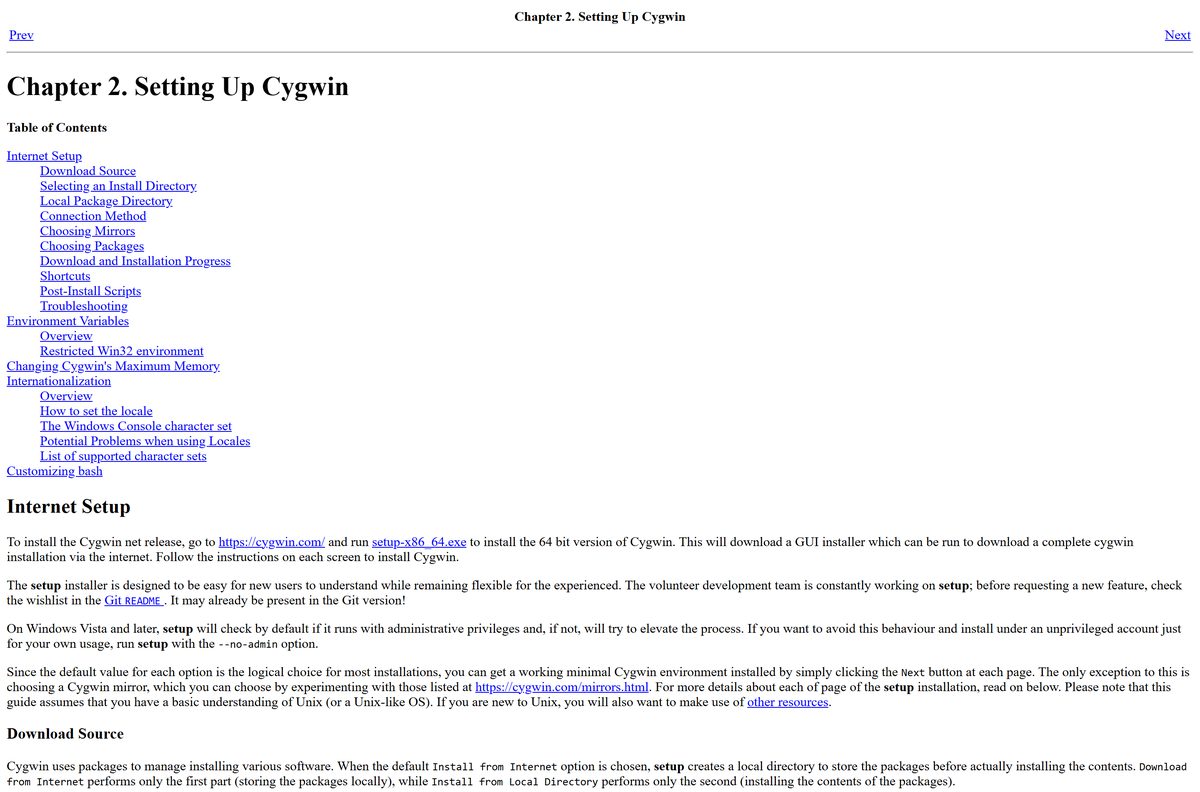
Setup has no MSI package. It takes command-line options instead, which covers scripted installs and locked-down PCs.
setup-x86_64.exe -q -P make,binutils –no-admin -R C:\cygwin -q runs setup in unattended mode, -P lists the packages to add, –no-admin installs for the current user without asking for administrator rights, and -R sets the root folder. For many PCs, run a full install once, keep the package folder, then run setup-x86_64.exe -q -L -l x:\cygwin-local\ on each target to install from that local copy. The full option list is in the Cygwin FAQ.
Run setup-x86_64.exe –help for every option, including -s to name a mirror and -x to remove packages.
How to verify the Cygwin installer signature
Cygwin signs setup-x86_64.exe with its GPG key. Checking it takes a minute if GnuPG is already installed.
- Download setup-x86_64.exe.sig into the same folder as the installer.
- Import the key with gpg –recv-key 56405CF6FCC81574682A5D561A698DE9E2E56300 .
- Run gpg –keyid-format=long –with-fingerprint –verify setup-x86_64.exe.sig setup-x86_64.exe .
- Look for Good signature from “Cygwin
- Confirm the primary key fingerprint reads 5640 5CF6 FCC8 1574 682A 5D56 1A69 8DE9 E2E5 6300 .
Setup also checks the signature of the package list and the SHA-512 hash of every package it downloads.
Install Cygwin on a PC with no internet
There is no single offline installer. Setup splits the job into a download pass and an install pass.
- On a connected PC, run setup-x86_64.exe and choose Download Without Installing.
- Pick a Local Package Directory, select your mirror and the packages you need, and finish.
- Copy that whole package folder, plus setup-x86_64.exe , to a USB drive or network share.
- On the offline PC, run setup-x86_64.exe and choose Install from Local Directory.
- Point it at the copied package folder and select the same packages.
- Select Next until setup finishes.
Larger sites can copy a whole mirror with rsync and enter its path or UNC path at Choose A Download Site.
Is Cygwin free?
Yes. Cygwin is free and open source, and there is no paid edition. The Cygwin DLL is LGPL licensed since version 2.5.2, and the bundled tools use GPL, X11 and other free licenses. None of it is shareware, so any site charging for a Cygwin download is not the official project.
The LGPL license also lets you bundle the Cygwin DLL with your own product.
How to check your Cygwin version and update it
Cygwin has no single release number. The DLL and every package carry their own versions.
- Open Cygwin Terminal and run uname -r or cygcheck -V to see the DLL version.
- Close every Cygwin window and stop any Cygwin services.
- Run the latest setup-x86_64.exe from cygwin.com.
- Select Next through the pages; setup marks newer package versions for upgrade.
- Set View to Pending to review the upgrades, then select Next to install them.
- Check /var/log/setup.log for a record of what changed.
To add a package without upgrading the rest, select Keep at the top right of the chooser.
Check the Cygwin system requirements
Cygwin needs little hardware. The Windows version and edition decide whether it runs.
| Field | Value |
|---|---|
| Software | Cygwin (Cygwin DLL, setup program and GNU tools) |
| Developer | The Cygwin project, led by Corinna Vinschen with volunteer package maintainers |
| Latest version | Cygwin DLL 3.6.10 |
| License | Free and open source (LGPL DLL, GPL and other free licenses) |
| Installer size | 1.5 MB (setup-x86_64.exe) |
| Windows | 64-bit Windows 8.1, Server 2012 R2 and later, including Windows 10 and 11 |
| Architecture | x86_64; Windows 11 on ARM through x64 emulation |
| Not supported | Windows S mode, 32-bit Windows, macOS and Linux |
| Disk space | About 100 MB for the base packages |
| Default folder | C:\cygwin |
| Official download | cygwin.com |
| Last verified | September 25, 2026 |
How to find and add Cygwin packages
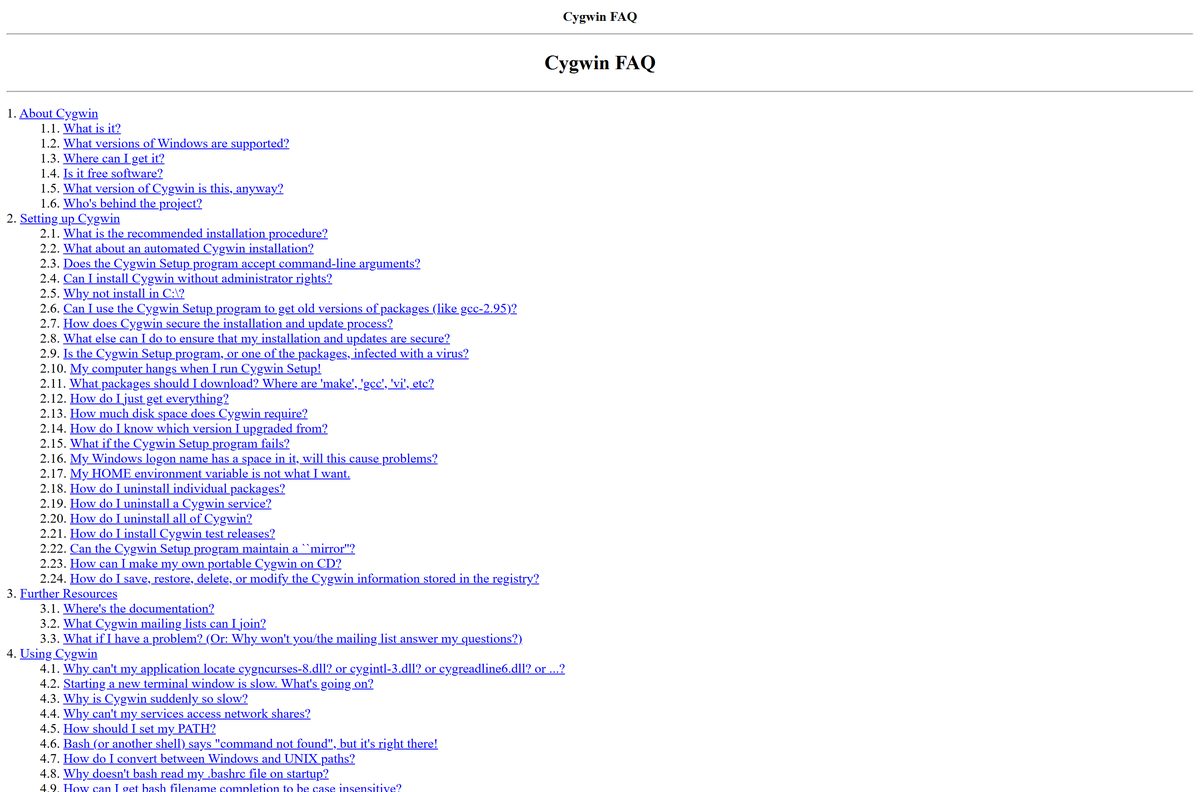
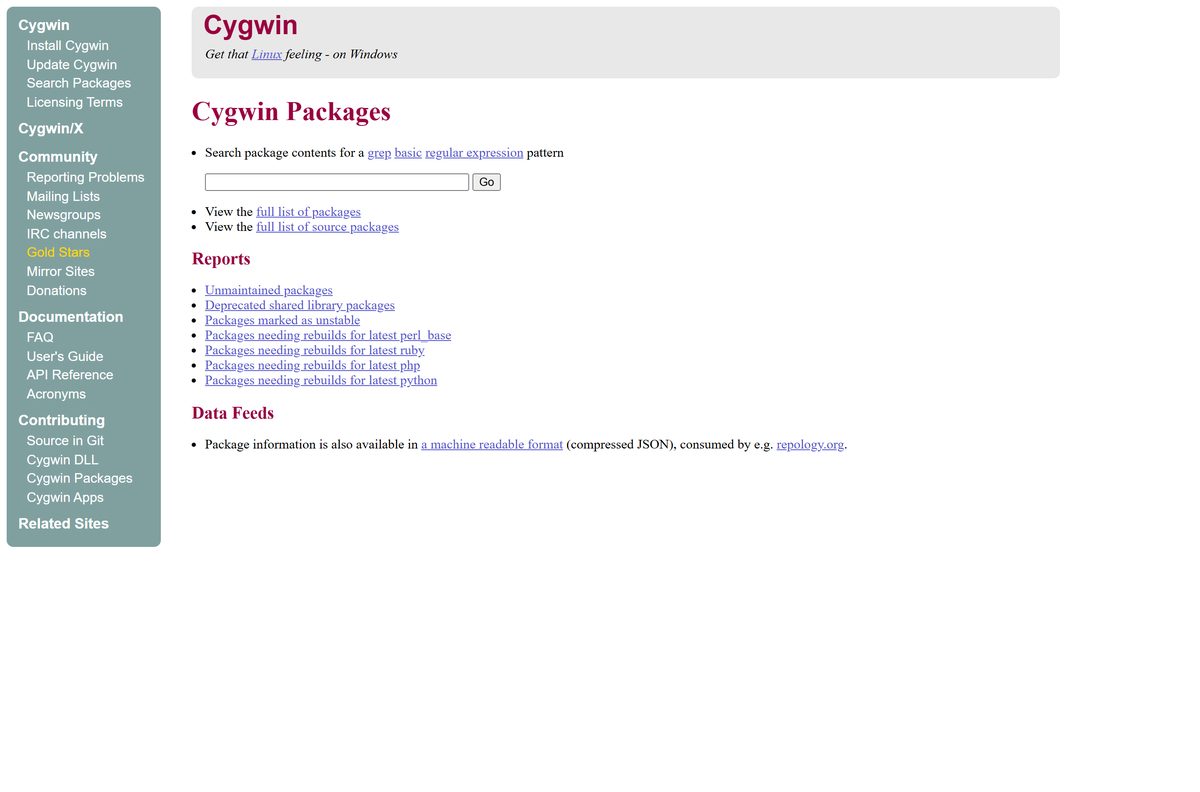
The base install is a shell and core utilities. Everything else comes from the package chooser, grouped by category.
| You want | Look in | How to find it |
|---|---|---|
| gcc, binutils and make to build programs | Devel category | Search the chooser with View set to Full |
| Text editors | Editors category | Browse the category in the chooser |
| The package that contains a given file | Cygwin package search | cygwin.com/packages |
| A package search from the shell | cygcheck | Run cygcheck -p |
Do not select All at the top of the chooser. More than 10,000 packages need over 150 GB just to download.
Fix Cygwin setup not installing or not working
Setup cannot download the mirror list
Setup could not reach cygwin.com/mirrors.lst or the chosen mirror.
- Check the connection method; choose Use System Proxy Settings behind a corporate proxy.
- Pick a different mirror from the mirror list.
- Try again later if the network is busy.
Setup hangs while extracting packages
Some antivirus products scan every file in the tar archives setup unpacks.
- Download the packages first with Download Without Installing.
- Pause on-access scanning and run setup with Install from Local Directory.
- Turn scanning back on and scan C:\cygwin .
fork failures or random crashes in the shell
Security software that hooks into Windows interferes with Cygwin.
- Close other programs and test again.
- Exclude C:\cygwin\bin from on-access scanning, if your antivirus allows it.
- Run setup with -A to disable known problem antivirus software during the install.
Setup says your Windows version is not supported
Current Cygwin needs 64-bit Windows 8.1 or later, outside S mode.
- Open Settings > System > About and check the edition and system type.
- On Windows 7 or 8, follow the old-version table on the install page.
- On Windows in S mode, switch out of S mode before running setup.
A package still will not install or update
The mirror may not carry the newest release yet.
- Open C:\cygwin\var\log\setup.log.full and read the last errors.
- Choose another mirror and run setup again.
- Make sure you run the latest setup-x86_64.exe from cygwin.com.
How to uninstall Cygwin
Setup has no uninstaller and Cygwin does not appear in Installed apps. You remove it by hand.
- Run cygrunsrv -L to list Cygwin services, then stop and remove each one with cygrunsrv –stop
and cygrunsrv –remove . - Close every Cygwin window and end any Cygwin processes in Task Manager.
- Delete the C:\cygwin folder. On Access denied, take ownership under Properties > Security > Advanced, then delete again.
- Delete the Cygwin shortcuts on the desktop and in the Start menu.
- Delete the local package directory unless you plan to reinstall.
- Remove C:\cygwin\bin from your Path environment variable if you added it.
- Optionally delete the Software\Cygwin key under HKEY_LOCAL_MACHINE and HKEY_CURRENT_USER in Registry Editor.
To remove only one package, run setup, set View to Up To Date and choose Uninstall for that package.
How to choose between Cygwin and WSL
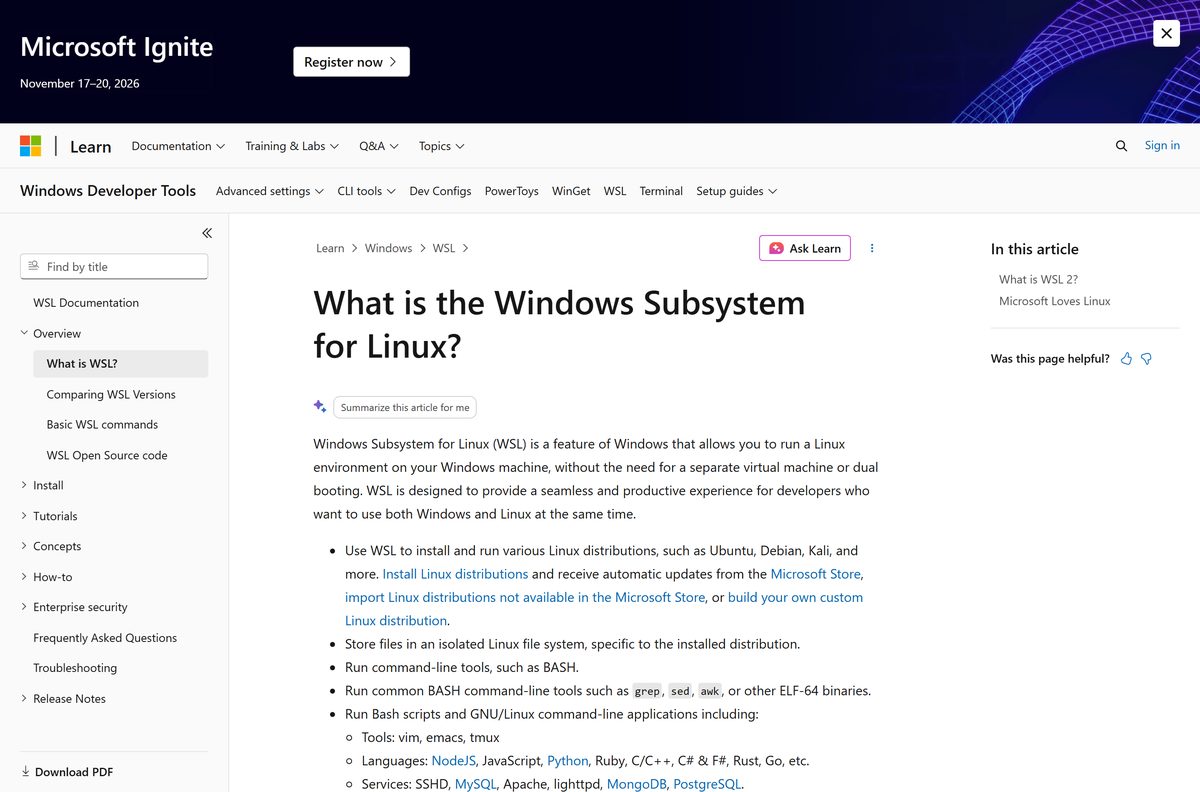
Use Cygwin to build Unix programs as native Windows executables. Use WSL to run unmodified Linux programs. Cygwin is a POSIX layer in cygwin1.dll, so Linux software must be rebuilt from source to run on it. Windows Subsystem for Linux runs a real Linux distribution on Windows 11 and 10, so Linux binaries work without a rebuild.
See Microsoft’s WSL overview to set up a distribution.
Other developer tools for Windows include Java SE and VMware Remote Console.
Frequently asked questions
Is Cygwin free?
Yes. Cygwin is free and open source with no paid version. The Cygwin DLL is LGPL licensed, and the tools use GPL, X11 and other free licenses. Download it only from cygwin.com.
Where is the official Cygwin download?
The official download is setup-x86_64.exe on the Install Cygwin page at cygwin.com. The same page links the GPG signature, offline install instructions and settings for older Windows versions.
How big is the Cygwin download?
The setup-x86_64.exe installer is 1.5 MB. It downloads packages from a mirror, and the minimal base install takes about 100 MB. Each extra package you select adds to that.
Does Cygwin work on Windows 11?
Yes. Cygwin runs on 64-bit Windows 11 and Windows 10, and on Windows 11 ARM PCs through x64 emulation. It does not run in Windows S mode.
Is there a Cygwin version for Mac?
No. Cygwin builds only for 64-bit Windows, so there is no Mac download. On a Mac, use the Terminal app that comes with macOS instead.
Can I install Cygwin without administrator rights?
Yes. Run setup-x86_64.exe –no-admin from a command prompt or the Run dialog. Cygwin then installs for your account only, and services such as sshd or cron will not work.
What is the latest version of Cygwin?
The latest Cygwin DLL is version 3.6.10. Each package in the distribution has its own version, so run setup-x86_64.exe to bring all installed packages up to date.
Is Cygwin safe to install?
Yes, from cygwin.com. The installer is served over HTTPS and GPG signed, and setup checks the signed package list and each package hash. Antivirus alerts during extraction are usually false positives.
Can I install Cygwin offline?
Yes. Run setup in Download Without Installing mode on a connected PC, copy the package folder, then choose Install from Local Directory on the offline PC.
How do I uninstall Cygwin?
Cygwin has no uninstaller. Remove any Cygwin services, close all Cygwin programs, delete the C:\cygwin folder and its shortcuts, and remove Cygwin from your Path if you added it.






