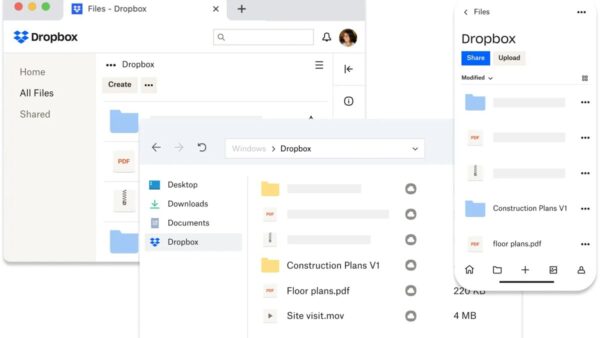
How to Connect Dropbox to Your Computer: Complete Setup Guide
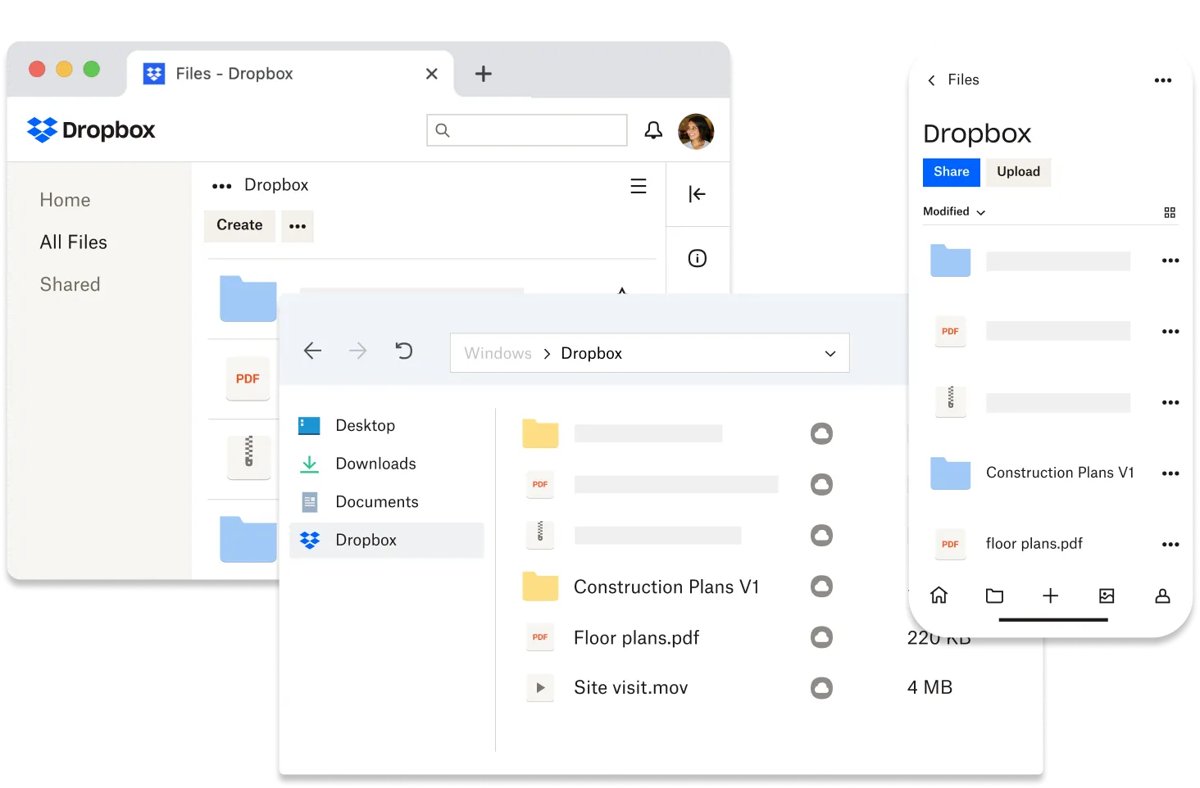
Install the Dropbox desktop app, sign in, and the Dropbox folder appears in File Explorer or Finder. Setup steps, selective sync and sync fixes.
2,104 articles

Install the Dropbox desktop app, sign in, and the Dropbox folder appears in File Explorer or Finder. Setup steps, selective sync and sync fixes.
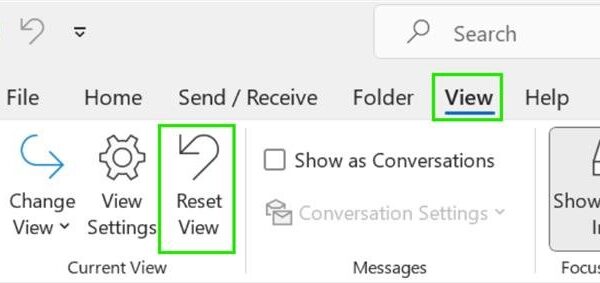
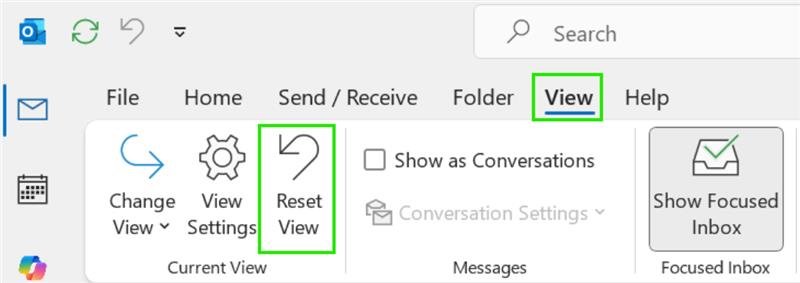
Your Outlook inbox view changed because a layout setting moved or an update switched you to new Outlook. Here is how to change it back on every version.
Zoho Mail download links for Windows 11, 10, Mac and Linux from Zoho’s own desktop page, with the 1.10.3 build, install steps, plans and fixes.
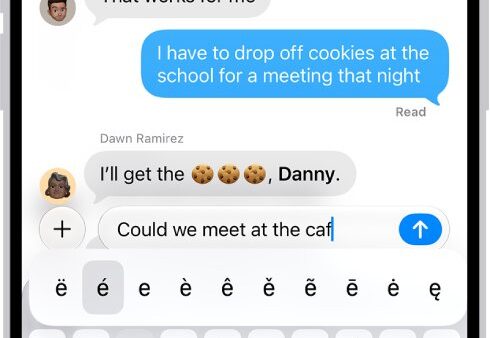
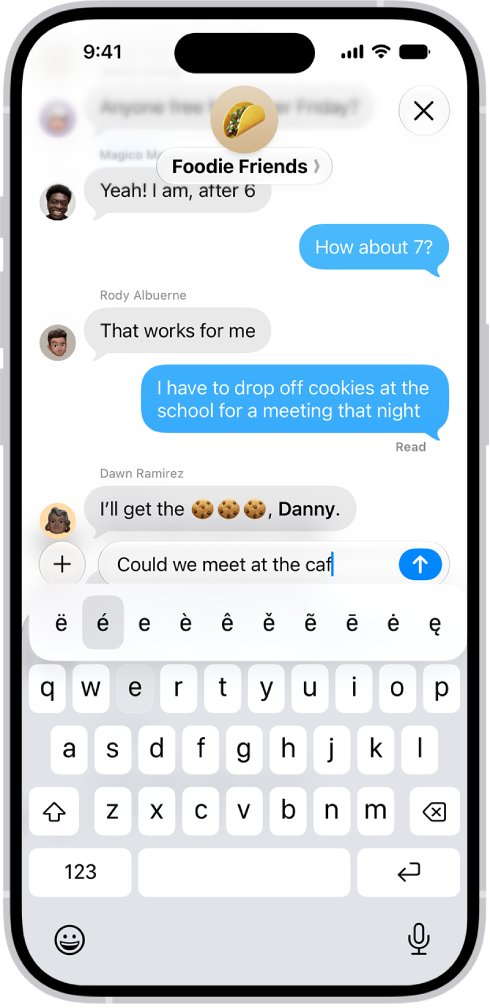
Type e with an accent mark (é, è, ê, ë) using Alt codes or Win + . on Windows, press and hold E on a Mac, iPhone or Android, and Word or Google Docs shortcuts.
Private Internet Access download for Windows 11, 10 and Mac: get the official PIA VPN app, pick the right build, install it, and fix setup problems.
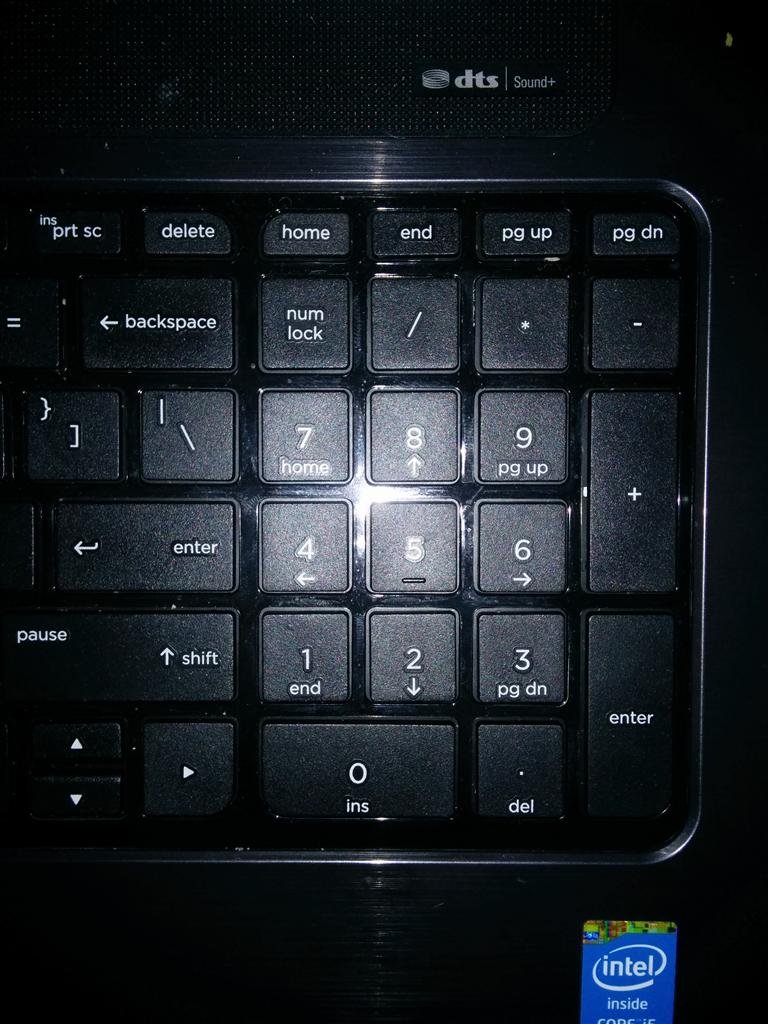
Press Num Lock to enable or disable the number pad in Windows 11 and 10. Laptop keys, On-Screen Keyboard, UEFI, sign-in tasks and fixes.
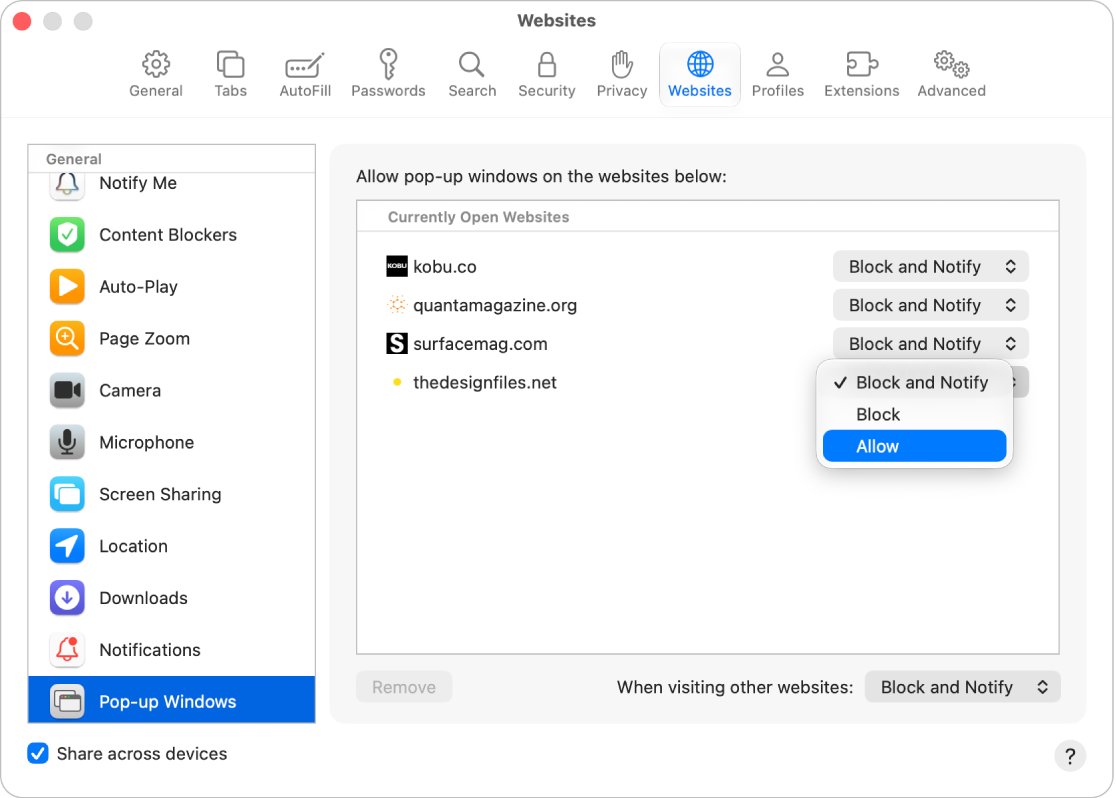
Enable redirects in Chrome, Edge and Opera from the Pop-ups and redirects permission, and allow them in Safari and Firefox through the pop-up blocker.
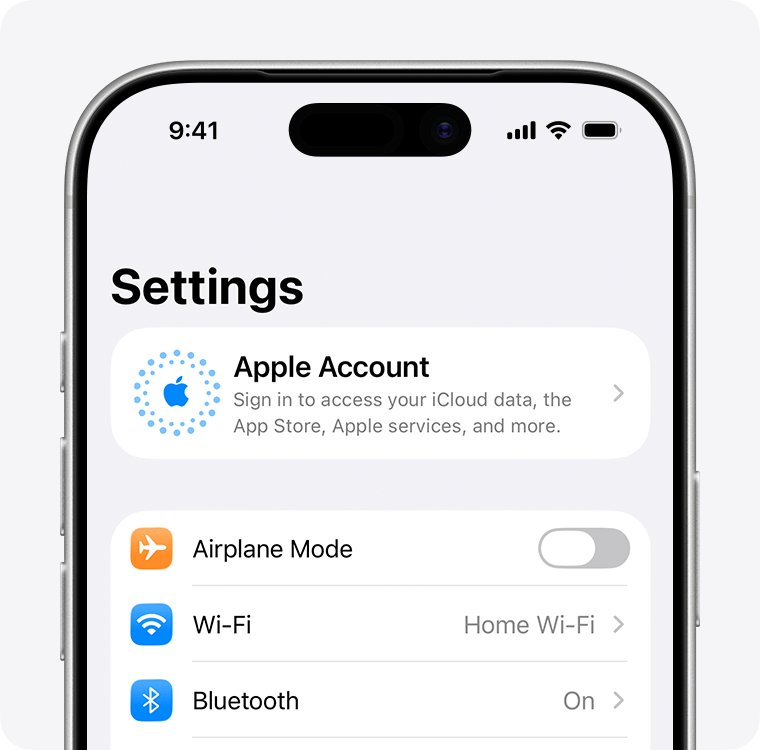
Sign in to your Apple ID on the App Store on iPhone, iPad and Mac, with fixes for verification codes, disabled accounts and a greyed-out Sign Out.
Glorious CORE download for Windows 11, 10 and Apple silicon Macs from the official Glorious page, with the 2.1.21 build, install steps, updates and fixes.
Outlook only opening in Safe Mode? Turn off the COM add-in forcing it, clear the /safe shortcut switch, reset the Folder Pane and repair Office.
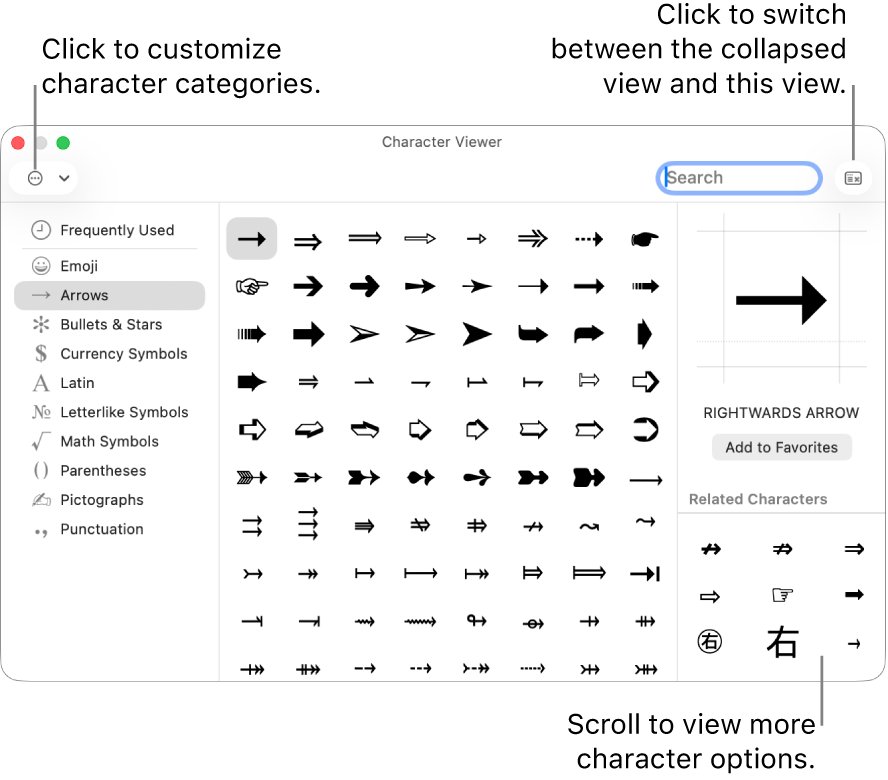
Type the degree symbol with Alt + 0176 on Windows or Control + Command + Space on a Mac. Codes for Word, Excel, Google Docs, iPhone and Android.
VMware Workstation Pro download for Windows 11, 10 and Linux: get it free from Broadcom, install it, pick Fusion Pro for Mac and fix setup errors.