Techdows

Windows how-to guides, fixes and software downloads

  • Home
  • Settings and hardware

    • Printers
    • Sound and microphone
    • Wi-Fi and network
    • Bluetooth
    • Display and monitors
    • Drivers
    • Keyboard shortcuts and symbols

    Using Windows

    • File Explorer
    • Storage and disk space
    • Taskbar, Start and desktop
    • Apps and default programs
    • Accounts and sign-in
    • Copilot in Windows
    • Command Prompt and PowerShell

    Updates and fixes

    • Windows Update
    • Windows 11 26H2
    • Error codes and BSOD
    • Boot, BIOS and recovery
    • Security and Defender
    • Task Manager and performance
    • DLL and runtime errors

    Popular fixes

    • Get help in Windows 11
    • Connect a wireless printer
    • Re-pair Bluetooth earbuds for stereo sound
    • Cancel a stuck print job
    • Change default programs

    All Windows guides →

  • Browse by type

    • Web browsers
    • Office and productivity apps
    • PC games and launchers
    • Phone and media apps
    • Developer tools
    • Creative apps
    • CAD software
    • System utilities and drivers

    Popular downloads

    • GTA V for PC
    • YouTube app for PC
    • Google Meet for PC
    • Cisco Packet Tracer
    • TikTok for PC

    Windows tools

    • PC Health Check app
    • HEVC Video Extension
    • DirectX 12
    • Cinebench R23

    All download guides →

  • Browser guides

    • Microsoft Edge
    • Google Chrome
    • Firefox
    • Web browsers for PC

    Microsoft Edge

    • Fix WebView2 using too much memory
    • Internet Explorer mode in Edge
    • Manage Edge favorites
    • Set or remove Edge as default

    Chrome and Firefox

    • Make Chrome the default browser
    • Restore closed tabs
    • Change the default web browser

    All browser guides →

  • Office guides

    • Outlook
    • Excel
    • Word and PowerPoint
    • OneDrive
    • Install Microsoft 365

    Meetings and other tools

    • Teams, Zoom and Google Meet
    • Google Docs and Sheets
    • PDF tools

    Office apps

    • Office product key
    • Office Deployment Tool
    • What is OneDrive?
    • Turn off OneDrive in Windows 11

    Outlook and Teams

    • Outlook inbox view changed
    • Schedule an email in Outlook
    • Outlook dark mode
    • Teams breakout rooms

    All Office and productivity guides →

  • PHP security

    • PHP2Shell patch download
    • PHP critical RCE security update
    • CVE-2026-109618 fix
    • CVE-2026-109619 explained
    • Mitigations if you can't update

    Update PHP

    • Update PHP to the latest version
    • Check your PHP version
    • Update PHP on Ubuntu and Debian
    • Restart PHP-FPM

    Hosting and local servers

    • Update PHP in XAMPP
    • Change PHP version in cPanel
    • Update PHP in Laragon and WampServer
    • Update PHP Docker images
    • WordPress PHP version check

    PHP downloads

    • PHP 8.5.12 download
    • PHP 8.4.27 download
    • PHP 8.3.36 and 8.2.35 download
    • Download PHP for Windows

    PHP2Shell by platform

    • PHP 8.3 fix on Ubuntu 24.04
    • PHP 8.1 fix on Ubuntu 22.04
    • PHP 8.2 and 8.4 fix on Debian
    • Update PHP on IIS
    • Cloudflare PHP2Shell WAF rule

    All PHP guides →

  • Sections

    • Gaming
    • Apple
    • Android
    • Apps and services
    • Developer and IT

    Gaming and Apple

    • PC gaming and Xbox
    • Apple devices on Windows

    Developer and IT

    • WSL and developer setup
    • Virtual machines
    • Group Policy and Intune
    • Website error codes
  • News
Home›Apple

Apple

283 articles

iPhone, iPad, Mac, iCloud and AirPods how-tos: settings, resets, backups and fixes, plus using Apple devices with a Windows PC.

Apple
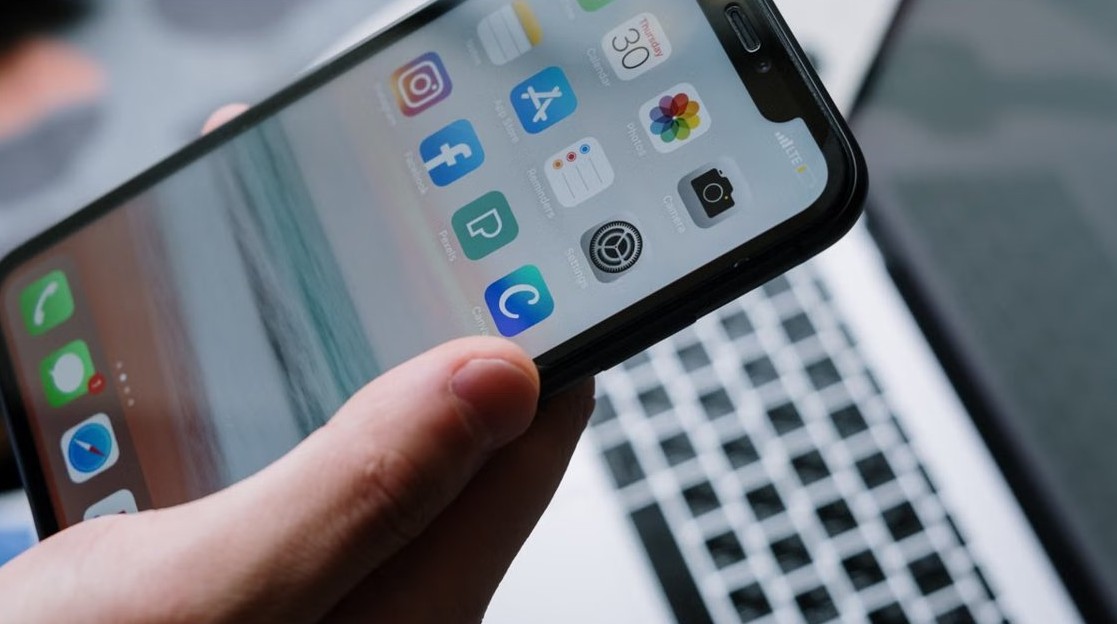
Connect iPhone to Windows PC with iTunes - phone held in front of a laptop

Connecting your iPhone to your Windows PC using iTunes
November 4, 2026 by Philip Celasco Leave a Comment
Connect iPhone to Windows PC with iTunes - phone held in front of a laptop

Connect your iPhone to a Windows PC using iTunes or the Apple Devices app: USB cable, Trust This Computer, sync, backup, Wi-Fi sync and fixes for detection.

Posted in: Apple, How to
Apple
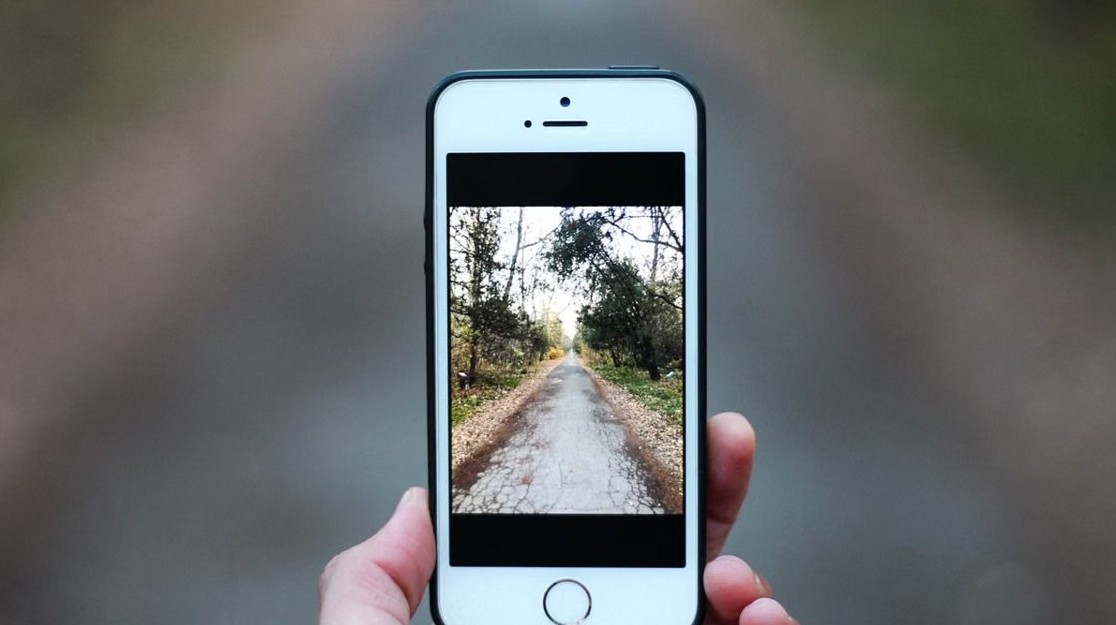
Photos not syncing with iCloud - smartphone showing a photo

Photos not syncing with iCloud

November 4, 2026 by Philip Celasco Leave a Comment
Photos not syncing with iCloud - smartphone showing a photo

Photos not syncing with iCloud? Check the library status, charge and connect to Wi-Fi, free iCloud storage and fix iCloud Photos on iPhone, Mac and Windows PC.
Posted in: Apple, How to
Apple
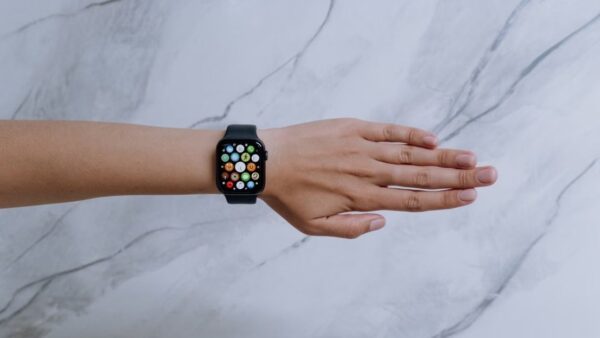
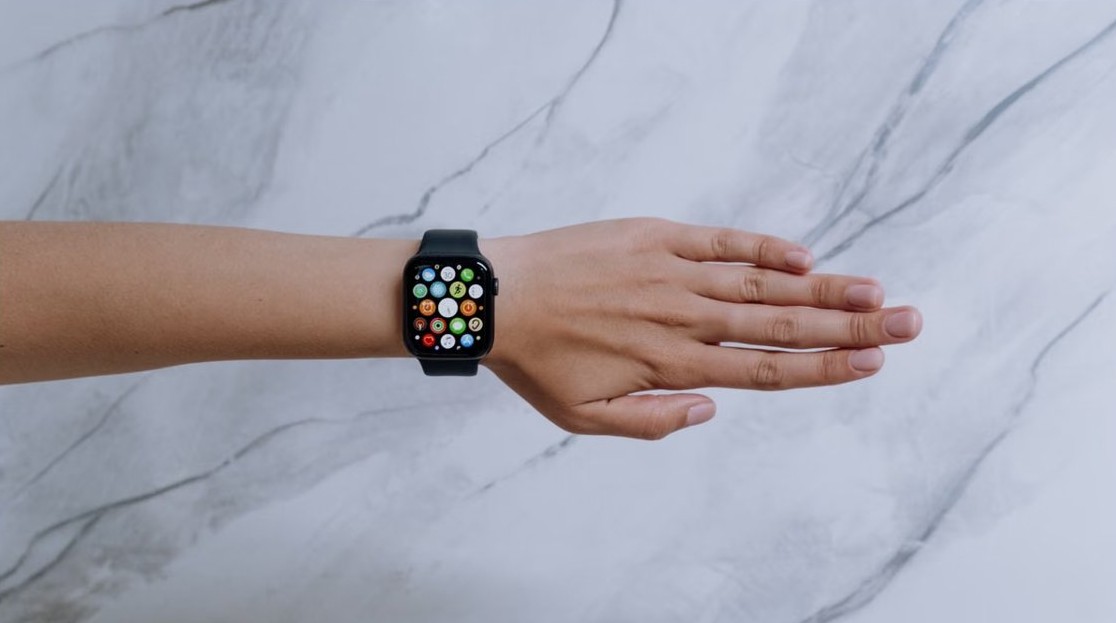
Apple Watch screen gone black - smartwatch on a wrist

Apple Watch screen has gone black? How to fix it

November 4, 2026 by Philip Celasco Leave a Comment
Apple Watch screen gone black - smartwatch on a wrist

Apple Watch screen gone black? Charge it for up to 30 minutes, then force restart by holding the side button and Digital Crown for 10 seconds. More fixes inside.


Posted in: Apple, How to
Apple
iCloud Mail send button missing - typing an email on a laptop

iCloud Mail web: Send button missing in email draft

November 4, 2026 by Philip Celasco Leave a Comment
iCloud Mail send button missing - typing an email on a laptop

iCloud Mail web Send button missing from a draft? Press Shift-Command-D or Control-Shift-D to send it, then zoom out so the compose toolbar fits again.
Posted in: Apple, How to
Apple
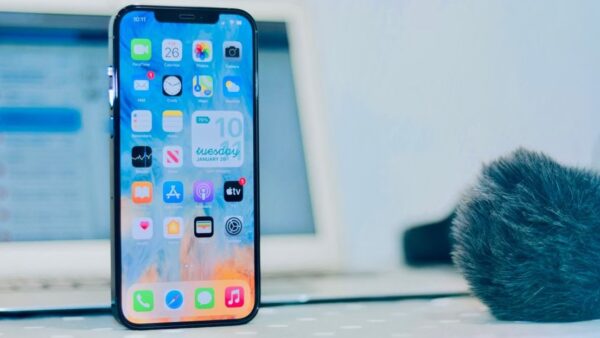
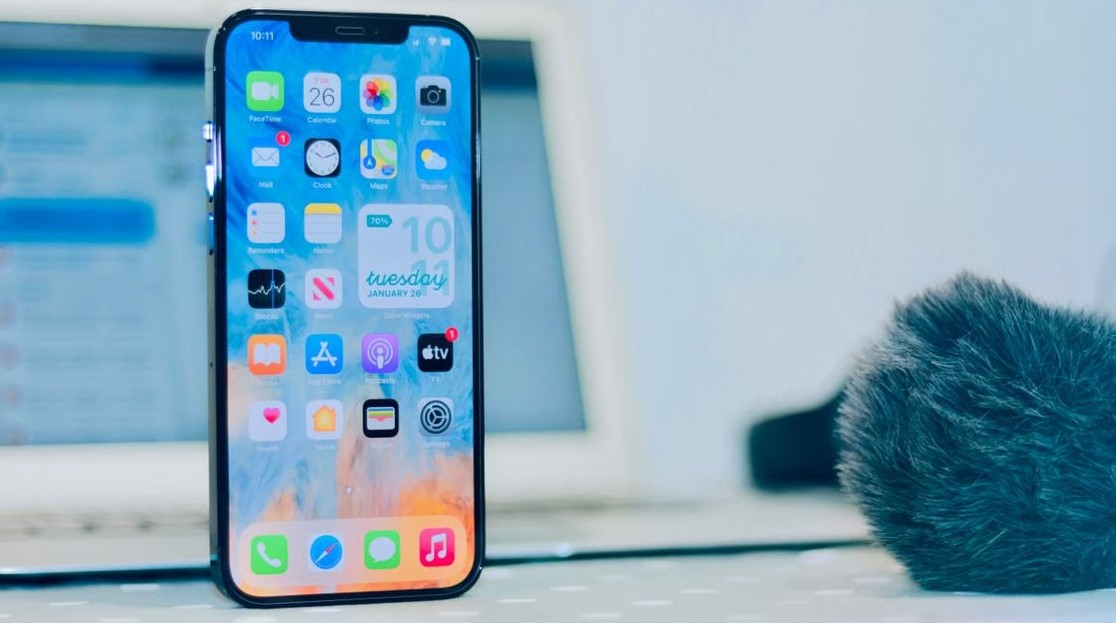
Reactivate iPhone voicemail - smartphone in hand

Reactivating voicemail after dialing #004# on iPhone

November 4, 2026 by Philip Celasco Leave a Comment
Reactivate iPhone voicemail - smartphone in hand

Reactivating voicemail after dialing #004# on iPhone: turn off Call Forwarding, ask your carrier to restore busy and no-answer forwarding, then set up voicemail.
Posted in: Apple, How to
Apple
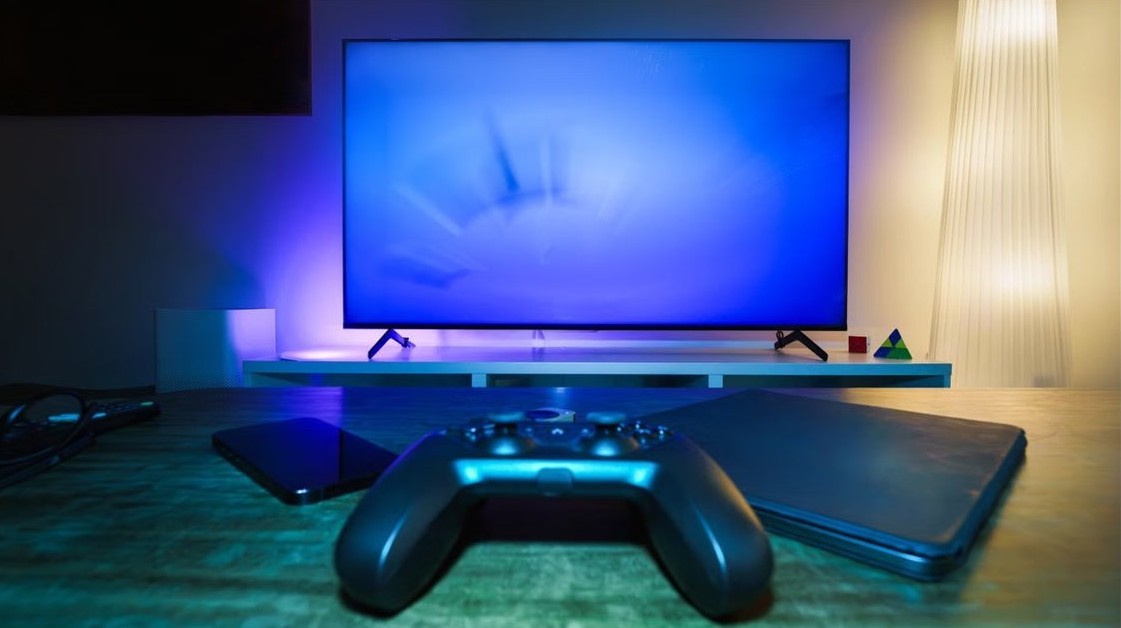
Find downloads on iPhone - app icons on a phone screen

How to find downloads on iPhone: A simple step-by-step guide

November 4, 2026 by Philip Celasco Leave a Comment
Find downloads on iPhone - app icons on a phone screen

Find downloads on iPhone in the Files app: tap Browse, then open the Downloads folder (inside iCloud Drive if missing). Safari, Mail and search routes included.
Posted in: Apple, How to
Apple
Apple TV multiple profiles - streaming on a smart TV

Apple TV with multiple profiles

November 4, 2026 by Philip Celasco Leave a Comment
Apple TV multiple profiles - streaming on a smart TV

Apple TV supports multiple profiles: add one in Settings > Profiles and Accounts, create up to five managed profiles, switch in Control Center and lock each one.
Posted in: Apple, How to
Apple
Keychain Access missing on MacBook - MacBook on a desk

Keychain Access app missing on MacBook – how to restore and access it

November 4, 2026 by Philip Celasco Leave a Comment
Keychain Access missing on MacBook - MacBook on a desk

Keychain Access missing on your MacBook? Open it with Spotlight, find passwords in the Passwords app, keep it in the Dock, or reinstall macOS to restore it.
Posted in: Apple, How to
Apple
iCloud on iOS - iPhones and tablet on a desk

iCloud on iOS: how to set up and use it on iPhone and iPad

November 3, 2026 by Philip Celasco Leave a Comment
iCloud on iOS - iPhones and tablet on a desk

iCloud on iOS lives in Settings > your name > iCloud. Set it up on iPhone or iPad, choose what syncs, back up, check the 5 GB free storage and fix sign-in issues.
Posted in: Apple, How to
Apple
Enable hotspot on iPhone - smartphone held in front of a laptop

How to enable hotspot on iPhone: A step-by-step guide

November 3, 2026 by Philip Celasco Leave a Comment
Enable hotspot on iPhone - smartphone held in front of a laptop

Enable hotspot on iPhone in Settings > Personal Hotspot > Allow Others to Join. Connect over Wi-Fi, USB or Bluetooth, change the password and fix connection issues.

Posted in: Apple, How to
Apple
Stop Apple Music auto-playing the next song - wireless earbuds and case

Prevent Apple Music from auto-playing next song after current one finishes

November 3, 2026 by Philip Celasco Leave a Comment
Stop Apple Music auto-playing the next song - wireless earbuds and case

Stop Apple Music autoplay: turn off AutoPlay at the top of the queue, clear the queue and turn off repeat so playback ends after the current song.
Posted in: Apple, How to
Apple
iPhone battery won't charge after water - smartphone connected to a charger

iPhone battery won’t charge after water issue

November 3, 2026 by Philip Celasco Leave a Comment
iPhone battery won't charge after water - smartphone connected to a charger

iPhone battery won’t charge after water? Unplug it, dry the port with airflow for at least 5 hours, skip the rice, then retry or use a Qi wireless charger.

Posted in: Apple, How to
1 2 … 24 Next »

More from Techdows

Connect iPhone to Windows PC with iTunes - phone held in front of a laptop
Connecting your iPhone to your Windows PC using iTunes
Apple · 5 hours ago
Print Avery 5160 labels in Word - office printer
How to print Avery 5160 labels in Word – your 2026 guide
How to · 5 hours ago
Photos not syncing with iCloud - smartphone showing a photo
Photos not syncing with iCloud
Apple · 5 hours ago
Set preferred speaker and microphone in Windows 11 - headphones on a laptop
Set up Preferred Speaker and Microphone for different Apps in Windows 11
How to · 5 hours ago
Microsoft Edge favorites location - laptop with a browser open
Where are Favorites stored or saved in Microsoft Edge browser?
Browsers · 4 hours ago
WhatsApp Business not linking to desktop - WhatsApp on a phone
WhatsApp Business not linking to desktop app? How to fix it
Apps and services · 4 hours ago
Apple Watch screen gone black - smartwatch on a wrist
Apple Watch screen has gone black? How to fix it
Apple · 4 hours ago
Windows taskbar icons missing - laptop on a desk
Fix Windows 10/11 taskbar icons missing or blank: Explorer, icon cache, and app repair
How to · 3 hours ago

© 2009–2026 Techdows · About · Contact · Privacy Policy

Copyright © 2026 Techdows.

Techdows WordPress Theme by Techdows