
How to set up Remote Help for Windows 11/10

Set up Remote Help for Windows 11/10: license helpers and users, enable it in the Intune admin center, assign roles, deploy the app and start a session.
4,029 articles

Set up Remote Help for Windows 11/10: license helpers and users, enable it in the Intune admin center, assign roles, deploy the app and start a session.


iCloud on iOS lives in Settings > your name > iCloud. Set it up on iPhone or iPad, choose what syncs, back up, check the 5 GB free storage and fix sign-in issues.
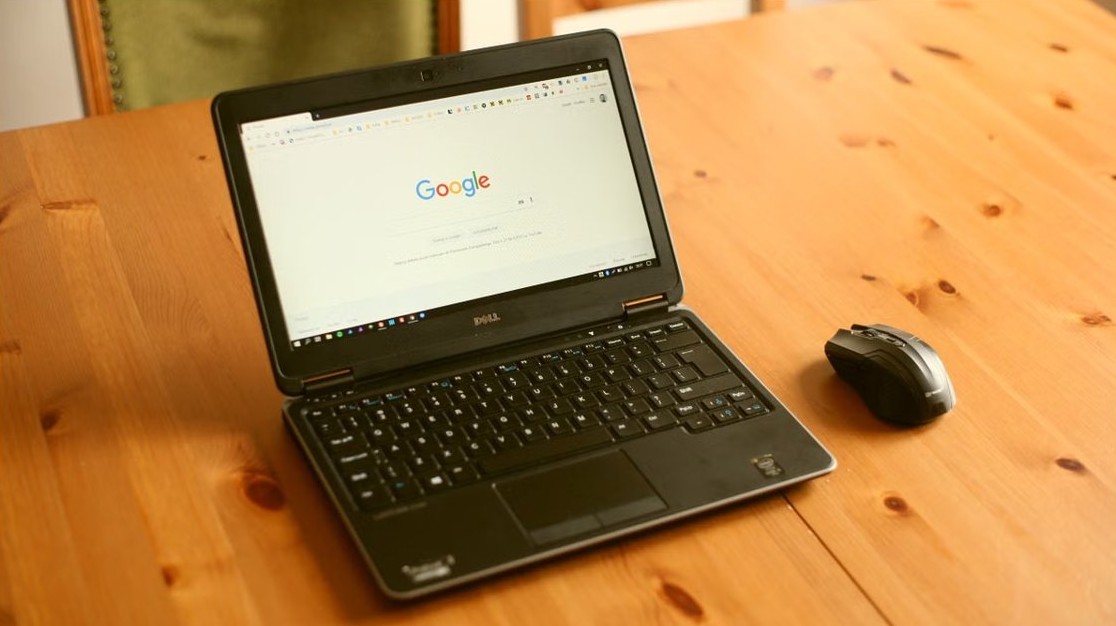
Default browser keeps changing in Windows 11 or 10? Set it again in Default apps, scan for malware, reset the browser, and stop updates from switching it to Edge.
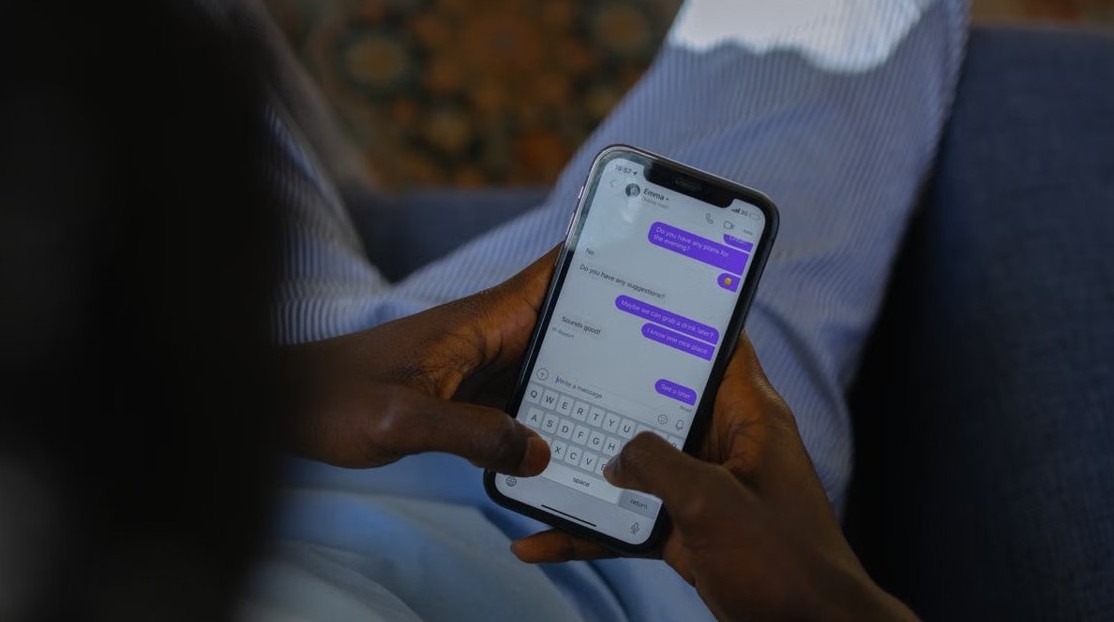
NTY means “no, thank you” in texts, chats and games. See where it came from, when it sounds rude, how to reply, and related slang like LOL and YOLO.


Fix Error Applying Hard Drive Changes in Hyper-V: shut down the VM or use a SCSI controller, release the VHDX file, grant the VM access with icacls, retry.

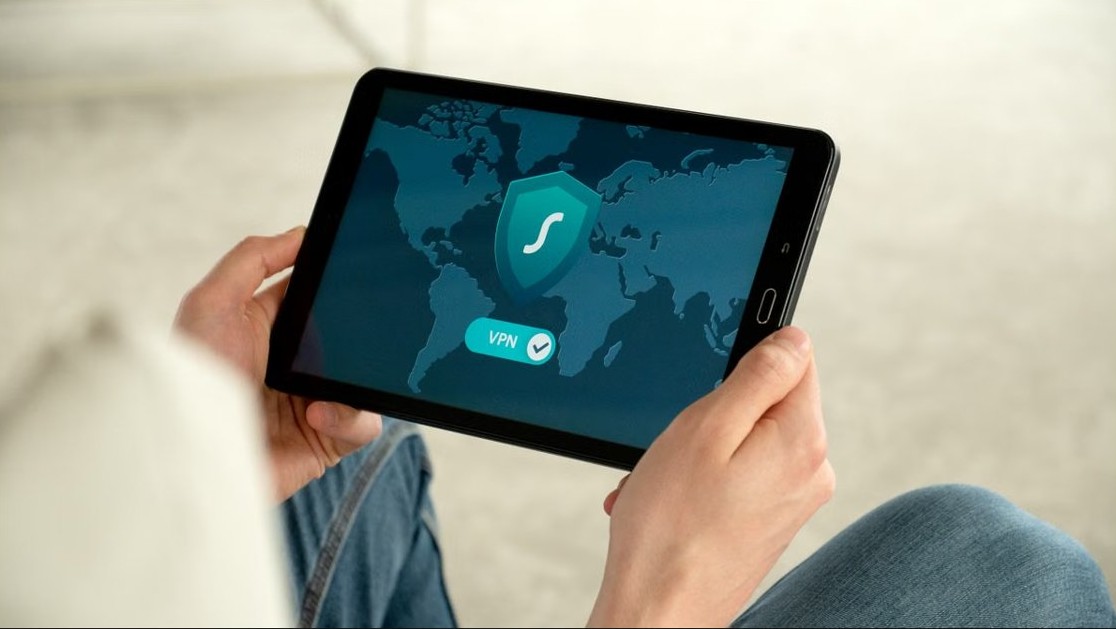
Virus and threat protection is the Microsoft Defender Antivirus page in Windows Security. Hide it with Group Policy or the registry, and show it again.


Enable hotspot on iPhone in Settings > Personal Hotspot > Allow Others to Join. Connect over Wi-Fi, USB or Bluetooth, change the password and fix connection issues.


Windows Update error codes decoded: where to find the code, what 0x8024, 0x8007, 0x800F and 0xC1900 prefixes mean, and the official fix for the common ones.
Download Norton Antivirus for Mac from Norton’s own pages: plan prices, the 7-day free trial, macOS 10.13 requirements, install steps and fixes.

Stop Apple Music autoplay: turn off AutoPlay at the top of the queue, clear the queue and turn off repeat so playback ends after the current song.


Every Dark Souls game in order: Dark Souls (2011), Dark Souls II (2014) and Dark Souls III (2016), plus Remastered, Trilogy, DLC and the related Souls games.


Use the Sound Recorder app in Windows 11: start with Ctrl+R, pause with Space, stop with Esc, then rename, share or delete recordings and fix microphone access.