How to add or remove programs in Windows 11
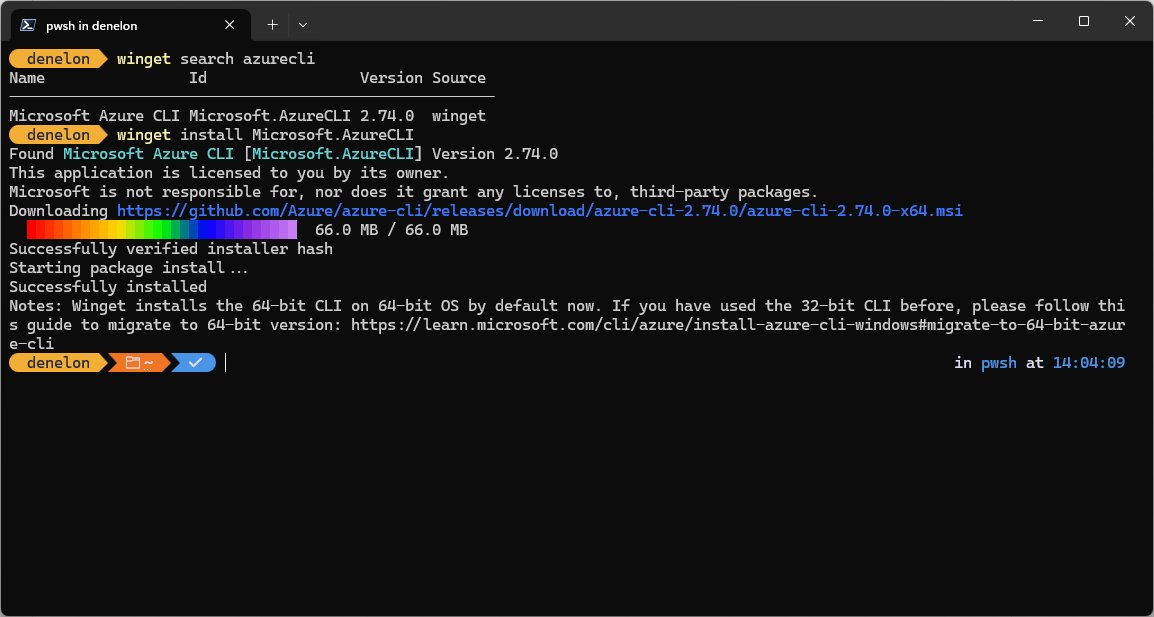
Add or remove programs in Windows 11 from Settings, Control Panel or winget. Steps for Store apps, desktop installers, optional features and stuck uninstalls.
2,103 articles

Add or remove programs in Windows 11 from Settings, Control Panel or winget. Steps for Store apps, desktop installers, optional features and stuck uninstalls.
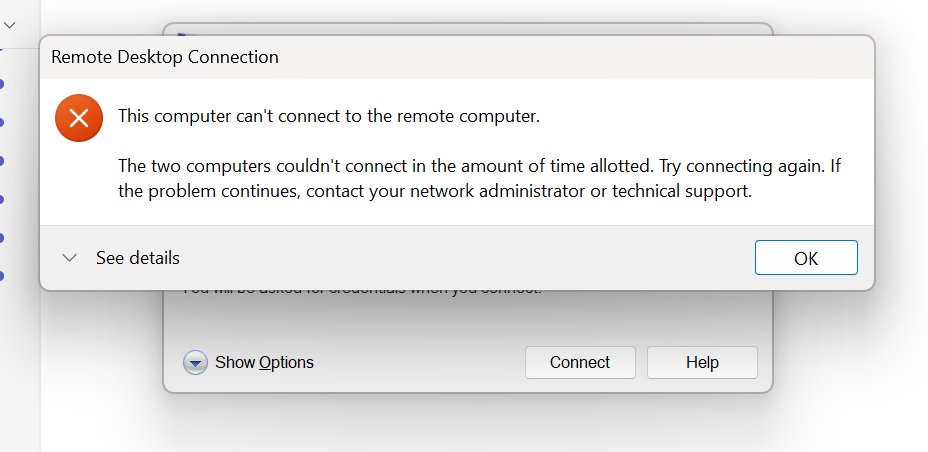
Remote Desktop connection and screen issues fixed: enable RDP, clear authentication errors, set the right resolution, stop lag, blank screens and audio faults.
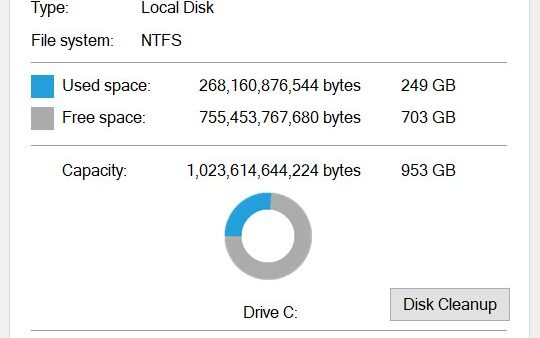
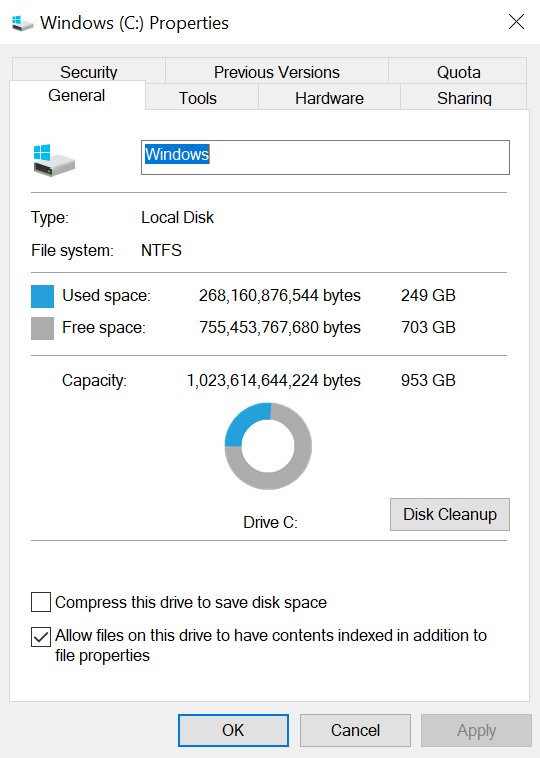
Windows.old holds your previous Windows installation, and you can delete it. Remove it from Storage settings or Disk Cleanup on Windows 10 and Windows 11.
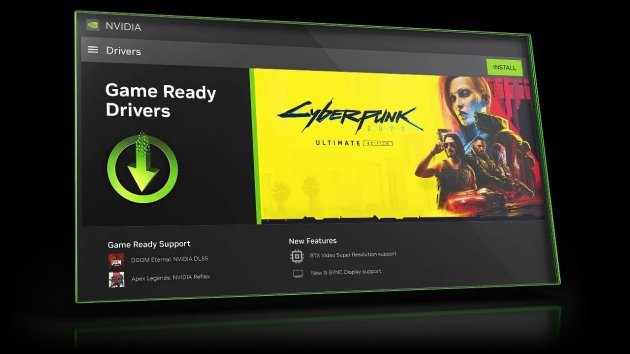
Update drivers on Windows 11 from Settings, Windows Update, Optional updates, Device Manager, pnputil, or the PC maker’s own tool, then roll one back.
Access Outlook on the web at outlook.office365.com for work mail or outlook.live.com for personal mail. Sign-in steps, settings and sign-in fixes.


Minecraft came out on May 16, 2009 as Classic, and the full 1.0 release arrived on November 18, 2011. Full release history by year, platform and edition.


Download font files from Adobe Fonts? You add them instead: sign in, click Add family, and Creative Cloud makes them usable. Web, sharing and licensing covered.
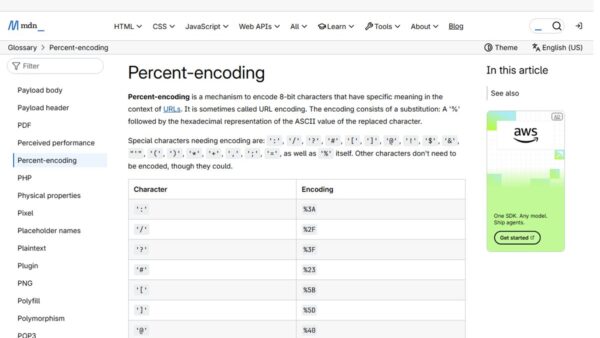
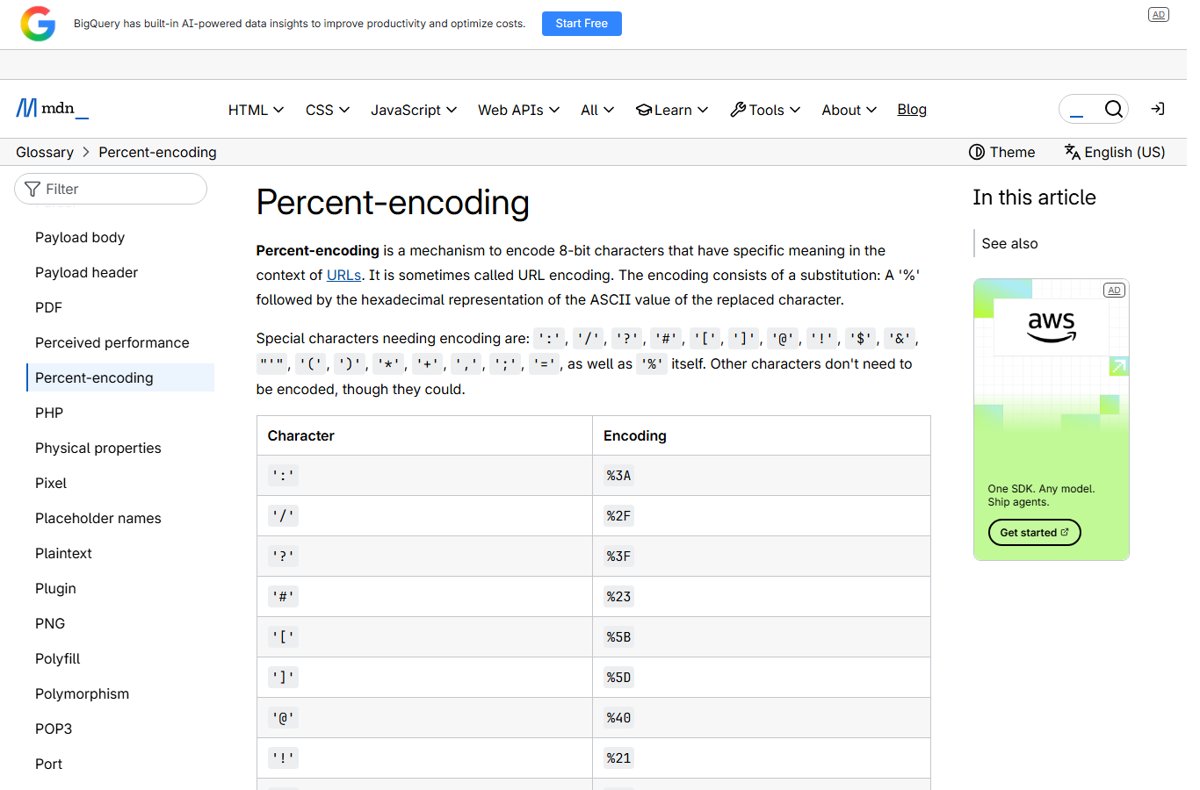
Encode an apostrophe in a URL as %27. Where it belongs in paths and query strings, the HTML and JavaScript forms, and fixes for double encoding.
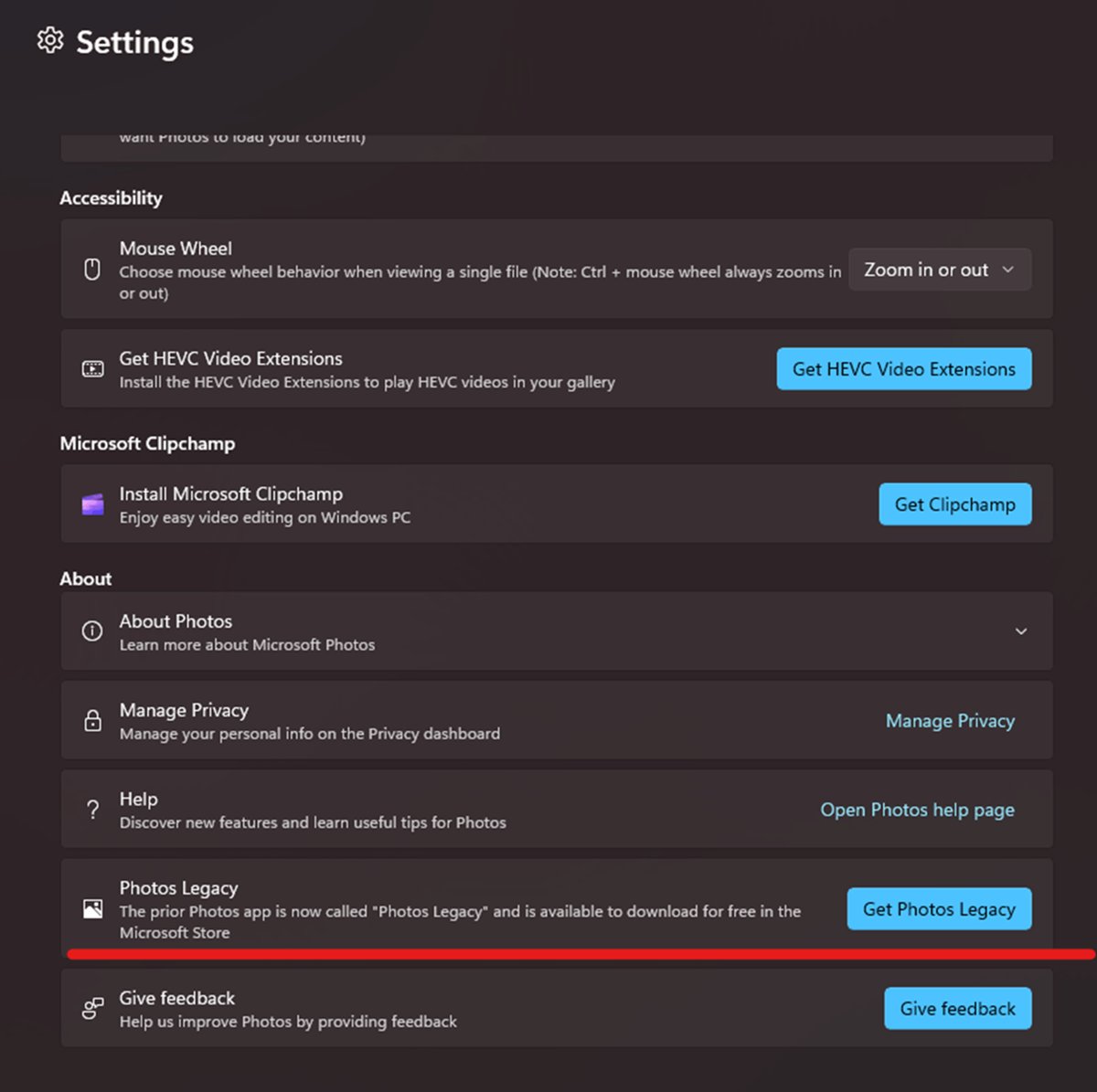
The Windows video editor is now Clipchamp. Open it from taskbar search, install it from Microsoft Store, edit and export a video, and fix it when it fails.
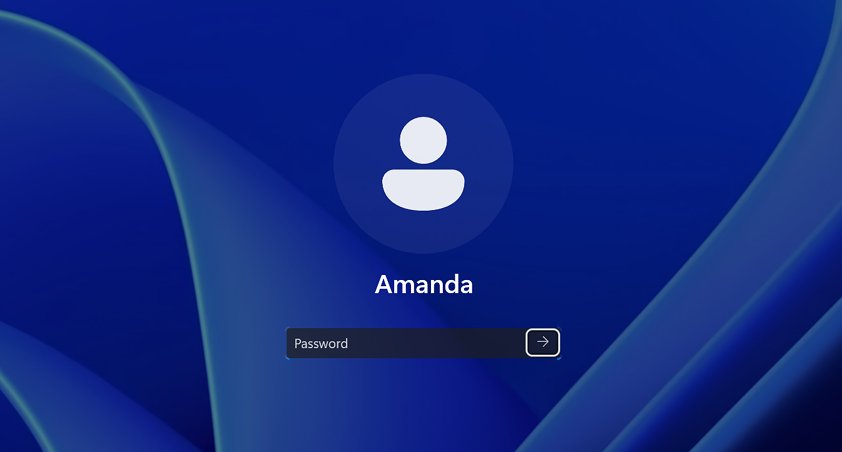
Reset a forgotten password in Windows 11 or Windows 10 with Microsoft account recovery, security questions, a reset disk, another admin, or Reset this PC.
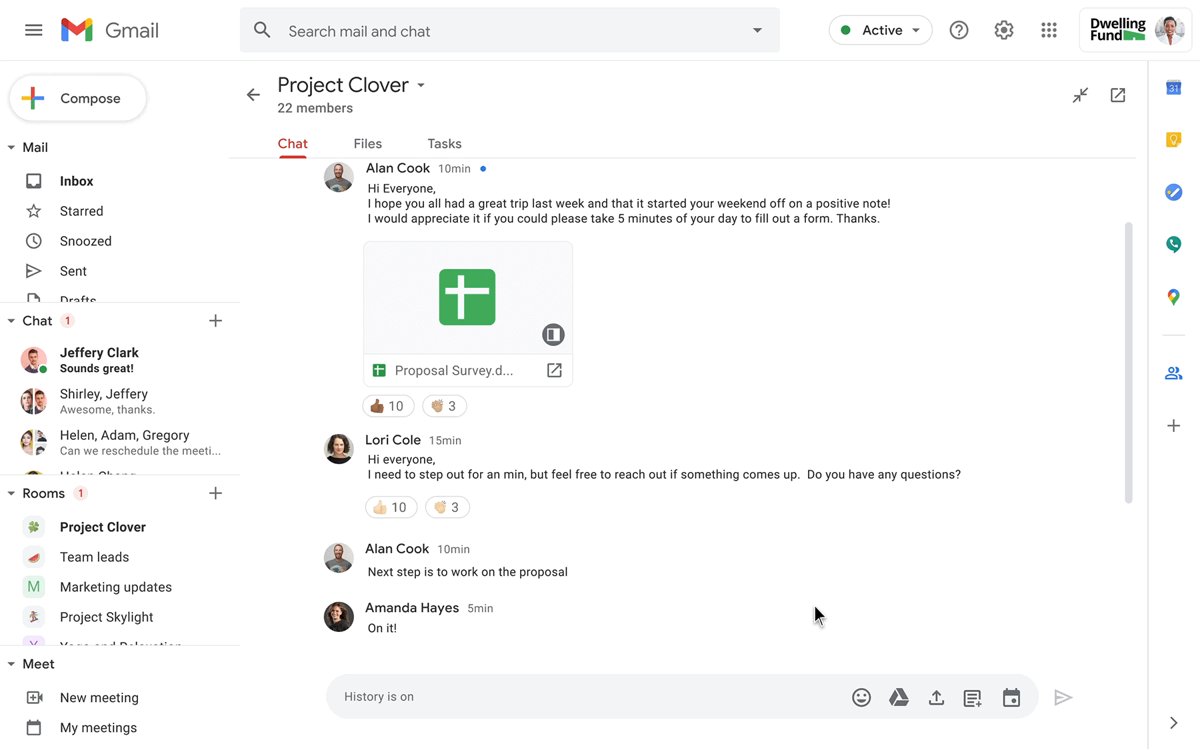
G Suite is now Google Workspace: Gmail, Drive, Docs, Meet and admin tools for a business. What it includes, current plans, and how to sign up and set it up.
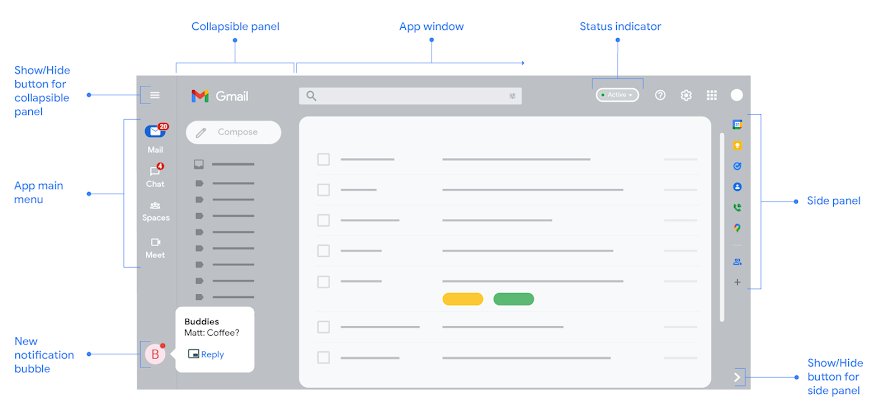
The Gmail gear icon is the cog-shaped Settings button in the top-right corner of Gmail on a computer. Find it, open See all settings, and reach settings on mobile.