Techdows

Windows how-to guides, fixes and software downloads

  • Home
  • Settings and hardware

    • Printers
    • Sound and microphone
    • Wi-Fi and network
    • Bluetooth
    • Display and monitors
    • Drivers
    • Keyboard shortcuts and symbols

    Using Windows

    • File Explorer
    • Storage and disk space
    • Taskbar, Start and desktop
    • Apps and default programs
    • Accounts and sign-in
    • Copilot in Windows
    • Command Prompt and PowerShell

    Updates and fixes

    • Windows Update
    • Windows 11 26H2
    • Error codes and BSOD
    • Boot, BIOS and recovery
    • Security and Defender
    • Task Manager and performance
    • DLL and runtime errors

    Popular fixes

    • Get help in Windows 11
    • Connect a wireless printer
    • Re-pair Bluetooth earbuds for stereo sound
    • Cancel a stuck print job
    • Change default programs

    All Windows guides →

  • Browse by type

    • Web browsers
    • Office and productivity apps
    • PC games and launchers
    • Phone and media apps
    • Developer tools
    • Creative apps
    • CAD software
    • System utilities and drivers

    Popular downloads

    • GTA V for PC
    • YouTube app for PC
    • Google Meet for PC
    • Cisco Packet Tracer
    • TikTok for PC

    Windows tools

    • PC Health Check app
    • HEVC Video Extension
    • DirectX 12
    • Cinebench R23

    All download guides →

  • Browser guides

    • Microsoft Edge
    • Google Chrome
    • Firefox
    • Web browsers for PC

    Microsoft Edge

    • Fix WebView2 using too much memory
    • Internet Explorer mode in Edge
    • Manage Edge favorites
    • Set or remove Edge as default

    Chrome and Firefox

    • Make Chrome the default browser
    • Restore closed tabs
    • Change the default web browser

    All browser guides →

  • Office guides

    • Outlook
    • Excel
    • Word and PowerPoint
    • OneDrive
    • Install Microsoft 365

    Meetings and other tools

    • Teams, Zoom and Google Meet
    • Google Docs and Sheets
    • PDF tools

    Office apps

    • Office product key
    • Office Deployment Tool
    • What is OneDrive?
    • Turn off OneDrive in Windows 11

    Outlook and Teams

    • Outlook inbox view changed
    • Schedule an email in Outlook
    • Outlook dark mode
    • Teams breakout rooms

    All Office and productivity guides →

  • PHP security

    • PHP2Shell patch download
    • PHP critical RCE security update
    • CVE-2026-109618 fix
    • CVE-2026-109619 explained
    • Mitigations if you can't update

    Update PHP

    • Update PHP to the latest version
    • Check your PHP version
    • Update PHP on Ubuntu and Debian
    • Restart PHP-FPM

    Hosting and local servers

    • Update PHP in XAMPP
    • Change PHP version in cPanel
    • Update PHP in Laragon and WampServer
    • Update PHP Docker images
    • WordPress PHP version check

    PHP downloads

    • PHP 8.5.12 download
    • PHP 8.4.27 download
    • PHP 8.3.36 and 8.2.35 download
    • Download PHP for Windows

    PHP2Shell by platform

    • PHP 8.3 fix on Ubuntu 24.04
    • PHP 8.1 fix on Ubuntu 22.04
    • PHP 8.2 and 8.4 fix on Debian
    • Update PHP on IIS
    • Cloudflare PHP2Shell WAF rule

    All PHP guides →

  • Sections

    • Gaming
    • Apple
    • Android
    • Apps and services
    • Developer and IT

    Apple

    • iPhone tips and fixes
    • Reset and restore iPhone
    • iPad
    • Mac and macOS
    • Apple Account and iCloud
    • Apple devices on Windows

    Apps, Android and gaming

    • Gmail and Google account
    • YouTube
    • Social media accounts
    • Streaming TV
    • Android and Samsung Galaxy
    • PC gaming and Xbox
    • Roblox and Minecraft on PC

    Developer and IT

    • WSL and developer setup
    • Virtual machines
    • Group Policy and Intune
    • Windows Server
    • Website error codes
  • News
Home›Windows

Windows

1,050 articles

Windows 11 and Windows 10 how-to guides, fixes and explainers, grouped by topic. Settings and hardware: printers, sound and microphone, Wi-Fi and network settings, Bluetooth, display and monitor settings, drivers, keyboard shortcuts and symbols and screenshots. Using Windows: File Explorer, storage and disk space, taskbar, Start and desktop, apps and default programs, accounts and sign-in, Copilot, Remote Desktop, media players and codecs, opening file types and Command Prompt and PowerShell. Updates and problems: Windows Update, Windows 11 26H2, Task Manager and performance, boot, BIOS and recovery, security and Defender, error codes and BSOD, DLL and runtime errors and Windows processes.

How to
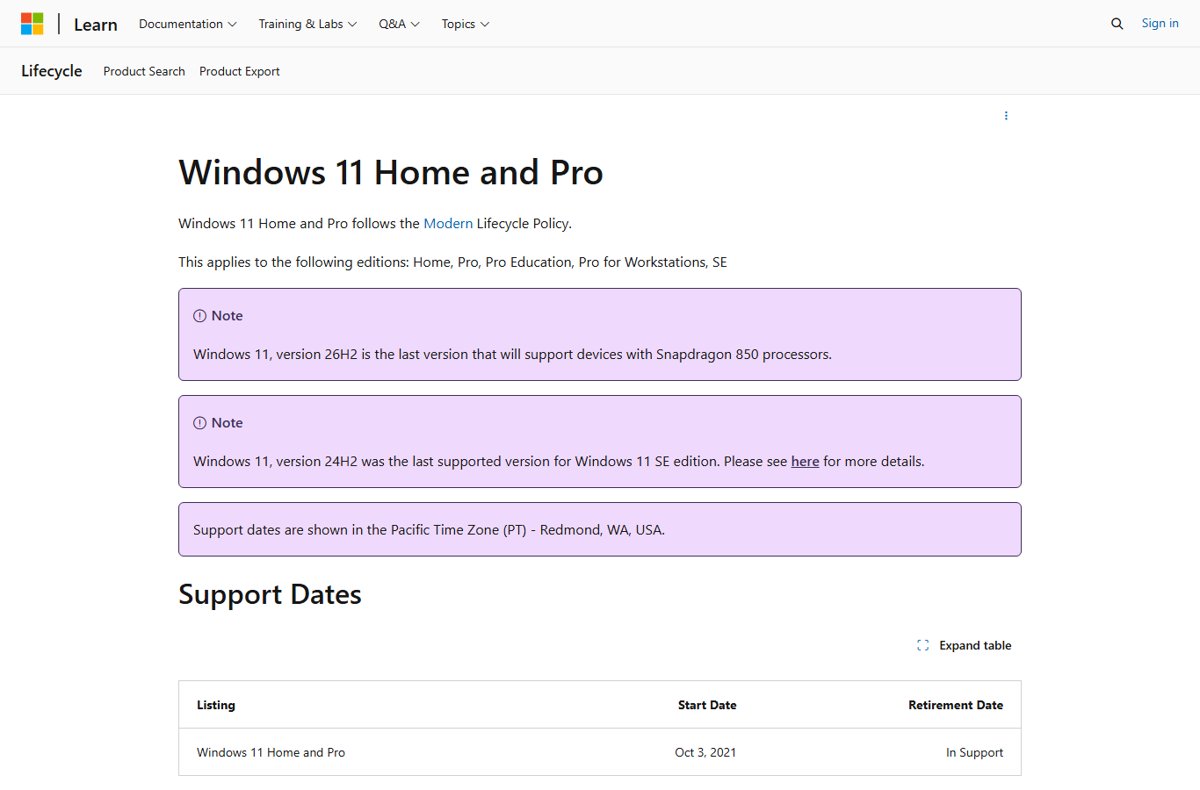
Microsoft Lifecycle page for Windows 11 Home and Pro showing In Support status

Windows 11 end of support: dates, editions, and upgrade guide (2026)
October 11, 2026 by Philip Celasco Leave a Comment
Microsoft Lifecycle page for Windows 11 Home and Pro showing In Support status

Windows 11 end of support dates for every version and edition, 21H2 to 26H2, how to check yours, and how to upgrade before 24H2 ends on October 13, 2026.
Posted in: How to, Windows
How to
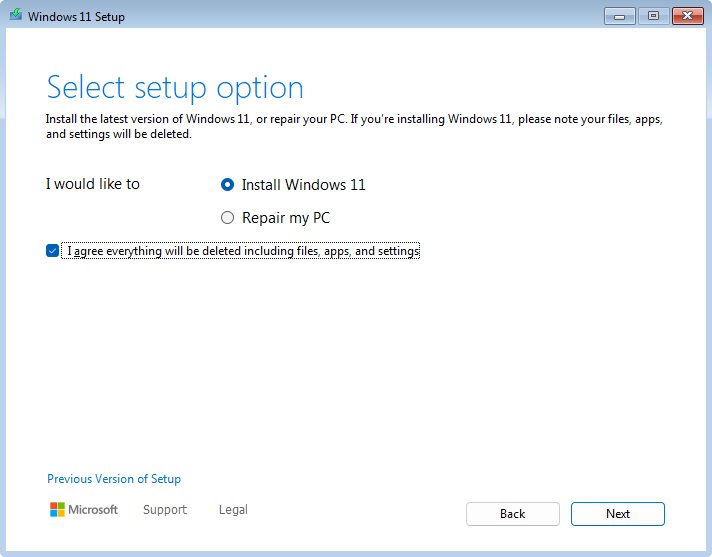
Windows 11 Setup Select setup option screen with Install Windows 11 chosen

How to install free Windows 11

October 11, 2026 by Philip Celasco 1 Comment
Windows 11 Setup Select setup option screen with Install Windows 11 chosen

Install Windows 11 free by upgrading an eligible, activated Windows 10 PC through Windows Update, Installation Assistant or a USB drive. Requirements and fixes.
Posted in: How to, Windows
How to
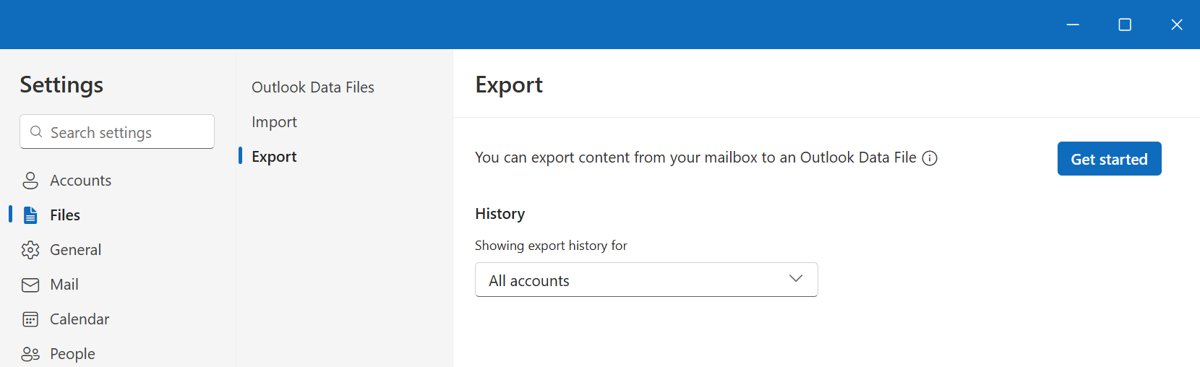
New Outlook Settings Files page showing the Export tab with a Get started button

What are Outlook PST files and why use them… or not?

October 11, 2026 by Philip Celasco Leave a Comment
New Outlook Settings Files page showing the Export tab with a Get started button

Outlook PST files store email, contacts and calendar items on your PC. Learn when a PST helps, its 50 GB limit, new Outlook support and better alternatives.
Posted in: How to, Windows
How to
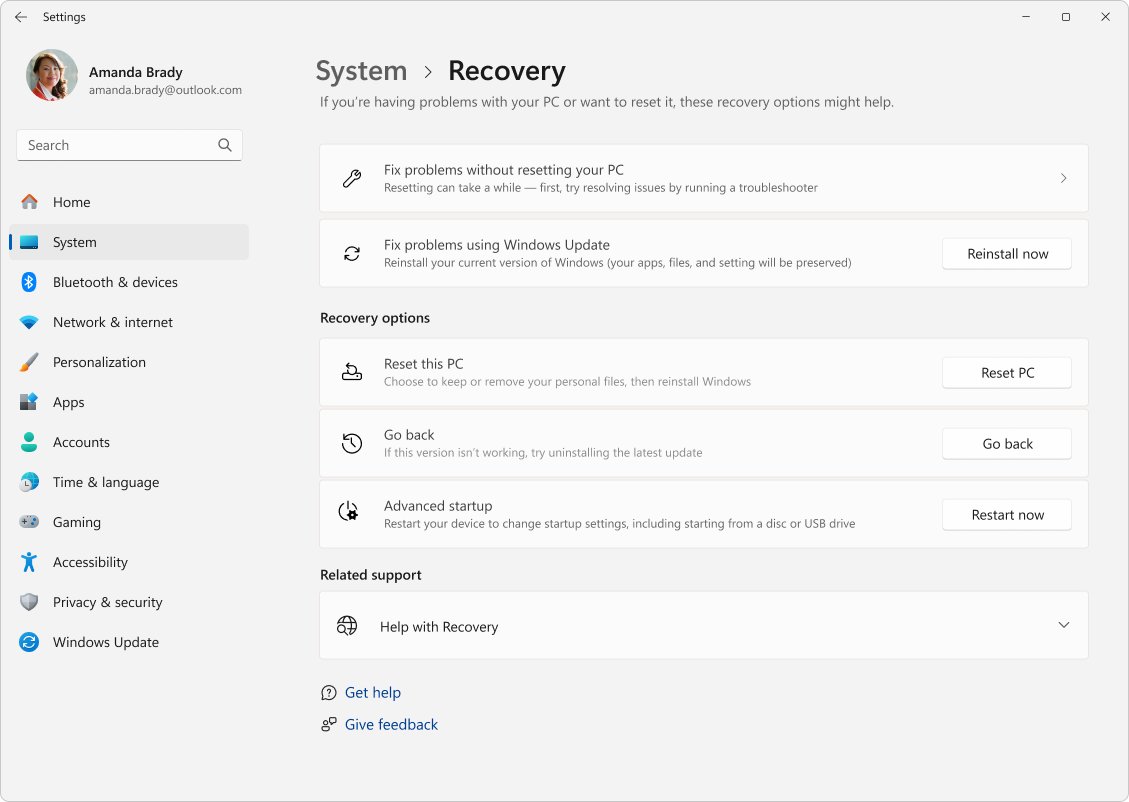
Windows 11 Settings Recovery page with the Go back option listed

How to force a Windows 11 update

October 11, 2026 by Philip Celasco 1 Comment
Windows 11 Settings Recovery page with the Go back option listed

Force a Windows 11 update from Settings > Windows Update > Check for updates, then use optional updates, a cache reset, Installation Assistant, ISO or the Catalog.
Posted in: How to, Windows
How to
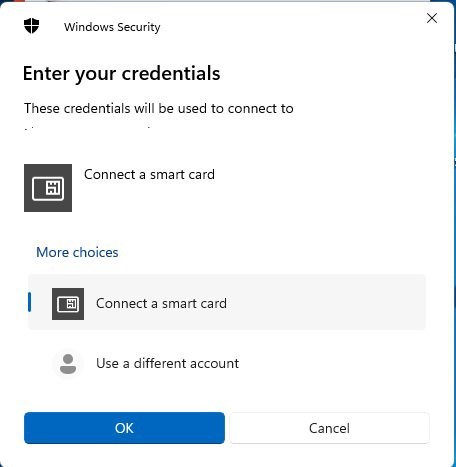
Windows Security credentials prompt offering Connect a smart card

How to enable smart card logon Windows 11

October 11, 2026 by Philip Celasco Leave a Comment
Windows Security credentials prompt offering Connect a smart card

Enable smart card logon on Windows 11 by enrolling a smart card logon certificate, then turning on Require Windows Hello for Business or smart card in policy.
Posted in: How to, Windows
How to
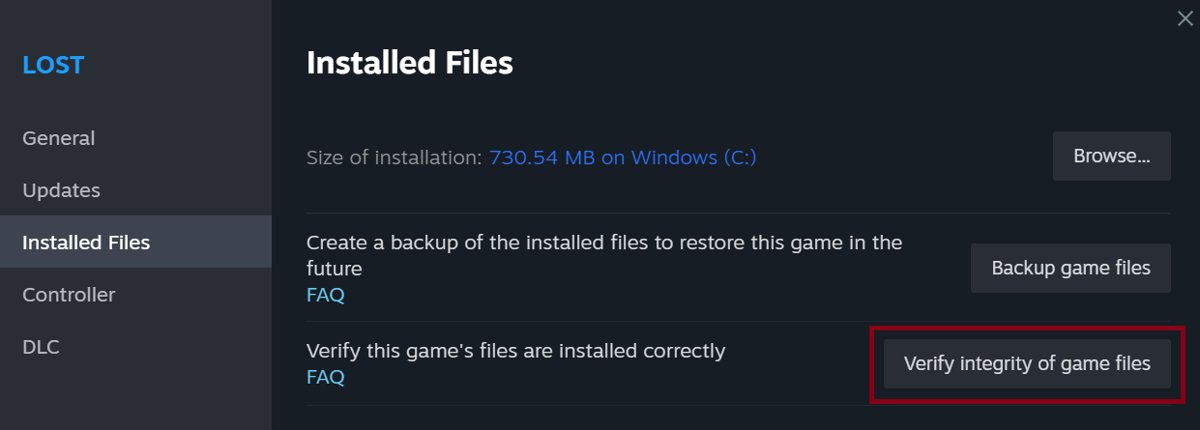
Steam Properties dialog with Verify Integrity of Game Files button

How to enable directx 12 Windows 11

October 11, 2026 by Philip Celasco Leave a Comment
Steam Properties dialog with Verify Integrity of Game Files button

DirectX 12 is built into Windows 11 and always on. Check the dxdiag feature level, pick DirectX 12 in your game, and fix unsupported errors.
Posted in: How to, Windows
How to
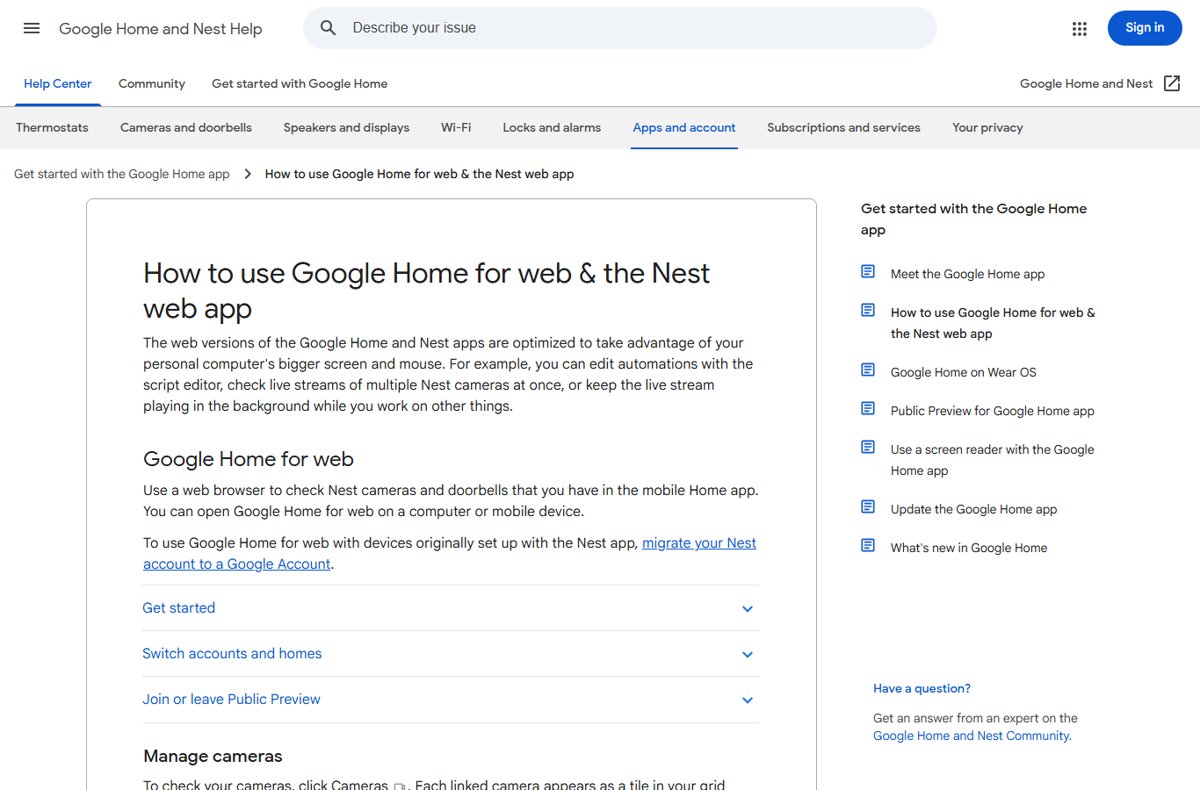
Help page explaining how to use Google Home for web and Nest web app

How to set up Google Home app for Windows 10

October 11, 2026 by Philip Celasco Leave a Comment
Help page explaining how to use Google Home for web and Nest web app

Set up Google Home on Windows 10 the supported way: add devices with the phone app, then control them at home.google.com in Chrome or Edge.
Posted in: How to, Windows
How to
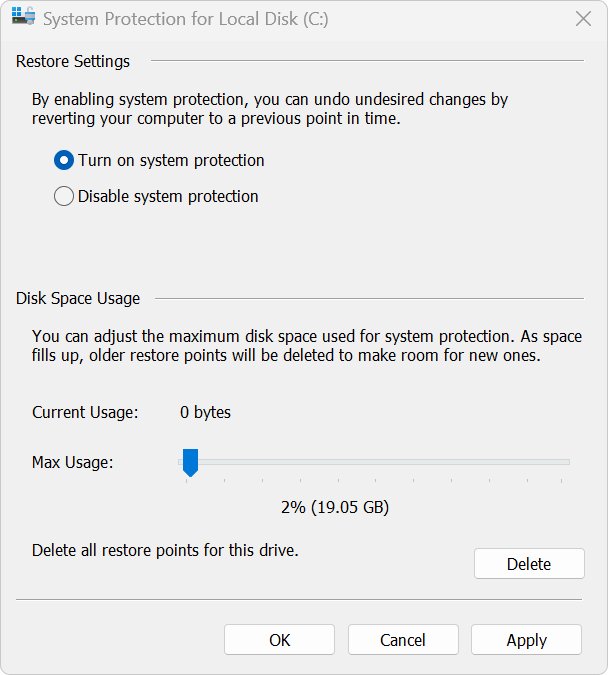
System Protection dialog with restore point disk space usage slider

How to clean hard drive Windows 10: step-by-step guide for beginners

October 11, 2026 by Philip Celasco Leave a Comment
System Protection dialog with restore point disk space usage slider

Clean a hard drive in Windows 10 with Disk Cleanup, Storage Sense and app removal, then optimize, wipe free space or reset the PC. Beginner steps and fixes.
Posted in: How to, Windows
How to
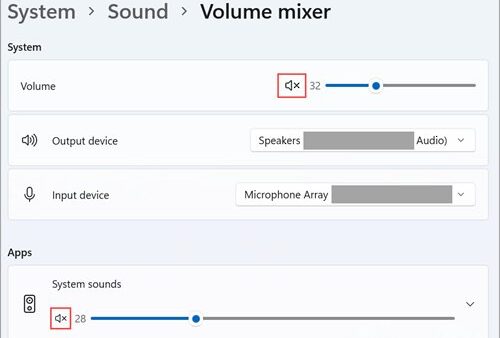
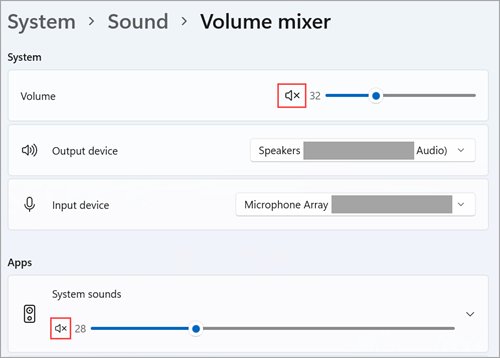
Windows 11 Volume mixer with muted system volume icons highlighted

HP audio drivers Windows 11

October 11, 2026 by Philip Celasco Leave a Comment
Windows 11 Volume mixer with muted system volume icons highlighted

Get HP audio drivers for Windows 11 from Windows Update, HP Software and Drivers or HP Support Assistant, reinstall them in Device Manager and fix no sound.
Posted in: How to, Windows
How to
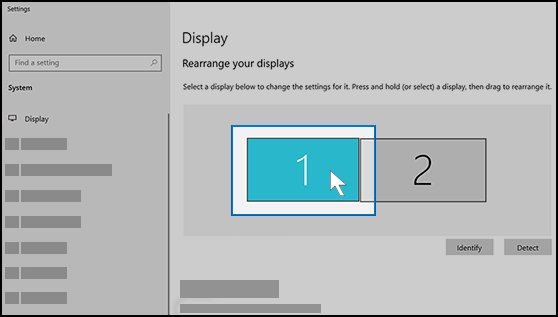
Windows 10 Display settings showing two numbered monitors to rearrange

How to change resolution in Windows 10 to 1920×1080

October 11, 2026 by Philip Celasco 1 Comment
Windows 10 Display settings showing two numbered monitors to rearrange

Change resolution in Windows 10 to 1920×1080 under Settings > System > Display > Display resolution. Fixes for a missing 1080p option, drivers and second monitors.
Posted in: How to, Windows
How to
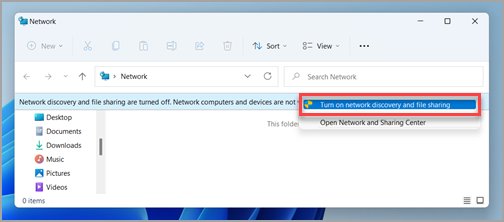
File Explorer Network pane with Turn on network discovery and file sharing option highlighted

Easiest ways to transfer files from PC to PC (a full guide)

October 11, 2026 by Philip Celasco Leave a Comment
File Explorer Network pane with Turn on network discovery and file sharing option highlighted

Transfer files from PC to PC the easy way: a USB drive, OneDrive, a shared network folder, Nearby sharing, Windows Backup or an Ethernet link, with fixes.
Posted in: How to, Windows
How to
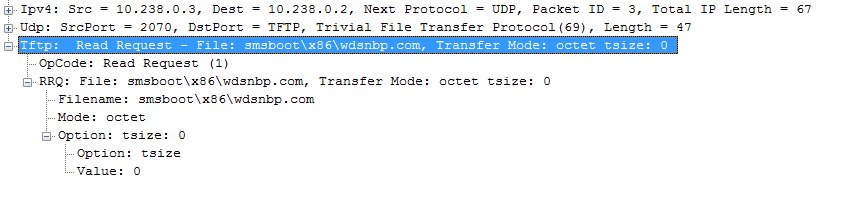
Network capture of a TFTP transfer of wdsnbp.com to a PXE client

How to PXE boot Windows 10 for beginners

October 11, 2026 by Philip Celasco Leave a Comment
Network capture of a TFTP transfer of wdsnbp.com to a PXE client

PXE boot Windows 10 by enabling network boot in firmware and picking the network entry in the boot menu, plus WDS server setup and fixes for common errors.

Posted in: How to, Windows
« Previous 1 … 51 52 53 … 88 Next »

More from Techdows

Stuck signing into iCloud on a new iPhone - close-up of an iPhone Pro camera
Stuck signing into iCloud on a new iPhone 15? How to fix it
How to · 5 hours ago
Turn off Apple Watch - Apple Watch on a wrist with a finger near the side button
How to turn off Apple Watch: A step-by-step guide
How to · 5 hours ago
Square Enix ID - gaming controllers in front of a TV
What is my Square Enix ID? All you need to know
How to · 5 hours ago
Access Microsoft Exchange - business user typing on a laptop at an office desk
How to access Microsoft Exchange
How to · 5 hours ago
Shorten a video on iPhone - iPhone showing editing tools
How to shorten a video on iPhone: Step-by-step guide
How to · 4 hours ago
Azure Arc for Hyper-V - network equipment in a data center
Azure Arc for Hyper-V: Practical onboarding, VM integration, and trade-offs
How to · 4 hours ago
Edge settings in Windows 11 - web browser open on a laptop screen
How to find Edge settings in Windows 11
How to · 4 hours ago
Microsoft Teams meeting - team in a conference room on a video call
How to set up, schedule or join a Microsoft Teams meeting
How to · 4 hours ago

© 2009–2026 Techdows · About · Contact · Privacy Policy

Copyright © 2026 Techdows.

Techdows WordPress Theme by Techdows