Techdows

Windows how-to guides, fixes and software downloads

  • Home
  • Settings and hardware

    • Printers
    • Sound and microphone
    • Wi-Fi and network
    • Bluetooth
    • Display and monitors
    • Drivers
    • Keyboard shortcuts and symbols

    Using Windows

    • File Explorer
    • Storage and disk space
    • Taskbar, Start and desktop
    • Apps and default programs
    • Accounts and sign-in
    • Copilot in Windows
    • Command Prompt and PowerShell

    Updates and fixes

    • Windows Update
    • Windows 11 26H2
    • Error codes and BSOD
    • Boot, BIOS and recovery
    • Security and Defender
    • Task Manager and performance
    • DLL and runtime errors

    Popular fixes

    • Get help in Windows 11
    • Connect a wireless printer
    • Re-pair Bluetooth earbuds for stereo sound
    • Cancel a stuck print job
    • Change default programs

    All Windows guides →

  • Browse by type

    • Web browsers
    • Office and productivity apps
    • PC games and launchers
    • Phone and media apps
    • Developer tools
    • Creative apps
    • CAD software
    • System utilities and drivers

    Popular downloads

    • GTA V for PC
    • YouTube app for PC
    • Google Meet for PC
    • Cisco Packet Tracer
    • TikTok for PC

    Windows tools

    • PC Health Check app
    • HEVC Video Extension
    • DirectX 12
    • Cinebench R23

    All download guides →

  • Browser guides

    • Microsoft Edge
    • Google Chrome
    • Firefox
    • Web browsers for PC

    Microsoft Edge

    • Fix WebView2 using too much memory
    • Internet Explorer mode in Edge
    • Manage Edge favorites
    • Set or remove Edge as default

    Chrome and Firefox

    • Make Chrome the default browser
    • Restore closed tabs
    • Change the default web browser

    All browser guides →

  • Office guides

    • Outlook
    • Excel
    • Word and PowerPoint
    • OneDrive
    • Install Microsoft 365

    Meetings and other tools

    • Teams, Zoom and Google Meet
    • Google Docs and Sheets
    • PDF tools

    Office apps

    • Office product key
    • Office Deployment Tool
    • What is OneDrive?
    • Turn off OneDrive in Windows 11

    Outlook and Teams

    • Outlook inbox view changed
    • Schedule an email in Outlook
    • Outlook dark mode
    • Teams breakout rooms

    All Office and productivity guides →

  • PHP security

    • PHP2Shell patch download
    • PHP critical RCE security update
    • CVE-2026-109618 fix
    • CVE-2026-109619 explained
    • Mitigations if you can't update

    Update PHP

    • Update PHP to the latest version
    • Check your PHP version
    • Update PHP on Ubuntu and Debian
    • Restart PHP-FPM

    Hosting and local servers

    • Update PHP in XAMPP
    • Change PHP version in cPanel
    • Update PHP in Laragon and WampServer
    • Update PHP Docker images
    • WordPress PHP version check

    PHP downloads

    • PHP 8.5.12 download
    • PHP 8.4.27 download
    • PHP 8.3.36 and 8.2.35 download
    • Download PHP for Windows

    PHP2Shell by platform

    • PHP 8.3 fix on Ubuntu 24.04
    • PHP 8.1 fix on Ubuntu 22.04
    • PHP 8.2 and 8.4 fix on Debian
    • Update PHP on IIS
    • Cloudflare PHP2Shell WAF rule

    All PHP guides →

  • Sections

    • Gaming
    • Apple
    • Android
    • Apps and services
    • Developer and IT

    Apple

    • iPhone tips and fixes
    • Reset and restore iPhone
    • iPad
    • Mac and macOS
    • Apple Account and iCloud
    • Apple devices on Windows

    Apps, Android and gaming

    • Gmail and Google account
    • YouTube
    • Social media accounts
    • Streaming TV
    • Android and Samsung Galaxy
    • PC gaming and Xbox
    • Roblox and Minecraft on PC

    Developer and IT

    • WSL and developer setup
    • Virtual machines
    • Group Policy and Intune
    • Windows Server
    • Website error codes
  • News
Home›Windows

Windows

1,050 articles

Windows 11 and Windows 10 how-to guides, fixes and explainers, grouped by topic. Settings and hardware: printers, sound and microphone, Wi-Fi and network settings, Bluetooth, display and monitor settings, drivers, keyboard shortcuts and symbols and screenshots. Using Windows: File Explorer, storage and disk space, taskbar, Start and desktop, apps and default programs, accounts and sign-in, Copilot, Remote Desktop, media players and codecs, opening file types and Command Prompt and PowerShell. Updates and problems: Windows Update, Windows 11 26H2, Task Manager and performance, boot, BIOS and recovery, security and Defender, error codes and BSOD, DLL and runtime errors and Windows processes.

How to
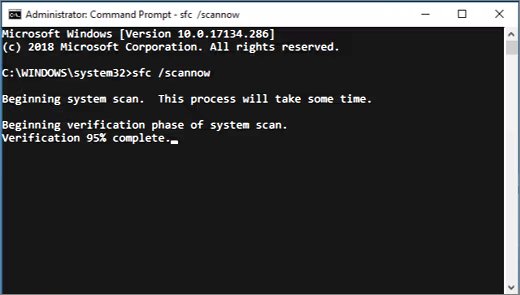
Administrator Command Prompt running sfc /scannow with verification progress

How to fix WerFault.exe error in Windows 11

October 11, 2026 by Philip Celasco Leave a Comment
Administrator Command Prompt running sfc /scannow with verification progress

Fix WerFault.exe errors in Windows 11: update or reinstall the crashing app, run DISM and sfc /scannow, test with a clean boot, and scan for malware.
Posted in: How to, Windows
How to
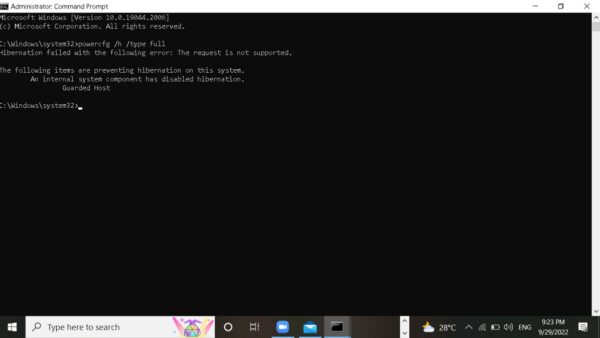
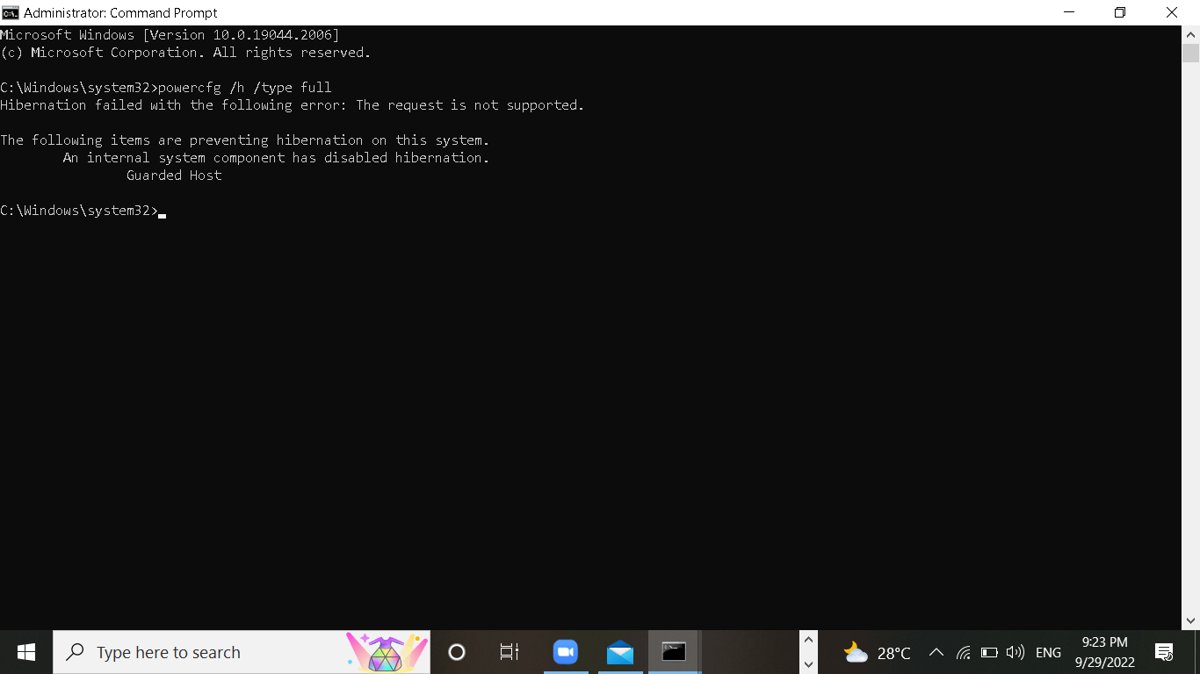
Administrator Command Prompt window with a powercfg command typed

What Is hiberfil.sys in Windows? Can You Delete It Safely?

October 11, 2026 by Philip Celasco Leave a Comment
Administrator Command Prompt window with a powercfg command typed

hiberfil.sys is the Windows hibernation file. Remove it safely with powercfg, shrink it and keep Fast Startup, or learn when it is worth keeping.
Posted in: How to, Windows
How to
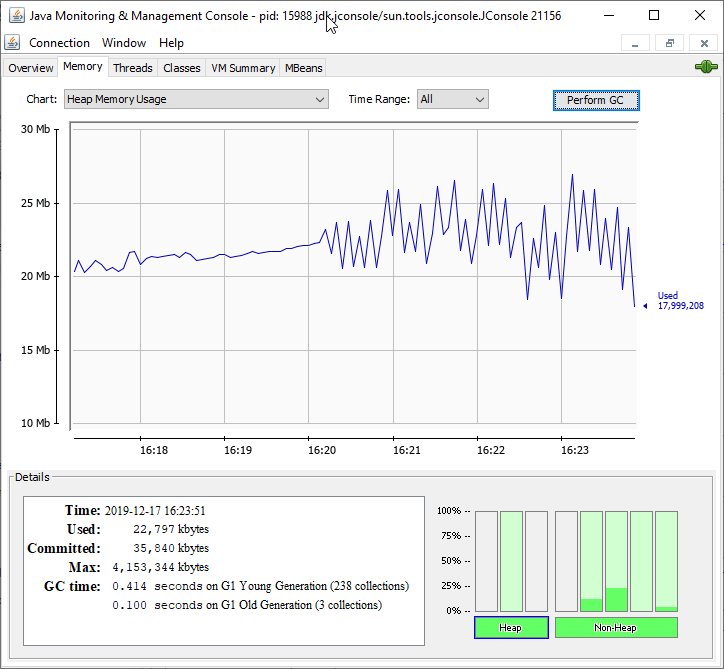
JConsole Memory tab charting heap memory usage with GC time details

8 ways to fix OpenJDK Platform Binary high memory, CPU usage

October 11, 2026 by Philip Celasco Leave a Comment
JConsole Memory tab charting heap memory usage with GC time details

Fix OpenJDK Platform binary high memory and CPU usage: find the Java app behind it, cap the heap with -Xmx, tune garbage collection, find leaks and update Java.
Posted in: How to, Windows
How to
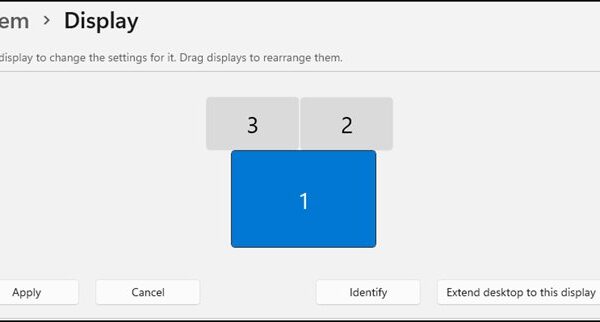
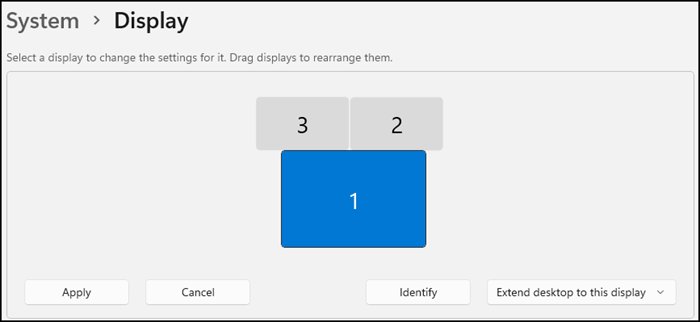
Windows 11 System Display page showing three numbered monitors with Identify button

How to adjust display scale settings on Windows 11

October 11, 2026 by Philip Celasco Leave a Comment
Windows 11 System Display page showing three numbered monitors with Identify button

Adjust display scale on Windows 11 in Settings > System > Display > Scale. Custom scaling, text size only, per-monitor scale, and fixes for blurry apps.
Posted in: How to, Windows
How to
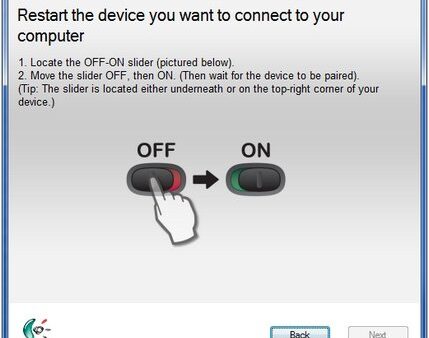
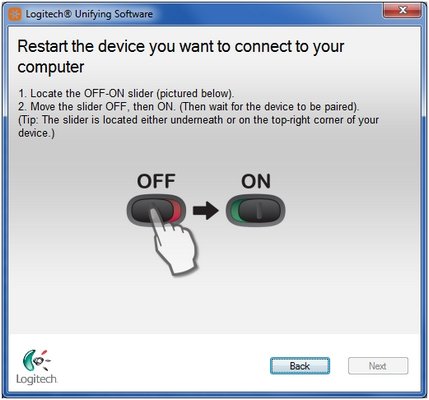
Logitech Unifying Software screen telling the user to switch the device off and on

Why is my wireless keyboard not working? 6 quick fixes

October 11, 2026 by Philip Celasco Leave a Comment
Logitech Unifying Software screen telling the user to switch the device off and on

Wireless keyboard not working? Check batteries, reseat the USB receiver, re-pair Bluetooth, cut interference, fix Filter keys and reinstall the driver.
Posted in: How to, Windows
How to
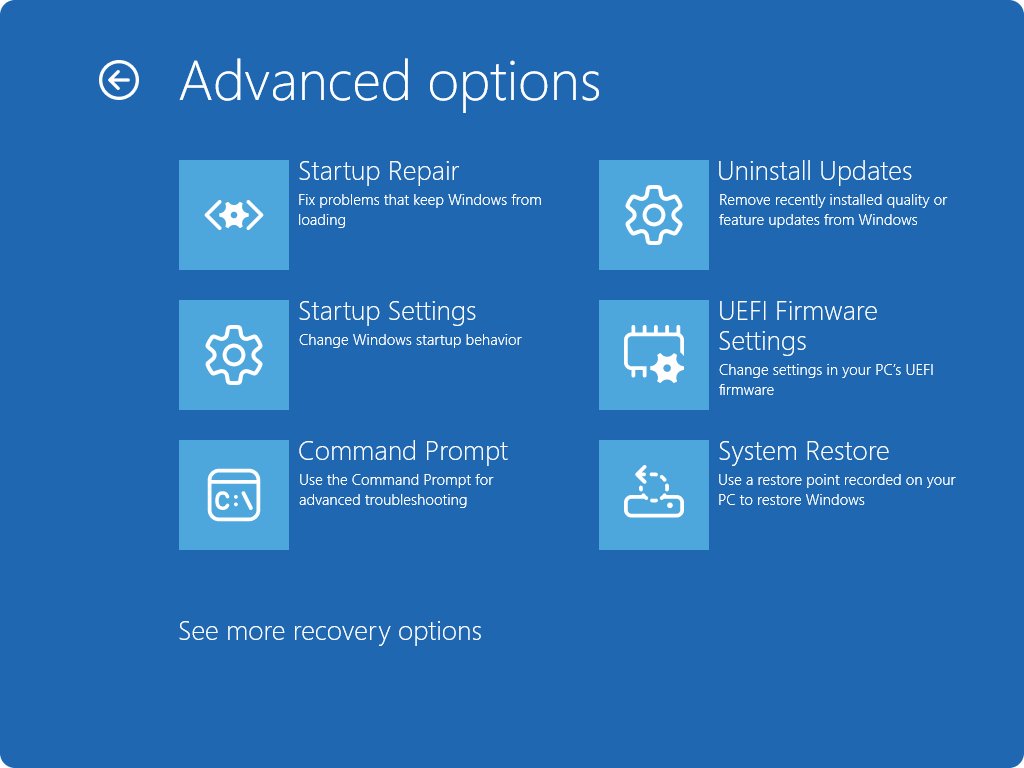
Windows advanced options screen with UEFI Firmware Settings tile

How to boot into BIOS on a Dell: a step-by-step guide

October 11, 2026 by Philip Celasco Leave a Comment
Windows advanced options screen with UEFI Firmware Settings tile

Boot into BIOS on a Dell by tapping F2 at the Dell logo, or use Windows Advanced startup or F12. Fixes for when F2 does nothing and key settings to check.
Posted in: How to, Windows
How to
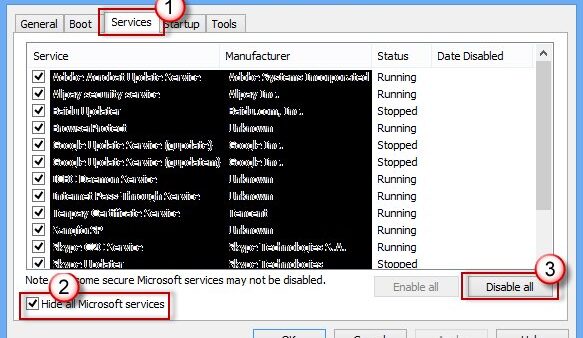
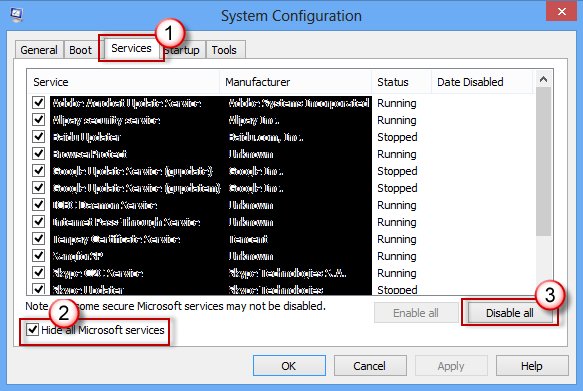
System Configuration Services tab with Hide all Microsoft services checked and Disable all button

Why Windows is taking forever to shut down? Explained with solutions

October 11, 2026 by Philip Celasco Leave a Comment
System Configuration Services tab with Hide all Microsoft services checked and Disable all button

Windows takes forever to shut down when updates install, apps or services refuse to close, or a driver hangs. Find the cause and fix it in Windows 11 and 10.
Posted in: How to, Windows
How to
Several Windows 11 laptops and tablets arranged on a light surface

What does Microsoft Windows 11 Home include

October 11, 2026 by Philip Celasco Leave a Comment
Several Windows 11 laptops and tablets arranged on a light surface

Windows 11 Home includes Windows Security, device encryption, Windows Hello, Edge, Copilot, Xbox gaming and accessibility tools, but not Office or BitLocker.
Posted in: How to, Windows
How to
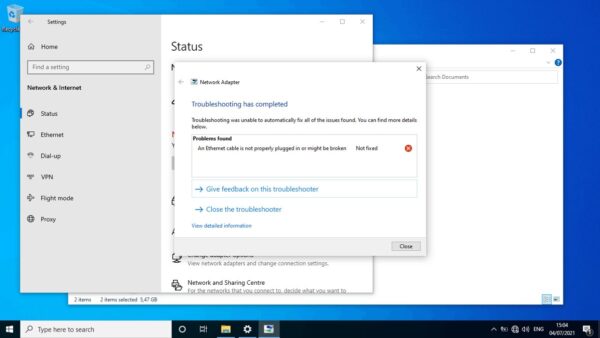
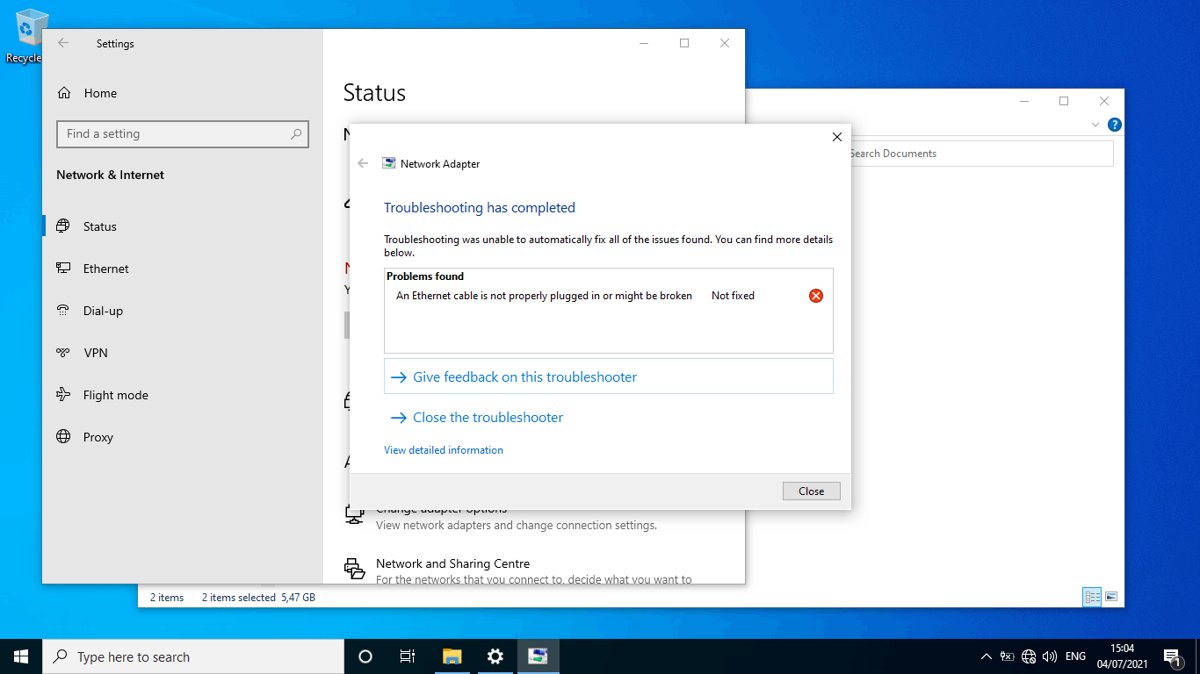
Windows 10 Network Adapter troubleshooter showing a problem found and not fixed

How to fix Wi-Fi not showing up on Windows 10: step-by-step guide

October 11, 2026 by Philip Celasco Leave a Comment
Windows 10 Network Adapter troubleshooter showing a problem found and not fixed

Fix WiFi not showing up on Windows 10: check airplane mode and the Wi-Fi switch, enable the adapter, restart WLAN AutoConfig, update drivers and reset the network.
Posted in: How to, Windows
How to
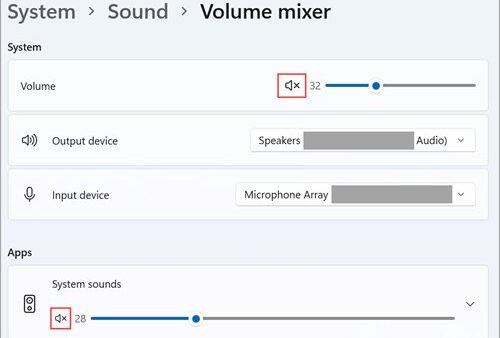
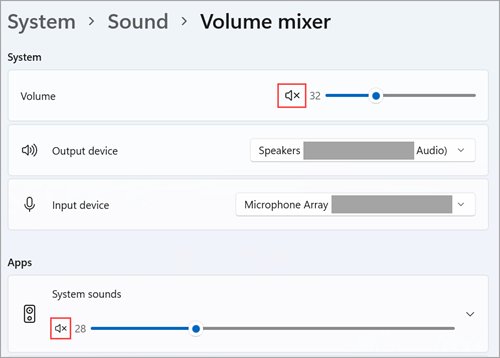
Windows 11 Volume mixer with system and app mute icons outlined in red

Configure the Windows Sound Recorder to record internal PC sounds

October 10, 2026 by Philip Celasco Leave a Comment
Windows 11 Volume mixer with system and app mute icons outlined in red

Configure Windows Sound Recorder to record internal PC sound: enable Stereo Mix, select it in the app, or use Audacity loopback when Stereo Mix is missing.
Posted in: How to, Windows
How to
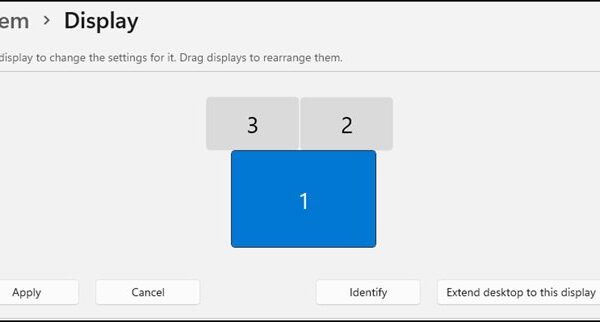
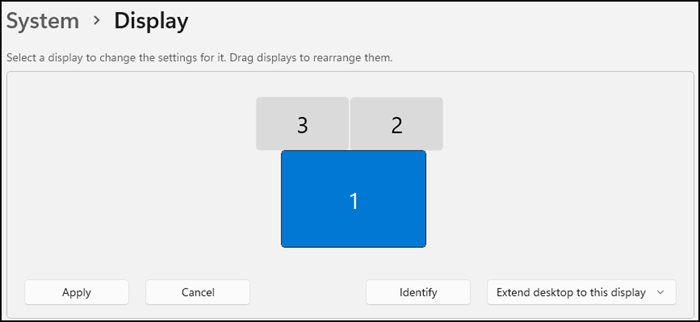
Windows 11 Display settings showing three monitors arranged with Apply and Identify buttons

How to adjust display appearance settings easily in Windows 11/10

October 10, 2026 by Philip Celasco Leave a Comment
Windows 11 Display settings showing three monitors arranged with Apply and Identify buttons

Adjust display appearance settings in Windows 11/10: resolution, scale, brightness, night light, themes, accent colors, text size and accessibility options.
Posted in: How to, Windows
How to
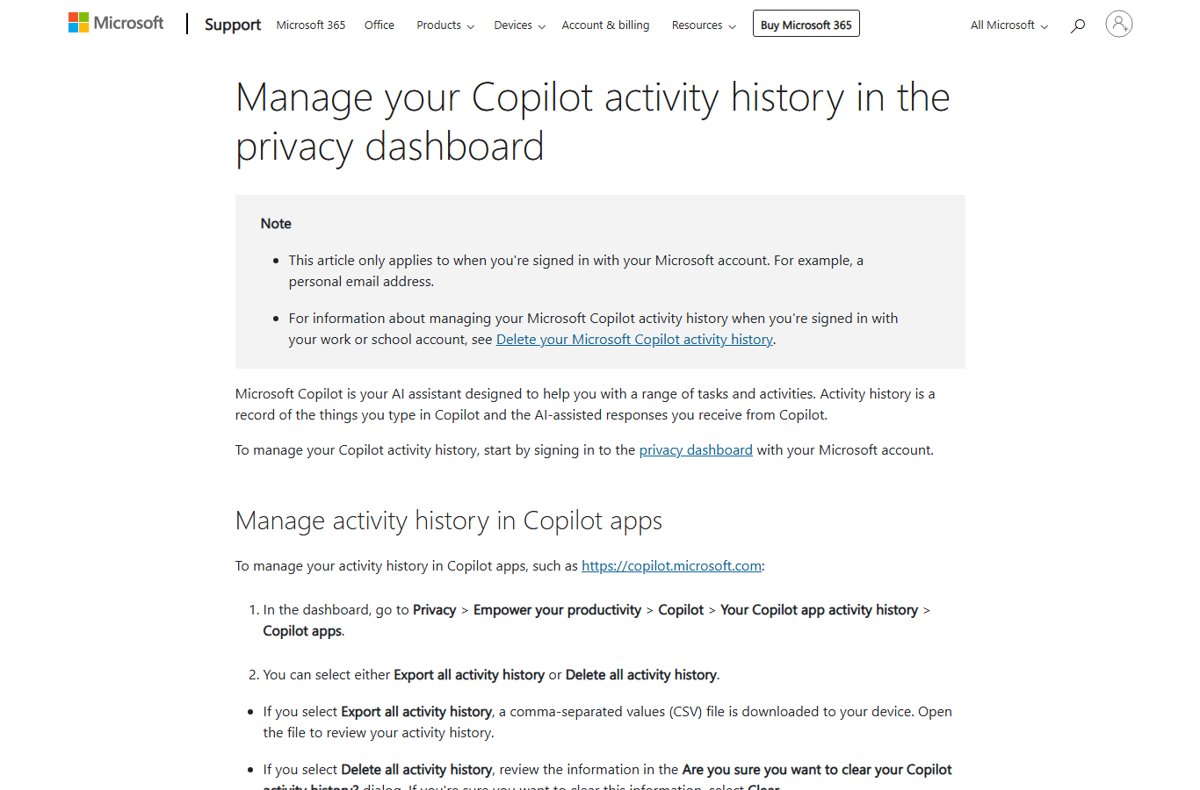
Microsoft support page for managing Copilot activity history in the privacy dashboard

How to view, download or delete your Microsoft Copilot prompt history

October 10, 2026 by Philip Celasco Leave a Comment
Microsoft support page for managing Copilot activity history in the privacy dashboard

View, download or delete your Microsoft Copilot prompt history: the chat list, privacy dashboard export, Delete all activity history, and work account steps.

Posted in: How to, Windows
« Previous 1 … 52 53 54 … 88 Next »

More from Techdows

Turn off Apple Watch - Apple Watch on a wrist with a finger near the side button
How to turn off Apple Watch: A step-by-step guide
How to · 5 hours ago
Square Enix ID - gaming controllers in front of a TV
What is my Square Enix ID? All you need to know
How to · 5 hours ago
Access Microsoft Exchange - business user typing on a laptop at an office desk
How to access Microsoft Exchange
How to · 5 hours ago
Shorten a video on iPhone - iPhone showing editing tools
How to shorten a video on iPhone: Step-by-step guide
How to · 5 hours ago
Azure Arc for Hyper-V - network equipment in a data center
Azure Arc for Hyper-V: Practical onboarding, VM integration, and trade-offs
How to · 4 hours ago
Edge settings in Windows 11 - web browser open on a laptop screen
How to find Edge settings in Windows 11
How to · 4 hours ago
Microsoft Teams meeting - team in a conference room on a video call
How to set up, schedule or join a Microsoft Teams meeting
How to · 4 hours ago
Fix HDCP error on Roku devices - HDMI cable on a yellow surface
Fix HDCP error detected on Roku devices
How to · 3 hours ago

© 2009–2026 Techdows · About · Contact · Privacy Policy

Copyright © 2026 Techdows.

Techdows WordPress Theme by Techdows