How to Submit Activision Ban Appeal to Get Unbanned
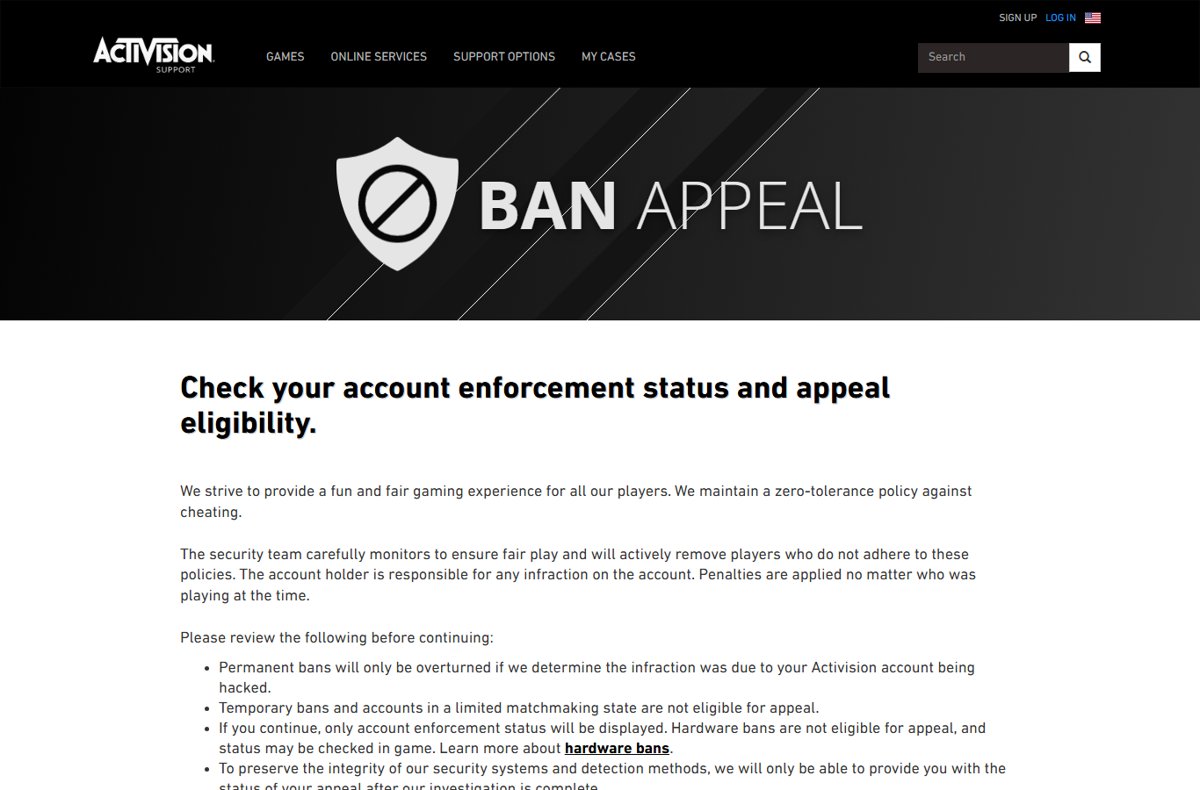
Submit an Activision ban appeal at support.activision.com/ban-appeal: sign in, check your enforcement status, and appeal a permanent ban if your account was hacked.
3,337 articles

Submit an Activision ban appeal at support.activision.com/ban-appeal: sign in, check your enforcement status, and appeal a permanent ban if your account was hacked.
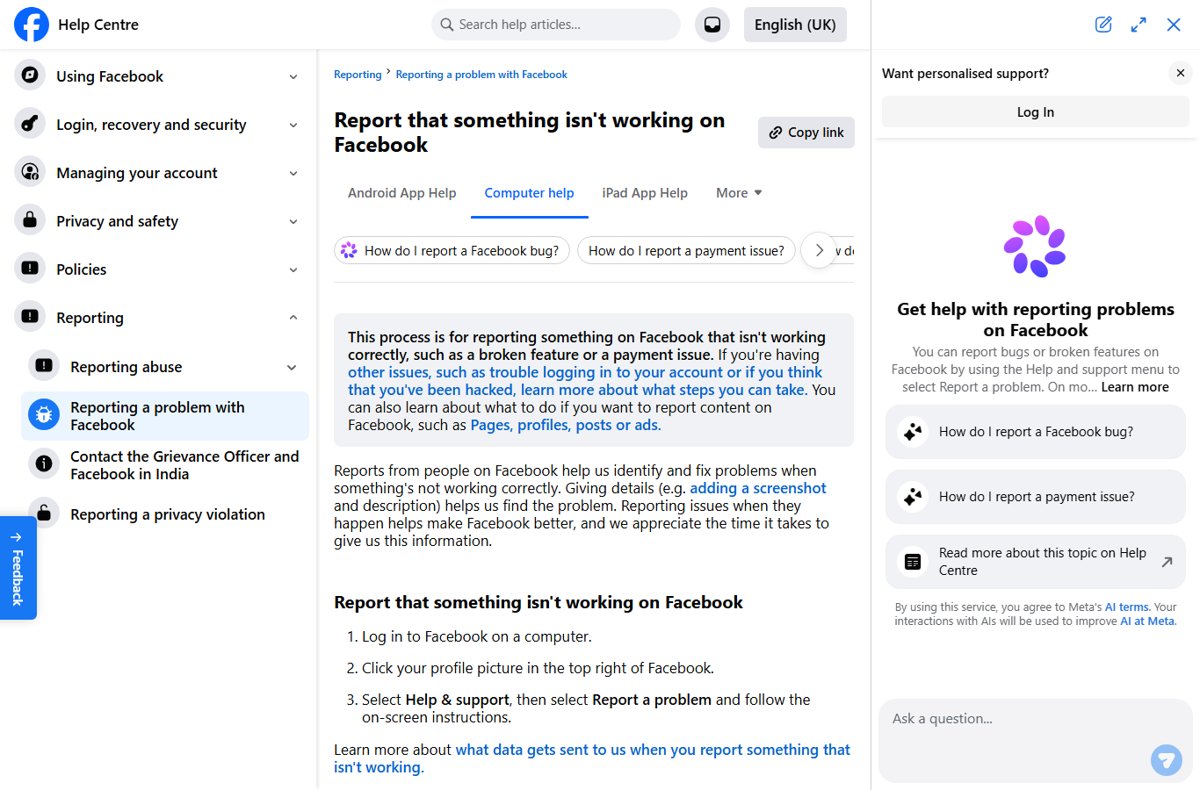
How to contact Facebook directly: there is no public phone line, so use Help & support, the hacked-account flow, Meta Verified or ads support; avoid fake numbers.
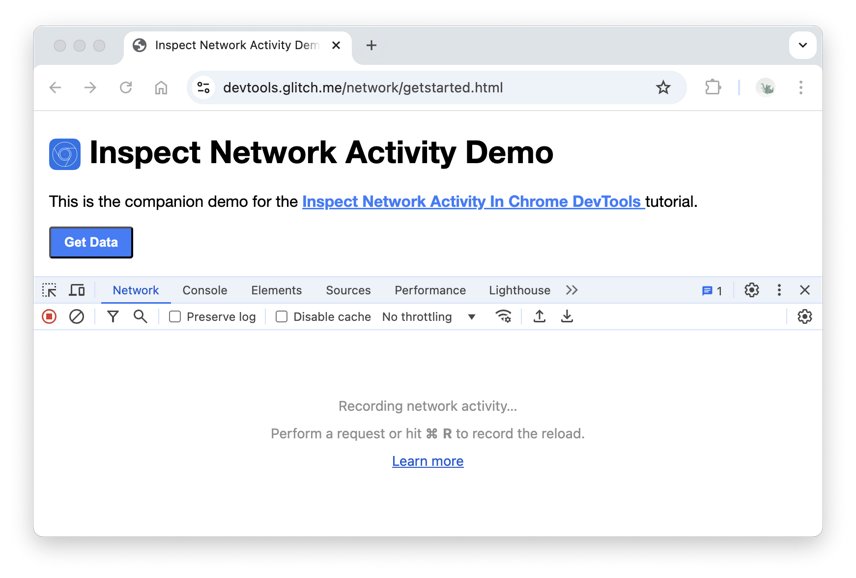
A 500 Internal Server Error means the site’s server hit a failure it could not name. See the top causes, what visitors can try, and how site owners fix it.
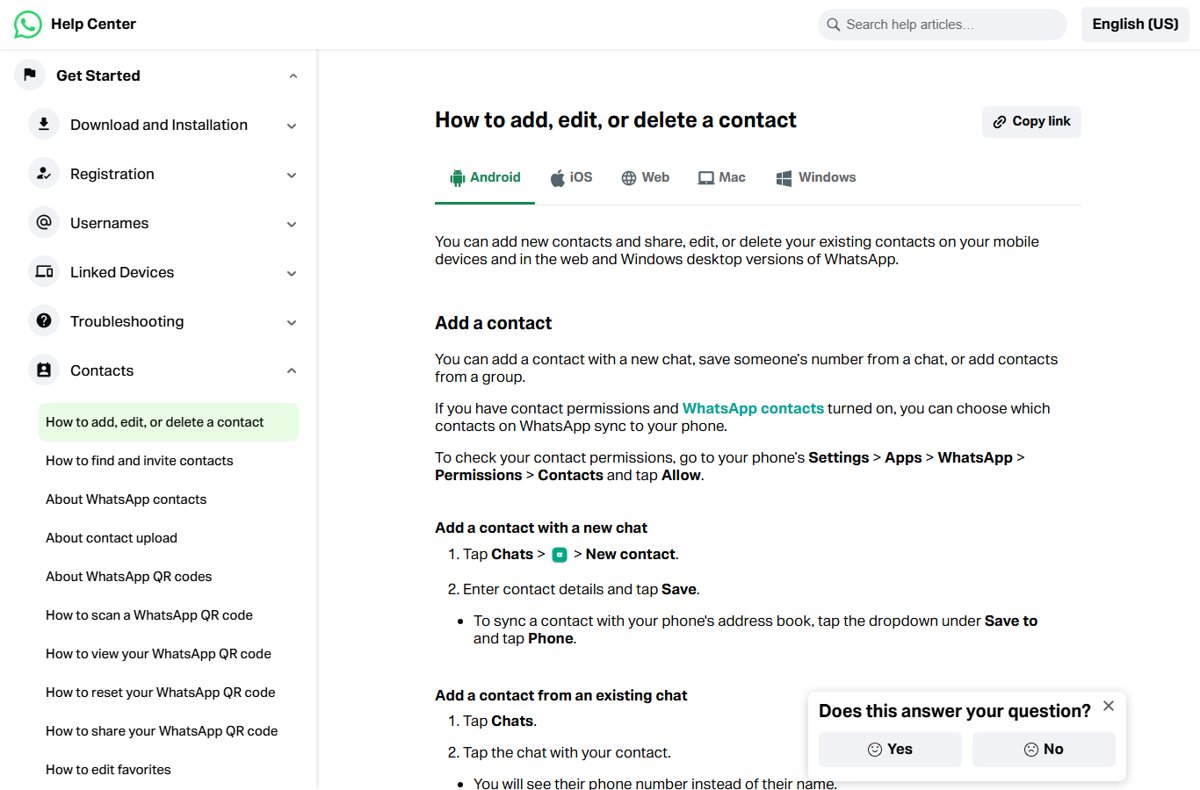
Delete WhatsApp contacts on Android, iPhone and WhatsApp Web, remove contacts saved only to WhatsApp, and see when to block or delete the chat instead.
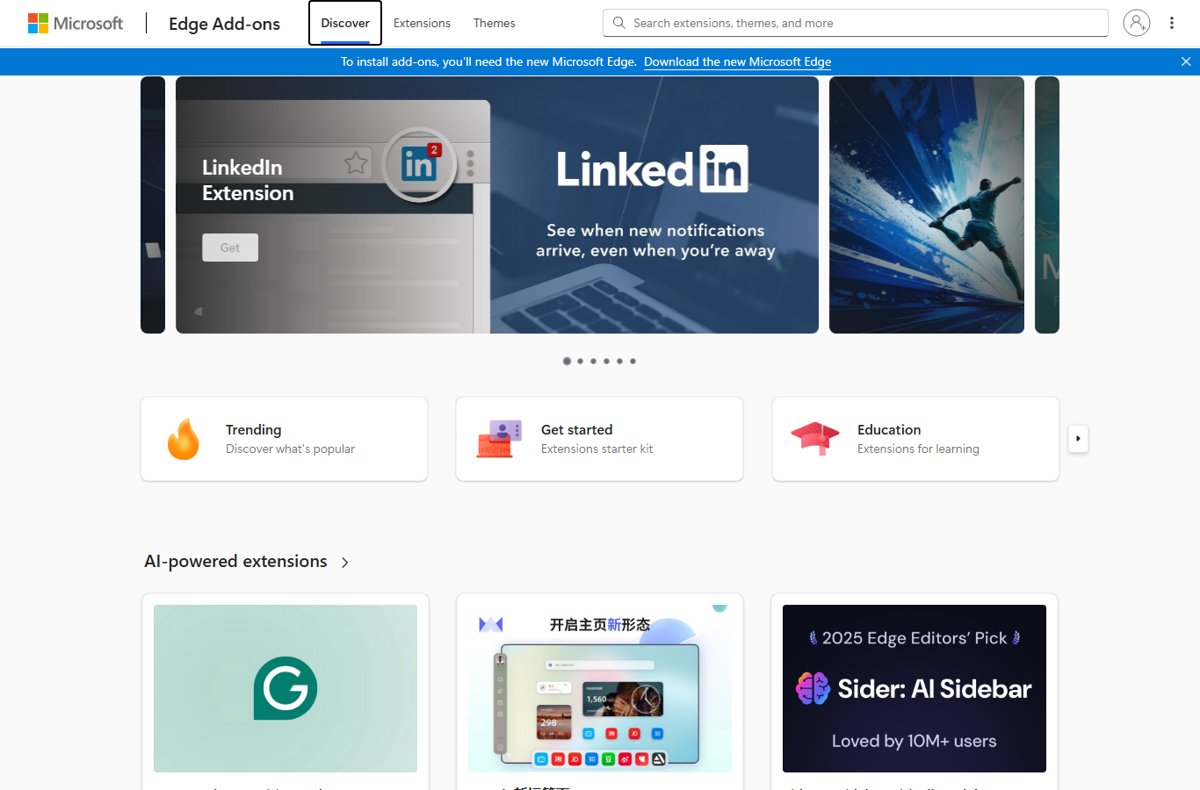
The complete list of Microsoft Edge browser extensions lives in the Edge Add-ons store. See its 12 categories, Microsoft’s own add-ons and notable picks by type.
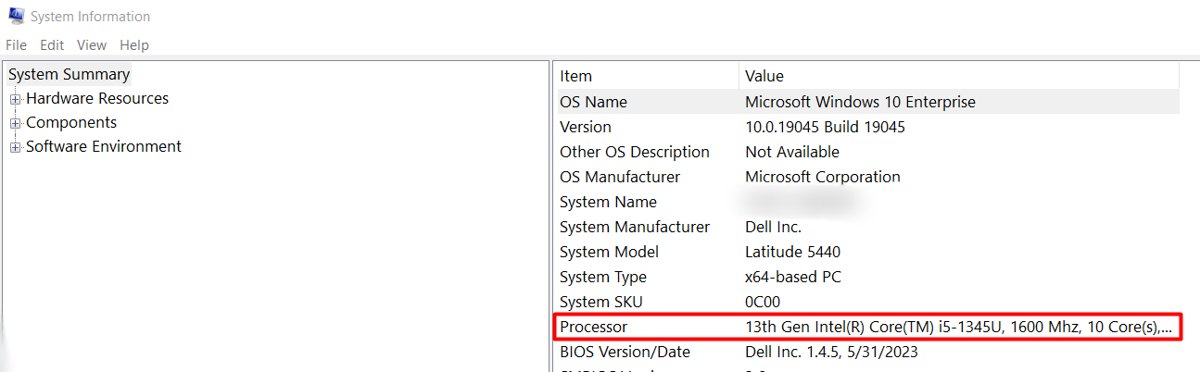
DYMO drivers for Windows 11 come with DYMO Connect for Desktop. Pick the right software for your LabelWriter, install it, add the printer and fix failed installs.
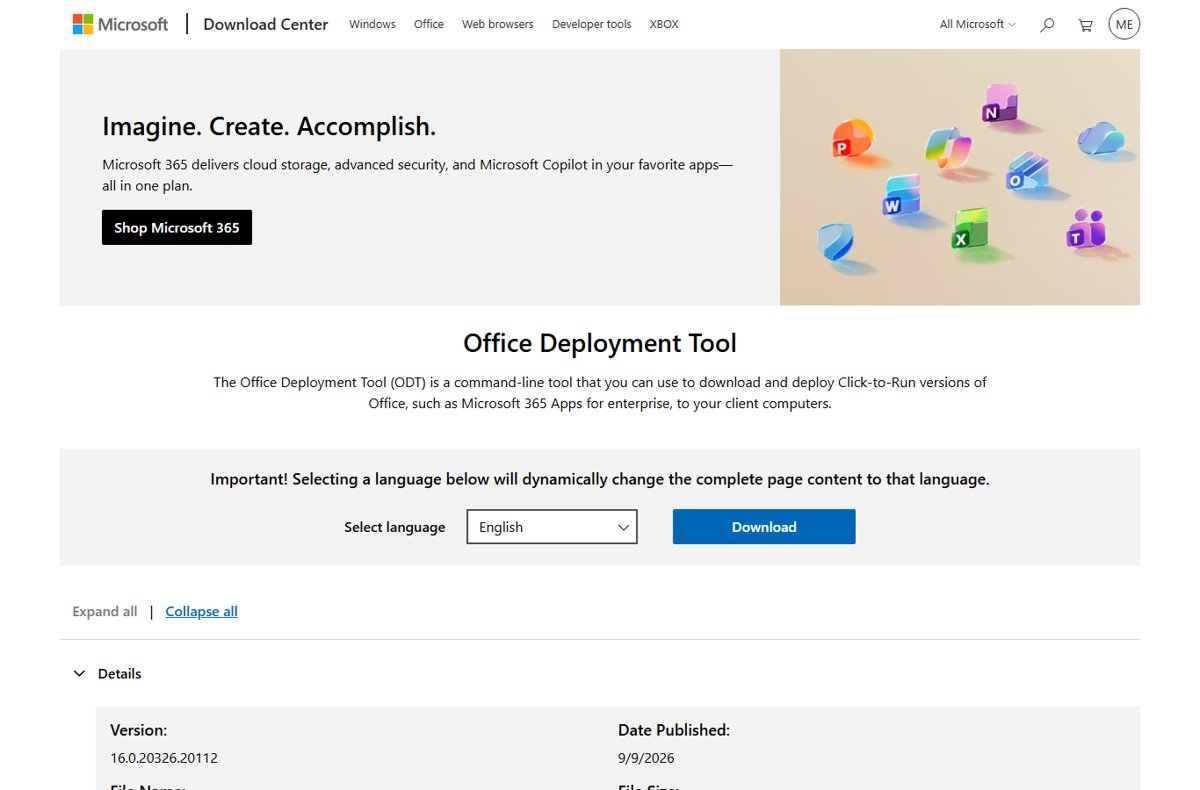
Office Deployment Tool guide: download ODT from Microsoft, build configuration.xml, run setup.exe /download and /configure, then update, remove and fix Office.
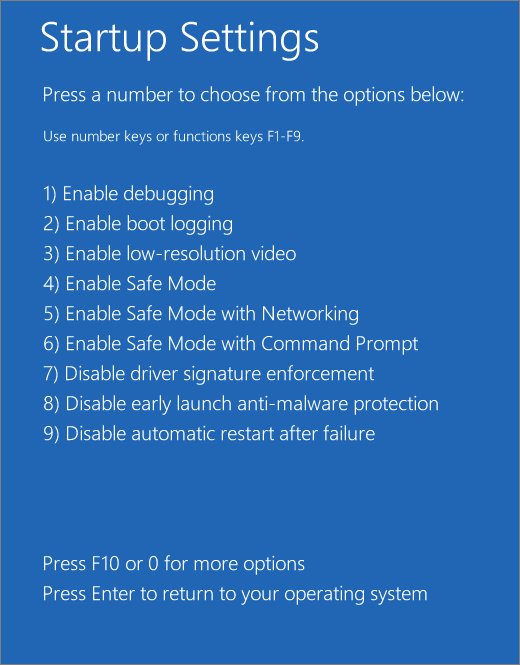
Run sfc /scannow from an administrator Command Prompt to repair Windows 11 and 10 system files. DISM first, Safe Mode, CBS.log results and fixes when SFC fails.
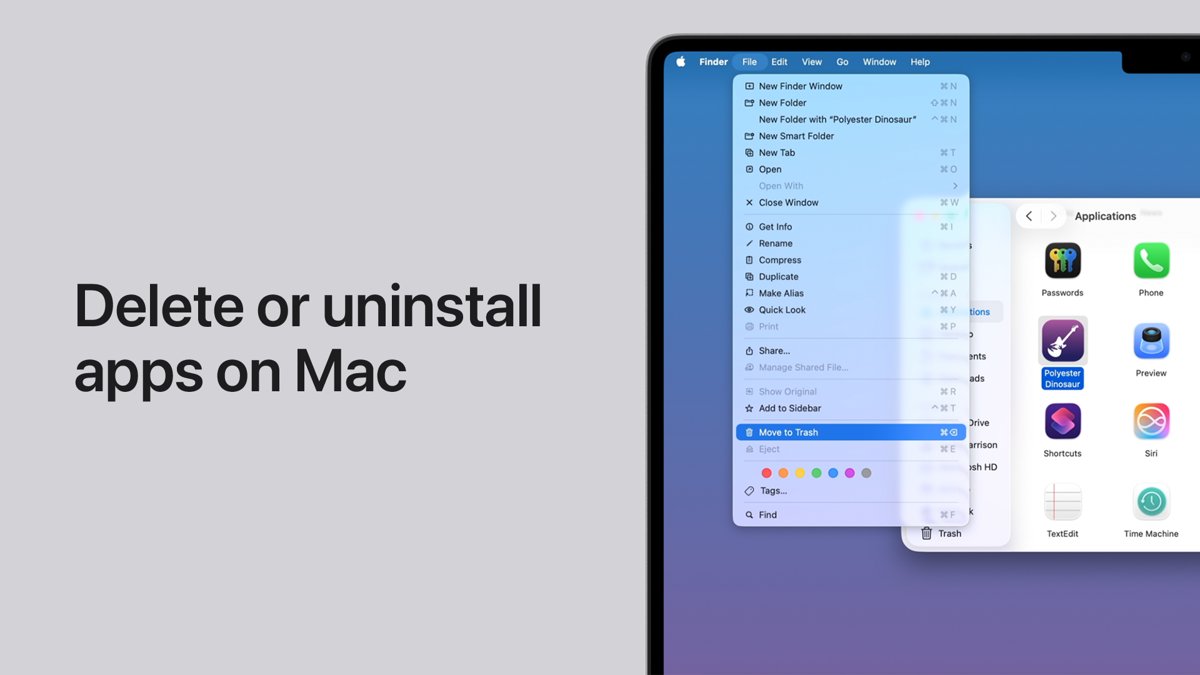
Uninstall Microsoft Edge in Windows only in the EEA. Elsewhere, change the default browser, unpin Edge, stop startup boost, or remove it from a Mac or phone.
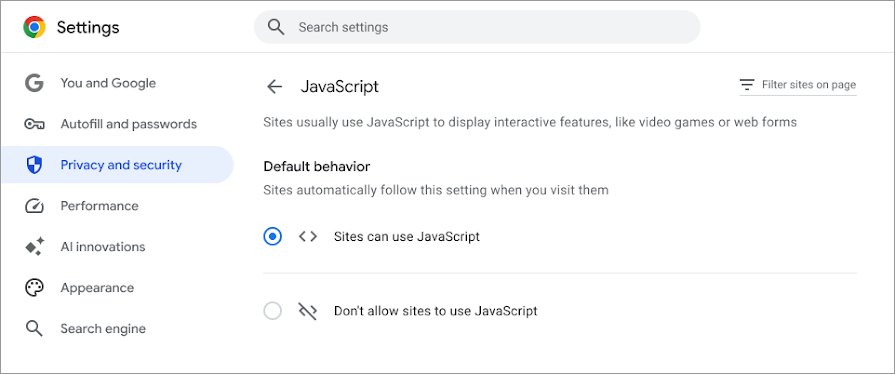
Fix javascript:void(0) in Chrome, Edge or Safari: allow JavaScript, hard reload, clear site data, test extensions, update the browser, plus fixes for site owners.
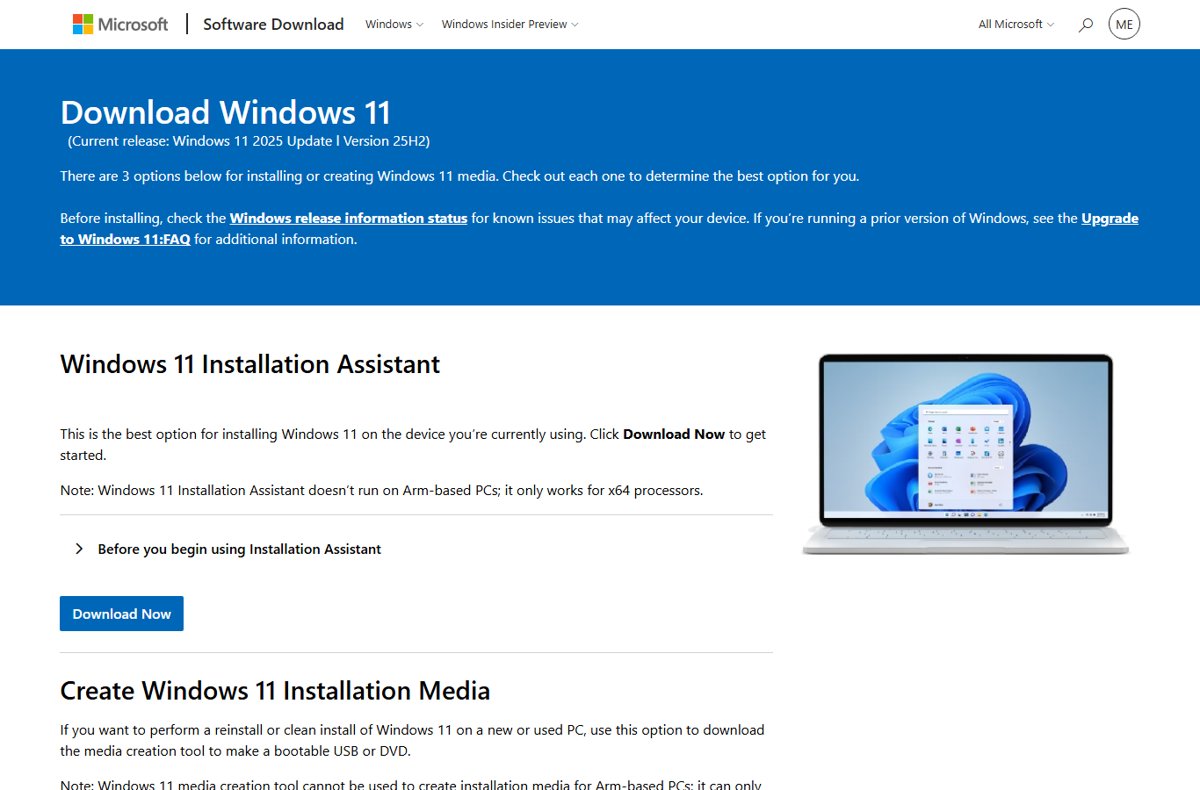
Run the setup wizard on Windows 11: open setup.exe from an ISO or USB, boot for a clean install, or use Reset this PC to see the first-run screens again.
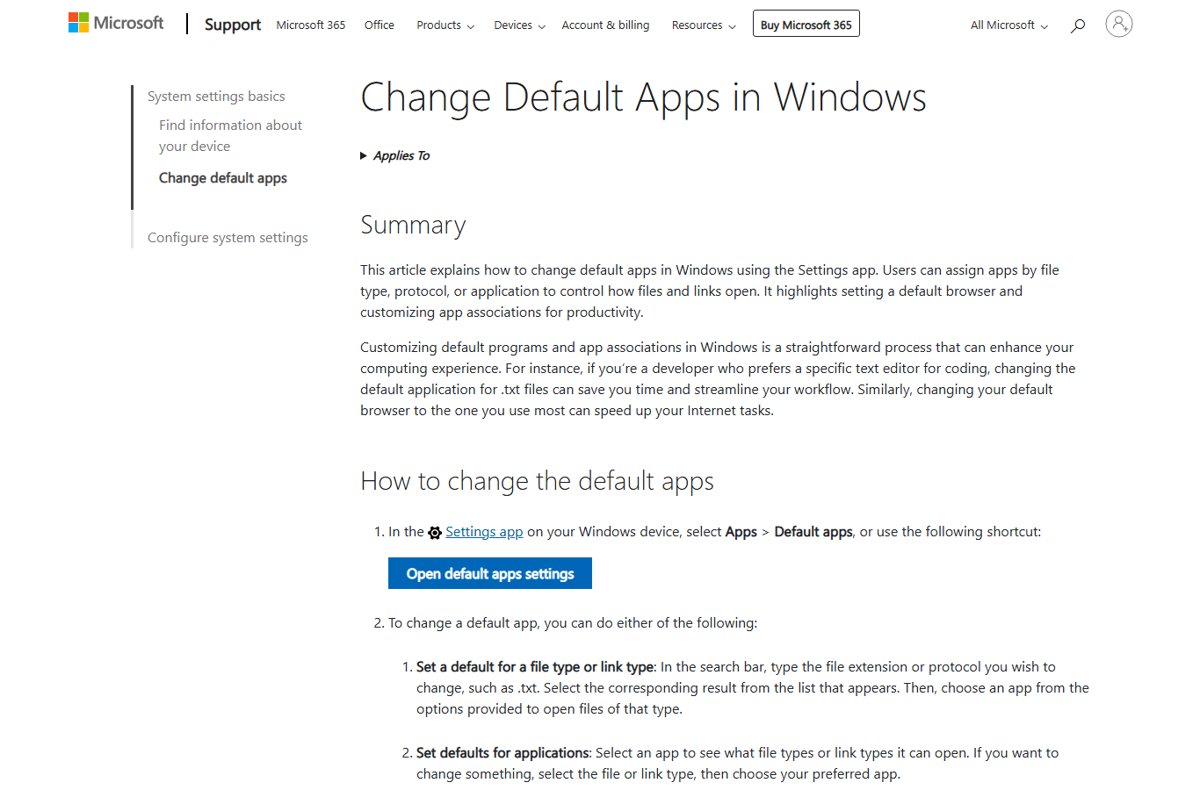
Restore Windows Photo Viewer in Windows 11/10 as the default image app with Open with or Default apps, check if your PC has it, and use Photos when it does not.