What Is Microsoft OneDrive And Do I Need It [Answered]
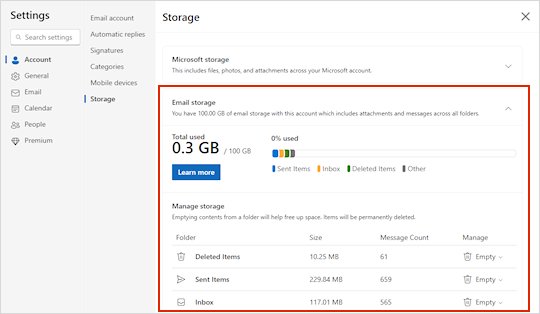
Microsoft OneDrive is the cloud storage built into Windows 11. See what it does, the free 5 GB and paid plans, folder backup, and whether you need it.
3,338 articles

Microsoft OneDrive is the cloud storage built into Windows 11. See what it does, the free 5 GB and paid plans, folder backup, and whether you need it.
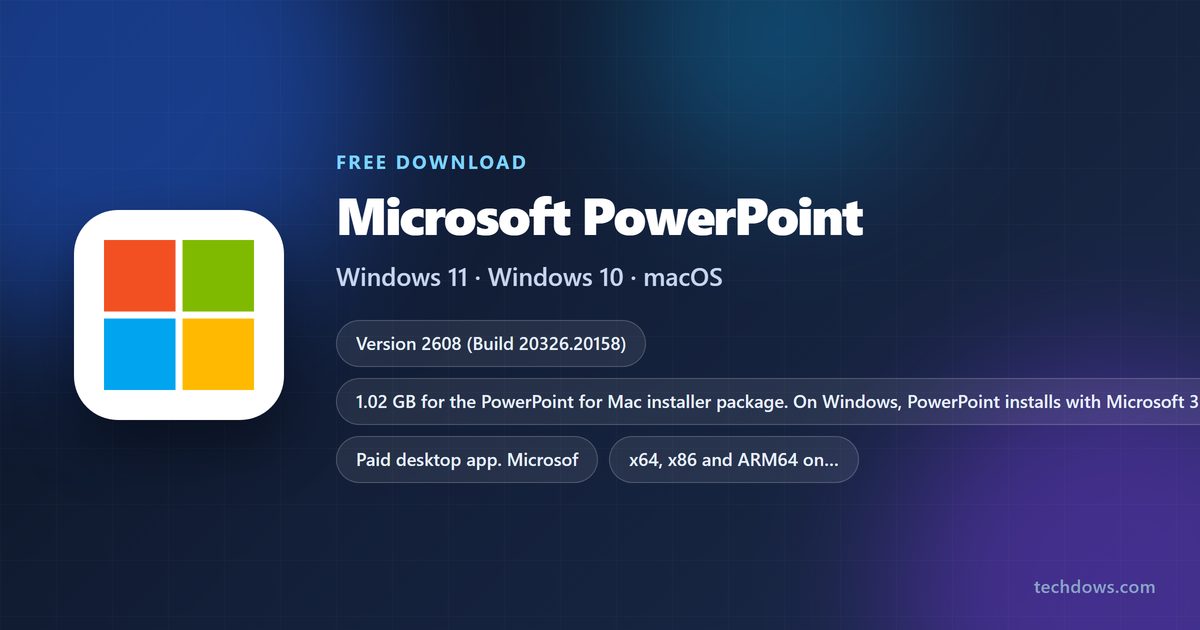
Microsoft PowerPoint download for Windows 11, 10 and Mac: official links, the 1.02 GB Mac installer, the free web version, and install steps that work.
Sticky notes download for Windows 11 and 10: get Microsoft Sticky Notes free from the Microsoft Store or winget, try the OneNote version, and fix missing notes.

YouTube TV channels list: the main plan has 100+ channels, the Sports Plan 30+, plus add-ons and prices. Check your ZIP code lineup and change your package.
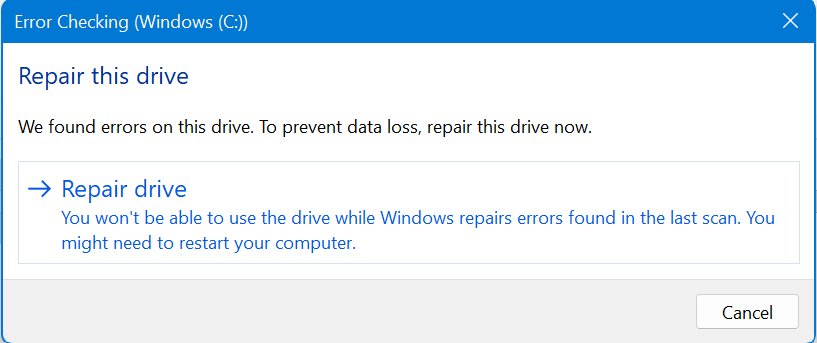
Chkdsk commands list for Windows 11 and 10: every switch from /f and /r to /scan and /spotfix, examples, running at restart, reading results and fixes.
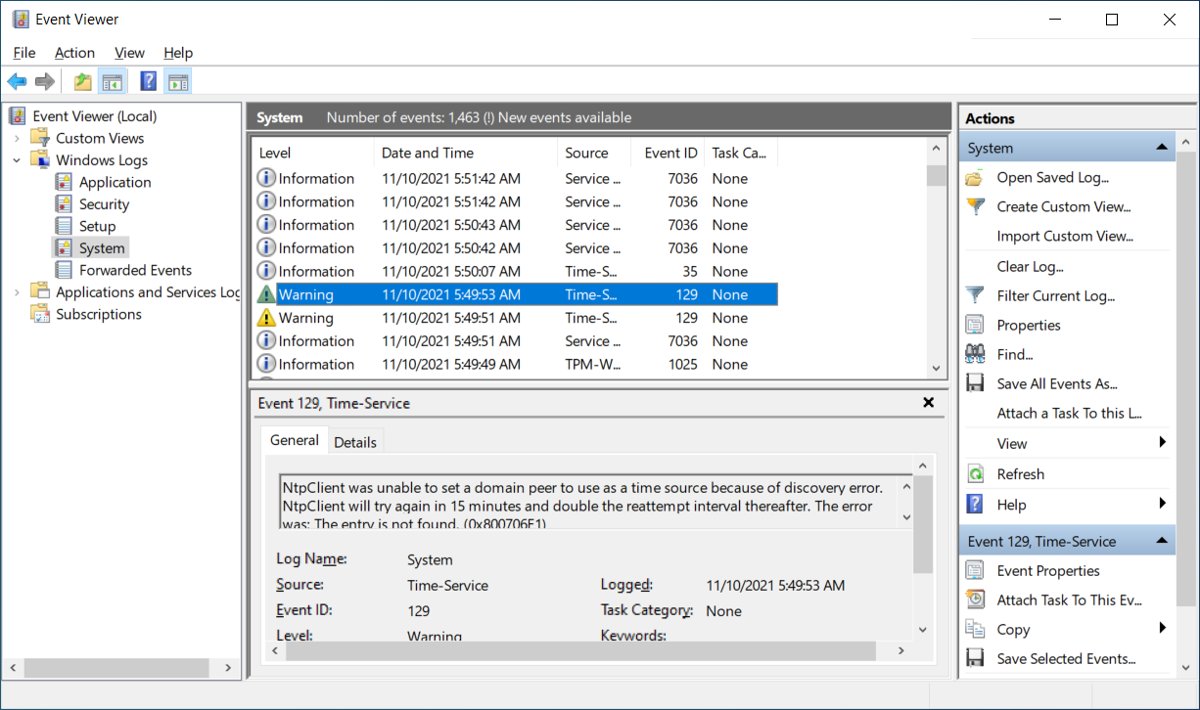
Windows Event Viewer is the built-in log of errors, warnings and restarts. Open it, filter logs, build custom views, read Event ID 41 and spot support scams.
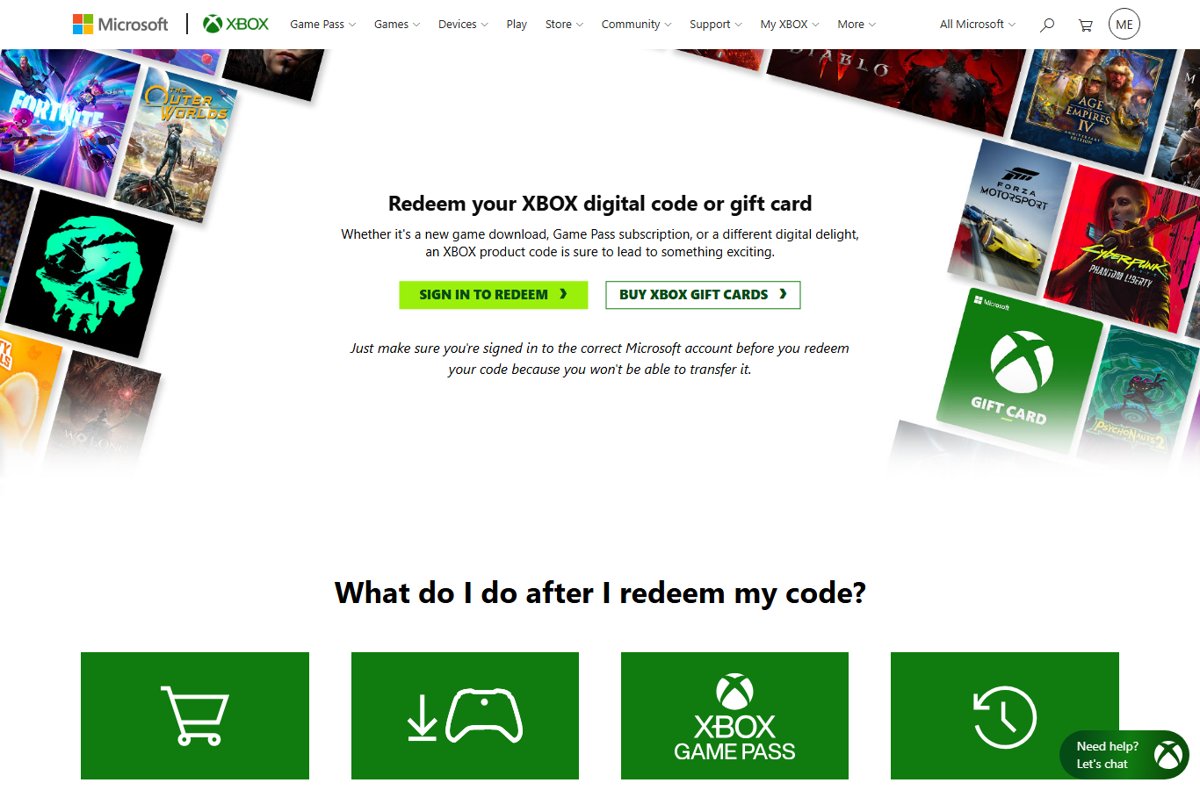
Redeem a Microsoft gift card on your Microsoft account at redeem.microsoft.com, on Xbox, or in the Microsoft Store app. Check your balance and fix code errors.
GOG GALAXY download for Windows 11, 10 and Mac: get the free app from gog.com, pick the right installer, install it, update it and fix setup errors.
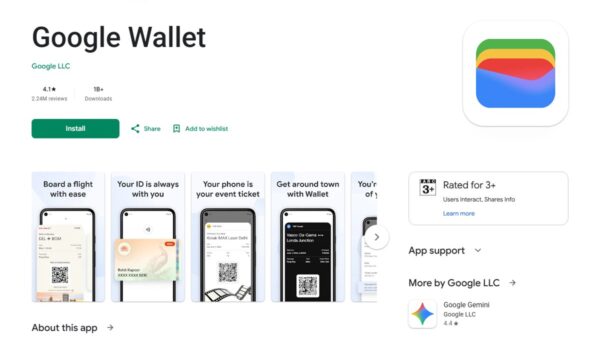
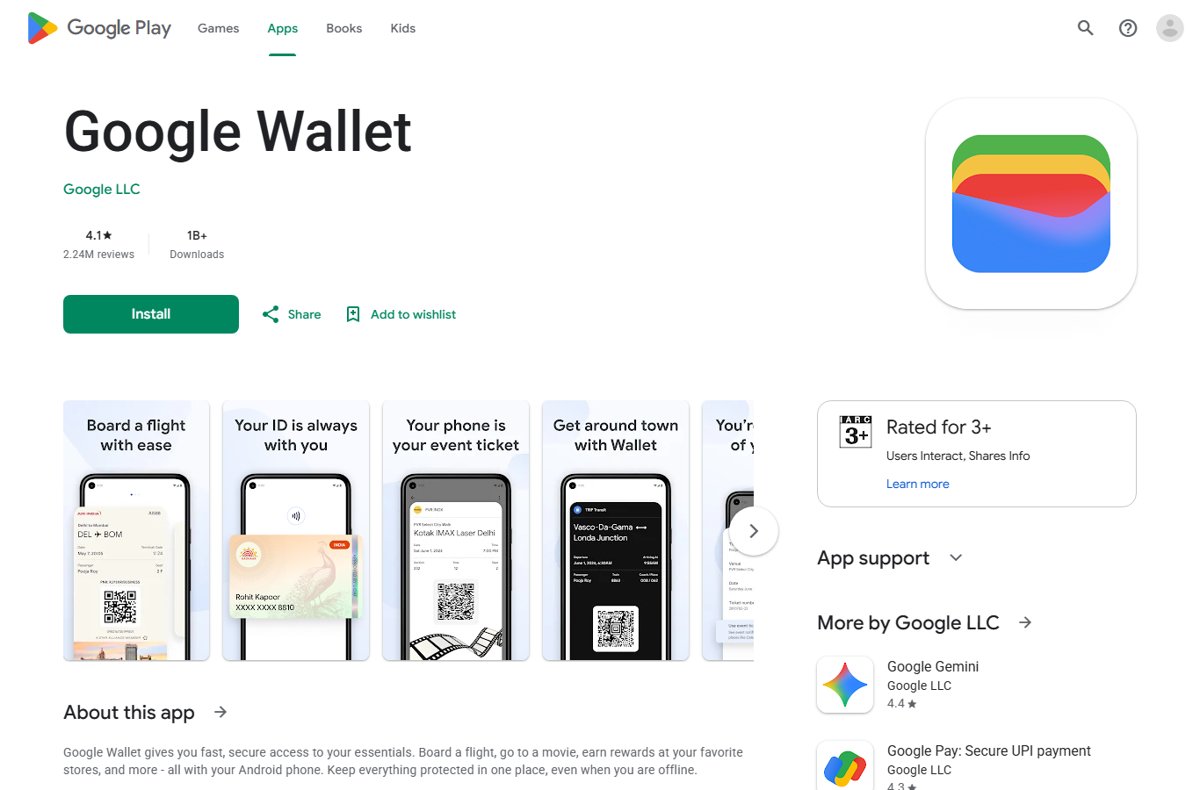
How to use Google Wallet: add a card, unlock your NFC Android phone and hold it near the reader until the blue check appears. Setup, passes, security and fixes.
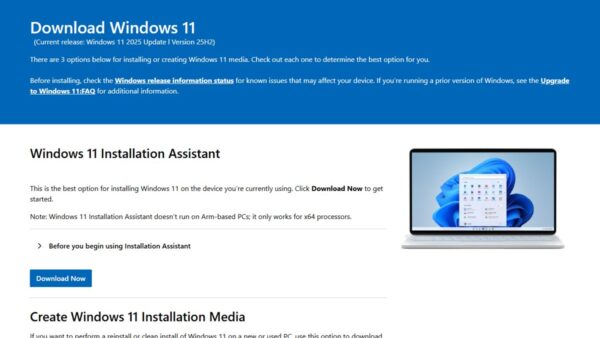
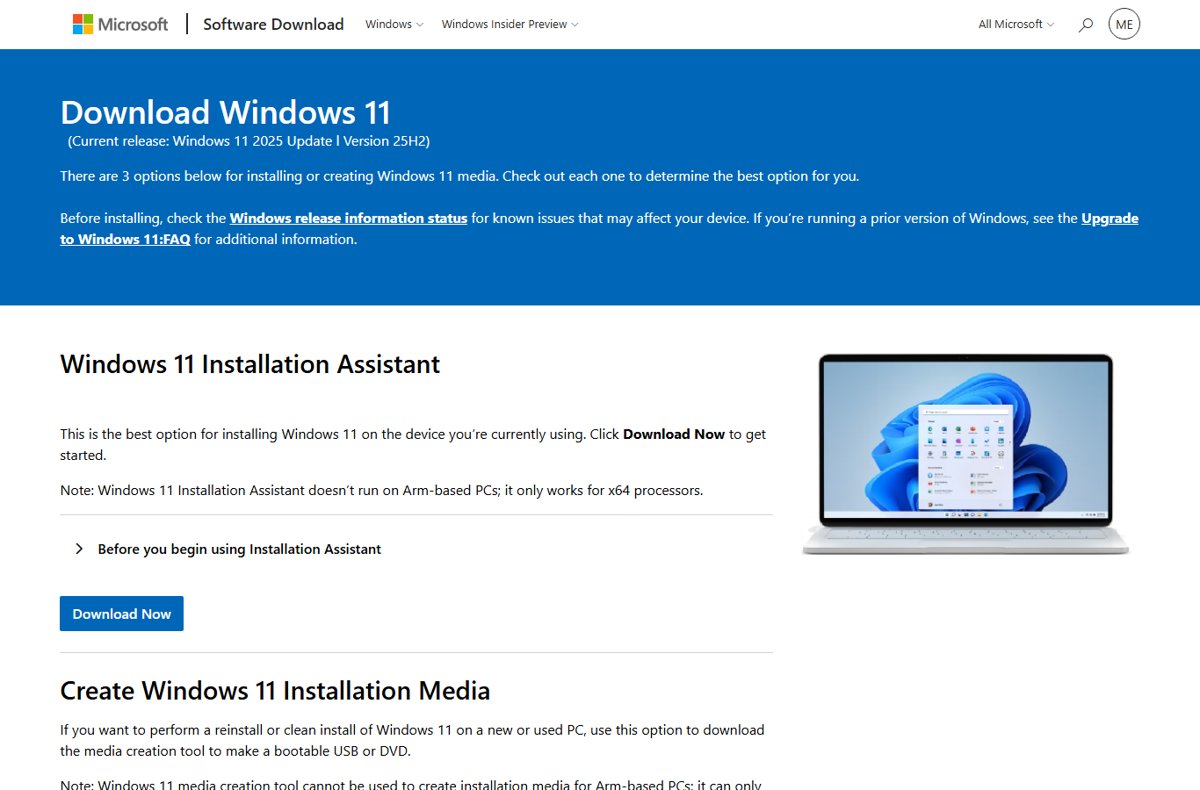
Use the Windows Update Assistant to install Windows 11 or the last Windows 10 release manually, check requirements, confirm it worked, and roll back if needed.
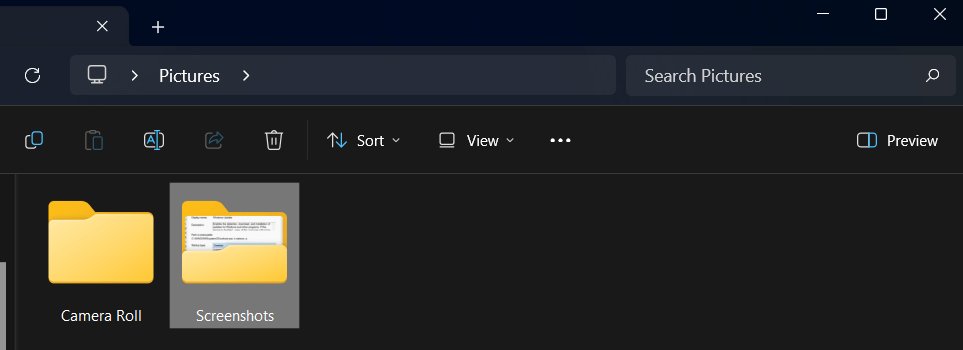
Your screenshot folder is at Pictures > Screenshots on Windows 11 and 10. See where PrtScn, Snipping Tool, Game Bar and OneDrive save captures, and how to move it.
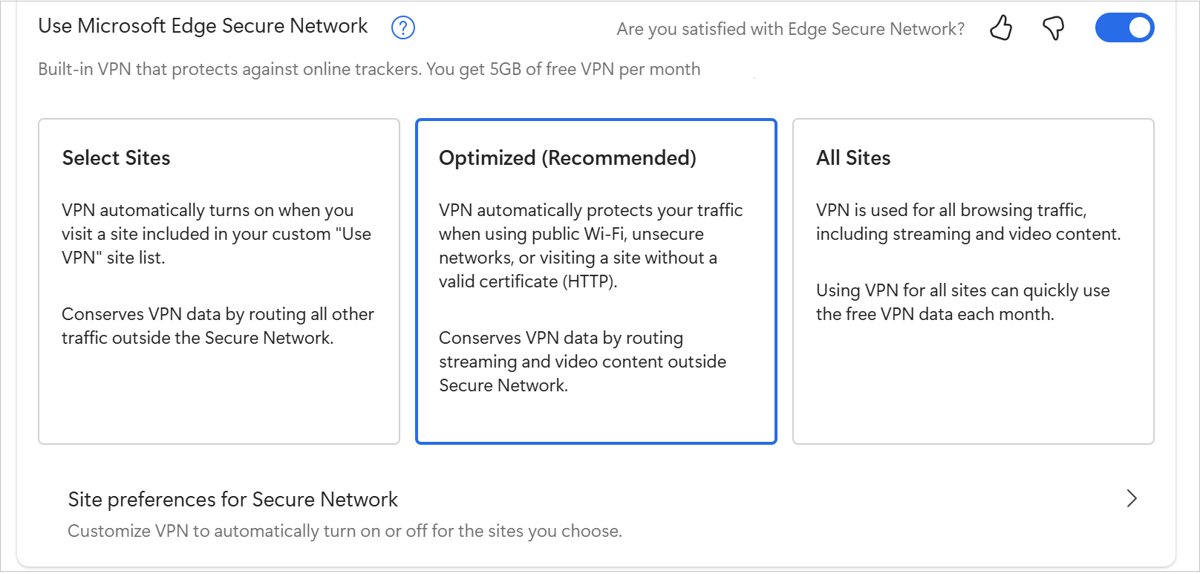
Use a VPN in Microsoft Edge with the built-in Edge Secure Network (5 GB free a month), a VPN extension or a Windows VPN connection, plus checks and fixes.