How to Update Drivers on Acer Laptop (Step-By-Step Guide)
Update drivers on an Acer laptop with Windows Update optional updates, Acer’s Drivers and Manuals page and Device Manager, plus BIOS, rollback and fixes.
2,101 articles

Update drivers on an Acer laptop with Windows Update optional updates, Acer’s Drivers and Manuals page and Device Manager, plus BIOS, rollback and fixes.
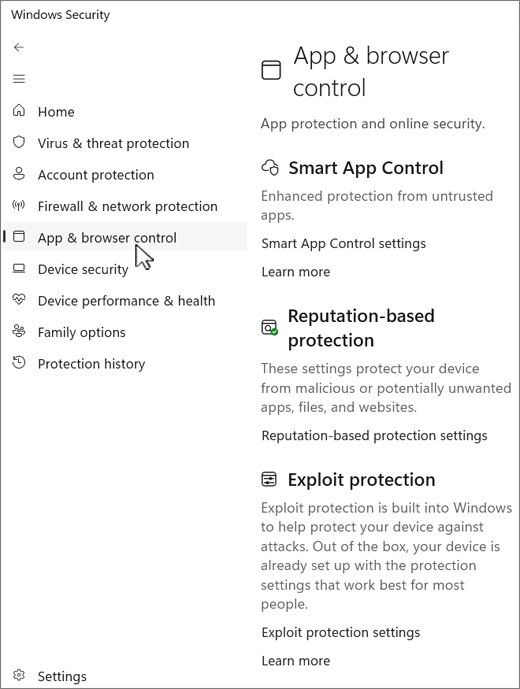
Enable or disable SmartScreen in Windows 11 from Windows Security > App & browser control > Reputation-based protection, plus Edge, Group Policy and registry.
Complete list of Command Prompt commands for Windows 11 and 10, grouped by job: navigation, files, system info, network, Wi-Fi, disks, batch files and power.
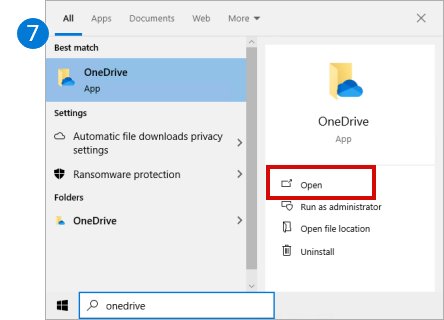
Download and install OneDrive on Windows 11/10: open the built-in app, or reinstall it from Microsoft’s site, then sign in, back up folders and fix setup problems.
Microsoft Loop download for PC: get the free Windows app from the Microsoft Store, open Loop on Mac in a browser, and install it on iPhone and Android.
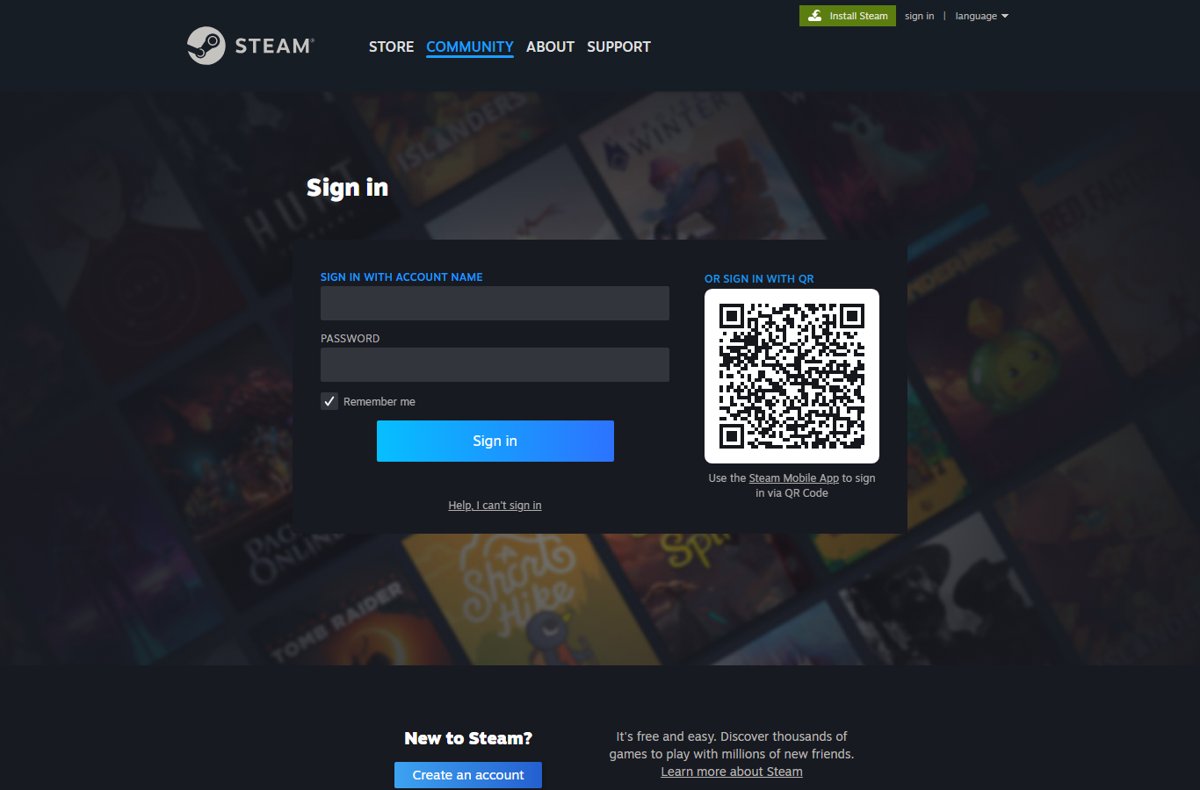
Your Steam Web API key lives at steamcommunity.com/dev/apikey. Sign in to see or create it, set its domain, test it, and revoke it if it leaks.
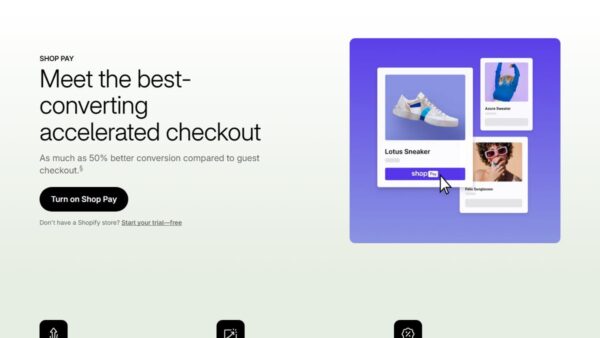
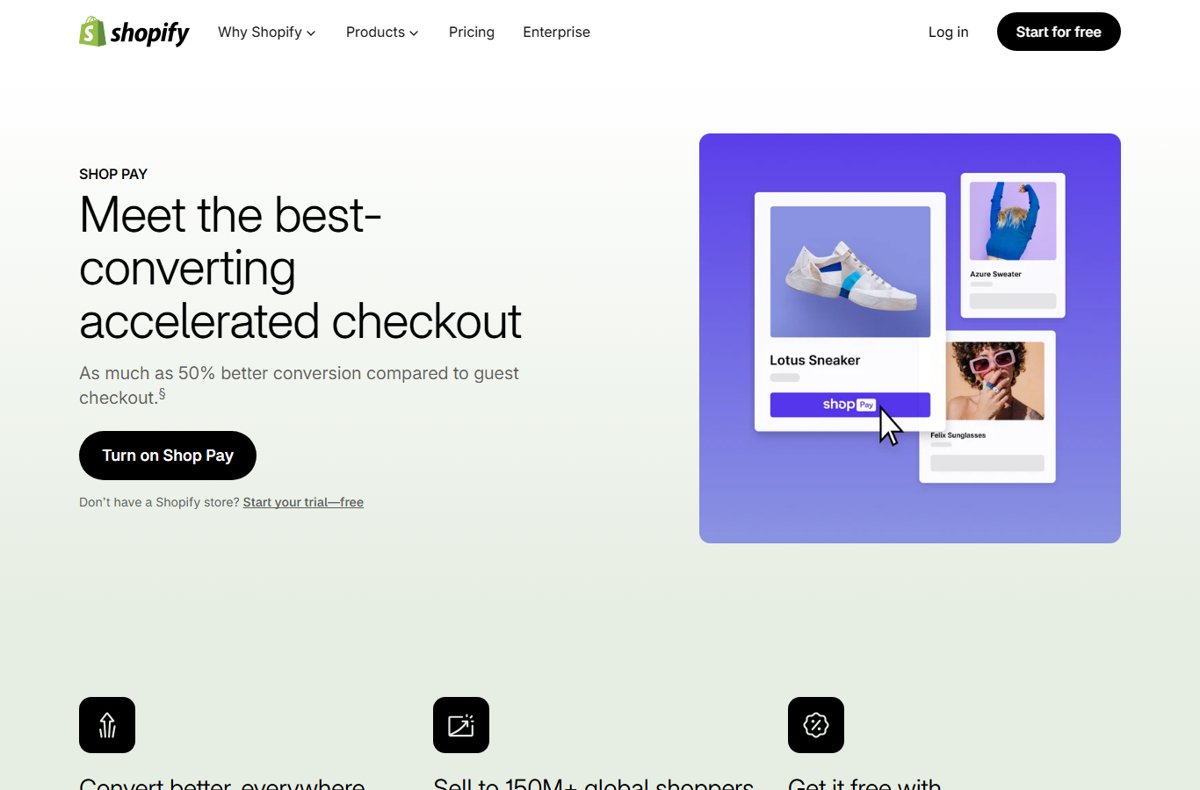
Shop Pay is Shopify’s checkout wallet; the Shop app tracks orders. How both work, Shop Pay Installments via Affirm, security, and how to delete your account.
Opera browser download for Windows 11/10, Mac and Linux: the 2.8 MB online installer or the 133 MB offline package, with ARM64, requirements and install fixes.
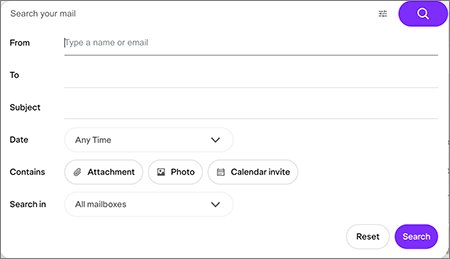
View your Yahoo Mail inbox at mail.yahoo.com or in the Yahoo Mail app. Steps for PC, iPhone, Android and Outlook, plus fixes for an empty or missing inbox.
Pro Tools download for Windows 11 and Mac: get the free Intro edition from Avid, compare the paid plans, check the specs and install it step by step.
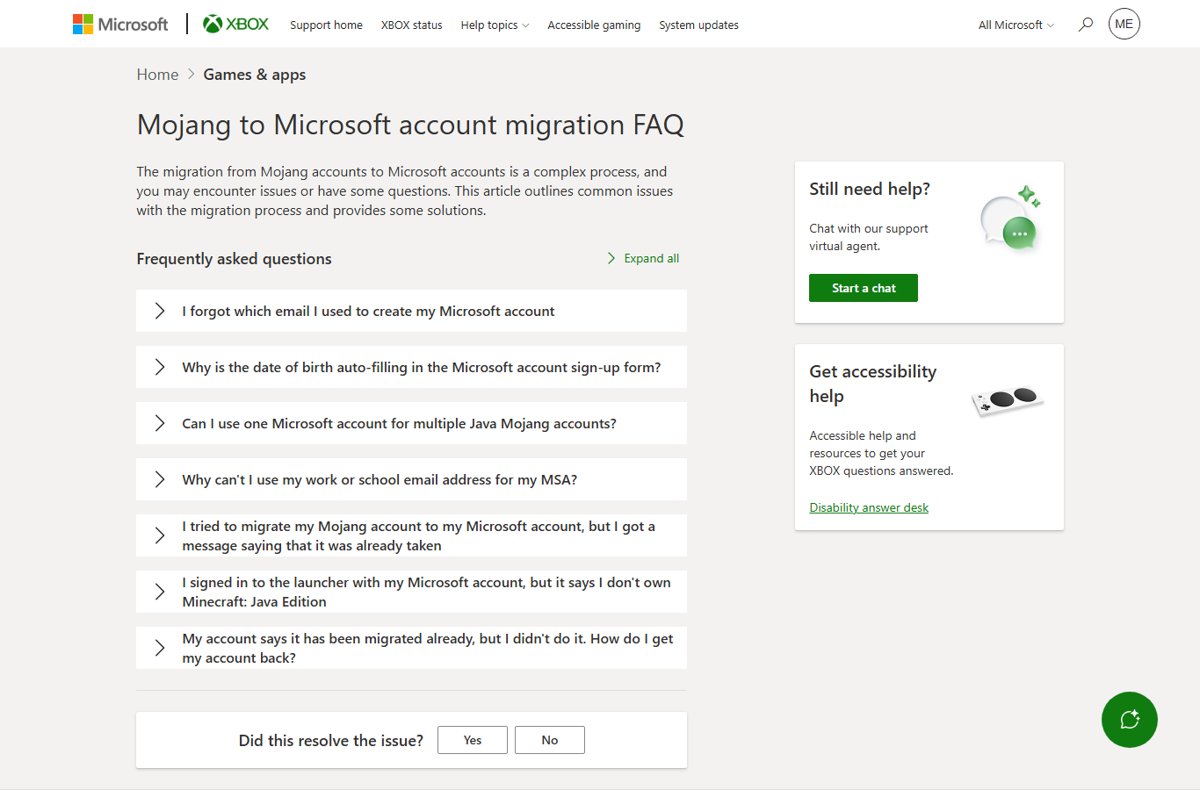
Add a Mojang account to Microsoft: sign in to Minecraft Java Edition with a Microsoft account, fix linking errors, and verify the migration worked.
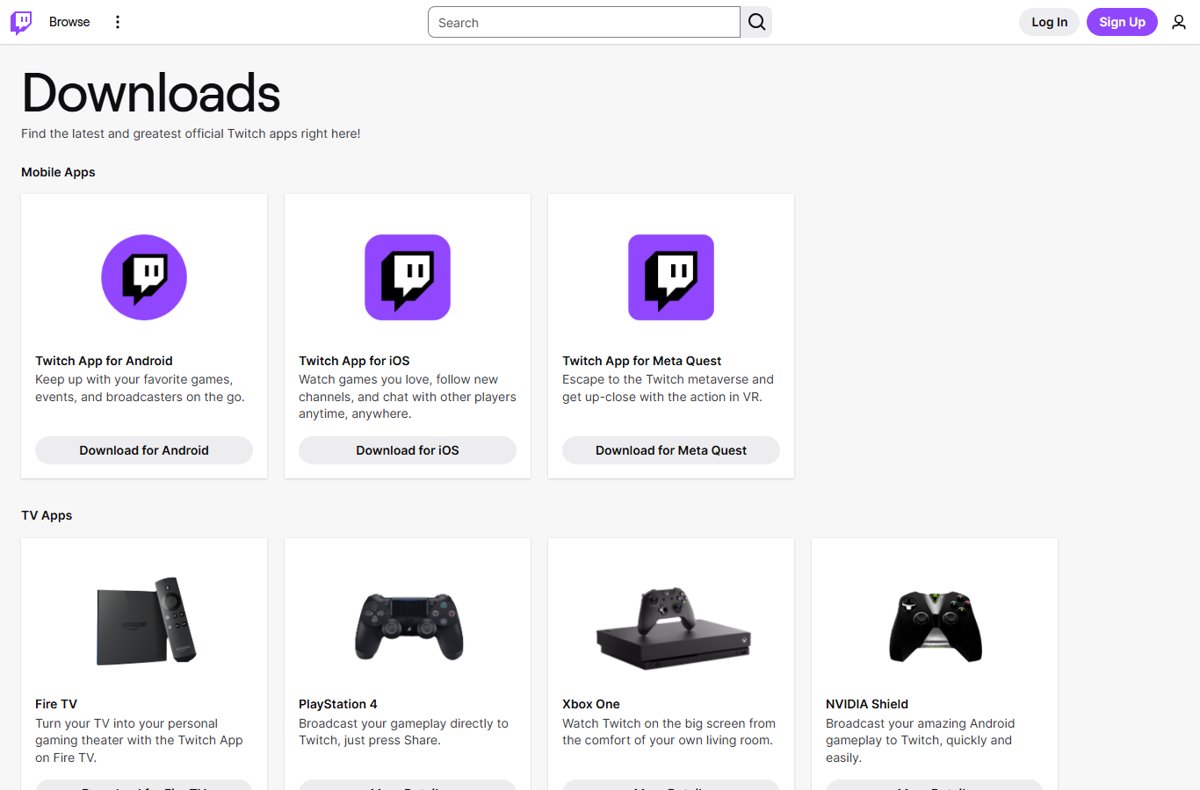
Add Twitch to your desktop by installing twitch.tv as an app in Edge or Chrome, then pin it or create a desktop shortcut. No Windows app exists; here is what works.