Norton Antivirus for Mac installs from your own Norton account, and a 7-day free trial covers the first week on any Norton 360 plan.
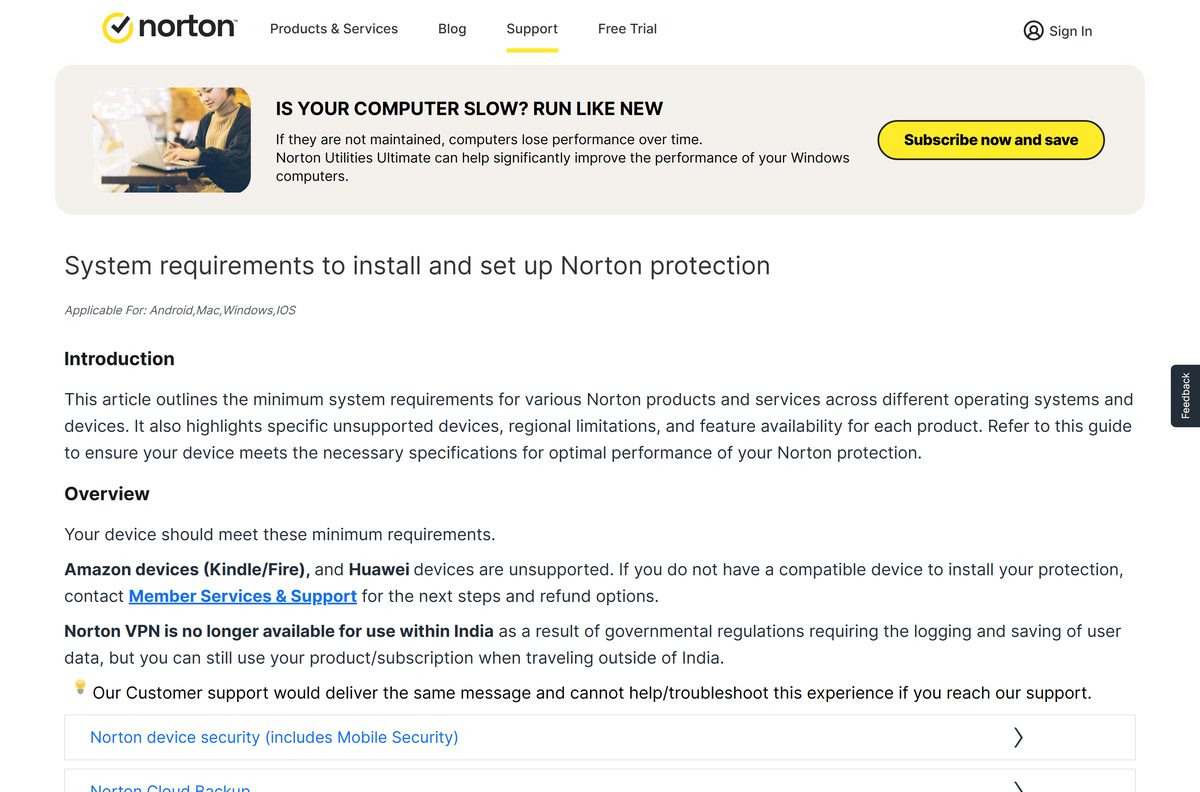
The app needs macOS 10.13 High Sierra or later, and it runs on Intel Macs and on M1 to M4 Apple silicon from the same download. The plan you buy, not the chip you own, is the only real choice here.
This guide covers which plan covers a Mac, the official download pages, the install and permission steps, LiveUpdate, clean removal, and fixes for the app not installing or not opening.
Which Norton download do you need for your Mac?
Open the Apple menu and select About This Mac to read your macOS version and your chip. Match that line below.
| Your Mac | What to do | Where it comes from |
|---|---|---|
| macOS 10.13 or later, Apple silicon | Sign in, then select Download | The Norton account portal |
| macOS 10.13 or later, Intel | Sign in, then select Download | The same single installer |
| No subscription yet | Start a 7-day free trial | Norton 360 plans only |
| macOS 10.12 Sierra or earlier | Nothing to install, support has ended | Norton’s end-of-support note |
| You want browser-level cover only | Norton Safe Web, free to download | The Mac App Store |
There are no separate Intel and Apple silicon downloads, so the file behind that Download button installs on either chip.
A macOS upgrade is the only fix for anything older than High Sierra, and Techdows tracks every release in its complete macOS versions history.
Check the Norton system requirements for your Mac
Norton asks little of the hardware. The macOS version and the subscription decide whether it installs.
| Field | Value |
|---|---|
| Software | Norton AntiVirus Plus and Norton 360 for Mac |
| Developer | Gen Digital Inc. |
| Latest version | 26.8.x or later |
| Price | Paid annual subscription, from $29.99 for the first year |
| Supported OS | macOS 10.13 High Sierra or later |
| Processor | Intel Core 2 Duo, i3, i5, i7 or Xeon, or Apple silicon M1 to M4 |
| RAM | 2 GB |
| Free disk space | 300 MB |
| Download size | Not published, the installer is served to a signed-in account |
| Offline installer | No |
| Mac App Store | No device security app listed there |
| Browsers | Safari, Mozilla Firefox and Google Chrome |
| Official download | Norton downloads page |
| Last verified | 2026-10-25 |
Smart Firewall is the one feature with a higher floor than the app itself: it needs macOS 11 or later.
Cloud Backup, Parental Control, Norton Family and SafeCam are not supported on macOS, so they never appear in the Mac app.
Download Norton Antivirus for Mac from the official Norton pages
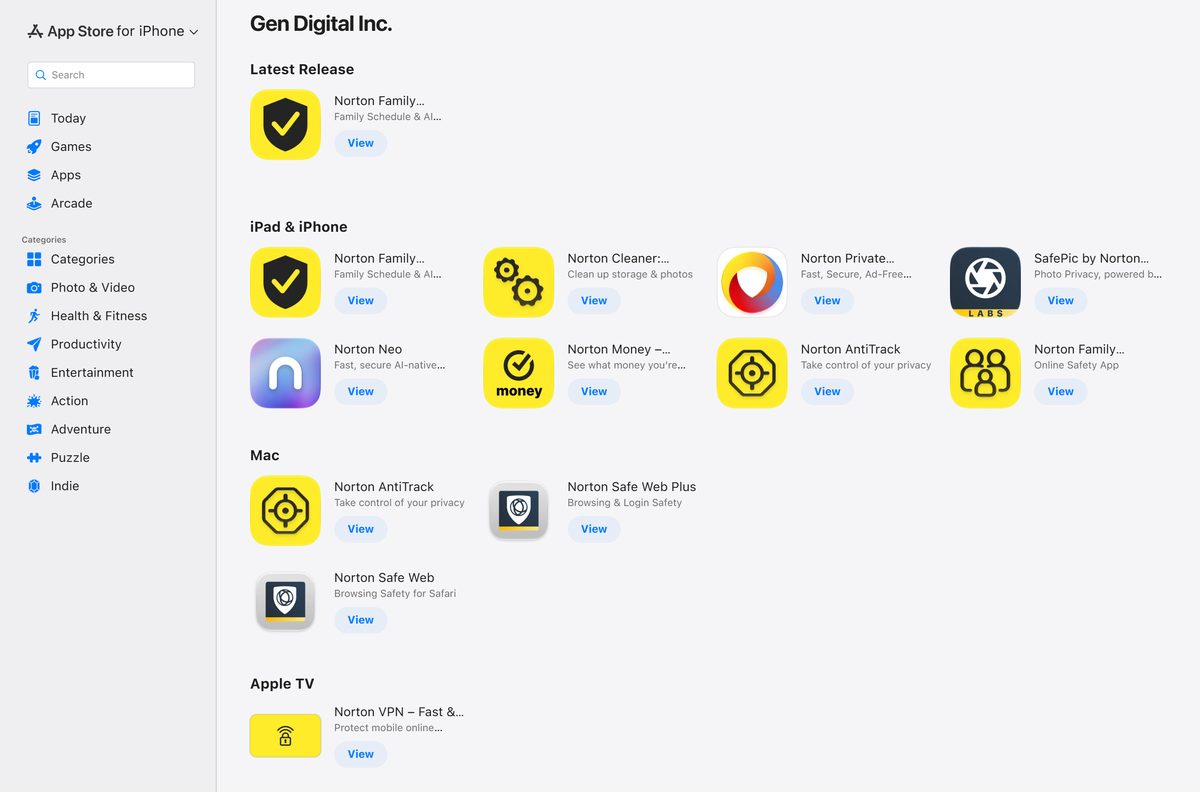
Norton serves the macOS app from two addresses: the account portal for subscribers, and the downloads page for everyone else.
- My Norton account portal — sign in, then select Download
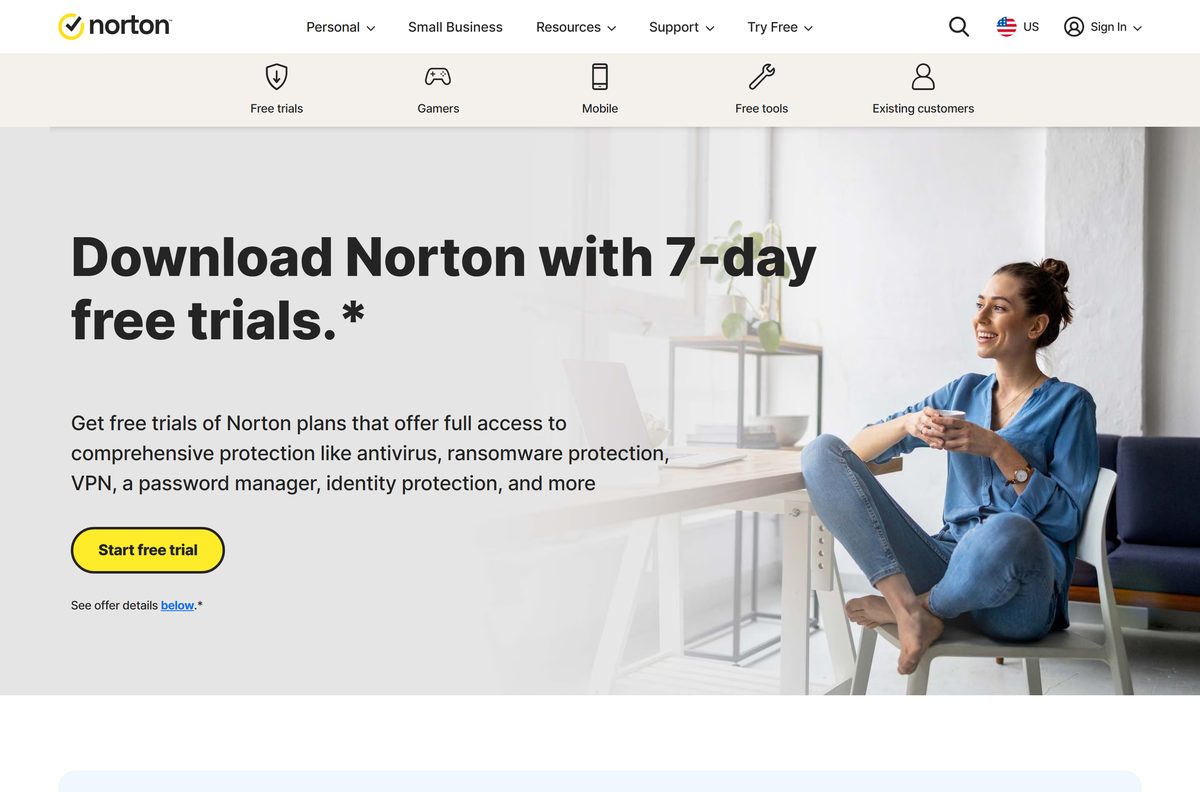
- Norton downloads and free trials — 7-day trial on the Norton 360 plans
- Norton AntiVirus Plus plan page — one device across Windows, macOS, Android and iOS
- Norton’s own install article for Mac — the button labels change between plans
- Norton Safe Web for Safari — free browser extension, not antivirus
Any other site offering a Norton installer is repackaging one. The subscription unlocks the app, so a copied file buys nothing at all.
Should you download a different Norton build for Apple silicon?
Norton’s requirements name Intel processors and Apple silicon in one line, and the account portal shows a single Download button with no chip picker.
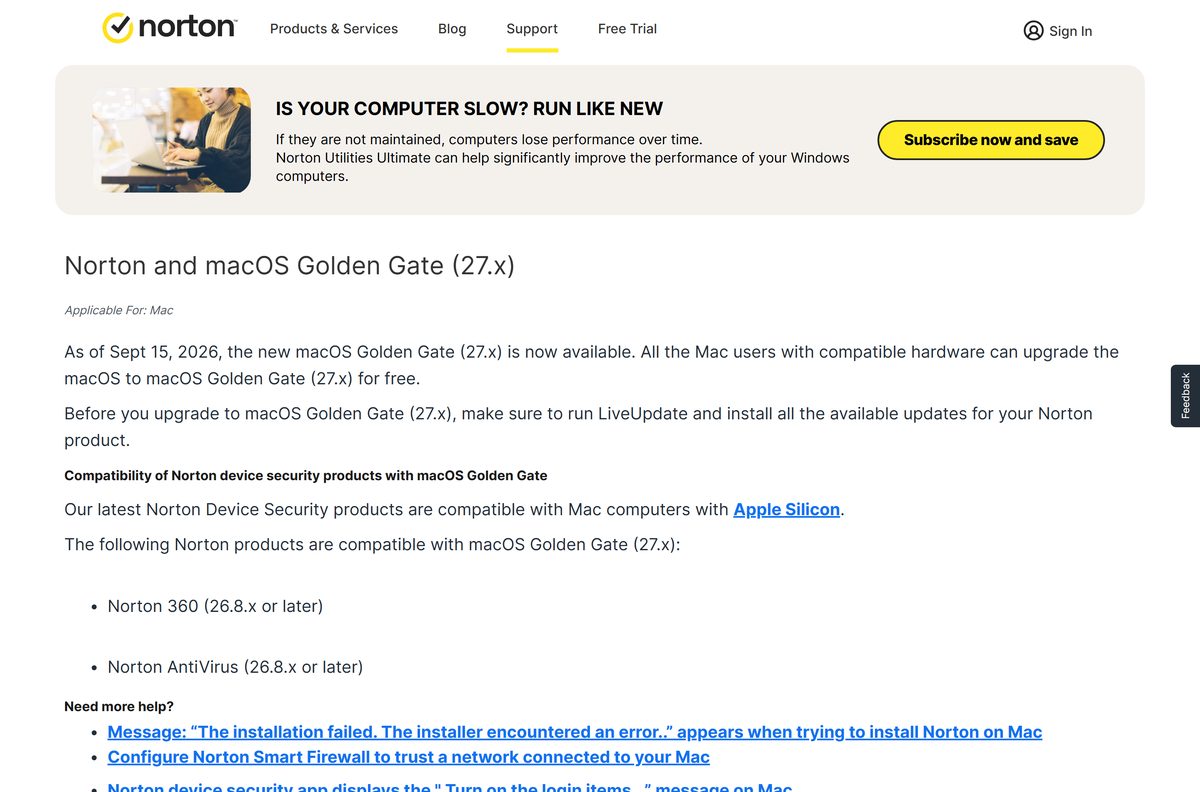
Take the single installer the portal offers and let it sort the chip out. Norton lists Intel Core 2 Duo through Xeon and the M1, M2, M3 and M4 chips as supported hardware for the same product, and its macOS Golden Gate note repeats that the current device security products are compatible with Apple silicon Macs.
There is no Intel-only legacy file to hunt down, and no second package for M-series machines.
How to install Norton Antivirus on your Mac
The install needs your Norton sign-in and your Mac administrator password. Set aside about five minutes.
- Open my.norton.com and sign in with your Norton email address, a one-time passcode, or a linked Apple, Google or Microsoft account.
- On the dashboard, select Download. To install a different plan you own, open My Subscriptions, pick the app, and select Download or share.
- On the Get Started page, select Agree and Download. Some plans label the same button Download.
- Select Allow if the browser asks whether to permit the download.
- Double-click the downloaded file, then double-click Install Norton and select Open.
- Select Install Norton, then choose Join Now or Maybe Later when Norton Community Watch is offered.
- Enter your Mac administrator password and select Install Helper. That is normally your Mac login password.
- Select OK when the System Extension Blocked notice appears, then select Close and Move to Bin.
- Work through the setup wizard’s permission prompts, which open Login Items & Extensions and Full Disk Access in System Settings.
- Open the app, select Account at the bottom of the left pane, select Sign in, enter the account holding your subscription, and select Continue.
Scanning does not start until those permission prompts are cleared, which is why step nine matters more than it looks.
The file lands in Downloads unless the browser is set elsewhere, and Techdows has a guide to finding any file on a Mac.
Should you install Norton Antivirus from the Mac App Store?
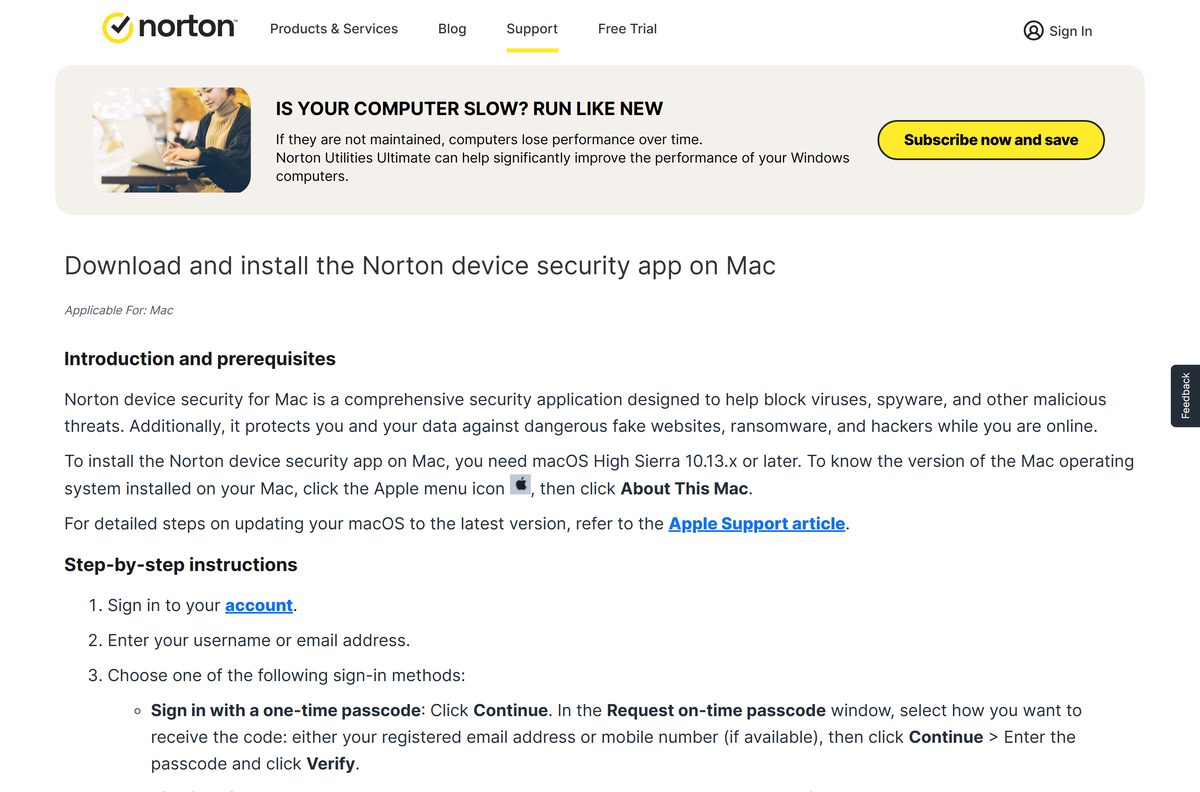
Gen Digital does publish Mac apps on the App Store, and none of them is the antivirus. Check the developer page before buying anything there.
- Open the App Store on your Mac and search for Norton.
- Open the Gen Digital Inc. developer page and read what is listed for Mac: Norton Safe Web, Norton Safe Web Plus and Norton AntiTrack.
- Treat every other Norton-branded antivirus result there as a third-party app, because Gen Digital lists no device security product for macOS.
- Install Norton Safe Web if site ratings in Safari are all you want. It is free to download and it scans no files.
- Go to my.norton.com for the scanner itself, or start a trial from Norton’s downloads page.
Safe Web and AntiTrack are browser and privacy tools. Neither one scans a disk, quarantines a file or runs a firewall.
How to check a Norton download and a Norton email are genuine
Fake renewal invoices are the common Norton scam, and they point at pages that look like a download. Norton publishes the domains its own messages come from.
- Start every download at my.norton.com or at Norton’s downloads page. Both sit on norton.com.
- Compare the sender domain on any Norton email against Norton’s published list, which includes @norton.com , @subscriptions.norton.com and @email.norton.com .
- Press Command-F on that list and type the domain from the email rather than reading the whole page.
- Forward anything that fails the check to [email protected] as an attachment, instead of clicking a link inside it.
- Confirm a renewal in the account portal, never from a figure quoted in an email or a pop-up.
- Open the app and select Security to run a scan if a web page claims your Mac is infected.
Norton states that the domain list is guidance and can change, so a missing domain is a reason to contact support rather than proof of a fake.
Which Norton plan should you buy for your Mac?
Every Norton plan that protects a Mac is billed annually. Device count and the bundled extras are what separate them.
| If you need | Plan | First year | Renews at |
|---|---|---|---|
| One Mac covered and nothing else | Norton AntiVirus Plus | $29.99 | $59.99 a year |
| Three devices, plus VPN and Dark Web Monitoring | Norton 360 Standard | $39.99 | $94.99 a year |
| Five devices and Privacy Monitor | Norton 360 Deluxe | $49.99 | $124.99 a year |
| Ten devices and LifeLock identity cover | Norton 360 with LifeLock Select Plus | $99.99 | $189.99 a year |
Parental Control, SafeCam and Cloud Backup are unsupported on macOS, so a Deluxe plan bought for a Mac pays for features that machine cannot use.
First-year prices are promotional. The renewal column is what the card is charged twelve months later.
Is Norton Antivirus free for Mac?
Two things carry no charge: a 7-day trial on the Norton 360 plans, and Gen Digital’s browser extensions on the App Store. The scanner is not one of them.
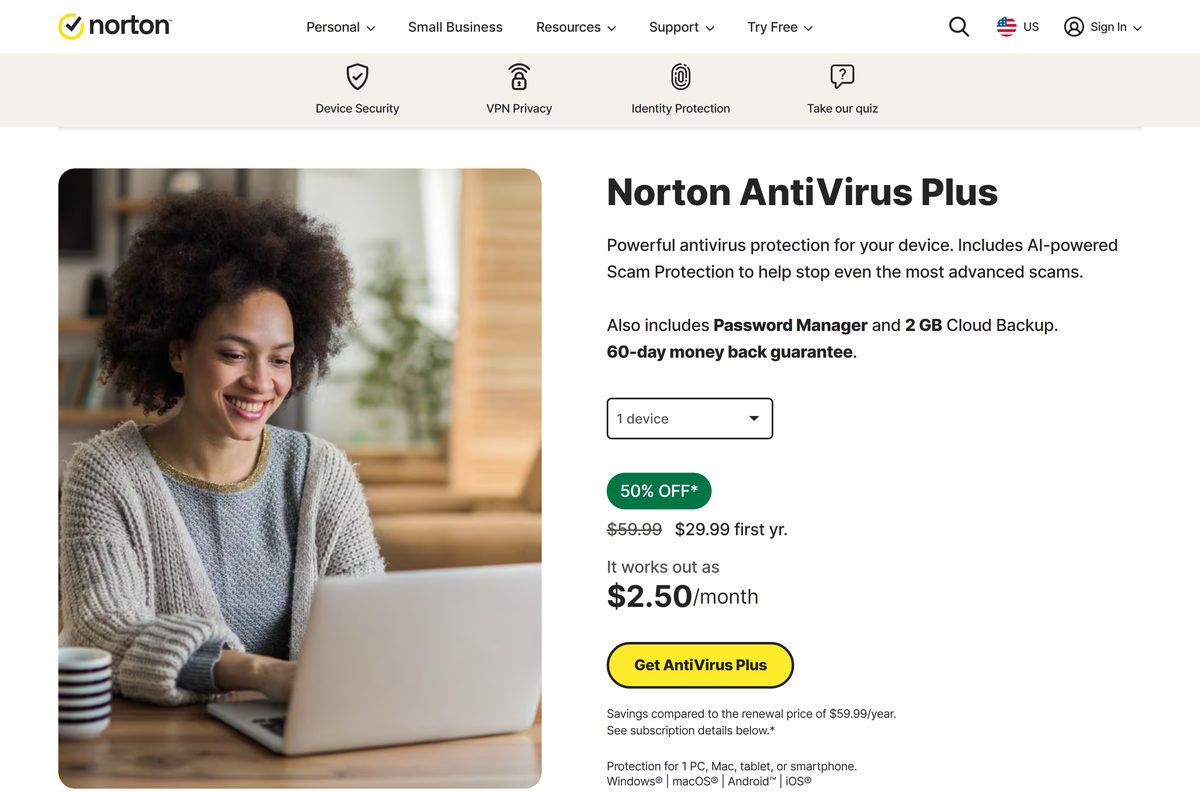
Plan on paying for Norton on a Mac, and start on a Norton 360 trial if you want to test it first. AntiVirus Plus runs $29.99 for the first year and $59.99 a year afterwards, Norton 360 Standard runs $39.99 then $94.99, and only the Norton 360 plans carry the 7-day free trial. Annual payments carry a 60-day money-back guarantee, and monthly payments a 14-day one.
Anything advertised as a free full version is somebody else’s file. The subscription, not the installer, is what switches protection on.
Check whether your macOS version still gets Norton updates
Norton’s floor moved up to macOS 10.13, and one feature sits higher again. The table shows where each release stands.
| Your macOS | Status | What to know |
|---|---|---|
| macOS 27 Golden Gate | Supported | Available since 15 September 2026, and it needs build 26.8.x or later |
| macOS 11 Big Sur to macOS 26 | Supported | Smart Firewall needs macOS 11 or later, so this is the full feature set |
| macOS 10.15 Catalina | Supported | The lowest release the VPN feature runs on |
| macOS 10.13 and 10.14 | Supported | Installs and scans, but with no Smart Firewall |
| macOS 10.12 Sierra and earlier | End of support | No product updates or new versions, though the subscription stays valid |
An out-of-support Mac keeps its subscription and stops receiving new versions, so a macOS upgrade is the real repair.
Norton’s instruction before any macOS upgrade is to run LiveUpdate first and install everything it offers.
How to update Norton on your Mac with LiveUpdate
LiveUpdate pulls virus definitions and program updates. Run it by hand after an install, or after the Mac has been off for a while.
- Open the Norton app on your Mac.
- Select Security in the left pane.
- On the LiveUpdate tile, select Open.
- Read the last updated date in that window. Select Update Now or Check Now if it is more than a day or two old.
- Select Check Now, then select Done when it finishes.
- Repeat until the window reads Virus definitions are updated.
- Close every open program and restart the Mac.
- Select Start Update if an upgrade alert offers a new version, then select Next in the installer window.
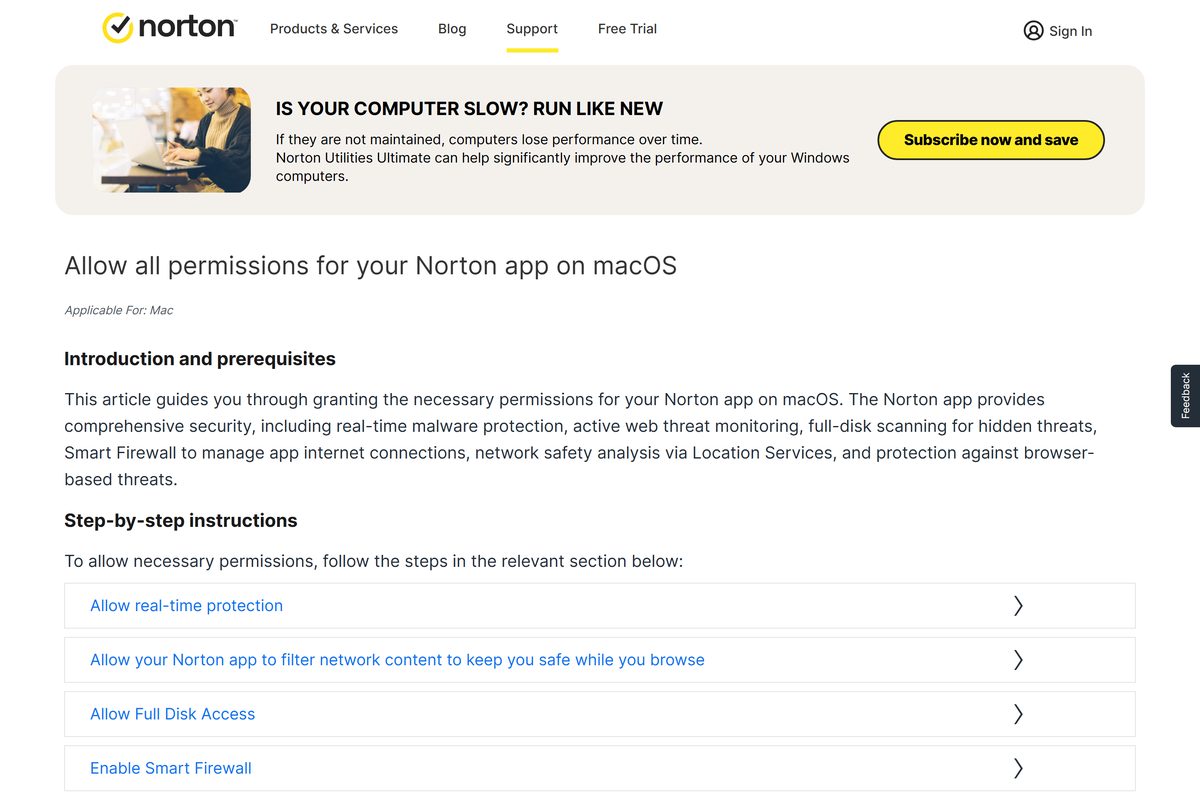
A version upgrade asks for the macOS permissions again, so expect Login Items & Extensions and Full Disk Access to reopen during it.
Fix Norton Antivirus not installing or not opening on your Mac
Almost every Mac failure here is a permission that macOS never granted. Work through the symptom that matches.
The app will not open after it installs
Norton’s first fix is a restart, and a damaged install is the next suspect.
- Quit every open app and restart the Mac.
- Open Go > Applications and double-click Norton Uninstaller if it still refuses to open.
- Select Continue, enter your administrator password and select Install Helper.
- Enter the password again, select OK, then select Finish.
- Sign in at my.norton.com, select Download, and install again.
- Open the app, select Account, then Sign in to activate it.
The System Extension Blocked notice appeared during the install
On macOS 15 and later the extension is approved in a different pane from the old one.
- Select Open in the setup wizard.
- In Login Items & Extensions, scroll down to Endpoint Security Extensions.
- Turn on the slider beside Norton, then enable Norton System Extension.
- Enter your Mac administrator password and select Done.
macOS says it did not load the Norton extensions
Real-time protection stays off until both the extension and Full Disk Access are approved.
- Open the Apple menu > System Settings > Privacy & Security.
- Scroll to the bottom of the right pane and select Allow beside a waiting Norton Software entry.
- Open Full Disk Access in the same pane and confirm the Norton entry is listed and switched on.
- Restart the Mac if that entry was off.
The Full Disk Access prompt keeps coming back on macOS 13 or later
An upgrade leaves a stale extension entry that macOS will not accept.
- Select Open Settings in the prompt.
- Select Norton System Extension in Full Disk Access and select the minus icon to remove it.
- Enter your administrator password or use Touch ID, then select Modify Settings.
- Close System Settings, then close and reopen the app.
- Select Open Settings again and move the Norton System Extension slider to on.
- Authorise it once more, then select Complete in the Norton window.
On macOS 14 the shorter route works: open the prompt, switch the extension on, authorise it and select Complete.
How to uninstall Norton Antivirus from your Mac
Dragging the app to the Bin does not remove it. Norton ships its own uninstaller inside the Applications folder.
- Quit the Norton app.
- Open Go > Applications from the Finder menu bar.
- Scroll down and double-click Norton Uninstaller.
- Select Continue.
- Enter your Mac administrator password and select Install Helper.
- Wait while the uninstaller removes the app.
- Enter the administrator password again and select OK.
- Select Finish, or select Continue to answer the uninstall survey.
This needs the Mac administrator username and password, normally the account the Mac logs in with.
The Windows side of the same job works differently, and Techdows covers it in how to uninstall third-party antivirus software.
Check what protects a Mac without a Norton subscription
macOS ships malware defences of its own, and they are what a Mac runs on with nothing installed. None of them replaces a scanner with a quarantine.
| Option | Cost | What it does |
|---|---|---|
| XProtect | Built into macOS | Apple’s signature scanner, which checks apps at launch and when they change on disk |
| Gatekeeper and notarization | Built into macOS | Blocks altered apps and apps Apple has never scanned for malware |
| Norton Safe Web | Free to download | Site ratings inside Safari, with no file scanning at all |
| A Norton 360 trial | Free for 7 days | The complete app, on the Norton 360 plans only |
| Free online virus scanners | Free | One-off checks on a file you already distrust, with no live protection |
Apple documents how XProtect and notarization work together across its three malware layers.
The paid plans earn their renewal on the parts macOS leaves out: a quarantine, a firewall, scheduled scans and VPN.
Frequently asked questions
Is Norton Antivirus free for Mac?
No. Every Norton plan that scans a Mac is a paid annual subscription. AntiVirus Plus costs $29.99 for the first year and $59.99 a year afterwards. Norton 360 plans add a 7-day free trial, and annual payments carry a 60-day money-back guarantee.
What is the official Norton download page for Mac?
Subscribers download from the account portal at my.norton.com: sign in, then select Download. Anyone without a subscription starts at Norton’s downloads page, which carries the 7-day trials for the Norton 360 plans. Both addresses sit on norton.com.
How big is the Norton download for Mac?
Norton publishes no download size for the macOS app, because the installer is served only to a signed-in account. The figures Norton does state are 300 MB of free disk space, 2 GB of RAM, and an internet connection for LiveUpdate.
Does Norton run on Apple silicon Macs?
Yes. Norton names the M1, M2, M3 and M4 chips alongside Intel Core 2 Duo, Core i3, Core i5, Core i7 and Xeon processors as supported hardware, and the account portal offers one download for both families. No separate Apple silicon build exists.
Which macOS version does Norton need?
macOS 10.13 High Sierra or later. macOS 10.12 Sierra and earlier are end of support, so no new versions or product updates reach them. Smart Firewall is the one feature with a higher floor, and it needs macOS 11 or later.
Is there a Norton offline installer for Mac?
No. Norton distributes the Mac app through a signed-in account rather than a standalone package, and names no offline installer for macOS. The install also needs a connection to activate the subscription and to run LiveUpdate the first time.
Is Norton on the Mac App Store?
No device security app is. Gen Digital publishes Norton Safe Web, Norton Safe Web Plus and Norton AntiTrack there, and those are browser and privacy tools rather than antivirus. The scanner comes from the Norton account portal only.
Which Norton version is current for macOS?
Builds 26.8.x and later. Norton’s macOS Golden Gate note lists Norton 360 at 26.8.x or later and Norton AntiVirus at 26.8.x or later as the versions compatible with macOS 27, available since 15 September 2026.
Why will Norton not install on my Mac?
The install itself rarely fails; the permissions do. Protection stays off until the Norton system extension is enabled under Login Items & Extensions and Norton appears in Full Disk Access. Norton’s own first fix is a restart, then a clean reinstall.
How do I uninstall Norton from a Mac?
Quit the app, open Go then Applications, and double-click Norton Uninstaller. Select Continue, enter your Mac administrator password and select Install Helper. Enter the password once more, select OK, then Finish. Dragging the app to the Bin does not remove it.
How do I update Norton on a Mac?
Open the app, select Security, then select Open on the LiveUpdate tile and select Check Now. Repeat until the window reads Virus definitions are updated, then restart the Mac. A new major version arrives as an upgrade alert with a Start Update button.
Is a Norton download from another site safe?
Those files are whatever build the site last fetched, and the subscription is what switches protection on, so a copied installer buys nothing. Norton publishes the domains its own messages and pages use, and nothing outside norton.com is Norton’s packaging.