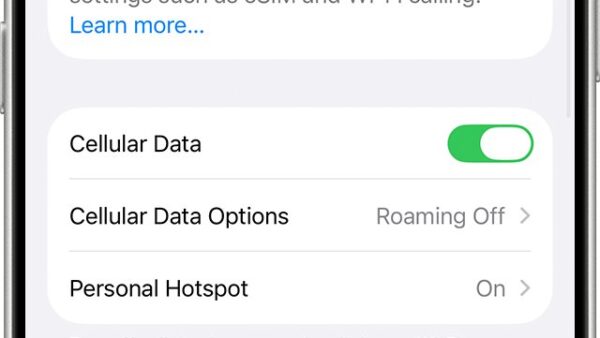
How to Add a Travel Pass to Your Verizon Phone
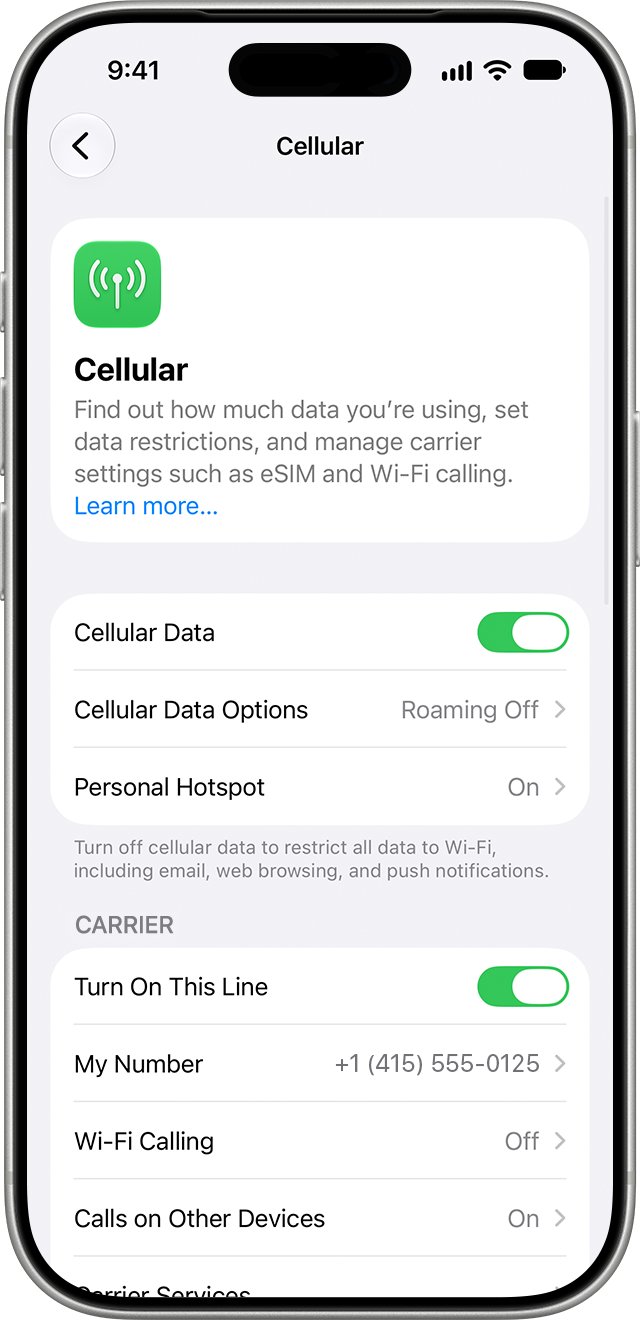
Add a Travel Pass to your Verizon phone by texting TRAVEL to 4004 or from My Verizon. Daily rates, activation checks and fixes when it fails.
2,109 articles

Add a Travel Pass to your Verizon phone by texting TRAVEL to 4004 or from My Verizon. Daily rates, activation checks and fixes when it fails.
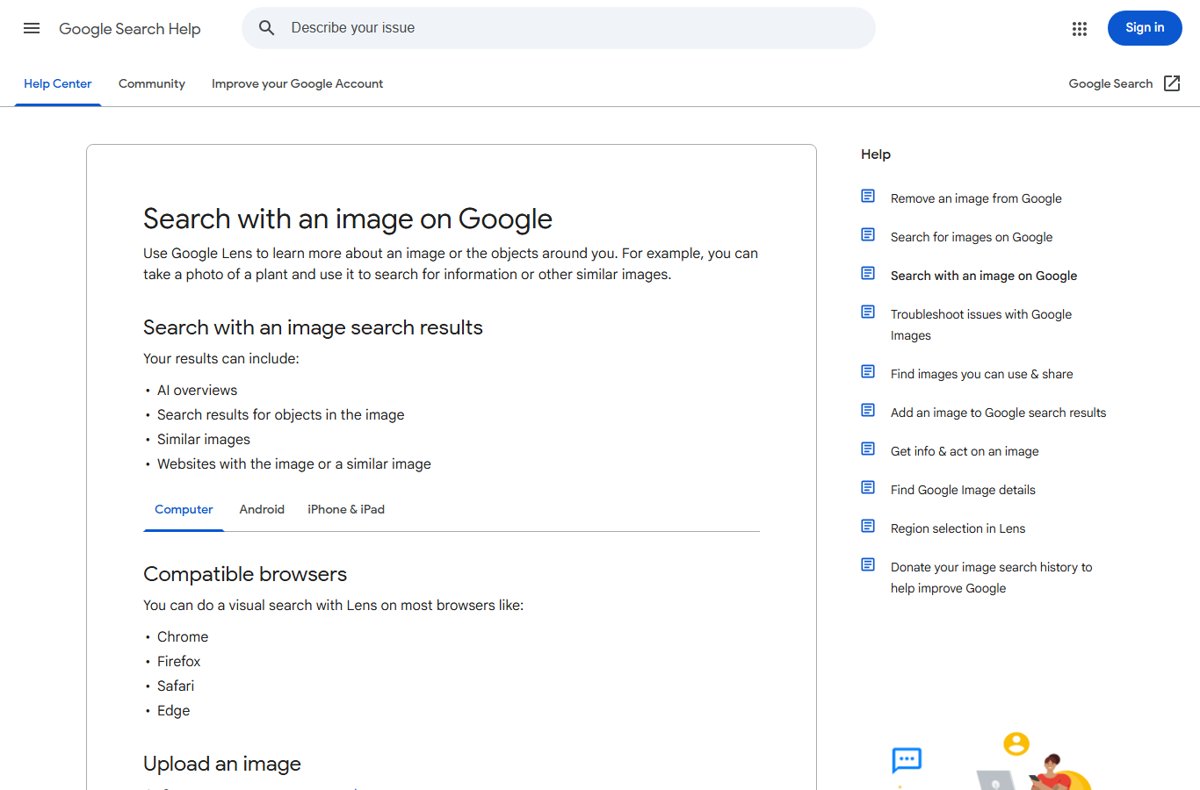
Google Lens image search explained: upload a photo at google.com, tap Lens in the Google app, or right-click an image in Chrome. Steps, results and fixes.
ESPN app download for PC: get the free ESPN app from the Microsoft Store on Windows 11 and 10, watch at espn.com on Mac, then sign in with a plan or TV provider.
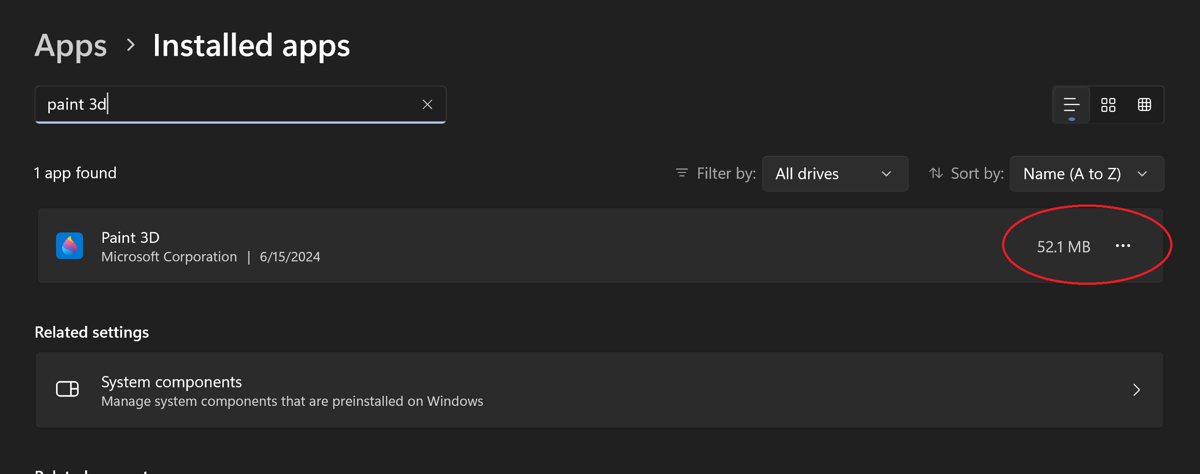
Installing Paint 3D on Windows 10 and 11 is no longer possible: Microsoft pulled it from the Store. Check whether your PC still has it, repair it, or replace it.
PowerPanel Personal download for Windows 11, Windows 10, Mac and Linux: the free CyberPower UPS software, which build to pick, install steps and shutdown fixes.
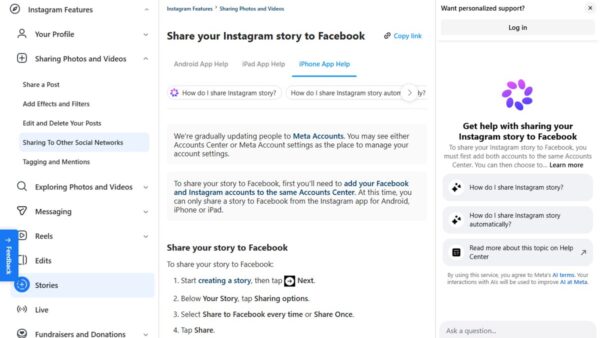
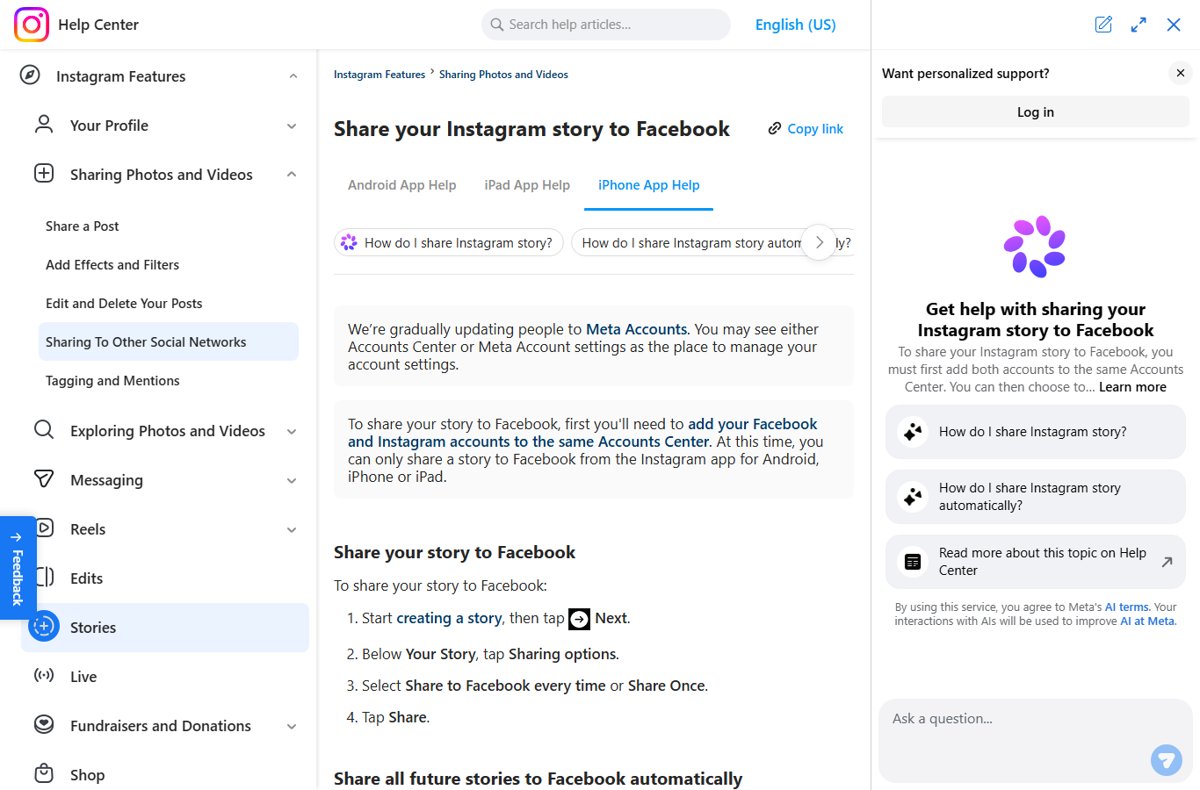
Stop Instagram stories posting to Facebook: turn off Your Instagram story under Crossposting, switch off Sharing across profiles, or unlink the accounts.
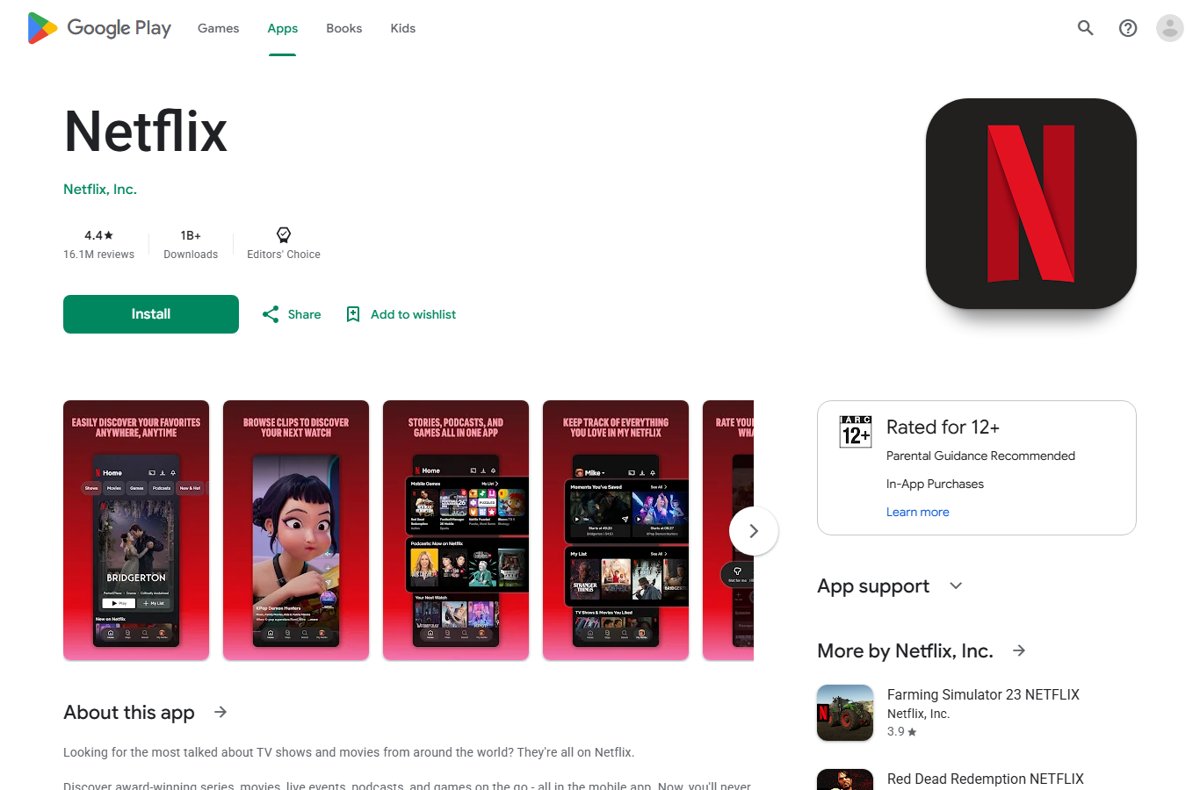
Download Netflix movies on a laptop: Netflix lists only Chromebooks with Google Play. Steps, quality settings, download limits and fixes that work.
Symantec VIP Access download for Windows 11, 10, Mac, iPhone and Android from Broadcom’s vip.symantec.com. Install it, register your ID and fix code errors.
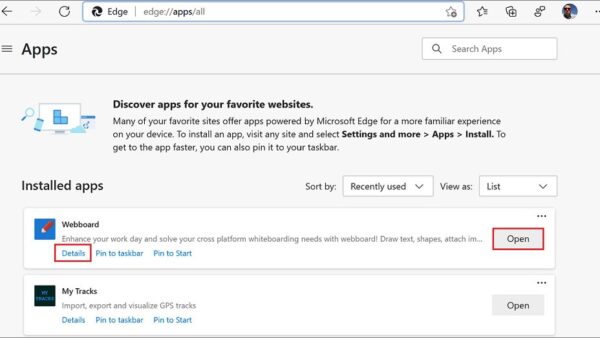
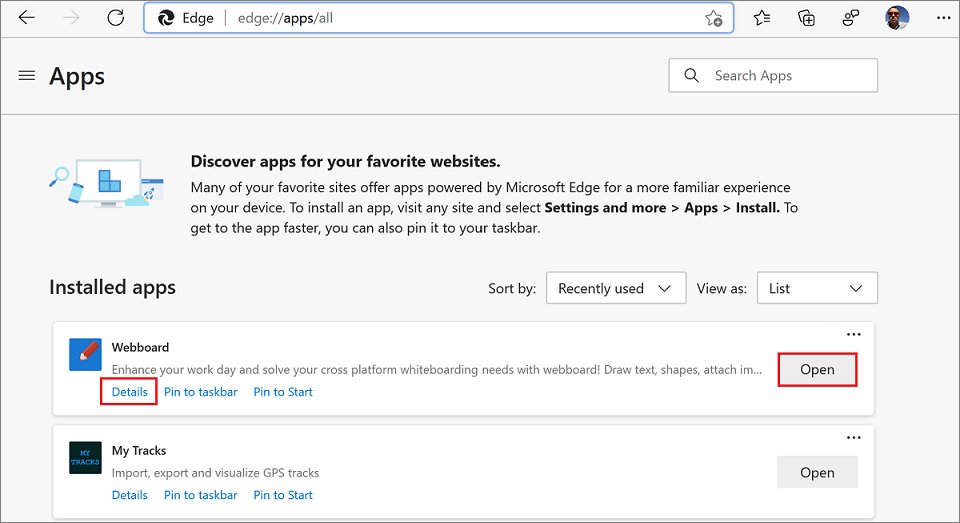
Add Pandora to your desktop in Windows 11: install it as an app from Edge or Chrome, get the Microsoft Store app, and pin the icon to the taskbar.
Kindle create download for PC and Mac: get Amazon’s free KDP formatting tool, install it on Windows 11, 10 or macOS, and fix import and export errors.
Open the Windows Run command dialog box by pressing Windows key + R. Seven ways for Windows 11 and 10, useful Run commands, admin runs and fixes when it fails.
MongoDB Compass download for Windows 11, 10 and Mac: get the free GUI from mongodb.com, pick the exe, msi, zip or dmg, install it and fix common errors.