How to change main display in Windows 11
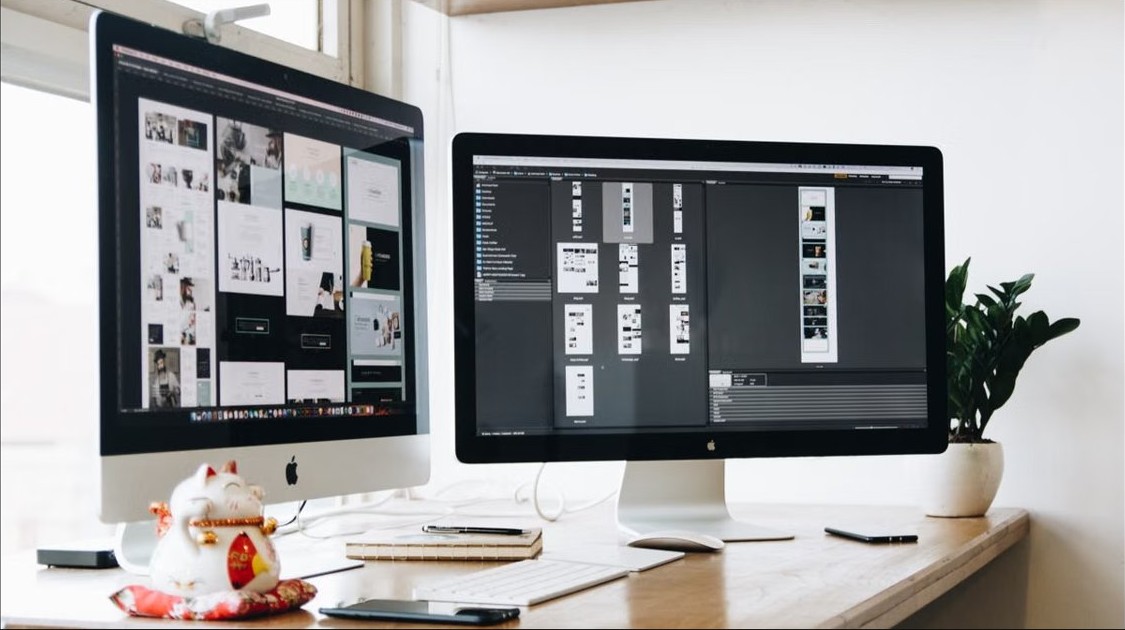
Change the main display in Windows 11 from Settings > System > Display: pick the monitor, tick Make this my main display, and fix it when the option is greyed out.
4,025 articles

Change the main display in Windows 11 from Settings > System > Display: pick the monitor, tick Make this my main display, and fix it when the option is greyed out.
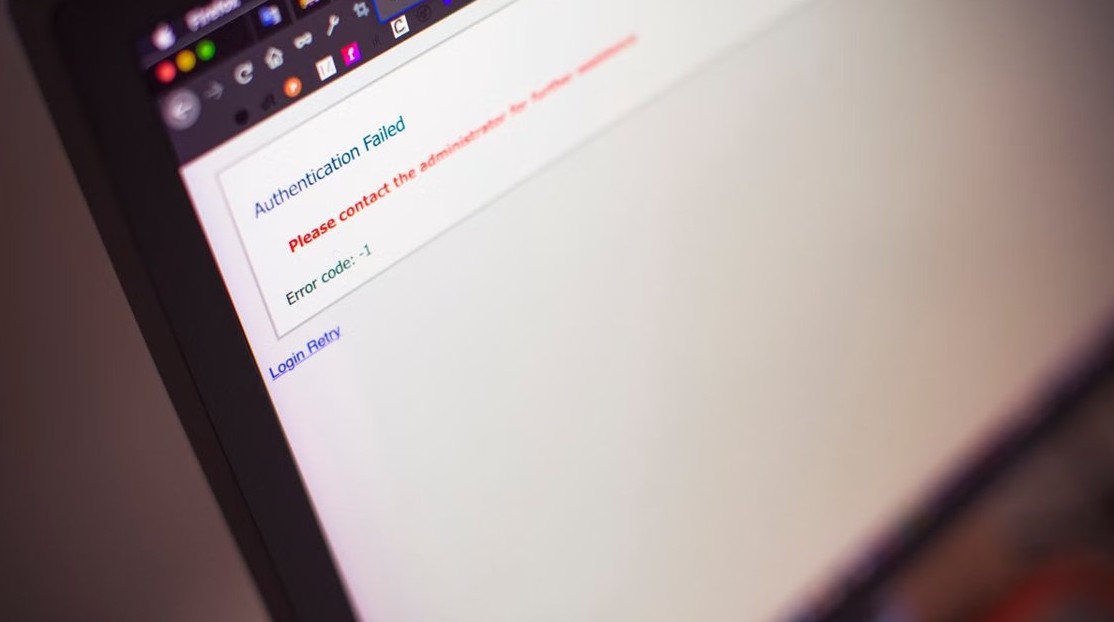
IMAP password prompt in iPhone Mail or Outlook? Test the password in webmail, then re-add the account with the right provider, or use an app password.

Enable light theme on Windows 10/11 from Settings > Personalization > Colors, apply a light theme from the Microsoft Store, or create and save your own theme.

Remove page breaks in Microsoft Word: show formatting marks, select the manual break and press Delete. Fixes for automatic breaks, section breaks and blank pages.
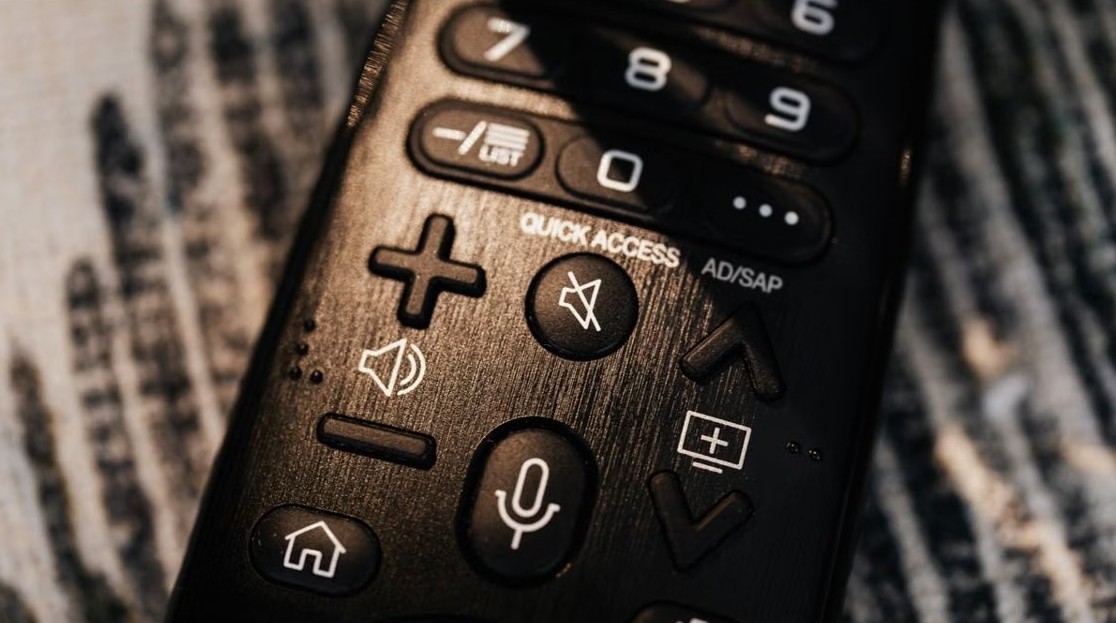
Reset a Firestick remote: unplug the Fire TV for 60 seconds, hold Left, Menu and Back for 12 seconds, then re-pair. Steps for Basic Edition and 1st-gen remotes too.
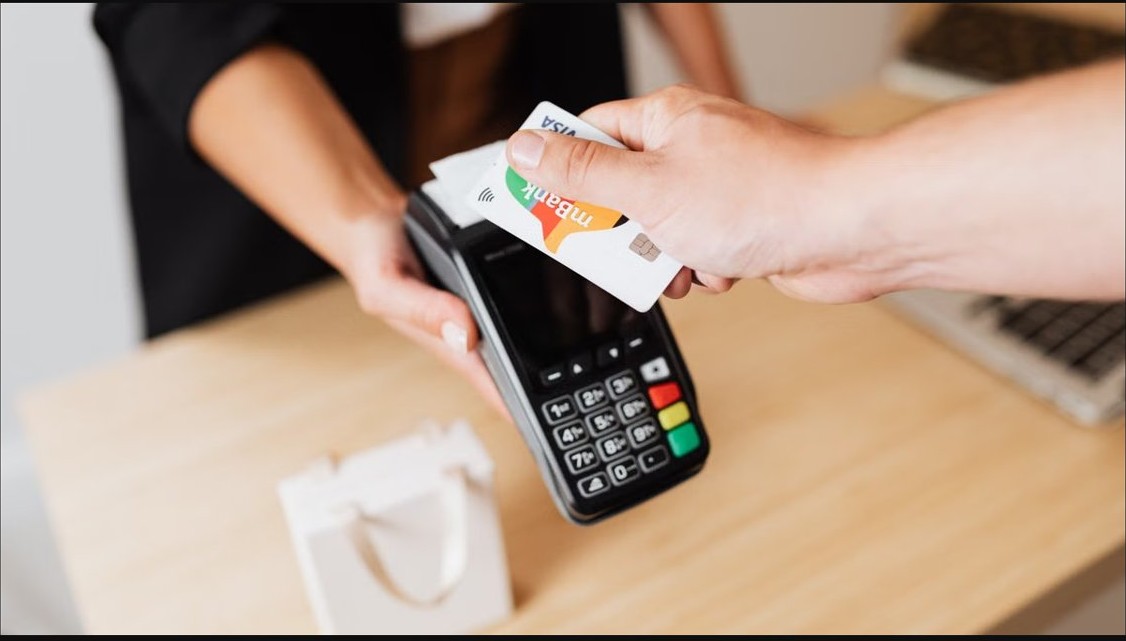
Apple refund requests for apps, subscriptions and in-app purchases go through reportaproblem.apple.com. Steps, Apple Store returns, refund status and timing.
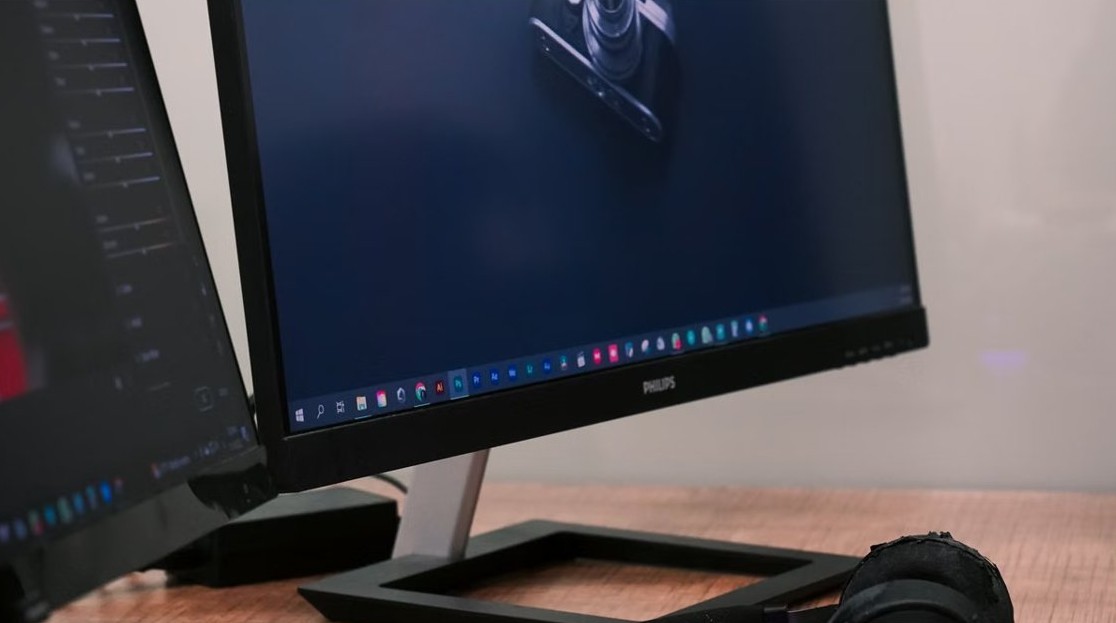
Display brightness all the way down and you can’t see your iPhone? Raise it from Control Center, with VoiceOver, or fix dimming from Reduce White Point and heat.


Windows 11 beginner’s guide: requirements, upgrading, the Start menu, taskbar, widgets, virtual desktops, File Explorer, security, updates and key shortcuts.
Delete downloaded Windows update files from Settings, Disk Cleanup or the SoftwareDistribution folder in Windows 11 and 10, with safe commands and fixes.
Windows Modules Installer Worker (TiWorker.exe) high CPU or disk usage? Let updates finish, then clear the update cache, run DISM and SFC, and clean WinSxS.
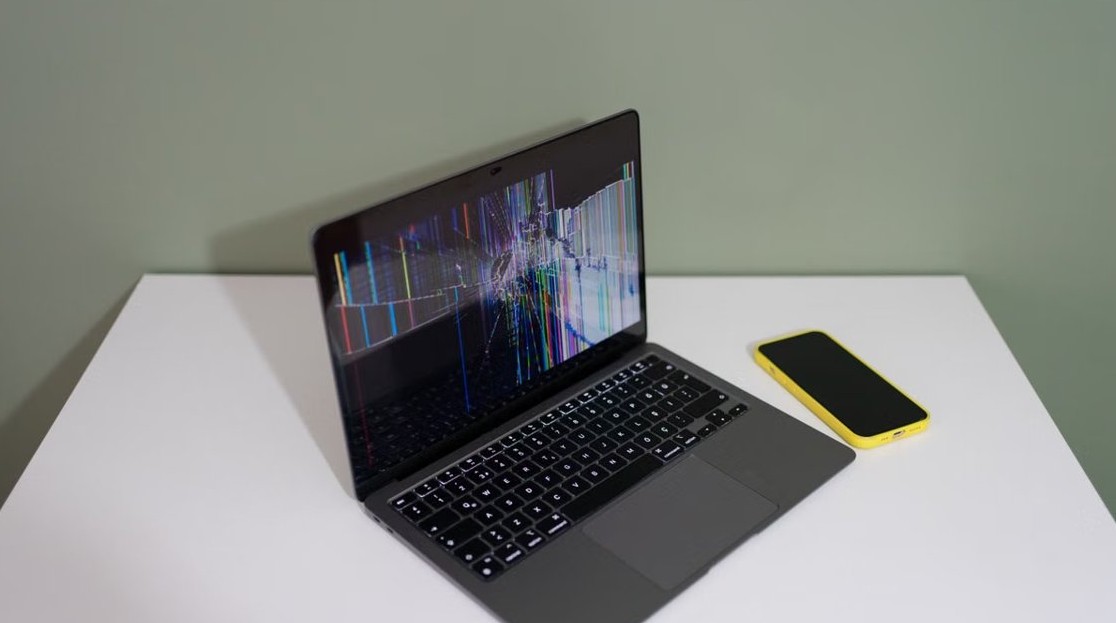
SESSION1 INITIALIZATION FAILED (stop code 0x6D) stops Windows 11 during startup. Fix it with Startup Repair, System Restore, update removal, SFC, DISM and chkdsk.
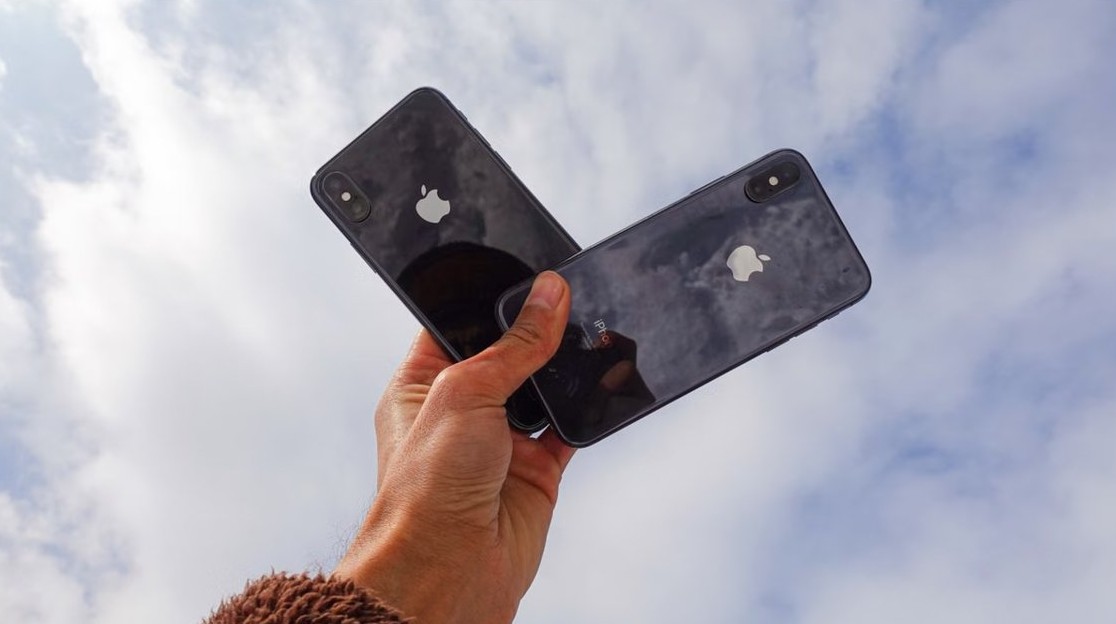
Get back to Quick Start on a new iPhone by erasing it in Settings > General > Transfer or Reset iPhone, then set it up again next to your old iPhone.