
Why do I need an iCloud email address when I have already got an email address?

You do not need an iCloud email address to use an Apple Account. Learn when an @icloud.com address is required, how to create one, and what iCloud does for you.
4,025 articles

You do not need an iCloud email address to use an Apple Account. Learn when an @icloud.com address is required, how to create one, and what iCloud does for you.
Process Monitor download for Windows 11 and 10: get the free 3.1 MB Sysinternals ZIP from Microsoft, run Procmon64.exe as admin and capture a trace.


See the names and values of environment variables in Windows 11/10 from the Environment Variables dialog, the set command or PowerShell Get-ChildItem Env:.


Recover deleted photos on iPhone from Recently Deleted within 30 days, then iCloud.com, an iCloud backup, a Finder or iTunes backup, Messages and shared albums.

Find a recently downloaded file on Windows 10 or 11: open Downloads in File Explorer, press Ctrl + J in your browser, or search with datemodified:today.

See connected devices in Windows 11 under Settings > Bluetooth & devices > Devices, or list every piece of hardware in Device Manager, PowerShell and pnputil.


Fix runtime errors on Windows 11: find the crashing app in Event Viewer, repair or update it, reinstall Visual C++ Redistributables, then run DISM and SFC.


Turn keyboard backlight auto brightness on or off in Windows 11 from Settings > Bluetooth & devices > Keyboard, plus energy saver dimming and fixes.
Sysinternals download for Windows 11 and 10: get the free Suite ZIP from Microsoft, pick the x64, ARM64 or Nano Server build, or install it from the Store.
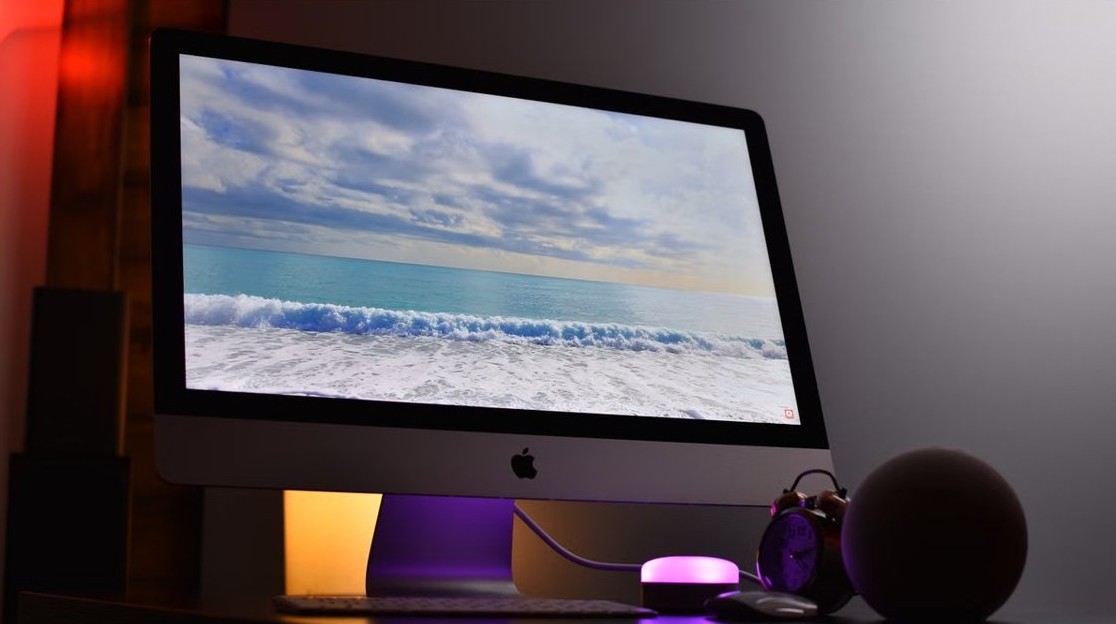
Apps menu changed on the Dock in macOS 26 Tahoe? Spotlight’s Apps window replaced Launchpad. Switch it to Grid or List, filter apps and set up your Dock.

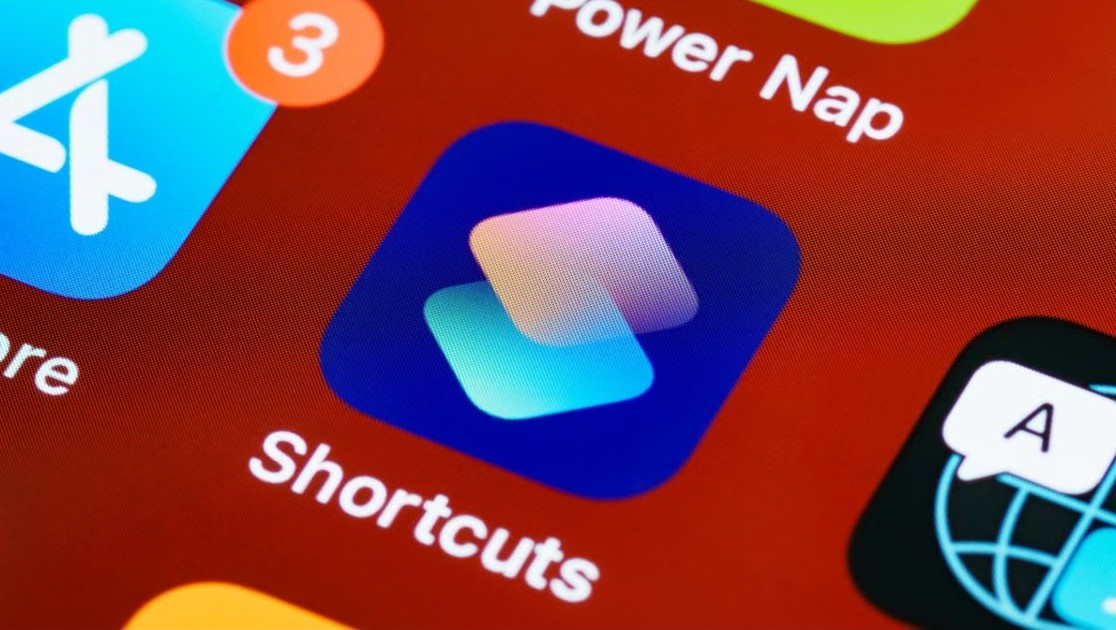
Factory reset an iPhone without Face ID using your passcode, the Forgot Passcode lock screen option, recovery mode on a computer, or Find Devices on iCloud.com.
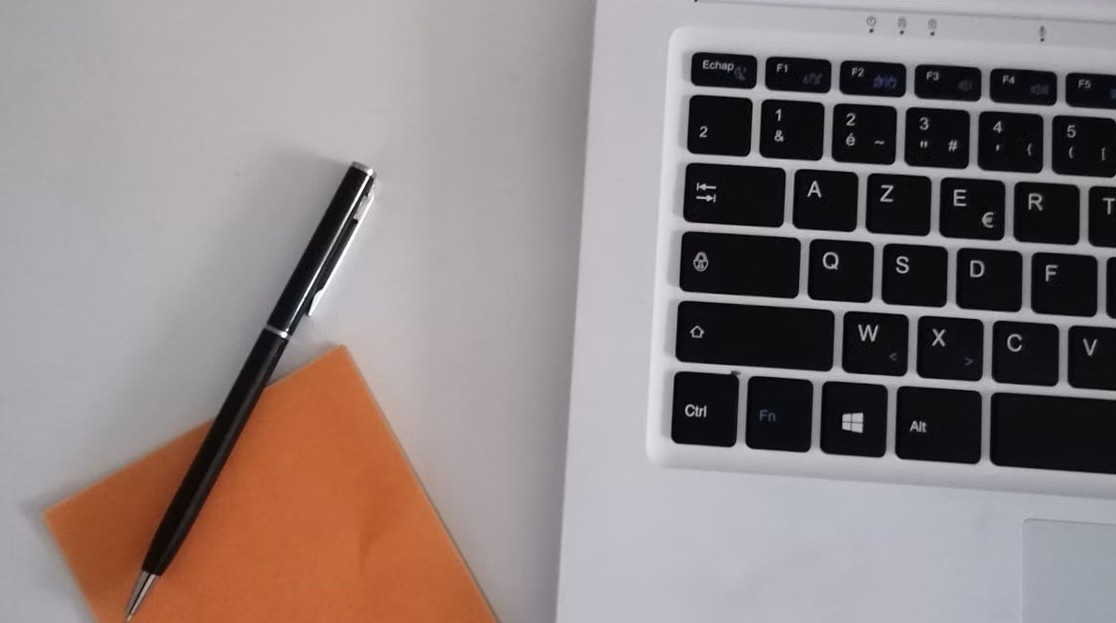
Put Sticky Notes or Notepad on your desktop in Windows 11/10: drag the app from Start to the desktop, pin it to the taskbar, add images and fix missing notes.