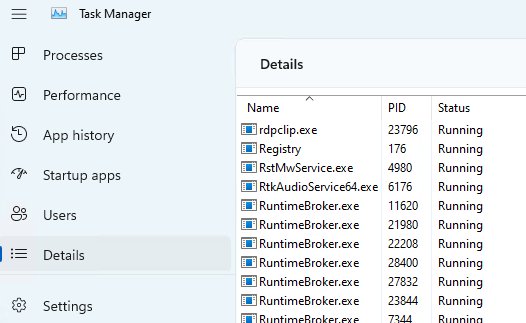
How to open app file location Windows 11
Open an app’s file location in Windows 11: search the app, right-click it and pick Open file location. Store apps, Task Manager, Run and PowerShell routes too.
2,127 articles

Open an app’s file location in Windows 11: search the app, right-click it and pick Open file location. Store apps, Task Manager, Run and PowerShell routes too.
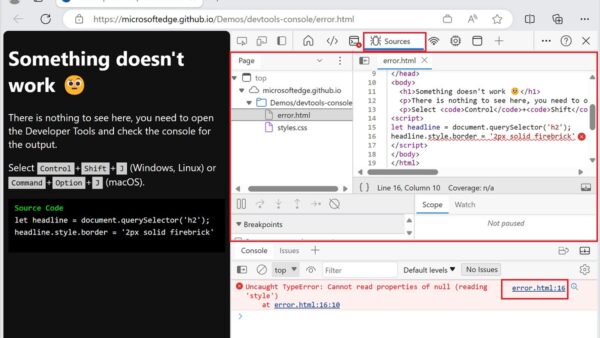
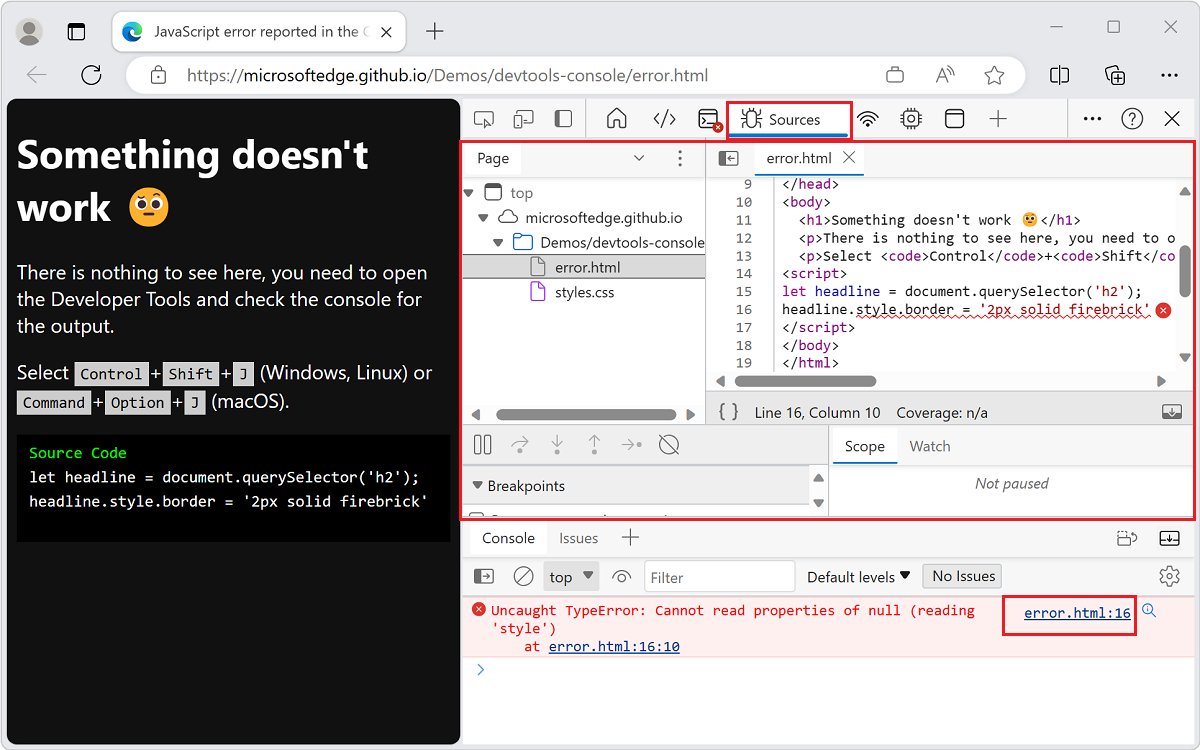
Troubleshoot JavaScript errors in Microsoft Edge DevTools: read the Console, jump to the failing line in Sources, set breakpoints and trace failed network calls.
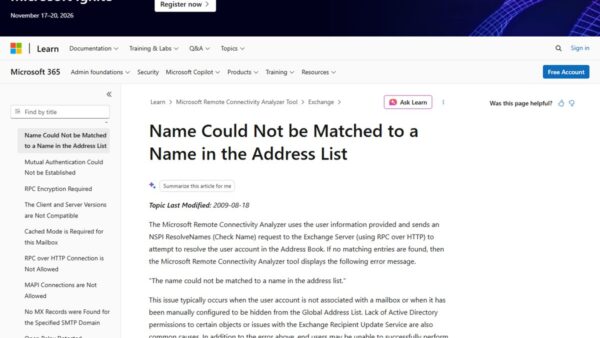
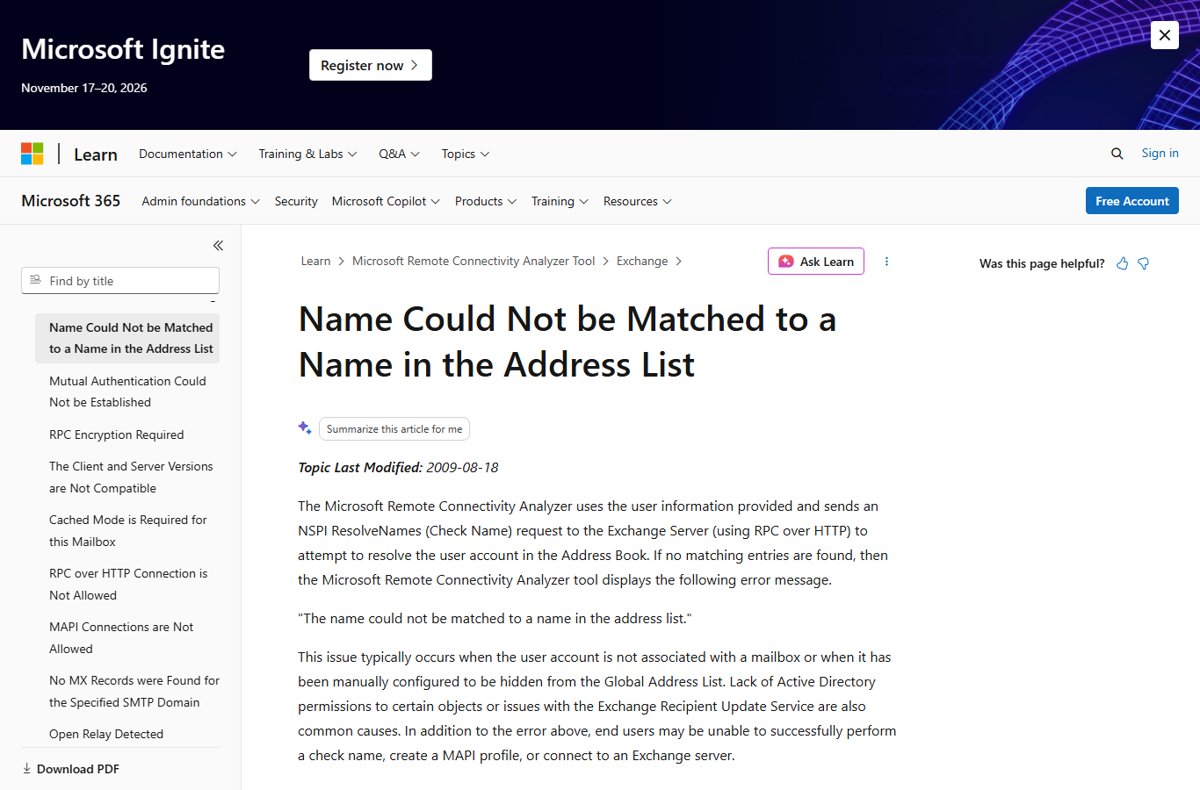
The name cannot be matched to a name in the address list: clear the Outlook nickname cache, unhide the mailbox in the GAL, and retest Autodiscover.
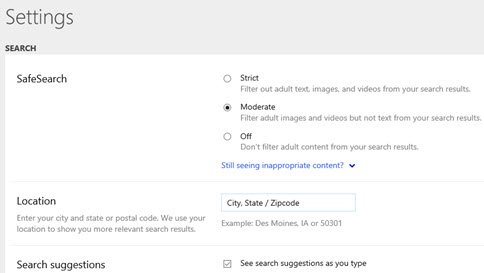
Alter SafeSearch settings on Bing from the menu: Settings > More, pick Strict, Moderate or Off, then Save. Plus Windows, Family Safety, network locks and fixes.
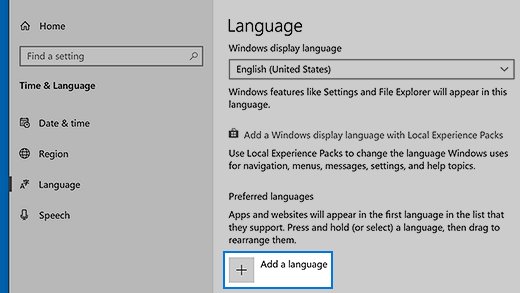
Download and install a language pack in Windows 11 or 10 from Settings, PowerShell or DISM, add language features offline, remove packs and fix failed installs.
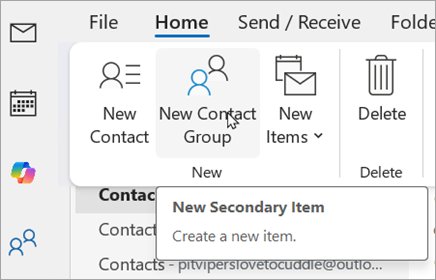
Create an email group in Outlook: contact groups in classic Outlook, contact lists in new Outlook and on the web, plus Microsoft 365 distribution lists.
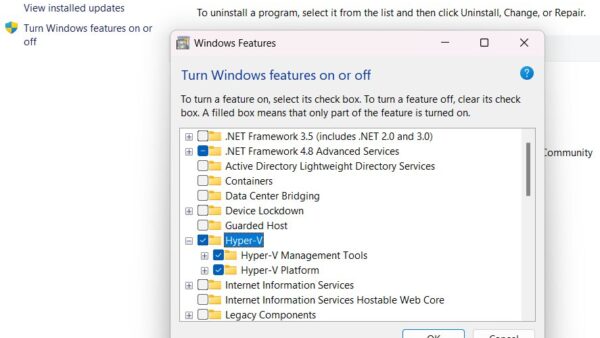
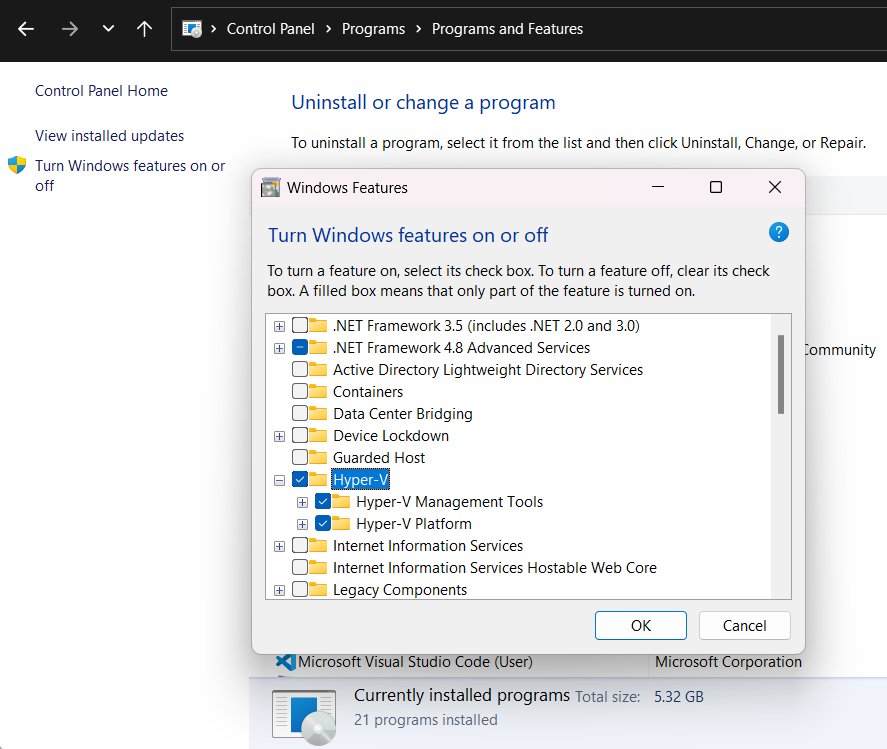
Install Microsoft Print to PDF on Windows 11 or 10 by ticking it in Windows Features. Five methods, how to use it, and fixes when the PDF printer is missing.
ADP Mobile Solutions download for PC and phone: use MyADP as a desktop app on Windows 11, 10 and Mac, or get the free ADP app for iPhone and Android.
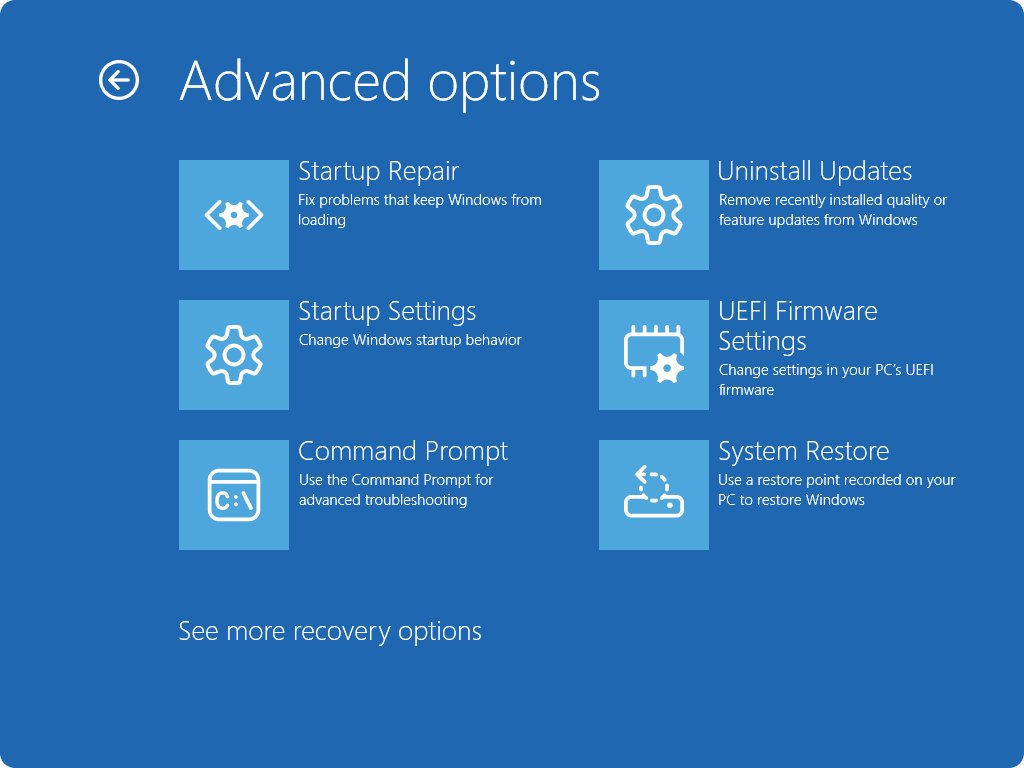
Hide updates on Windows 11 and 10 by pausing them for up to 35 days or blocking drivers with Group Policy or the registry, then show them again when ready.
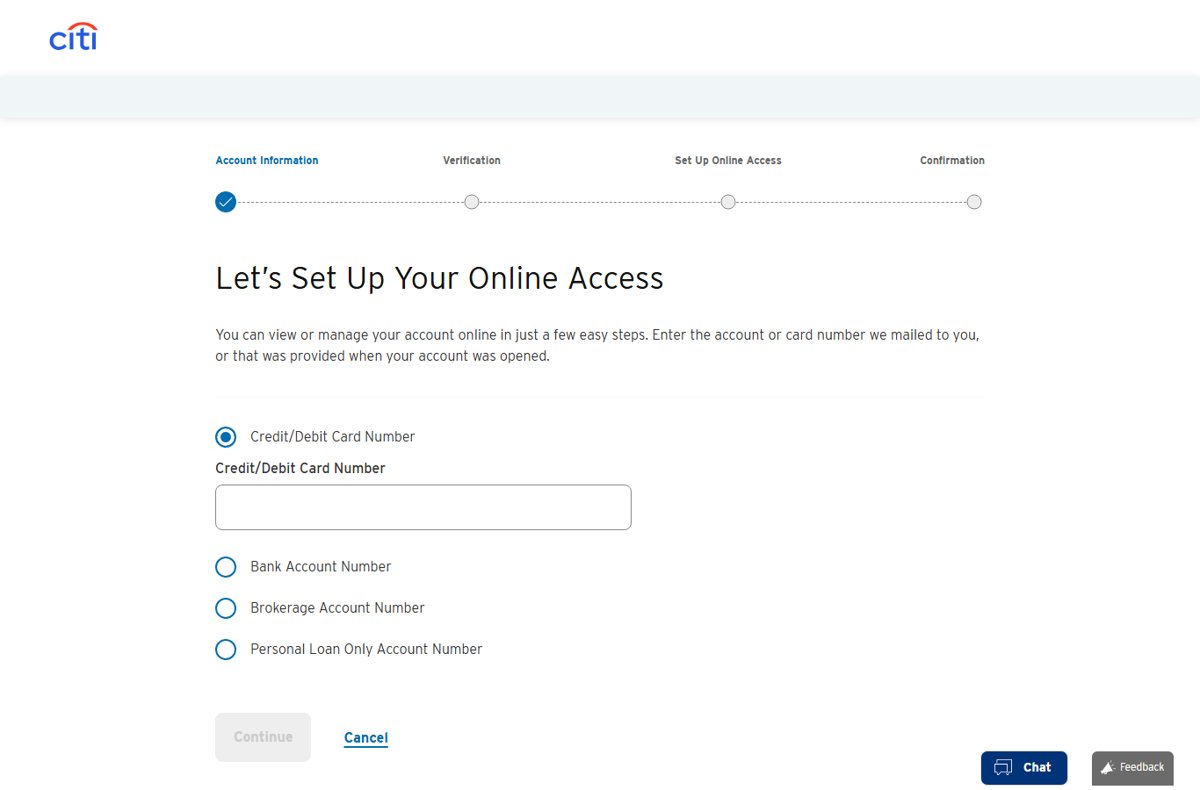
Find your Citibank account number and routing number in the Account information box in Citibank Online, on a statement, or on a Citi check.
Amazon WorkSpaces Client download for Windows 11, Mac, Linux, iPad and Android: official links, install steps, requirements, updates and connection fixes.
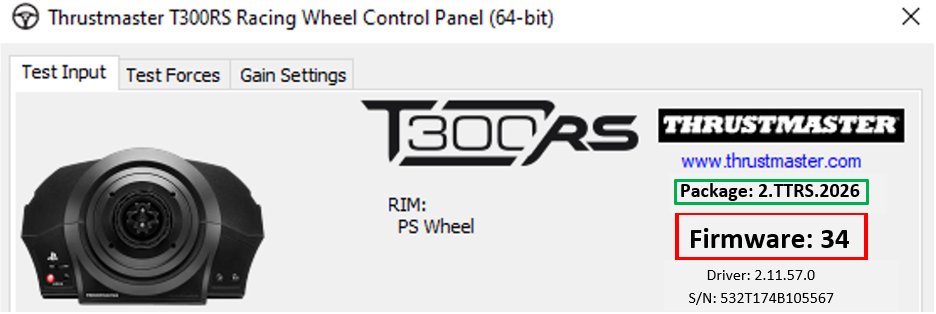
Open the Thrustmaster Control Panel in Windows 11 with joy.cpl, then use its Test Device, Test Forces and Settings tabs. Plus fixes when the wheel is missing.