Techdows

Windows how-to guides, fixes and software downloads

  • Home
  • Settings and hardware

    • Printers
    • Sound and microphone
    • Wi-Fi and network
    • Bluetooth
    • Display and monitors
    • Drivers
    • Keyboard shortcuts and symbols

    Using Windows

    • File Explorer
    • Storage and disk space
    • Taskbar, Start and desktop
    • Apps and default programs
    • Accounts and sign-in
    • Copilot in Windows
    • Command Prompt and PowerShell

    Updates and fixes

    • Windows Update
    • Windows 11 26H2
    • Error codes and BSOD
    • Boot, BIOS and recovery
    • Security and Defender
    • Task Manager and performance
    • DLL and runtime errors

    Popular fixes

    • Get help in Windows 11
    • Connect a wireless printer
    • Re-pair Bluetooth earbuds for stereo sound
    • Cancel a stuck print job
    • Change default programs

    All Windows guides →

  • Browse by type

    • Web browsers
    • Office and productivity apps
    • PC games and launchers
    • Phone and media apps
    • Developer tools
    • Creative apps
    • CAD software
    • System utilities and drivers

    Popular downloads

    • GTA V for PC
    • YouTube app for PC
    • Google Meet for PC
    • Cisco Packet Tracer
    • TikTok for PC

    Windows tools

    • PC Health Check app
    • HEVC Video Extension
    • DirectX 12
    • Cinebench R23

    All download guides →

  • Browser guides

    • Microsoft Edge
    • Google Chrome
    • Firefox
    • Web browsers for PC

    Microsoft Edge

    • Fix WebView2 using too much memory
    • Internet Explorer mode in Edge
    • Manage Edge favorites
    • Set or remove Edge as default

    Chrome and Firefox

    • Make Chrome the default browser
    • Restore closed tabs
    • Change the default web browser

    All browser guides →

  • Office guides

    • Outlook
    • Excel
    • Word and PowerPoint
    • OneDrive
    • Install Microsoft 365

    Meetings and other tools

    • Teams, Zoom and Google Meet
    • Google Docs and Sheets
    • PDF tools

    Office apps

    • Office product key
    • Office Deployment Tool
    • What is OneDrive?
    • Turn off OneDrive in Windows 11

    Outlook and Teams

    • Outlook inbox view changed
    • Schedule an email in Outlook
    • Outlook dark mode
    • Teams breakout rooms

    All Office and productivity guides →

  • PHP security

    • PHP2Shell patch download
    • PHP critical RCE security update
    • CVE-2026-109618 fix
    • CVE-2026-109619 explained
    • Mitigations if you can't update

    Update PHP

    • Update PHP to the latest version
    • Check your PHP version
    • Update PHP on Ubuntu and Debian
    • Restart PHP-FPM

    Hosting and local servers

    • Update PHP in XAMPP
    • Change PHP version in cPanel
    • Update PHP in Laragon and WampServer
    • Update PHP Docker images
    • WordPress PHP version check

    PHP downloads

    • PHP 8.5.12 download
    • PHP 8.4.27 download
    • PHP 8.3.36 and 8.2.35 download
    • Download PHP for Windows

    PHP2Shell by platform

    • PHP 8.3 fix on Ubuntu 24.04
    • PHP 8.1 fix on Ubuntu 22.04
    • PHP 8.2 and 8.4 fix on Debian
    • Update PHP on IIS
    • Cloudflare PHP2Shell WAF rule

    All PHP guides →

  • Sections

    • Gaming
    • Apple
    • Android
    • Apps and services
    • Developer and IT

    Apple

    • iPhone tips and fixes
    • Reset and restore iPhone
    • iPad
    • Mac and macOS
    • Apple Account and iCloud
    • Apple devices on Windows

    Apps, Android and gaming

    • Gmail and Google account
    • YouTube
    • Social media accounts
    • Streaming TV
    • Android and Samsung Galaxy
    • PC gaming and Xbox
    • Roblox and Minecraft on PC

    Developer and IT

    • WSL and developer setup
    • Virtual machines
    • Group Policy and Intune
    • Windows Server
    • Website error codes
  • News
Home›Windows

Windows

1,050 articles

Windows 11 and Windows 10 how-to guides, fixes and explainers, grouped by topic. Settings and hardware: printers, sound and microphone, Wi-Fi and network settings, Bluetooth, display and monitor settings, drivers, keyboard shortcuts and symbols and screenshots. Using Windows: File Explorer, storage and disk space, taskbar, Start and desktop, apps and default programs, accounts and sign-in, Copilot, Remote Desktop, media players and codecs, opening file types and Command Prompt and PowerShell. Updates and problems: Windows Update, Windows 11 26H2, Task Manager and performance, boot, BIOS and recovery, security and Defender, error codes and BSOD, DLL and runtime errors and Windows processes.

How to
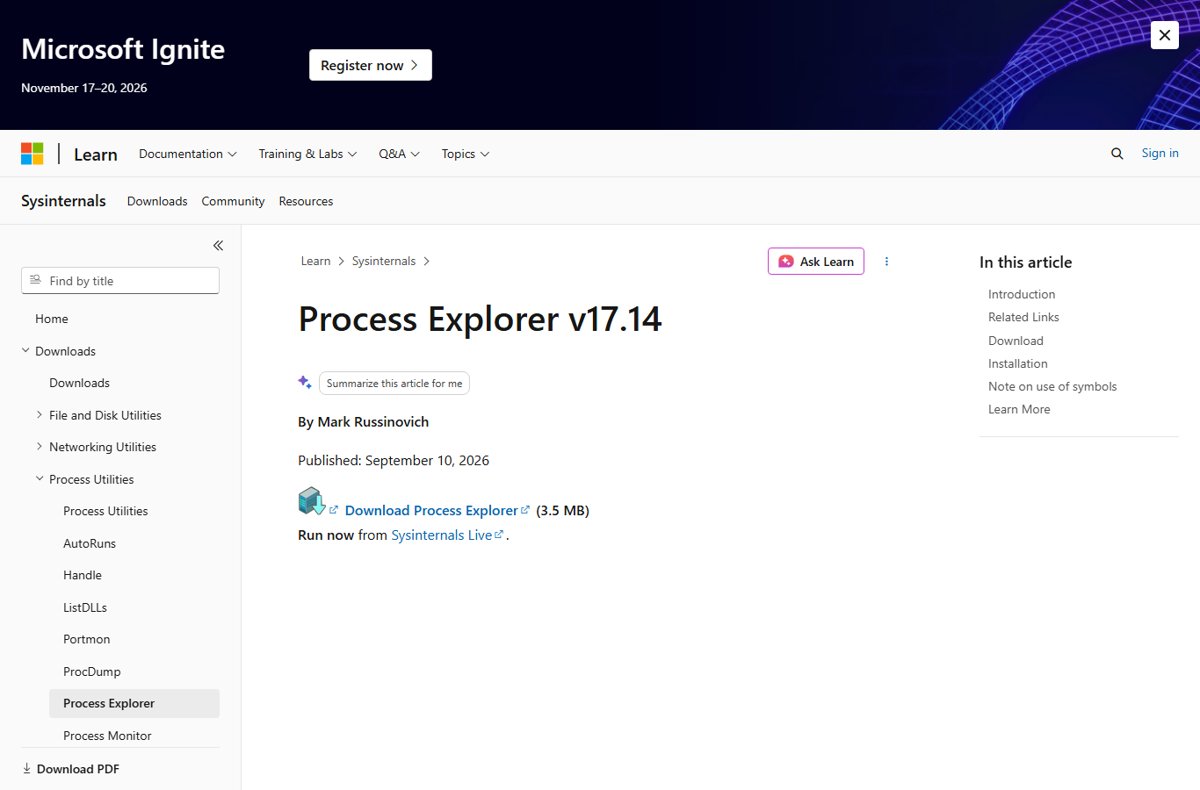
Sysinternals Process Explorer download page on Microsoft Learn

What is COM Surrogate Windows 11
October 9, 2026 by Philip Celasco Leave a Comment
Sysinternals Process Explorer download page on Microsoft Learn

COM Surrogate in Windows 11 is dllhost.exe, a Windows process that runs COM components such as thumbnail handlers in isolation. Check, stop or fix it.
Posted in: How to, Windows
How to
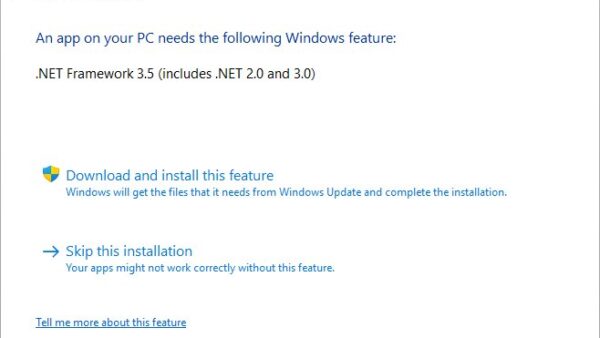
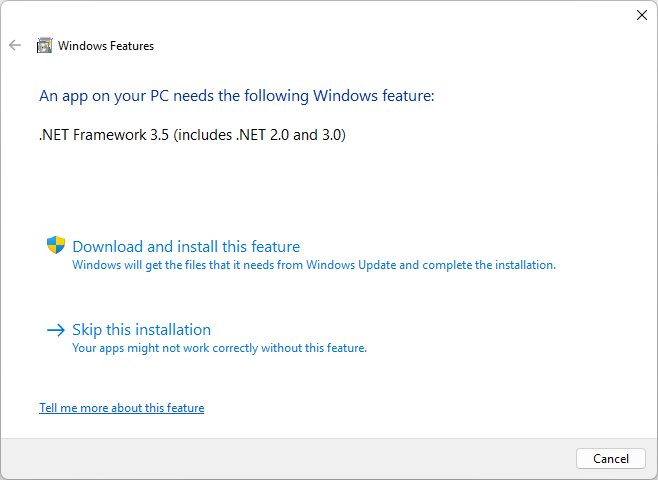
Windows Features prompt offering to download and install .NET Framework 3.5

How to install .NET Framework 2.0 on Windows 11

October 9, 2026 by Philip Celasco Leave a Comment
Windows Features prompt offering to download and install .NET Framework 3.5

Install .NET Framework 2.0 on Windows 11 by enabling .NET Framework 3.5 in Windows Features, PowerShell or DISM, plus the 26H1 standalone installer and error fixes.
Posted in: How to, Windows
How to
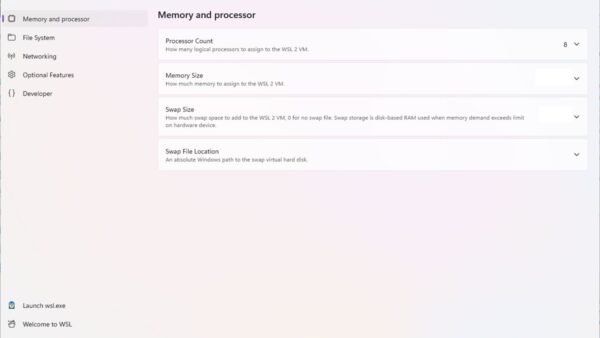
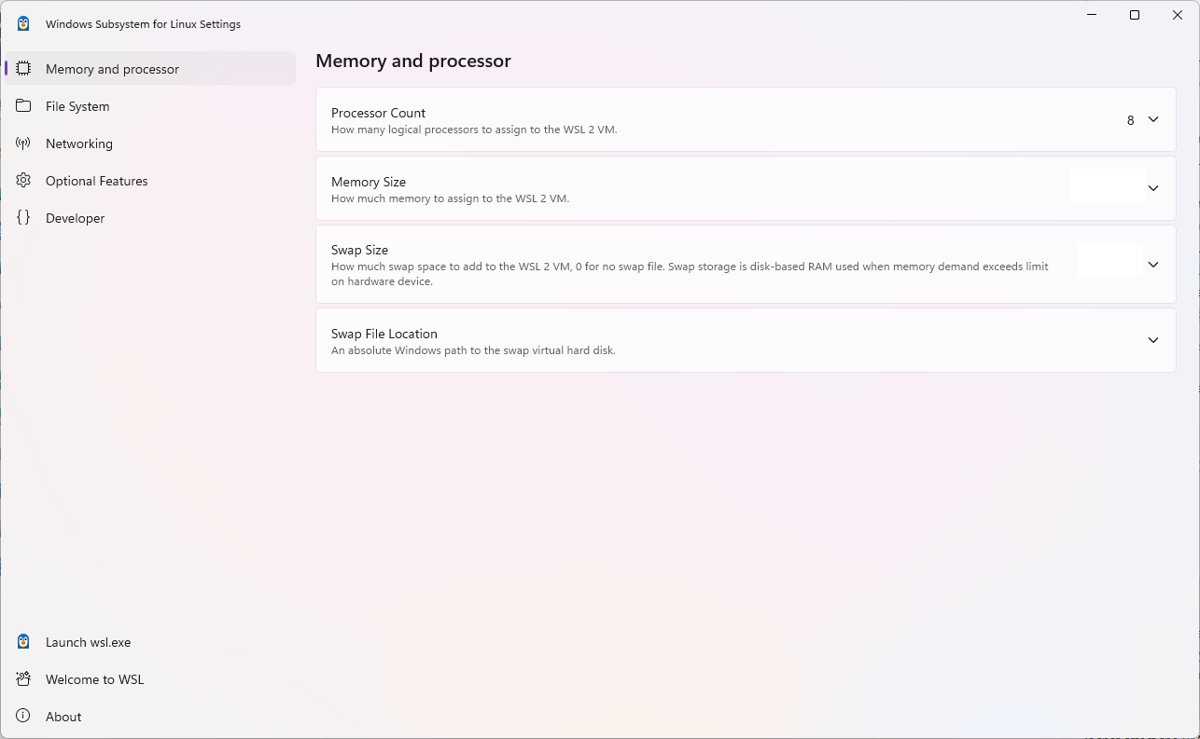
Windows Subsystem for Linux Settings app showing the Memory and processor page

How to fix Vmmem high memory and CPU usage

October 9, 2026 by Philip Celasco Leave a Comment
Windows Subsystem for Linux Settings app showing the Memory and processor page

Fix Vmmem high memory and CPU usage by shutting down WSL with wsl –shutdown, capping WSL 2 in .wslconfig, and trimming Docker Desktop and Hyper-V VMs.
Posted in: How to, Windows
How to
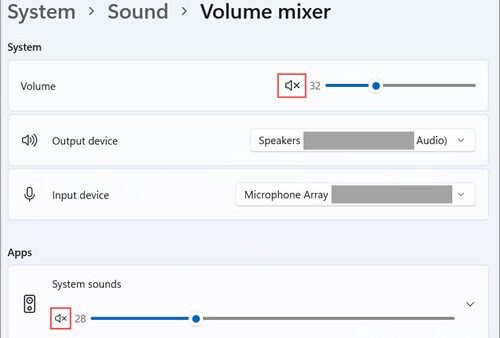
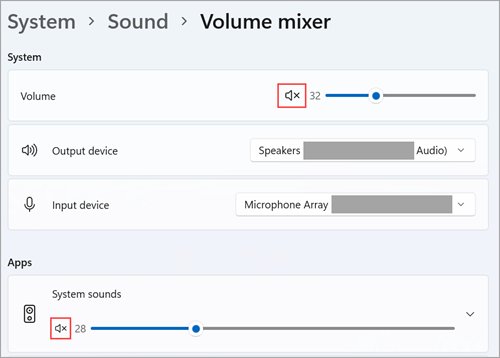
Windows 11 Volume mixer page with system volume, output device and input device

How to manage sound settings on Windows 11

October 9, 2026 by Philip Celasco 1 Comment
Windows 11 Volume mixer page with system volume, output device and input device

Manage sound settings on Windows 11: open Settings > System > Sound to pick speakers and microphones, set per-app volume, turn on spatial sound and fix audio.
Posted in: How to, Windows
How to
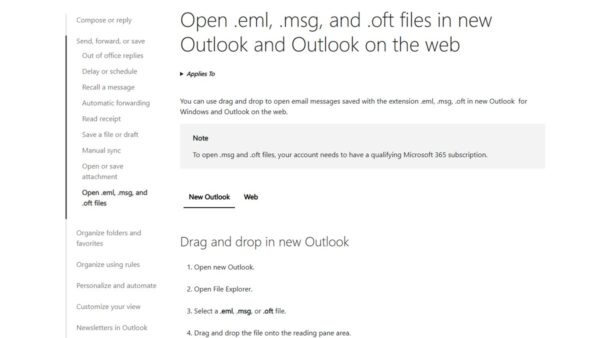
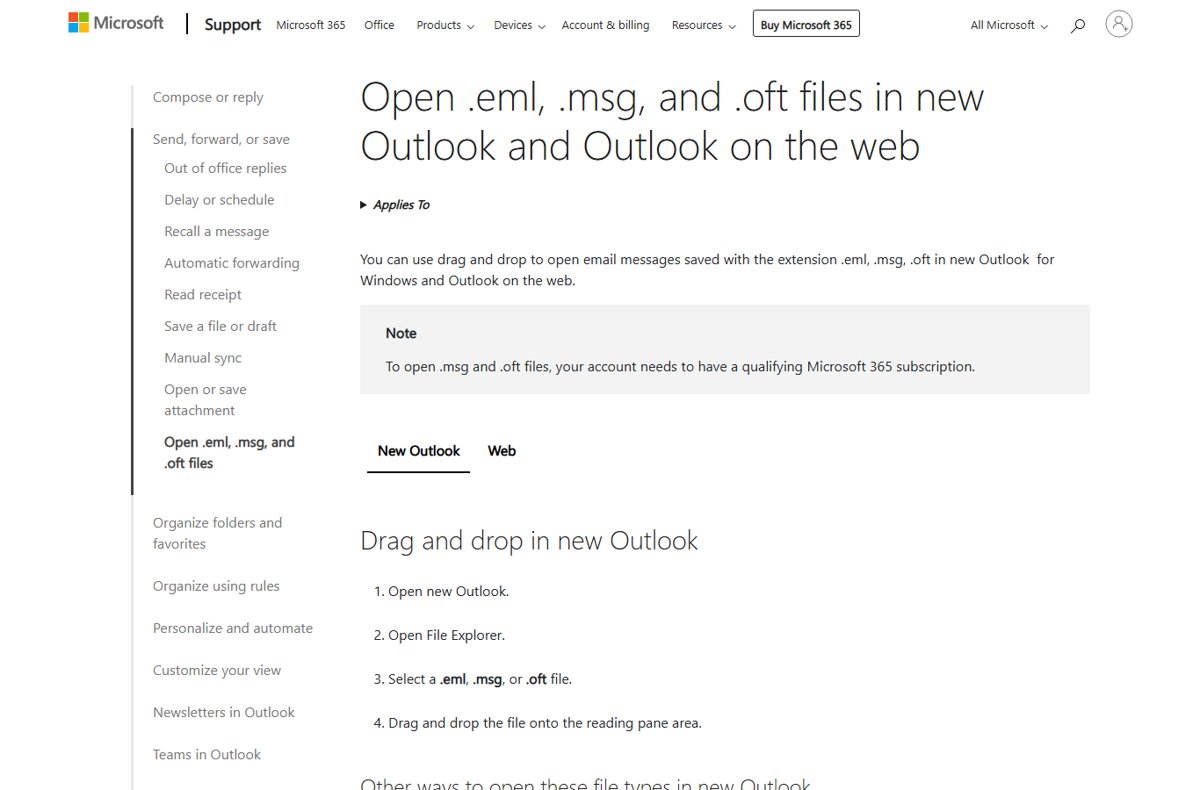
Microsoft support page on opening .eml, .msg and .oft files by drag and drop

What is an EML file and how do I open it? (2026 guide)

October 9, 2026 by Philip Celasco Leave a Comment
Microsoft support page on opening .eml, .msg and .oft files by drag and drop

An EML file is a single email message saved in MIME format. Open it in new Outlook, Outlook on the web or a desktop mail app, convert it to PDF, and fix errors.
Posted in: How to, Windows
How to
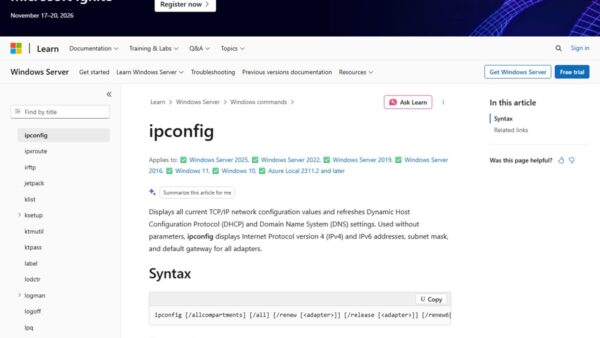
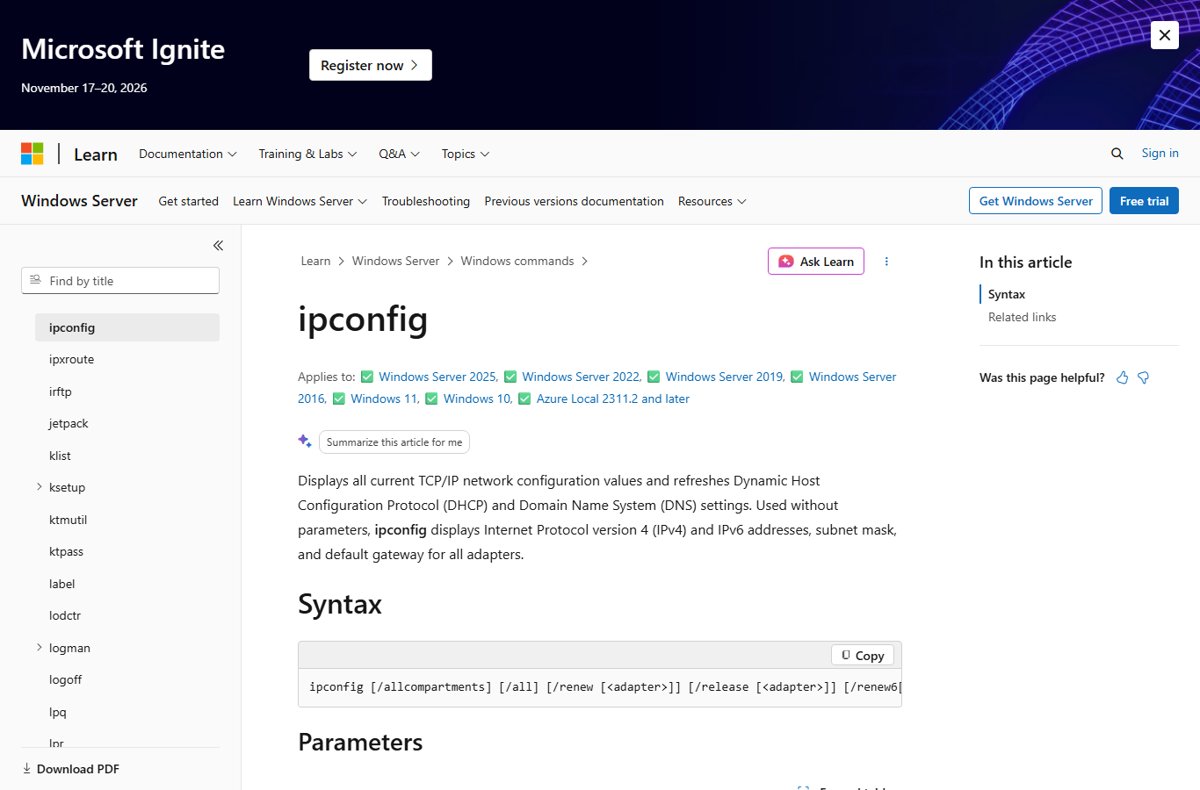
Microsoft Learn ipconfig command reference with syntax and Windows 11 support list

10.0.0.0.1 Piso WiFi: how to login to router admin

October 9, 2026 by Philip Celasco Leave a Comment
Microsoft Learn ipconfig command reference with syntax and Windows 11 support list

10.0.0.0.1 Piso WiFi is a typo: the portal is 10.0.0.1. Find the right IP, open the admin login, fix pages that will not load and secure the vendo.
Posted in: How to, Windows
How to
User Account Control consent prompt with Yes and No buttons

How to open or launch Command Prompt in Windows 11

October 9, 2026 by Philip Celasco 4 Comments
User Account Control consent prompt with Yes and No buttons

Open Command Prompt in Windows 11 from Search, Run, Win+X, Terminal or Task Manager, run it as administrator, and fix it opening at startup or being blocked.
Posted in: How to, Windows
How to
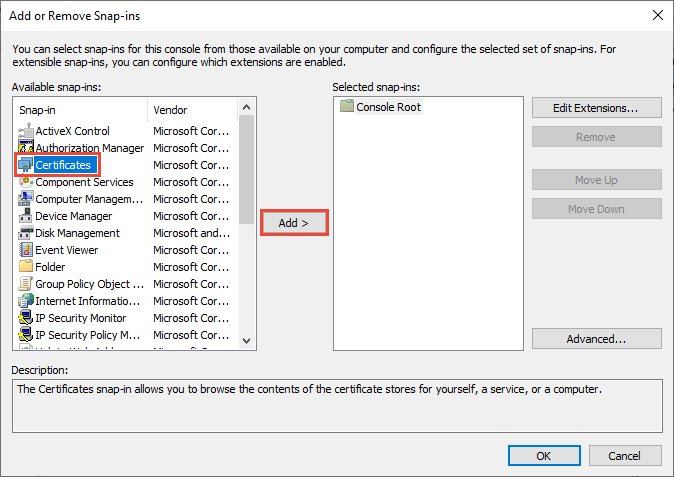
Add or Remove Snap-ins dialog with Certificates selected and Add button highlighted

How to check certificates on Windows 10: a detailed step-by-step guide

October 8, 2026 by Philip Celasco Leave a Comment
Add or Remove Snap-ins dialog with Certificates selected and Add button highlighted

Check certificates on Windows 10 with certmgr.msc for your account or certlm.msc for the computer. Also MMC, PowerShell, certutil, browsers and signed files.
Posted in: How to, Windows
How to
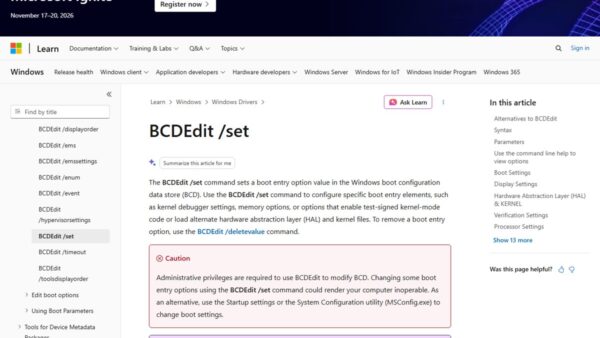
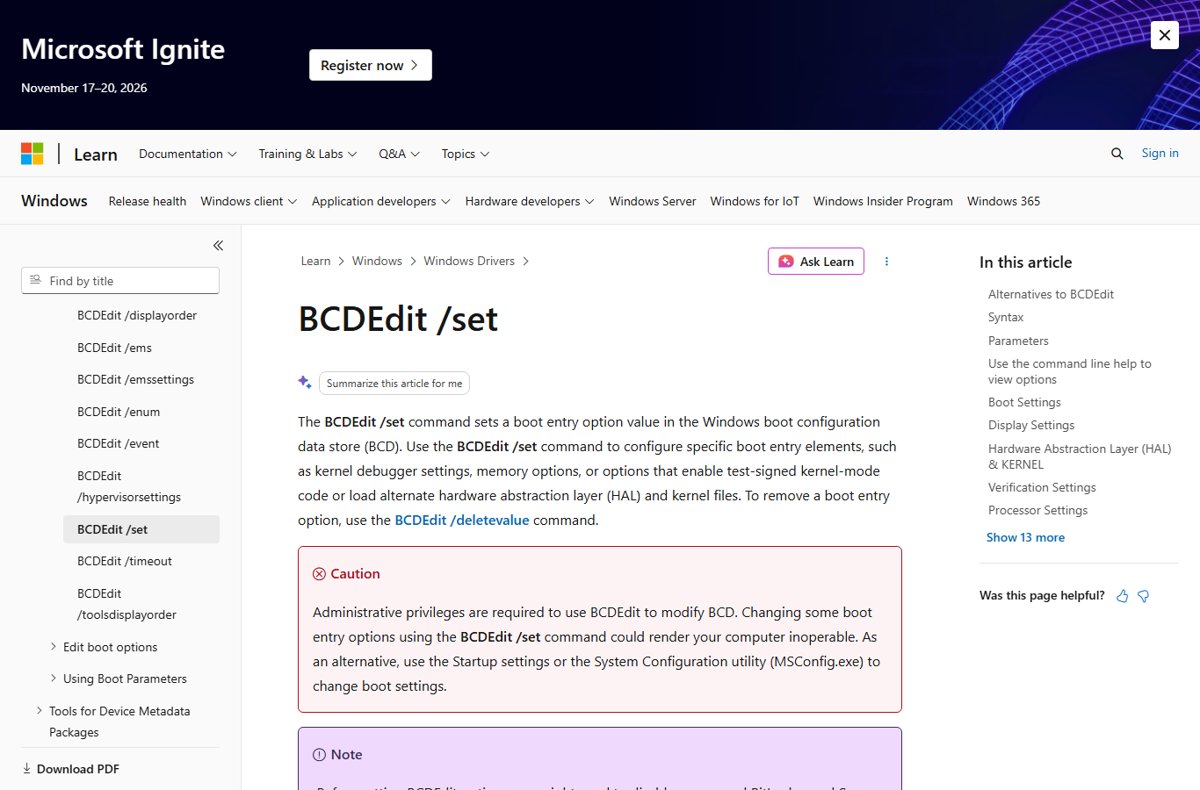
Microsoft Learn BCDEdit /set reference page with administrator caution

How to enable F8 key & boot to safe mode in Windows 11/10

October 8, 2026 by Philip Celasco Leave a Comment
Microsoft Learn BCDEdit /set reference page with administrator caution

Enable the F8 key in Windows 11/10 with bcdedit /set {current} bootmenupolicy legacy, then press F8 at startup for Safe Mode. Other routes and undo steps too.
Posted in: How to, Windows
How to
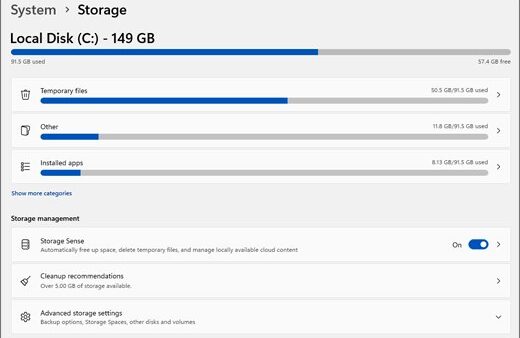
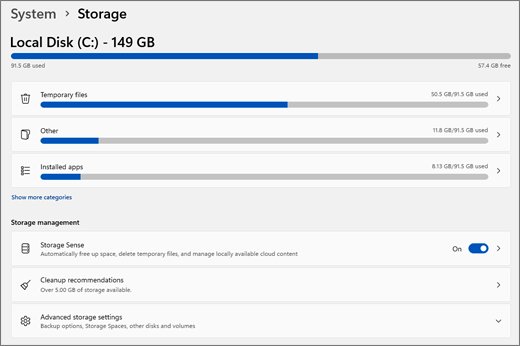
Windows 11 Storage settings listing temporary files, other files and installed apps

How to view storage on Windows 11: your guide to checking disk space

October 8, 2026 by Philip Celasco 2 Comments
Windows 11 Storage settings listing temporary files, other files and installed apps

View storage on Windows 11 in Settings > System > Storage, File Explorer, Disk Management or PowerShell, then find what fills the drive and free up space.
Posted in: How to, Windows
How to
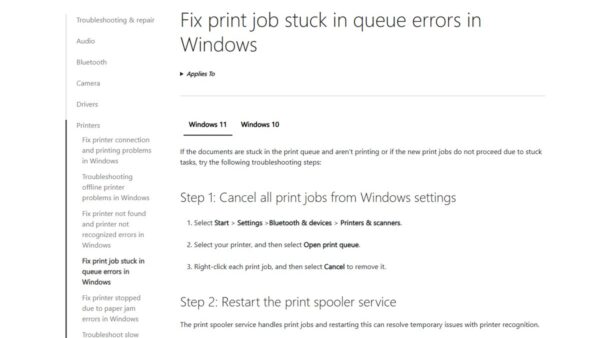
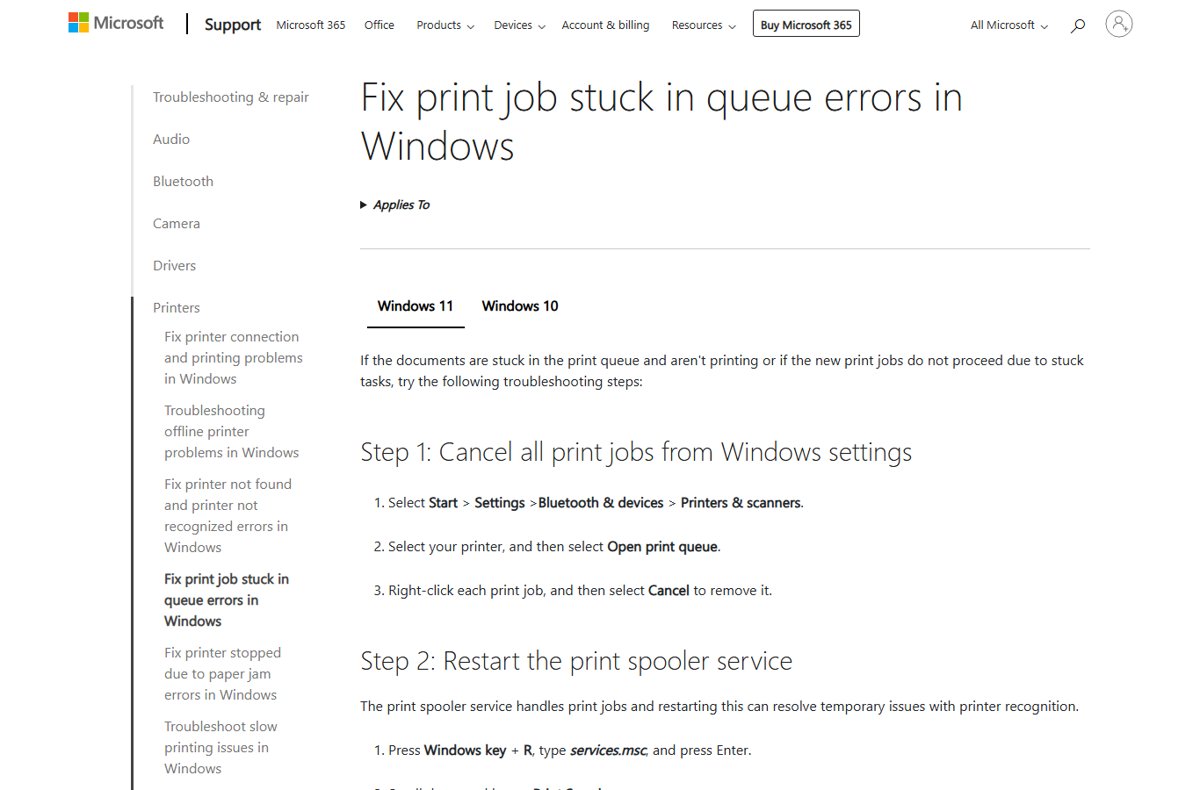
Microsoft support page on fixing print jobs stuck in the queue in Windows

Top 10 HP printing problems and how to fix them

October 8, 2026 by Philip Celasco 1 Comment
Microsoft support page on fixing print jobs stuck in the queue in Windows

Top 10 HP printing problems and fixes: stuck queues, offline errors, Wi-Fi, jams, slow prints, faded or blank pages, cartridge errors, drivers and scanning.
Posted in: How to, Windows
How to
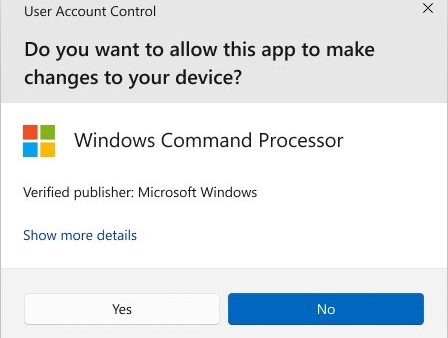
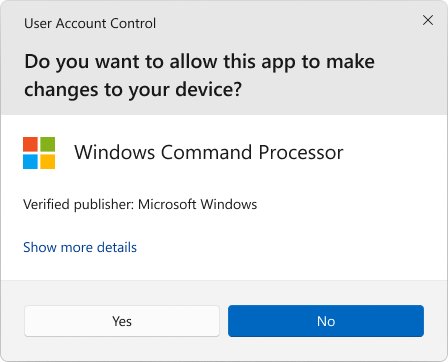
User Account Control prompt asking to allow Windows Command Processor to make changes

Use Windows Key+R to quickly launch apps as administrator

October 8, 2026 by Philip Celasco Leave a Comment
User Account Control prompt asking to allow Windows Command Processor to make changes

Press Windows key+R, type the app name and press Ctrl+Shift+Enter to launch it as administrator. Commands to use, how to confirm elevation, and the risks.

Posted in: How to, Windows
« Previous 1 … 55 56 57 … 88 Next »

More from Techdows

Square Enix ID - gaming controllers in front of a TV
What is my Square Enix ID? All you need to know
How to · 5 hours ago
Access Microsoft Exchange - business user typing on a laptop at an office desk
How to access Microsoft Exchange
How to · 5 hours ago
Shorten a video on iPhone - iPhone showing editing tools
How to shorten a video on iPhone: Step-by-step guide
How to · 5 hours ago
Azure Arc for Hyper-V - network equipment in a data center
Azure Arc for Hyper-V: Practical onboarding, VM integration, and trade-offs
How to · 5 hours ago
Edge settings in Windows 11 - web browser open on a laptop screen
How to find Edge settings in Windows 11
How to · 4 hours ago
Microsoft Teams meeting - team in a conference room on a video call
How to set up, schedule or join a Microsoft Teams meeting
How to · 4 hours ago
Fix HDCP error on Roku devices - HDMI cable on a yellow surface
Fix HDCP error detected on Roku devices
How to · 4 hours ago
Lenovo laptop camera not working - Lenovo Yoga laptop lid
Lenovo laptop camera not working? Quick safe troubleshooting guide
How to · 4 hours ago

© 2009–2026 Techdows · About · Contact · Privacy Policy

Copyright © 2026 Techdows.

Techdows WordPress Theme by Techdows