Download Fall Guys for PC, Windows 11 and Windows 10 (Free)
Fall Guys download for PC: get the free game for Windows 11 and 10 from the Epic Games Store, check the specs, and fix install and launch errors fast.
2,091 articles

Fall Guys download for PC: get the free game for Windows 11 and 10 from the Epic Games Store, check the specs, and fix install and launch errors fast.
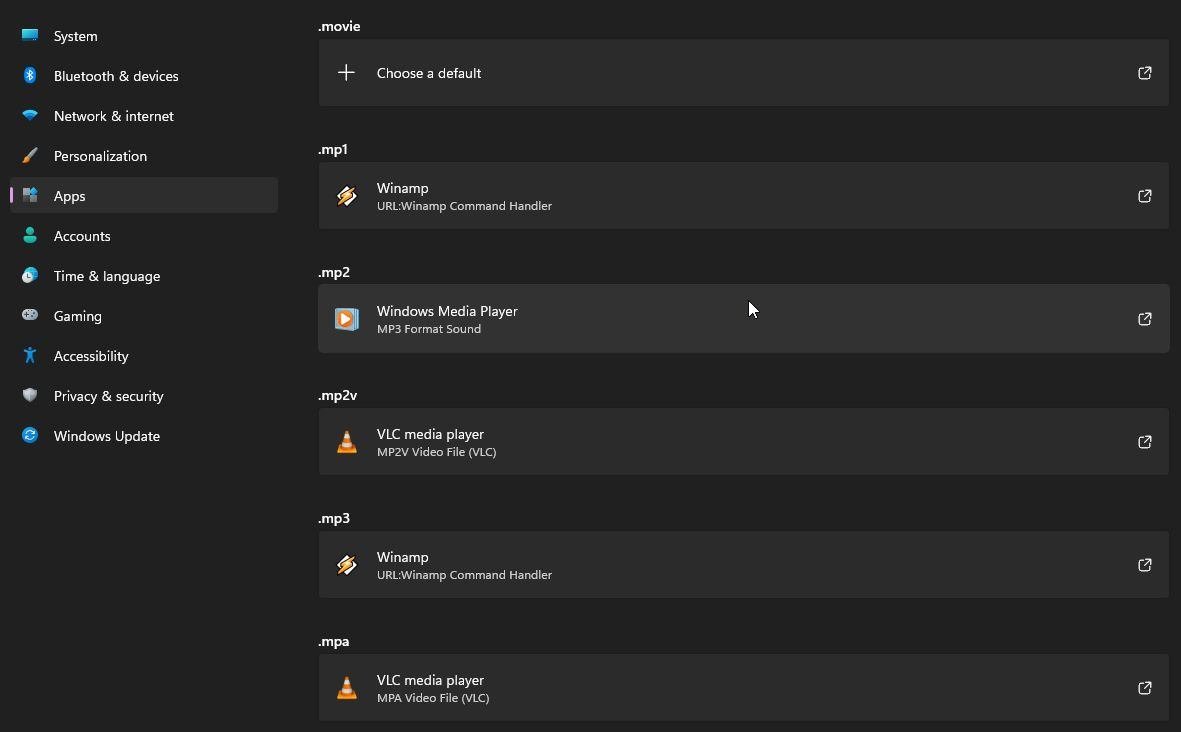
Video playback settings in Windows 11/10 live under Settings > Apps > Video playback. Set battery options, HDR streaming, captions, default players and fixes.
Canva download for Windows 11, Windows 10 and Mac from canva.com. Free desktop app, install steps, Microsoft Store and winget options, Pro pricing and fixes.
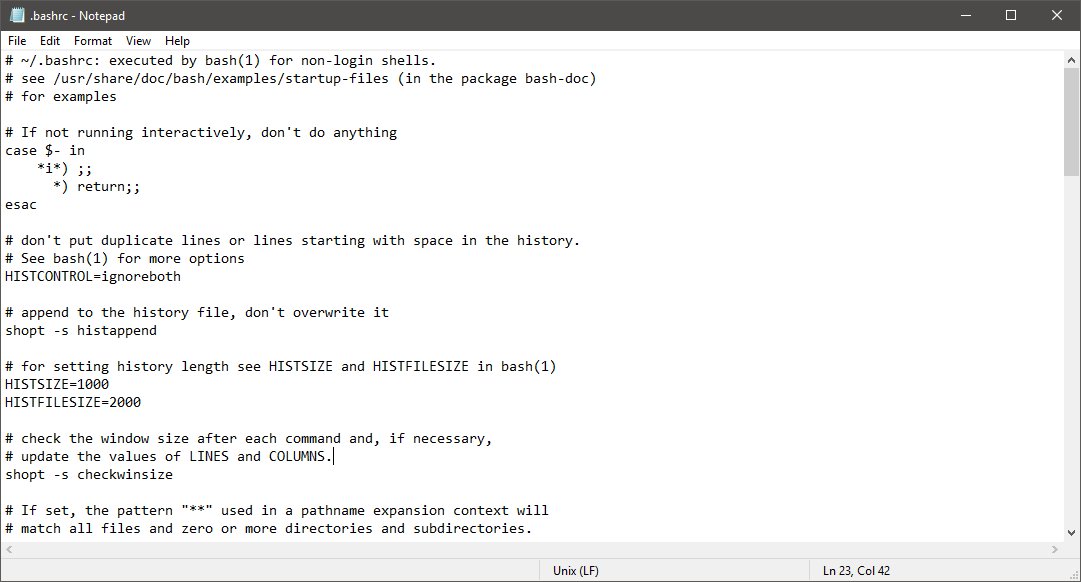
Get help with Notepad in Windows 10: Microsoft’s Help in Notepad page, Get Help, Feedback Hub, plus fixes for encoding, printing, saving and missing Notepad.
Picsart download for Windows 11, Windows 10 and Mac: the free Microsoft Store app, install steps, Plus and Pro prices, requirements and fixes.
Sublime Text download for Windows 11/10 and Mac: Build 4215 setup, portable ZIP, universal Mac app and Linux packages, free to evaluate before you buy.
TradingView download for Windows 11, 10 and Mac from the official desktop page, with real file sizes, free plan limits, install steps and error fixes.
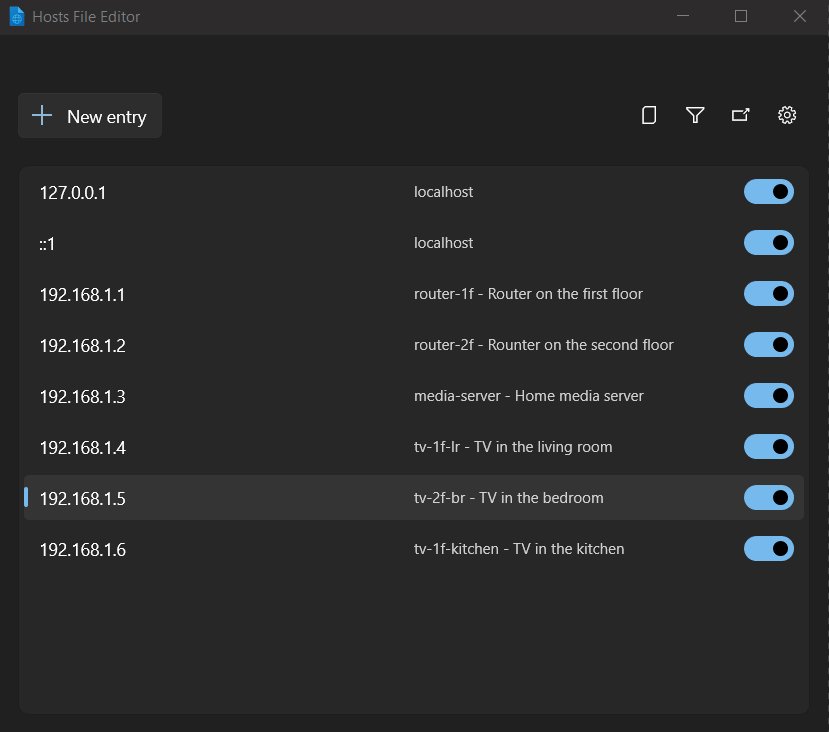
The hosts file in Windows 11 is at C:\Windows\System32\drivers\etc\hosts. Open it as admin, edit and save it, flush DNS, test entries and restore it safely.
Logitech Options download for Windows 11, 10 and Mac: official links, real installer sizes, the 1.22 GB offline build, silent-install flags and fixes.
Jupyter Notebook download for Windows 11, 10 and Mac: install it free with pip install notebook or through Anaconda, then launch it with jupyter notebook.
Hamachi download for Windows 11, Windows 10 and Mac comes from vpn.net. Get the Windows MSI, Mac and Linux builds, free limits, plans and install steps.
VRChat download for Windows 11/10 PC through Steam, free on Meta Quest, iPhone and Android, with install steps, PC requirements, Mac options and fixes.