Download VirtualBox for PC, Windows 11/10 & Mac (Free)
VirtualBox download for Windows 11, Windows 10 and Mac: the 7.2.20 installer, Apple silicon build, Extension Pack licence and install fixes.
2,110 articles

VirtualBox download for Windows 11, Windows 10 and Mac: the 7.2.20 installer, Apple silicon build, Extension Pack licence and install fixes.

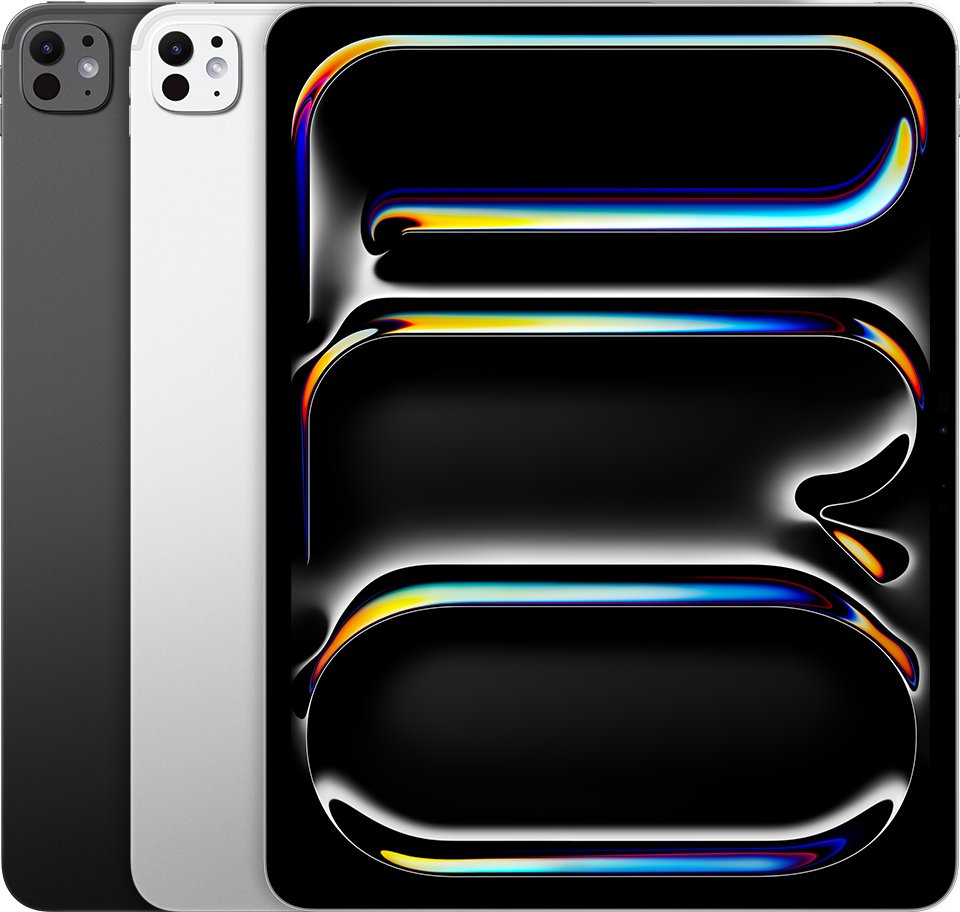
Every iPad generation from 2010 to 2026, with Apple’s release years and model numbers for iPad, iPad mini, iPad Air and iPad Pro.
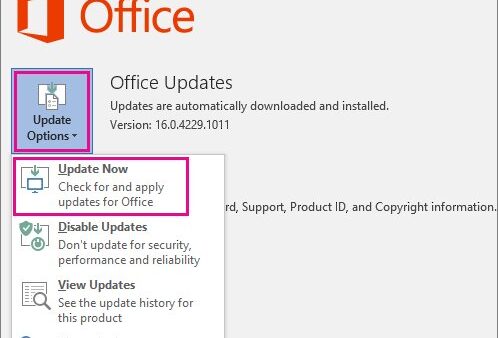
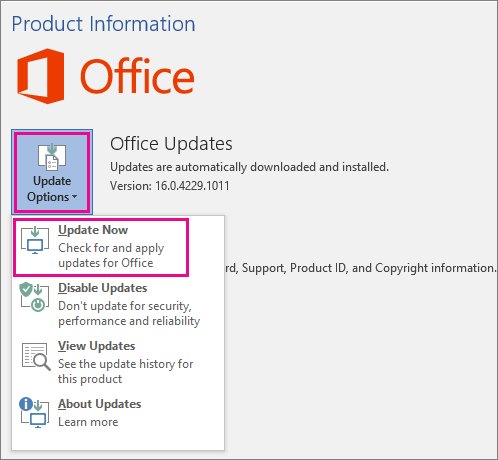
Update Microsoft Office manually from File > Account > Update Options > Update Now, plus the Microsoft Store, Mac and Windows Update routes and fixes.

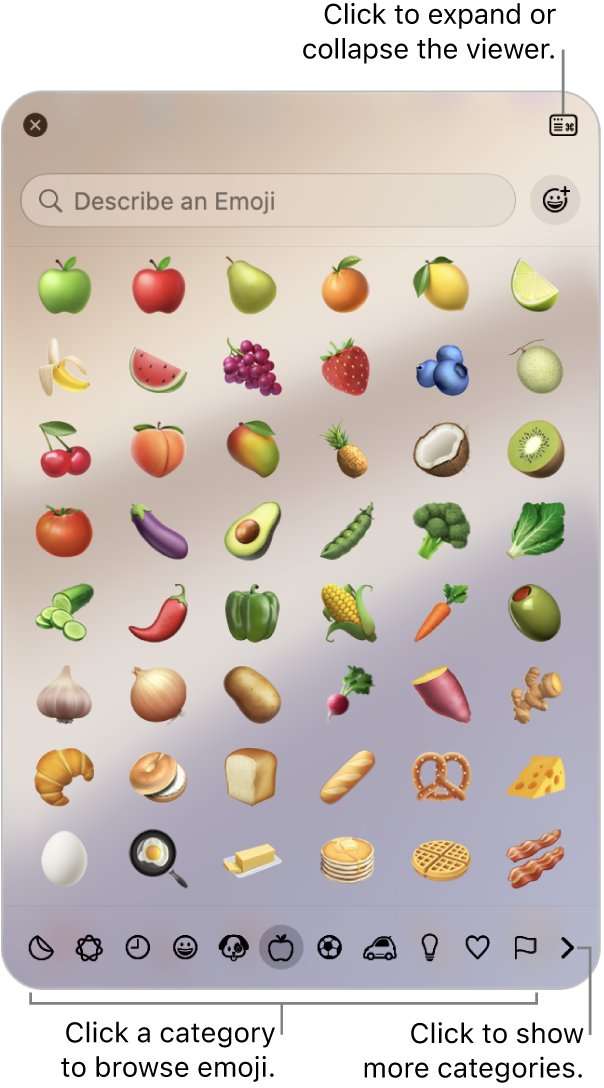
Type the fingers crossed emoji with Windows key + period, or Fn/Globe-E on a Mac. Steps for iPhone, Android and web apps, plus fixes.
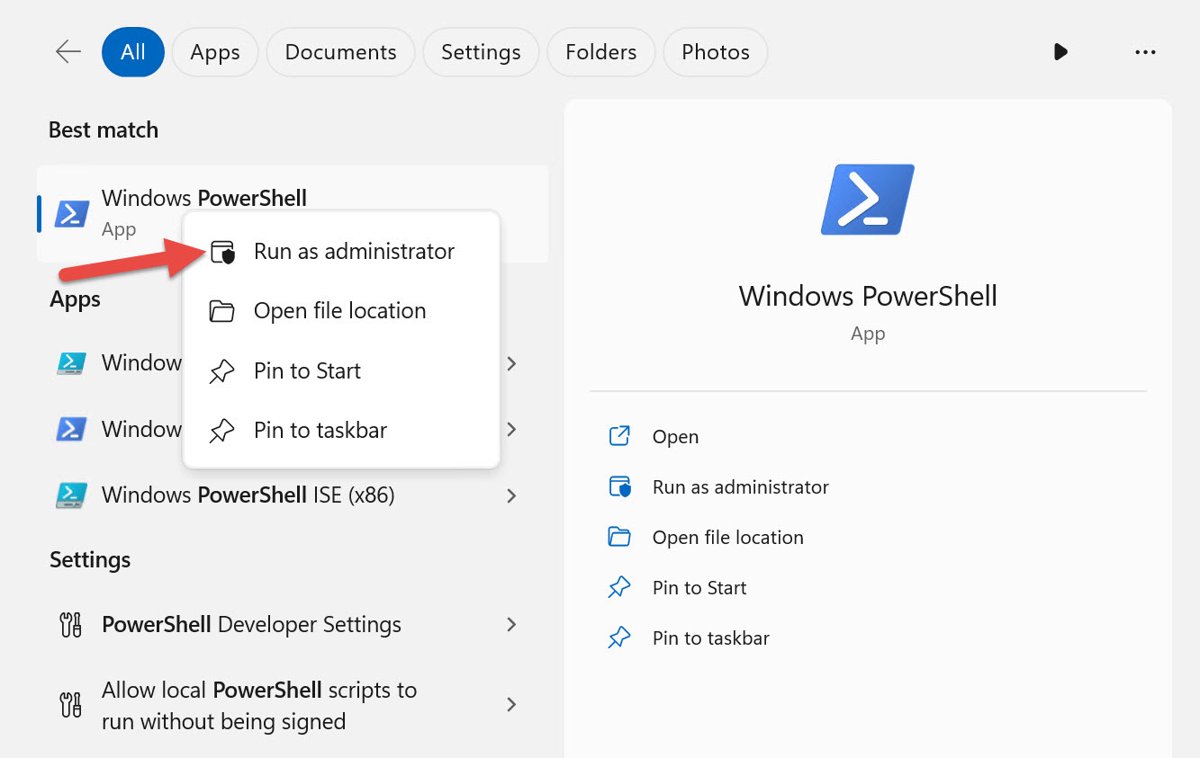
Run a command as admin in Windows 11 and 10: open an elevated Command Prompt, use Task Manager’s Run new task, or elevate from the Run box with Start-Process.
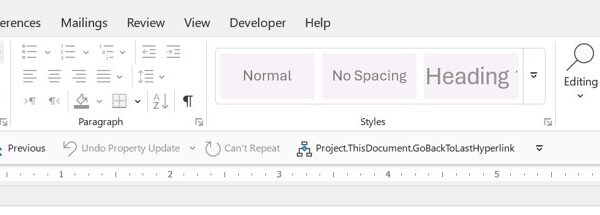

Make a Word document editable: select Enable Editing, clear Always Open Read-Only, switch to Editing mode, or stop Restrict Editing protection. Fixes included.
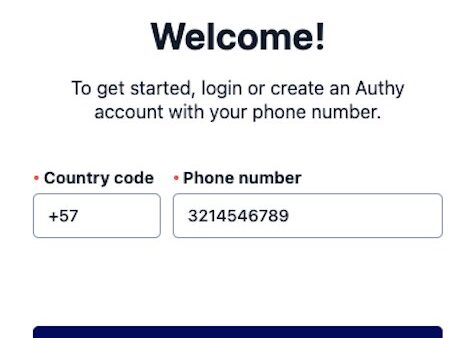
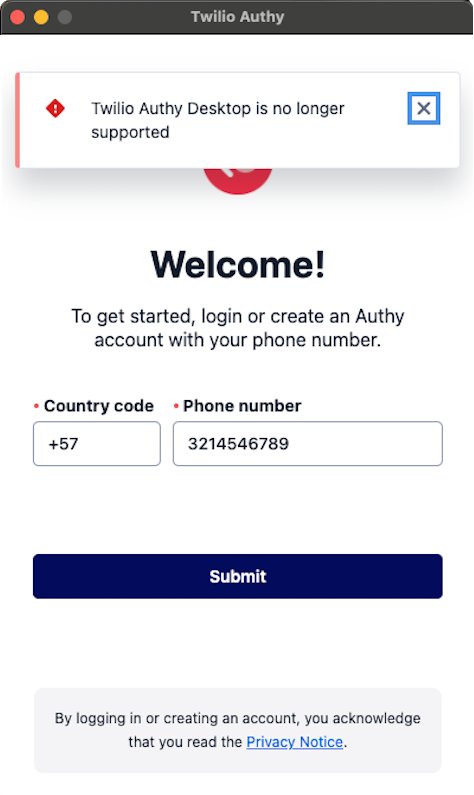
Authy for desktop is retired: Twilio ended the Windows, macOS and Linux apps on March 19, 2024. Install the supported app and keep your 2FA codes.

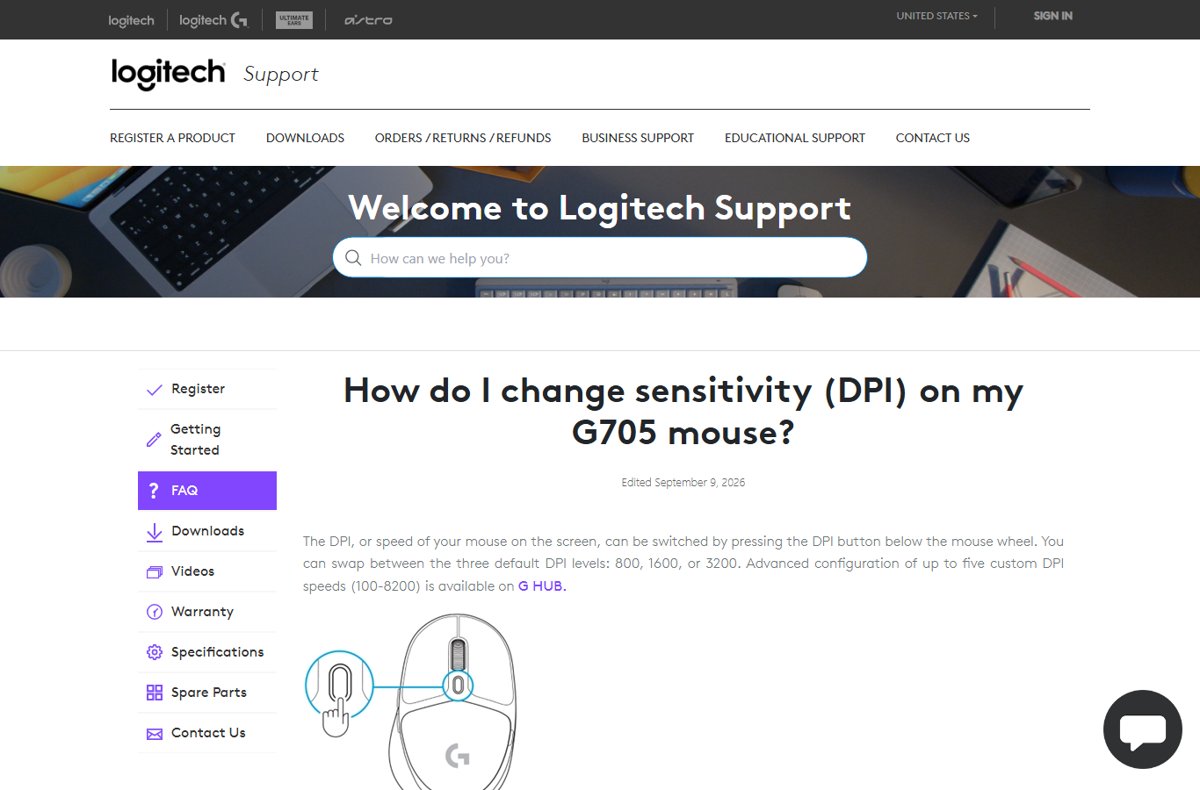
Change mouse DPI with the DPI button or the maker’s app, then set pointer speed in Windows 11 and Windows 10 Settings. Steps, defaults and fixes.
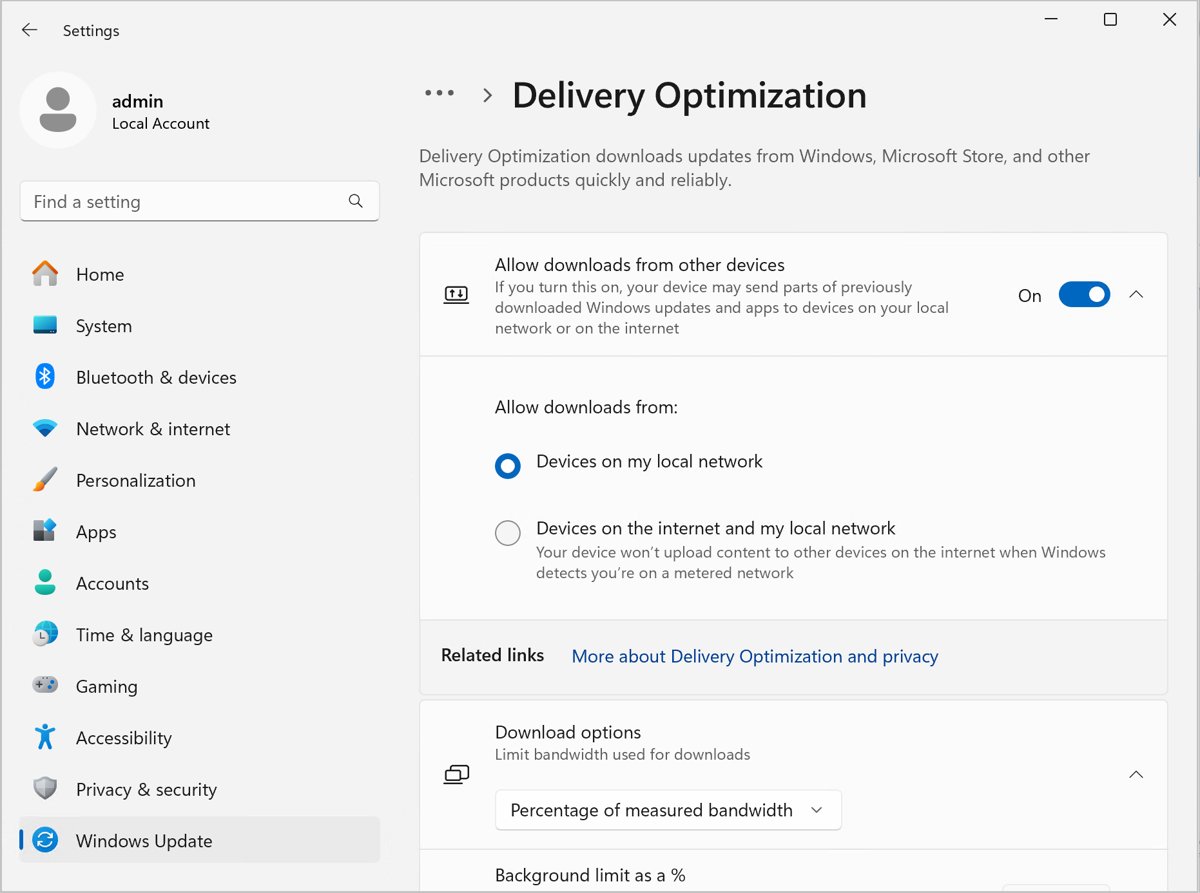
Fix 100% disk usage on Windows 10 or 11: sort the Disk column in Task Manager, then work through 18 fixes for the indexer, SysMain, drivers and updates.
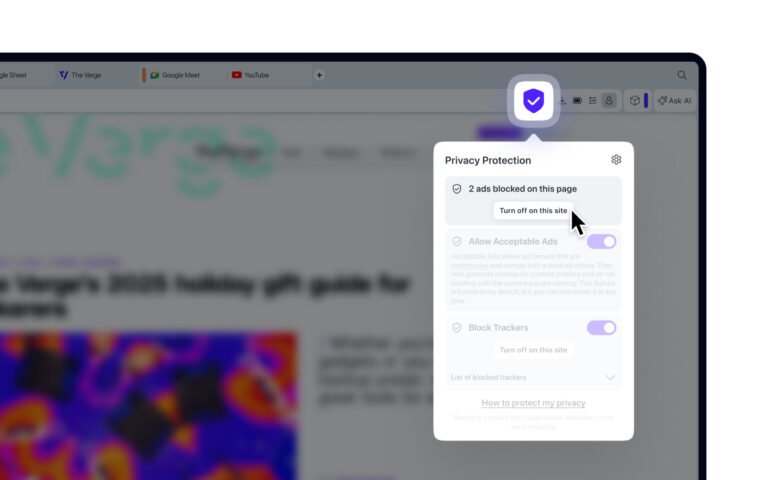
Disable your ad blocker in seconds: pause it for one site, switch the extension off in Chrome, Edge or Safari, or clear VPN and DNS blocking.
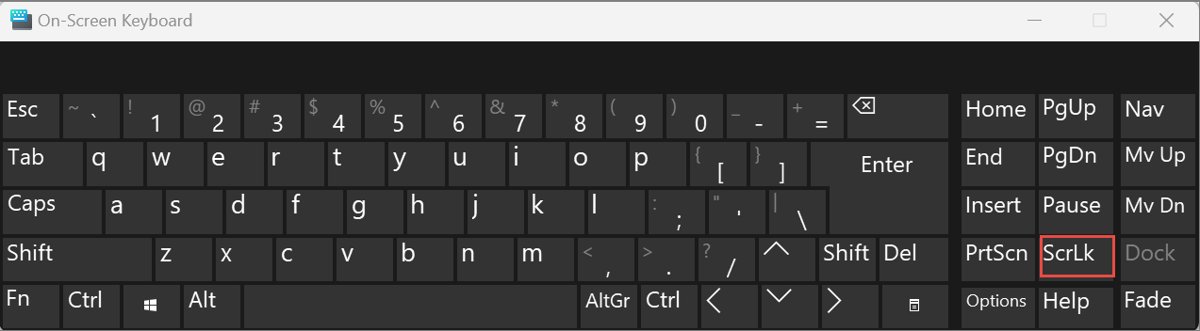
Turn off Scroll Lock in Excel by pressing ScrLk, or click ScrLk on the Windows On-Screen Keyboard when the laptop has no such key.


Log in to Telegram Web on a PC or Mac: open web.telegram.org, scan the QR code with your phone, or sign in with your phone number and code.