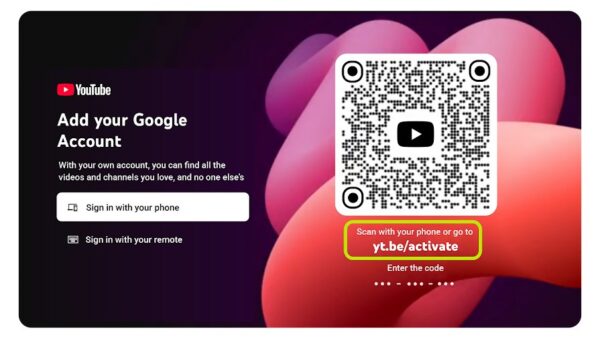
How to Sign into YouTube TV Without a Google Account
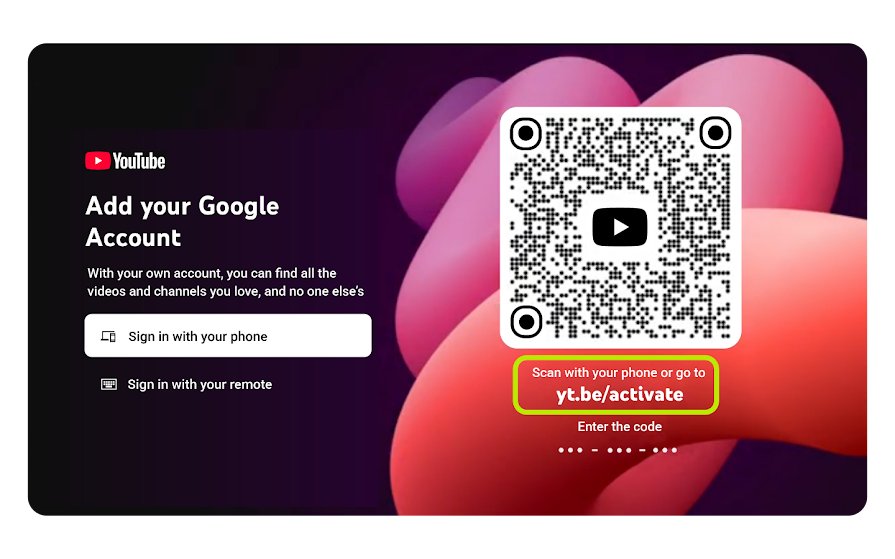
YouTube TV needs a Google Account, but never a Gmail address. Create one from your existing email, join a family group, or sign in on a TV with a code.
2,119 articles

YouTube TV needs a Google Account, but never a Gmail address. Create one from your existing email, join a family group, or sign in on a TV with a code.
Farming Simulator 22 download for PC and Mac: buy it on Steam or the Mac App Store, or install a GIANTS key. Specs, install steps, updates and fixes.
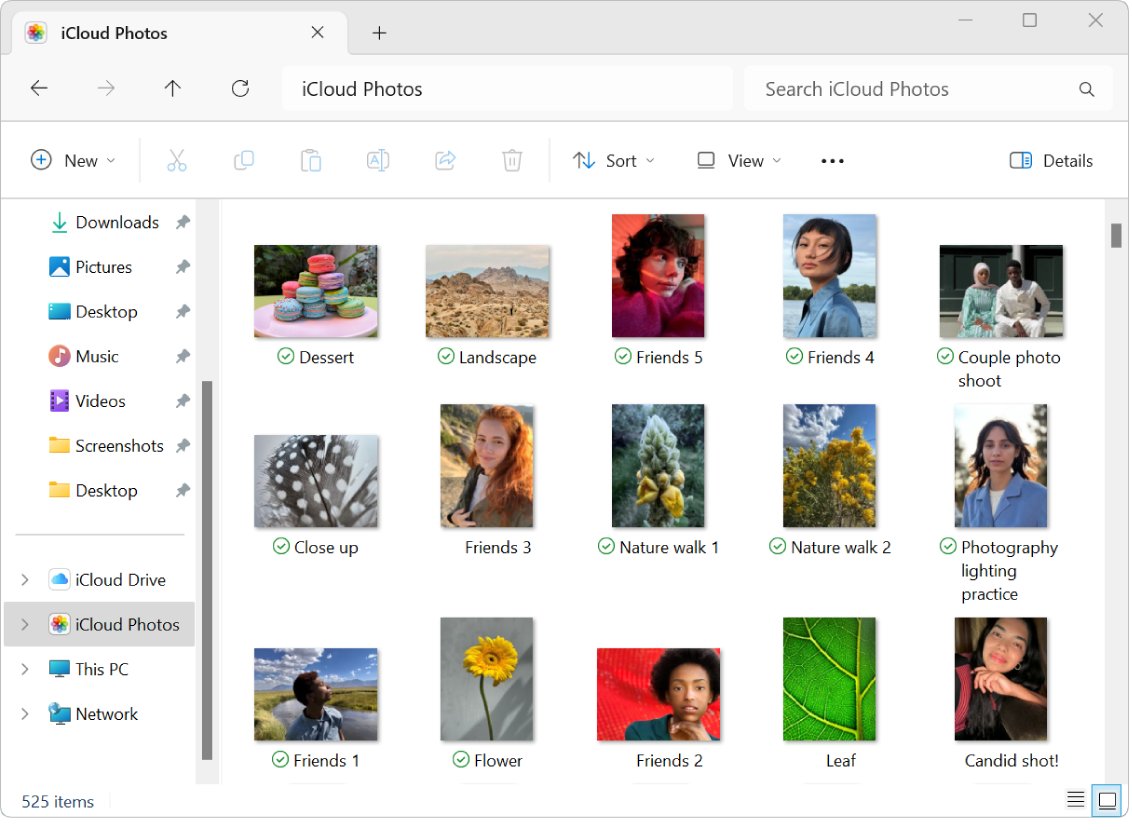
Open HEIC files in Windows 11 and 10 free: install HEIF Image Extensions from the Microsoft Store, view them in Photos, or get a JPEG copy.
Snapseed download for iPhone, iPad and Android: get Google’s free photo editor from the App Store or Google Play, plus what to use on a Windows PC or Mac.
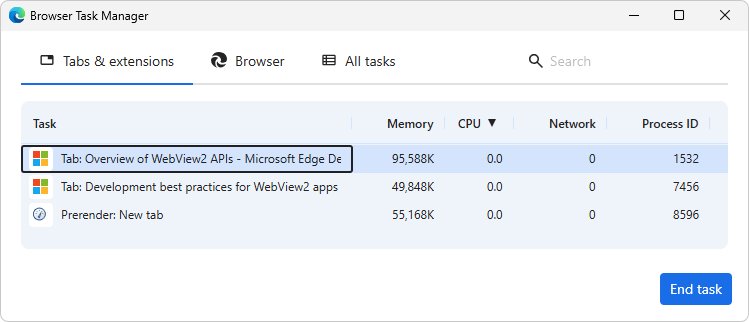
Close all tabs in Microsoft Edge with Ctrl + Shift + W. Tab menu commands, the Browser Task Manager, taskkill, and how to get the tabs back.
Function keys F1 to F12 in Windows: what each key does in File Explorer, Office, Edge and Chrome, the Alt, Ctrl and Shift combos, Fn Lock and startup keys.
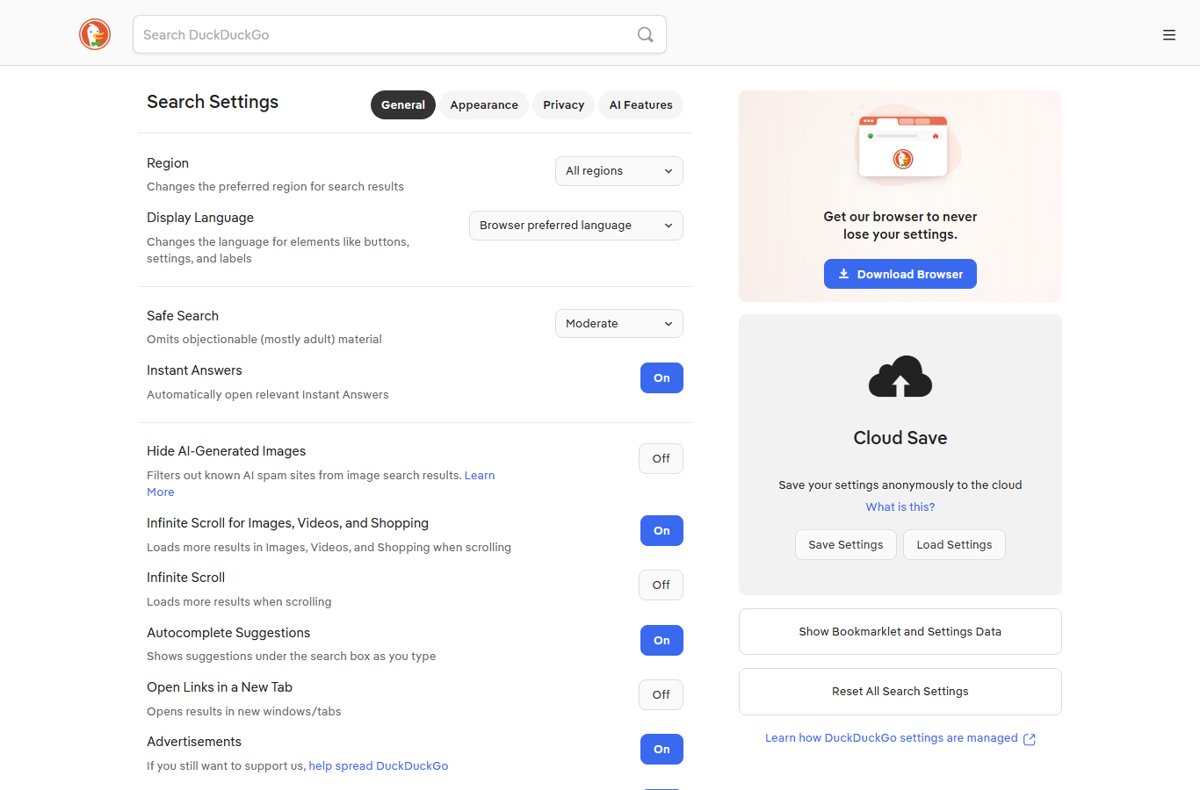
Open DuckDuckGo Search Settings at duckduckgo.com/settings. Every General, Appearance, Privacy and AI Features option explained, plus how to save them.
Add or remove emergency contacts on iPhone from Medical ID in the Health app. Steps for adding, deleting, Lock Screen access and fixes when contacts do not show.
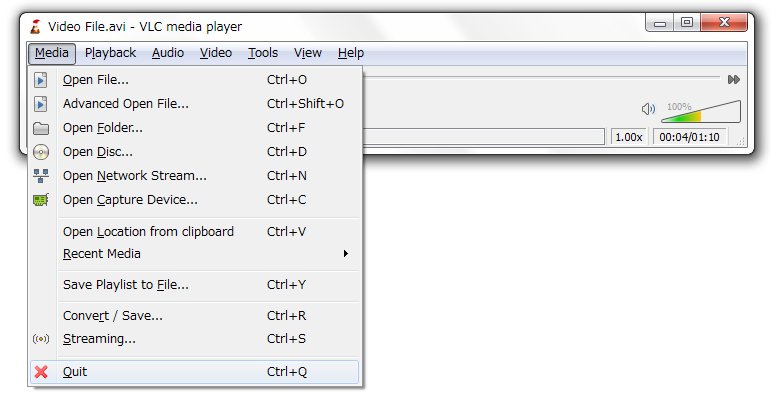
Read and open .DAT files in Windows with Notepad, a hex editor or the app that made them, plus fixes for winmail.dat and ATT00001.dat email attachments.
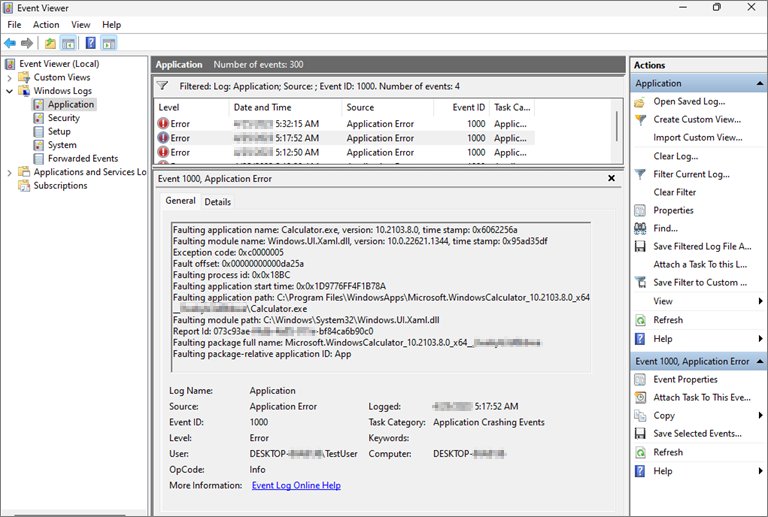
WerFault.exe is the Windows Error Reporting process. See why it runs, fix its high CPU and pop-ups, confirm it is not malware, and know when to disable it.
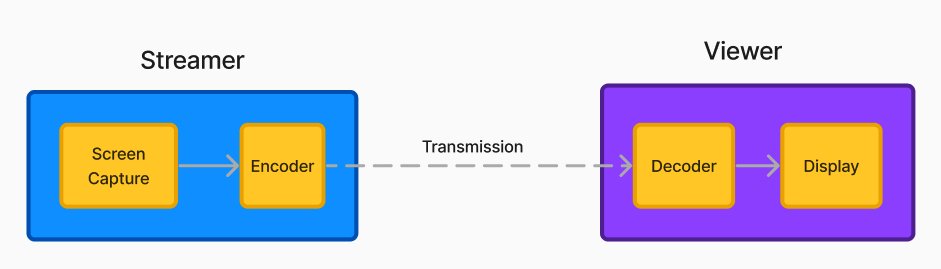
Netflix, Prime Video and Disney Plus go black in a Discord screen share by design. What Go Live can share, watch party options, and the terms that apply.
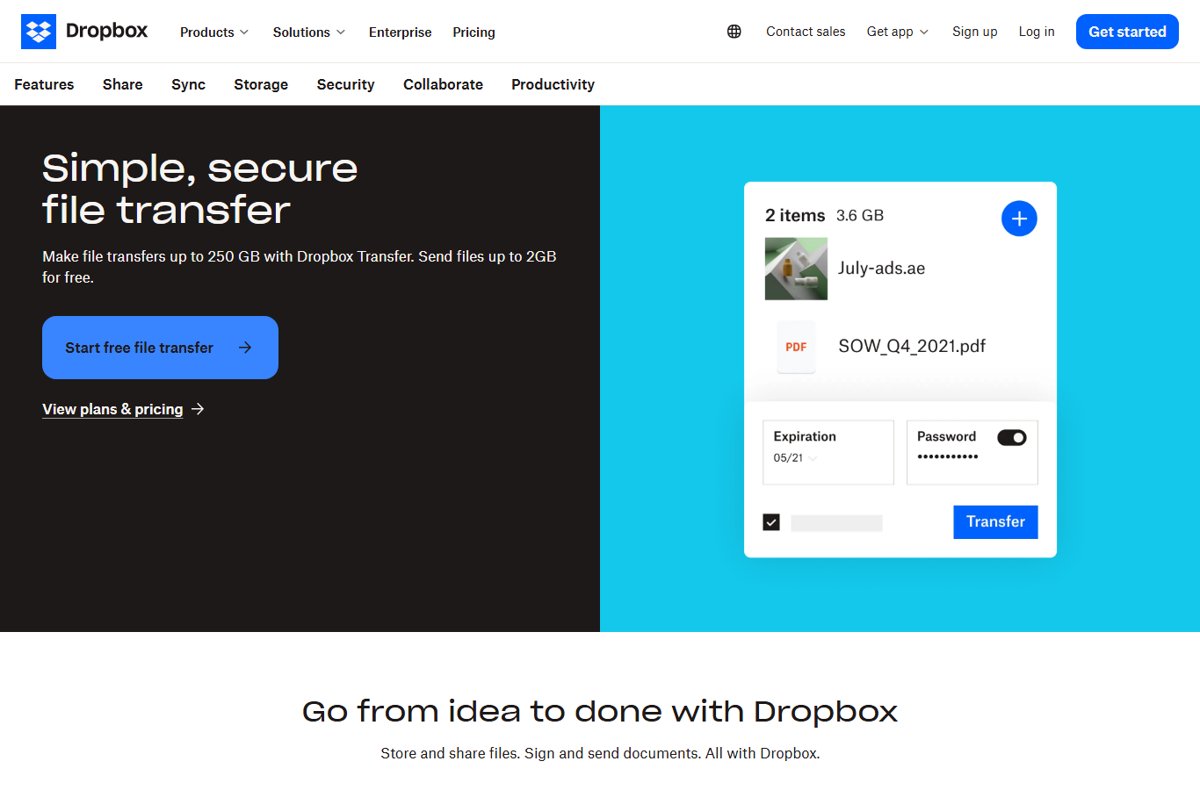
Use Dropbox Transfer to send files to anyone: open Transfer on dropbox.com, add files, click Create transfer, then copy the link. Size limits, expiry and fixes.