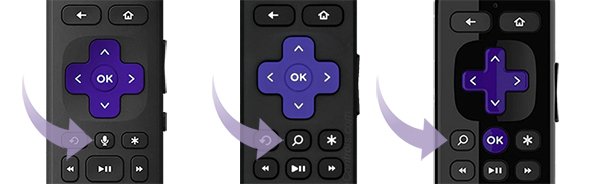
How To Pair Roku Remote
Pair a Roku remote by holding the pairing button, or Back + Home, for 5 seconds until the light flashes. Covers every remote type, TV volume setup and fixes.
2,121 articles

Pair a Roku remote by holding the pairing button, or Back + Home, for 5 seconds until the light flashes. Covers every remote type, TV volume setup and fixes.
Logic Pro download for Mac and iPad: buy version 12.3.1 on the Mac App Store for $199.99, or start the 30-day Apple Creator Studio free trial.
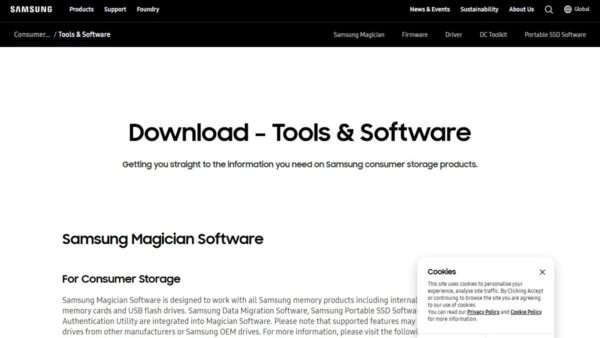
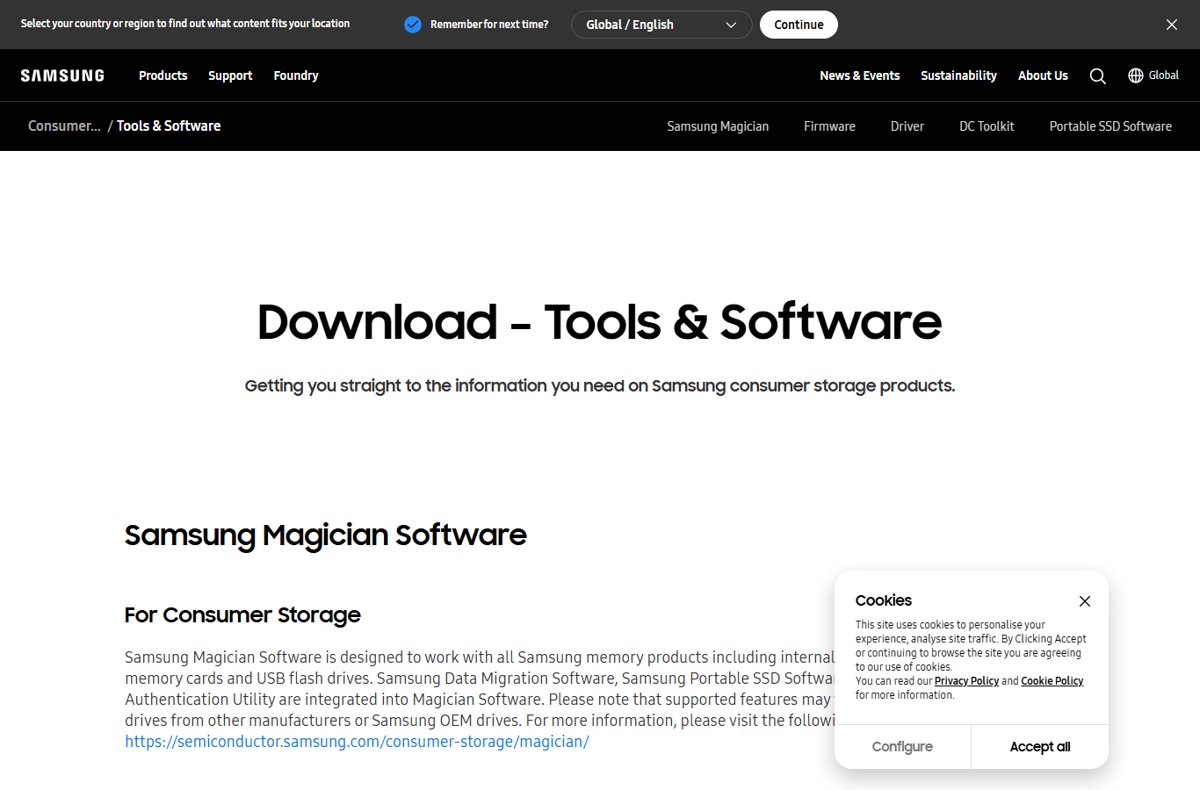
Samsung Data Migration is now built into Samsung Magician. Clone a drive to a Samsung SSD on Windows 11, confirm it boots, and fix a failed migration.
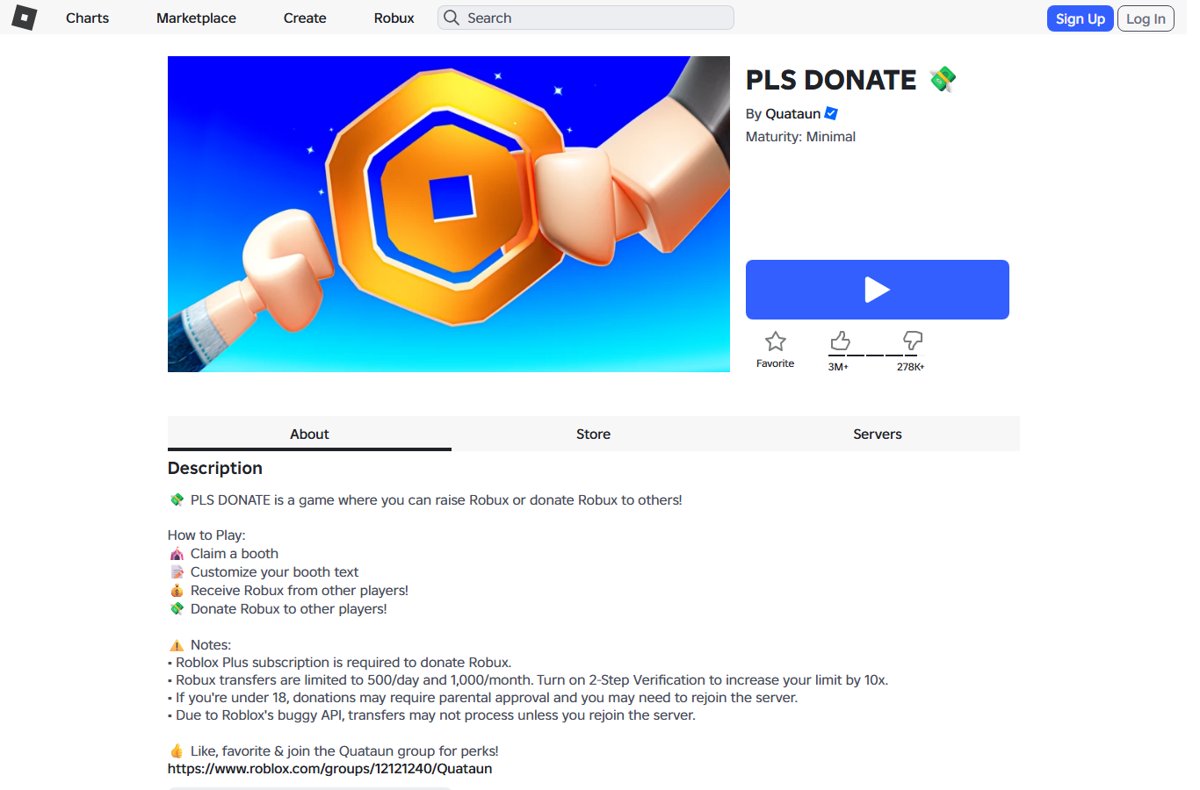
How to play Pls Donate in Roblox: join, claim a booth, write your stand text and receive Robux through Roblox transfers. No game passes needed anymore.
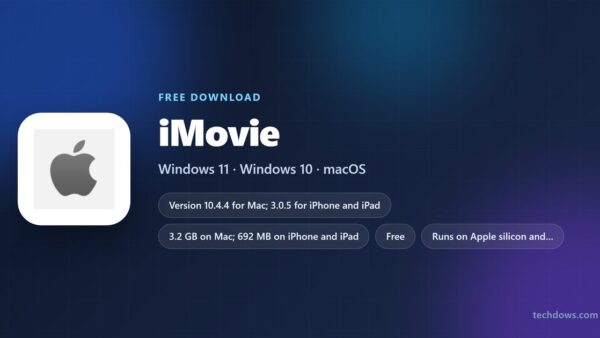
iMovie download guide: install Apple’s free video editor on Mac, iPhone and iPad, check sizes and macOS versions, and see what edits video on a Windows PC.
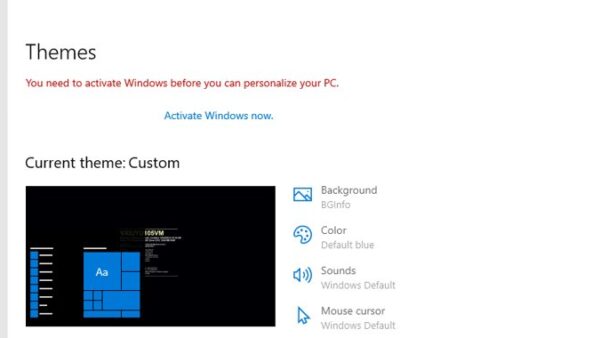
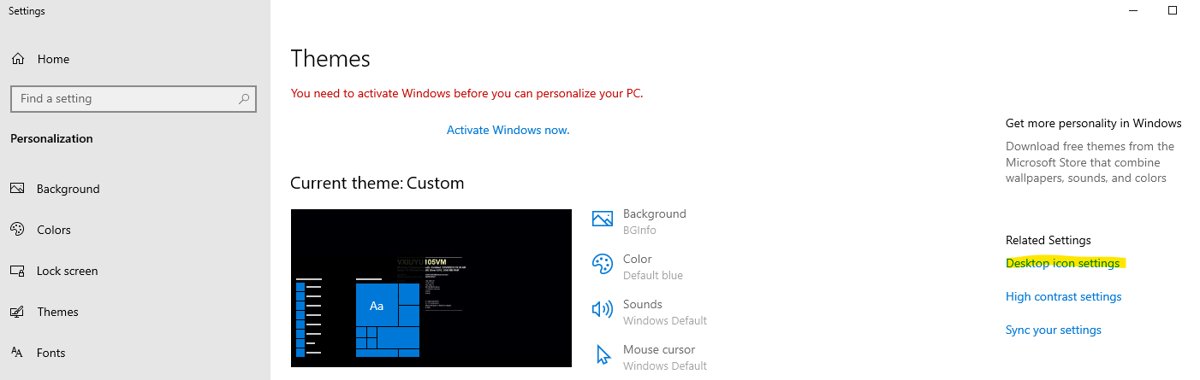
Show the Network icon on your desktop in Windows 11 and 10 from Themes > Desktop icon settings, restore the taskbar network icon, and fix it when it stays hidden.
.NET Framework download links for Windows 11 and 10 from Microsoft: the 4.8.1 offline and web installers, version 3.5 setup, sizes and install fixes.
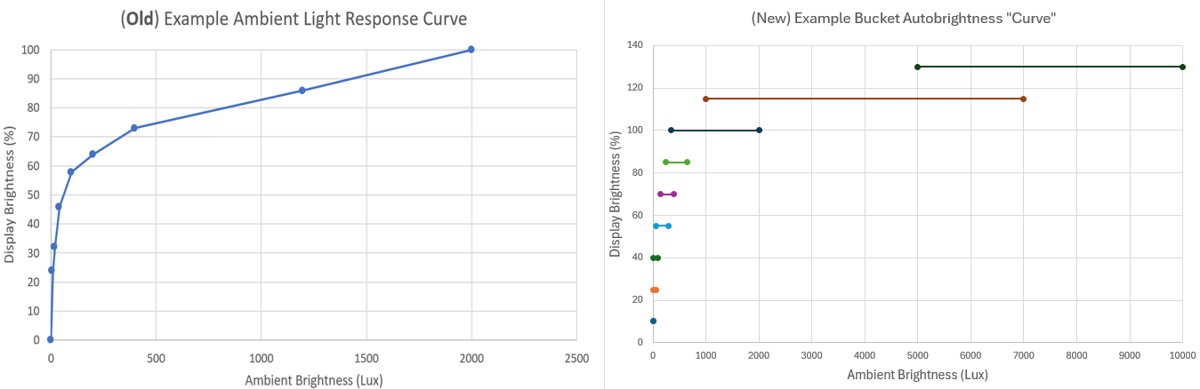
Turn adaptive brightness on or off in Windows 10 from Settings > System > Display, check for an ambient light sensor, and fix a missing toggle.
The Elder Scrolls V: Skyrim Special Edition download for Windows 11 and 10: buy it on Steam, Xbox PC or GOG, install it, pick an edition and fix crashes.
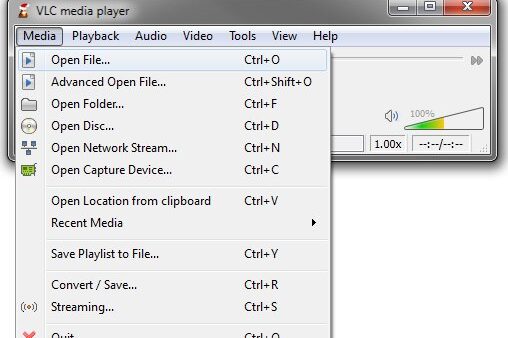
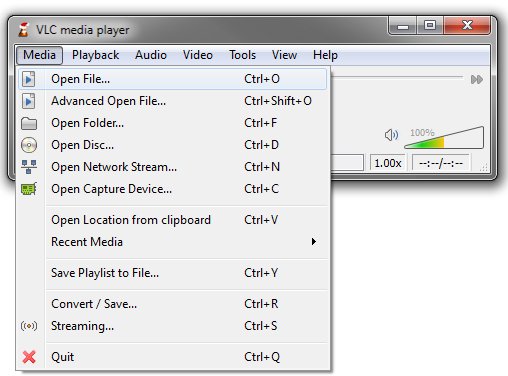
Play VOB files on Windows 11 with VLC, Media Player plus the MPEG-2 Video Extension, or MPC-HC. Includes DVD folder playback, conversion and no-sound fixes.
Spectrum TV app download for PC and Mac: install it from watch.spectrum.net in Chrome, Edge or Safari, sign in with your Spectrum TV plan and stream live TV.
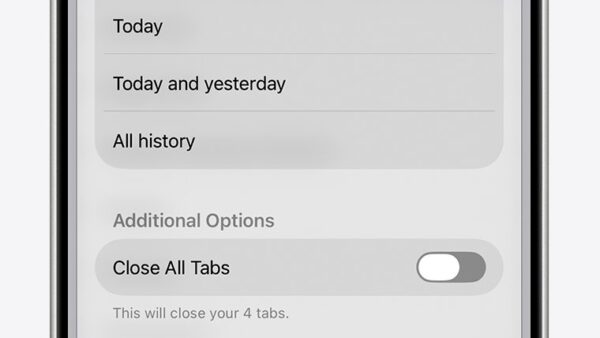
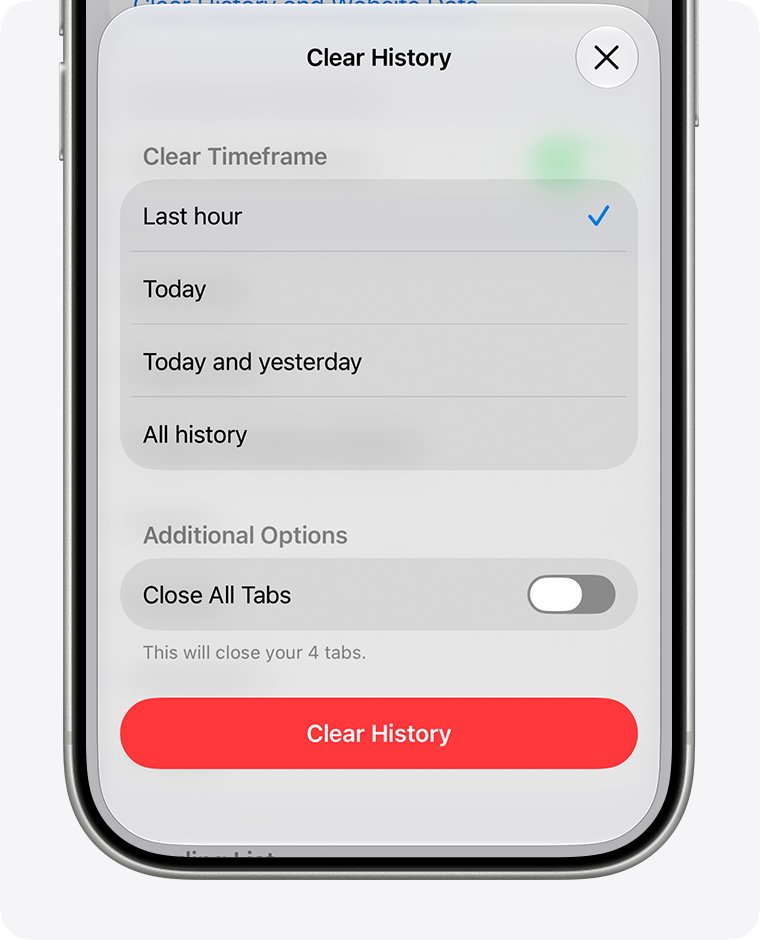
Delete search history on iPhone in Safari, Google, Chrome, YouTube, Maps, Spotlight and Siri. Exact steps, how to check it worked, and fixes when it comes back.