
web.whatsapp.com videos not playing in Safari? How to fix it

web.whatsapp.com videos not playing in Safari? Reload, update macOS, clear WhatsApp site data and turn off content blockers to get videos playing again on a Mac.
4,027 articles

web.whatsapp.com videos not playing in Safari? Reload, update macOS, clear WhatsApp site data and turn off content blockers to get videos playing again on a Mac.
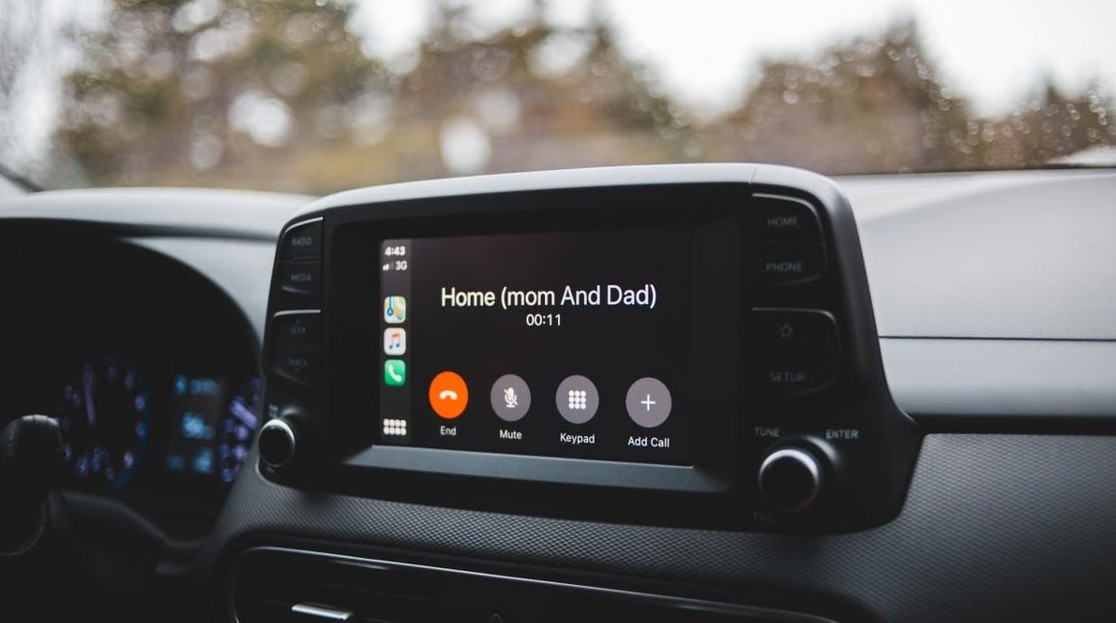
iOS 27 CarPlay not working after the update on two iPhones? Forget the car, check cable, Wi-Fi and Bluetooth, Screen Time limits and car firmware to fix it.


Install free VMware ESXi 8: download vSphere Hypervisor from the Broadcom portal, boot the ISO, set the root password, then manage it in the Host Client.
Azure CLI download for Windows 11/10 and Mac: get the free MSI from Microsoft, install it with winget or Homebrew, then update it with az upgrade.


Riot Repair Tool, formerly Hextech Repair Tool, gathers logs and can re-patch League. How to download it, use it for VALORANT and fix it when stuck on logs.

Find deleted files on Windows 11 in the Recycle Bin first, then File History, Previous Versions, the OneDrive recycle bin and Windows File Recovery.


How to block ads on YouTube: install uBlock Origin in Firefox or uBlock Origin Lite in Chrome, or use YouTube Premium for the app, TVs and consoles.


Boot from a USB drive within Windows 11 via Settings > System > Recovery > Advanced startup > Use a device. Shift + Restart, BIOS boot order and boot error fixes.


Use latitude and longitude in Apple Maps: type the coordinates in the search field, open the result, then save it to Places or pin it as a favorite on iPhone or Mac.

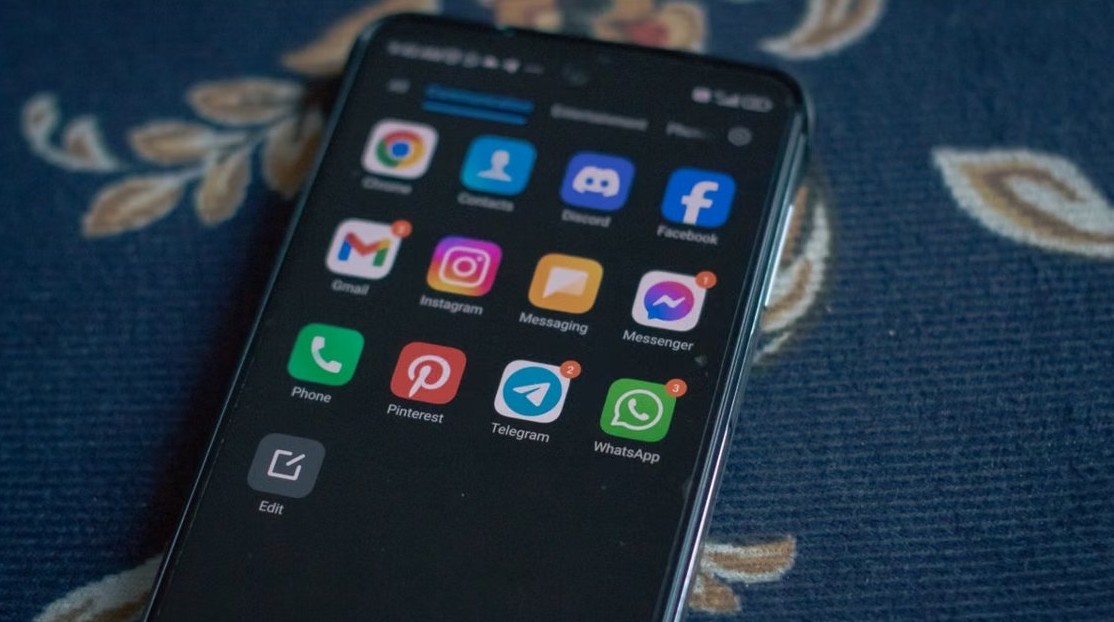
Discord age groups now sort every account into Adult, Teen or Unconfirmed. See your group in Account Status, what each one restricts and how to confirm your age.


Bluetooth and devices settings in Windows 11: open the page, turn Bluetooth on, pair devices, set discovery to Advanced, find each device page and fix issues.
Windows App download for PC, Mac, iPhone, Android and web: get Microsoft’s free client for Windows 365, Azure Virtual Desktop, Dev Box and remote PCs.