
Techdows

Windows how-to guides, fixes and software downloads

  • Home
  • Settings and hardware

    • Printers
    • Sound and microphone
    • Wi-Fi and network
    • Bluetooth
    • Display and monitors
    • Drivers
    • Keyboard shortcuts and symbols

    Using Windows

    • File Explorer
    • Storage and disk space
    • Taskbar, Start and desktop
    • Apps and default programs
    • Accounts and sign-in
    • Copilot in Windows
    • Command Prompt and PowerShell

    Updates and fixes

    • Windows Update
    • Windows 11 26H2
    • Error codes and BSOD
    • Boot, BIOS and recovery
    • Security and Defender
    • Task Manager and performance
    • DLL and runtime errors

    Popular fixes

    • Get help in Windows 11
    • Connect a wireless printer
    • Re-pair Bluetooth earbuds for stereo sound
    • Cancel a stuck print job
    • Change default programs

    All Windows guides →

  • Browse by type

    • Web browsers
    • Office and productivity apps
    • PC games and launchers
    • Phone and media apps
    • Developer tools
    • Creative apps
    • CAD software
    • System utilities and drivers

    Popular downloads

    • GTA V for PC
    • YouTube app for PC
    • Google Meet for PC
    • Cisco Packet Tracer
    • TikTok for PC

    Windows tools

    • PC Health Check app
    • HEVC Video Extension
    • DirectX 12
    • Cinebench R23

    All download guides →

  • Browser guides

    • Microsoft Edge
    • Google Chrome
    • Firefox
    • Web browsers for PC

    Microsoft Edge

    • Fix WebView2 using too much memory
    • Internet Explorer mode in Edge
    • Manage Edge favorites
    • Set or remove Edge as default

    Chrome and Firefox

    • Make Chrome the default browser
    • Restore closed tabs
    • Change the default web browser

    All browser guides →

  • Office guides

    • Outlook
    • Excel
    • Word and PowerPoint
    • OneDrive
    • Install Microsoft 365

    Meetings and other tools

    • Teams, Zoom and Google Meet
    • Google Docs and Sheets
    • PDF tools

    Office apps

    • Office product key
    • Office Deployment Tool
    • What is OneDrive?
    • Turn off OneDrive in Windows 11

    Outlook and Teams

    • Outlook inbox view changed
    • Schedule an email in Outlook
    • Outlook dark mode
    • Teams breakout rooms

    All Office and productivity guides →

  • PHP security

    • PHP2Shell patch download
    • PHP critical RCE security update
    • CVE-2026-109618 fix
    • CVE-2026-109619 explained
    • Mitigations if you can't update

    Update PHP

    • Update PHP to the latest version
    • Check your PHP version
    • Update PHP on Ubuntu and Debian
    • Restart PHP-FPM

    Hosting and local servers

    • Update PHP in XAMPP
    • Change PHP version in cPanel
    • Update PHP in Laragon and WampServer
    • Update PHP Docker images
    • WordPress PHP version check

    PHP downloads

    • PHP 8.5.12 download
    • PHP 8.4.27 download
    • PHP 8.3.36 and 8.2.35 download
    • Download PHP for Windows

    PHP2Shell by platform

    • PHP 8.3 fix on Ubuntu 24.04
    • PHP 8.1 fix on Ubuntu 22.04
    • PHP 8.2 and 8.4 fix on Debian
    • Update PHP on IIS
    • Cloudflare PHP2Shell WAF rule

    All PHP guides →

  • Sections

    • Gaming
    • Apple
    • Android
    • Apps and services
    • Developer and IT

    Apple

    • iPhone tips and fixes
    • Reset and restore iPhone
    • iPad
    • Mac and macOS
    • Apple Account and iCloud
    • Apple devices on Windows

    Apps, Android and gaming

    • Gmail and Google account
    • YouTube
    • Social media accounts
    • Streaming TV
    • Android and Samsung Galaxy
    • PC gaming and Xbox
    • Roblox and Minecraft on PC

    Developer and IT

    • WSL and developer setup
    • Virtual machines
    • Group Policy and Intune
    • Windows Server
    • Website error codes
  • News
Home›Windows

Windows

1,050 articles

Windows 11 and Windows 10 how-to guides, fixes and explainers, grouped by topic. Settings and hardware: printers, sound and microphone, Wi-Fi and network settings, Bluetooth, display and monitor settings, drivers, keyboard shortcuts and symbols and screenshots. Using Windows: File Explorer, storage and disk space, taskbar, Start and desktop, apps and default programs, accounts and sign-in, Copilot, Remote Desktop, media players and codecs, opening file types and Command Prompt and PowerShell. Updates and problems: Windows Update, Windows 11 26H2, Task Manager and performance, boot, BIOS and recovery, security and Defender, error codes and BSOD, DLL and runtime errors and Windows processes.

How to
mmsys.cpl: Step-by-Step Guide to Windows Multimedia Control Panel

mmsys.cpl: Step-by-Step Guide to Windows Multimedia Control Panel

October 27, 2026 by Philip Celasco 1 Comment
mmsys.cpl: Step-by-Step Guide to Windows Multimedia Control Panel

mmsys.cpl opens the Windows Sound control panel. Press Windows+R, type mmsys.cpl and press Enter to manage playback, recording, system sounds and call settings.


Posted in: How to, Windows
How to
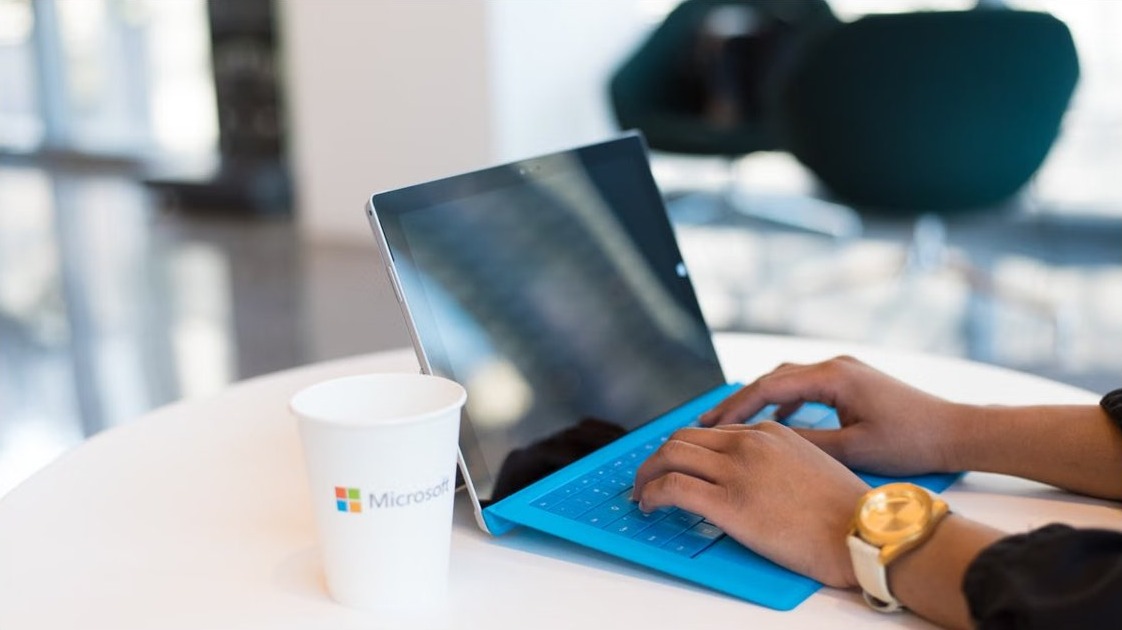
How to Find Your Computer Name and Location on Windows 11/10(2026 Guide)

How to Find Your Computer Name and Location on Windows 11/10(2026 Guide)

October 27, 2026 by Philip Celasco 2 Comments
How to Find Your Computer Name and Location on Windows 11/10(2026 Guide)

Find your computer name on Windows 11 or 10 in Settings > System > About or with hostname, then check domain, location settings and rename the PC safely.
Posted in: How to, Windows
Microsoft
Download Microsoft Office for PC & Mac, Windows 11/10, 64-bit, Free & Offline Options

Download Microsoft Office for PC & Mac, Windows 11/10, 64-bit, Free & Offline Options

October 27, 2026 by Philip Celasco 2 Comments
Download Microsoft Office for PC & Mac, Windows 11/10, 64-bit, Free & Offline Options

Download Microsoft Office for PC or Mac from official Microsoft pages: Microsoft 365, Office 2024, 64-bit, 32-bit, ARM64, free web apps and offline installer.


Posted in: Microsoft, MS Office, Office and productivity, Windows, Windows 11
How to
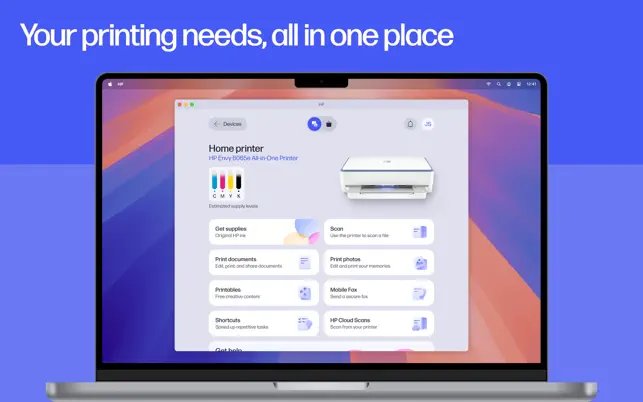
How to Cancel or Delete a Stuck Print Job in Windows 10 / 11

How to Cancel or Delete a Stuck Print Job in Windows 10 / 11

October 27, 2026 by Philip Celasco 1 Comment
How to Cancel or Delete a Stuck Print Job in Windows 10 / 11

Cancel a stuck print job in Windows 11 or 10 from Open print queue, then restart Print Spooler or clear the spool folder if the job still will not delete.
Posted in: How to, Windows
How to
How to Scan a Document on HP Printer

How to scan a document on HP printer

October 26, 2026 by Philip Celasco Leave a Comment
How to Scan a Document on HP Printer

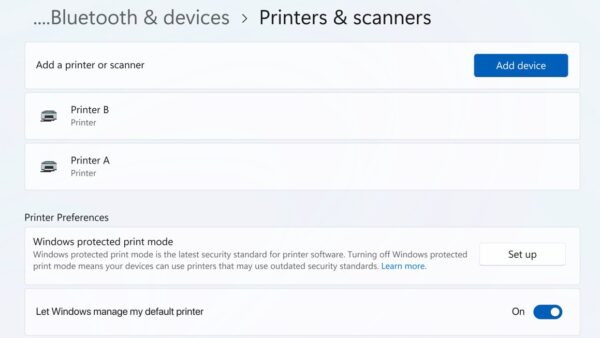
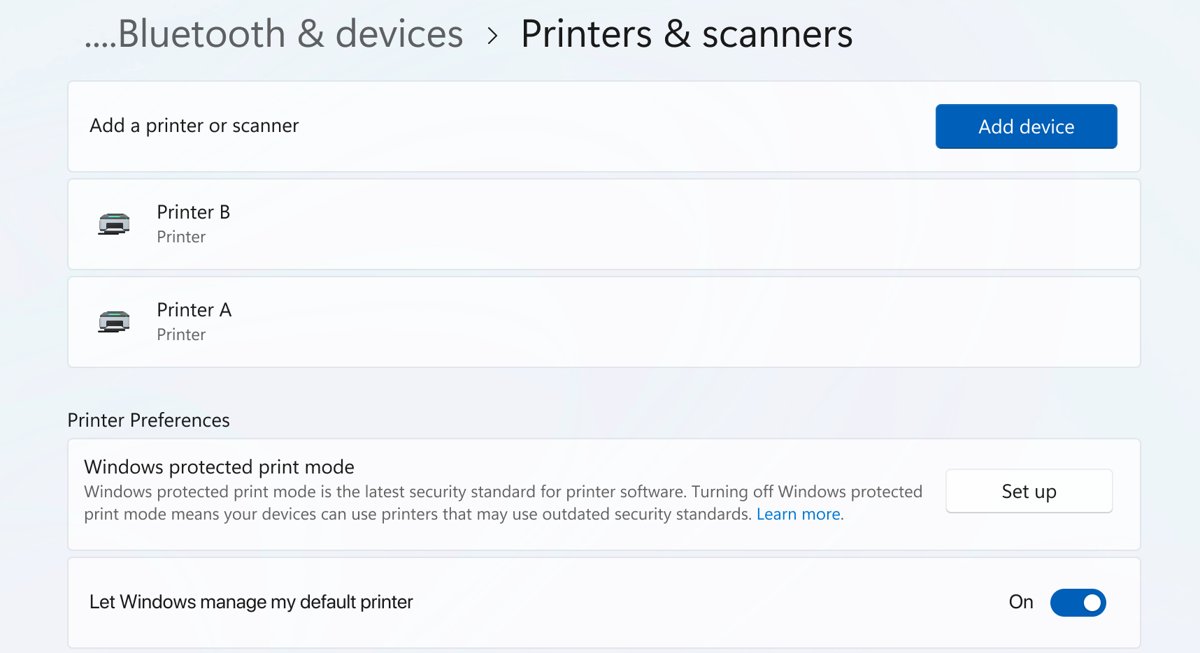
Scan a document on an HP printer with the HP app, HP Printer Assistant, Windows Fax and Scan, the Windows Scan app or Image Capture on a Mac, plus fixes.
Posted in: How to, Windows
How to
How to Install Epson Printer? Step by Step Guide

How to install Epson printer? Step by step guide

October 26, 2026 by Philip Celasco Leave a Comment
How to Install Epson Printer? Step by Step Guide

Install an Epson printer on Windows 11, Windows 10 or Mac: connect it by USB or Wi-Fi, add the driver from Epson or Windows, then print a test page.


Posted in: How to, Windows
How to
Windows media player: watching a video together on a laptop

Windows Media Player and codecs in Windows 11/10: players, HEVC and playback fixes

October 26, 2026 by Philip Celasco Leave a Comment
Windows media player: watching a video together on a laptop

Windows Media Player in Windows 11/10: open Media Player or the Legacy app, add HEVC, AV1 and VP9 codecs, compare players and fix files that will not play.
Posted in: How to, Windows
How to
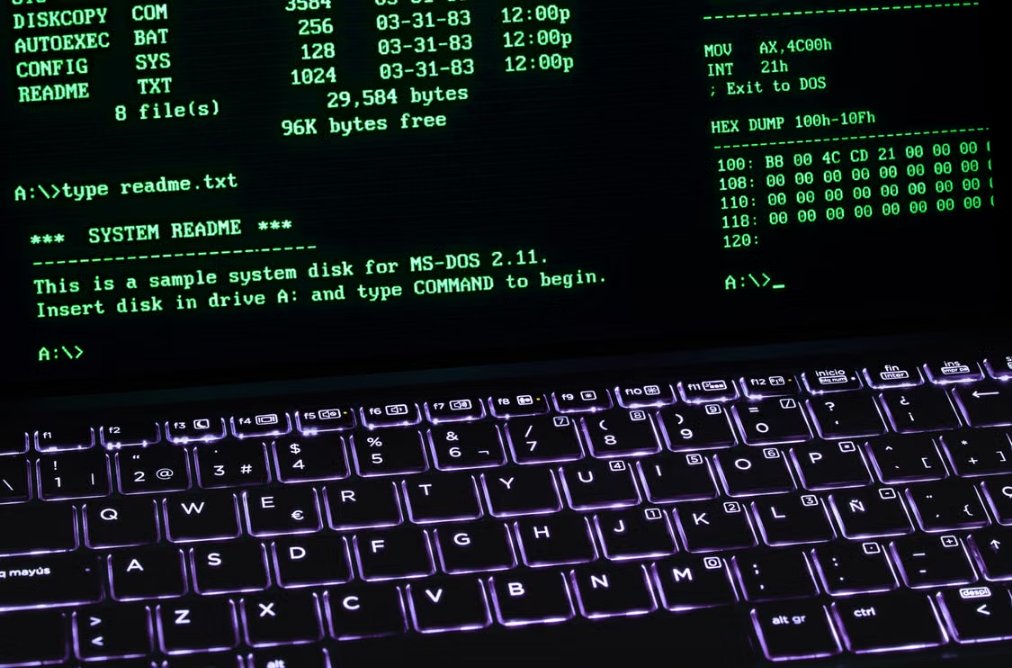
5 ways to fix computer cannot find wireless printer

5 ways to fix computer cannot find wireless printer

October 26, 2026 by Philip Celasco Leave a Comment
5 ways to fix computer cannot find wireless printer

Computer cannot find your wireless printer? Check its Wi-Fi network, add it by IP address, restart Print Spooler, update drivers and run the Windows troubleshooter.
Posted in: How to, Windows
How to
Run commands, CMD and PowerShell on a Windows command line

Windows Run commands, CMD and PowerShell: the complete list

October 26, 2026 by Philip Celasco Leave a Comment
Run commands, CMD and PowerShell on a Windows command line

Run commands for Windows 11 and 10: press Win + R and type a .msc or .cpl name. Plus CMD and PowerShell commands, admin windows, PowerShell 7 and fixes.
Posted in: How to, Windows
How to
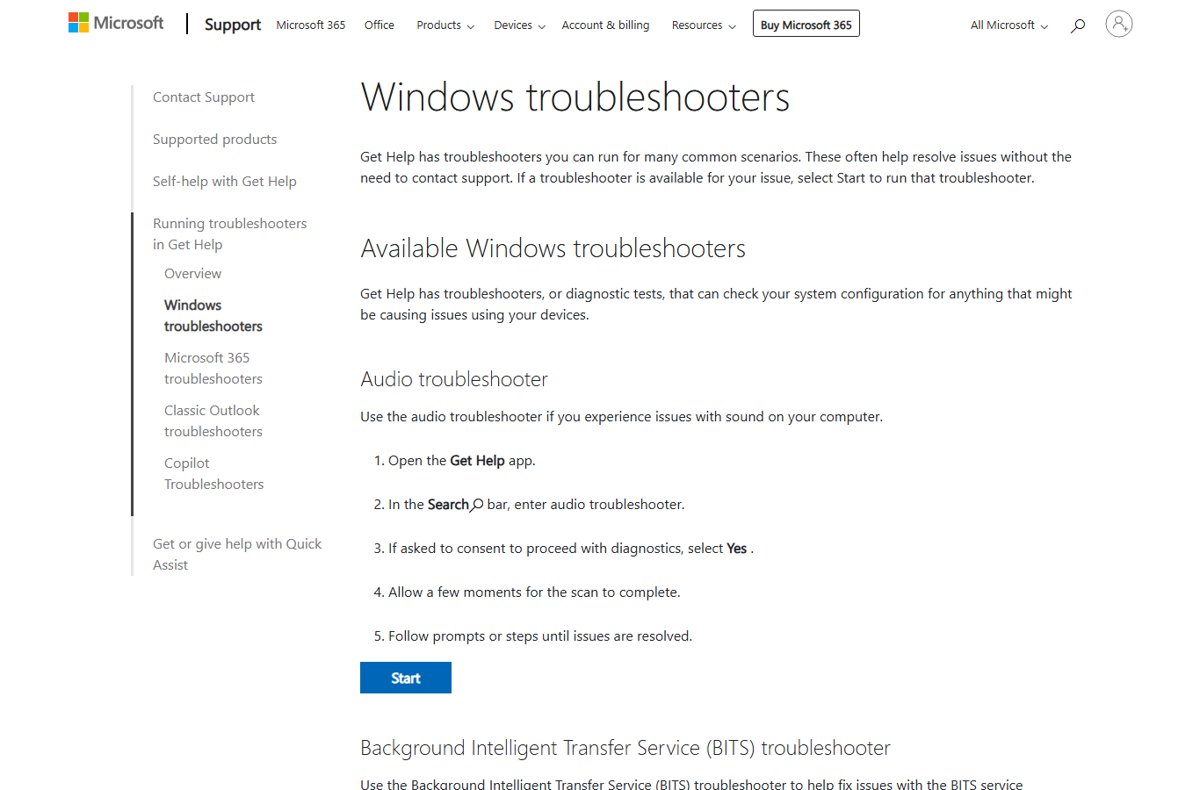
Run Printer Troubleshooter to fix printer problems in Windows 11/10

Run printer troubleshooter to fix printer problems in Windows 11/10

October 26, 2026 by Philip Celasco Leave a Comment
Run Printer Troubleshooter to fix printer problems in Windows 11/10

Run the printer troubleshooter in Windows 11 from Get Help or Settings, or in Windows 10 from Troubleshoot, then work through 14 fixes if printing still fails.
Posted in: How to, Windows
How to
Windows 11 26H2 guide on a laptop with the centered Start menu

Blue screen of death (BSOD) and Windows stop codes: causes and fixes

October 26, 2026 by Philip Celasco Leave a Comment
Windows 11 26H2 guide on a laptop with the centered Start menu

Blue screen of death fixes for Windows 11 and 10: what each stop code means, first-aid steps, crash logs, memory dumps and the fix for every common BSOD error.


Posted in: How to, Windows
How to
Windows processes explained: program running on a computer screen

What is this process? Windows .exe files and background processes explained

October 26, 2026 by Philip Celasco Leave a Comment
Windows processes explained: program running on a computer screen

Windows processes explained: what svchost.exe, Runtime Broker, dwm.exe and other .exe files do, how to check one is genuine, and how to cut background processes.

Posted in: How to, Windows
« Previous 1 … 16 17 18 … 88 Next »

More from Techdows

What is Tizen OS - Samsung TV remote control
What is Tizen OS? All you need to know
How to · 5 hours ago
Subtract dates in Excel - spreadsheet charts on a laptop next to a calendar
How to subtract dates in Excel: A step-by-step guide
How to · 5 hours ago
Enable Meta AI on WhatsApp - WhatsApp app icon on a phone home screen
How to enable Meta AI on WhatsApp
How to · 5 hours ago
Discord app vs browser CPU usage - desktop processor on a motherboard
Discord app vs browser CPU usage
How to · 5 hours ago
Run Disk Management as admin in Windows 11 - hard drive, SSD and USB storage devices
How to run Disk Management as admin Windows 11
How to · 5 hours ago
Set mouse for left-handed user in Windows 11/10 - ambidextrous wired computer mouse
How to set mouse pointer for left-handed user in Windows 11/10
How to · 4 hours ago
Move apps on the iPhone - iOS home screen app icons and folders
How to move apps on the iPhone
How to · 4 hours ago
Make Excel allow multiple users - colleagues sharing spreadsheets on laptops
How to make Excel allow multiple users: A step-by-step guide
How to · 3 hours ago

© 2009–2026 Techdows · About · Contact · Privacy Policy

Copyright © 2026 Techdows.

Techdows WordPress Theme by Techdows