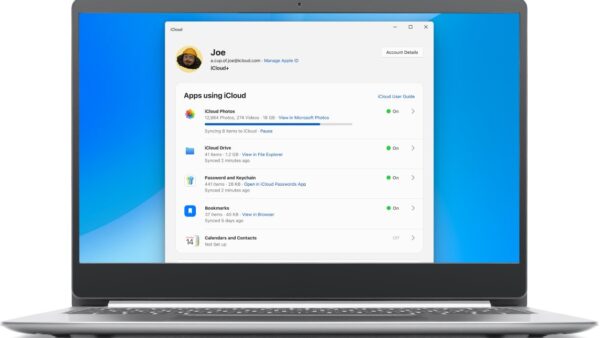
Endless iCloud login loop on Windows 11? How to fix it
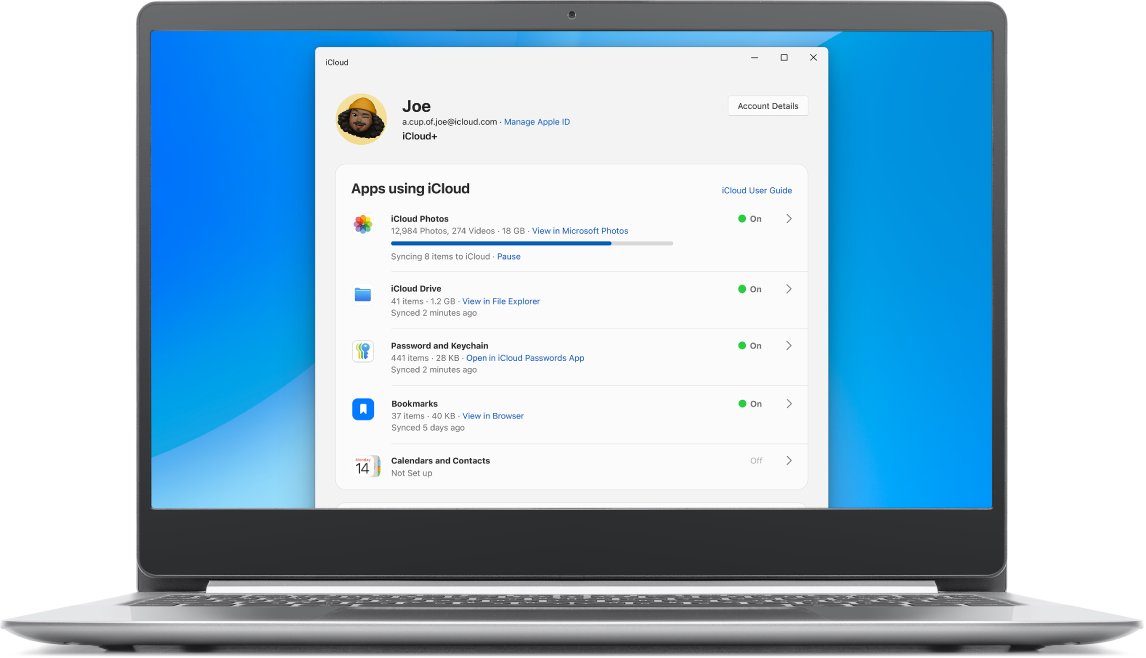
iCloud login loop on Windows 11? Update iCloud from the Microsoft Store, fix the clock, sign out and back in, then repair, reset or reinstall the app.
2,116 articles
iCloud login loop on Windows 11? Update iCloud from the Microsoft Store, fix the clock, sign out and back in, then repair, reset or reinstall the app.
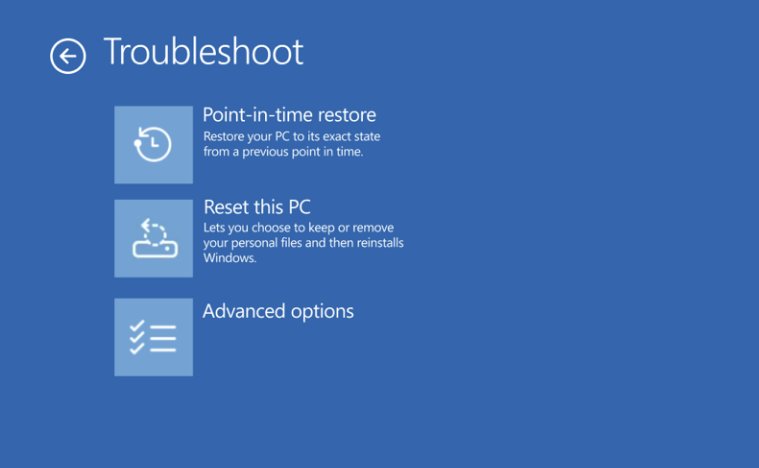
Recover deleted files after emptying the Recycle Bin in Windows 11 with File History, OneDrive’s recycle bin or Microsoft’s free Windows File Recovery app.
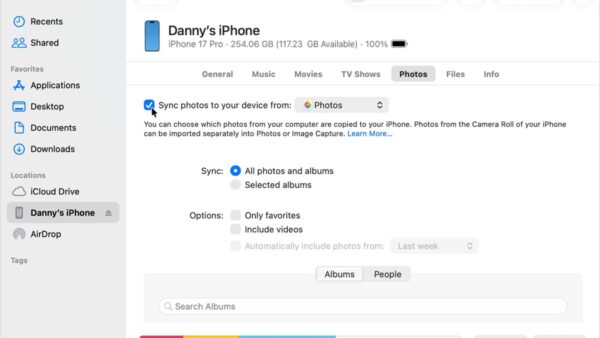
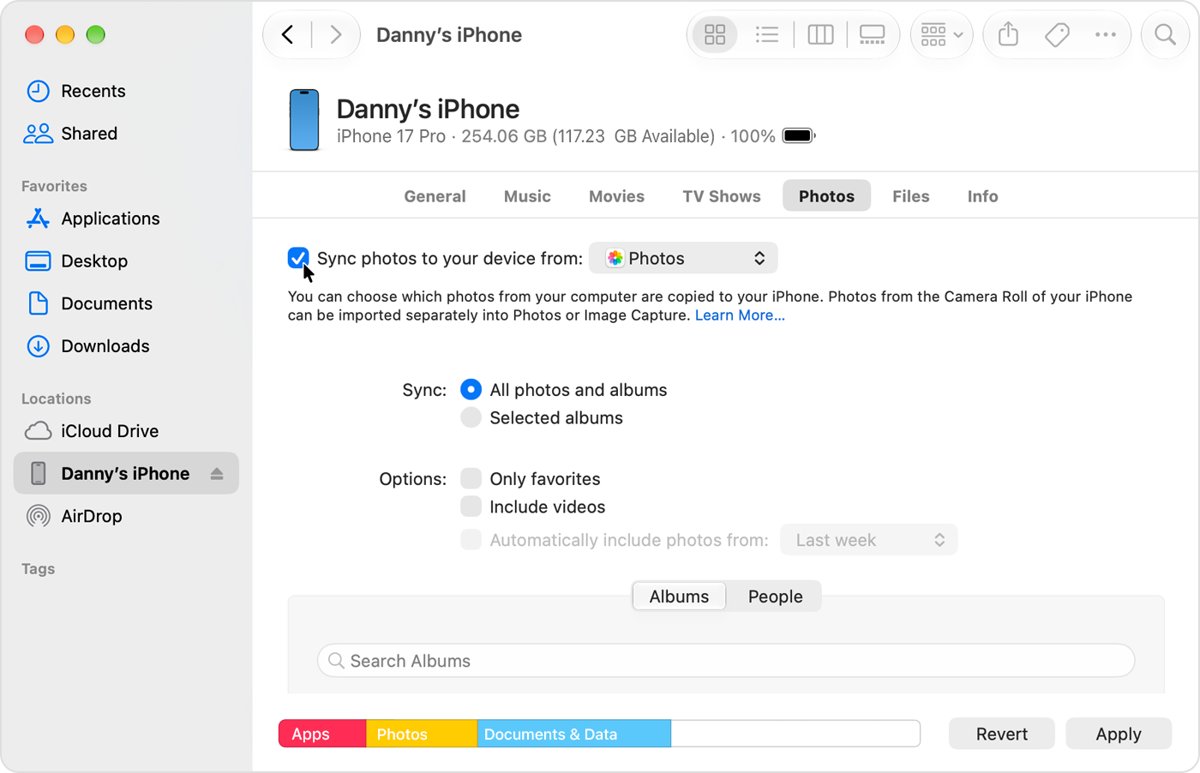
Transfer pictures from a desktop to iPhone with the Apple Devices app on Windows, Finder on Mac, iCloud Photos or AirDrop, plus fixes when photos do not appear.
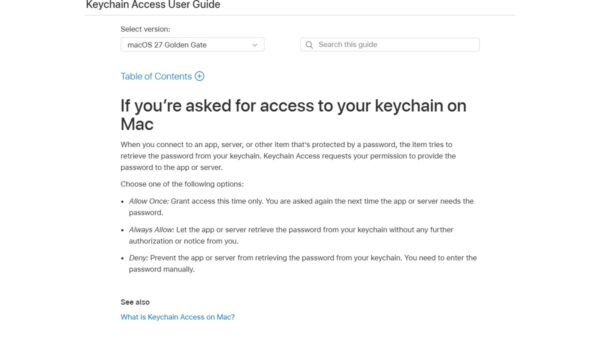
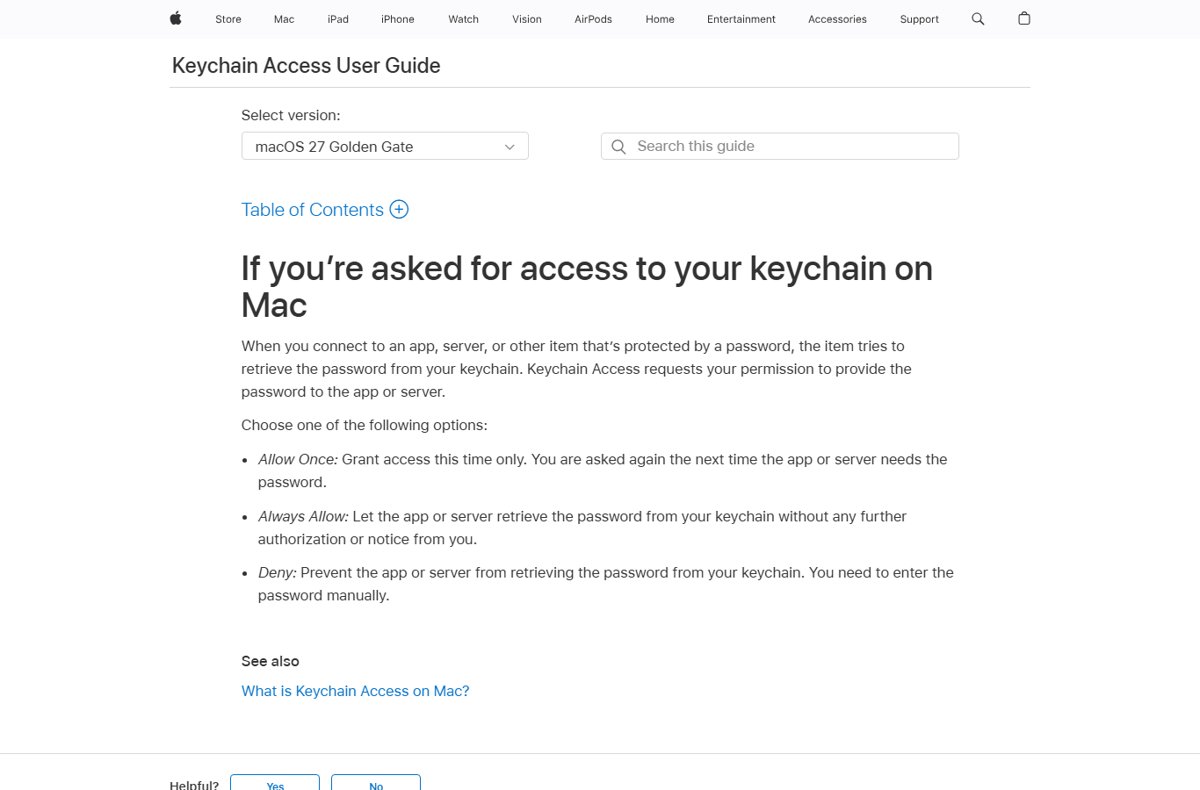
Mail wants to sign using key privateKey in your keychain? Enter your Mac password and click Always Allow, or send unsigned and sync your keychain.
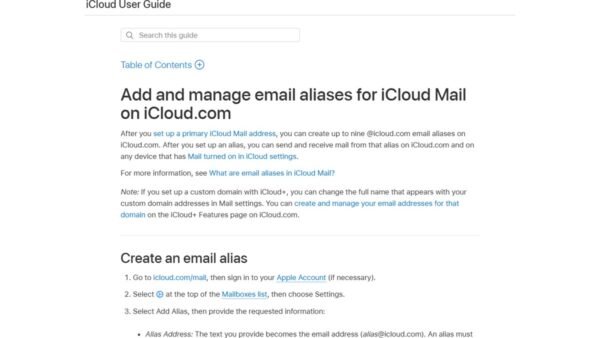
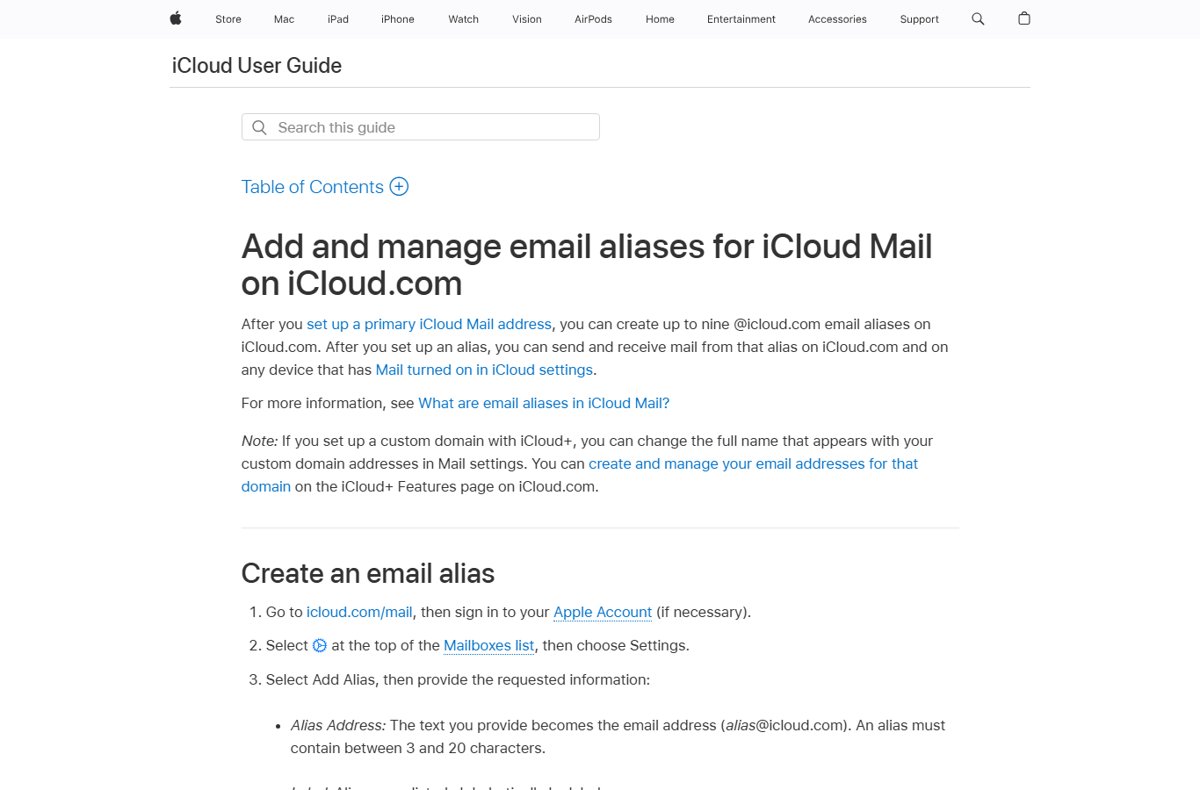
Create a secondary email account under iCloud with an @icloud.com alias that shares your inbox and Apple Account. Steps, limits, and when to change instead.
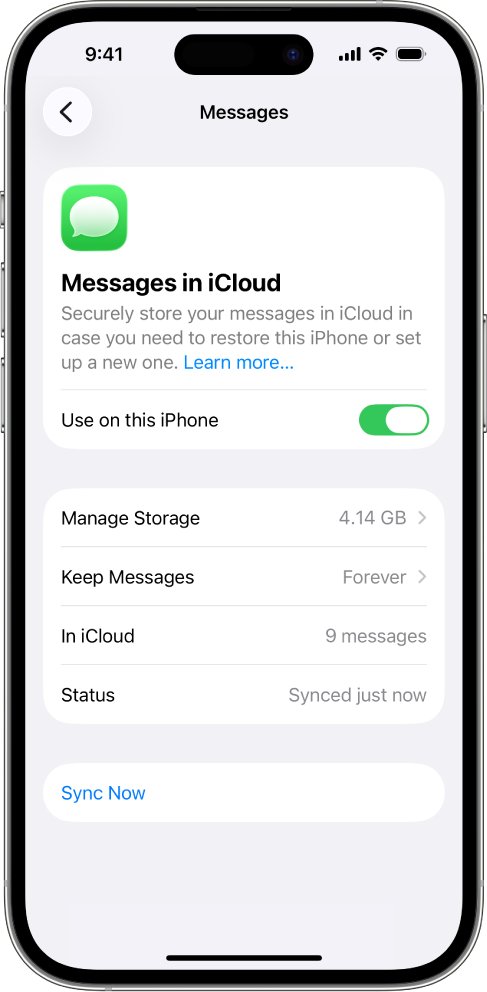
View messages on iCloud by turning on Messages in iCloud and opening the Messages app. Why iCloud.com has no Messages, plus Mac, PC and sync fixes.


Press Space to start the Chrome Dino game at chrome://dino or on the offline page. How to play, what the obstacles do, arcade mode and how admins block it.
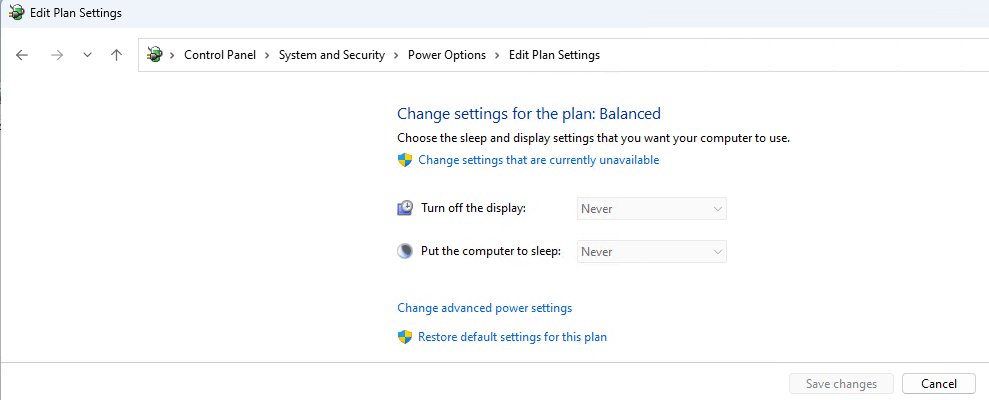
Create a Windows 11 sleep timer shutdown with shutdown /s /t, set an idle sleep timer in Settings, schedule nightly shutdowns and wake the PC at a set time.
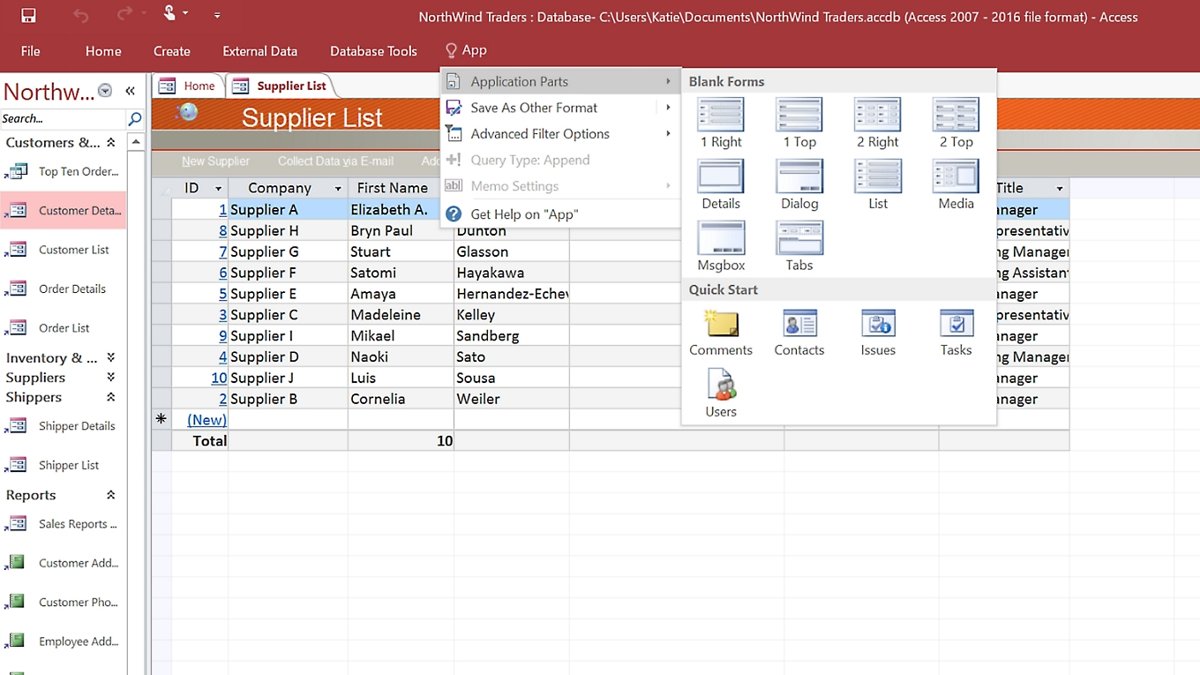
What is Microsoft Access? A desktop database app for Windows in Microsoft 365. Learn how it works, what it is used for, free options, limits and alternatives.
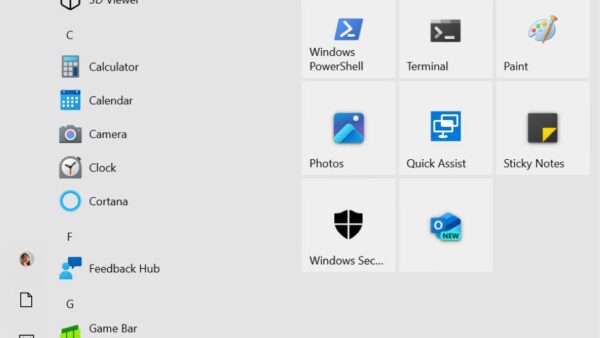
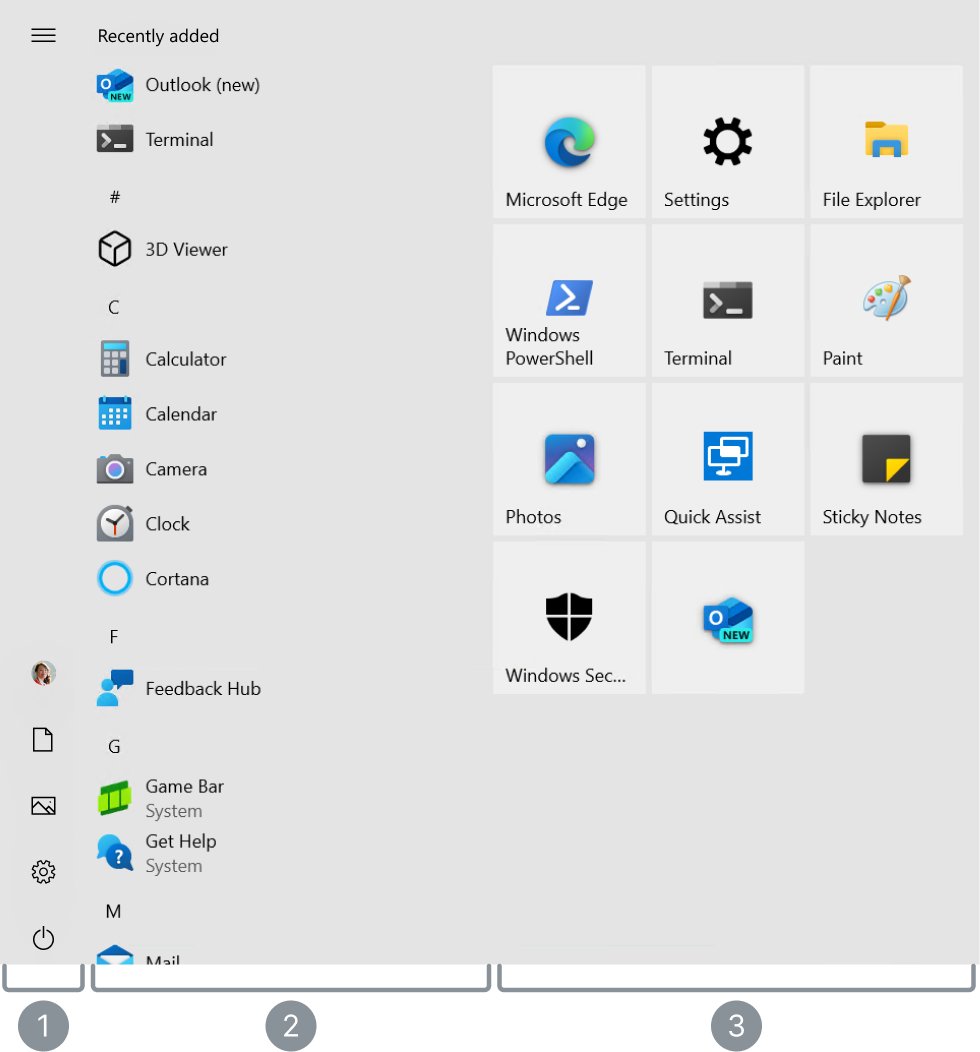
Personalization settings in Windows 10 live in Settings > Personalization: background, colors, lock screen, themes, fonts, Start and taskbar, with fixes.
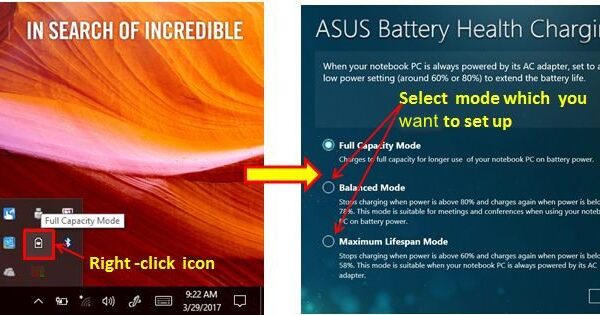
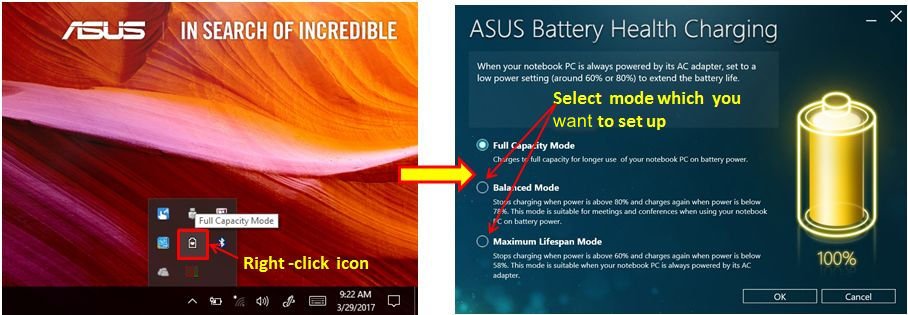
Fix laptop battery draining fast or not charging on Windows: check the charger, charge limits, battery-hungry apps, power mode, drivers and a battery health report.
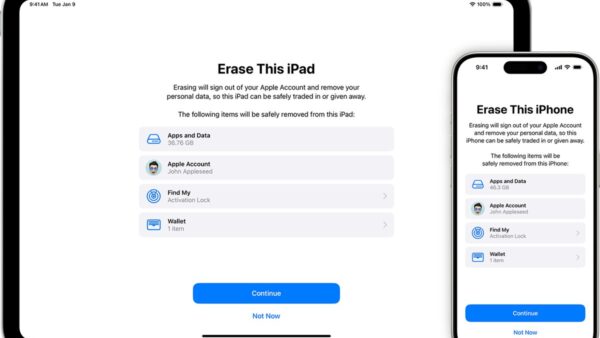
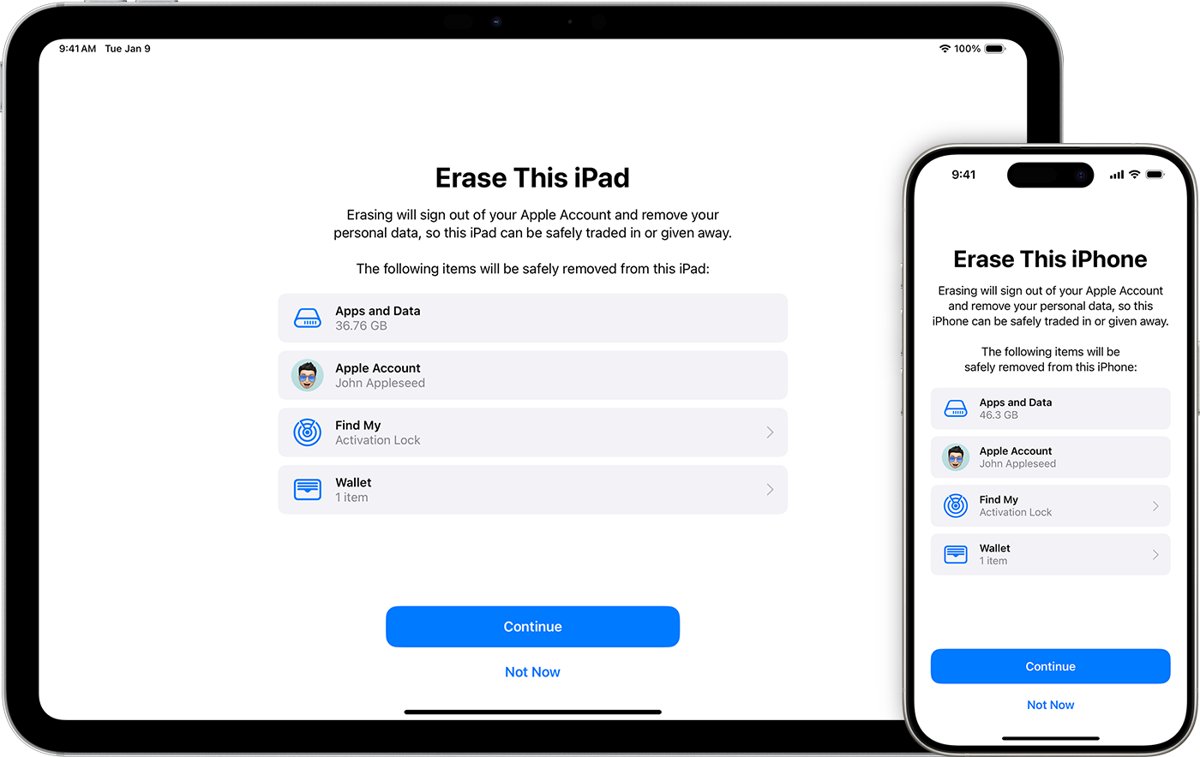
Does a factory reset deactivate Find My iPhone? Only an erase done on the iPhone with your Apple Account password does. Recovery mode and remote erase keep it on.