To find a registry on Amazon, select Registry at the top of amazon.com, choose Find a registry or gift list, and search by the registrant's name.
This guide covers baby registries, wedding registries, gift lists and wish lists, how to buy from one, and why a registry may not show up.
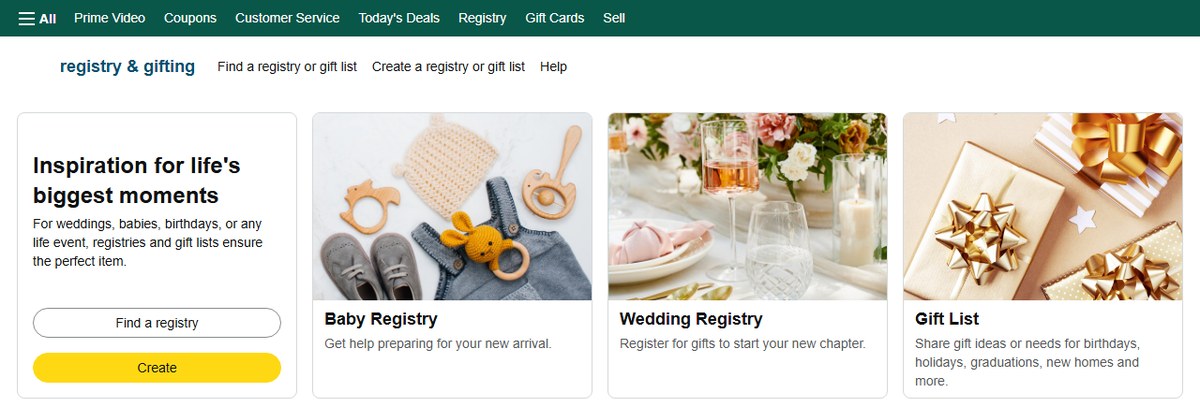
Step by step tutorial on how to find a registry on Amazon
This route works for every public registry type on amazon.com in a desktop or phone browser.
- Go to amazon.com and sign in to your account.
- Select Registry in the menu bar below the search box.
- Select Find a registry or gift list.
- Type the registrant's name in the search box and pick the registry type in the dropdown, such as Gift List for a child's list.
- Select Search.
- Select the registrant's name in the results to open the registry.
Only public registries appear in search. A registry set to private or shared opens only from the link its owner sends you.
Amazon baby registry vs wedding registry vs gift list search
Each registry type searches slightly differently. Match the list you are looking for to a row.
| You are looking for | Where to search | What to enter | When it becomes searchable |
|---|---|---|---|
| A baby registry | Baby Registry search | Owner's name, city or state, plus the estimated birth month and year | One to six hours after it is created |
| A wedding registry | Find a wedding registry by name, on the Wedding Registry page | The name of either partner | Once the couple makes it public |
| A child's gift list | Your Registries and Gift Lists, with Gift List chosen in the dropdown | The parent's or guardian's name | Within 24 hours of creation |
| A wish list or other Amazon list | No public search | Ask the owner for a share link | Only when the owner shares it |
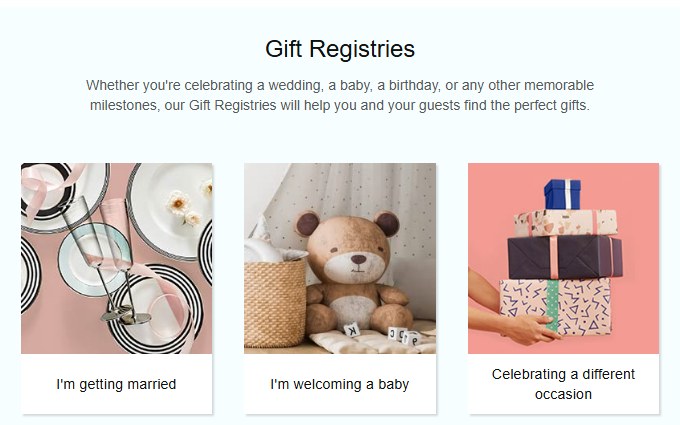
How to find a baby registry on Amazon
Baby registries have their own search page with a birth-date filter that narrows common names.
- Select Registry at the top of amazon.com, then choose the baby registry search.
- Enter the registry owner's name, city or state in the Find a Baby Registry search box.
- Select the month and year of the estimated birth date if you know it.
- Select Search.
- Select the registry owner's name to open the registry.
A baby registry marked private or shared does not appear in these results, however exact the name.
How to find a wedding registry on Amazon
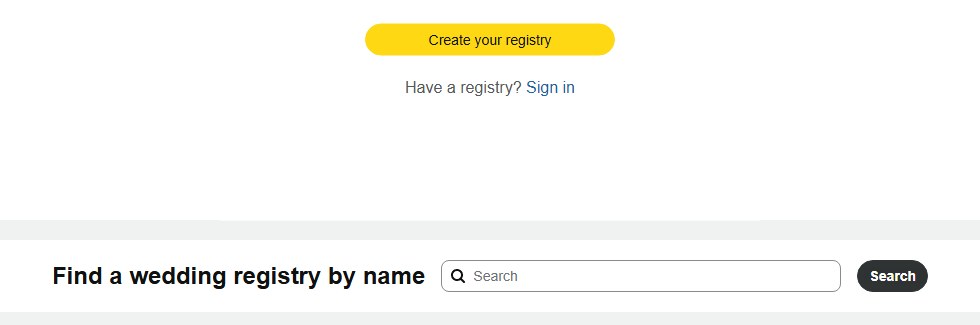
The Wedding Registry page has its own name search box near the top.
- Go to amazon.com/wedding, or select Registry and then the wedding registry option.
- Find the Find a wedding registry by name box.
- Type the name of either partner.
- Select Search.
- Open the couple's registry from the results and check the city shown to confirm it is theirs.
Wedding registries can include a gift card fund and group gifting, so pricier items may accept a partial contribution instead of a full purchase.
How to find a gift list on Amazon
A child's Gift List is listed under the parent or guardian who created it, not under the child's name.
- Go to Your Registries and Gift Lists on amazon.com.
- Enter the name of the parent or guardian who created the list in the search box.
- Select Gift List in the dropdown.
- Select Search.
- Select the right Gift List in the search results.
A new Gift List can take up to 24 hours to appear, so search again the next day if a just-created list is missing.
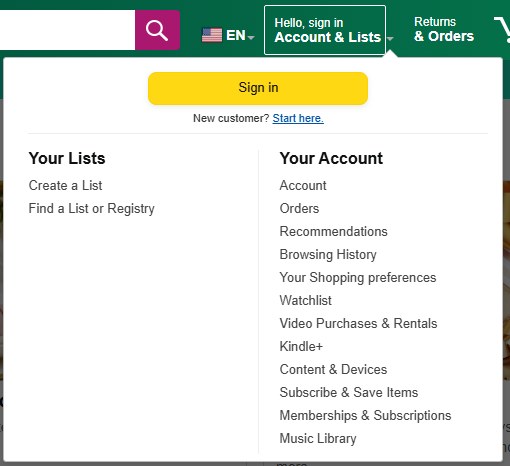
How to find someone's Amazon wish list
Wish lists and other everyday Amazon lists have no public search. The owner has to share the list with you.
- Go to Your Friends in your Amazon account.
- Select Send a message.
- Choose Copy message to paste the request into a text or chat, or Email this message.
- Open the share link when your friend sends it back.
- Save the link in Your Friends so the list is easy to find next time.
If you keep your own list, you can share an Amazon list with a view-only link in the same way.
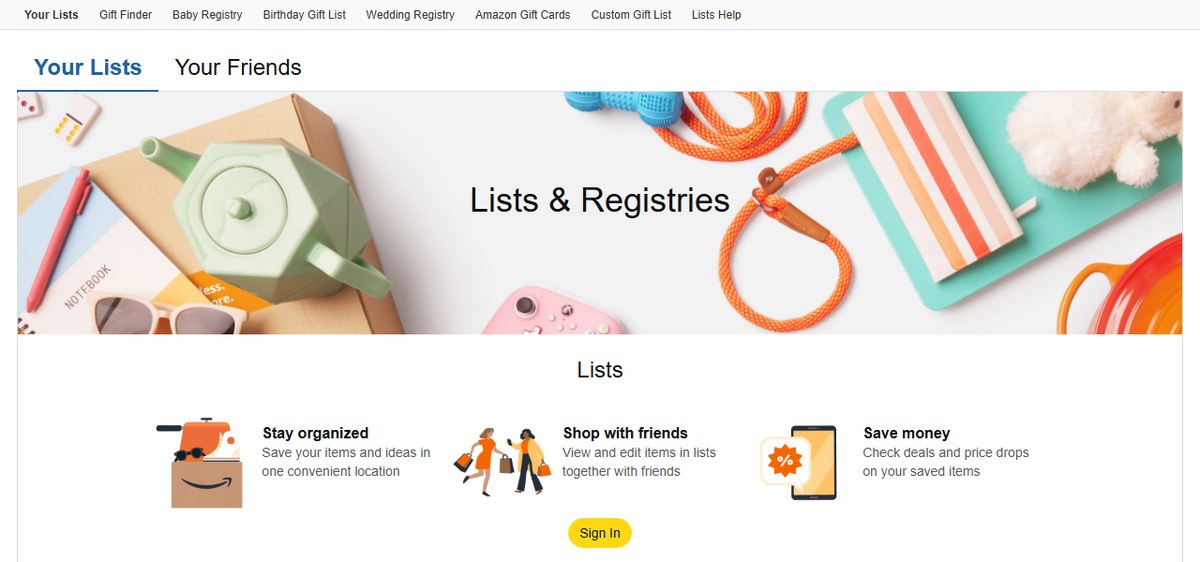
How to find a registry on Amazon app
The Amazon Shopping app reaches the same registry search as the website. If you cannot find the registry entry in the app menus, the mobile website gives the same search.
- Open your phone's web browser and go to amazon.com/registries.
- Sign in with the same Amazon account you use in the app.
- Tap Find a registry or gift list.
- Enter the registrant's name and choose the registry type.
- Tap Search, then tap the registrant's name to open the registry.
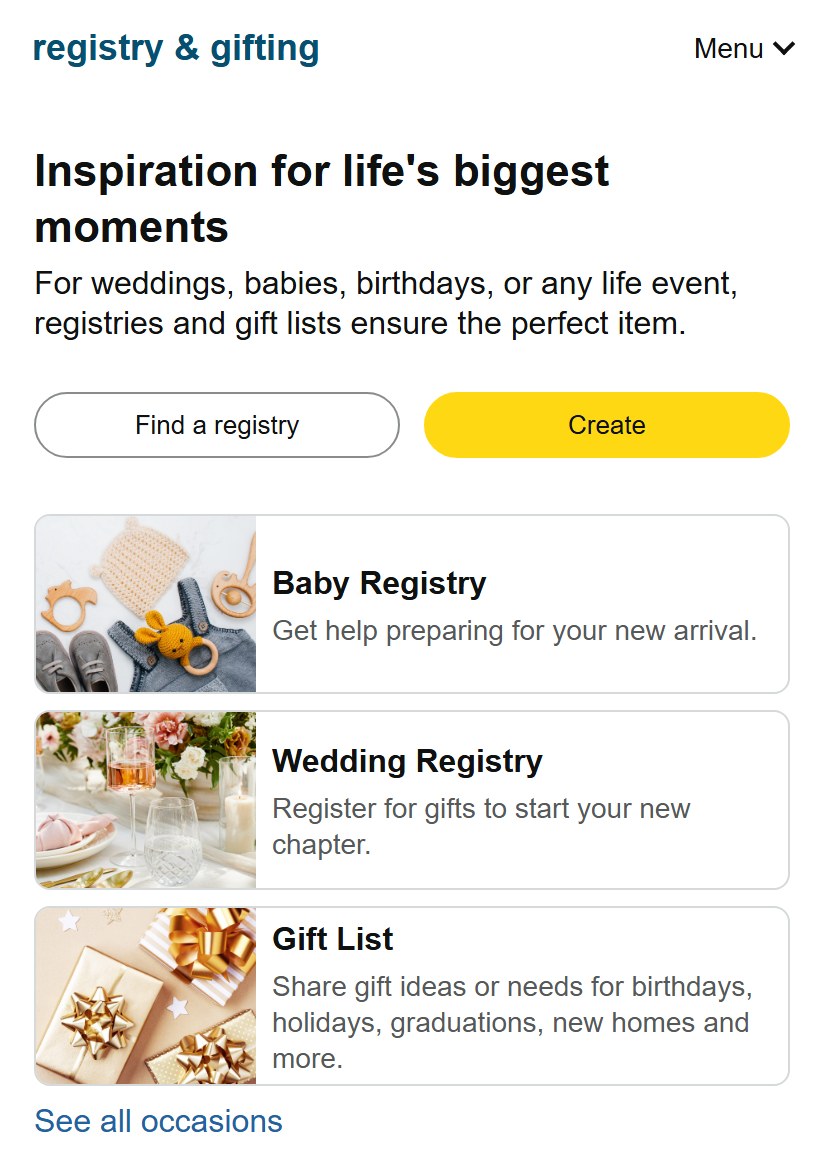
How to buy from an Amazon registry
Once the registry is open, buying from it marks the gift as purchased for other guests.
- Browse the registry or list.
- Select the three dots at the top right and use Sort by to sort by price, priority or purchased status.
- Select Add to Cart on the list page or the product page.
- Add a gift message and request gift-wrap if you want them.
- Proceed to checkout and choose the registrant's address, which shows only their name and city.
- Follow the on-screen instructions to place the order.
For an item sold elsewhere, select Buying this elsewhere next to it so the registry still marks it as purchased.
Tips on how to find a registry on Amazon
Most failed searches come down to the wrong name or a registry that is not public yet.
- Search with the name the registrant uses on Amazon, which may be a maiden name or a partner's name.
- Narrow a baby registry search with the city, state or estimated birth month.
- For a child's Gift List, search the parent's or guardian's name, not the child's.
- Give a brand-new registry a few hours, or up to a day for a Gift List, before you search again.
- Ask the registrant for the direct link if the registry is private or shared.
- Check the city shown on the result before you buy, since common names return many registries.
Why can't I find a baby registry on Amazon
The search returns no results for the name
The registry is private or shared, so Amazon search cannot list it.
- Ask the registrant whether the registry is public.
- Ask them to send you the registry link instead.
- Open the link while signed in to your Amazon account.
A registry created today does not show up
Baby registries take one to six hours to become searchable, and Gift Lists up to 24 hours.
- Wait a few hours after the registrant sets it up.
- Search again with the same name.
- Ask for the direct link if you need it sooner.
Too many registries with the same name
A common name matches many public registries.
- Add the city or state to the baby registry search.
- Select the estimated birth month and year.
- Open each likely result and match the details the registrant gave you.
You are searching for a wish list instead of a registry
Wish lists are not searchable on Amazon.
- Go to Your Friends and select Send a message.
- Send the request so the owner can share the list.
- Open the shared link when it arrives.
Amazon registry FAQ
How do I find a registry on Amazon?
Select Registry at the top of amazon.com, choose Find a registry or gift list, enter the registrant's name, pick the registry type and select Search. Open the matching name in the results. Only public registries appear in search.
How do I find a baby registry on Amazon?
Open Baby Registry search, enter the owner's name, city or state, and optionally the estimated birth month and year. Select Search and then the owner's name. Baby registries become searchable one to six hours after they are created.
How do I find a wedding registry on Amazon?
Go to the Amazon Wedding Registry page and use the Find a wedding registry by name box. Enter either partner's name, select Search and open the couple's registry. Check the city shown to confirm you have the right couple.
What if I can't find the registry I'm looking for?
The registry is probably private or shared, or too new to be searchable. Ask the registrant for the direct link. Baby registries need one to six hours to appear, and Gift Lists can take up to 24 hours.
Can I buy something that's not on the registry?
Yes, you can buy any Amazon item as a gift, but only items on the registry move to its purchased section. A wedding registry can also hold a gift card fund, which lets you contribute money instead of a specific item.
How do I know what's already been purchased from the registry?
Ordered items move to the purchased section of the registry. Select the three dots at the top right of the list and use Sort by to sort by purchased status, so you can see what is still needed.
Can I ship the gift directly to the recipient?
Yes. At checkout, choose the registrant's address saved on the registry. Amazon shows only their name and city to protect their privacy. You can also add a gift message and request gift-wrap before you place the order.
Is it possible to create a private registry on Amazon?
Yes. Registry privacy settings let the owner mark a registry as private or shared. Private and shared registries do not appear in Amazon's registry search, so guests can open them only through a link the owner sends.
Can you search for an Amazon wish list by name?
No. Wish lists and other Amazon lists have no public search. Go to Your Friends, select Send a message and ask the owner to share the list; you can save the link they send in Your Friends.
How do registry gift card funds work on Amazon?
Guests can contribute to an electronic Amazon.com gift card through a wedding registry fund without fees. The couple can then add the gift card balance toward the items they want most.