How to enable Windows auto login without a password
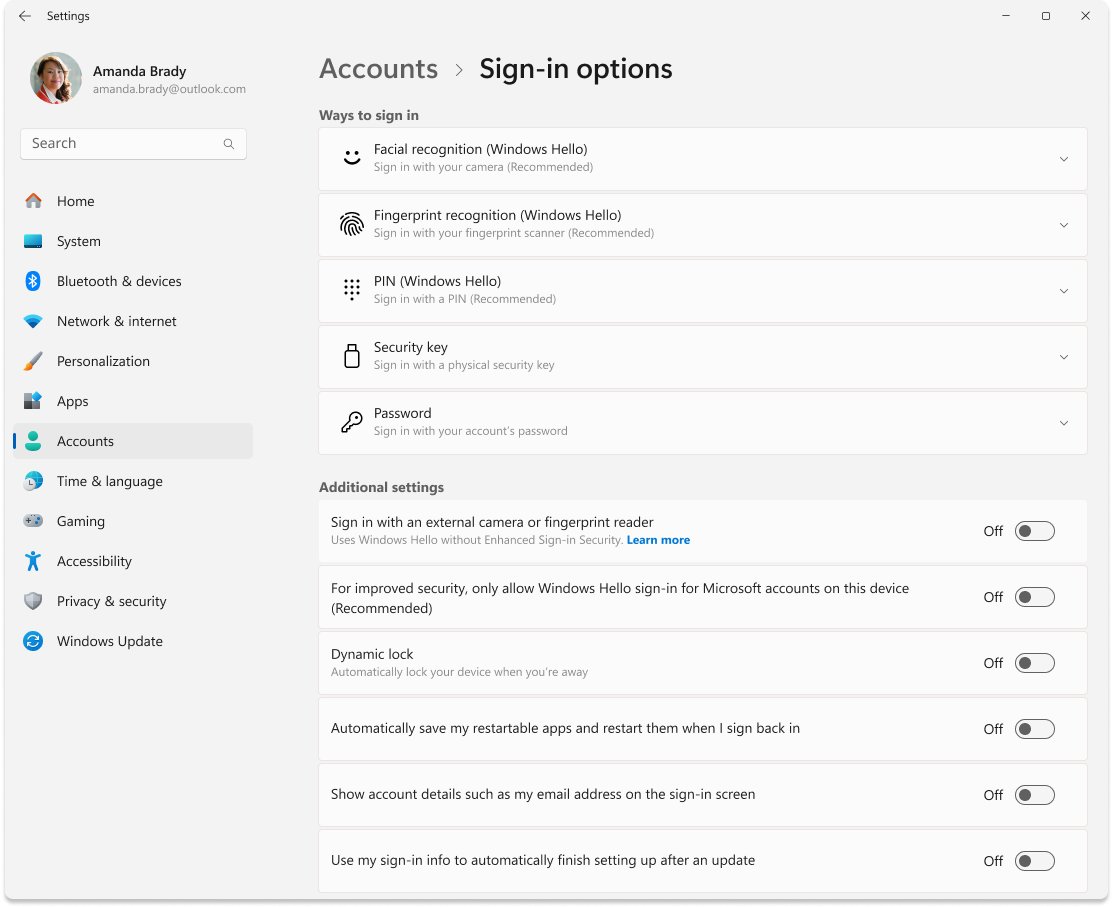
Enable Windows auto login without typing a password: set AutoAdminLogon in the registry or use Sysinternals Autologon, skip the wake prompt, and undo it safely.
2,114 articles
Enable Windows auto login without typing a password: set AutoAdminLogon in the registry or use Sysinternals Autologon, skip the wake prompt, and undo it safely.
CTRL commands for Windows 11: Ctrl+C copies, Ctrl+V pastes, Ctrl+Z undoes and Ctrl+S saves. Full Ctrl shortcut tables for text, desktop, File Explorer and Edge.
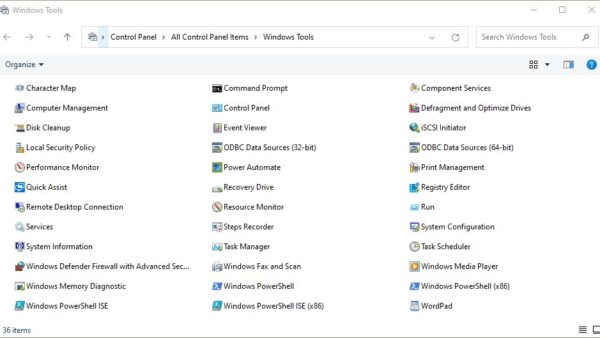
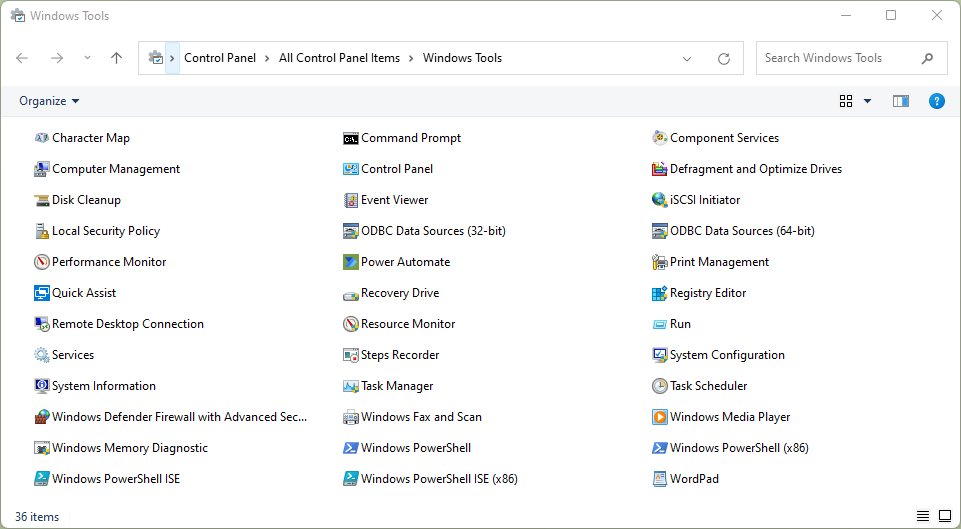
Local Security Policy missing in Windows 11/10? secpol.msc ships only with Pro, Enterprise and Education. Check your edition, upgrade, or repair the files.


Enable dark mode in Microsoft Edge from Settings > Appearance > Dark, make Edge follow the Windows theme, switch it on a schedule, and fix pages that stay white.

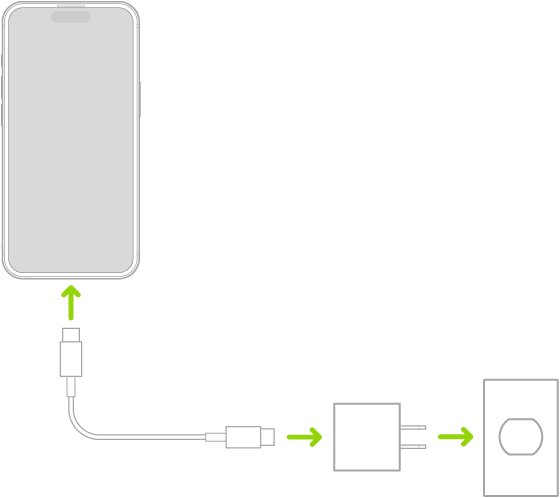
“iPhone is findable” means the iPhone is off but Find My can still locate it. Charge it for an hour, force restart it, and fix the cable, port or heat.
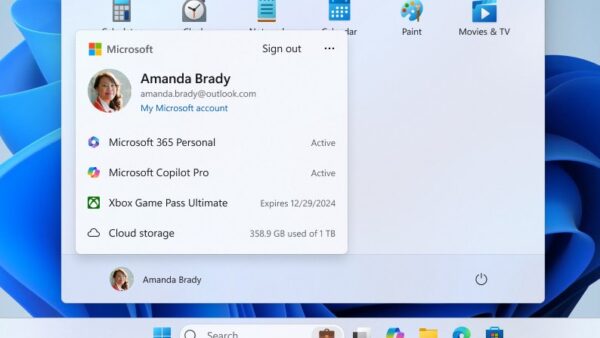
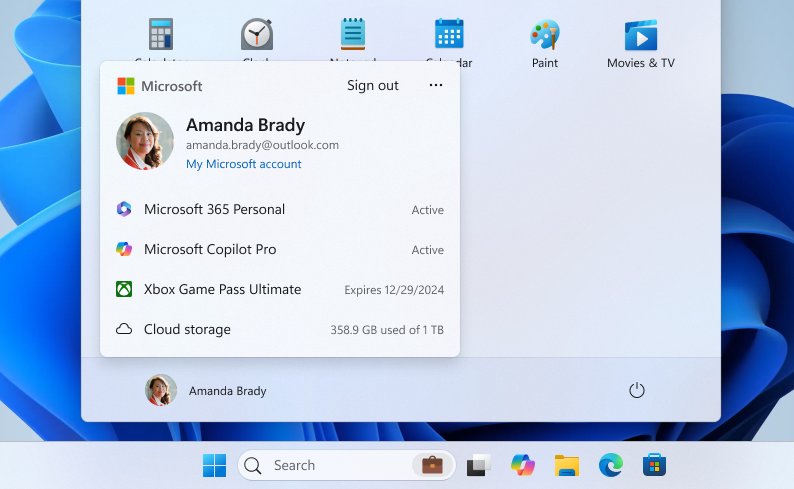
Log off a Windows 11 or 10 computer from Start > account picture > Sign out, or use Ctrl + Alt + Delete, Win + X or shutdown /l. Plus auto-logoff fixes.
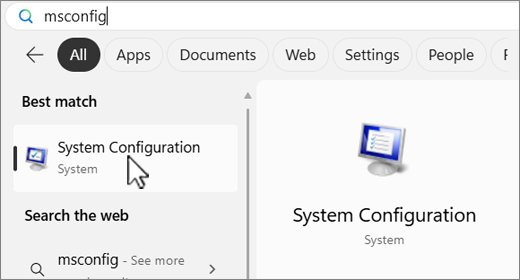
Force quit a program on Windows 11/10 with Ctrl + Shift + Esc and End task, or use Alt + F4, taskkill, PowerShell and the taskbar. Fixes for frozen apps.
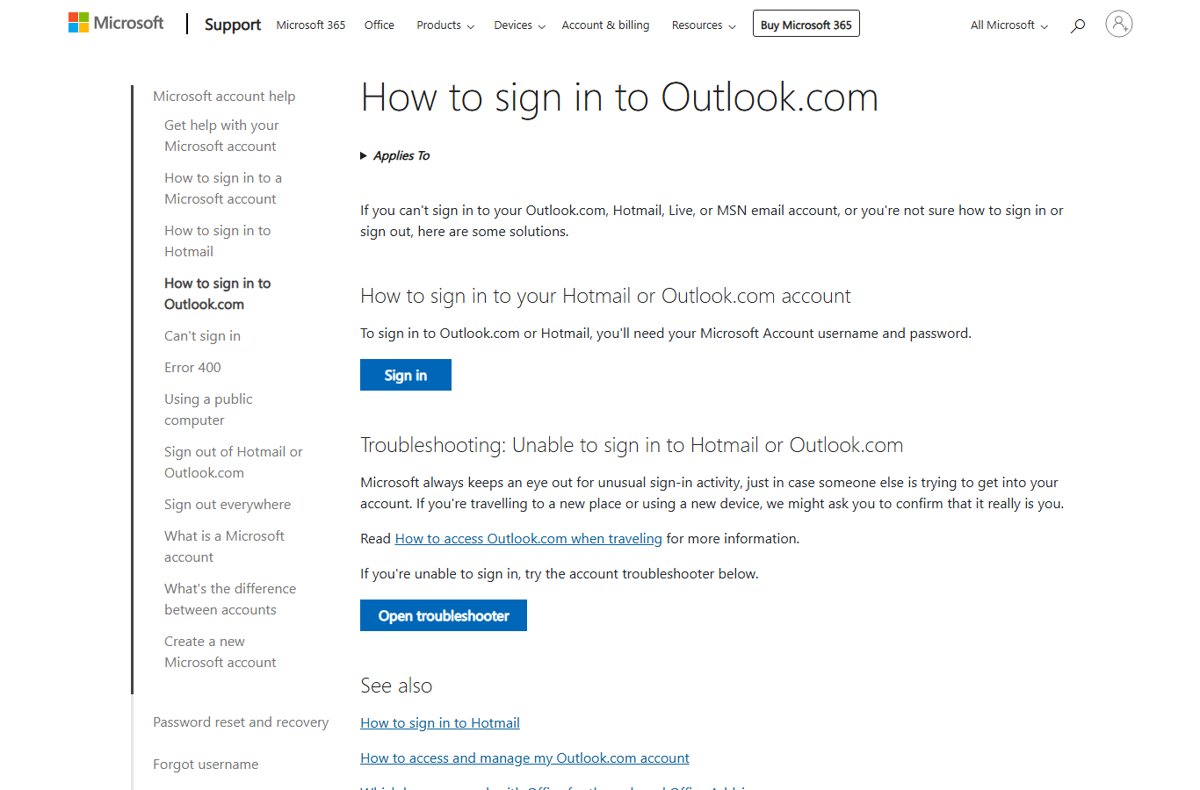
Outlook login made safe: sign in to Outlook.com with your Microsoft account, add a passkey or two-step verification, check recent activity and fix blocked sign-ins.
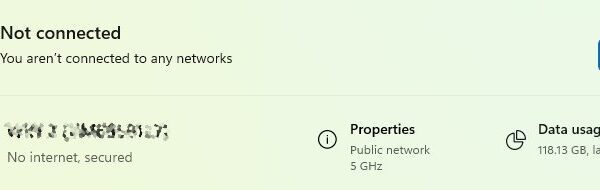
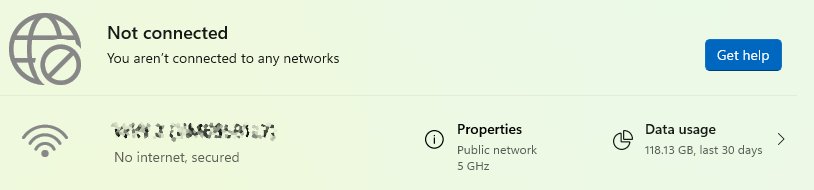
Network & Internet settings in Windows 11: how to open them, what each page controls, and how to change IP, DNS, hotspot, VPN, proxy and metered options.
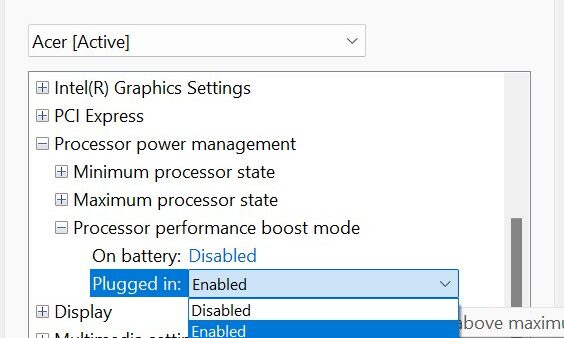
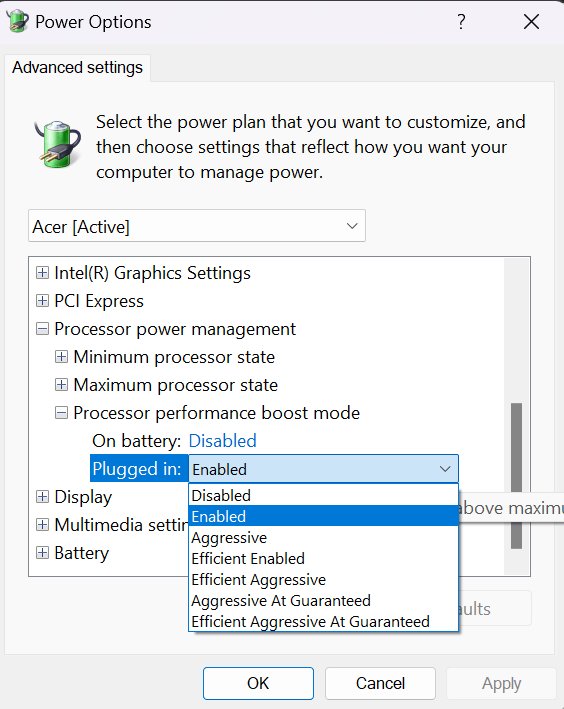
Processor performance boost mode is hidden in Windows. Unhide it with one powercfg command, then set Enabled or Aggressive in Power Options on Windows 11 and 10.
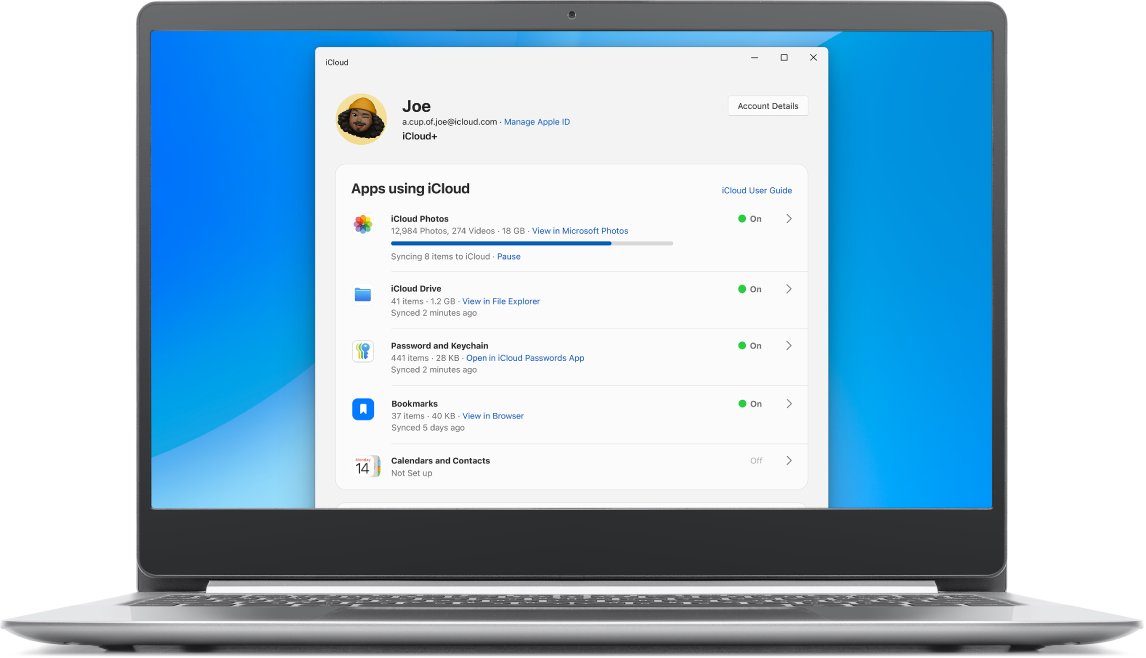
iCloud login loop on Windows 11? Update iCloud from the Microsoft Store, fix the clock, sign out and back in, then repair, reset or reinstall the app.
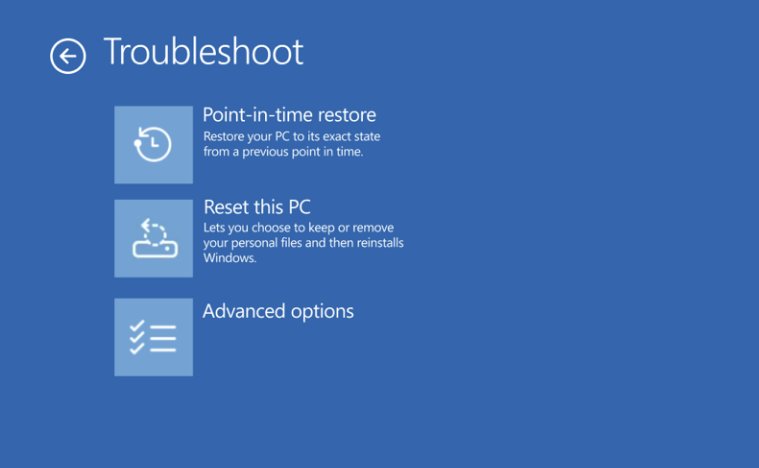
Recover deleted files after emptying the Recycle Bin in Windows 11 with File History, OneDrive’s recycle bin or Microsoft’s free Windows File Recovery app.