What is “Microsoft Text Input Application” in Windows?
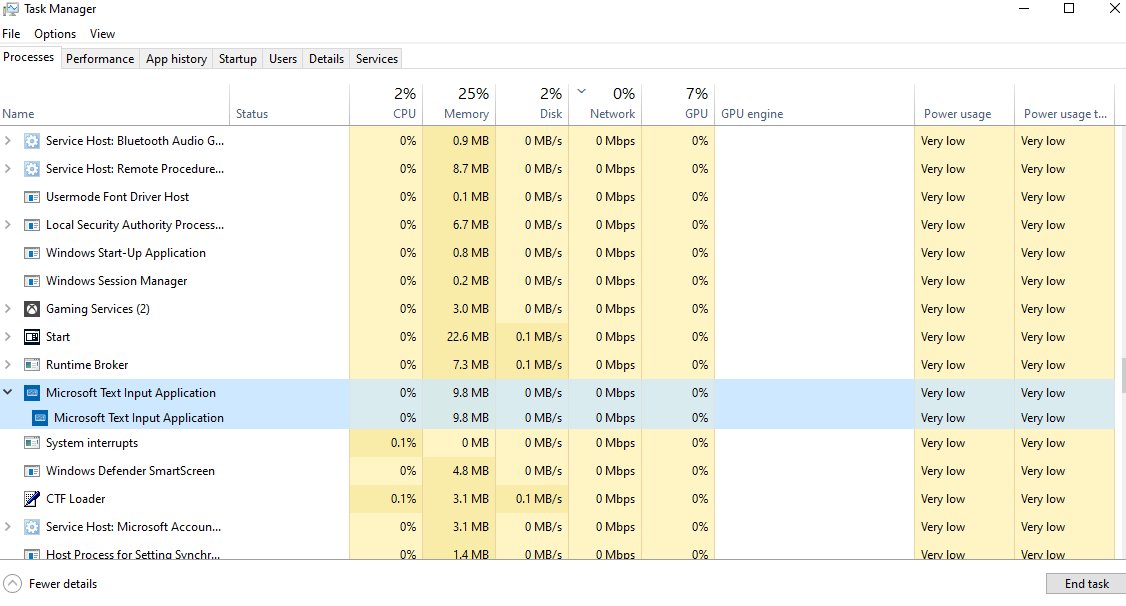
Microsoft Text Input Application is TextInputHost.exe, the built-in Windows Input app behind typing tools. See if it is safe, how to stop it and fix its memory use.
2,154 articles
Microsoft Text Input Application is TextInputHost.exe, the built-in Windows Input app behind typing tools. See if it is safe, how to stop it and fix its memory use.
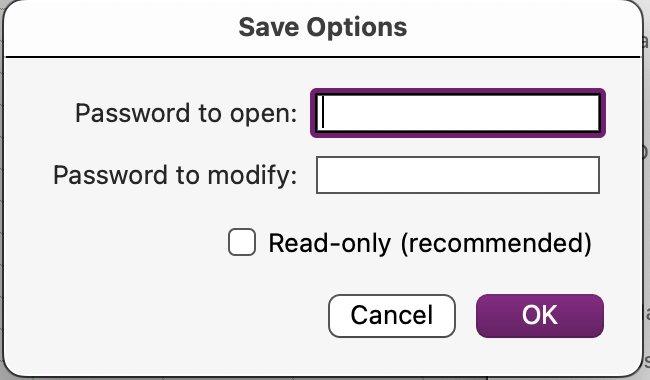
Password protect an Excel workbook from opening with File > Info > Protect Workbook > Encrypt with Password. Windows, Mac and Save As steps, plus fixes.

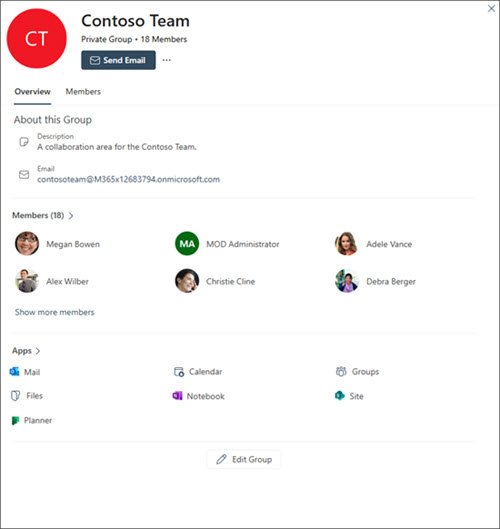
Create a group shared calendar in Outlook by making a Microsoft 365 group: every group gets its own calendar. Steps for web, new and classic Outlook, plus fixes.
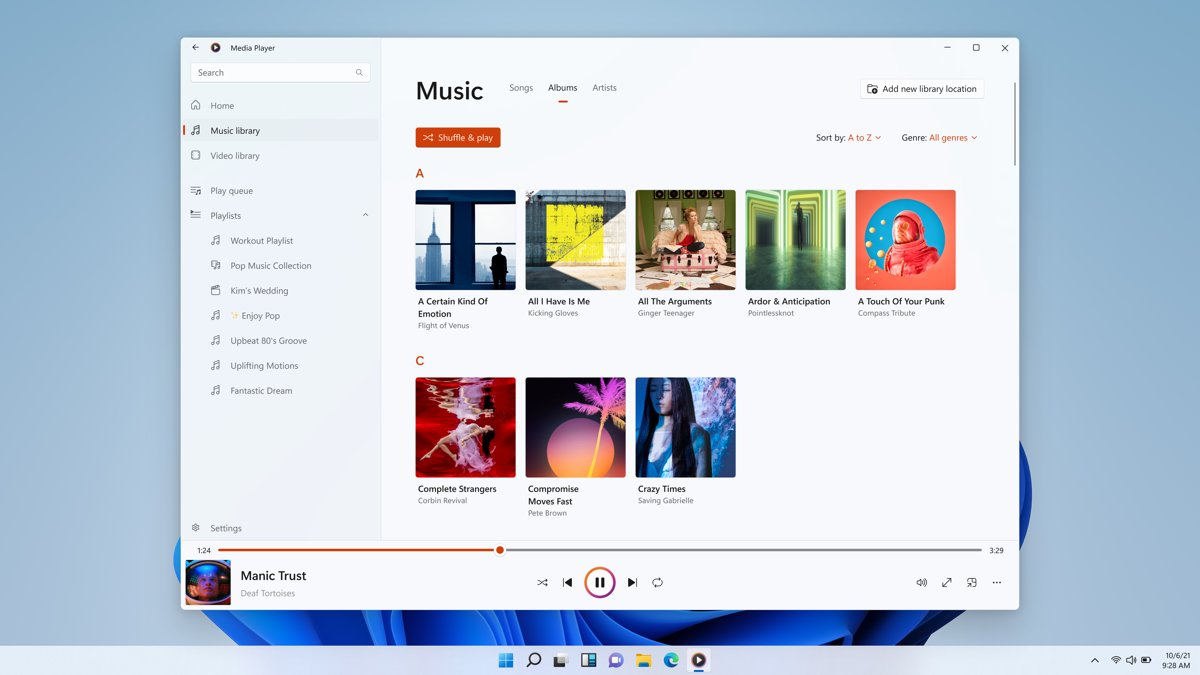
Groove Music is gone: Windows 11 replaced it with Media Player, which kept your library and playlists. See what changed, its limits and how to get the old player.
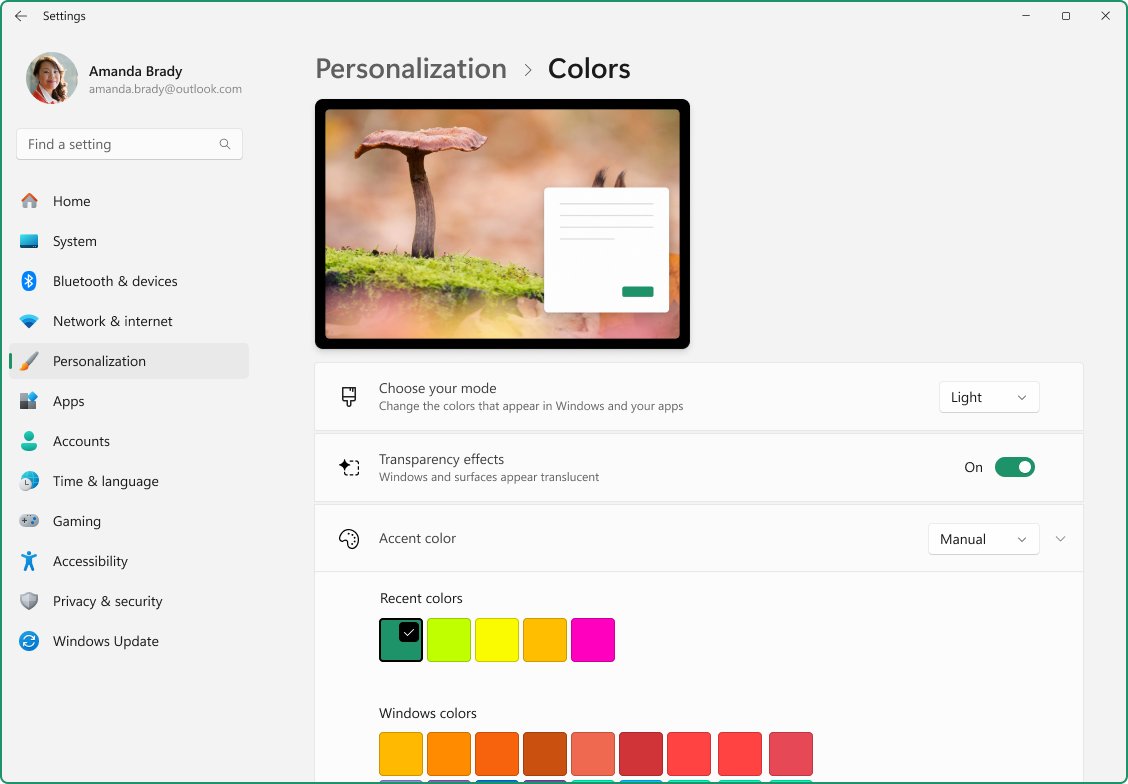
Adjust appearance and performance in Windows 11/10: open Performance Options, pick Adjust for best performance, trim visual effects and set the power mode.
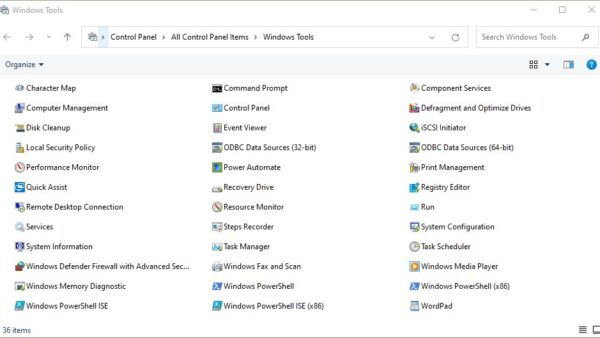
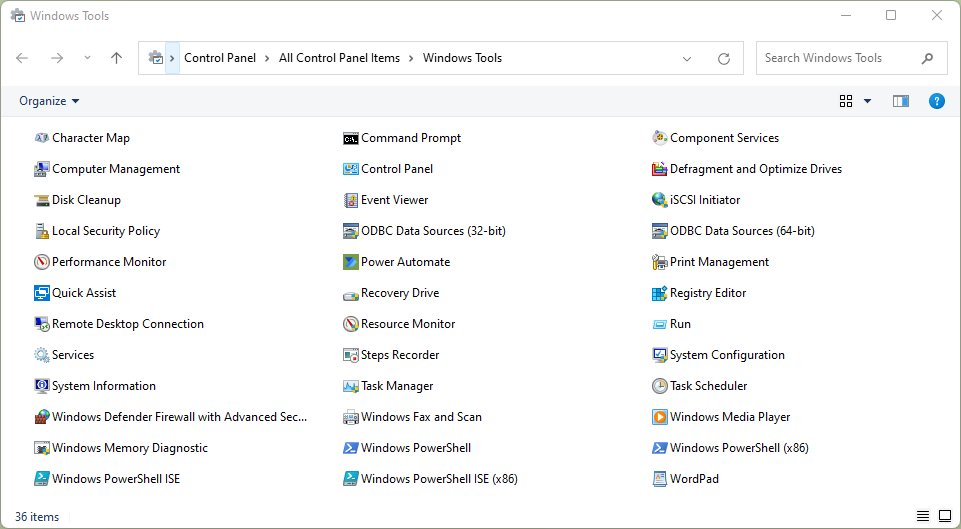
Open Windows Tools in Windows 11 from Start search, All apps or Control Panel, see what the folder holds, and open each admin tool directly with Run commands.
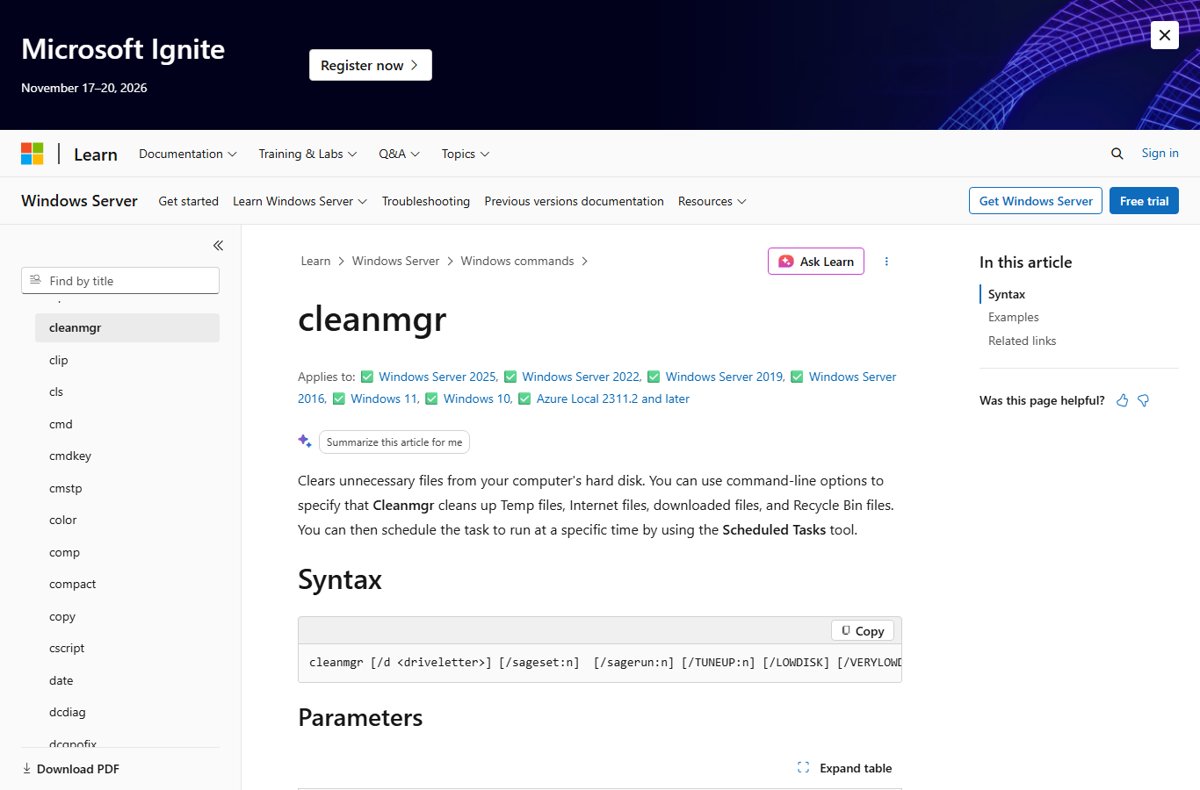
Clear app cache in Windows 11 with Settings Reset, WSReset, Disk Cleanup, Storage Sense, AppData or PowerShell, plus what each method deletes and keeps.

Battery settings in Windows 11 live in Settings > System > Power & battery. Change power mode, energy saver, sleep timers, app usage and low battery alerts.
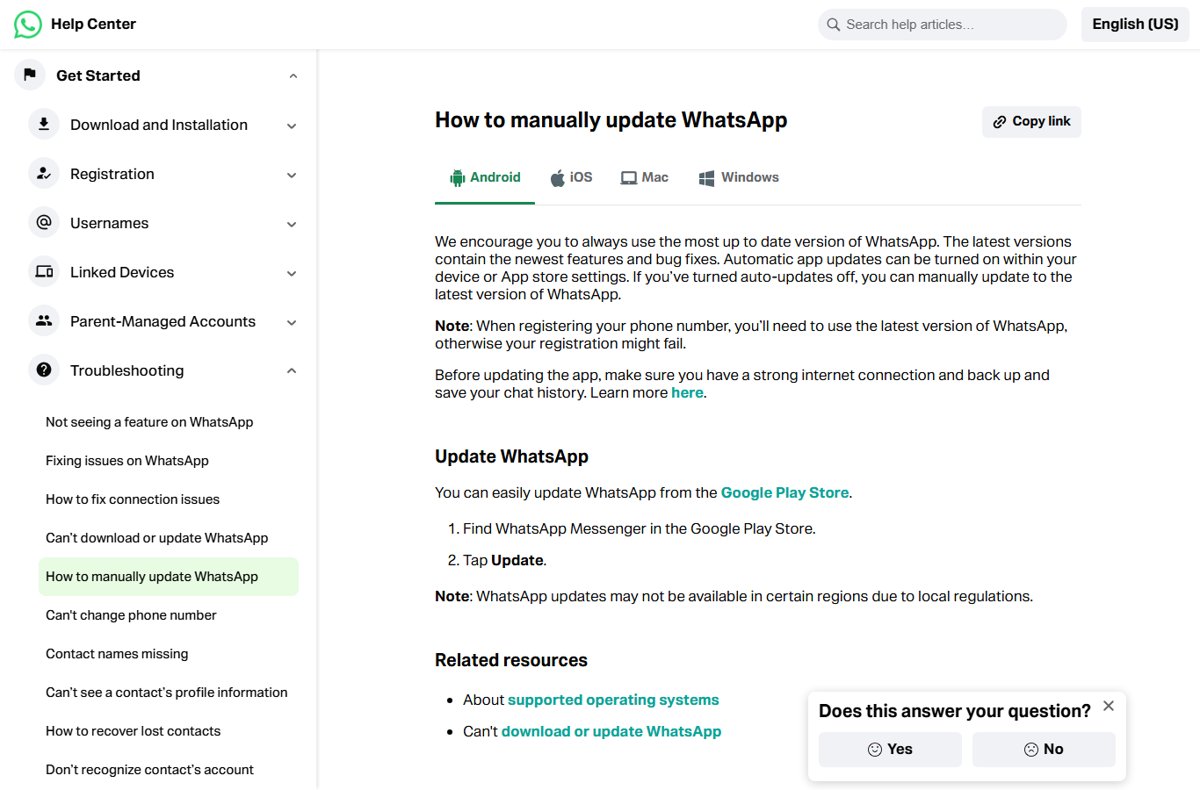
Update WhatsApp manually on a laptop, phone or Mac: open your device’s app store, find WhatsApp Messenger and select Update. Plus Web, APK, Business and fixes.
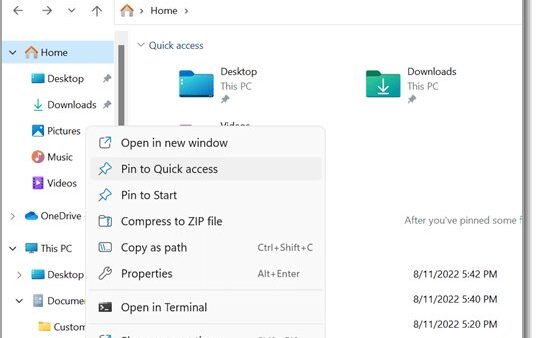
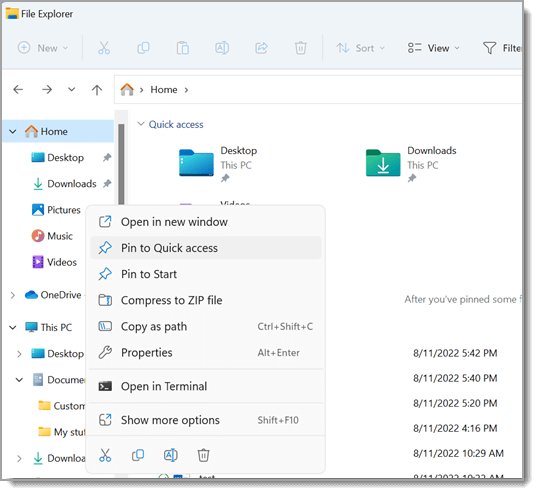
Get to Program Files on Windows 11 by typing %ProgramFiles% in the Run box or C:\Program Files in File Explorer. Seven methods, x86 vs 64-bit, and access fixes.
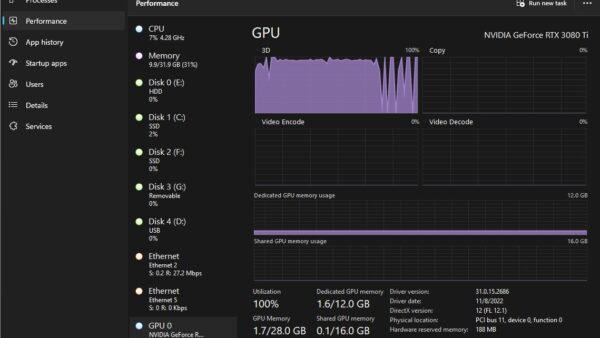
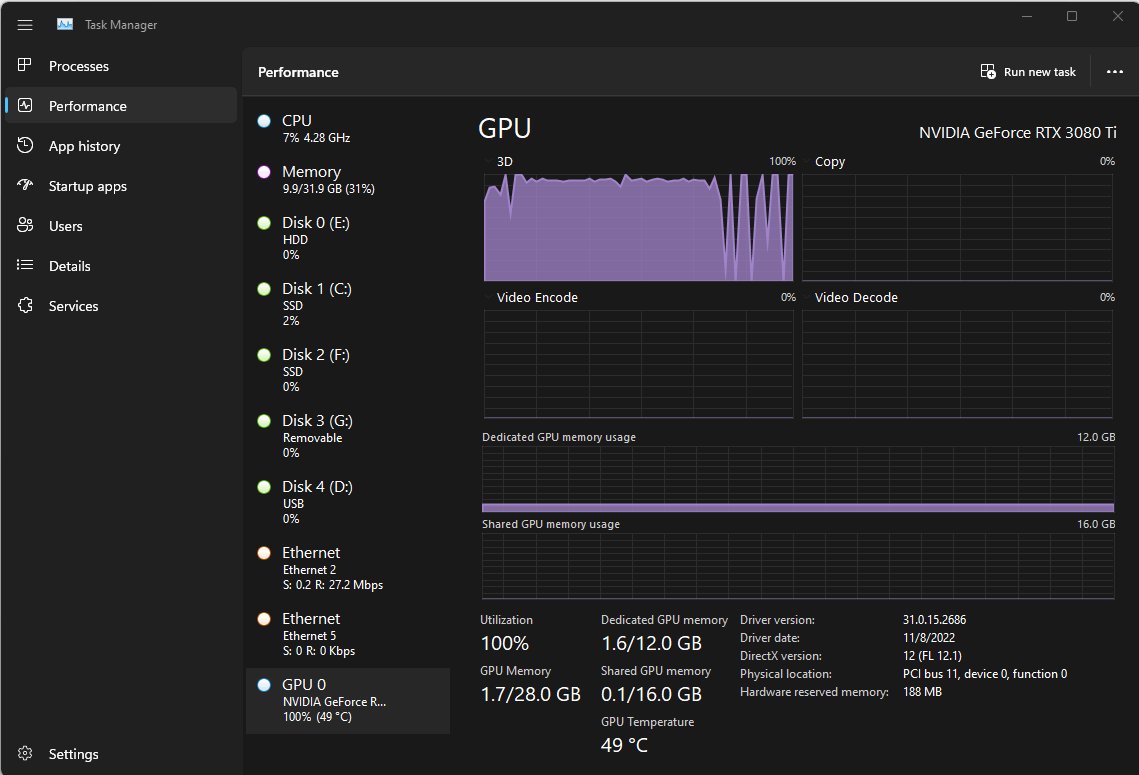
Check GPU usage in Windows 11 and 10 with Task Manager: press Ctrl + Shift + Esc and open Performance > GPU. Plus per-app usage, nvidia-smi and the NVIDIA overlay.
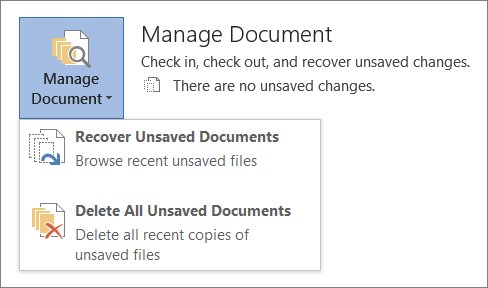
Recover an unsaved Word document from File > Info > Manage Document > Recover Unsaved Documents, or find AutoRecover .asd, .tmp and .wbk files on PC and Mac.