Techdows

Windows how-to guides, fixes and software downloads

  • Home
  • Windows guides

    • Printer settings and problems
    • Windows Update
    • Wi-Fi and network settings
    • Sound and microphone
    • Keyboard shortcuts and symbols

    Popular fixes

    • Get help in Windows 11
    • Connect a wireless printer
    • Re-pair Bluetooth earbuds for stereo sound
    • Cancel a stuck print job
    • Change default programs

    Windows 11 26H2

    • Should you install 26H2?
    • 26H2 not showing in Windows Update
    • 26H2 build numbers explained
    • Where is My Computer (This PC)
    • ncpa.cpl network connections

    All Windows how-to guides →

  • Popular downloads

    • GTA V for PC
    • YouTube app for PC
    • Google Meet for PC
    • Cisco Packet Tracer
    • TikTok for PC

    Office and productivity

    • Microsoft Office
    • Microsoft Word
    • Google Sheets for PC
    • Office product key

    Windows tools

    • PC Health Check app
    • HEVC Video Extension
    • DirectX 12
    • Cinebench R23

    All software downloads →

  • Microsoft Edge

    • Fix WebView2 using too much memory
    • Internet Explorer mode in Edge
    • Manage Edge favorites
    • Set or remove Edge as default

    Chrome and Firefox

    • Make Chrome the default browser
    • Restore closed tabs
    • Change the default web browser
    • Google Chrome news and tips
    • Firefox news and tips

    All Microsoft Edge articles →

  • Office apps

    • Office product key
    • Office Deployment Tool
    • What is OneDrive?
    • Turn off OneDrive in Windows 11

    Outlook and Teams

    • Outlook inbox view changed
    • Schedule an email in Outlook
    • Outlook dark mode
    • Teams breakout rooms
  • PHP security

    • PHP2Shell patch download
    • PHP critical RCE security update
    • CVE-2026-109618 fix
    • CVE-2026-109619 explained
    • Mitigations if you can't update

    Update PHP

    • Update PHP to the latest version
    • Check your PHP version
    • Update PHP on Ubuntu and Debian
    • Restart PHP-FPM

    Hosting and local servers

    • Update PHP in XAMPP
    • Change PHP version in cPanel
    • Update PHP in Laragon and WampServer
    • Update PHP Docker images
    • WordPress PHP version check

    PHP downloads

    • PHP 8.5.12 download
    • PHP 8.4.27 download
    • PHP 8.3.36 and 8.2.35 download
    • Download PHP for Windows

    PHP2Shell by platform

    • PHP 8.3 fix on Ubuntu 24.04
    • PHP 8.1 fix on Ubuntu 22.04
    • PHP 8.2 and 8.4 fix on Debian
    • Update PHP on IIS
    • Cloudflare PHP2Shell WAF rule

    All PHP guides →

  • News
Home›How to

How to

2,156 articles

How to
How to check GPU usage in Windows
How to check GPU usage in Windows

October 19, 2026 by Philip Celasco Leave a Comment
How to check GPU usage in Windows

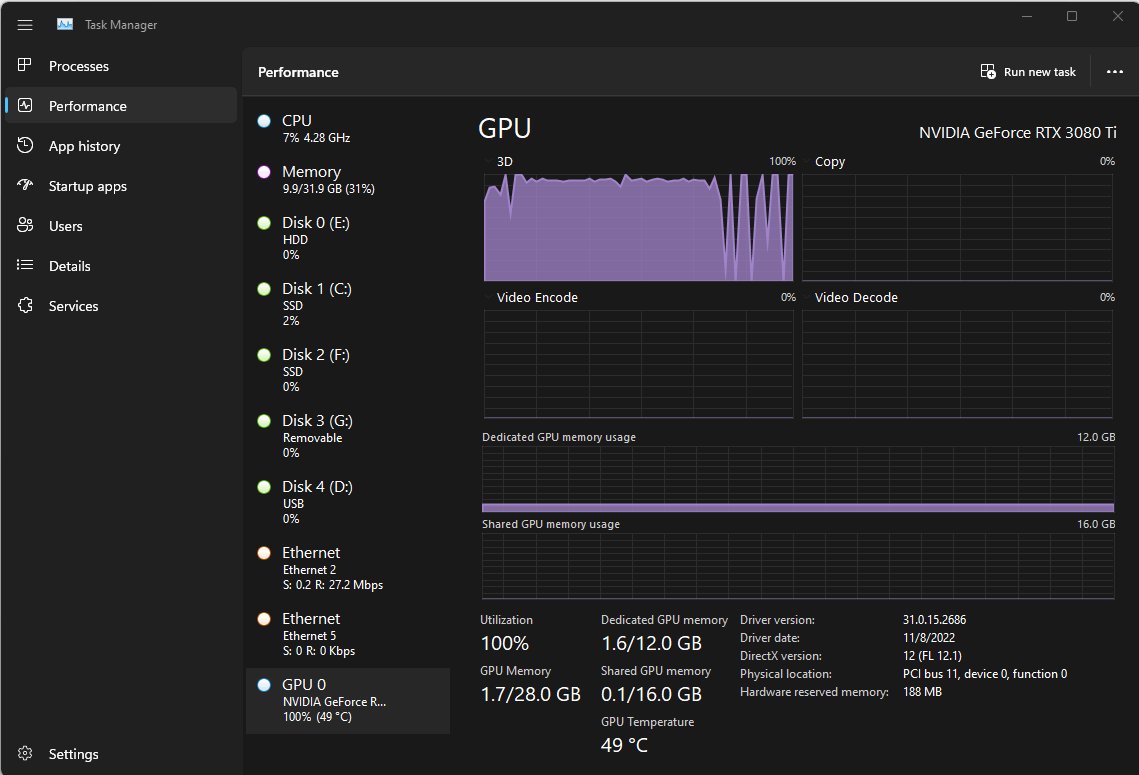
Check GPU usage in Windows 11 and 10 with Task Manager: press Ctrl + Shift + Esc and open Performance > GPU. Plus per-app usage, nvidia-smi and the NVIDIA overlay.
Posted in: How to
How to
How to recover unsaved Word document

How to recover unsaved Word document

October 19, 2026 by Philip Celasco Leave a Comment
How to recover unsaved Word document

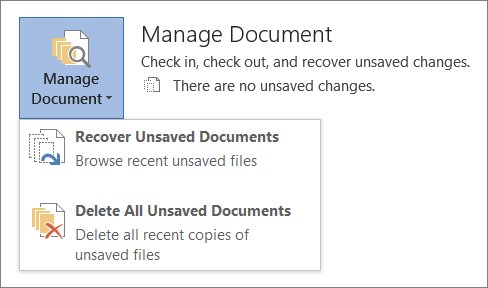
Recover an unsaved Word document from File > Info > Manage Document > Recover Unsaved Documents, or find AutoRecover .asd, .tmp and .wbk files on PC and Mac.
Posted in: How to
How to
How to remove a virus on a computer: tips for beginners

How to remove a virus on a computer: tips for beginners

October 19, 2026 by Philip Celasco Leave a Comment
How to remove a virus on a computer: tips for beginners

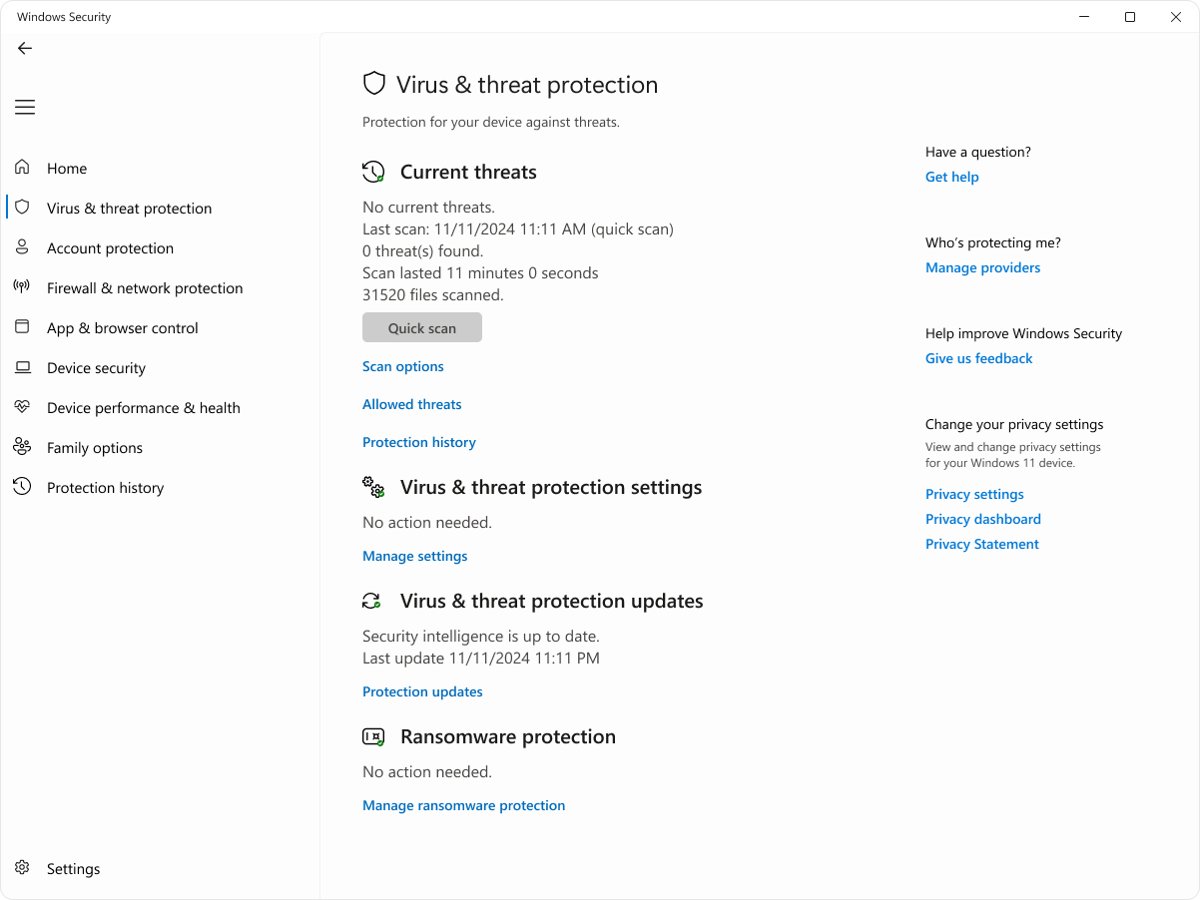
Virus removal for beginners: run a full Microsoft Defender scan, then an offline scan, on Windows 11 or 10. Mac steps, Safety Scanner, Reset this PC and fixes.
Posted in: How to
How to
How to locate your lost Samsung Galaxy phone or tablet

How to locate your lost Samsung Galaxy phone or tablet

October 19, 2026 by Philip Celasco Leave a Comment
How to locate your lost Samsung Galaxy phone or tablet

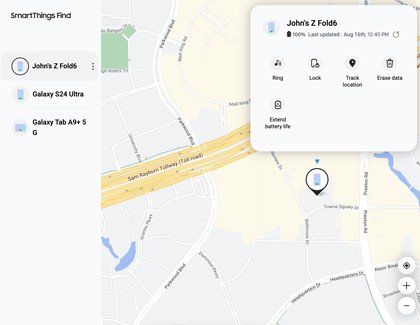
Find my phone on Samsung: locate a lost Galaxy phone or tablet with Samsung Find or SmartThings Find, then ring, lock or erase it, or use Google Find Hub.
Posted in: How to
How to
How to open Local Users and Groups on Windows 11

How to open Local Users and Groups on Windows 11

October 19, 2026 by Philip Celasco Leave a Comment
How to open Local Users and Groups on Windows 11

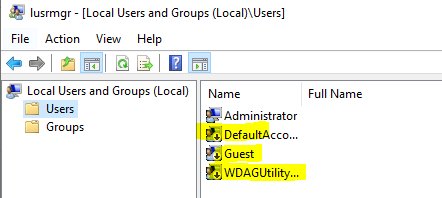
Open Local Users and Groups on Windows 11 with lusrmgr.msc from Run, Computer Management, CMD or PowerShell, plus fixes and command-line options for Home.
Posted in: How to
How to
22 best network monitoring tools for 2026 (free & paid)

22 best network monitoring tools for 2026 (free & paid)

October 19, 2026 by Philip Celasco Leave a Comment
22 best network monitoring tools for 2026 (free & paid)

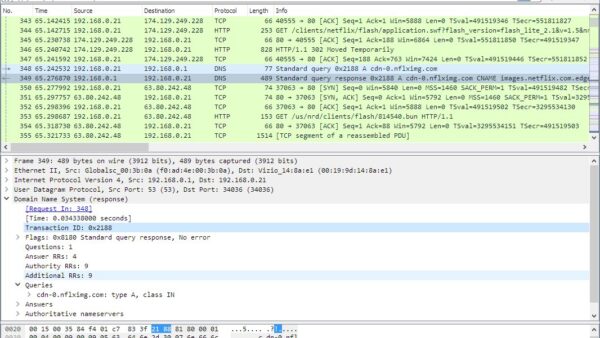
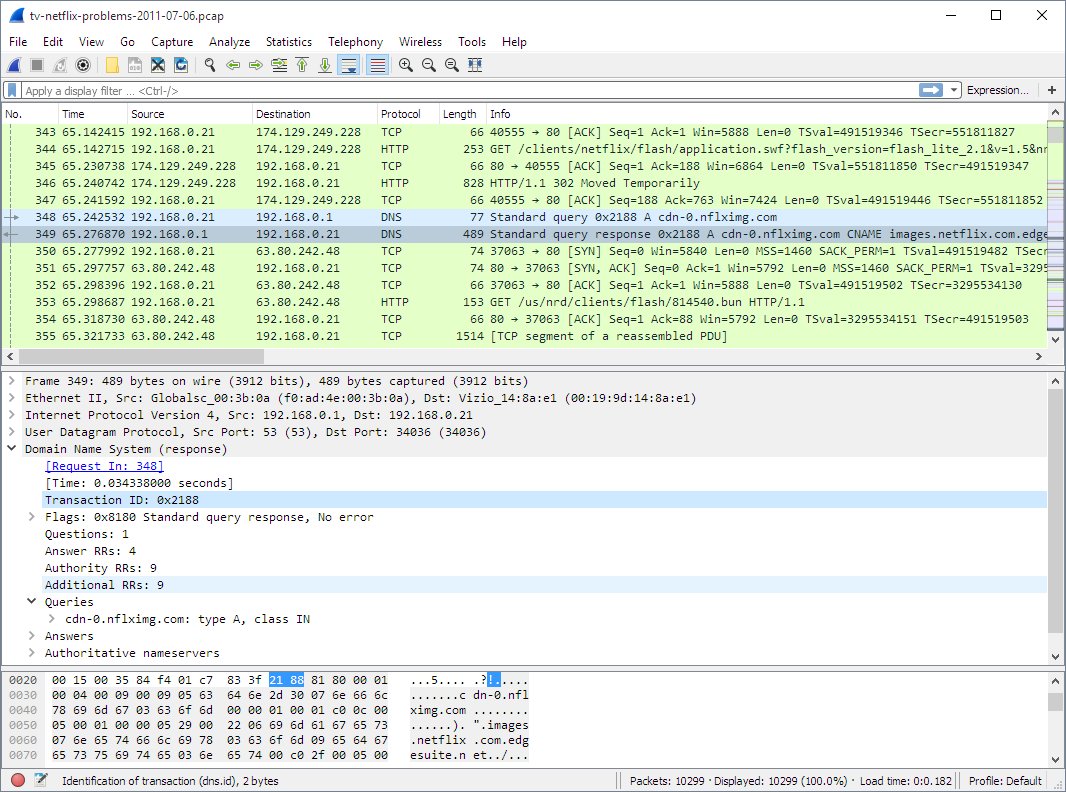
Network monitoring tools for 2026: Wireshark, Packet Monitor, Nmap and Cloudflare Network Flow for free, plus Cisco ThousandEyes, FortiMonitor and Azure picks.
Posted in: How to
How to
How to speed up my computer/laptop Windows 11/10

How to speed up my computer/laptop Windows 11/10

October 19, 2026 by Philip Celasco Leave a Comment
How to speed up my computer/laptop Windows 11/10

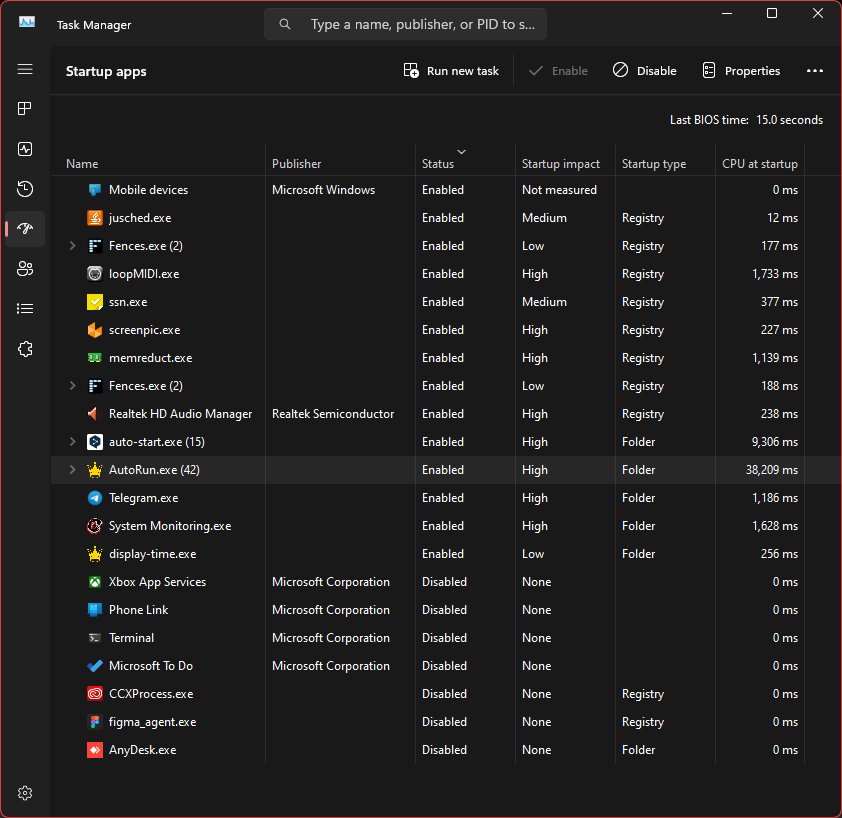
Speed up your computer or laptop on Windows 11/10: disable startup apps, free disk space, install updates, set power mode and check Task Manager. Steps for both.
Posted in: How to
How to
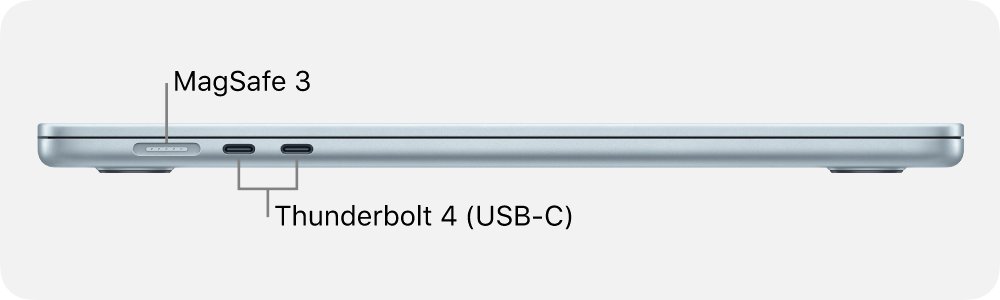
Unpacking the MacBook Air: a comprehensive guide to its ports

Unpacking the MacBook Air: a comprehensive guide to its ports

October 19, 2026 by Philip Celasco Leave a Comment
Unpacking the MacBook Air: a comprehensive guide to its ports

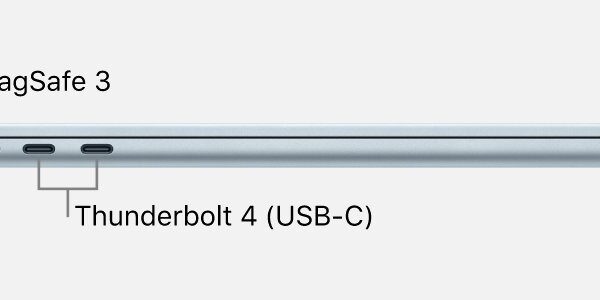
MacBook Air ports: a MagSafe 3 charging port, two Thunderbolt 4 (USB-C) ports and a 3.5 mm headphone jack, plus older layouts, adapters and display limits.

Posted in: How to
How to
Open source alternatives to Adobe Acrobat for PDFs

Open source alternatives to Adobe Acrobat for PDFs

October 19, 2026 by Philip Celasco Leave a Comment
Open source alternatives to Adobe Acrobat for PDFs

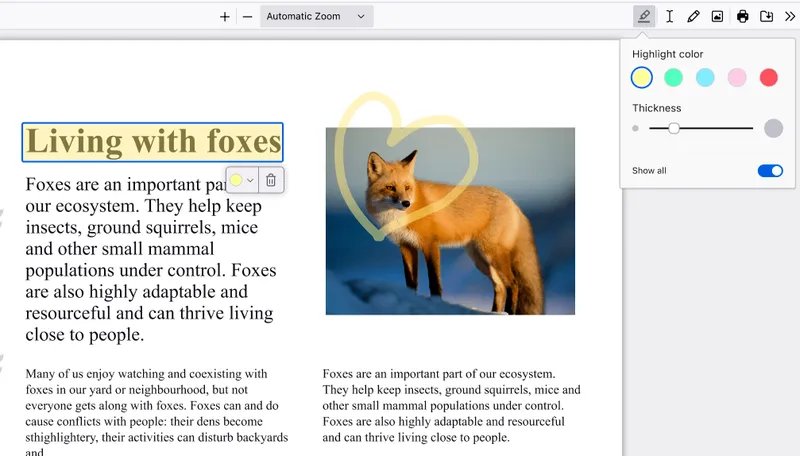
Open source alternatives to Adobe Acrobat: read, edit, fill and sign PDFs in Firefox, and create, protect and redact PDFs with LibreOffice, all free.
Posted in: How to
How to
How to open JSON file in 7 possible ways

How to open JSON file in 7 possible ways

October 19, 2026 by Philip Celasco Leave a Comment
How to open JSON file in 7 possible ways

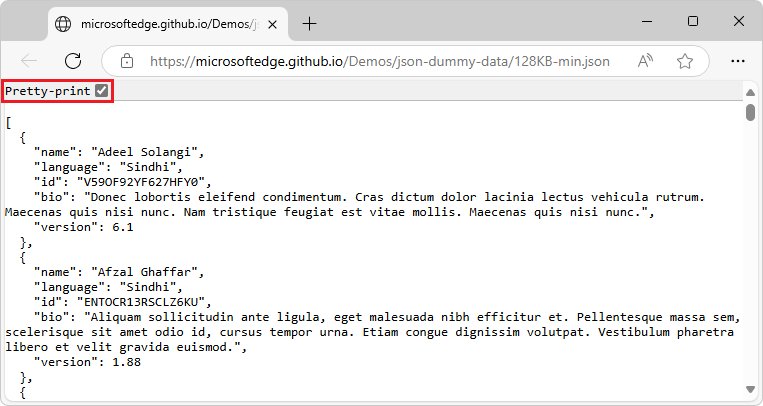
Open a JSON file in Notepad, Notepad++, VS Code, Edge or Firefox, Excel, Python or TextEdit. Steps to read it in a readable format and fix files that won’t open.
Posted in: How to
How to
How to clean print head in Windows 11

How to clean print head in Windows 11

October 19, 2026 by Philip Celasco Leave a Comment
How to clean print head in Windows 11

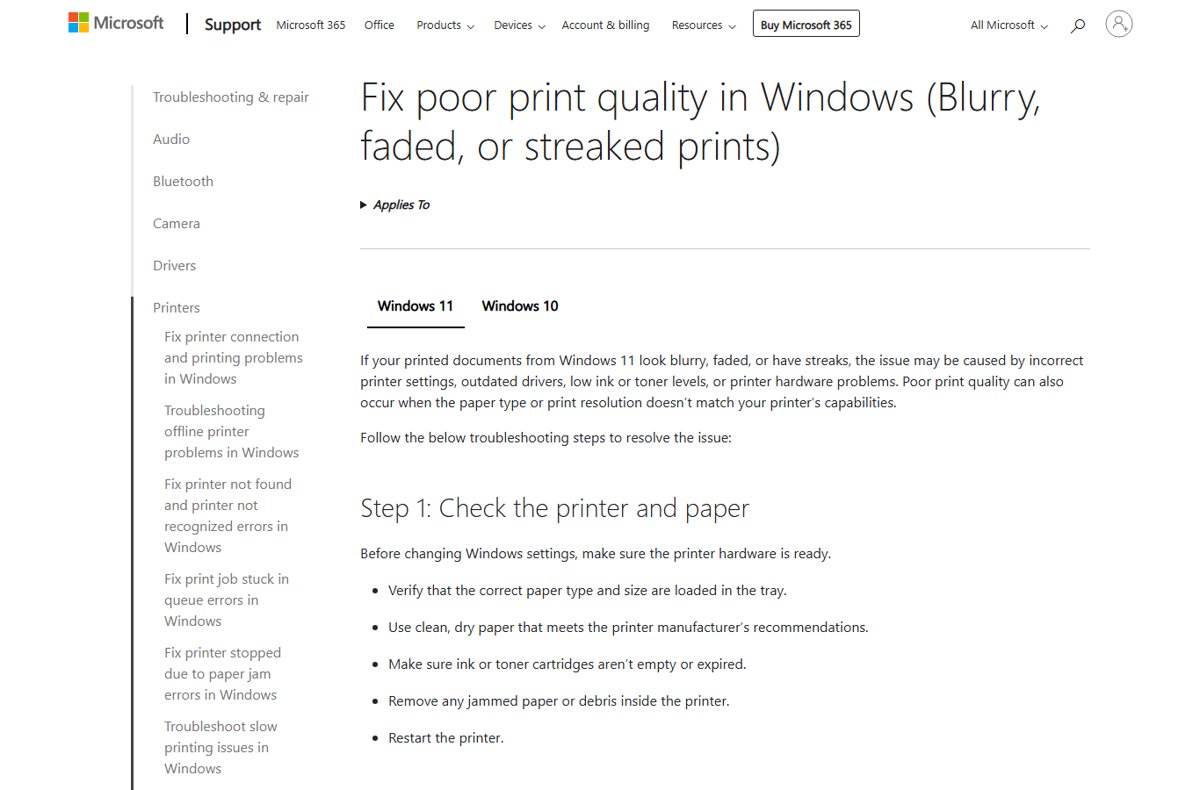
Clean the print head in Windows 11 from Printing preferences, the printer maker’s app or the control panel, then run a nozzle check to confirm the fix.
Posted in: How to
How to
How to ping an IP address in Windows or Linux

How to ping an IP address in Windows or Linux

October 19, 2026 by Philip Celasco Leave a Comment
How to ping an IP address in Windows or Linux

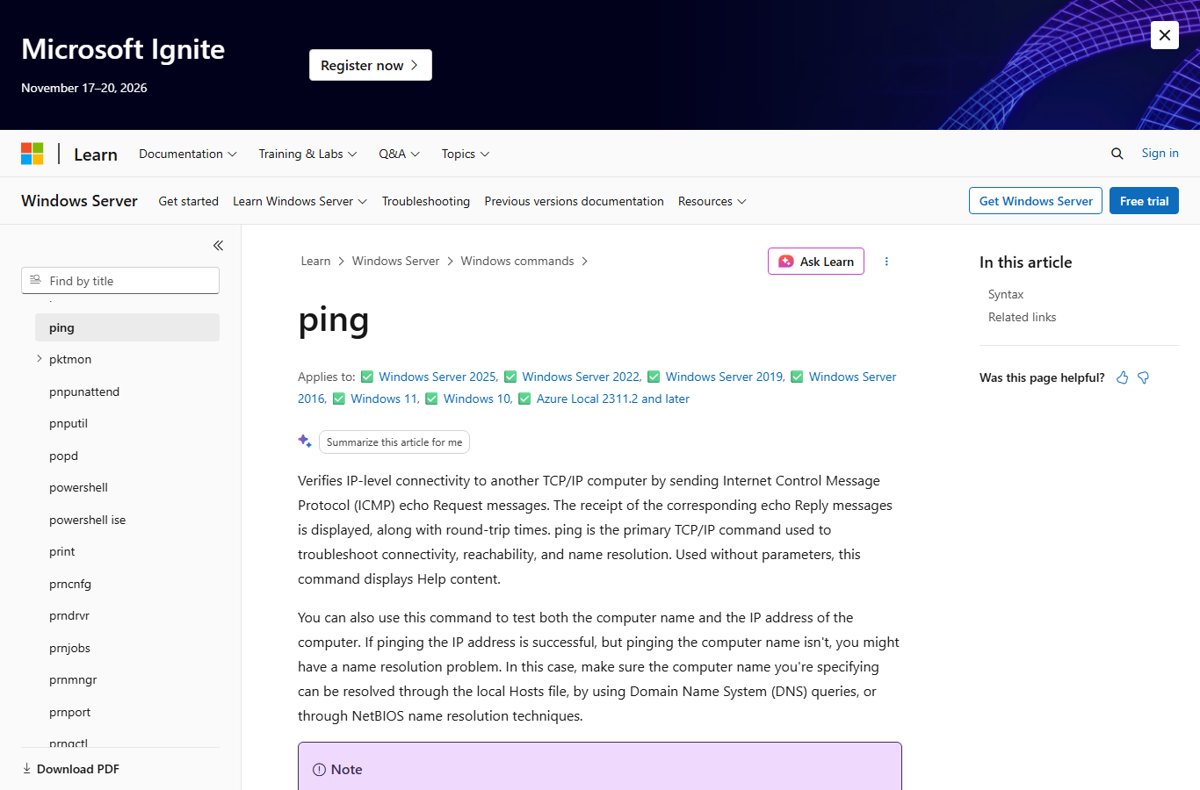
Ping an IP address in Windows with ping 8.8.8.8 in Command Prompt, or in a Linux terminal with ping -c 4. Continuous pings, ports, PowerShell and fixes.

Posted in: How to
« Previous 1 … 28 29 30 … 180 Next »

More from Techdows

Wireless CarPlay no internet connection in a BMW: how to fix it
How to · 5 hours ago
How to Manually Install Optional Printer Drivers in Windows 11
How to manually install optional printer drivers in Windows 11
How to · 5 hours ago
Locked out of iPhone passcode: how to unlock or reset your iPhone
How to · 4 hours ago
How to Factory Reset Oculus Quest
How to factory reset Oculus Quest
How to · 4 hours ago
How to mass delete emails in iCloud Mail
How to · 3 hours ago
usbaapl64.inf driver not installing for iTunes on Windows: how to fix it
How to · 3 hours ago
How To Delete Instagram Account (Accurate Methods for Recent Updates)
How to delete Instagram account (accurate methods for recent updates)
How to · 3 hours ago
iCloud Photos – How To Back Up Your Photos and Videos
iCloud Photos – how to back up your photos and videos
How to · 2 hours ago

© 2009–2026 Techdows · About · Contact · Privacy Policy

Copyright © 2026 Techdows.

Techdows WordPress Theme by Techdows