Techdows

Windows how-to guides, fixes and software downloads

  • Home
  • Settings and hardware

    • Printers
    • Sound and microphone
    • Wi-Fi and network
    • Bluetooth
    • Display and monitors
    • Drivers
    • Keyboard shortcuts and symbols

    Using Windows

    • File Explorer
    • Storage and disk space
    • Taskbar, Start and desktop
    • Apps and default programs
    • Accounts and sign-in
    • Copilot in Windows
    • Command Prompt and PowerShell

    Updates and fixes

    • Windows Update
    • Windows 11 26H2
    • Error codes and BSOD
    • Boot, BIOS and recovery
    • Security and Defender
    • Task Manager and performance
    • DLL and runtime errors

    Popular fixes

    • Get help in Windows 11
    • Connect a wireless printer
    • Re-pair Bluetooth earbuds for stereo sound
    • Cancel a stuck print job
    • Change default programs

    All Windows guides →

  • Browse by type

    • Web browsers
    • Office and productivity apps
    • PC games and launchers
    • Phone and media apps
    • Developer tools
    • Creative apps
    • CAD software
    • System utilities and drivers

    Popular downloads

    • GTA V for PC
    • YouTube app for PC
    • Google Meet for PC
    • Cisco Packet Tracer
    • TikTok for PC

    Windows tools

    • PC Health Check app
    • HEVC Video Extension
    • DirectX 12
    • Cinebench R23

    All download guides →

  • Browser guides

    • Microsoft Edge
    • Google Chrome
    • Firefox
    • Web browsers for PC

    Microsoft Edge

    • Fix WebView2 using too much memory
    • Internet Explorer mode in Edge
    • Manage Edge favorites
    • Set or remove Edge as default

    Chrome and Firefox

    • Make Chrome the default browser
    • Restore closed tabs
    • Change the default web browser

    All browser guides →

  • Office guides

    • Outlook
    • Excel
    • Word and PowerPoint
    • OneDrive
    • Install Microsoft 365

    Meetings and other tools

    • Teams, Zoom and Google Meet
    • Google Docs and Sheets
    • PDF tools

    Office apps

    • Office product key
    • Office Deployment Tool
    • What is OneDrive?
    • Turn off OneDrive in Windows 11

    Outlook and Teams

    • Outlook inbox view changed
    • Schedule an email in Outlook
    • Outlook dark mode
    • Teams breakout rooms

    All Office and productivity guides →

  • PHP security

    • PHP2Shell patch download
    • PHP critical RCE security update
    • CVE-2026-109618 fix
    • CVE-2026-109619 explained
    • Mitigations if you can't update

    Update PHP

    • Update PHP to the latest version
    • Check your PHP version
    • Update PHP on Ubuntu and Debian
    • Restart PHP-FPM

    Hosting and local servers

    • Update PHP in XAMPP
    • Change PHP version in cPanel
    • Update PHP in Laragon and WampServer
    • Update PHP Docker images
    • WordPress PHP version check

    PHP downloads

    • PHP 8.5.12 download
    • PHP 8.4.27 download
    • PHP 8.3.36 and 8.2.35 download
    • Download PHP for Windows

    PHP2Shell by platform

    • PHP 8.3 fix on Ubuntu 24.04
    • PHP 8.1 fix on Ubuntu 22.04
    • PHP 8.2 and 8.4 fix on Debian
    • Update PHP on IIS
    • Cloudflare PHP2Shell WAF rule

    All PHP guides →

  • Sections

    • Gaming
    • Apple
    • Android
    • Apps and services
    • Developer and IT

    Apple

    • iPhone tips and fixes
    • Reset and restore iPhone
    • iPad
    • Mac and macOS
    • Apple Account and iCloud
    • Apple devices on Windows

    Apps, Android and gaming

    • Gmail and Google account
    • YouTube
    • Social media accounts
    • Streaming TV
    • Android and Samsung Galaxy
    • PC gaming and Xbox
    • Roblox and Minecraft on PC

    Developer and IT

    • WSL and developer setup
    • Virtual machines
    • Group Policy and Intune
    • Windows Server
    • Website error codes
  • News
Home›How to

How to

3,744 articles

Apple
How to Select All on Mac, Files, Text, Photos, Emails & More

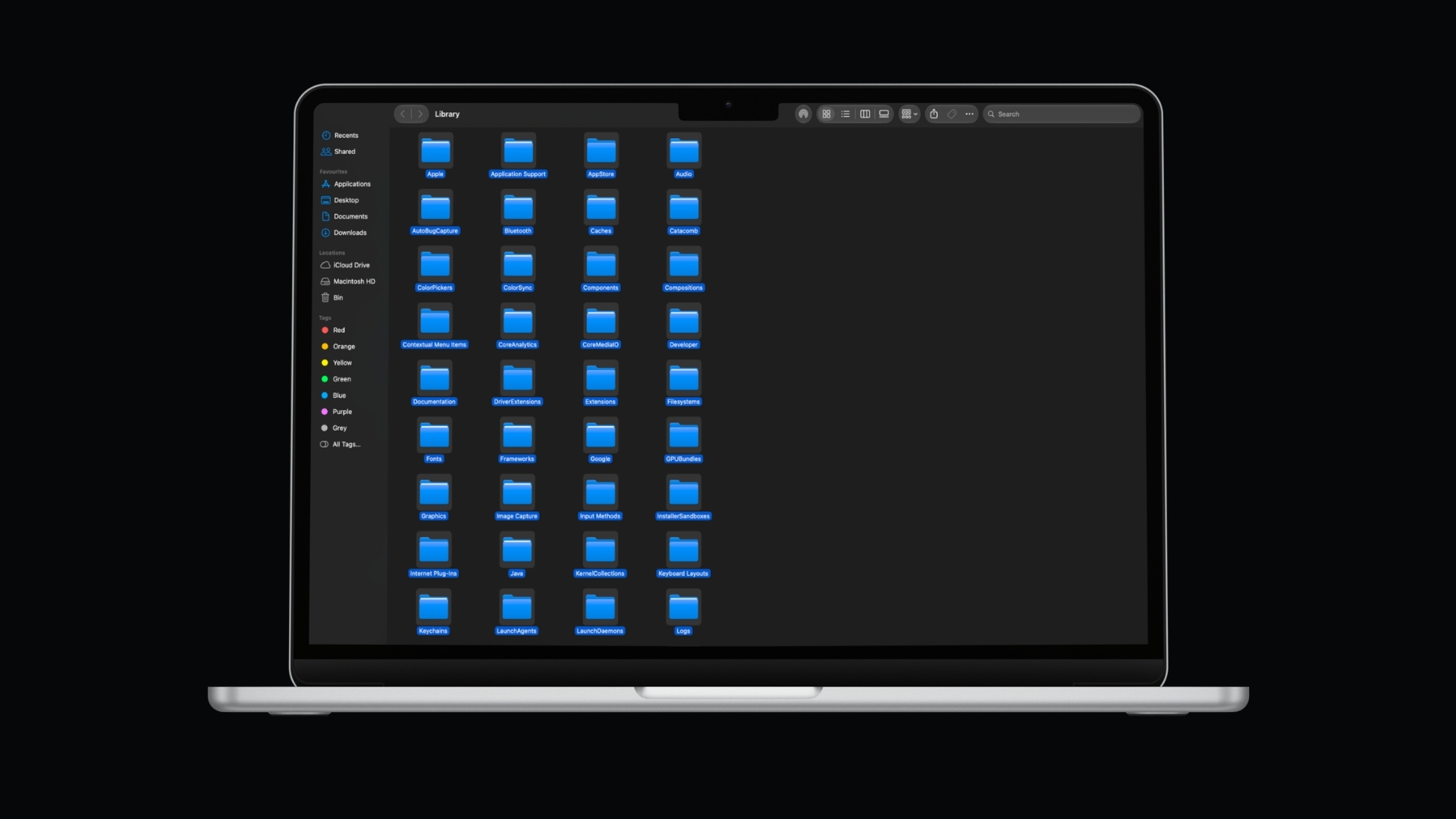
How to Select Multiple Files on Mac, Finder, Keyboard & Trackpad Methods
September 2, 2026 by Philip Celasco Leave a Comment
How to Select All on Mac, Files, Text, Photos, Emails & More

To select multiple files on a Mac, hold the Command (⌘) key and click each file you want. To select several files next to … [Read more…]
Posted in: Apple, How to, Tips and Tricks
Apple
How to Create a ZIP File on Mac Files Folders Password Protected ZIPs

How to Create a ZIP File on Mac, Files, Folders & Password-Protected ZIPs

September 1, 2026 by Philip Celasco 1 Comment
How to Create a ZIP File on Mac Files Folders Password Protected ZIPs

To create a ZIP file on a Mac, select the file or folder in Finder, Control-click it, and choose Compress. macOS creates the ZIP … [Read more…]
Posted in: Apple, How to
Apple
How to Show Hidden Files on Mac, Finder Shortcut & Terminal Commands

How to Show Hidden Files on Mac, Finder Shortcut & Terminal Commands

September 1, 2026 by Philip Celasco Leave a Comment
How to Show Hidden Files on Mac, Finder Shortcut & Terminal Commands

To show hidden files on a Mac, open Finder and press Command + Shift + . (period). Hidden files and folders will immediately appear … [Read more…]
Posted in: Apple, How to
Apple
How to Record Audio on Mac, Microphone, System Audio & Voice Memos

How to Record Audio on Mac, Microphone, System Audio & Voice Memos

September 1, 2026 by Philip Celasco Leave a Comment
How to Record Audio on Mac, Microphone, System Audio & Voice Memos

You can record audio on a Mac using built-in apps such as QuickTime Player and Voice Memos, so you do not need to install … [Read more…]
Posted in: Apple, How to
Apple
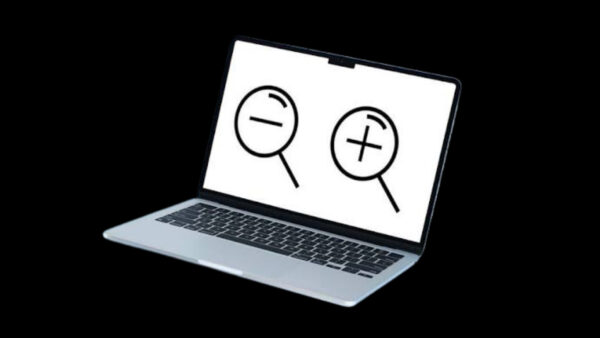
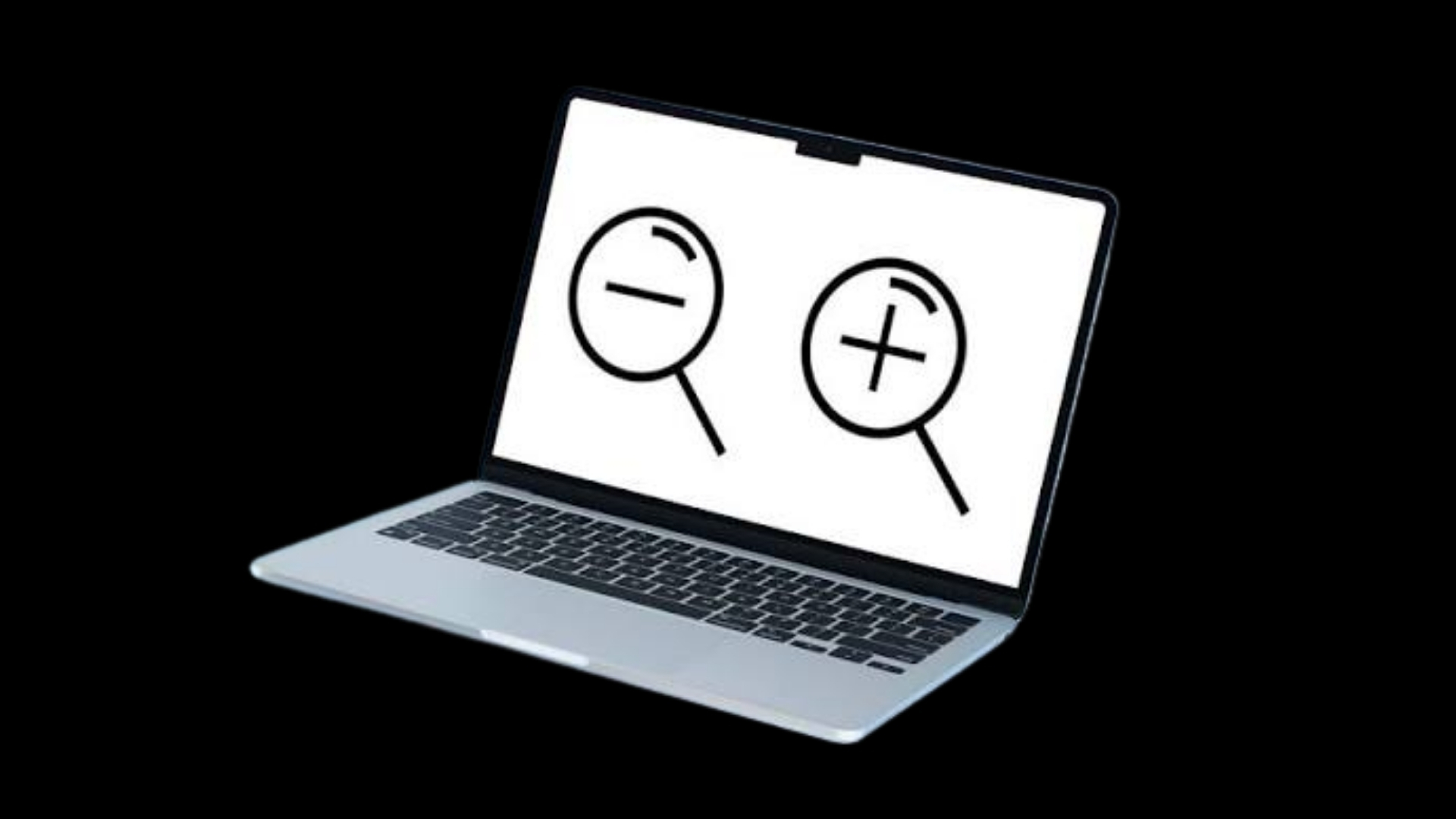
How to Zoom In on Mac, Keyboard Shortcuts, Trackpad & Full Screen

How to Zoom In on Mac, Keyboard Shortcuts, Trackpad & Full Screen

August 28, 2026 by Philip Celasco Leave a Comment
How to Zoom In on Mac, Keyboard Shortcuts, Trackpad & Full Screen

To zoom in on a Mac, press Command + Plus (+) when you want to enlarge a webpage or other supported content. You can … [Read more…]
Posted in: Apple, How to
Apple
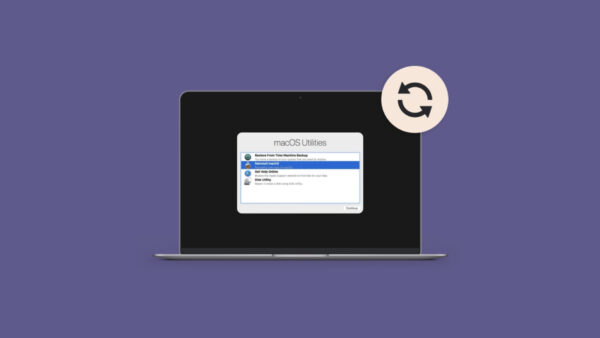
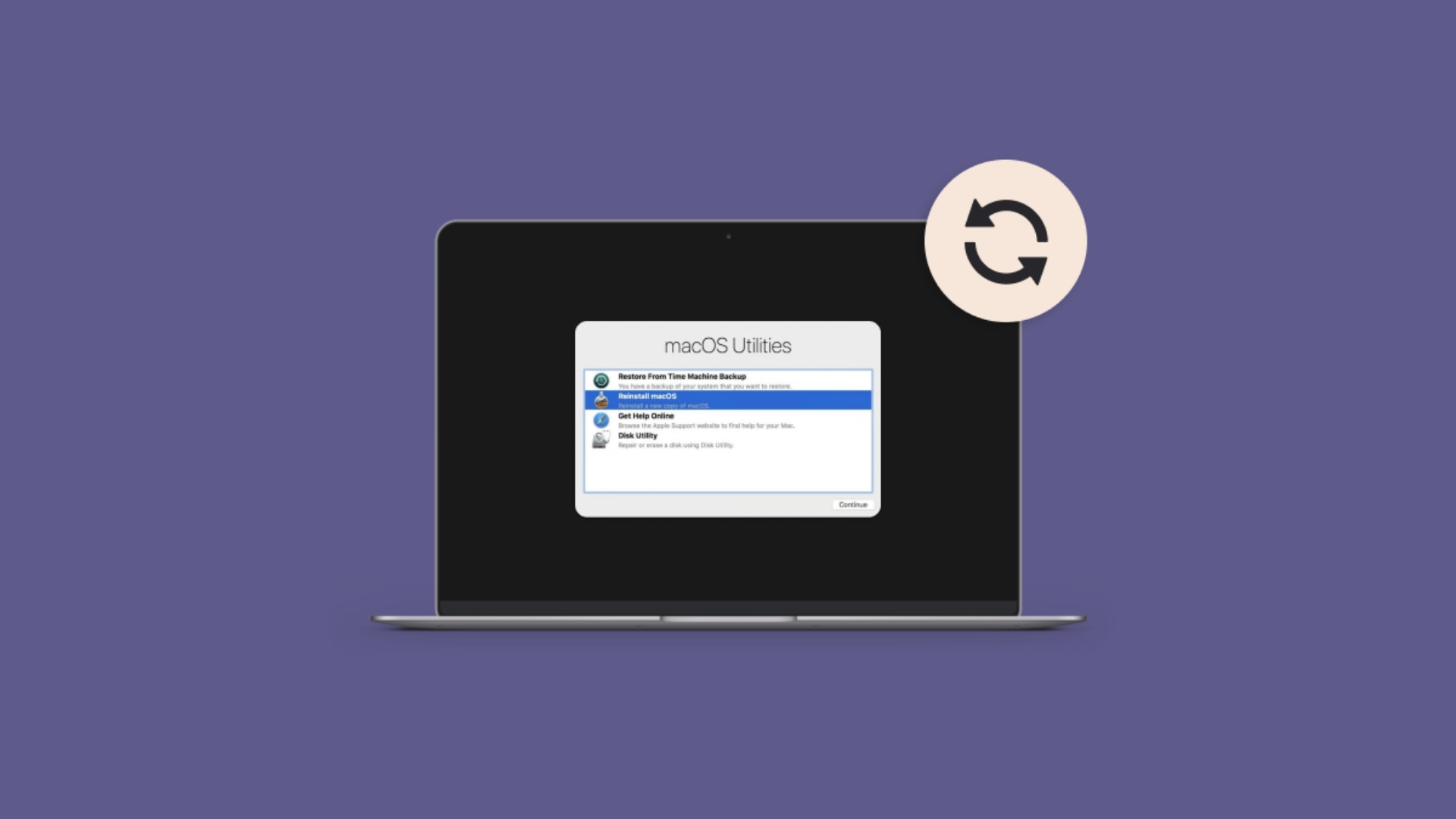
How to Reinstall macOS, Recovery, Internet Recovery, USB & Clean Install

How to Reinstall macOS, Recovery, Internet Recovery, USB & Clean Install

August 28, 2026 by Philip Celasco Leave a Comment
How to Reinstall macOS, Recovery, Internet Recovery, USB & Clean Install

To reinstall macOS without deleting your files, start your Mac in macOS Recovery, choose Reinstall macOS, select your normal startup disk, and follow the … [Read more…]
Posted in: Apple, How to
Apple
How to Get Emojis on Mac, Keyboard Shortcut, Emoji Keyboard & Genmoji

How to Use Emojis on Mac, Keyboard Shortcut, Emoji Keyboard & Genmoji

August 28, 2026 by Philip Celasco 2 Comments
How to Get Emojis on Mac, Keyboard Shortcut, Emoji Keyboard & Genmoji

You can use emojis on a Mac by pressing Control + Command + Space or Fn/Globe + E while typing. This opens the Mac … [Read more…]


Posted in: Apple, How to
Apple
How to find ip address on mac

How to Find IP Address on Mac, Local, Public, Router & Terminal Methods

August 28, 2026 by Philip Celasco Leave a Comment
How to find ip address on mac

You can find your Mac’s IP address from System Settings > Network, from the Wi-Fi menu, or with a Terminal command. The address shown … [Read more…]

Posted in: Apple, How to
Apple
How to Select All on Mac, Files, Text, Photos, Emails & More

How to Select All on Mac, Files, Text, Photos, Emails & More

August 27, 2026 by Philip Celasco Leave a Comment
How to Select All on Mac, Files, Text, Photos, Emails & More

To select all on a Mac, press Command + A. The shortcut selects everything in the active window or area, including files in Finder, … [Read more…]

Posted in: Apple, How to
Apple
How to Record Video on Mac: Camera, Screen & QuickTime Methods

How to Record Video on Mac: Camera, Screen & QuickTime Methods

August 24, 2026 by Philip Celasco Leave a Comment
How to Record Video on Mac: Camera, Screen & QuickTime Methods

You can record video on a Mac using apps already included with macOS. QuickTime Player records video from your MacBook camera, an external webcam, … [Read more…]
Posted in: Apple, How to
Apple
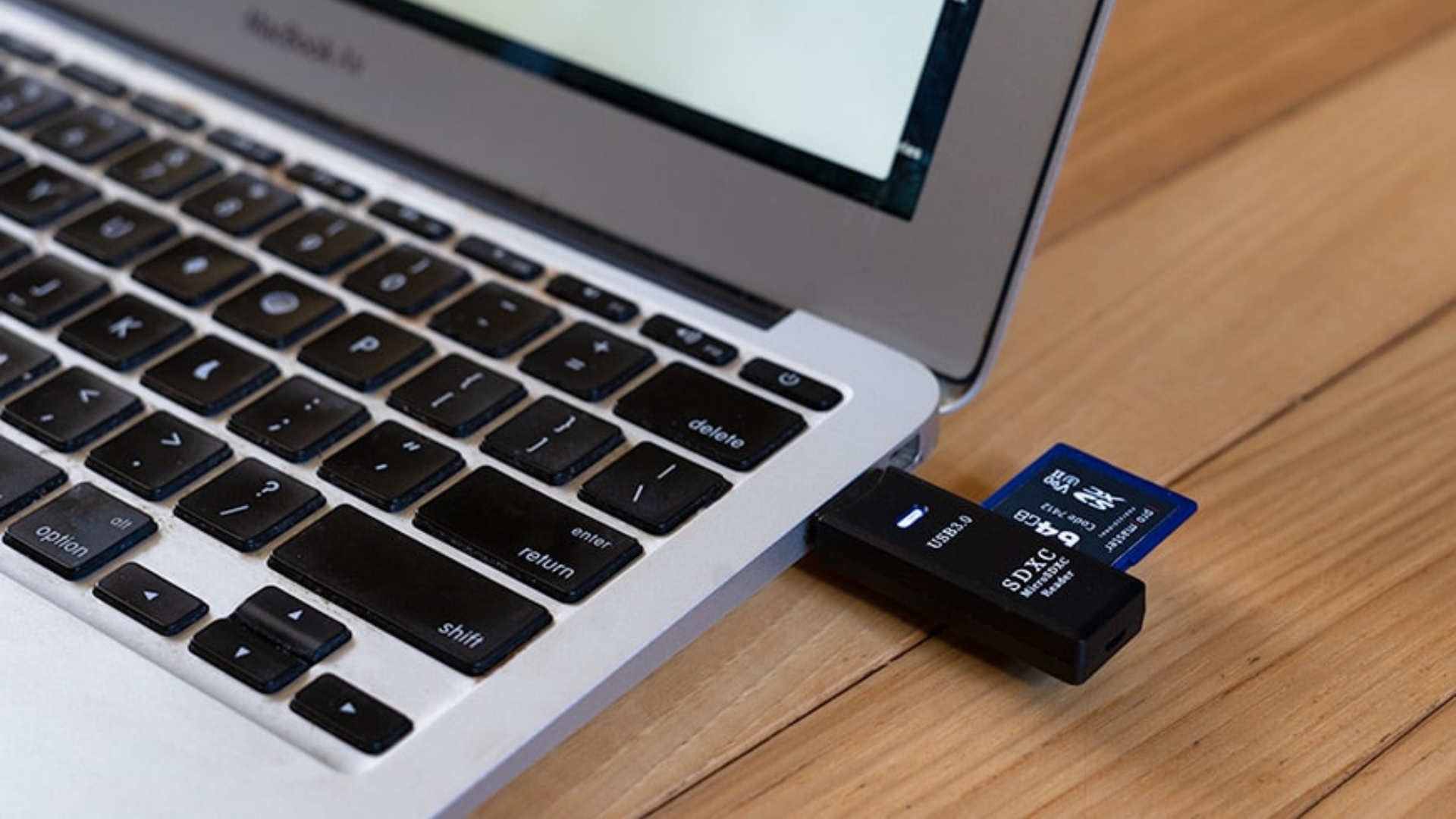
How to Format SD Card on Mac, FAT32, exFAT & Disk Utility

How to Format SD Card on Mac, FAT32, exFAT & Disk Utility

August 17, 2026 by Philip Celasco 1 Comment
How to Format SD Card on Mac, FAT32, exFAT & Disk Utility

You can format an SD card on a Mac with the built-in Disk Utility app, so you do not need additional software. Insert the … [Read more…]
Posted in: Apple, How to
Apple
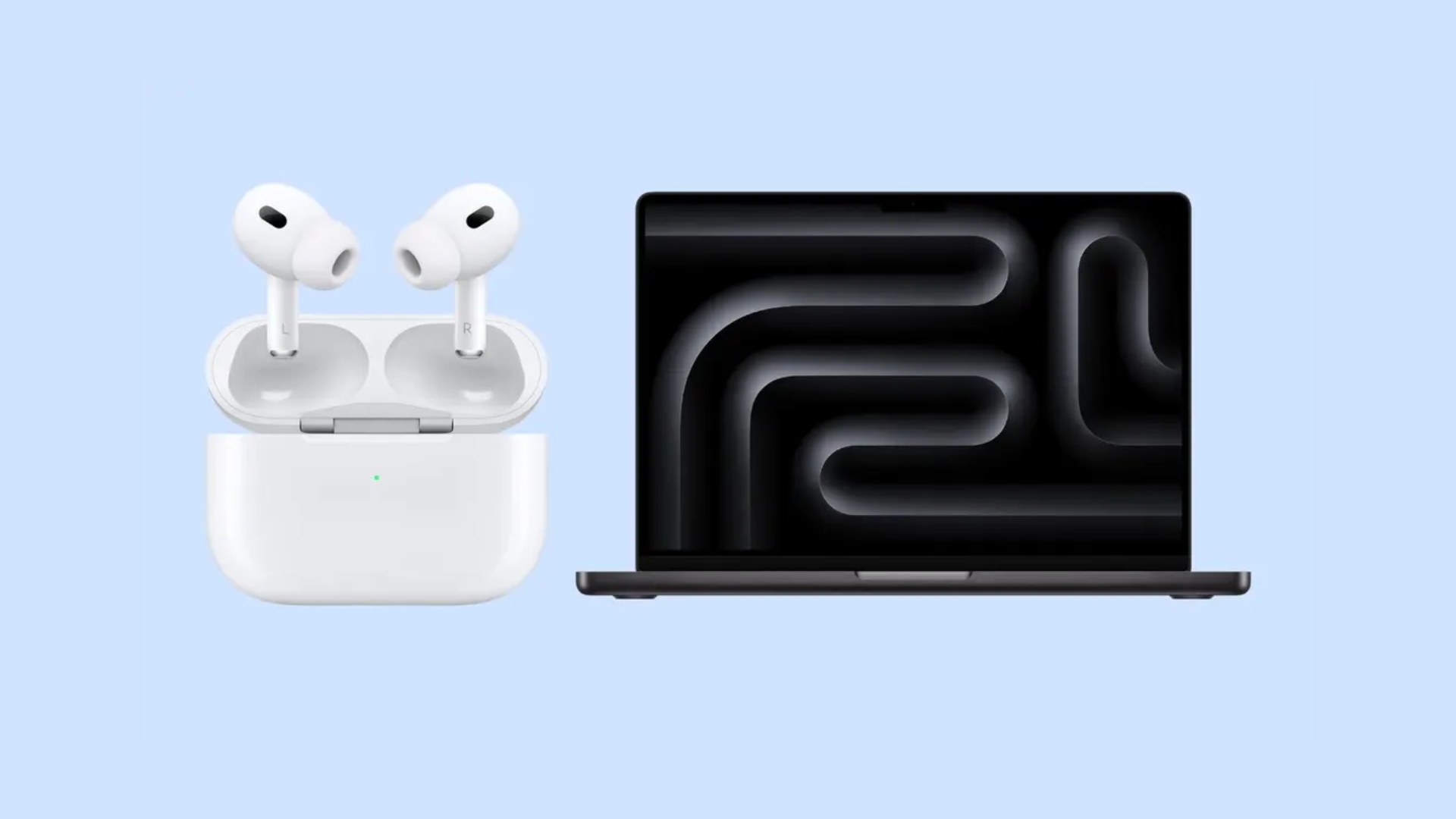
How to Connect AirPods to MacBook Mac iMac all Models

How to Connect AirPods to MacBook, Mac & iMac (All Models)

August 17, 2026 by Philip Celasco 1 Comment
How to Connect AirPods to MacBook Mac iMac all Models

You can connect AirPods to a MacBook, iMac, Mac mini, Mac Studio, or Mac Pro directly through Bluetooth. If your AirPods are already paired … [Read more…]

Posted in: Apple, How to
« Previous 1 … 260 261 262 … 312 Next »

More from Techdows

AirPods won't connect - AirPod resting on an iPhone
Fix AirPods won’t connect [7 ways to fix]
How to · 5 hours ago
Enable Windows Defender manually - combination padlock for security
How to enable or start Windows Defender manually
How to · 5 hours ago
Bought Minecraft from Microsoft - Minecraft bee papercraft held in a hand
Bought Minecraft from Microsoft? When you have to buy it again on the App Store
How to · 5 hours ago
Fix no sound in Windows 11 Snipping Tool screen recordings - PC desk with monitor and speakers
Fix no sound issues in Windows 11 Snipping Tool screen recordings
How to · 5 hours ago
Set up and manage Google reminders - reminder notification on a smartphone
How to set up and manage Google reminders
How to · 4 hours ago
Add weather to Windows 11 lock screen and taskbar - laptop beside a rainy window
How to add weather to lock screen, desktop and taskbar in Windows 11/10
How to · 4 hours ago
Microsoft Photos app in Windows 11 - photo editing on a Windows PC monitor
How to use Microsoft Photos app in Windows 11
How to · 4 hours ago
How to use Google Docs - web browser open on a Windows laptop
How to use Google Docs: A beginner’s guide
How to · 4 hours ago

© 2009–2026 Techdows · About · Contact · Privacy Policy

Copyright © 2026 Techdows.

Techdows WordPress Theme by Techdows