How to Enable and Use Xbox Game Bar in Windows 11
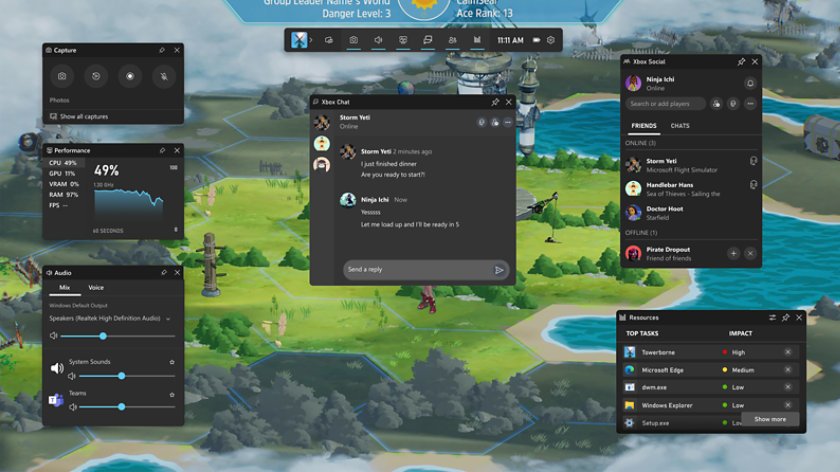
Enable Xbox Game Bar in Settings > Gaming, then press Windows + G. Record clips, take screenshots, check FPS and fix Game Bar on Windows 11 and Windows 10.
3,745 articles
Enable Xbox Game Bar in Settings > Gaming, then press Windows + G. Record clips, take screenshots, check FPS and fix Game Bar on Windows 11 and Windows 10.
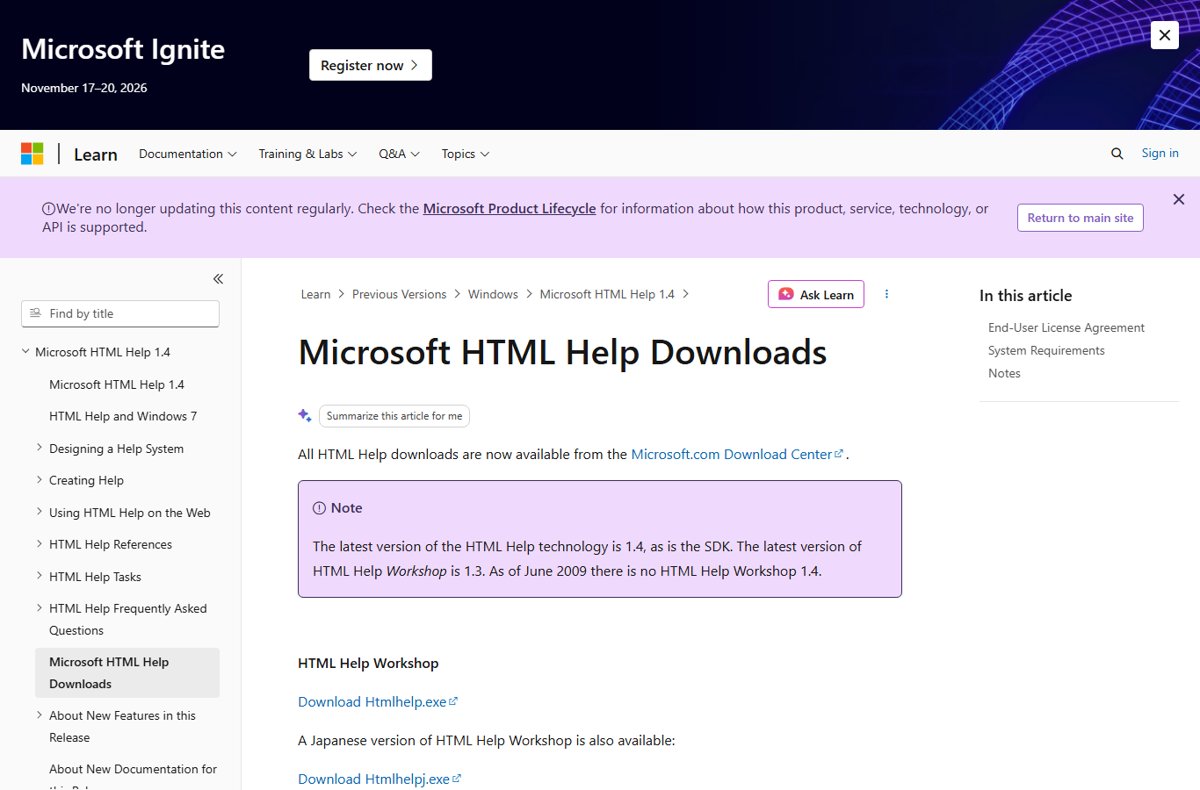
Open a CHM file in Windows 11 by double-clicking it. Fix “Navigation to the webpage was canceled” with Unblock, network-share CHMs, and convert CHM to HTML.
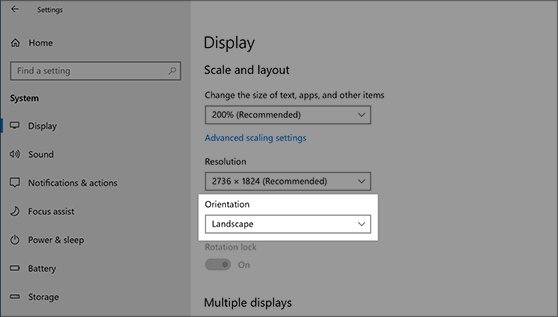
Change display settings in Windows 10 from Settings > System > Display: resolution, scale, brightness, refresh rate, HDR, multiple monitors, and common fixes.
To stop screen recording on a Mac, click the Stop button in the menu bar at the top of the screen, or press Command … [Read more…]
To print on a Mac, open the document, photo, webpage, or PDF you want to print, press Command + P, select your printer, adjust … [Read more…]
To print double sided on a Mac, open the document, press Command + P, select your printer, and turn Double-Sided on in the print … [Read more…]


To change the password on a MacBook, open System Settings > Users & Groups, click the information button beside your account, and select Change. … [Read more…]
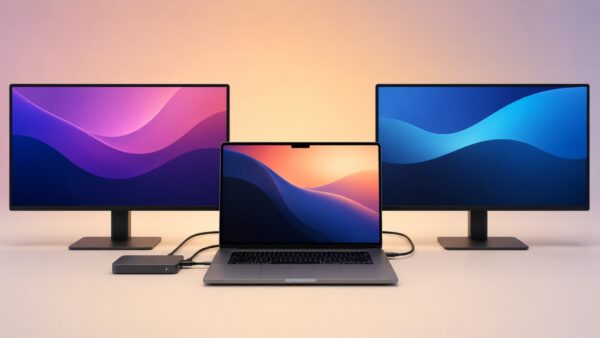
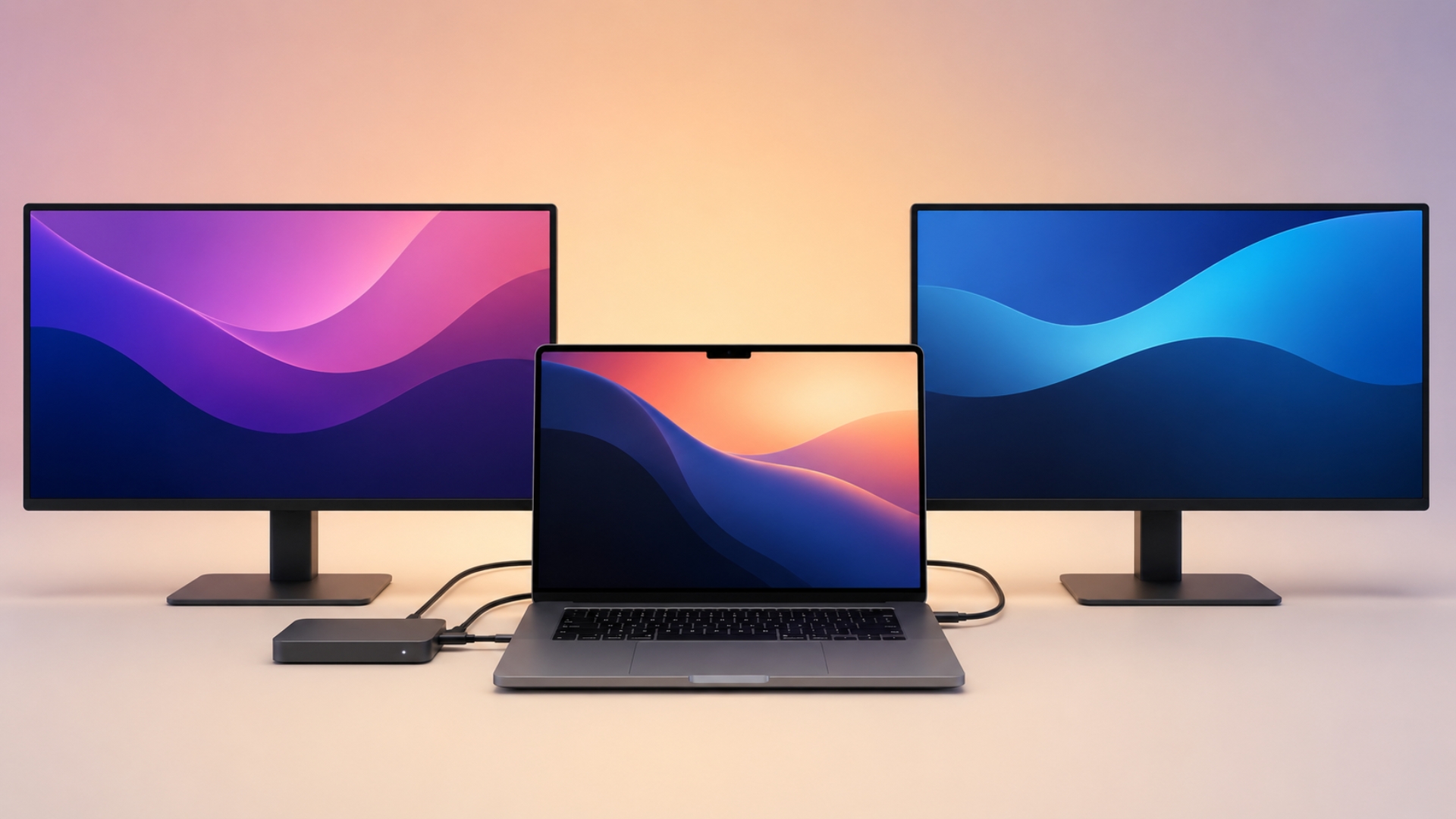
You can connect two monitors to a MacBook Pro through a docking station, but the correct setup depends on the chip inside your Mac. … [Read more…]
To clear space on a Mac, open Apple menu > System Settings > General > Storage and check which categories are using the most … [Read more…]
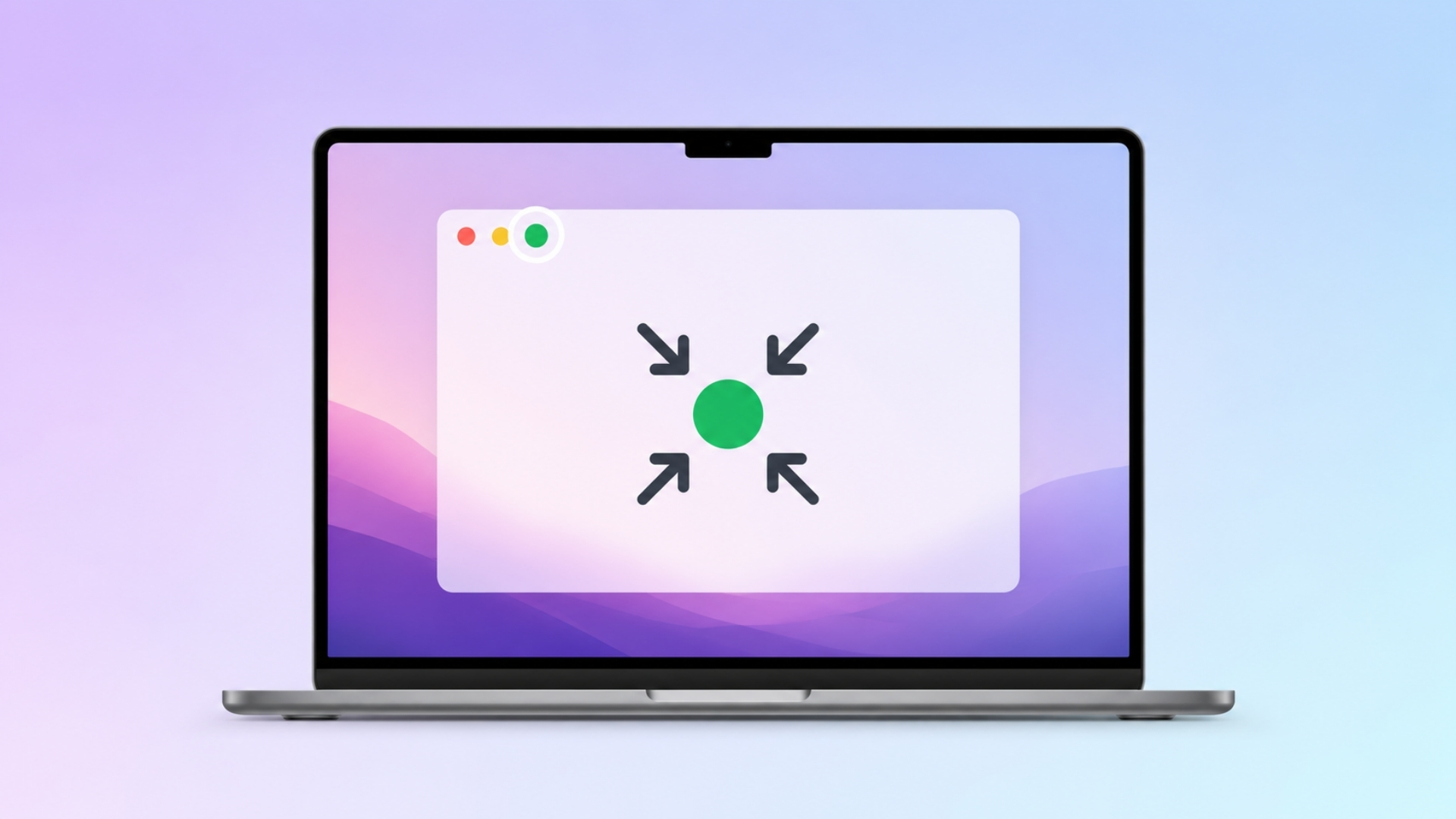
To exit full screen on a Mac, press Control + Command + F. This is the standard macOS shortcut for entering or leaving full-screen … [Read more…]


To go incognito on a Mac, open a private browsing window in your browser. In Safari, press Command + Shift + N to open … [Read more…]
To uninstall Google Chrome from a Mac, quit Chrome, open the Applications folder in Finder, and move Google Chrome to the Trash. This removes … [Read more…]