Download Bitdefender VPN for PC, Windows 11/10, Mac (Free Plan)
Bitdefender VPN download for Windows 11/10 and Mac: get the 18.3 MB setup, install it, use the free 200 MB a day plan and fix connection errors.
2,130 articles

Bitdefender VPN download for Windows 11/10 and Mac: get the 18.3 MB setup, install it, use the free 200 MB a day plan and fix connection errors.
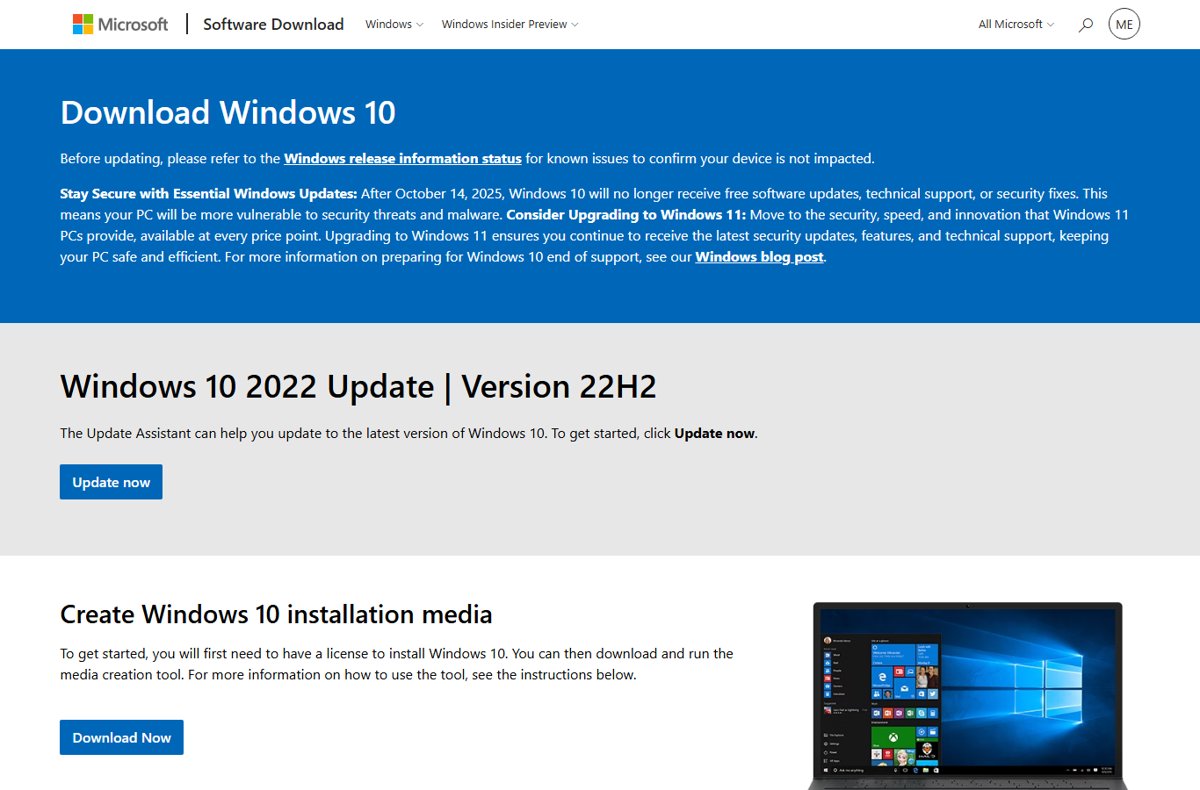
Install Windows 10 from Microsoft’s Media Creation Tool: make a USB, boot it, pick Custom and finish setup. Covers the October 2025 end of support and ESU.
Undertale download for PC, Windows 11/10, Mac and Linux: buy it for $9.99 on Steam, GOG or the Microsoft Store, then install, update and fix the game.
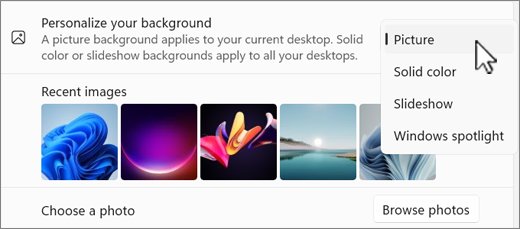
Get Bing’s daily photos as your Windows 11 wallpaper with Windows Spotlight or the Bing Wallpaper app, plus lock screen, fit, multi-monitor and fixes.
Freeform download guide: get Apple’s free whiteboard app on Mac, iPhone and iPad, check the size and OS versions, and share boards with Windows users.
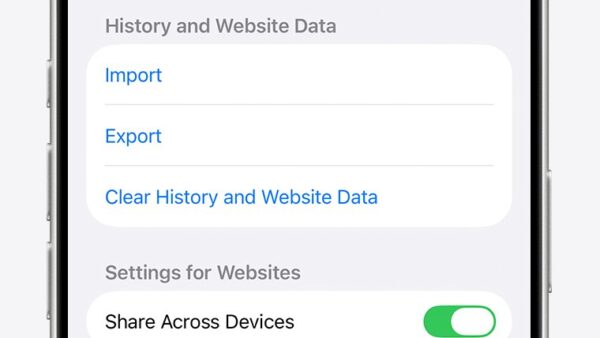
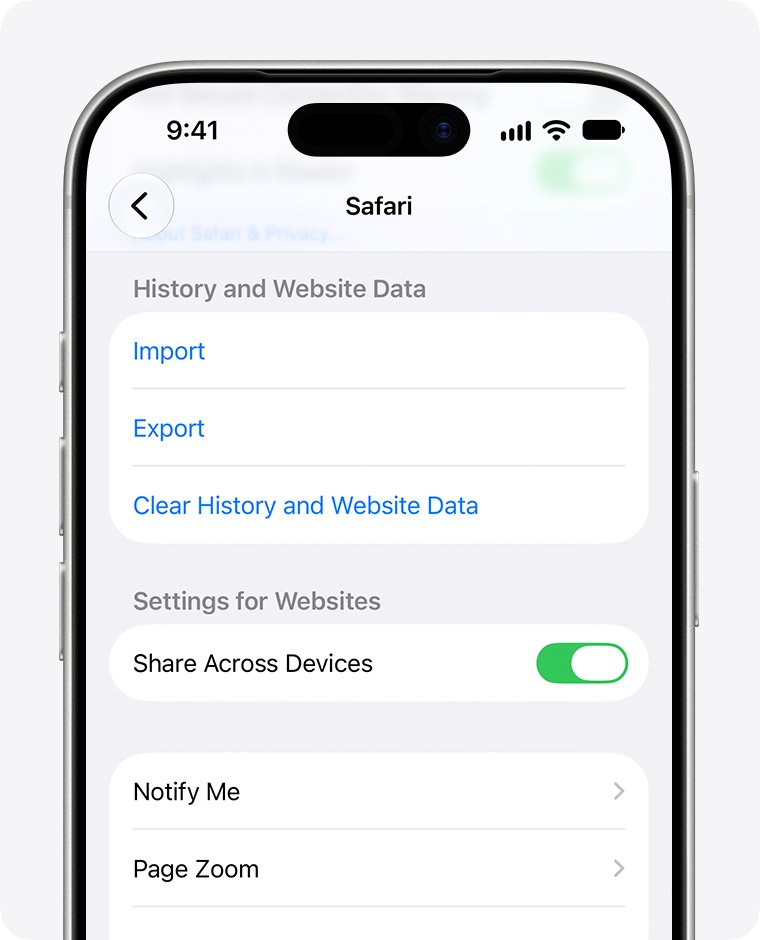
Delete Bing search history in two places: clear your browser data, then clear Search history on the Microsoft privacy dashboard. Steps, checks and fixes.
Tile download for iPhone, iPad and Android is free. Get the official app, check device support, decide on Premium, and fix Tiles that will not connect.
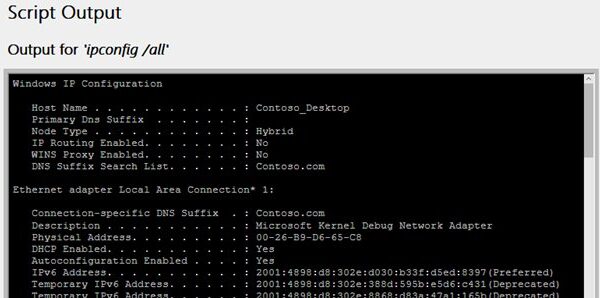
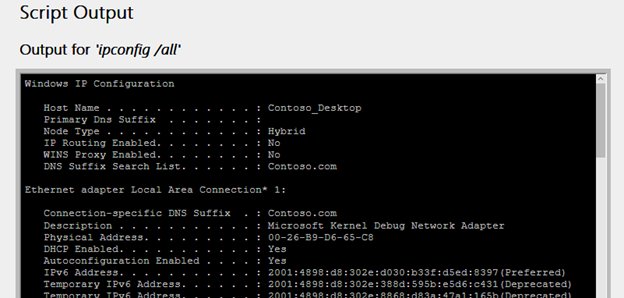
Check and manage Wi-Fi adapter settings in Windows 11: see IP, band and driver details, change DNS, fix power saving, and reset or reinstall the adapter.
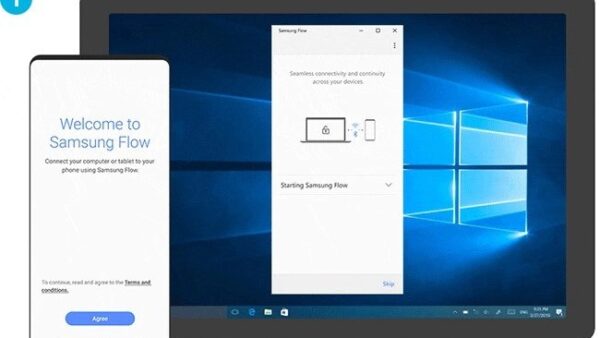
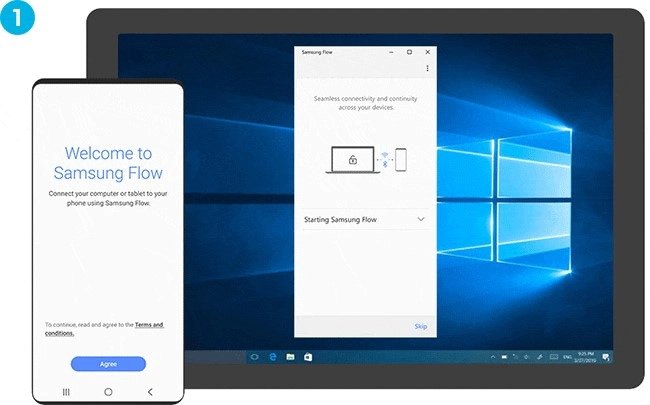
How to use Samsung Flow: install it on your Galaxy phone and Windows PC, pair with a passcode, then share files, sync notifications and mirror your screen.
Google Gemini download for Windows 11, Windows 10 and Mac: install the free desktop app, the Chrome web app or the phone apps, and fix one that will not install.
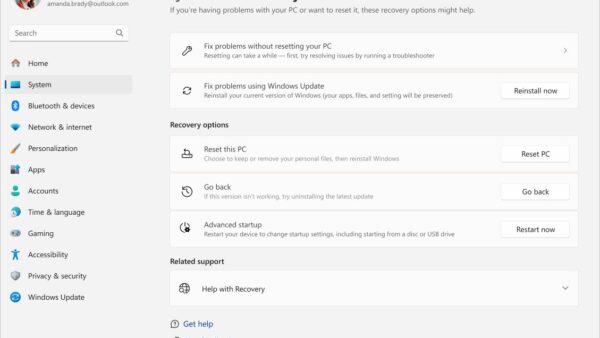
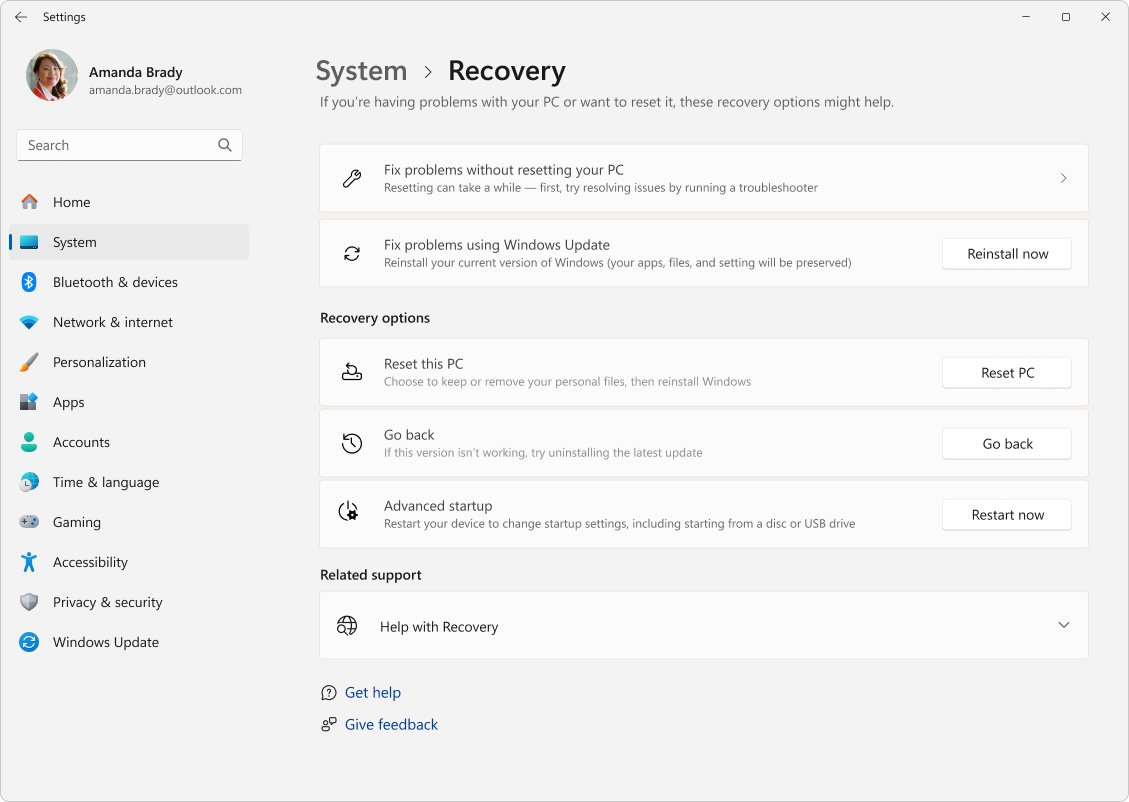
Uninstall Windows 11 completely with Go back within 10 days, a clean install from Microsoft media, or a full wipe. Back up first and keep your BitLocker key.
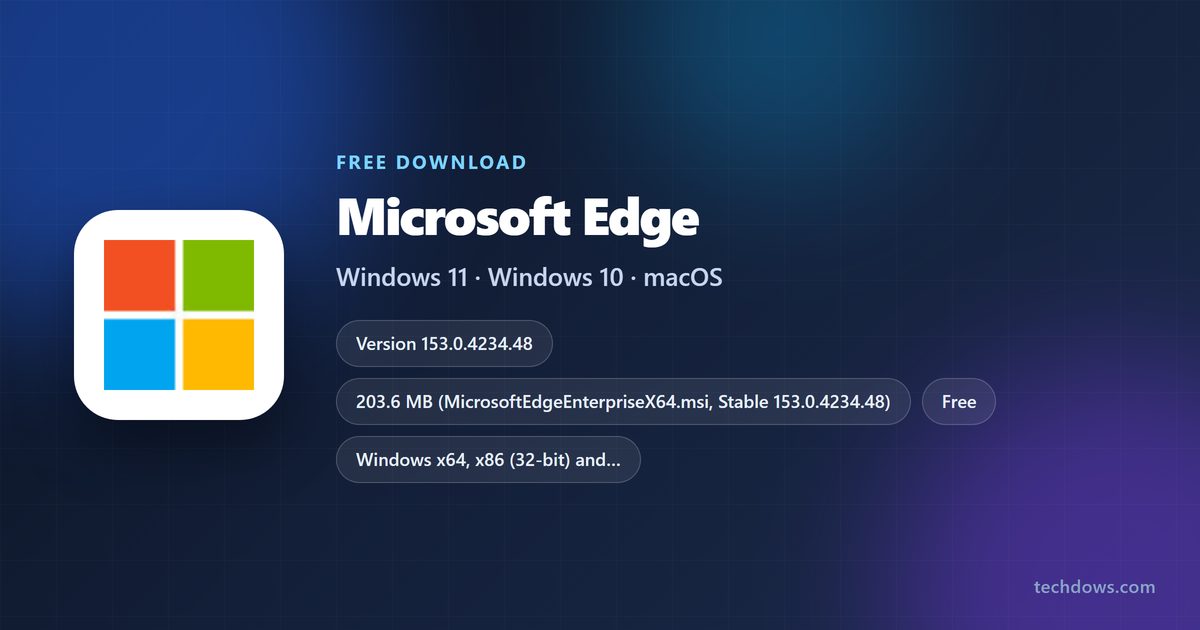
Microsoft Edge download for Windows 11/10, Mac and Linux: get the free browser from microsoft.com, plus standalone MSI and PKG setups and install fixes.