
Manage and clear storage on your iPhone and save space

Manage iPhone storage from Settings > General > iPhone Storage: offload apps, empty Recently Deleted, trim Messages and Safari data, and fix a full iPhone.
4,023 articles

Manage iPhone storage from Settings > General > iPhone Storage: offload apps, empty Recently Deleted, trim Messages and Safari data, and fix a full iPhone.


Open local files in Chrome, Edge or Firefox with Ctrl + O (Command + O on Mac), drag and drop, or a file:/// address. Steps per browser and fixes.


HBU means “how about you?” in texts and chats. See how to use HBU, how it differs from WBU, how to reply, examples, and when to avoid it in work messages.


Fix system interrupts high CPU usage in Windows 10 and 11: restart, update drivers, turn off Fast Startup and Magic Packet wake, and find the faulty device.

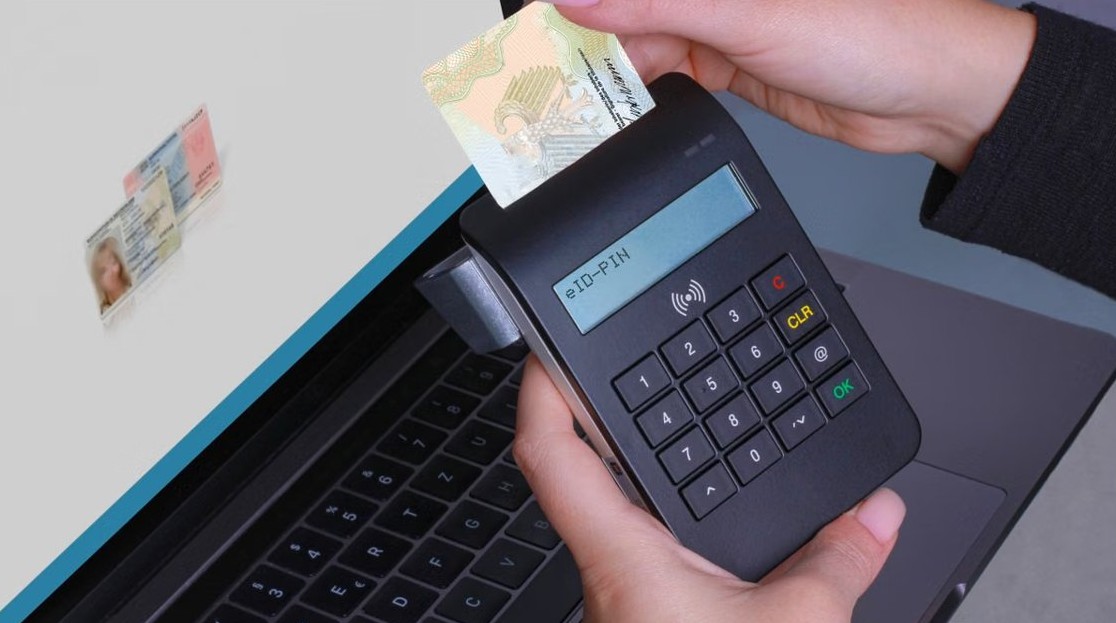
Can’t sign into the Air Force portal with a CAC? Get the Mac to accept the card reader, show your CAC certificates in Safari and trust them, plus Windows fixes.
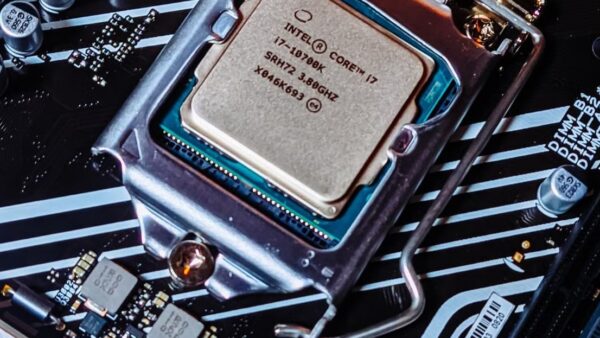
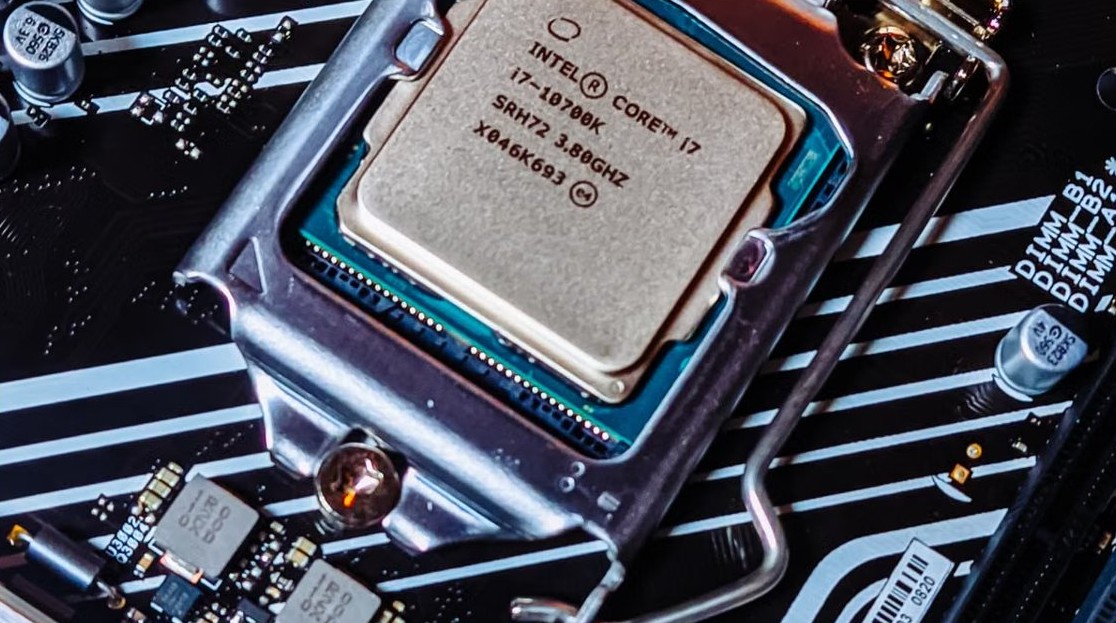
Fix WMI Provider Host (WmiPrvSE.exe) high CPU usage in Windows 11/10: restart the WMI service, find the app sending the queries, and stop it for good.

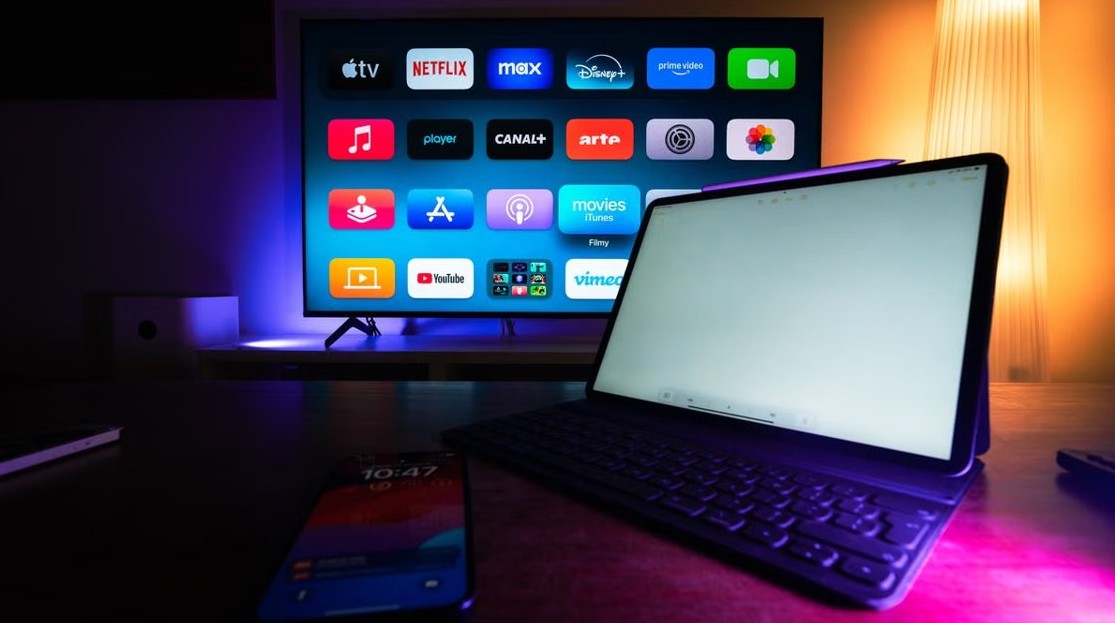
Enable developer mode on a Samsung TV: open Smart Hub > Apps, type 12345, switch Developer mode on, enter your PC’s IP address and reboot. Fixes included.


Run HTML code from Notepad on Windows 11/10: type the code, save it as index.html with UTF-8 encoding, then open the file in Edge, Chrome or any web browser.


Enable SSH server on Windows 11 and 10 with OpenSSH: install it from Optional features or PowerShell, configure sshd_config and keys, connect, and check the logs.


Always run Windows Terminal as administrator on Windows 10 with the elevate setting or an admin desktop shortcut. Per-profile option, admin check and undo steps.


Fully remove OneDrive from Windows 11: unlink this PC, uninstall Microsoft OneDrive in Settings, delete the leftover folder and stop it coming back after updates.

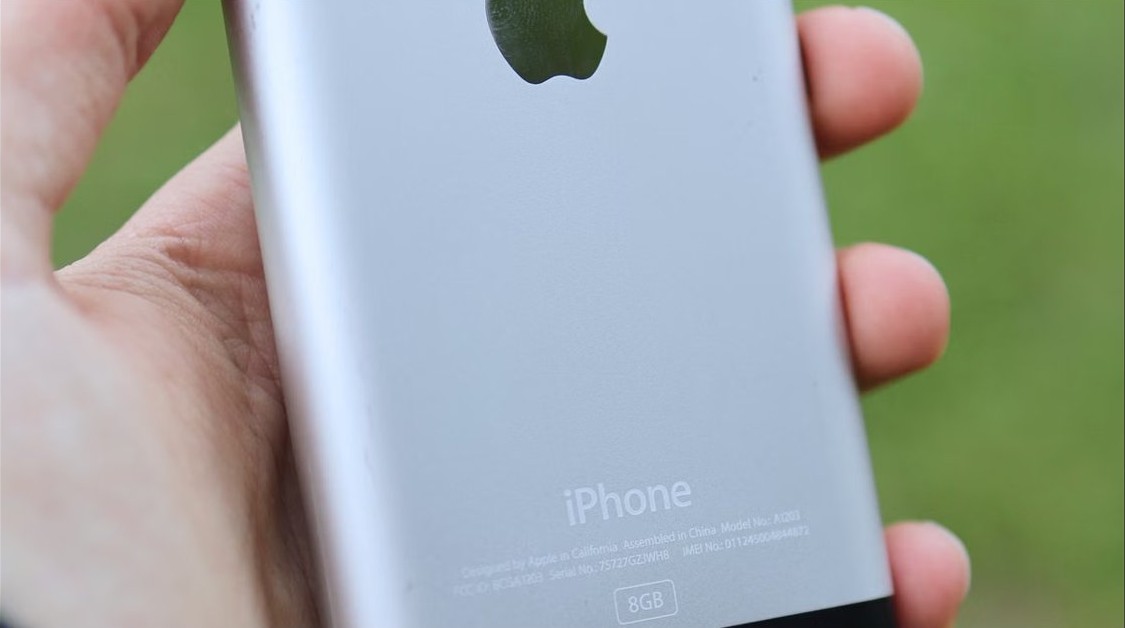
Put an iPhone 4 into recovery mode by holding the Home and top buttons while it is connected to a computer, then choose Update or Restore.