Download WebView2 Runtime for PC, Windows 11 and 10 (Free)
WebView2 download for Windows 11 and Windows 10: get the free Microsoft Edge runtime as a small online bootstrapper or a full offline installer.
1,993 articles

WebView2 download for Windows 11 and Windows 10: get the free Microsoft Edge runtime as a small online bootstrapper or a full offline installer.
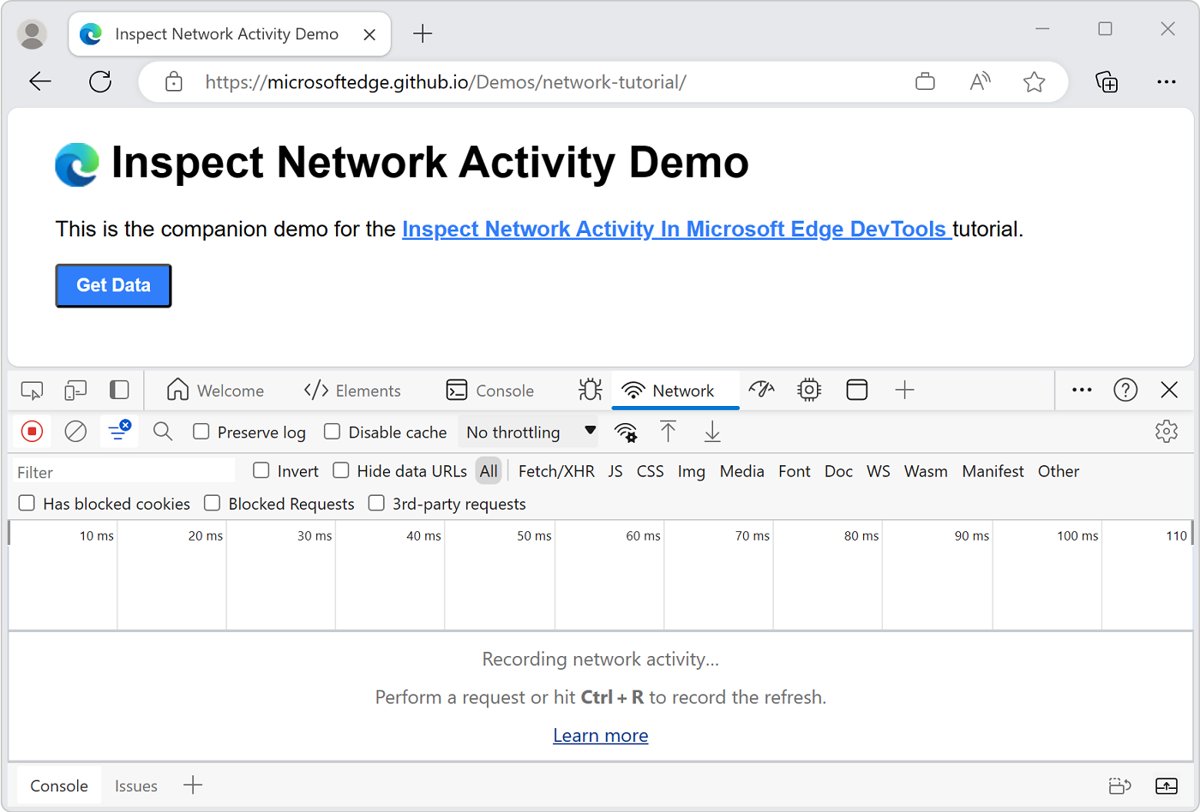
Refresh Microsoft Edge with F5 or Ctrl+R, and hard refresh with Ctrl+Shift+R or Shift+F5 on Windows 11/10. DevTools reload, cache clearing and fixes.
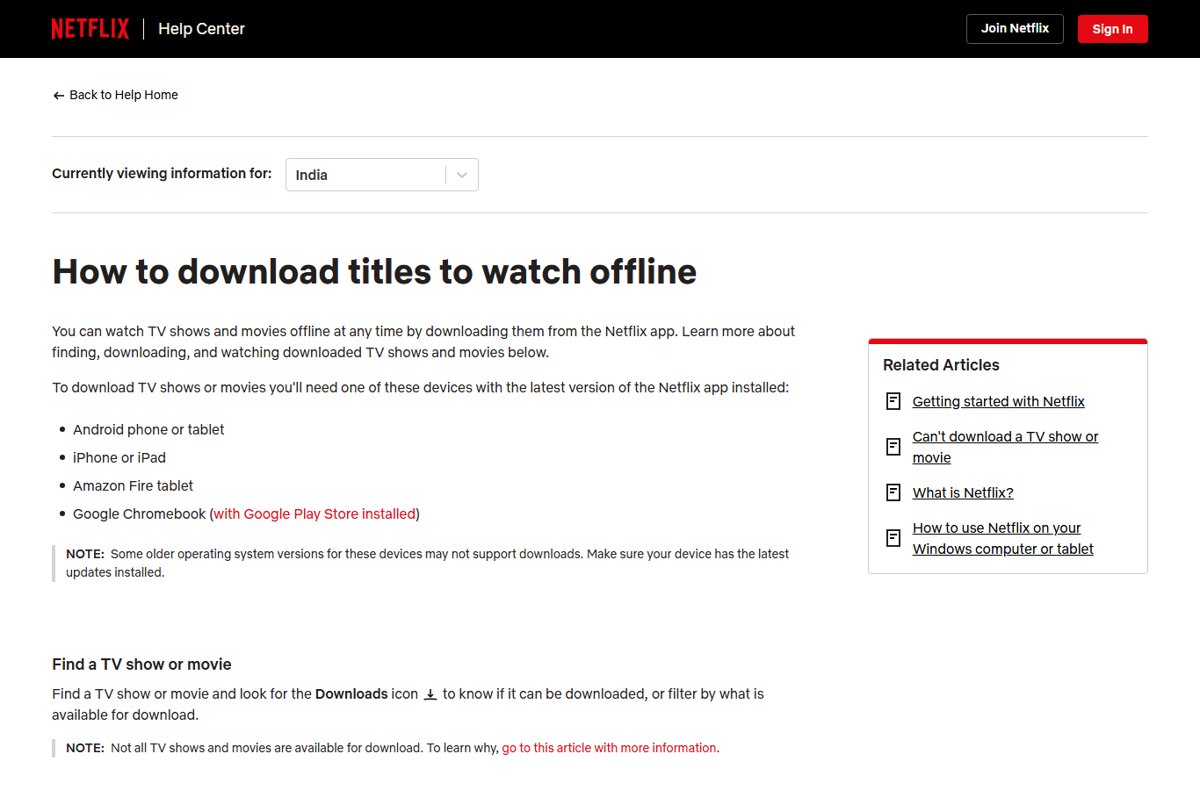
Download TV shows and movies to watch offline in Netflix, YouTube Premium, Apple TV and HBO Max: supported devices, steps, quality, expiry limits and fixes.
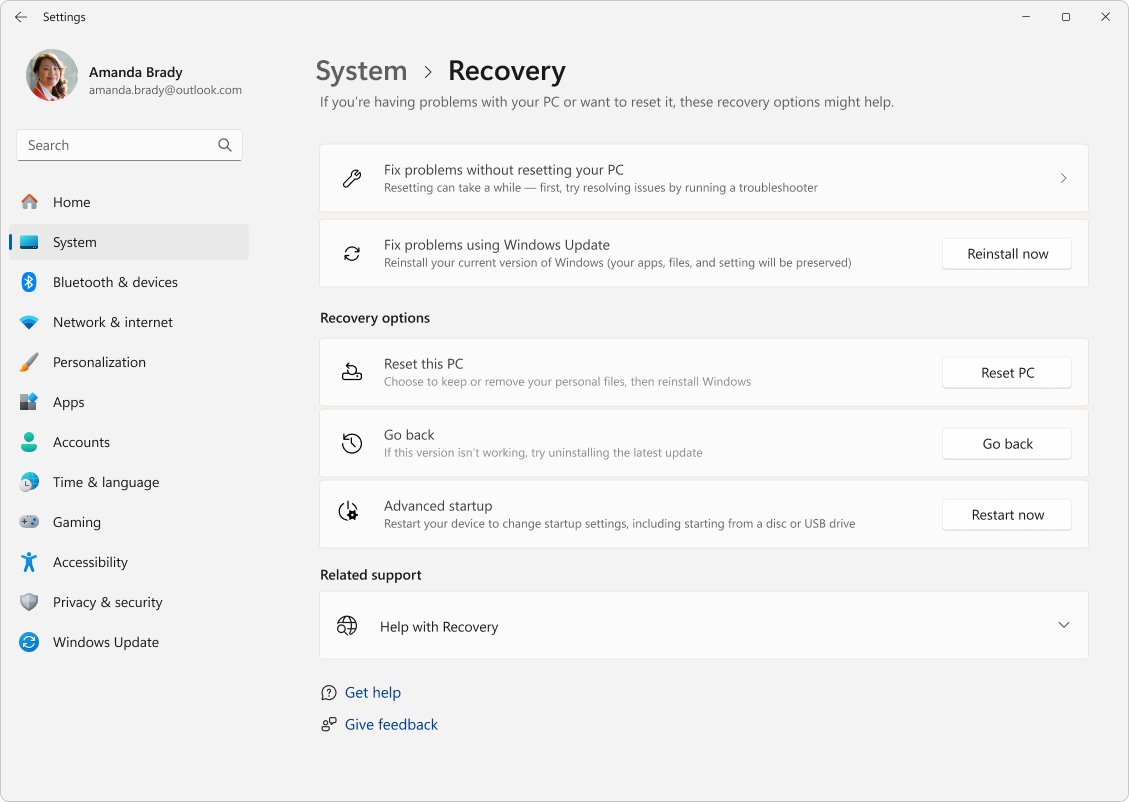
Uninstall and reinstall Windows 11 with Reset this PC, a clean install from USB or Reinstall now. Back up first, keep your license, then restore files and apps.
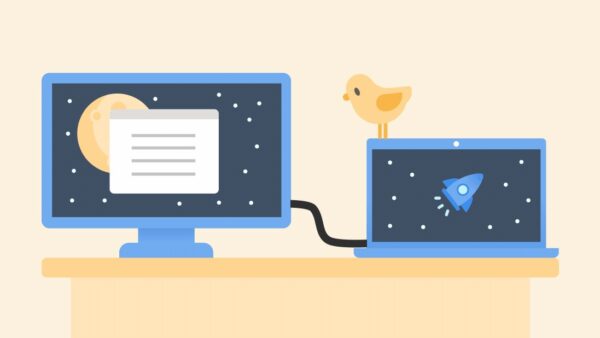
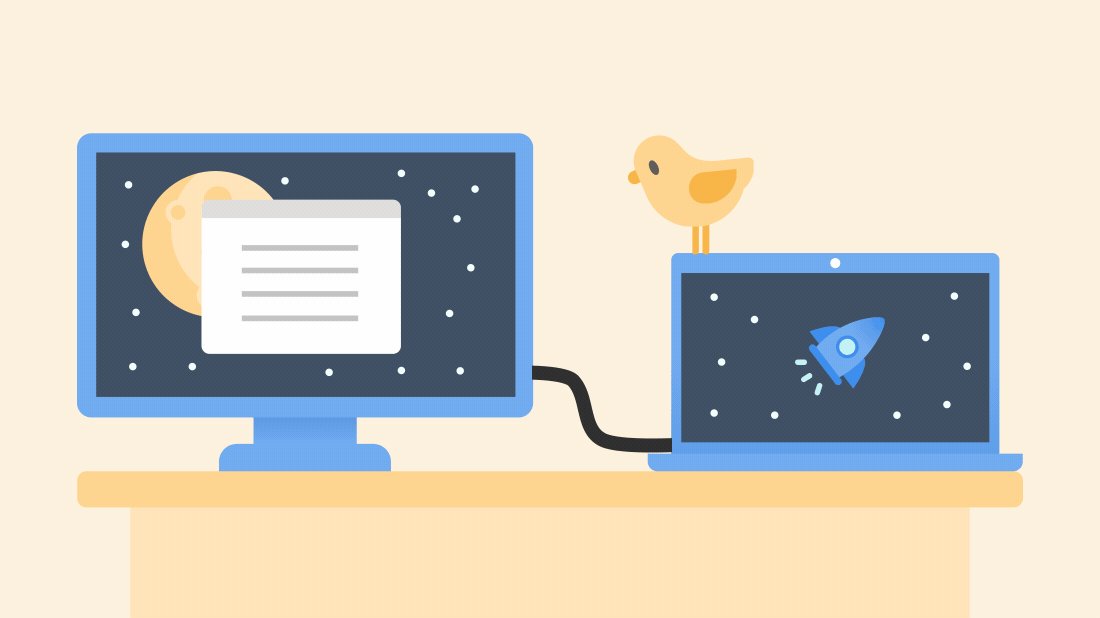
Second monitor not detected in Windows 11 or 10? Press Win + P, select Extend, then use Detect in Display settings. Cable, driver, dock and blank-screen fixes.
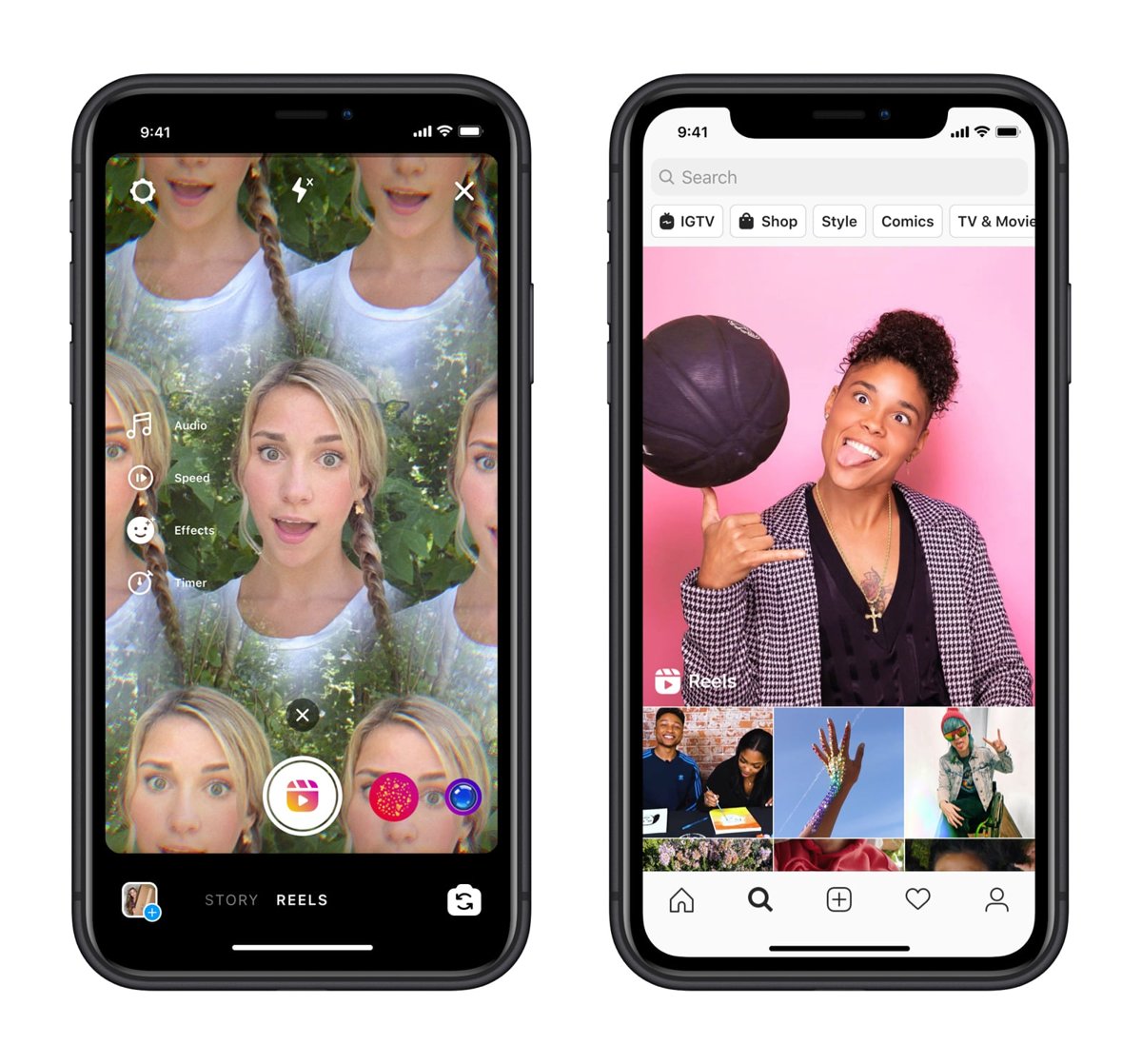
Speed up or slow down Instagram Reels with the Speed tool in the Reels camera: pick 0.5x for slow motion or 2x and 3x for fast motion before you record.
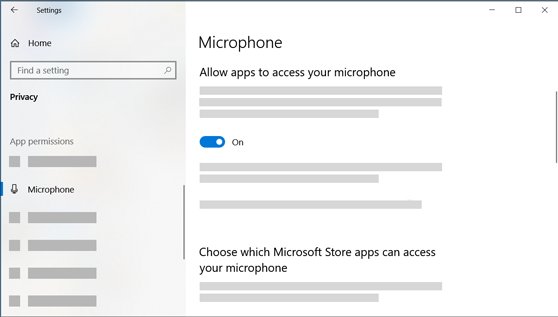
Allow apps to access your microphone in Windows 11 from Privacy & security. Turn on Store and desktop app access, per-app toggles, browser sites and fixes.
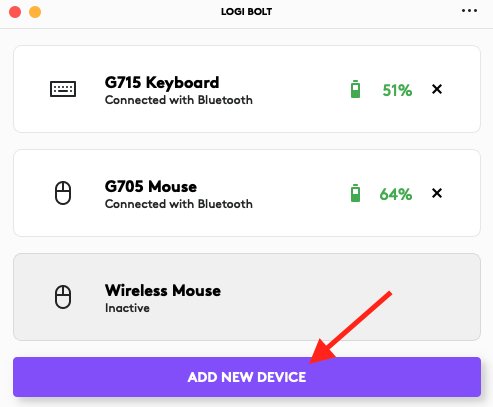
Logitech mouse not working? Check the receiver port and batteries, re-pair with Logi Bolt or Bluetooth, update drivers and firmware, and test for hardware failure.
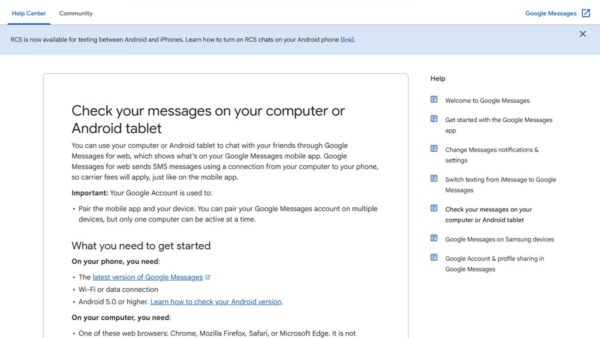
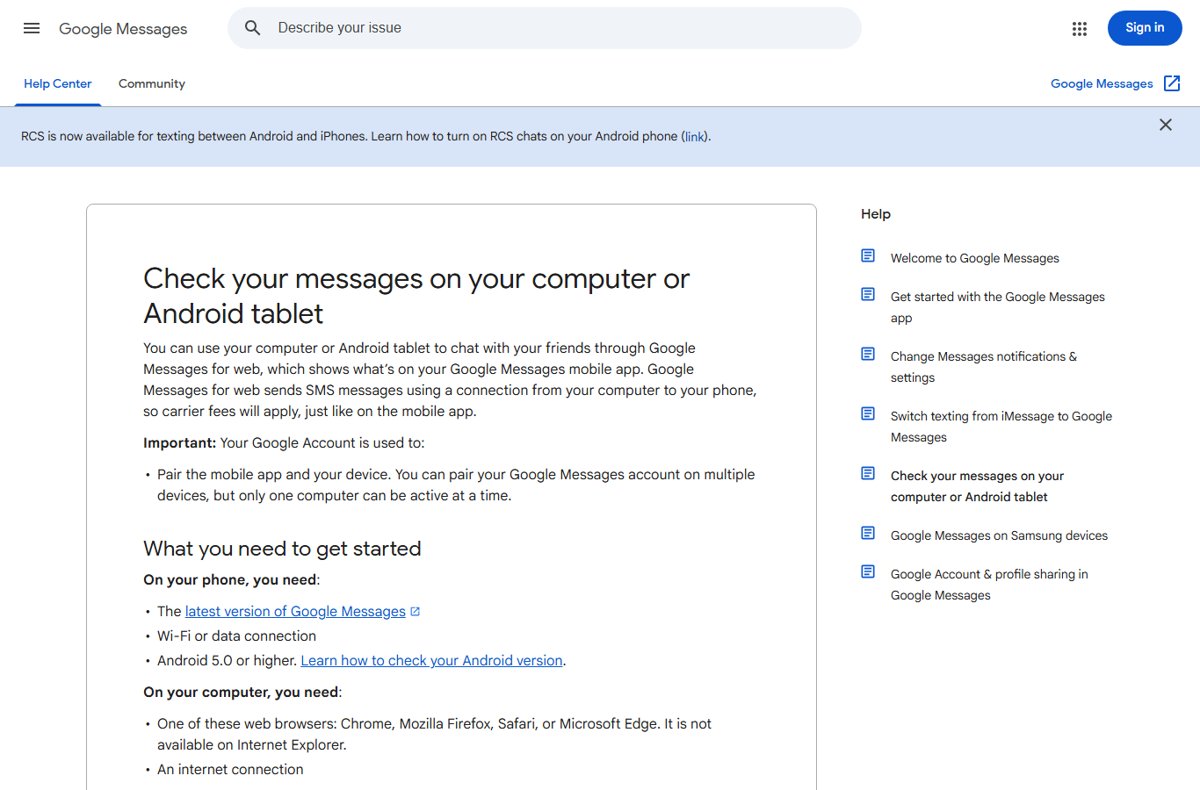
Get Google Messages for web on your PC: open messages.google.com/web, sign in with the Google Account on your Android phone and tap the matching emoji to pair.
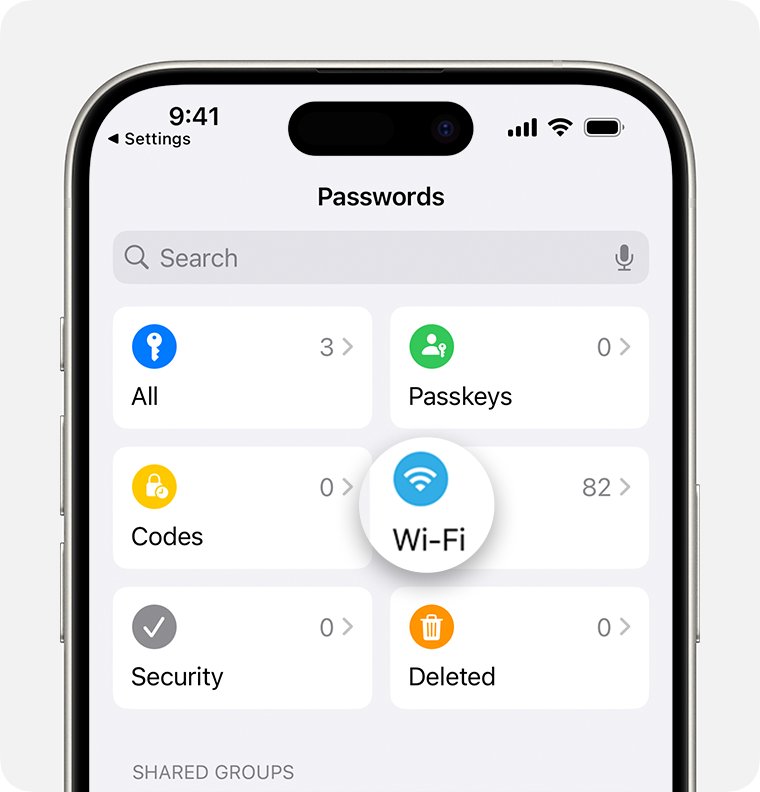
Share your WiFi password from iPhone or iPad with a tap for Apple devices, or a QR code for Android and Windows. Includes MacBook steps and fixes.
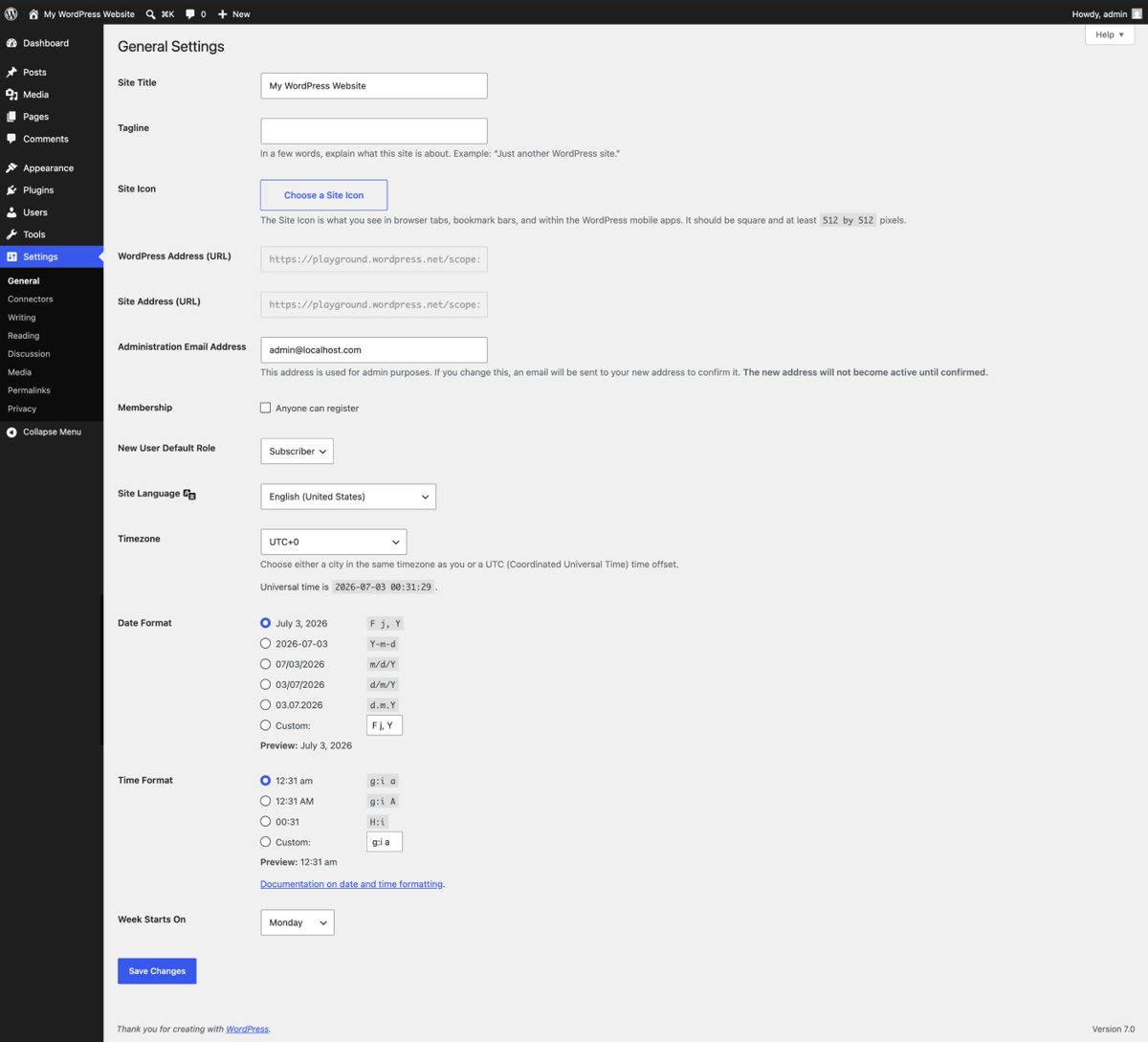
Fix ERR_TOO_MANY_REDIRECTS by deleting the site’s cookies in Chrome or Edge, then check WordPress URLs, Cloudflare SSL mode and IIS redirects if you run the site.
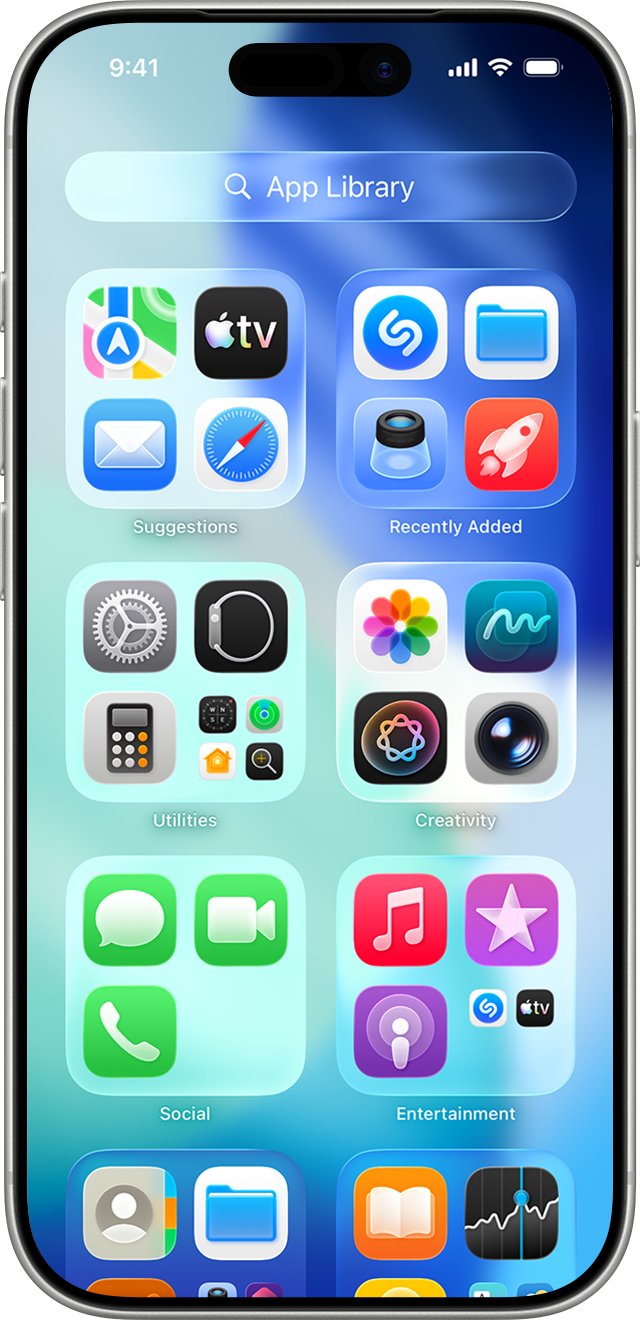
Add Google Chrome to your home screen on Android, iPhone and iPad, pin it to the Windows desktop or taskbar, and save any website from Chrome as a home screen icon.